Check out these 7 easy ways to recover deleted WhatsApp photos and videos on your iPhone or Android device.
How to recover deleted WhatsApp photos and videos

Check out these 7 easy ways to recover deleted WhatsApp photos and videos on your iPhone or Android device.
Learn how to pin individual messages or entire conversations to the top of your WhatsApp chat screen for quick and easy access.

The redesigned, native version of WhatsApp has hit Apple's Mac App Store for those who prefer the convenience of one-click installs and automatic updates.
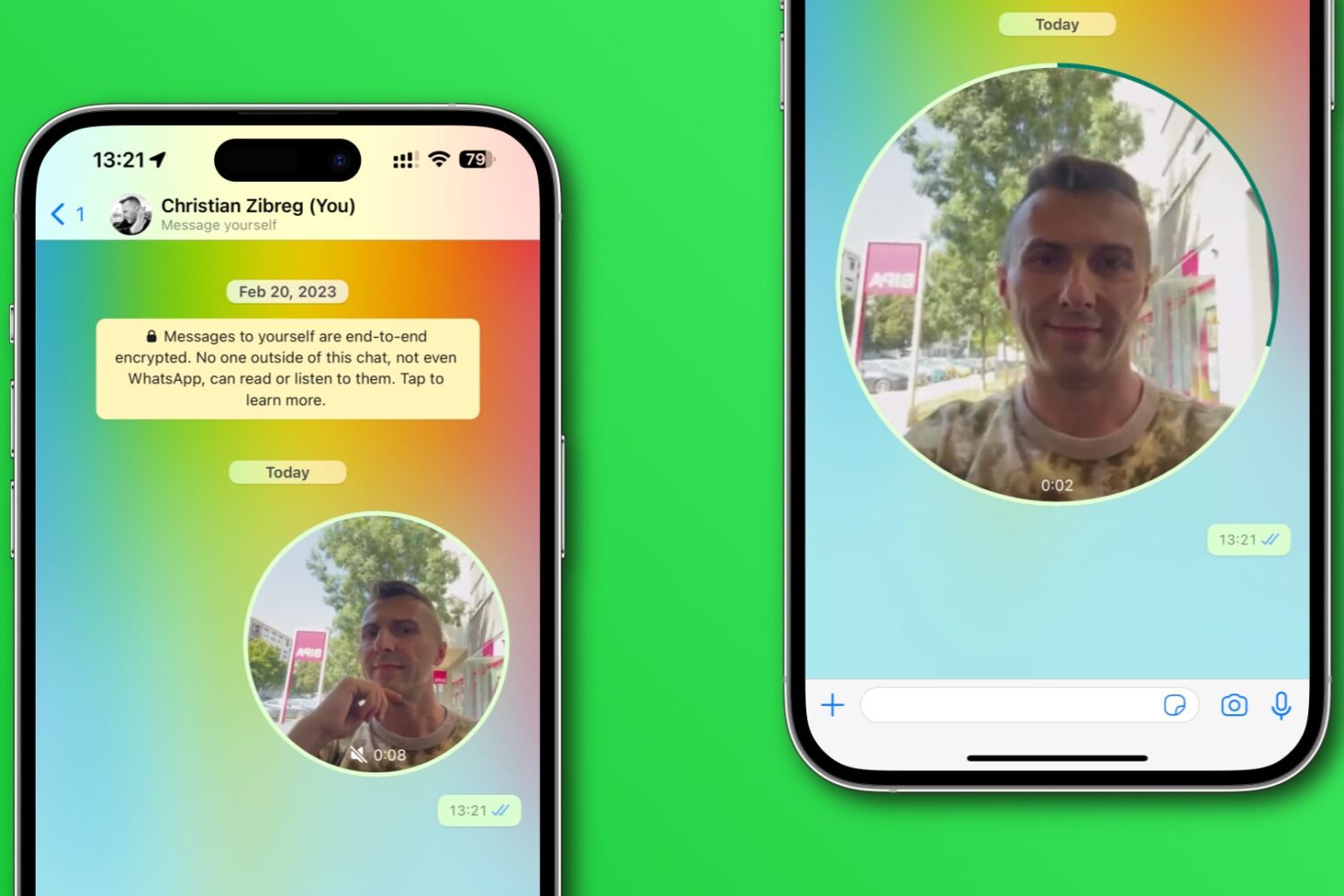
Learn how to disable WhatsApp’s Instant Video Messages feature to stop accidentally sending personal videos in chats instead of voice notes.
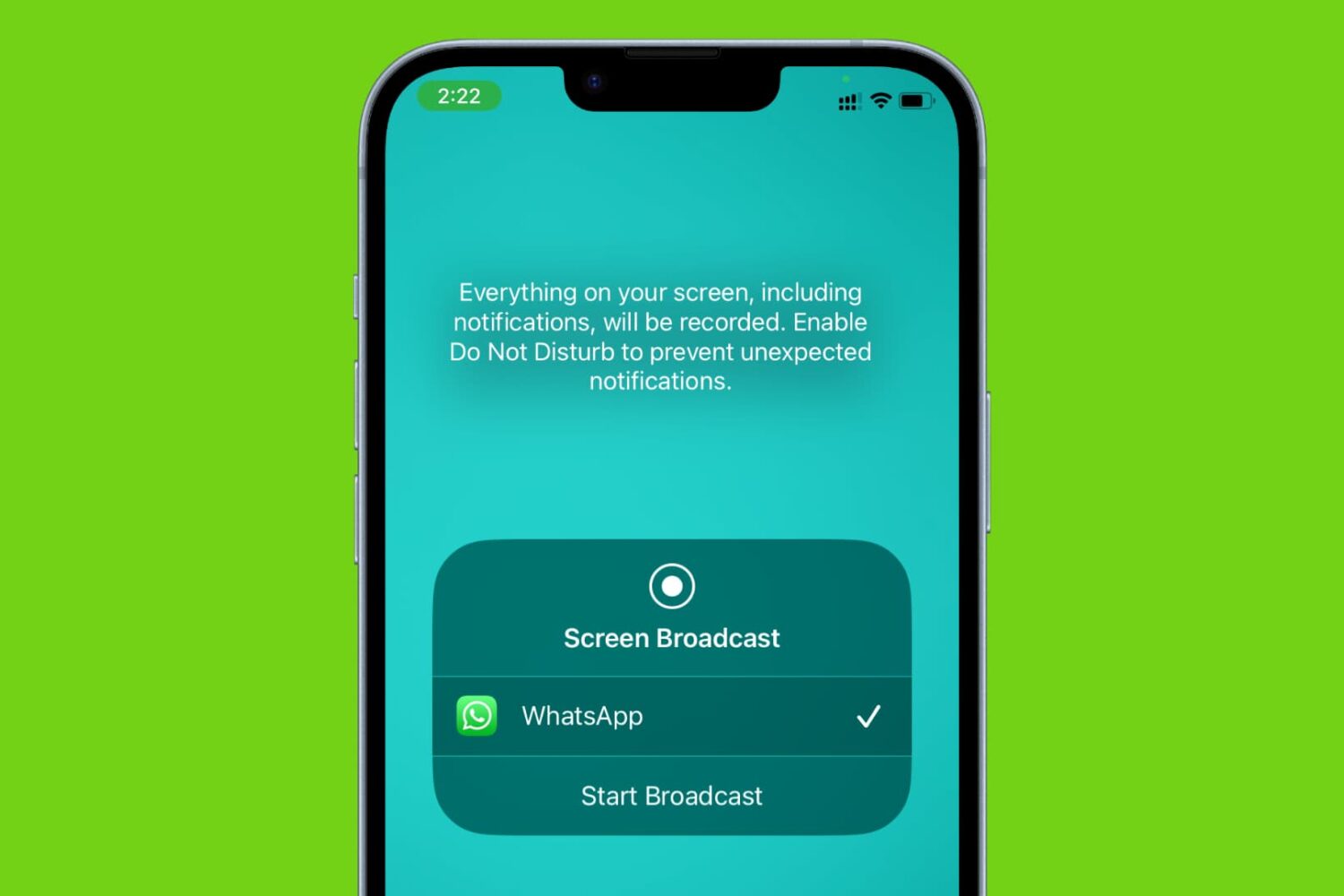
Learn how to share your iPhone’s screen over a WhatsApp video call with another iPhone or Android phone user, along with some important facts and troubleshooting tips.
Download Meta's redesigned, much faster WhatsApp Mac app with support for group audio and video calling, drag and drop, large screens and more.

Learn how to share WhatsApp photos and videos in their original resolution instead of compressed, lower-quality versions with fewer details.
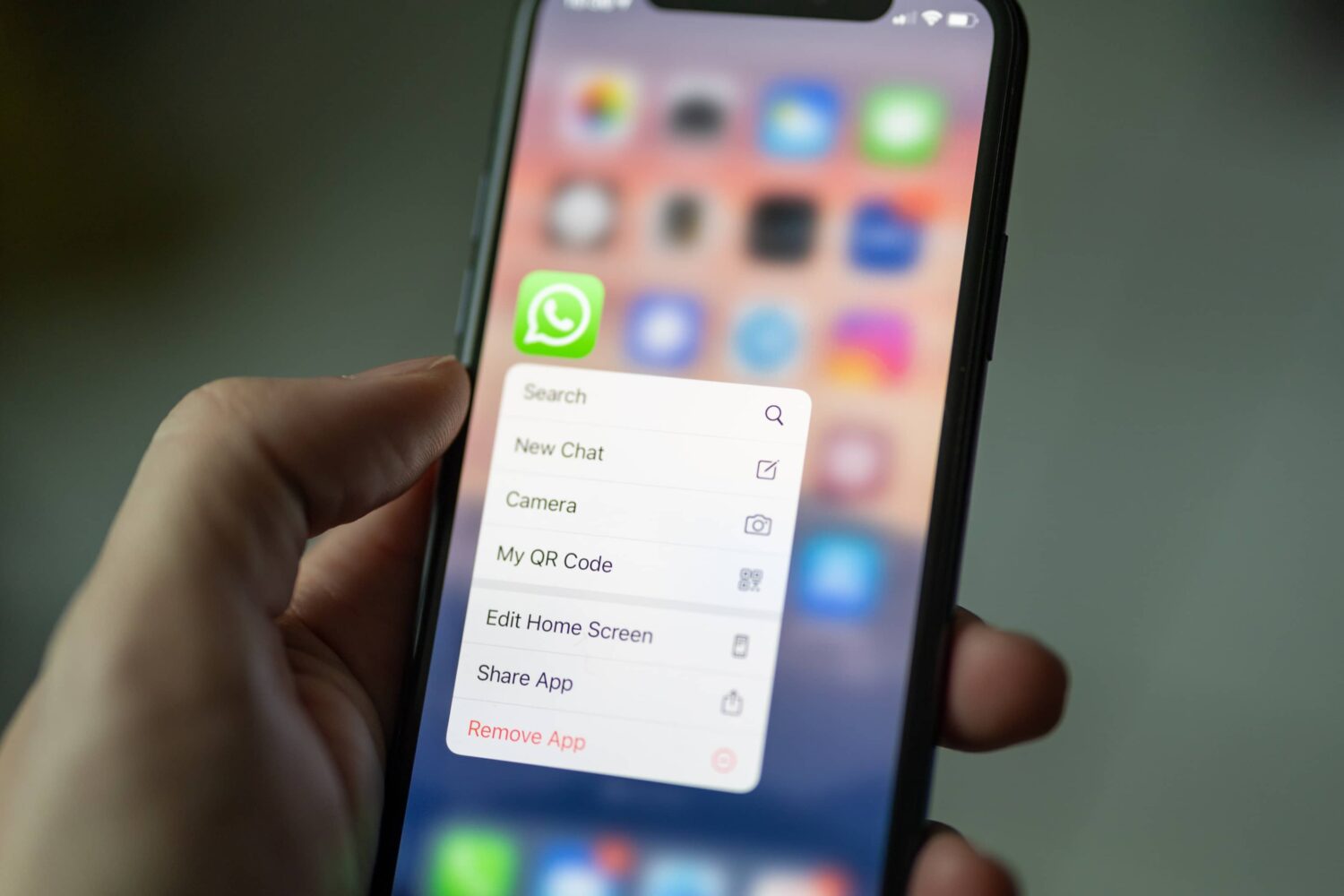
Learn how to have WhatsApp silence calls from unknown numbers on iPhone, Android, and desktop to reduce spam and boost your privacy.

Learn how to set up and use WhatsApp on your Mac or Windows PC to stay connected, send messages, make calls, and share media directly from your desktop. We’ll also explain what to do if you can’t get WhatsApp working on your computer.
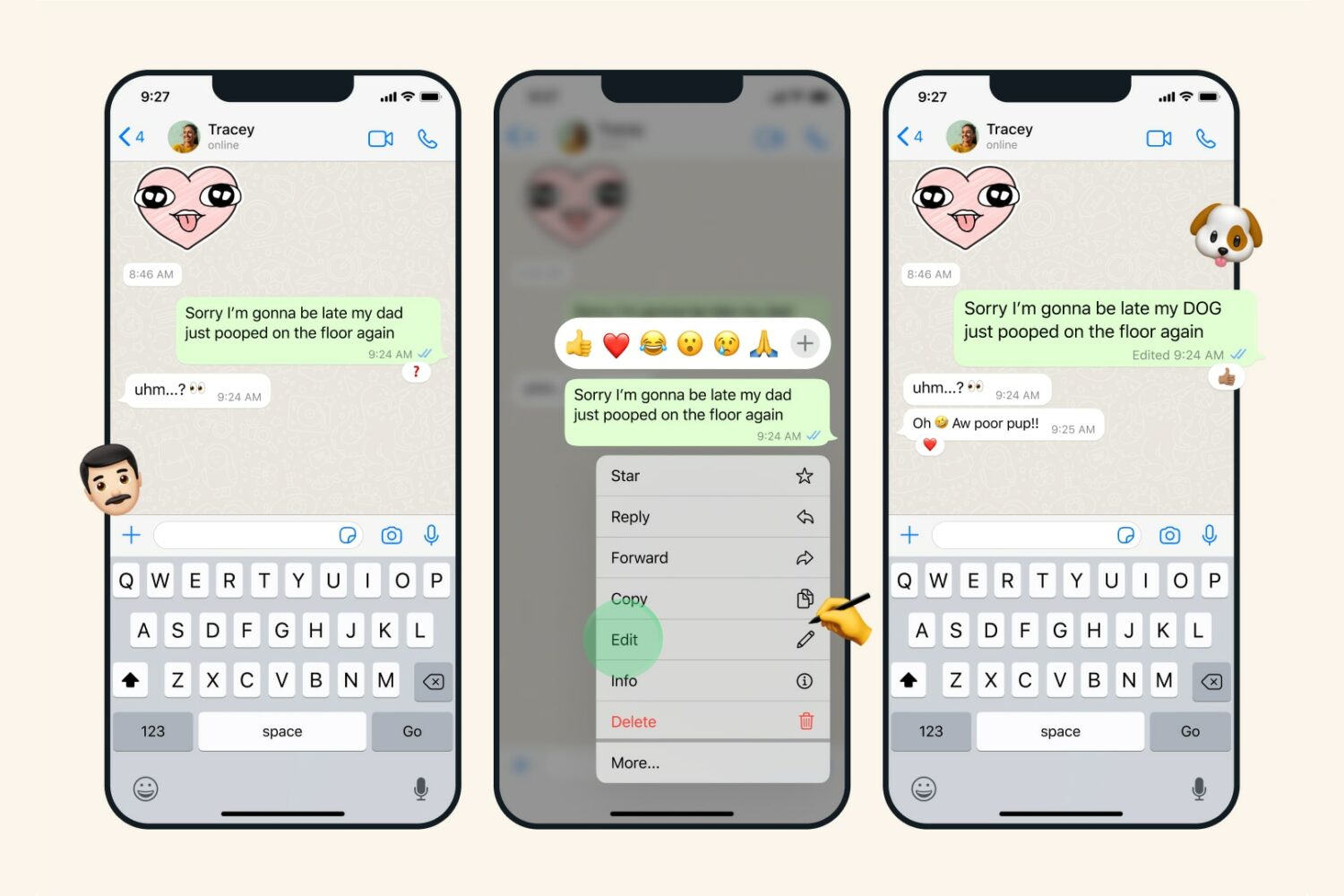
Don’t stress out about embarrassing typos and mistakes in chats. In this tutorial, we’ll show you how to edit a sent message on WhatsApp.