Don’t stress out about embarrassing typos and mistakes in chats. In this tutorial, we’ll show you how to edit a sent message on WhatsApp.
How to edit sent messages on WhatsApp on any device
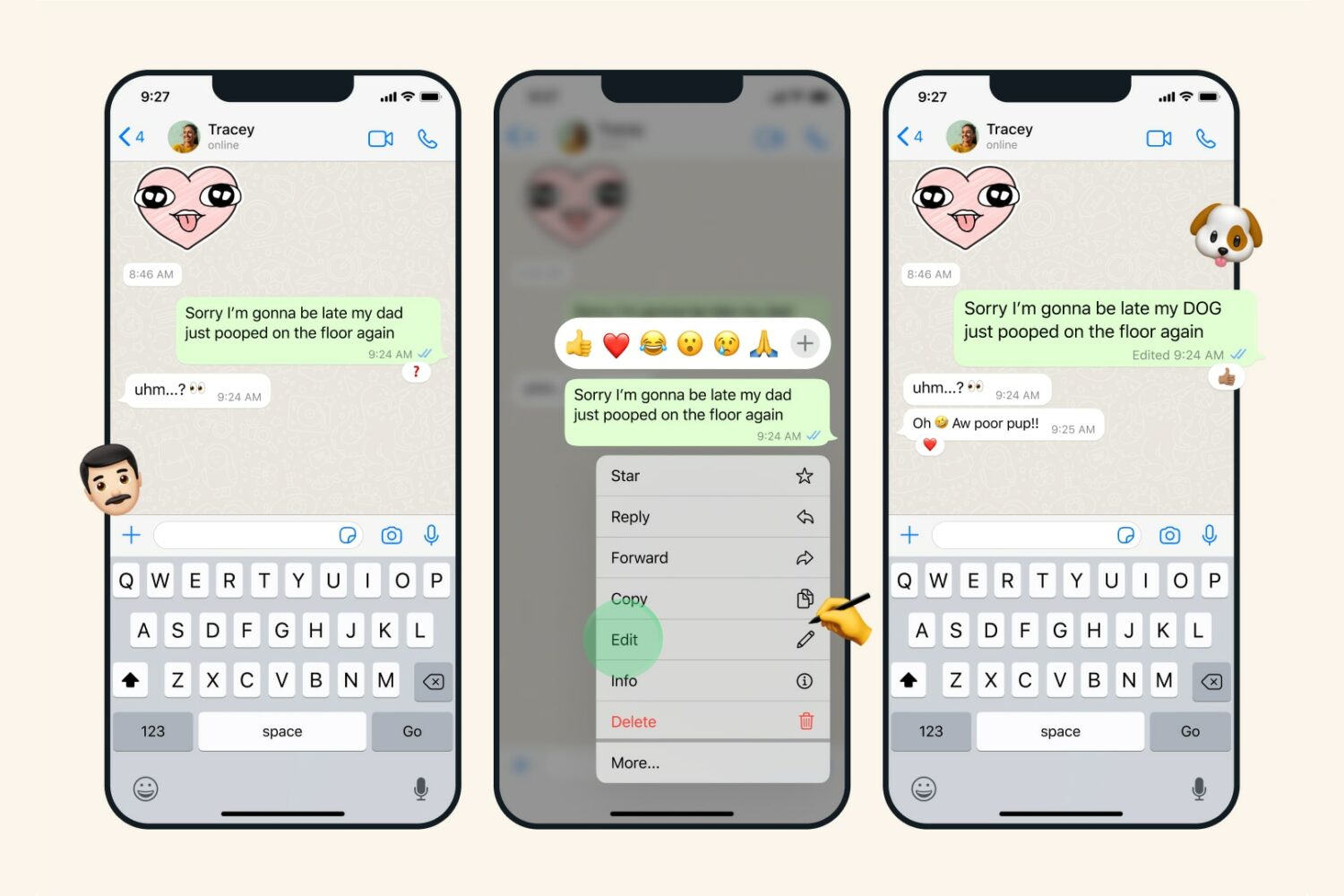
Don’t stress out about embarrassing typos and mistakes in chats. In this tutorial, we’ll show you how to edit a sent message on WhatsApp.
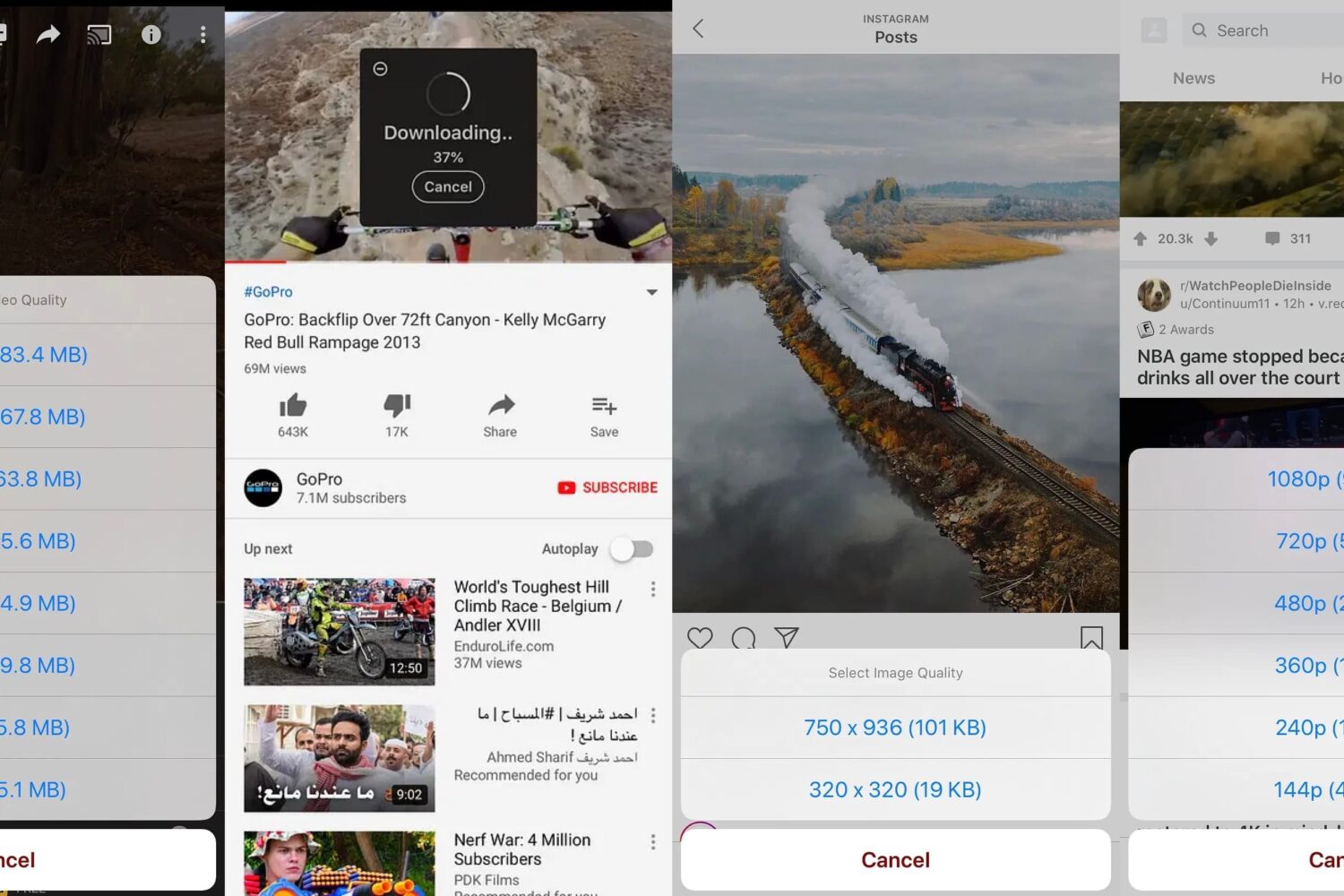
If you use any social media apps, then you will undoubtedly come across photos and videos in your scrolling feeds. You may want to save some of them in certain cases, but many social media apps prevent you from doing so.
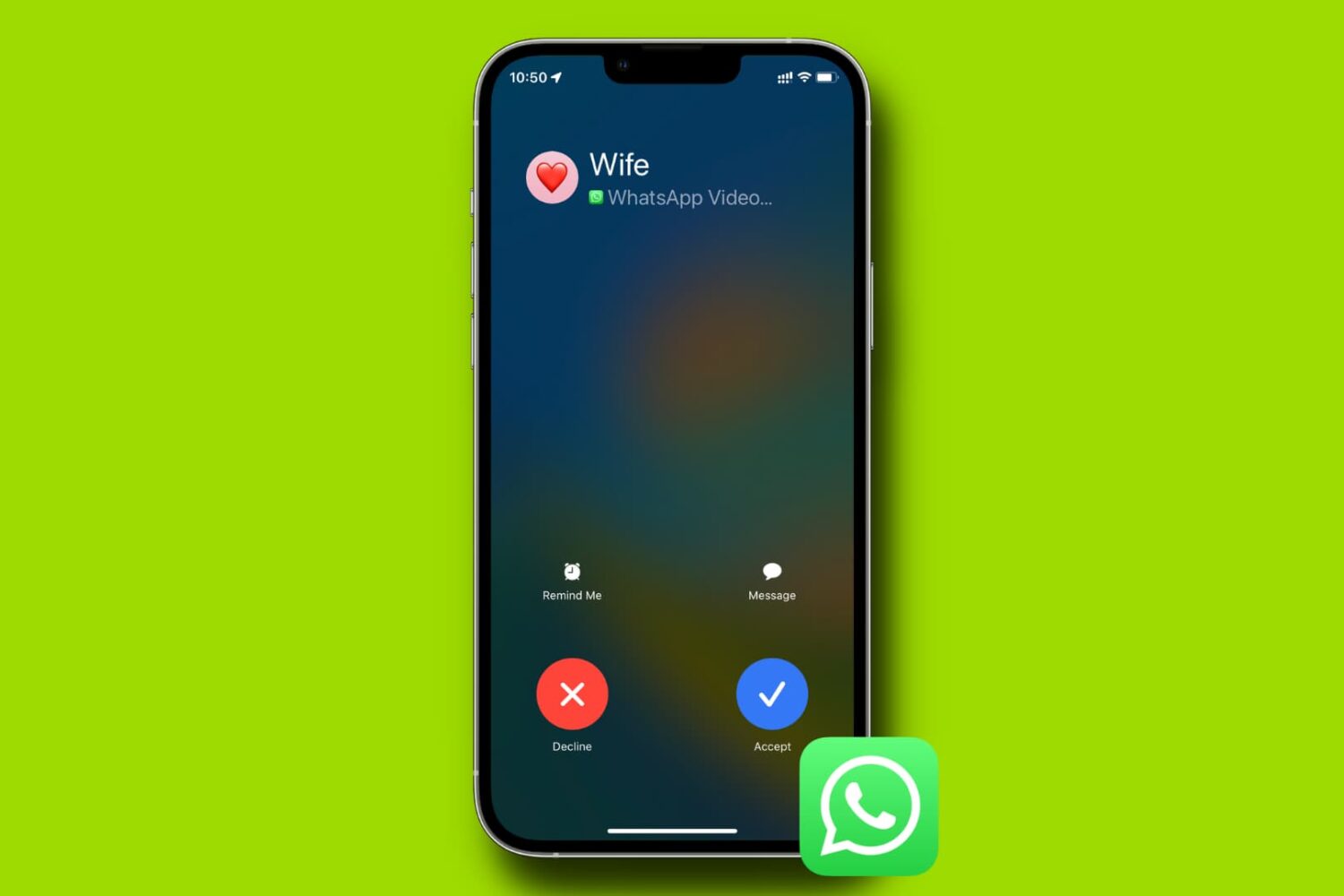
Learn what to do if WhatsApp blocks you from making audio and video calls or sending voice notes because it cannot access your iPhone’s camera and microphone.
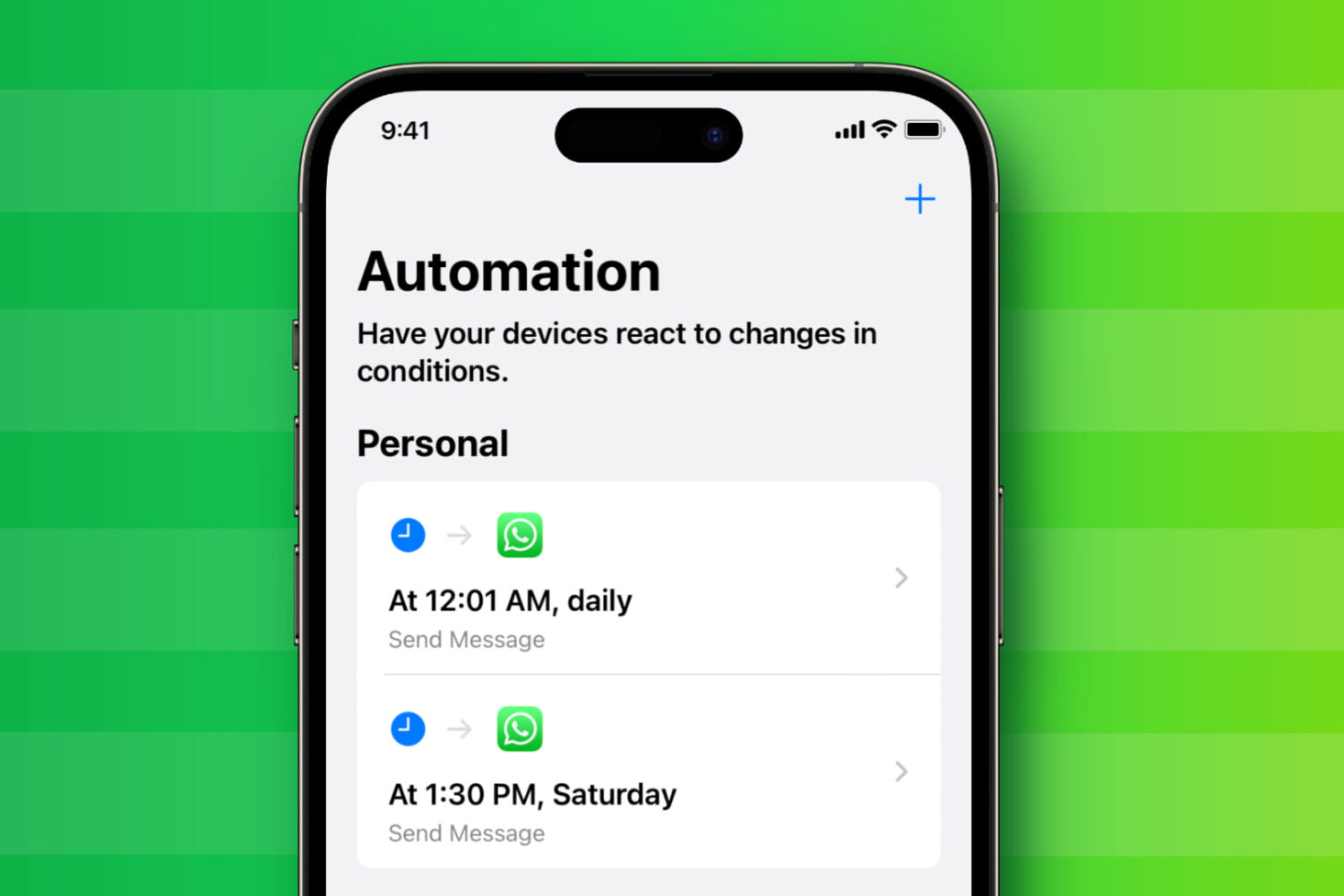
You can have your iPhone automatically send a WhatsApp message to anyone on a specific day and time. This can be particularly helpful for sending birthday wishes or just sending a message at a future designated time to your office coworker.
In this tutorial, we will share an easy way to schedule WhatsApp messages from your iPhone.
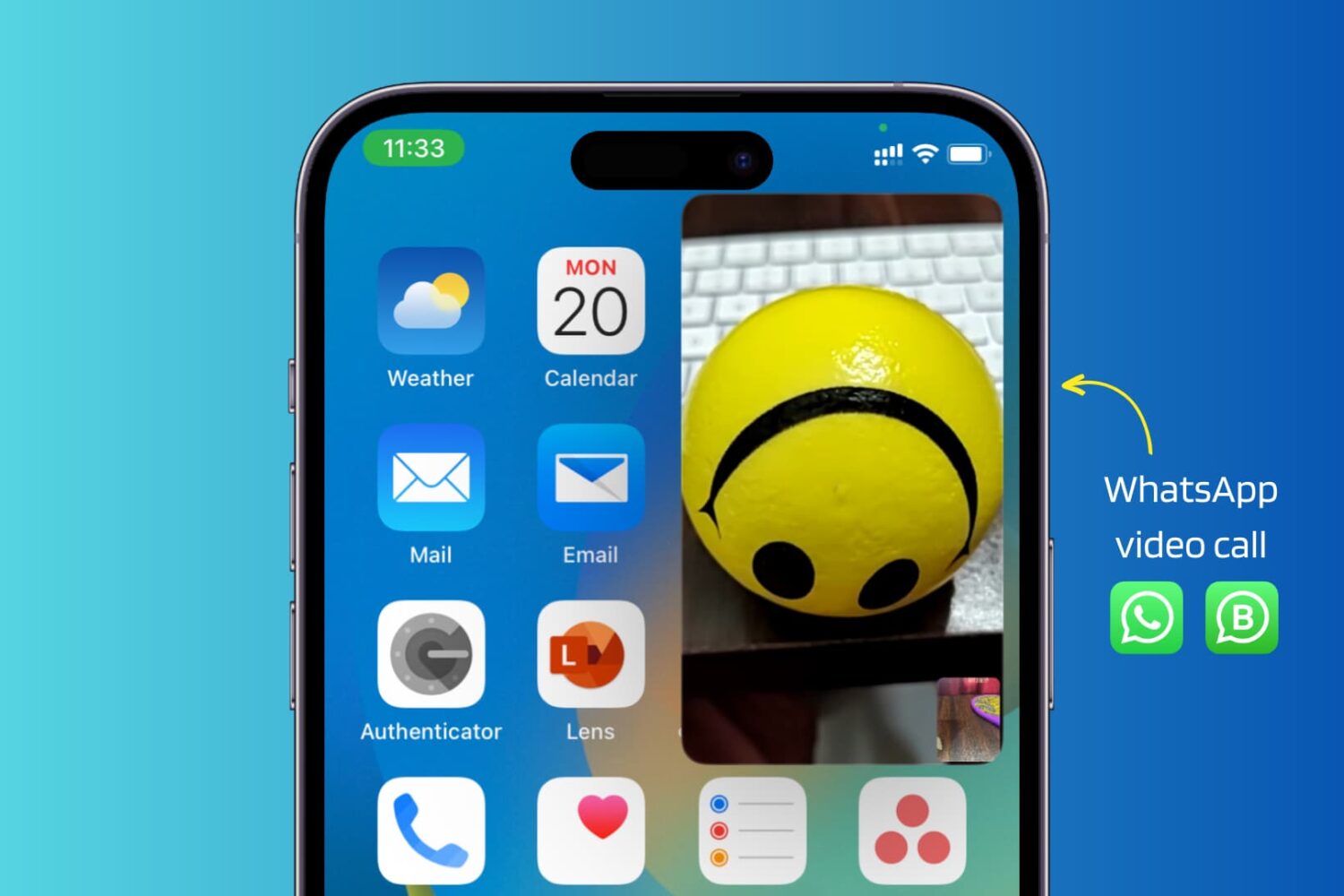
Use these troubleshooting tips to fix WhatsApp video calls not working in picture-in-picture (PiP) multitasking mode on your iPhone.
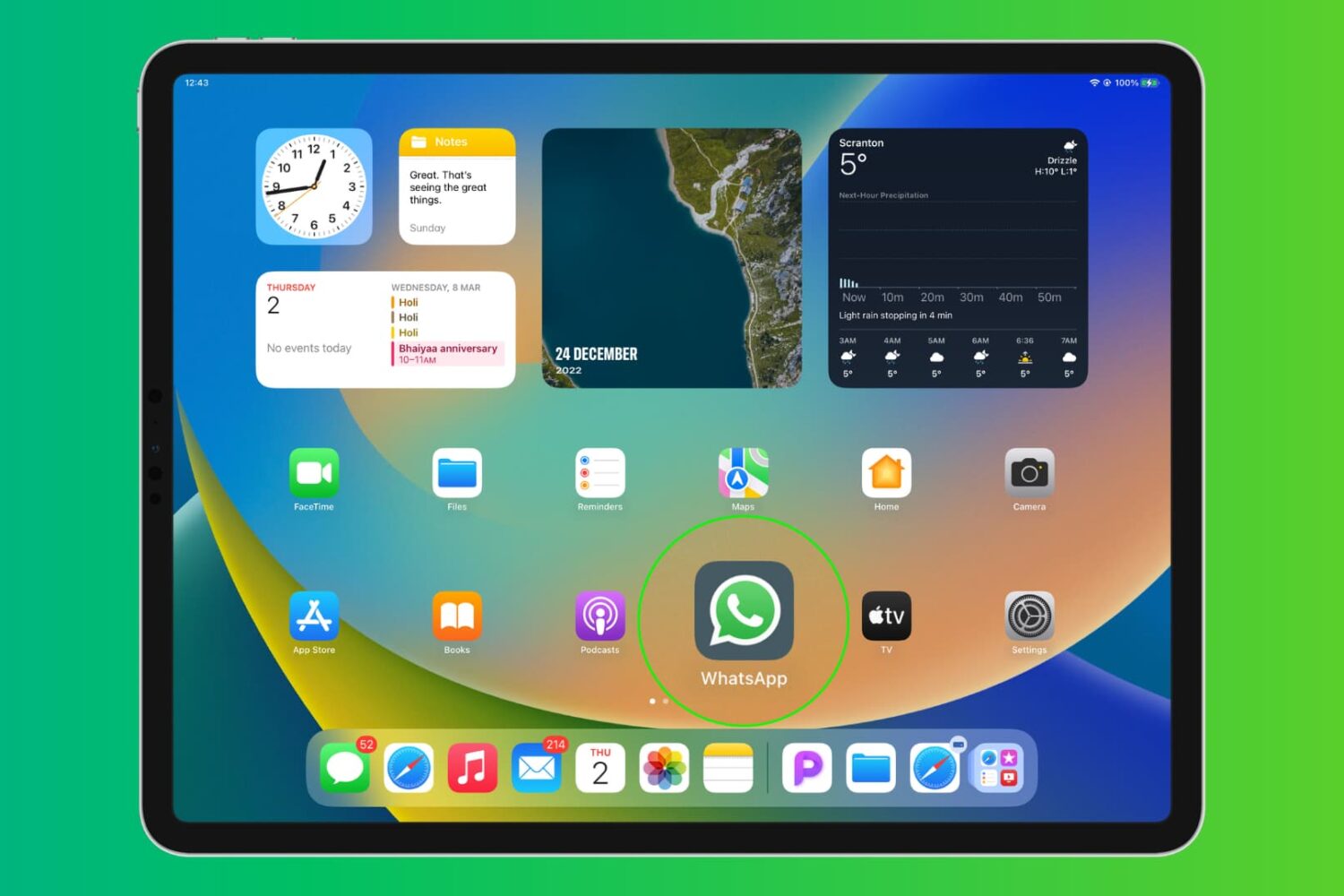
Learn how to install and use WhatsApp on your iPad to text and video call from the big screen and stay connected with your friends and family.

Like with messages, reporting status updates that violate the official terms of service helps maintain WhatsApp as a safe place for all users.
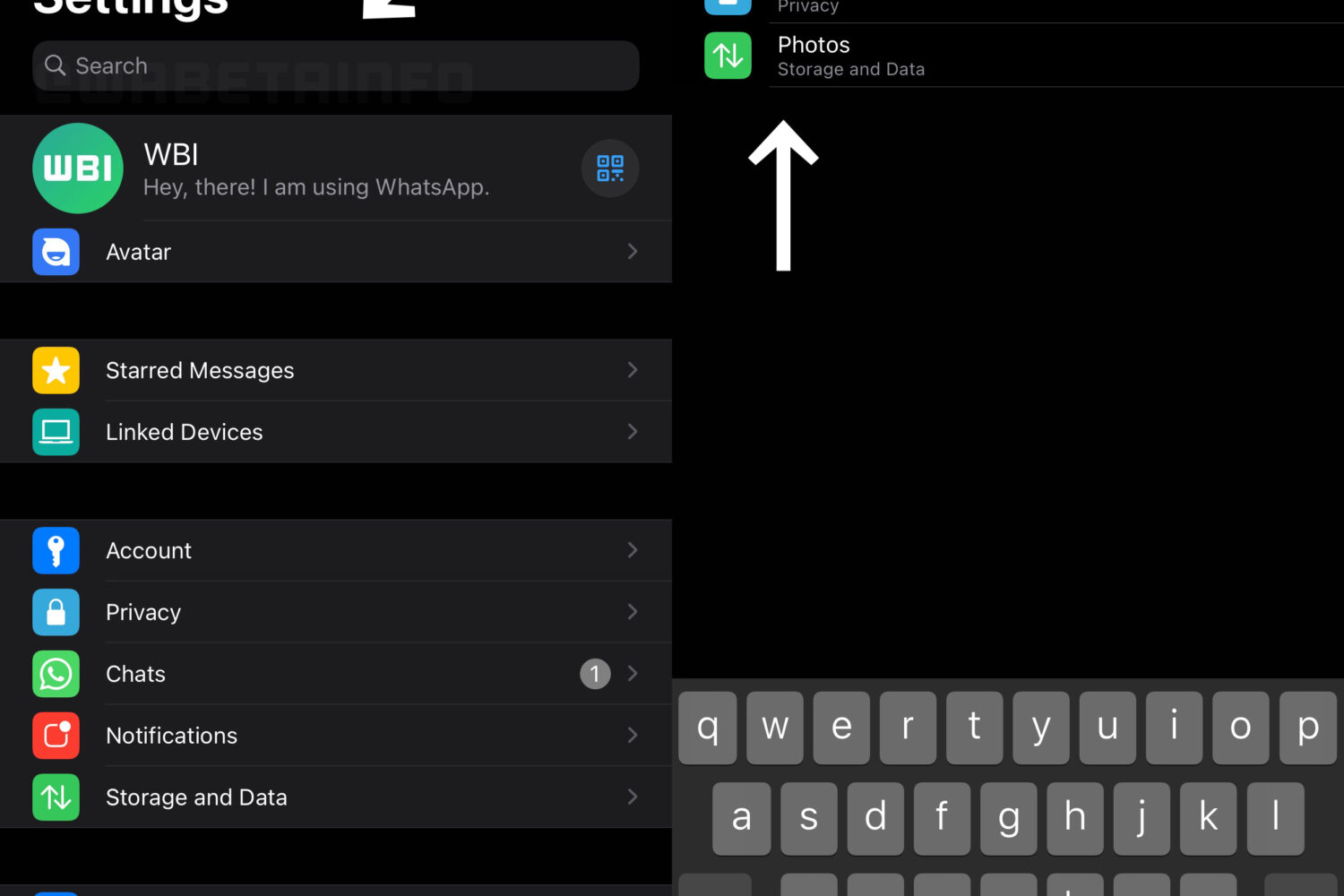
WhatsApp for iPhone is gaining a search bar at the top of the settings interface that allows you to quickly filter the available toggles and options in the app.
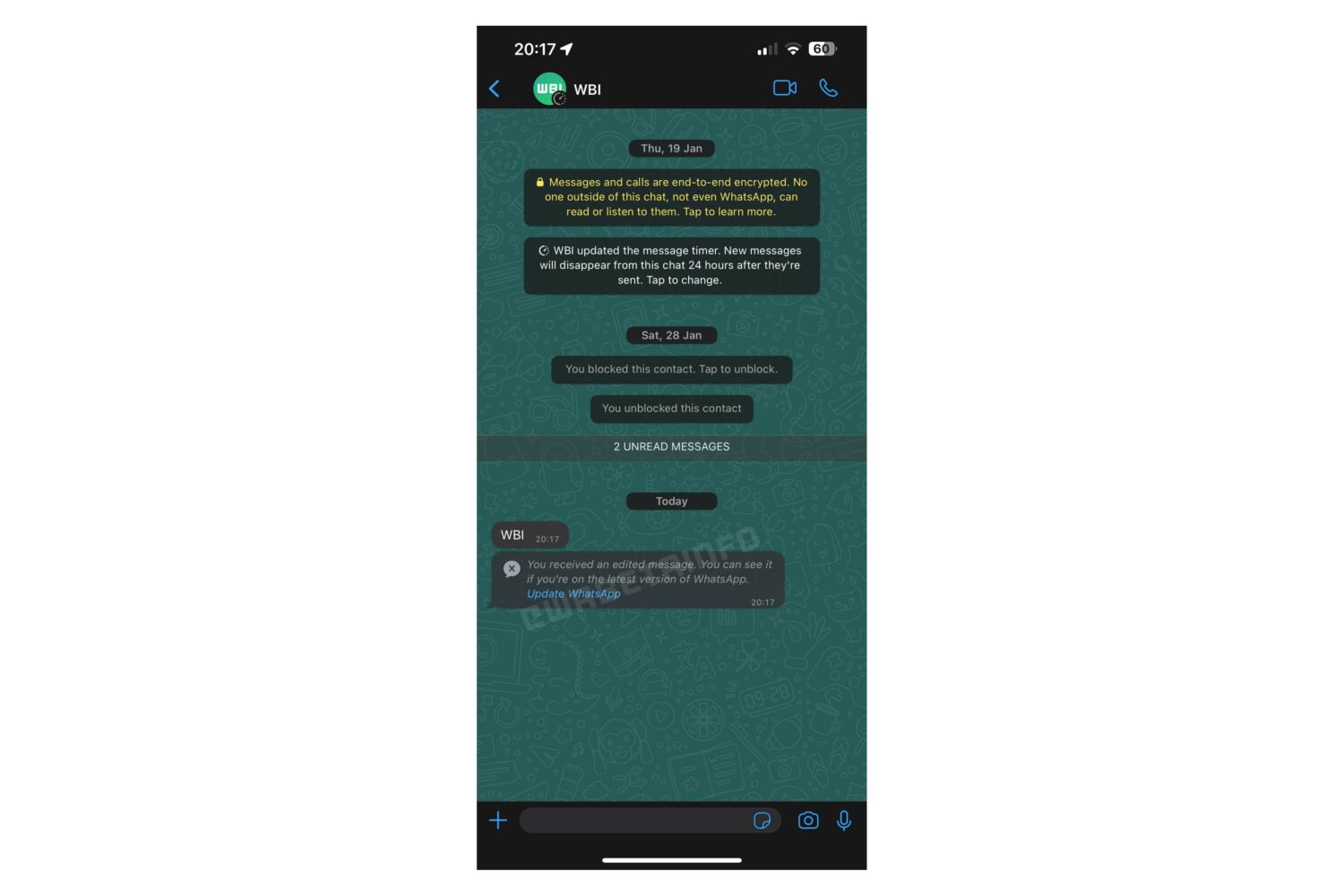
You’ll be able to edit a sent message to fix typos or add new information, with an Edited label appearing to provide important context to the recipient.
You can now multitask better by switching to another app during a WhatsApp video call on your iPhone without your video being paused.
Check out all the reasons why you can no longer see a contact’s profile photo on WhatsApp, even though you could before.
You can now create a WhatsApp avatar, enhance your Last Seen privacy, record video hands-free, use drag and drop on iPhone, and more.