Learn how to use the built-in document scanner in WhatsApp on iPhone to send digital copies of physical documents for easy file-sharing.
How to scan a document using WhatsApp and send it

Learn how to use the built-in document scanner in WhatsApp on iPhone to send digital copies of physical documents for easy file-sharing.

Meta-owned WhatsApp will soon stop supporting older iPhones, including the iPhone 5s, iPhone 6 and iPhone 6 Plus models.

Use WhatsApp voice message transcripts for long audio messages, especially when in a loud place or you just can’t afford to stop to listen.

Learn how to remove your current mobile number and switch to a different one on WhatsApp or Telegram without losing access to your existing account, messages, photos, files, groups, channels, and settings.

Learn how to set up and use virtual backgrounds on your Mac during video calls to enhance privacy, or for creating a fun or professional look.

Check out these tips to minimize distractions from WhatsApp on your iPhone and regain your focus without having to delete the app altogether.

We previously showed you a jailbreak tweak called WAIgnoreCalls by iOS developer nowesr1 that allowed users to ignore incoming calls from the WhatsApp Messenger app based on certain criteria. But for those wanting to improve their capabilities in the app even further, the same developer has also released a free jailbreak tweak called WALocationSpoofer that may be of interest.

The WhatsApp Messenger app is popular not only for messaging, but also for placing or taking calls. The internet-based calling feature comes in handy when your carrier charges you for minutes or you find yourself without cellular service.
Learn how to easily make audio and video calls on WhatsApp from your iPhone or Mac with this comprehensive guide.

Check out eight easy tips to manage your WhatsApp photos, videos, and files to free up tons of local space on your iPhone or Android phone.

In this tutorial, we will explain how you can find out if your WhatsApp account has been hacked and provide solutions to regain complete access. These tips work for both iPhone and Android users.
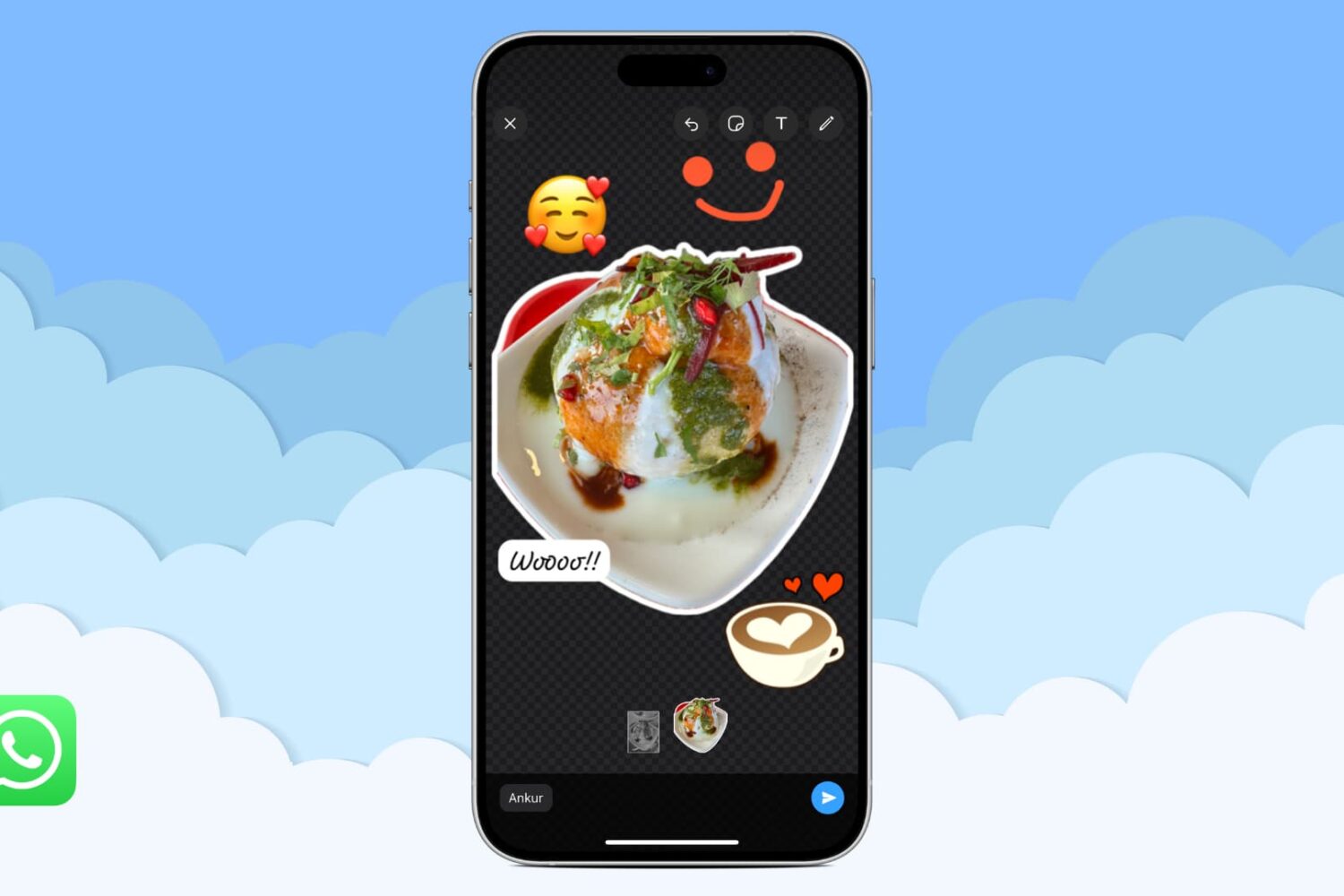
In this tutorial, we will show you how to use WhatsApp to turn a photo into a sticker and send it in a chat or save this custom sticker for future use.