Find out how to use the Voice Control feature in CarPlay through your iPhone running iOS 26 to navigate apps, the Home Screen, and interact with your car’s screen without actually touching it.
How to use handsfree voice control in CarPlay in iOS 26

Find out how to use the Voice Control feature in CarPlay through your iPhone running iOS 26 to navigate apps, the Home Screen, and interact with your car’s screen without actually touching it.
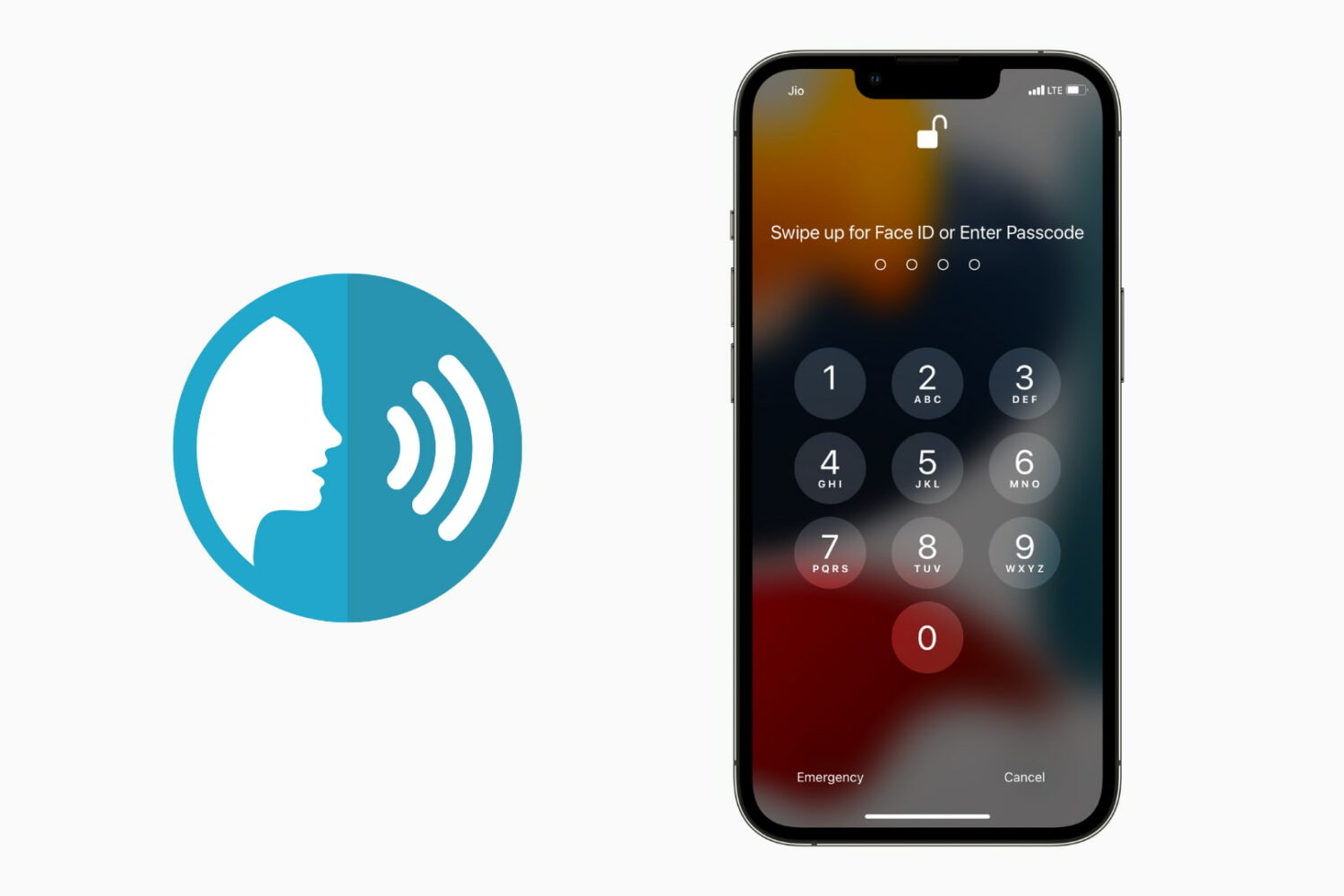
You usually unlock your iPhone using Face ID, Touch ID, or by entering the correct passcode. In addition to these, there is an accessibility setting that lets you unlock your iPhone using your voice. All you have to do is set up the voice command in the Voice Control feature and then say that phrase to unlock and get inside the iPhone. In this guide, we will show you how to do that. We also have a video demonstrating this. Finally, don't forget to see the drawbacks so that you can make an informed decision about using iPhone voice unlock.

Check out this list of useful offline Siri commands on your iPhone and iPad that work without an internet connection, including messaging, networking, setting timers and much, much more.
Learn how to remotely trigger the iPhone’s camera shutter and take perfect selfies and group shots, or record video hands-free without physically touching the device.

Learn how to use Voice Control on your Mac to navigate and interact with your computer using just your voice. This is handy if you cannot use traditional input methods, or want an additional way to get things done.
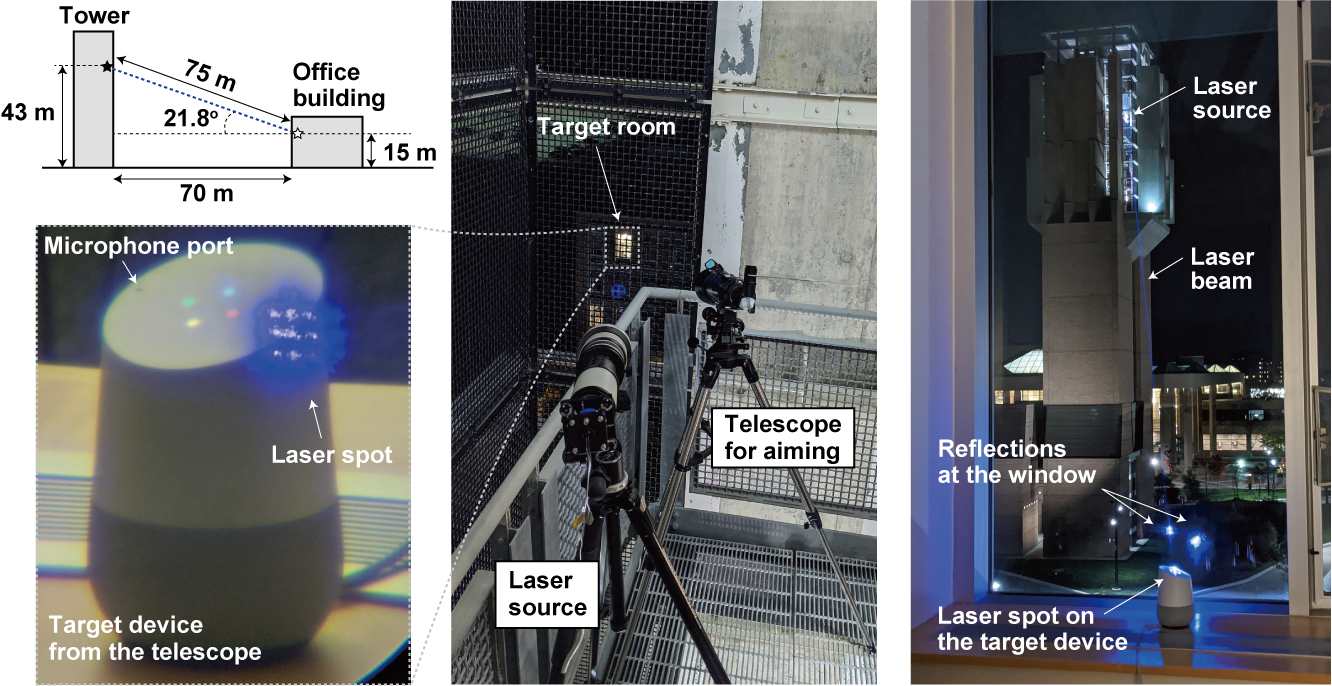
Researchers in Japan and the United States announced they'd found a way to hijack voice assistants including Google Home, Amazon Alexa and Siri using lasers and other focused beams of light, according to a report in the New York Times.
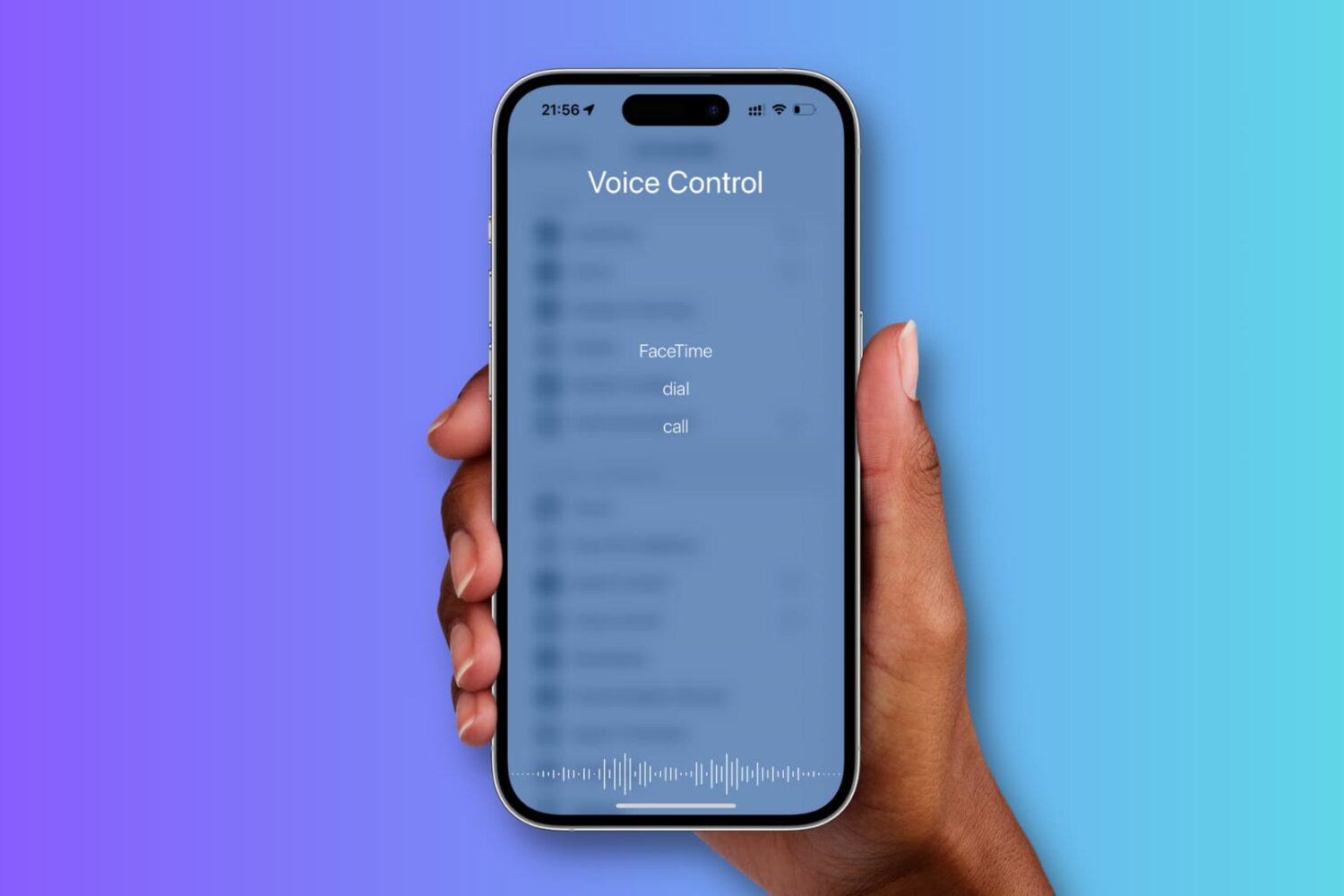
This tutorial shows you how to enable and use Voice Control instead of Siri on your iPhone.
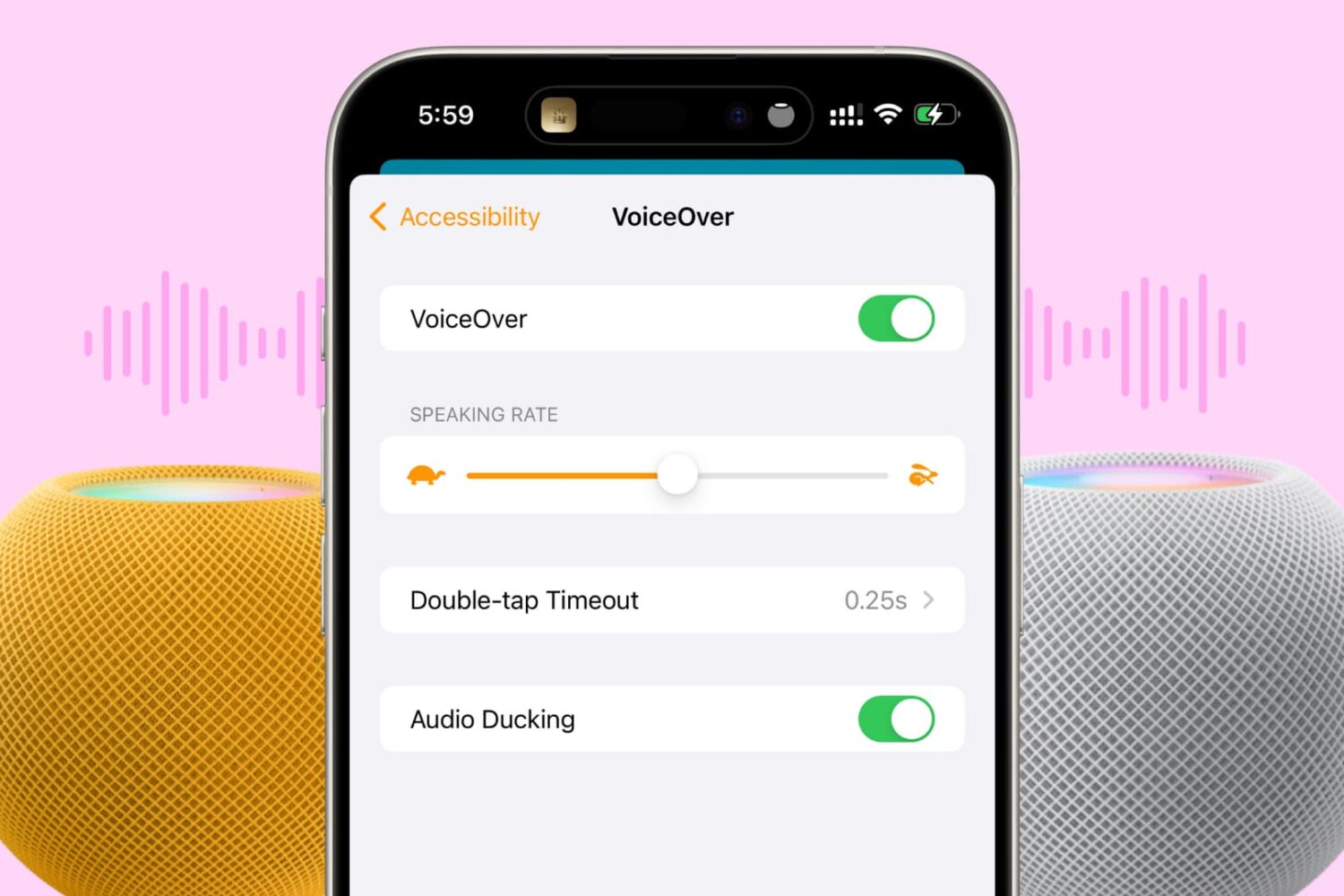
In this tutorial, we’ll show you how to turn on VoiceOver on your HomePod to get helpful audio feedback when interacting with the HomePod’s touch surface.
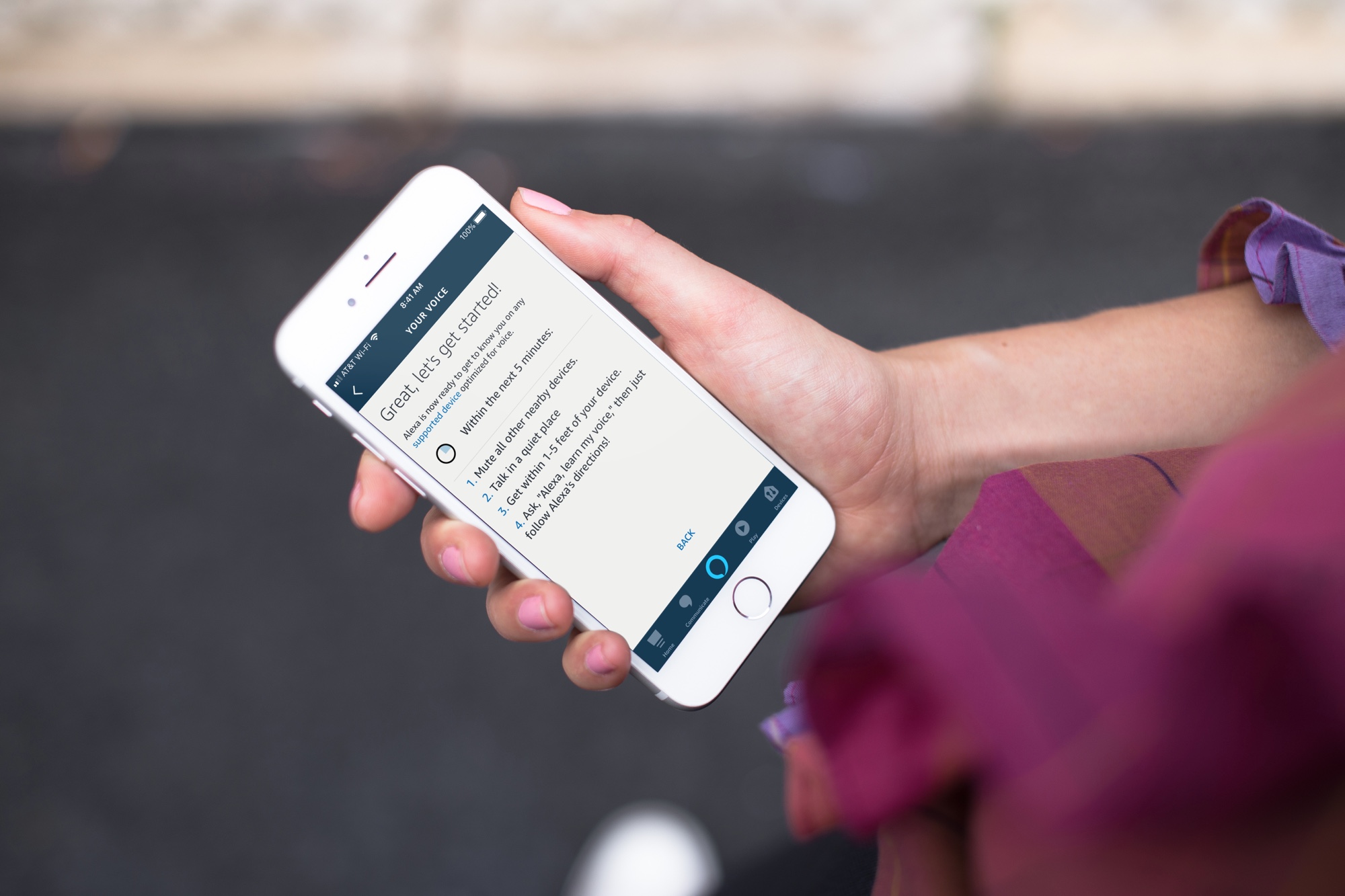
Learn how to set up Voice ID in the Alexa app or directly on the Amazon smart speaker so the voice assistant can recognize your voice and offer personalized experiences and suggestions.
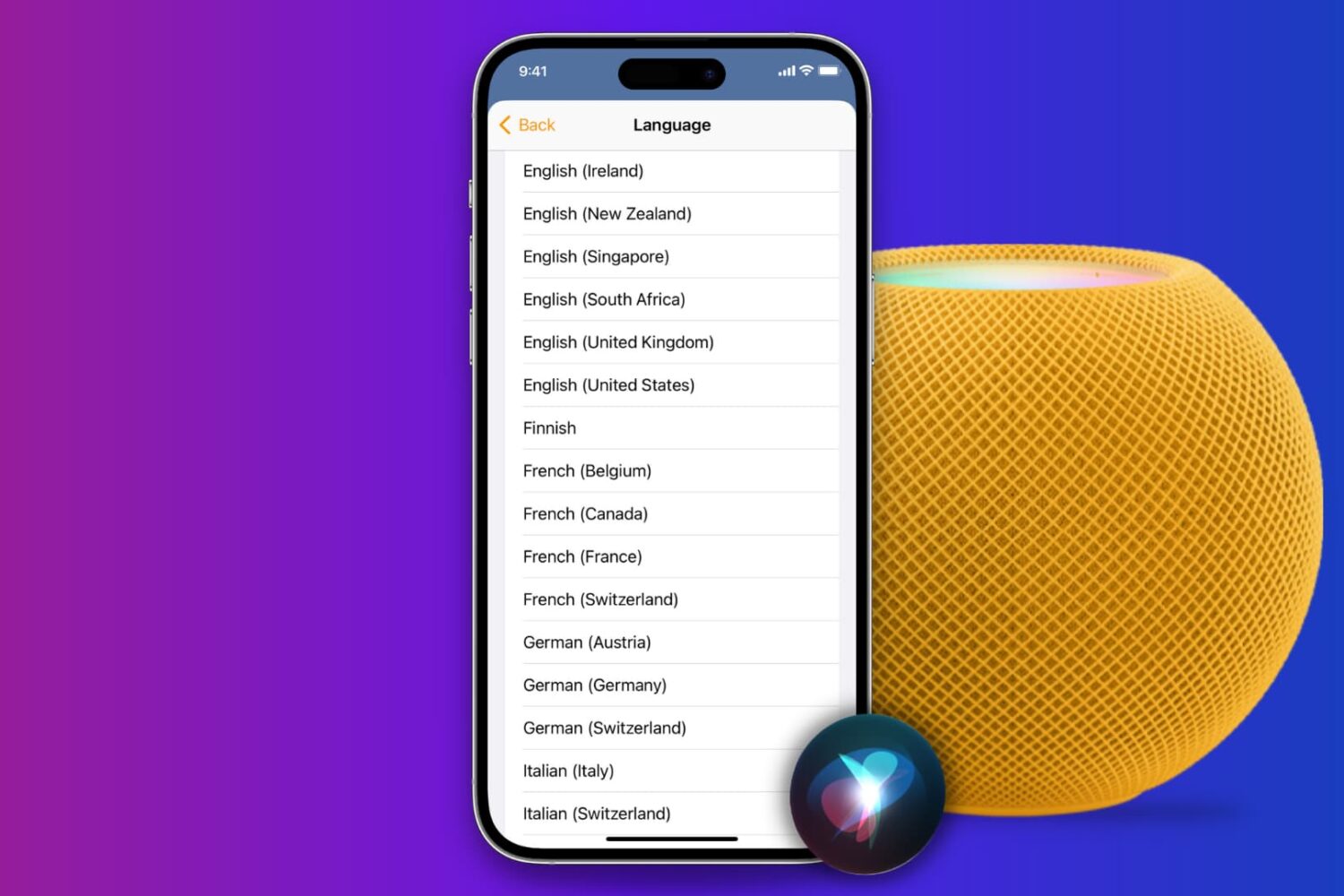
Learn how to change the Siri voice and language on your HomePod if you’re not happy with the current sound and want to try something else that better suits your preferences.
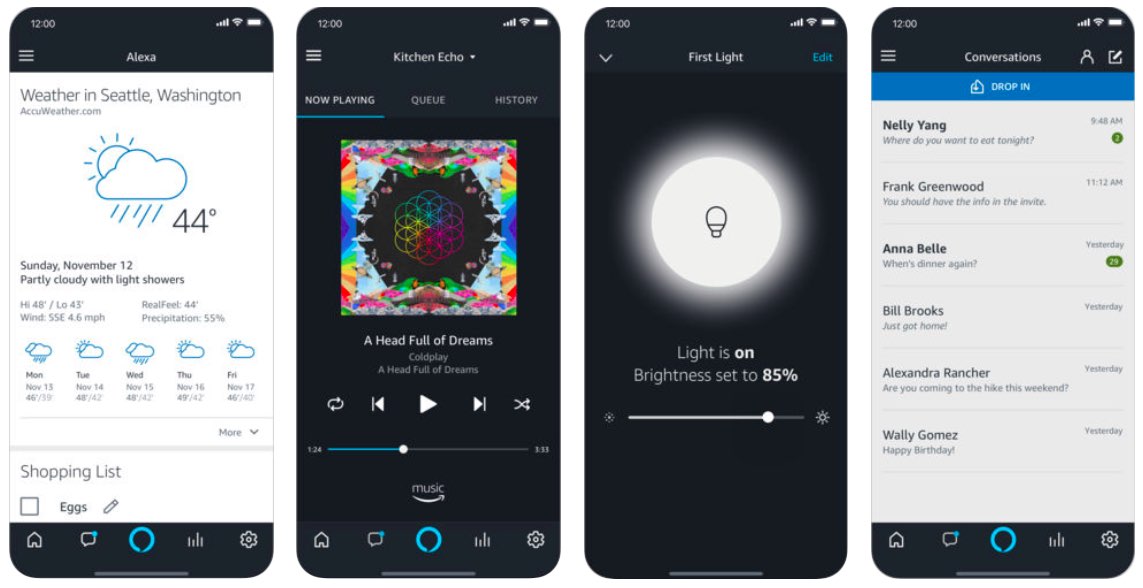
Alexa for iPhone now lets you check the weather, get sports scores, control smart home accessories, ask questions and more—all by using just your voice.
