Learn how to easily set up call forwarding on your iPhone, and go through the troubleshooting tips in case you’re facing issues turning it on.
How to activate or deactivate call forwarding on iPhone

Learn how to master your Apple devices with our comprehensive tutorials. From iPhone and iPad to Mac, Apple Watch, AirPods, and more, our expert guides will help you unlock the full potential of your Apple products. Discover new features, tips, and tricks each day to enhance your user experience.
Learn how to easily set up call forwarding on your iPhone, and go through the troubleshooting tips in case you’re facing issues turning it on.
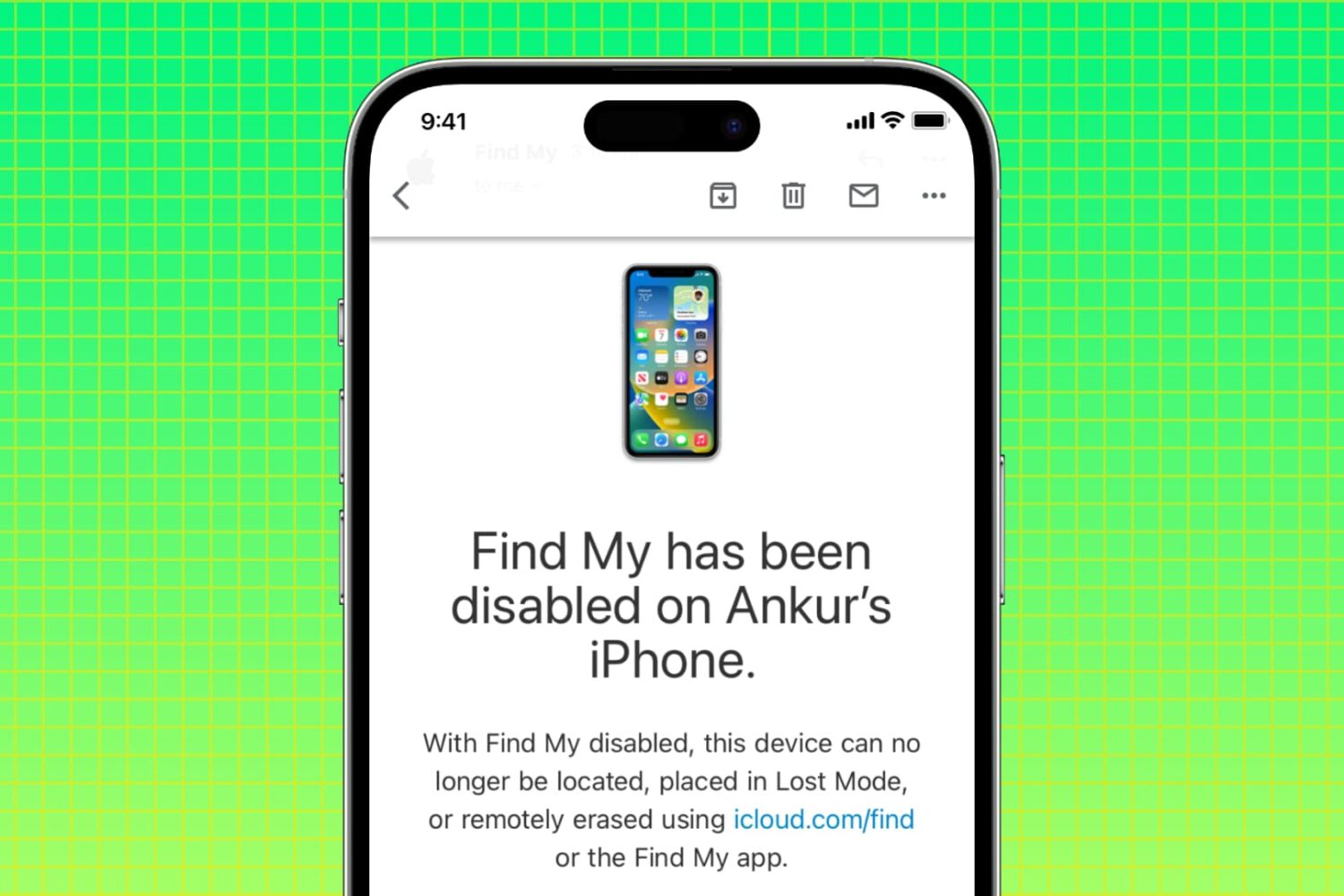
In this tutorial, we’ll explain why you may want to disable Apple’s Find My service on your iPhone, iPad, and Mac, along with the steps to do so from the device itself or remotely if you don’t have the device with you.

Are you trying to figure out how to access iCloud on your or someone else’s iOS device? This tutorial shows you how to log in to iCloud.com in a web browser on an iPhone or iPad and customize its appearance and functionality.

Learn how to prioritize which iPhone or Apple Watch registers your step count in the Health app to ensure the correct device records the accurate data.

Learn how to block access to specific websites on iPhone or iPad, and protect your child from the dangers of the Internet.
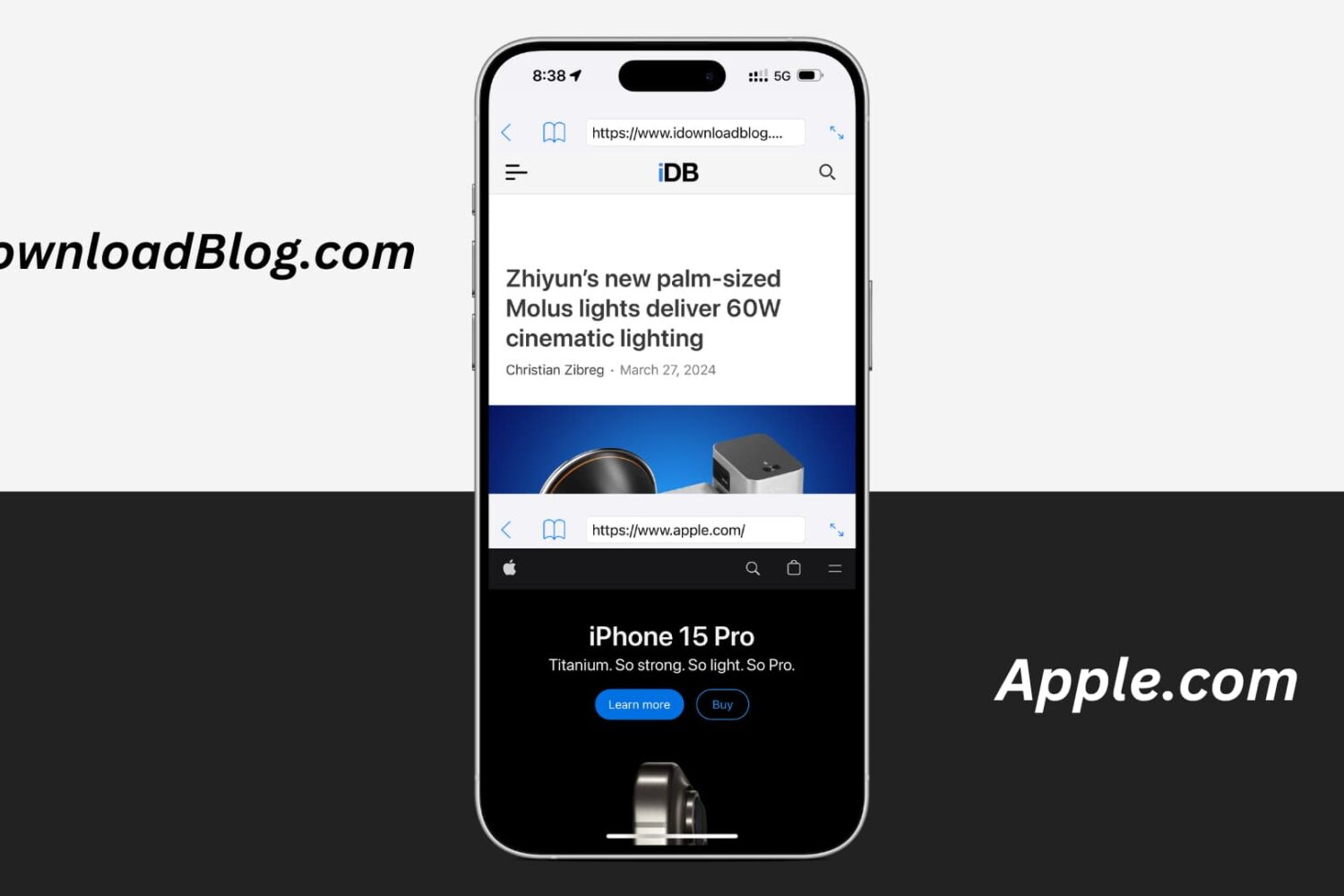
Learn how to use a free application to browse multiple websites simultaneously in split-screen mode on your iPhone, allowing you to reference them all at once, and enhance productivity.

Find out how to add a bookmark to Google Chrome right from Safari on your iPhone or iPad if you use both browsers and want to save links efficiently.
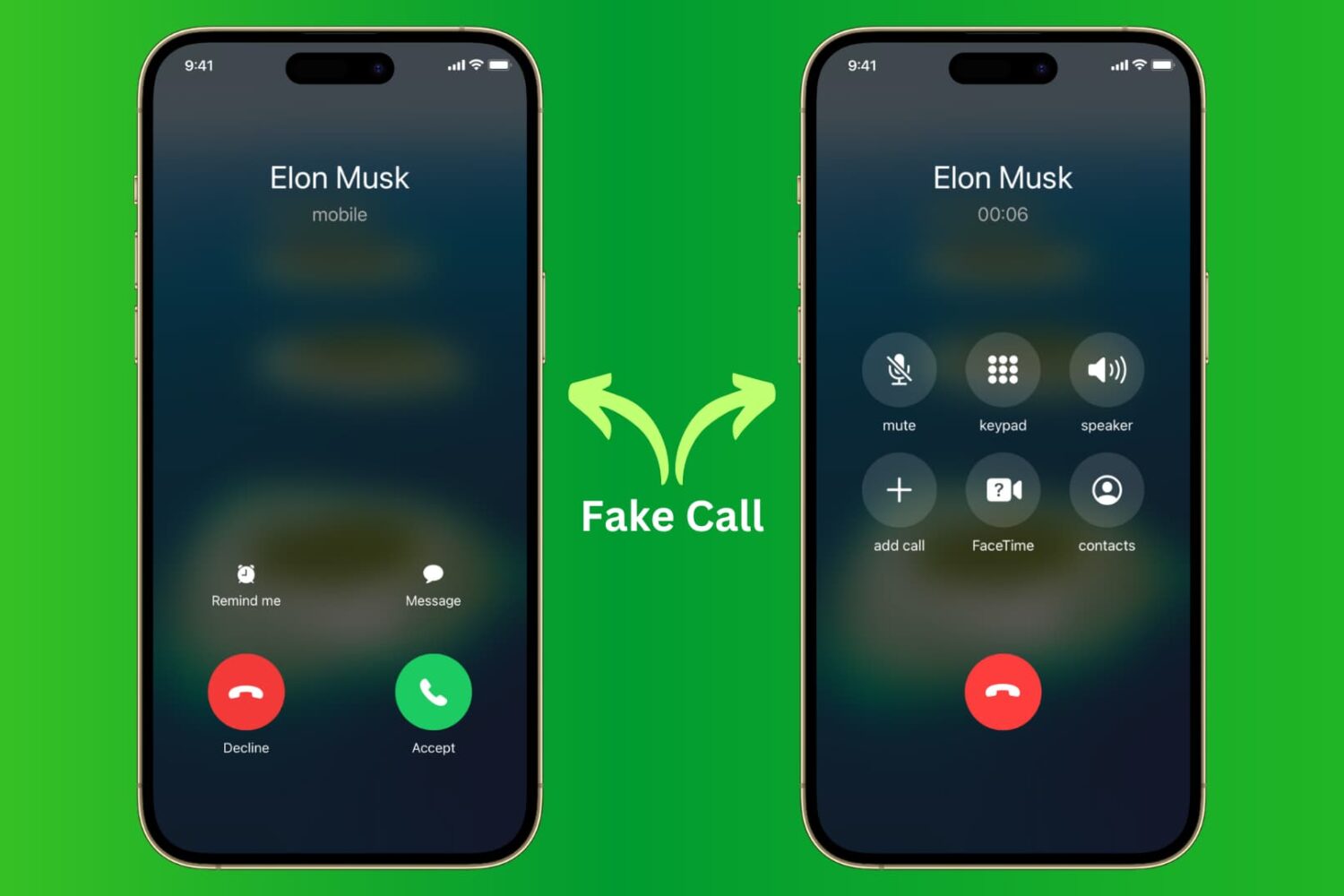
Learn how to receive fake calls on your iPhone so you can excuse yourself from boring meetings and awkward social situations.
Learn how to use the Magic Move transition effect in the Apple Keynote app on your Mac to animate objects when moving from one slide to the next.
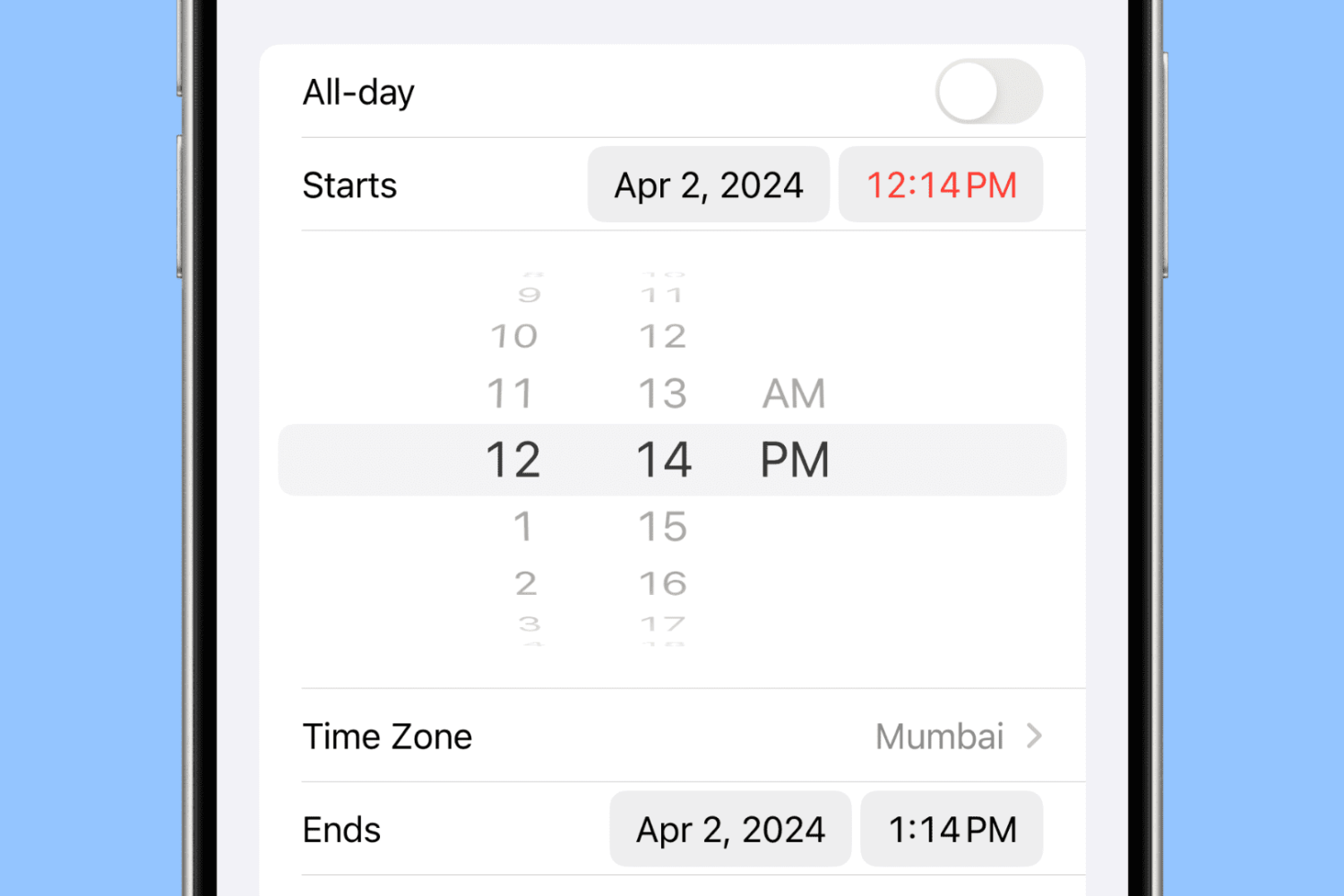
Learn to set precise times in 1-minute increments in the iPhone Calendar app to ensure accurate scheduling for your events.
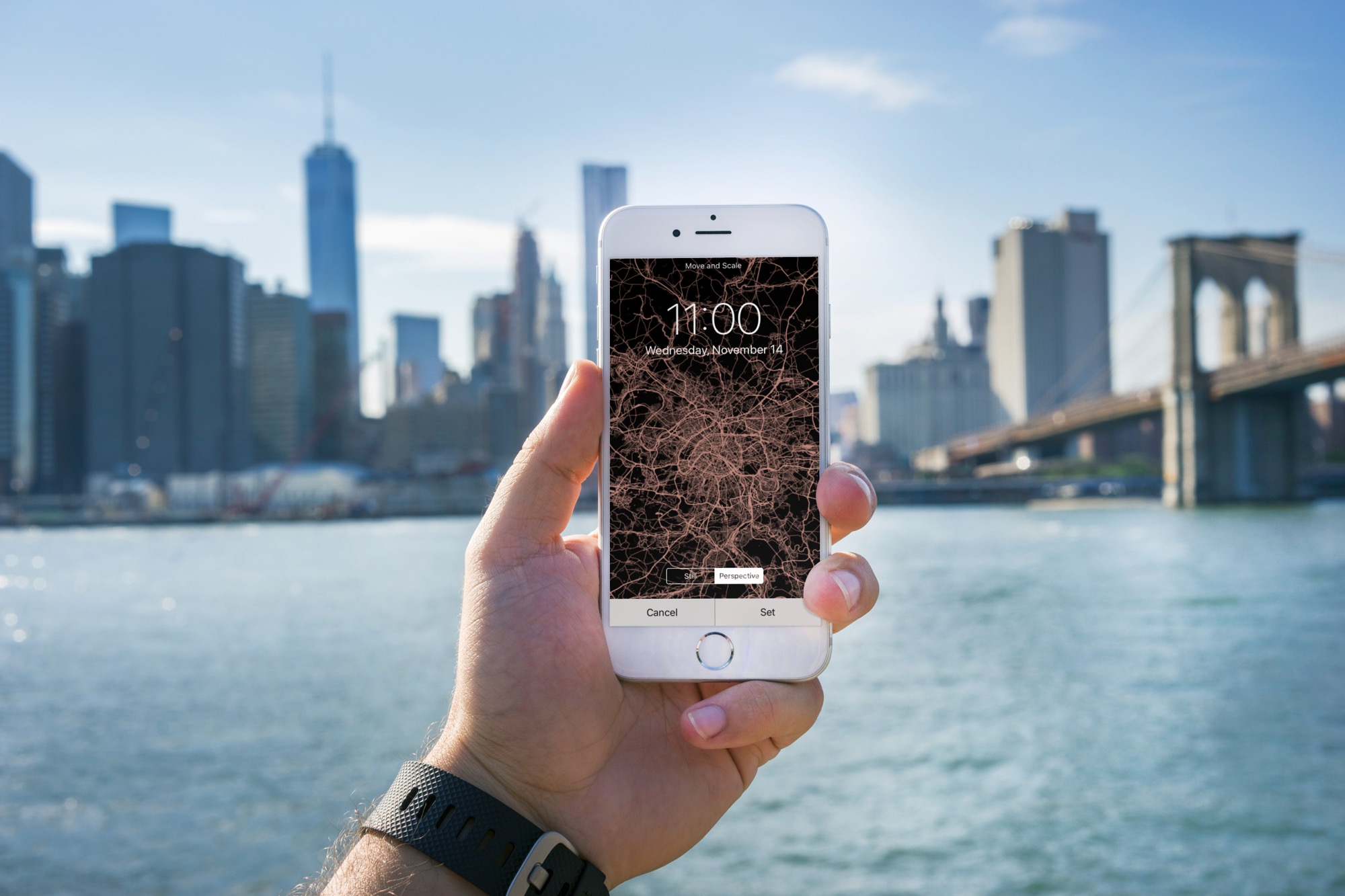
Learn how to turn the map of your location or a desired city into an image and set it as your iPhone Lock Screen and Home Screen wallpaper.
With iOS 12's Shortcuts app, power users can easily automate repetitive tasks by chaining multiple actions together. Your shortcuts are managed and organized in the Shortcuts app, but displaying them to the user as a list via another shortcut is quite challenging. This is where Easy Folder comes into play. This awesome shortcut, create by Reddit user “e10withadot,” acts as a virtual folder to which you can add any number of shortcuts, then easily pick one to execute via a popup menu at run time.