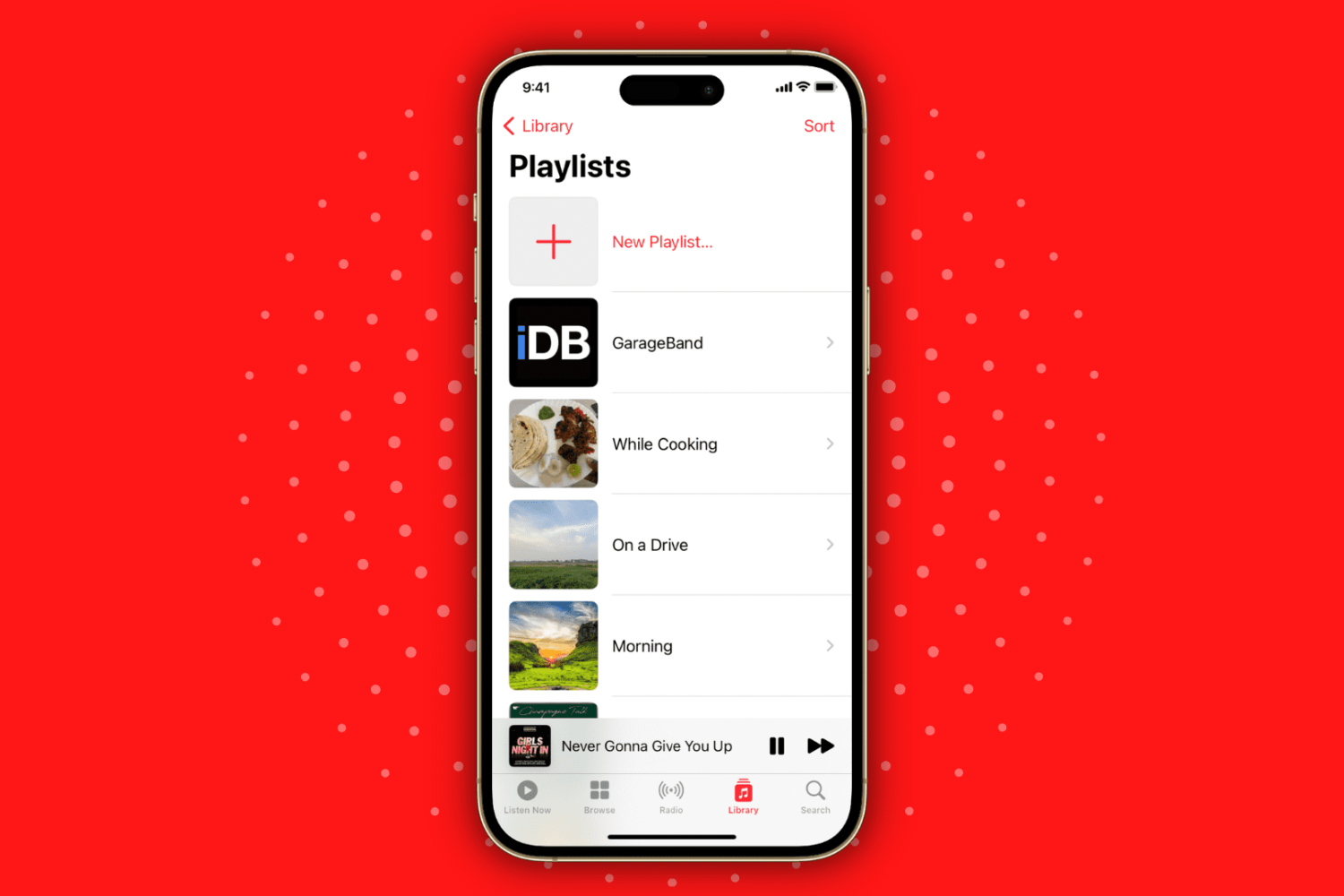
Learn how to create playlists in the Apple Music app on your iPhone or iPad to categorize and organize your music for different moods and occasions.
How to create and edit playlists in the Music app on iPhone and iPad
Learn how to master your Apple devices with our comprehensive tutorials. From iPhone and iPad to Mac, Apple Watch, AirPods, and more, our expert guides will help you unlock the full potential of your Apple products. Discover new features, tips, and tricks each day to enhance your user experience.
Learn how to create playlists in the Apple Music app on your iPhone or iPad to categorize and organize your music for different moods and occasions.
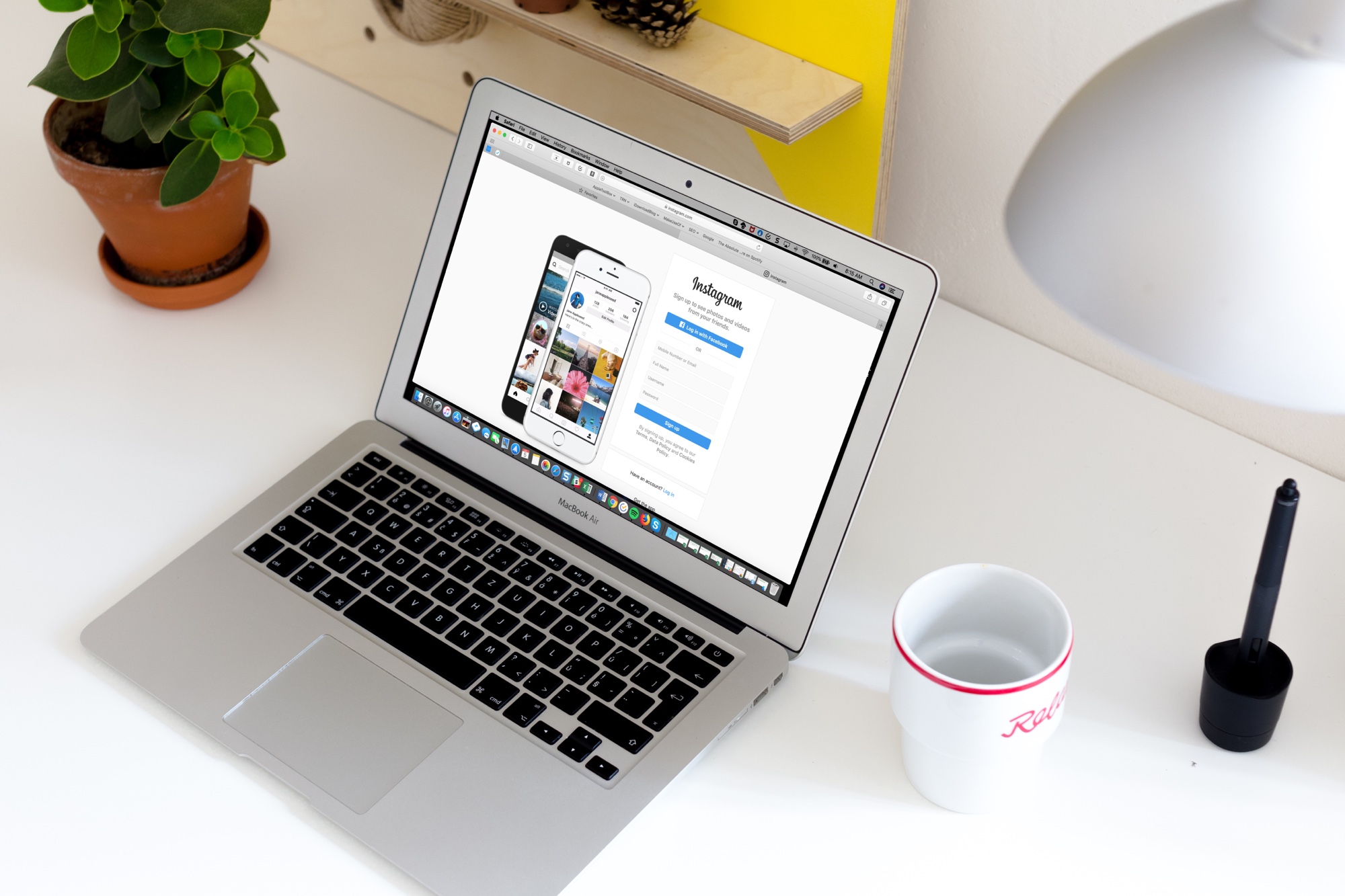
You share your Instagram Stories with friends, family, and others you know. But that doesn’t mean you want your stories shared with people you’ve never met.
Here’s how to prevent people from sharing your Instagram Stories with others in the app and on the website.
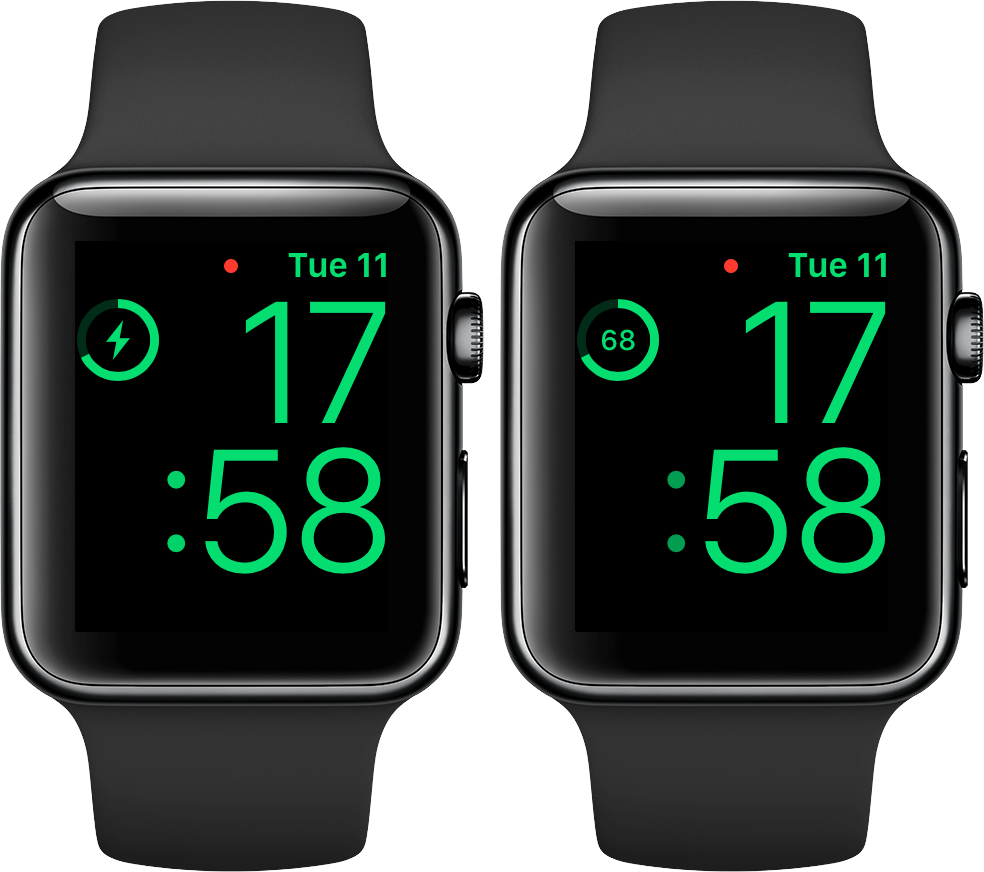
No matter how you charge your Apple Watch—either via its magnetic charging cable or charging dock—doing it in Nightstand mode displays a circular indicator on the screen along with a green lightning bolt inside. The outline gets gradually tinted green to visually denote charge progress, but it's a rough estimate of how full the battery is and as such not very accurate. Here's how you can switch to a more precise percentage display.
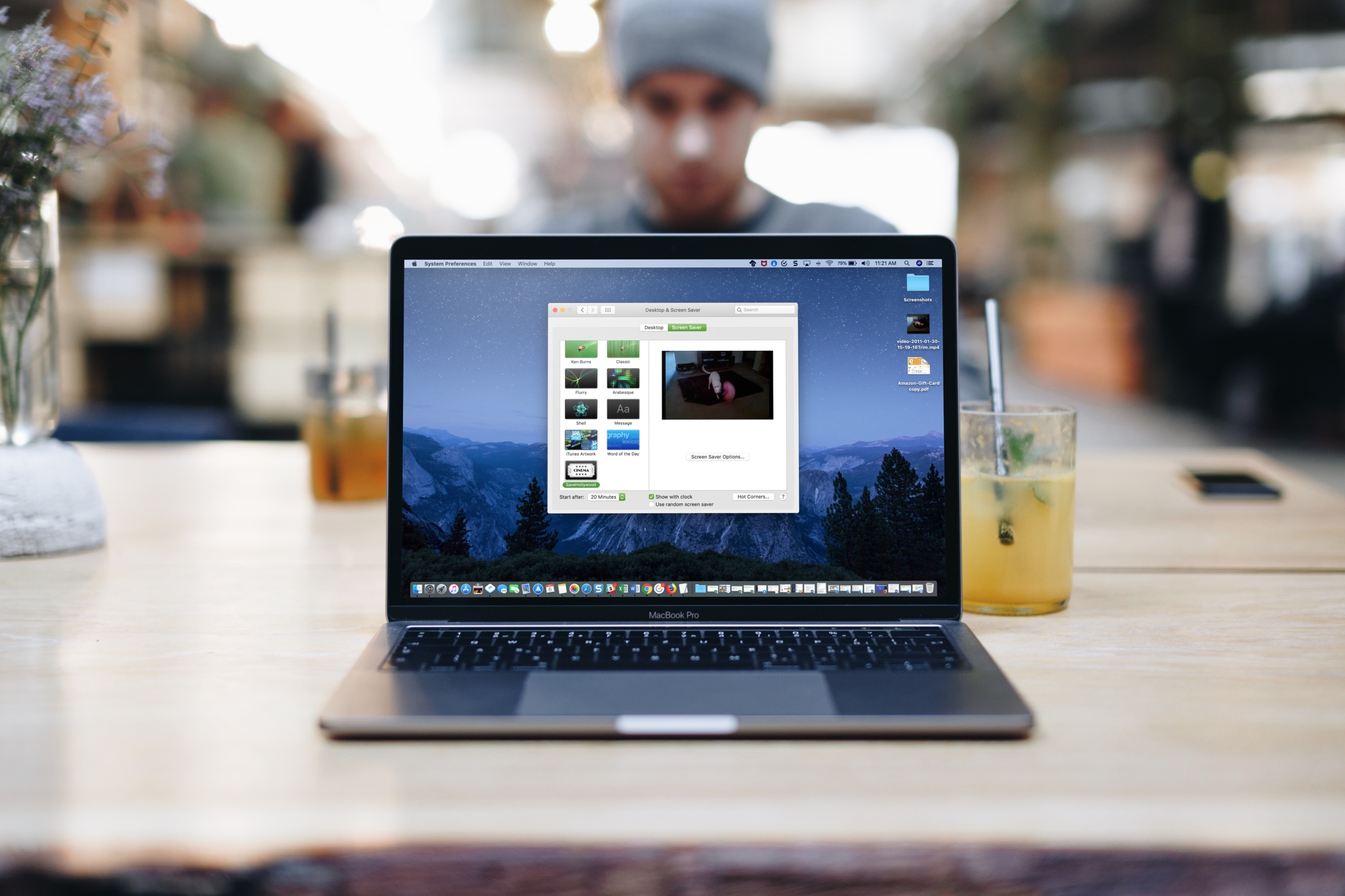
Learn how to use one or more custom videos as your screen saver on Mac to bring motion and life to your display when your computer is idle.
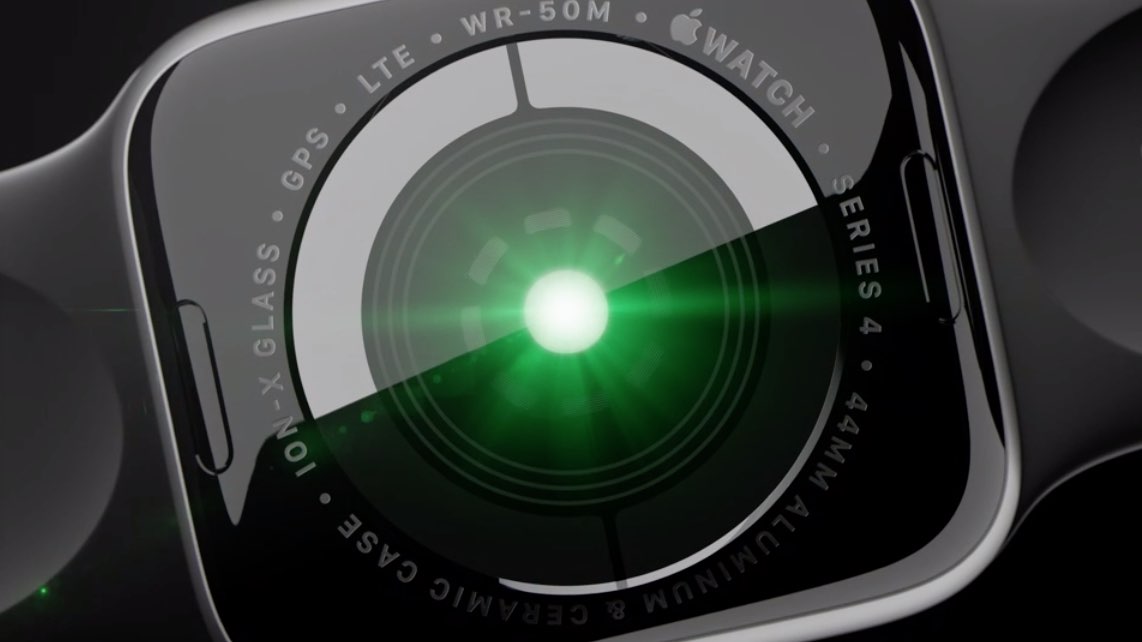
All Apple Watch models feature an optical heart sensor but Series 4 adds an additional electrical sensor for taking electrocardiograms on the go with Apple's ECG app. Did you know you can use this sensor to improve your regular heart rate readings, no matter where you live?

Learn how to create a new note or resume working on the last note from your iPhone or iPad Lock Screen, so you never miss jotting down a passing thought or an important address.
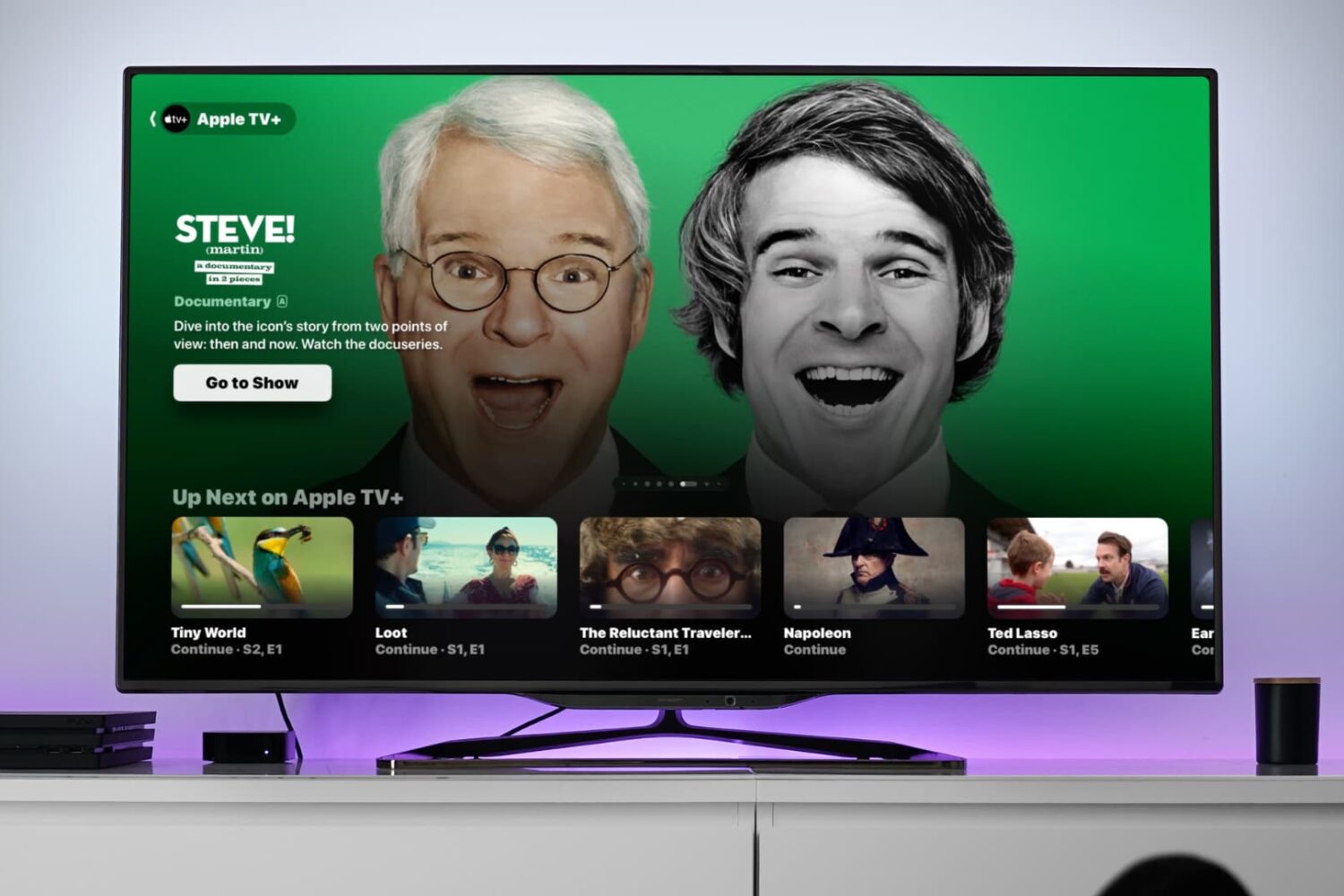
Learn how to use the video scrubber on your Apple TV to see not only the time remaining until the show ends but also the time it will be when you finish watching.
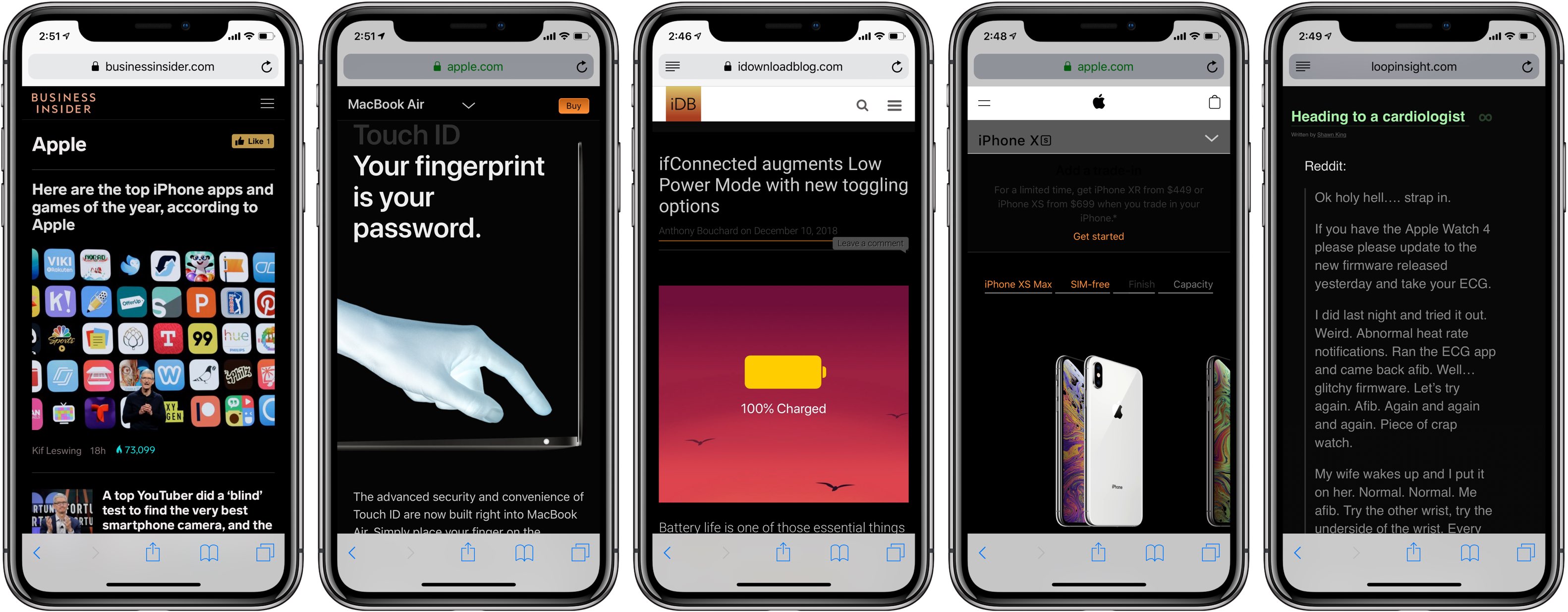
Darkened interfaces look good in apps, not so much on websites. The problem is, web content remains a major source of visual inconsistency as far as the popular Dark Mode feature is concerned. Thankfully, you can get a Dark Mode-alike environment on almost any website thanks to a handy Dark Mode V2 shortcut for your iPhone and iPad.
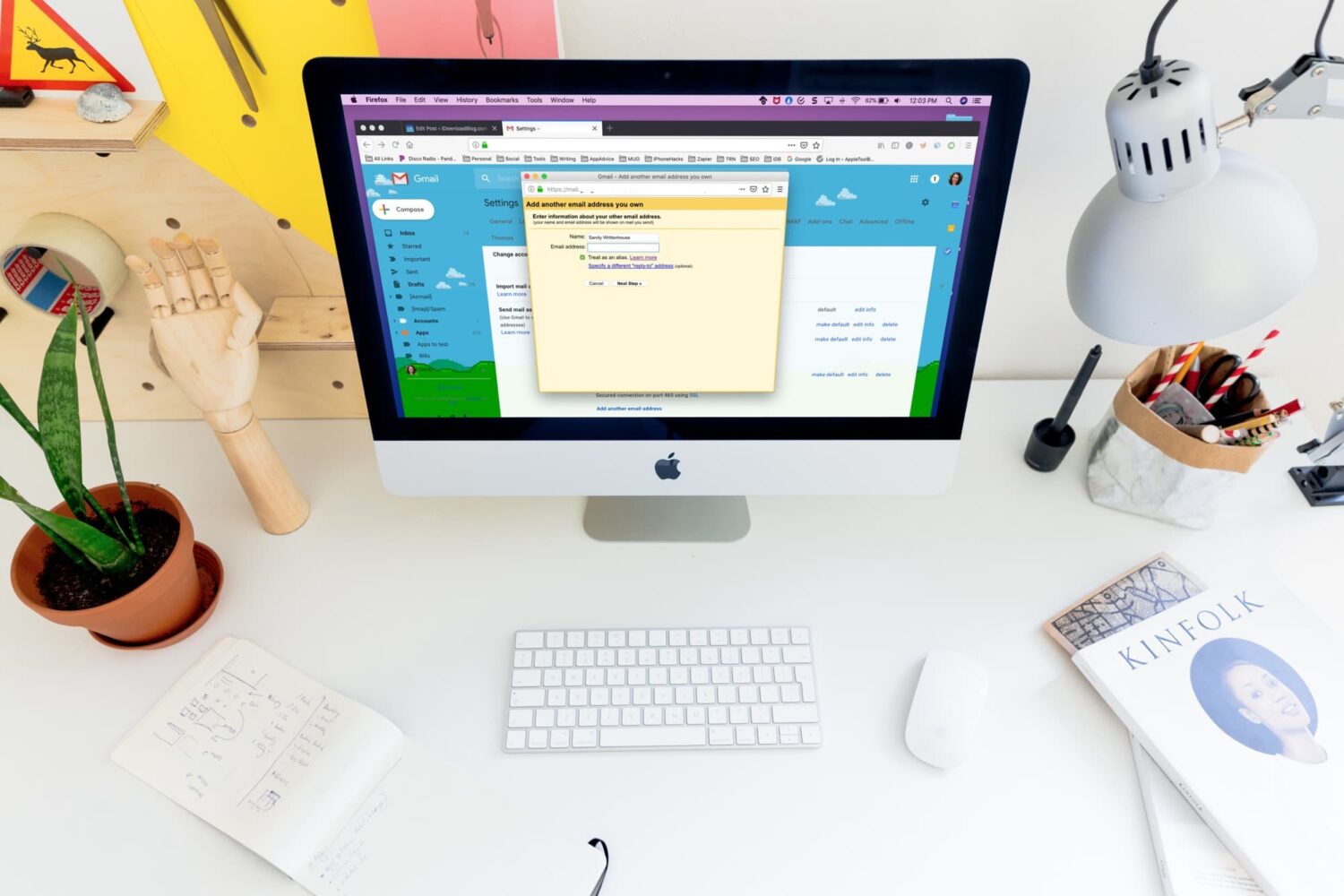
Learn how to create an alias for your Gmail account to keep your main email address private when signing up for online services or replying to messages.
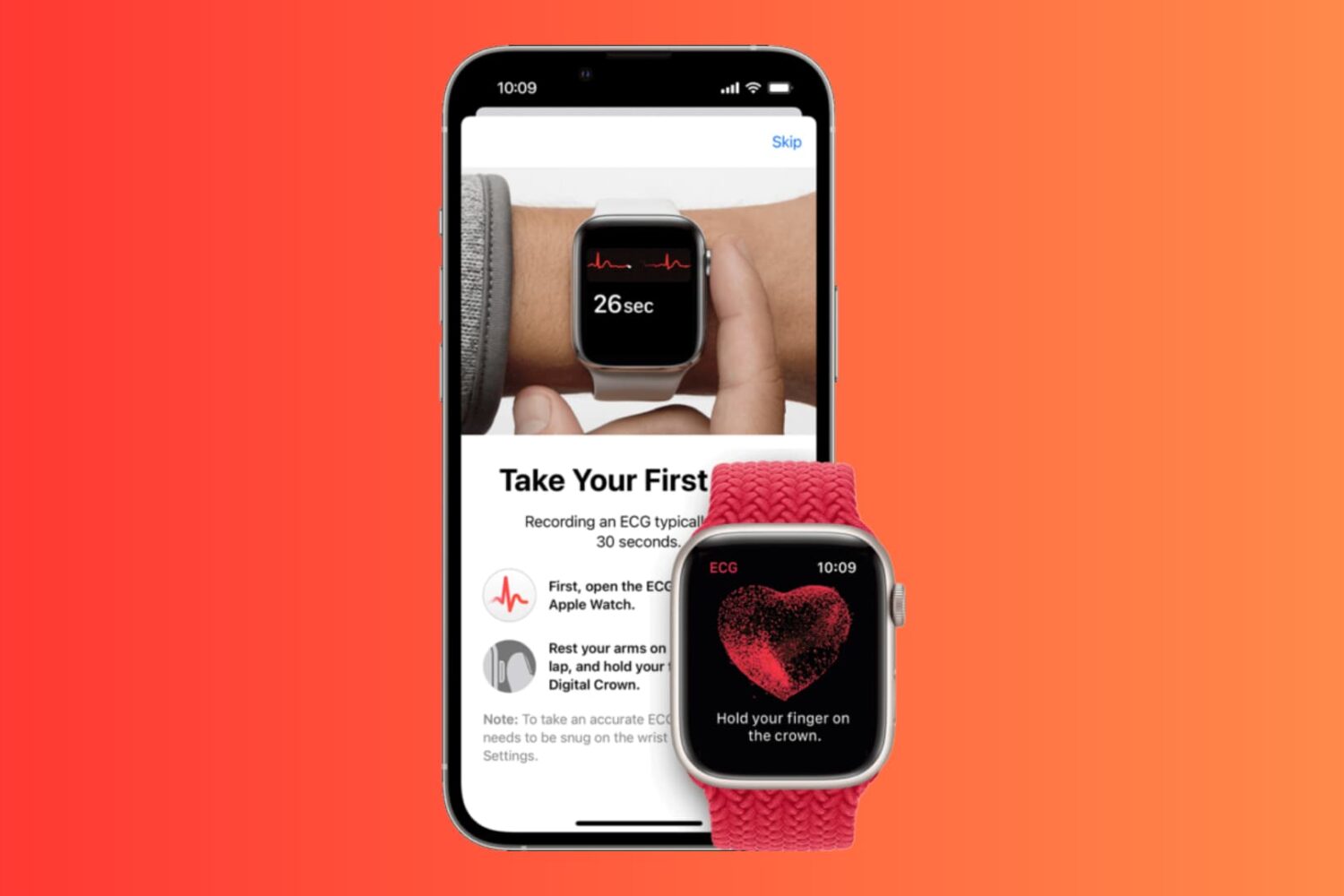
In this step-by-step tutorial, we’ll show you how to set up and use the ECG app on your Apple Watch, enabling you to take an electrocardiogram whenever you need, and review past results in your iPhone Health app.
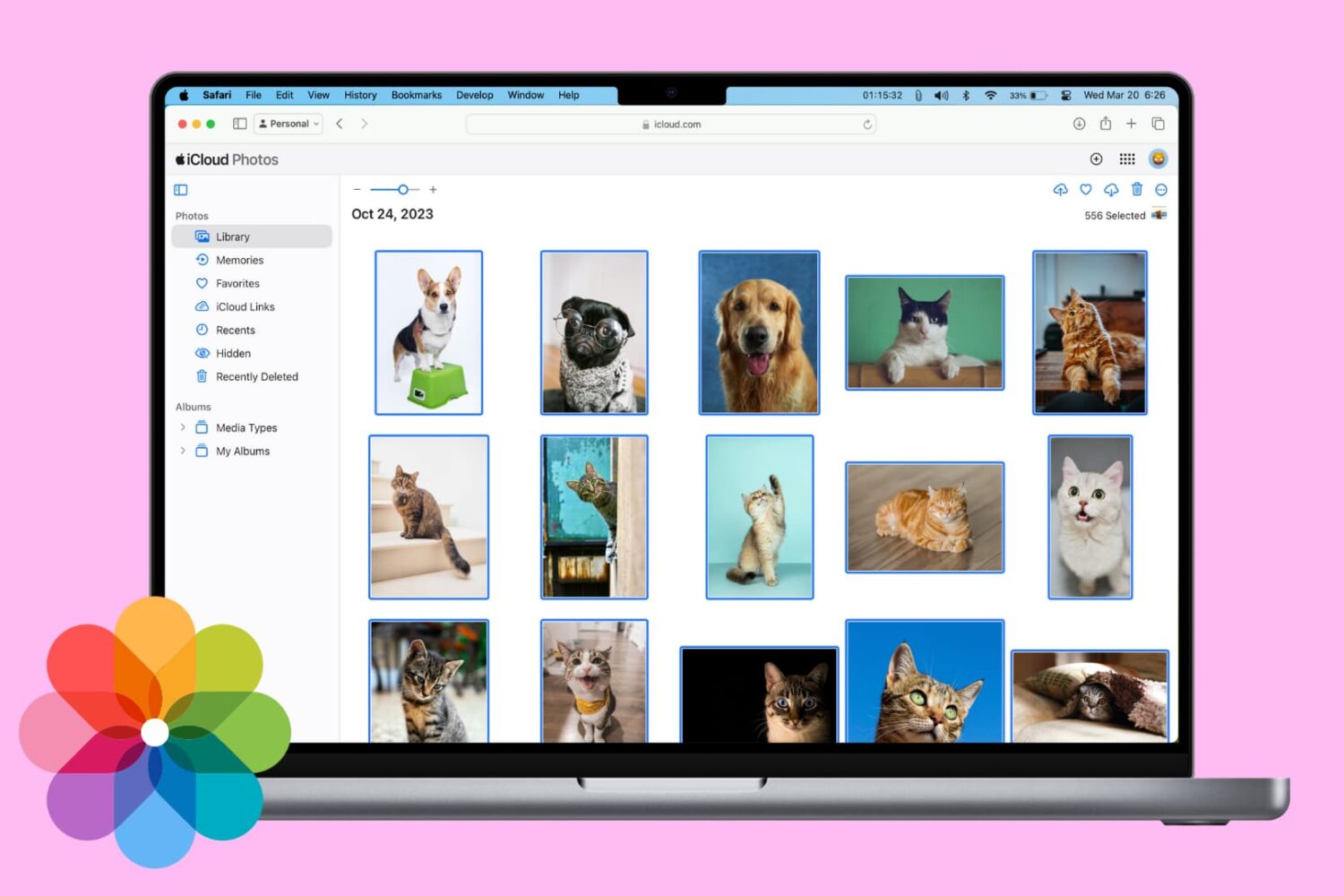
In this tutorial, we will show you three ways to download the photos and videos you have in iCloud to your Mac or Windows PC.
Once you have the photos saved locally, you can back them up elsewhere, edit them with software, or work with them as you please.
