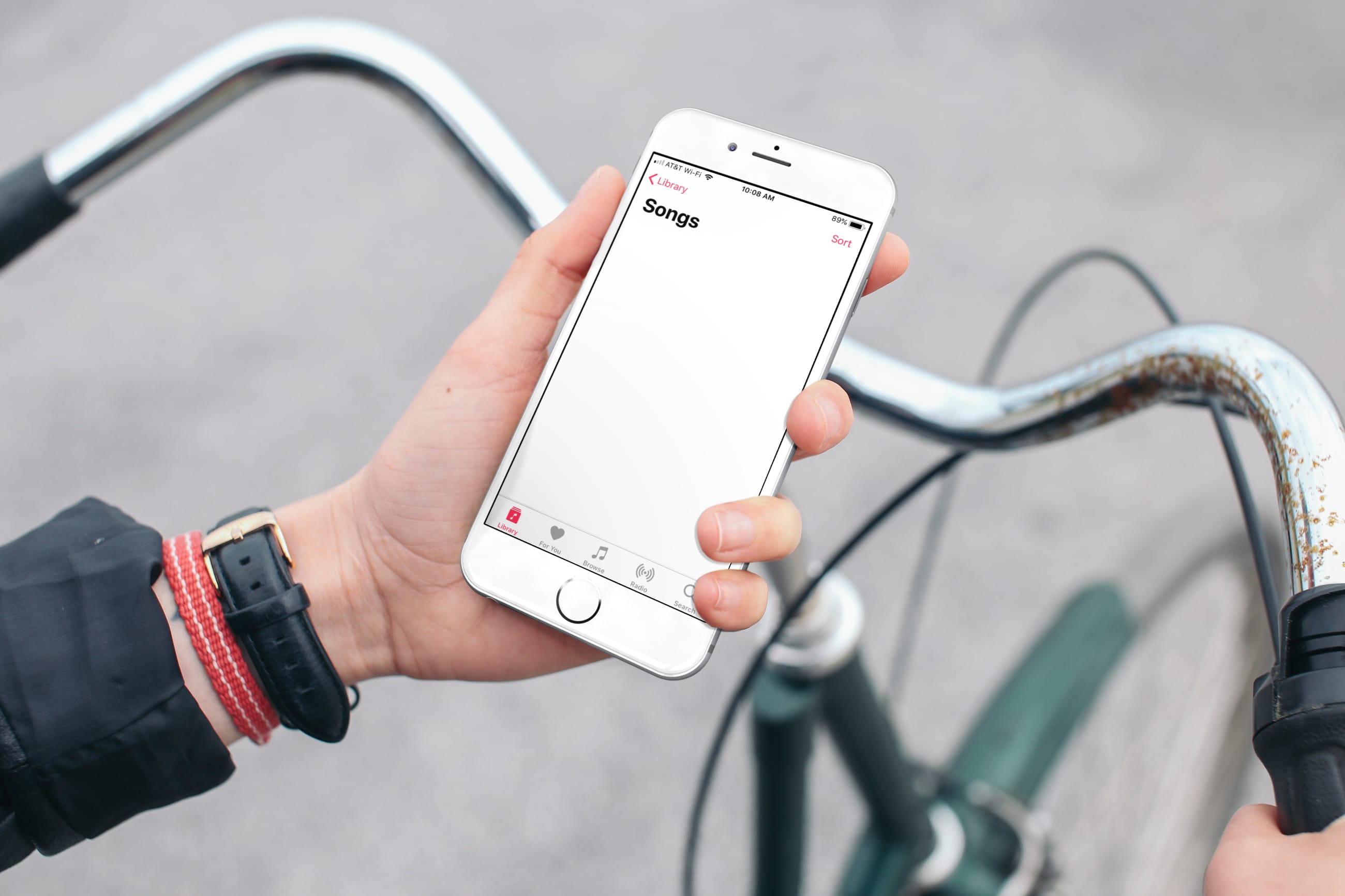
Find out what to do if the Apple Music app on your iPhone or iPad has removed all your songs or if it automatically deletes some downloaded songs from the local storage.
Get back missing songs and playlists on Apple Music in iOS 26
Learn how to master your Apple devices with our comprehensive tutorials. From iPhone and iPad to Mac, Apple Watch, AirPods, and more, our expert guides will help you unlock the full potential of your Apple products. Discover new features, tips, and tricks each day to enhance your user experience.
Find out what to do if the Apple Music app on your iPhone or iPad has removed all your songs or if it automatically deletes some downloaded songs from the local storage.

Learn how to hide suggested and recent applications from your iPad Dock to keep it tidy and prevent the Dock from changing its size or displaying apps you don’t want there.
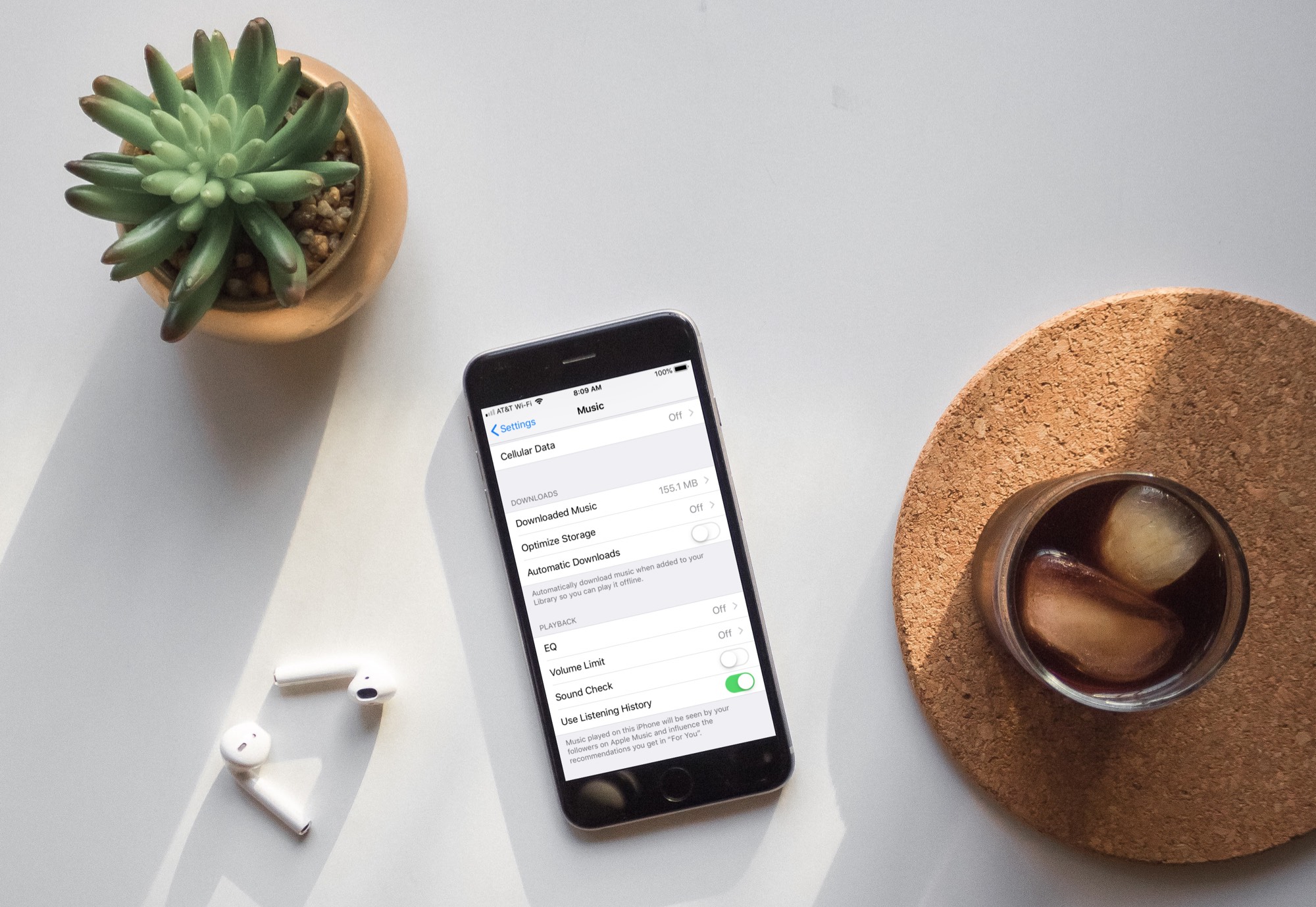
Learn how to turn off automatic downloads for Apple Music on iPhone, iPad, or Mac to stop the Music app from downloading every song, album, or playlist you add to your library.

Learn about these cool Gmail tricks if you’d like to disguise your email address or have an easier way to triage and filter your inbox.
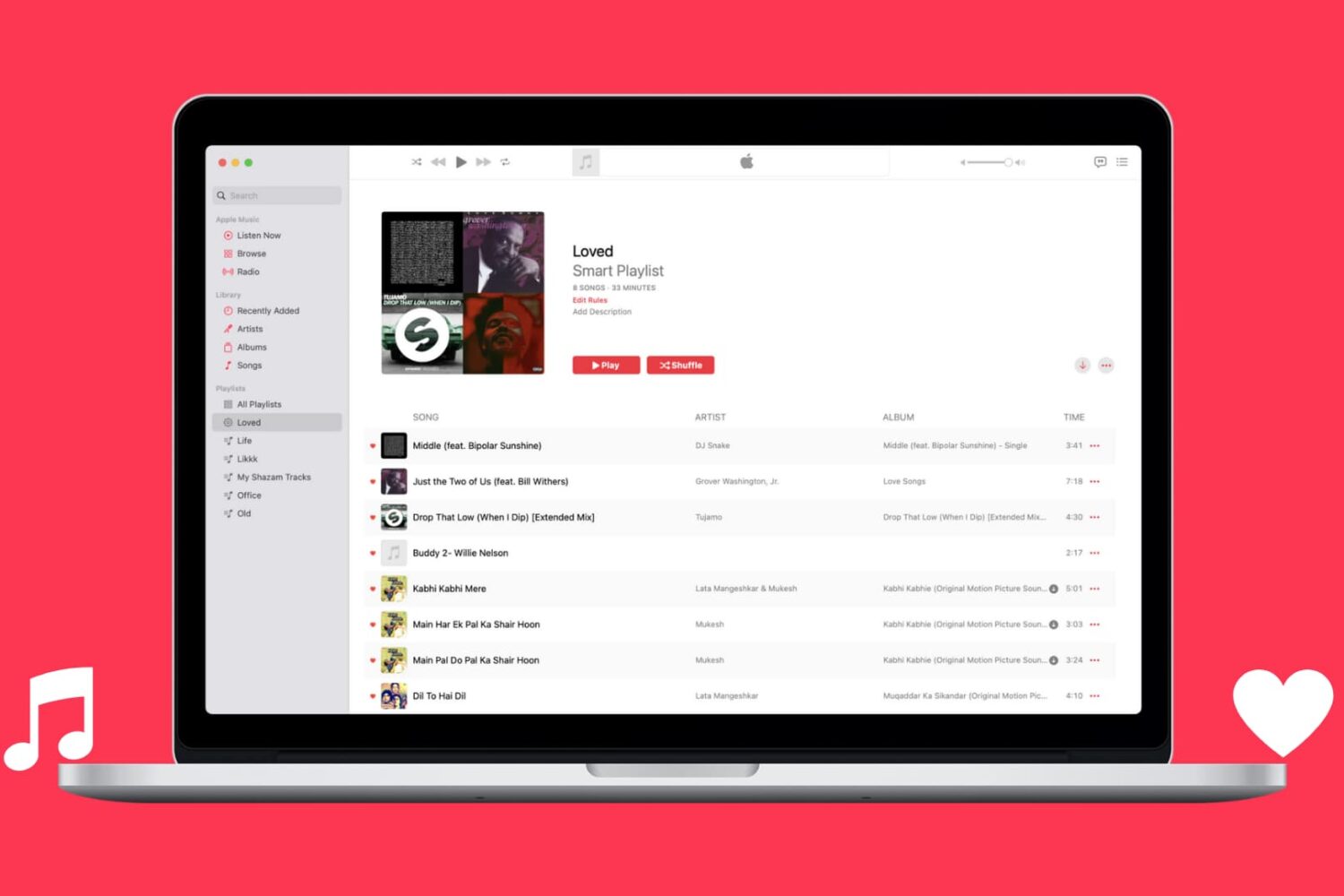
Learn how to automatically capture all Apple Music songs you've loved or favorited in a single spot by creating a special smart playlist.

Learn how to cancel an already-initiated software update if you don’t want to update your iPhone and iPad to the latest version of iOS after all.
If you’re looking for a way to add movies and shows to your iPhone or iPad without the need for iTunes, then this tutorial is for you.
AnyTrans is an application that lets you manage your device content from your Mac or Windows computer. Transfer files, merge content, use your iPhone as a USB drive, create backups, and more with this one simple tool.
Here’s how to add movies and shows to iPhone or iPad without iTunes using AnyTrans.
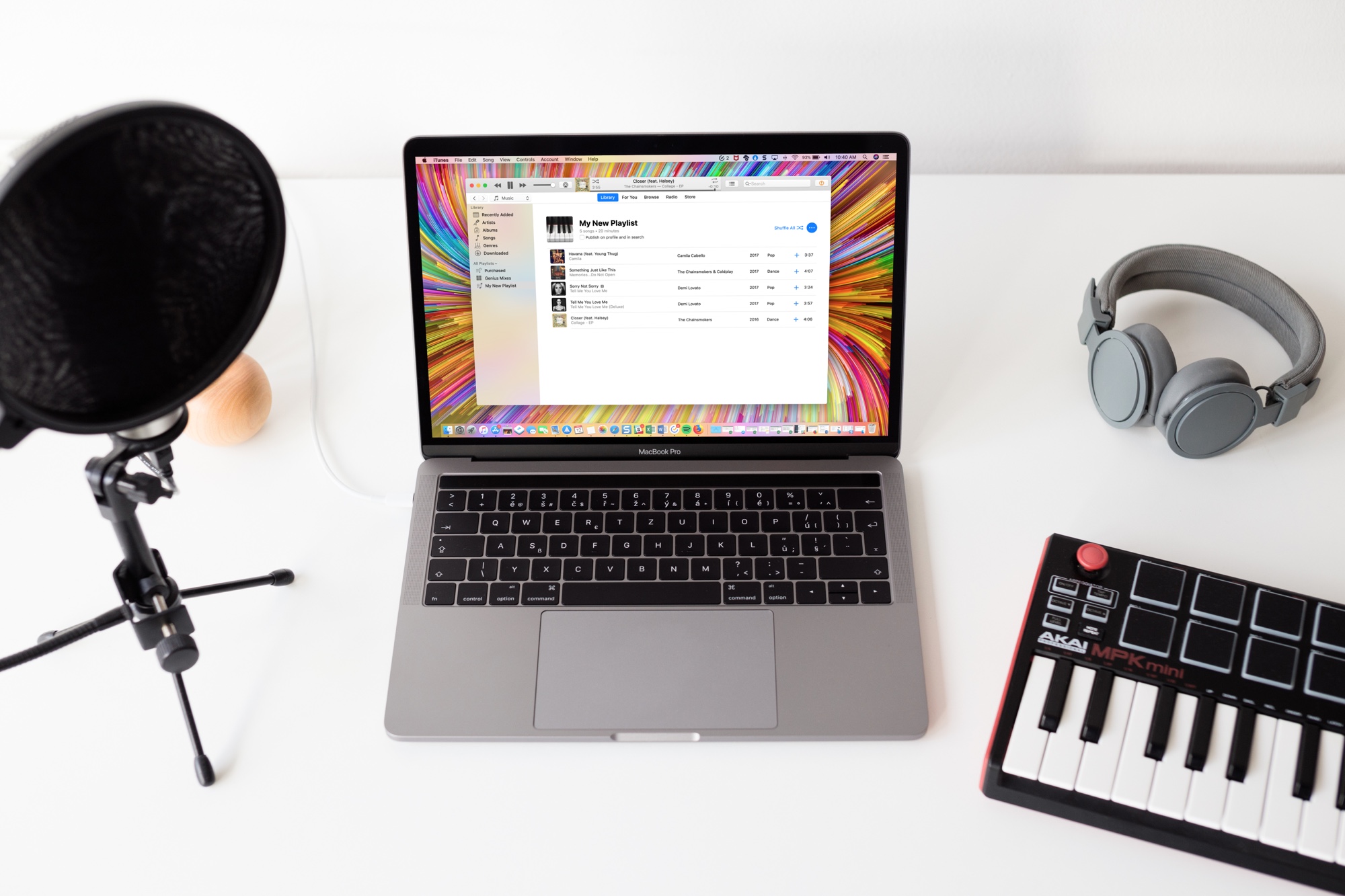
Learn how to stop Apple Music from adding songs to your library when you add them to playlists on your iPhone, iPad, and Mac.
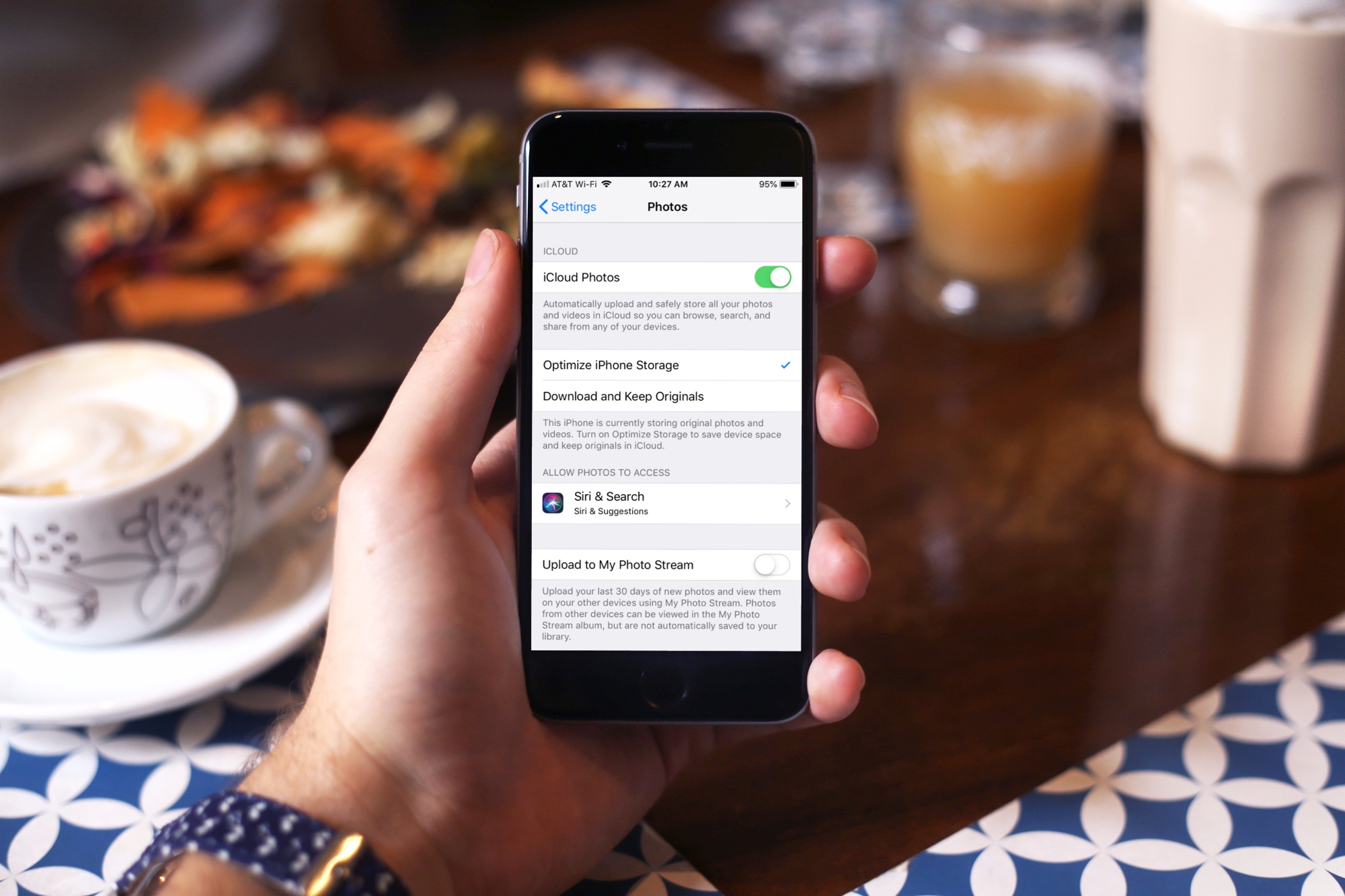
Learn how to make Apple's iCloud Photos feature optimize its storage consumption in order to free up significant chunks of local space on your iPhone, iPad, or Mac.
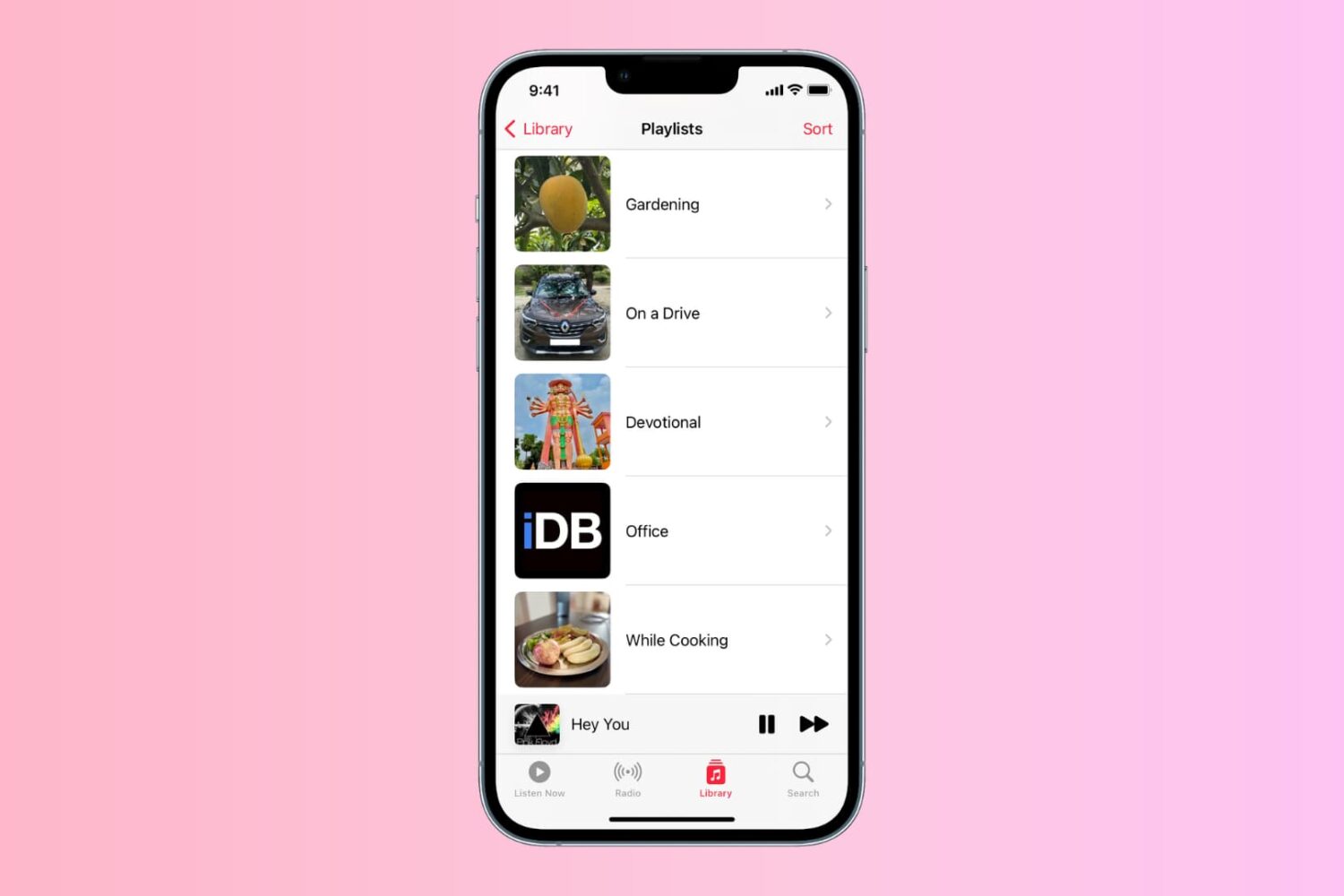
Learn how to personalize the playlist cover image in the Music app on your iPhone, iPad, or Mac to your liking.
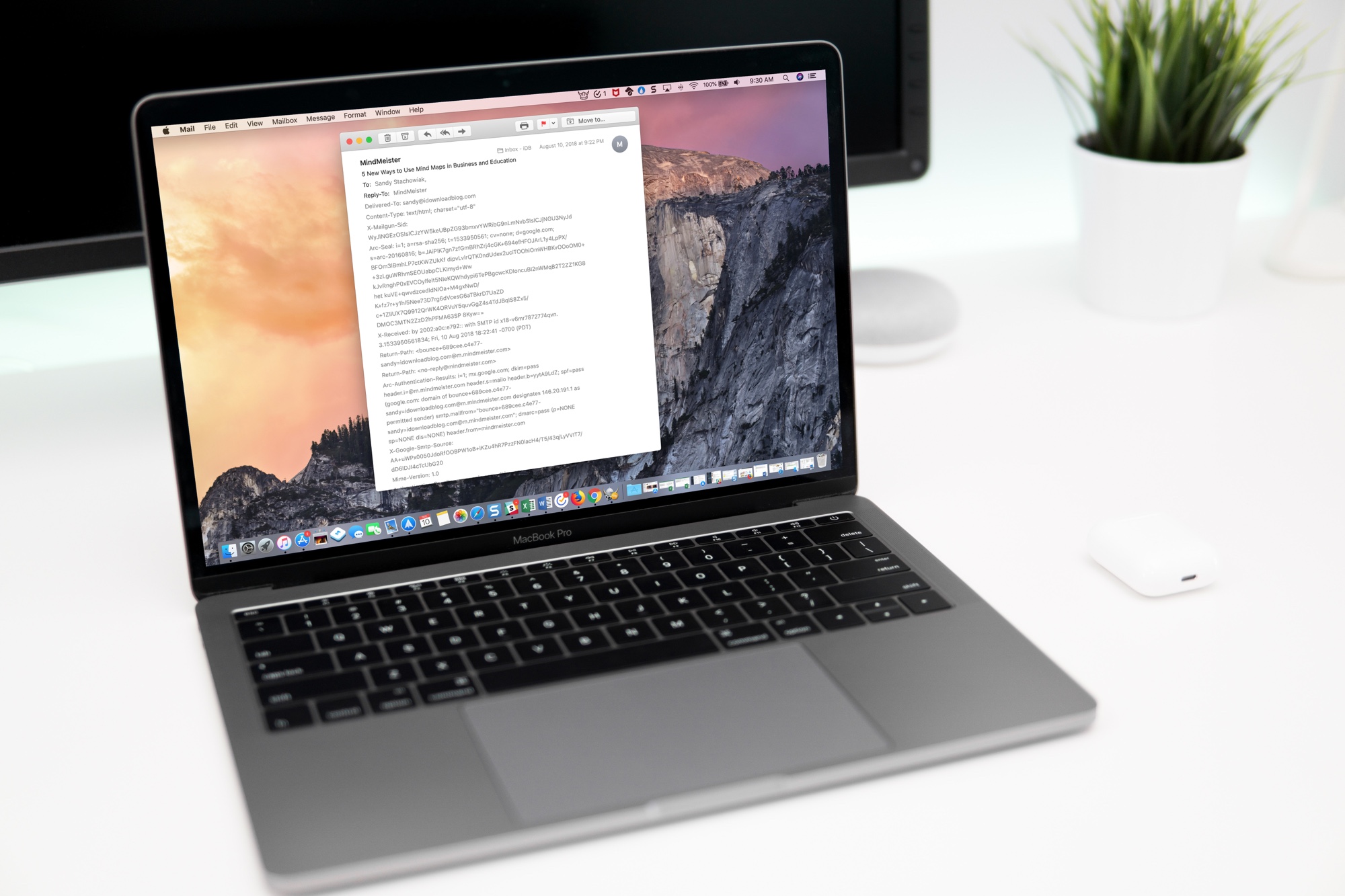
Learn how to view full email headers in Apple Mail for Mac to verify the sender's authenticity, identify spam or phishing attempts, and troubleshoot issues.
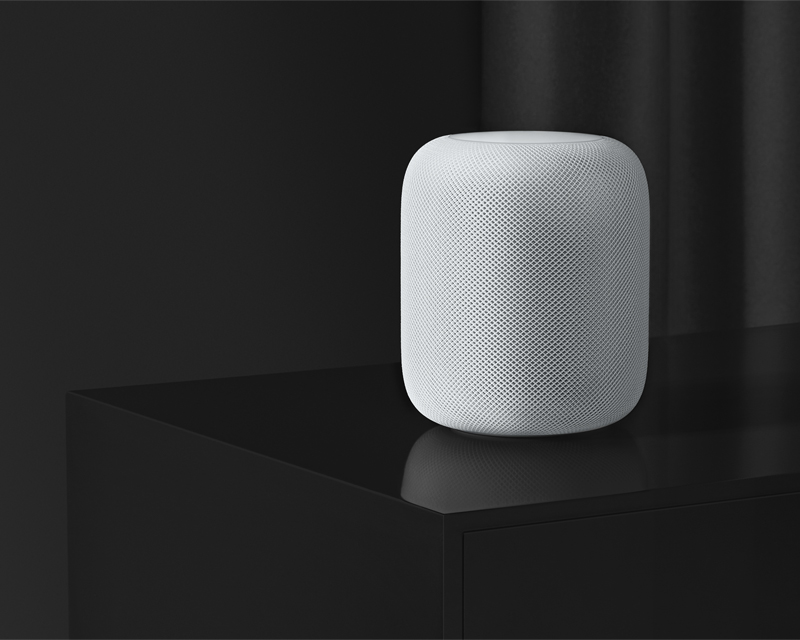
Learn how to use Siri on your HomePod to play a sound on your iPhone, iPad, Mac, or Apple Watch to locate them if you cannot seem to find them around.