Check out these tips to avoid lens flare when using your iPhone camera or remove it later from your existing photos.
How to avoid lens flare when using your iPhone camera

Learn how to master your Apple devices with our comprehensive tutorials. From iPhone and iPad to Mac, Apple Watch, AirPods, and more, our expert guides will help you unlock the full potential of your Apple products. Discover new features, tips, and tricks each day to enhance your user experience.
Check out these tips to avoid lens flare when using your iPhone camera or remove it later from your existing photos.
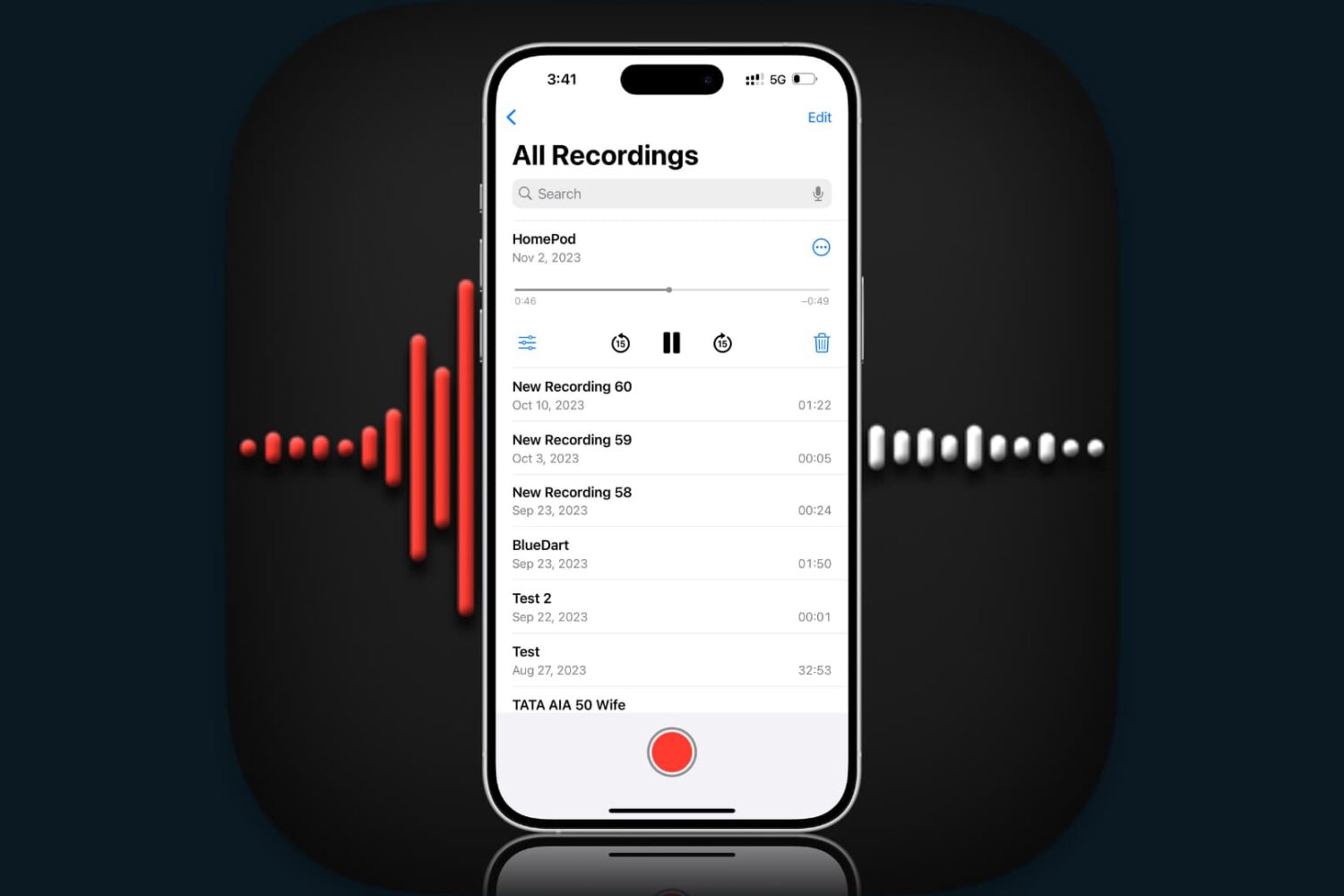
Did you record an important voice clip and want to send it to a coworker or family member? In this brief tutorial, we’ll show you how to share recordings from the Apple Voice Memos app on iPhone, iPad, and Mac.
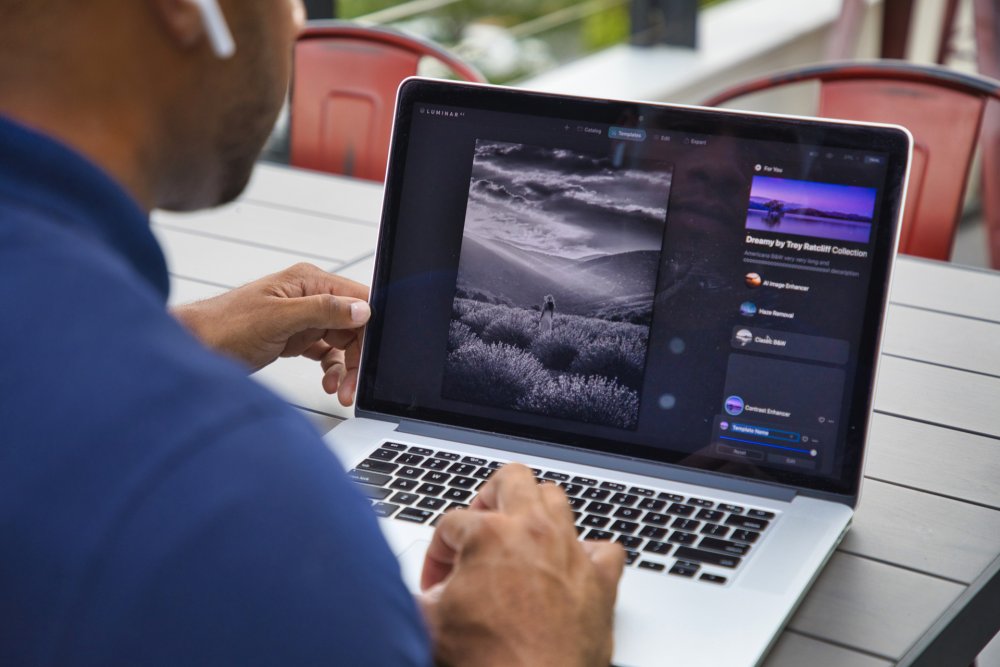
Achieve amazing results as if you had an entire graphics department working for you is easy with templates in the Luminar AI image editor. By leveraging artificial intelligence to understand the strengths and weaknesses of every image, templates make it easy to automatically correct common capture problems and apply enhancements across multiple images at once. In this tutorial, we'll show you how to use templates in Luminar AI.
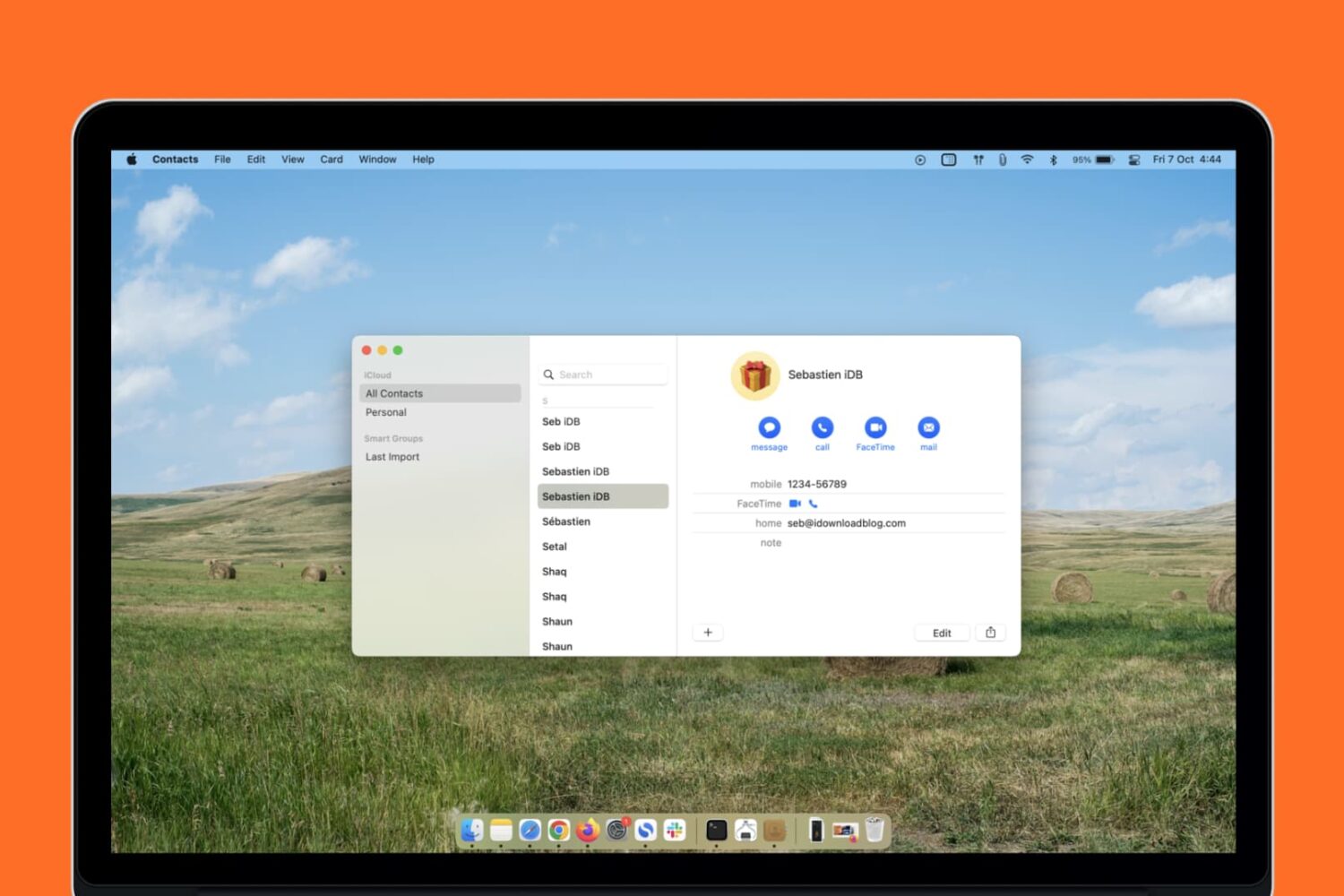
Learn what to do if your Mac’s Contacts app is full of duplicate entries after updating your computer to a newer version of macOS.

Learn how to lock files and folders on Mac, including your Desktop folder, to prevent accidental changes or deletions.
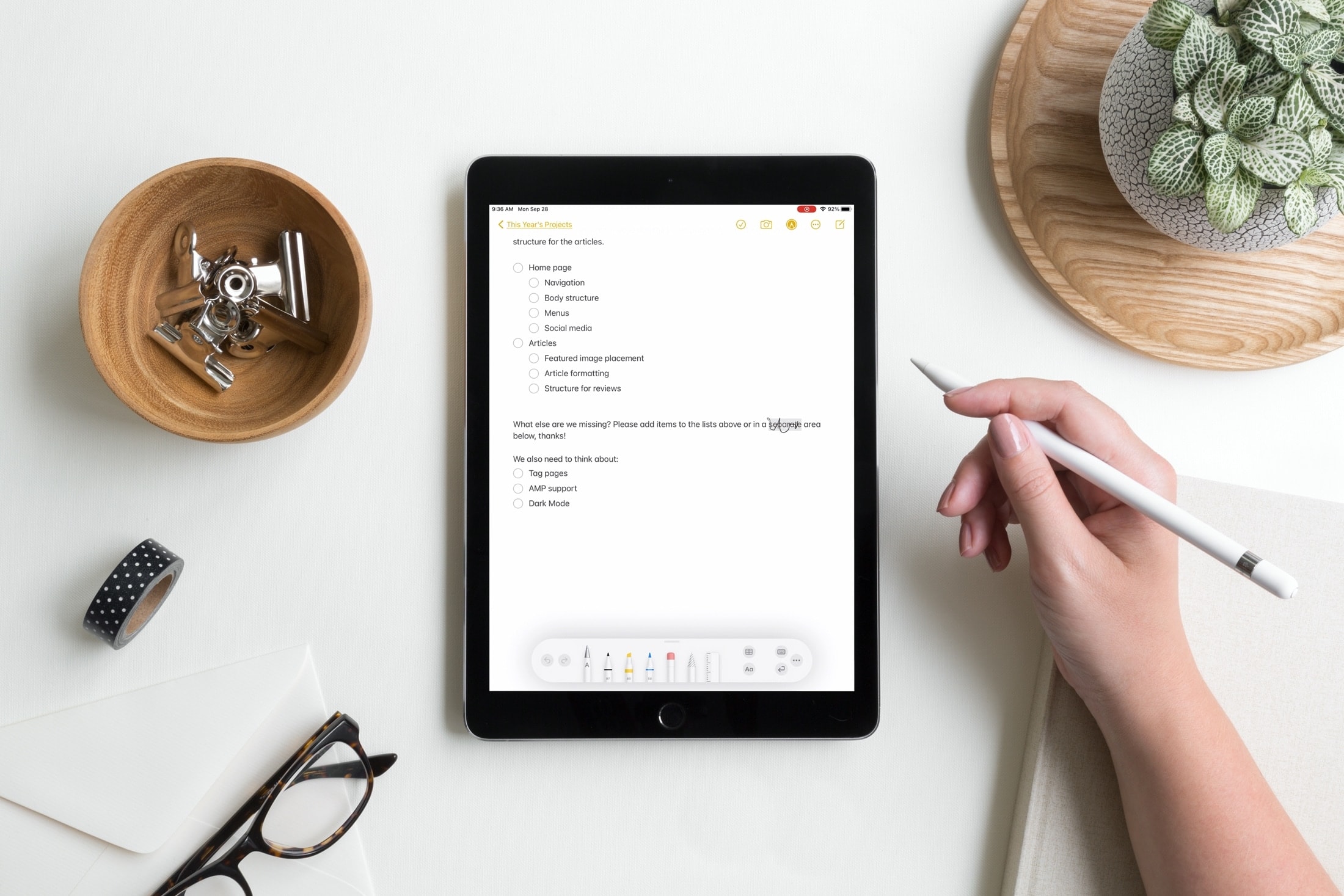
Learn when and how to replace your Apple Pencil tip. We’ll explain what to look for when it’s time for a new tip and how to change it.

Boost your productivity by exploring these tips for efficiently searching notes and quickly locating what you need on your Mac.

Learn how to use your Apple Pencil in Books on your iPad, whether to highlight a passage, add a note, use Look Up, annotate PDFs, and more.
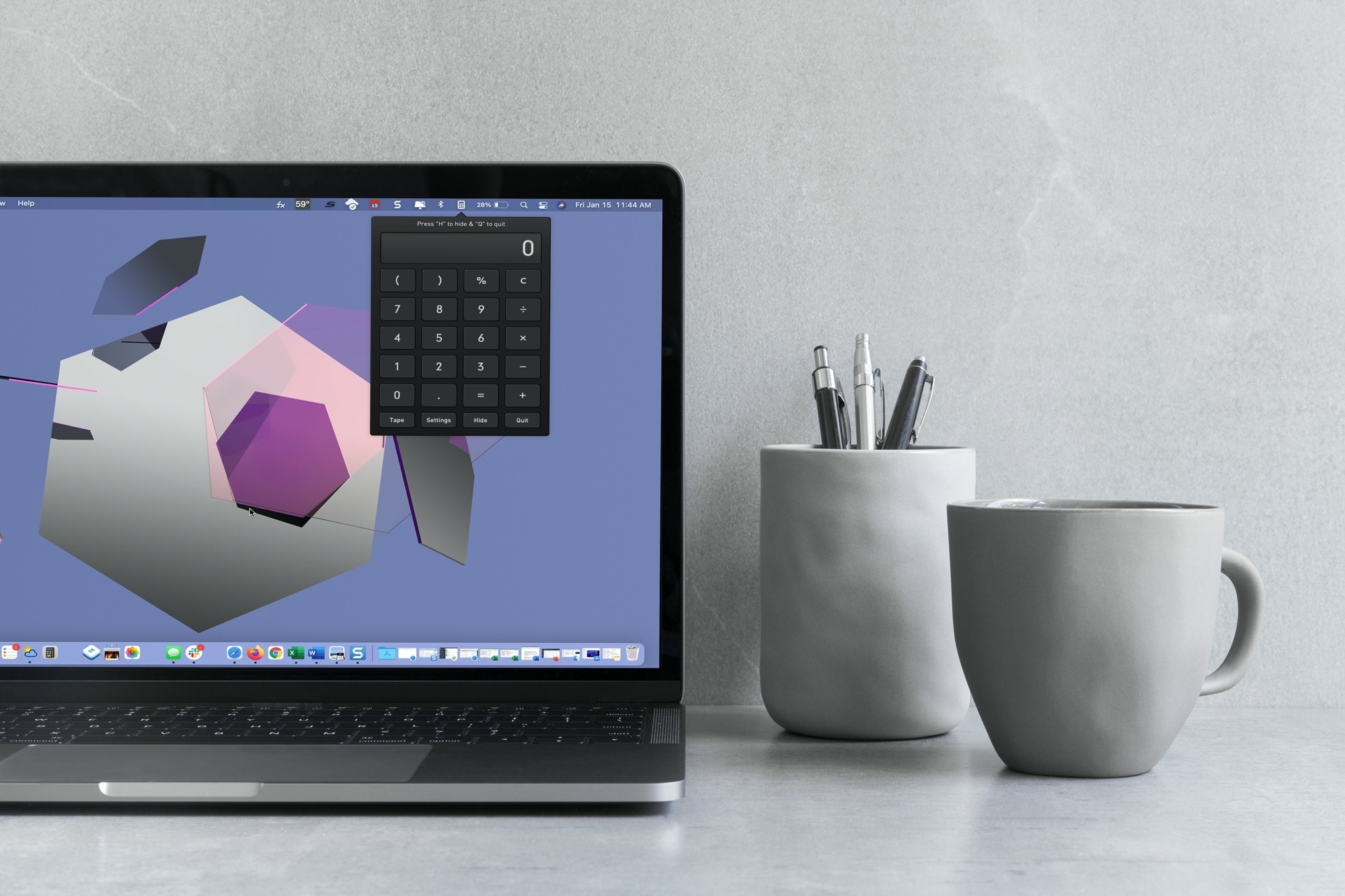
With macOS Big Sur and later, you can no longer enjoy quick access to interactive widgets in the Notification Center. Sure, you can still see widgets for things like the weather and a world clock, but you can’t perform calculations in a few clicks like before.
You can use Spotlight Search for simple equations in a hurry, but if you need a little more, you have to open the Calculator app. Since a calculator is one of those utilities you don’t want to have to hunt for, we’ll show you some alternatives to replace your missing widget.
Here you’ll find calculator apps for your menu bar along with shortcuts to open your existing Mac Calculator app from the Dock and using your keyboard. Review the options and see which one is the best fit for your needs.

Learn how to manage file and folder permissions on Mac and allow read only, write only, editing access, as well as no access at all.
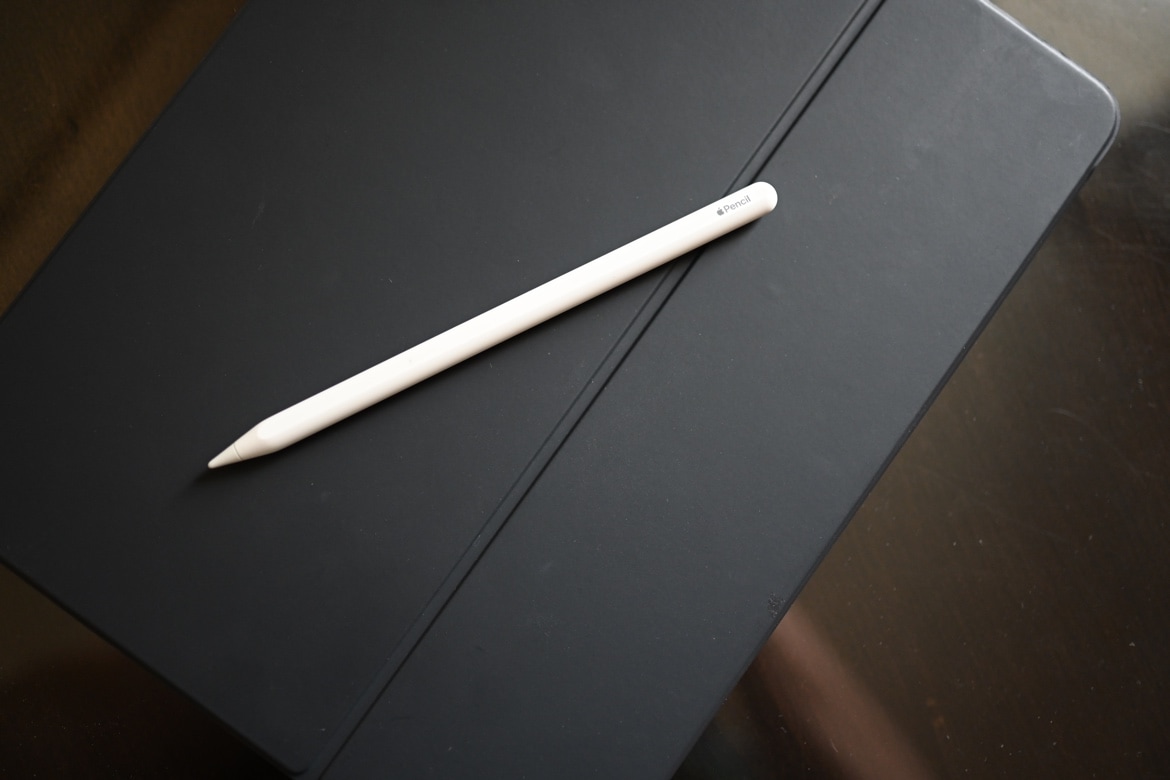
Maybe you just got an Apple Pencil or a new iPad and want to use this convenient combo. But for some reason, unknown to you, you can’t pair your Apple Pencil with your iPad. In this tutorial, we’ll explain several methods to remedy this situation, beginning with which Apple Pencils work with which iPads.