In this tutorial, we’ll show you how to organize your new fonts and styles by creating a Font Book library on Mac. You can also set the library as the default location for new fonts.
How to create and use a Font Book library on Mac

Learn how to master your Apple devices with our comprehensive tutorials. From iPhone and iPad to Mac, Apple Watch, AirPods, and more, our expert guides will help you unlock the full potential of your Apple products. Discover new features, tips, and tricks each day to enhance your user experience.
In this tutorial, we’ll show you how to organize your new fonts and styles by creating a Font Book library on Mac. You can also set the library as the default location for new fonts.

Learn how to check headphone audio levels with a helpful real-time measurement tool available in Control Center on your iPhone or iPad.
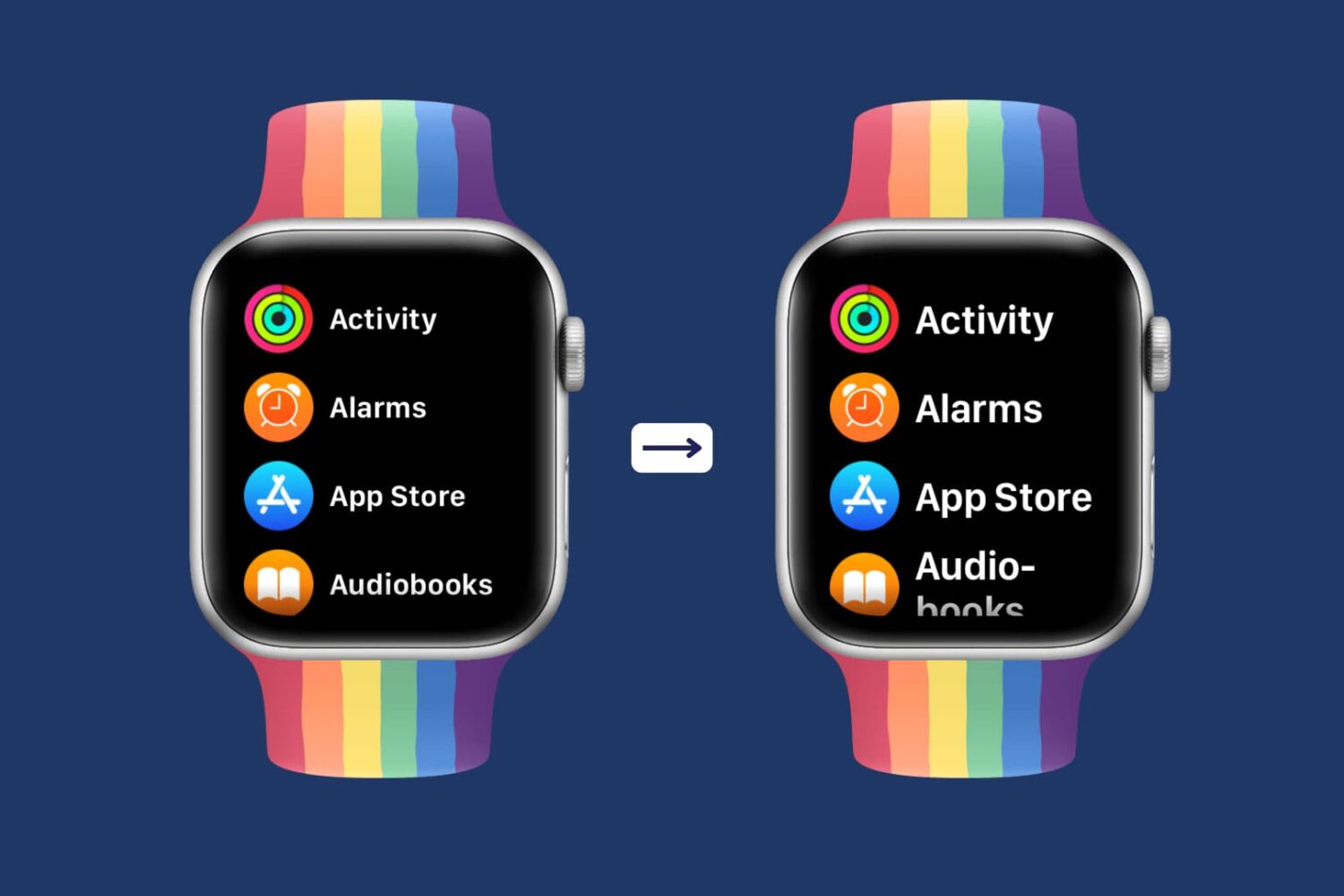
Having difficulty seeing the small text on the already small Apple Watch screen? This tutorial shows you how to increase the text size of your Apple Watch so that it becomes easier to read the text and use your smartwatch comfortably.

As you build your Kindle Paperwhite library, it can quickly become unmanageable. The more books you get, the more screens you have to flip through to find the book you want when you’re in the mood to read it. We’ve shown you how to create Collections on your Kindle Paperwhite. This is a terrific way to keep similar books together, making them easier to find.
But, you have additional ways to manage your library. You can sort your books, filter to find specific ones, and search by keyword. And you can do all of this right on your device or on the Amazon website. Here, we’ll show you how to manage, filter, and sort your Kindle Paperwhite library.

Leverage the power of built-in Automator to quickly open your favorite apps using custom keyboard shortcuts on Mac.
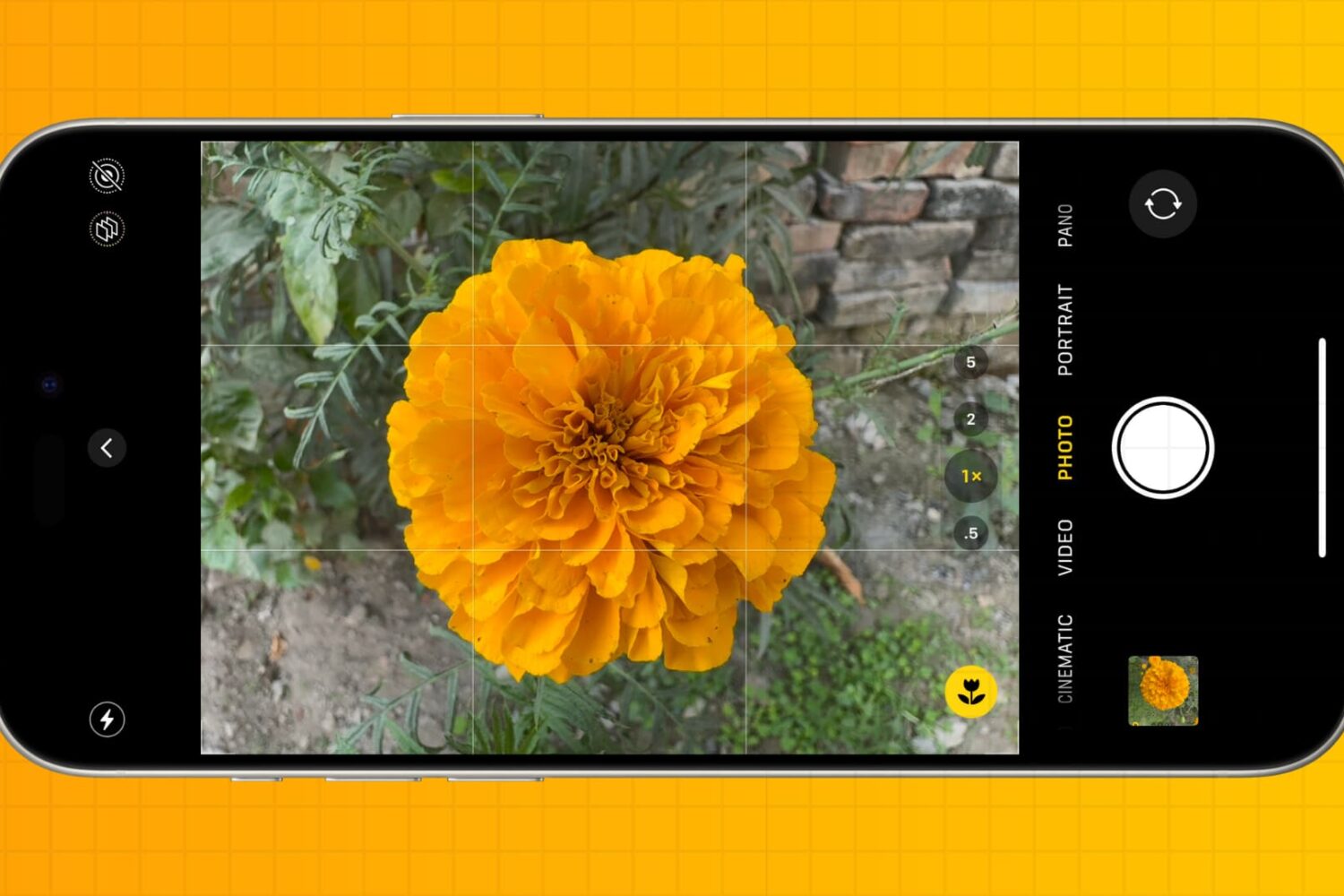
You don’t have to be a professional photographer to take amazing photos. Check out these five quick iPhone camera tips to make a few tweaks and capture better pictures every time.
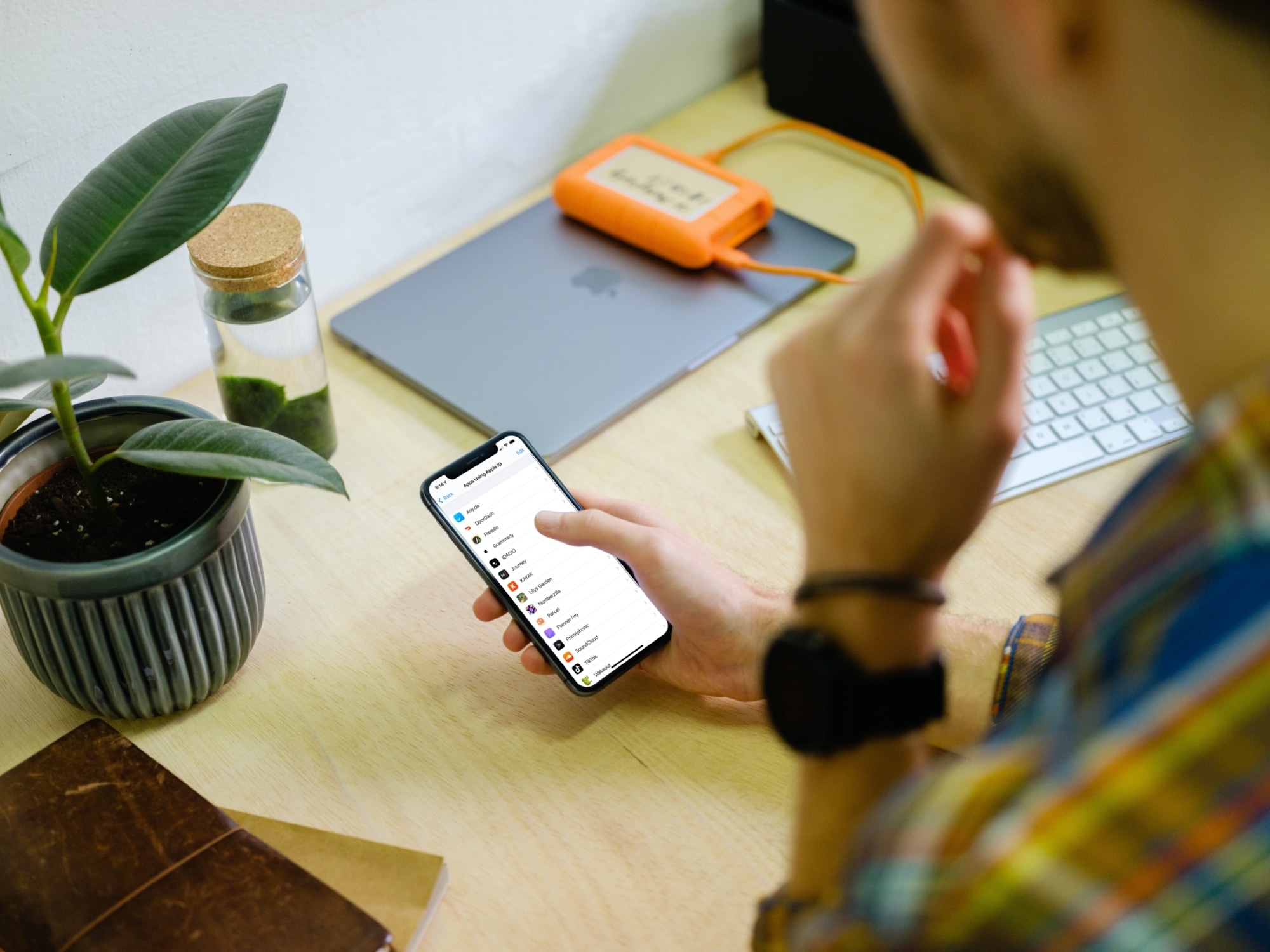
Learn how to use Sign in with Apple on your iPhone, iPad, Mac, Safari, Google Chrome, or another web browser for an easier way to create accounts and sign in to apps and websites.

Learn how to use your iPhone or iPad to change the press speed and press & hold duration for your AirPods stem and AirPods Max Digital Crown.

In this guide, we will show you how to control your HomeKit accessories, rooms, and settings in the Home app directly from your Mac.
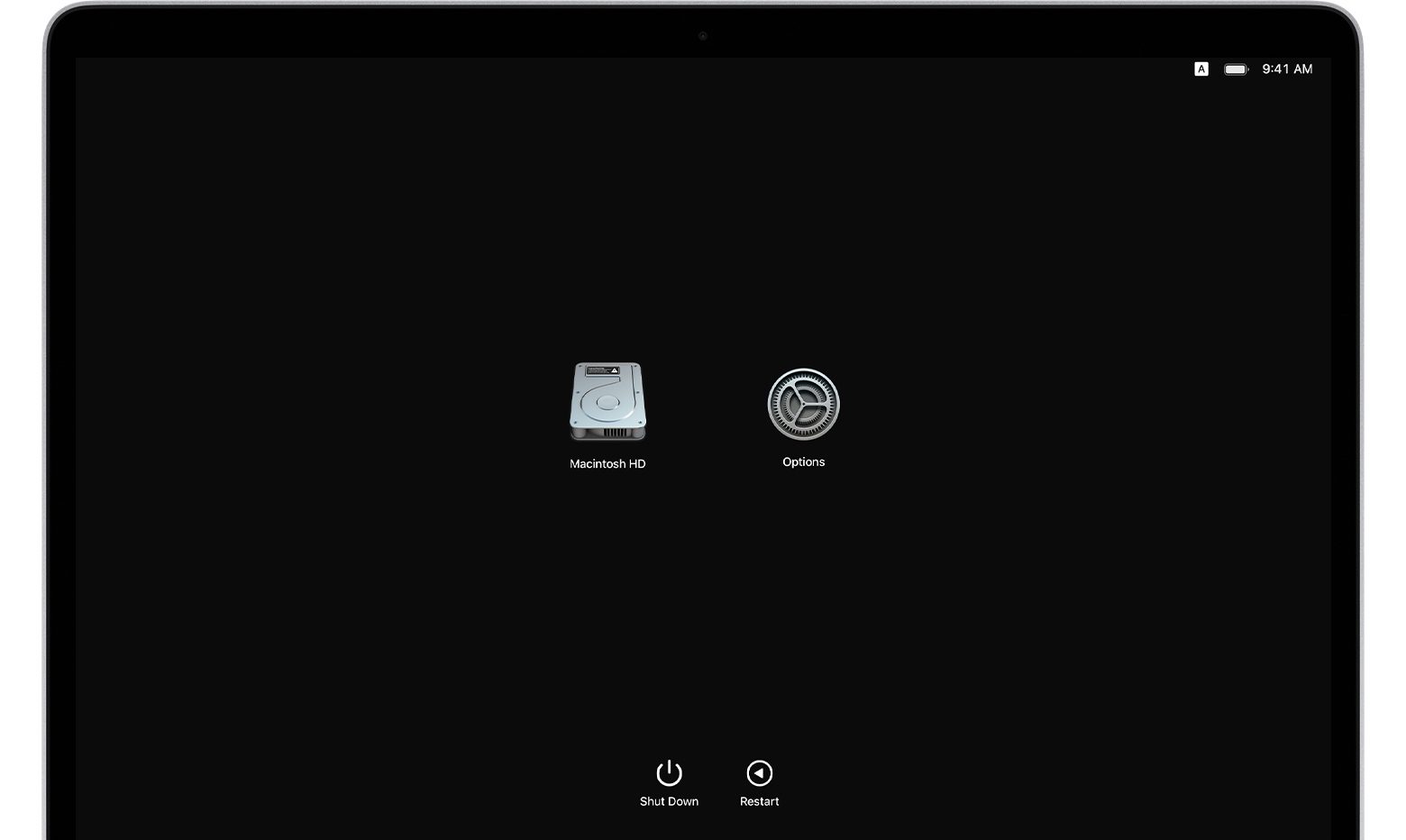
If you own an Apple silicon Mac and are wondering how to transfer your files to another Mac computer, you've come to the right place. Apple's macOS Recovery feature makes it simple to transfer files between two Mac computers, and we show you how it's done in this tutorial.
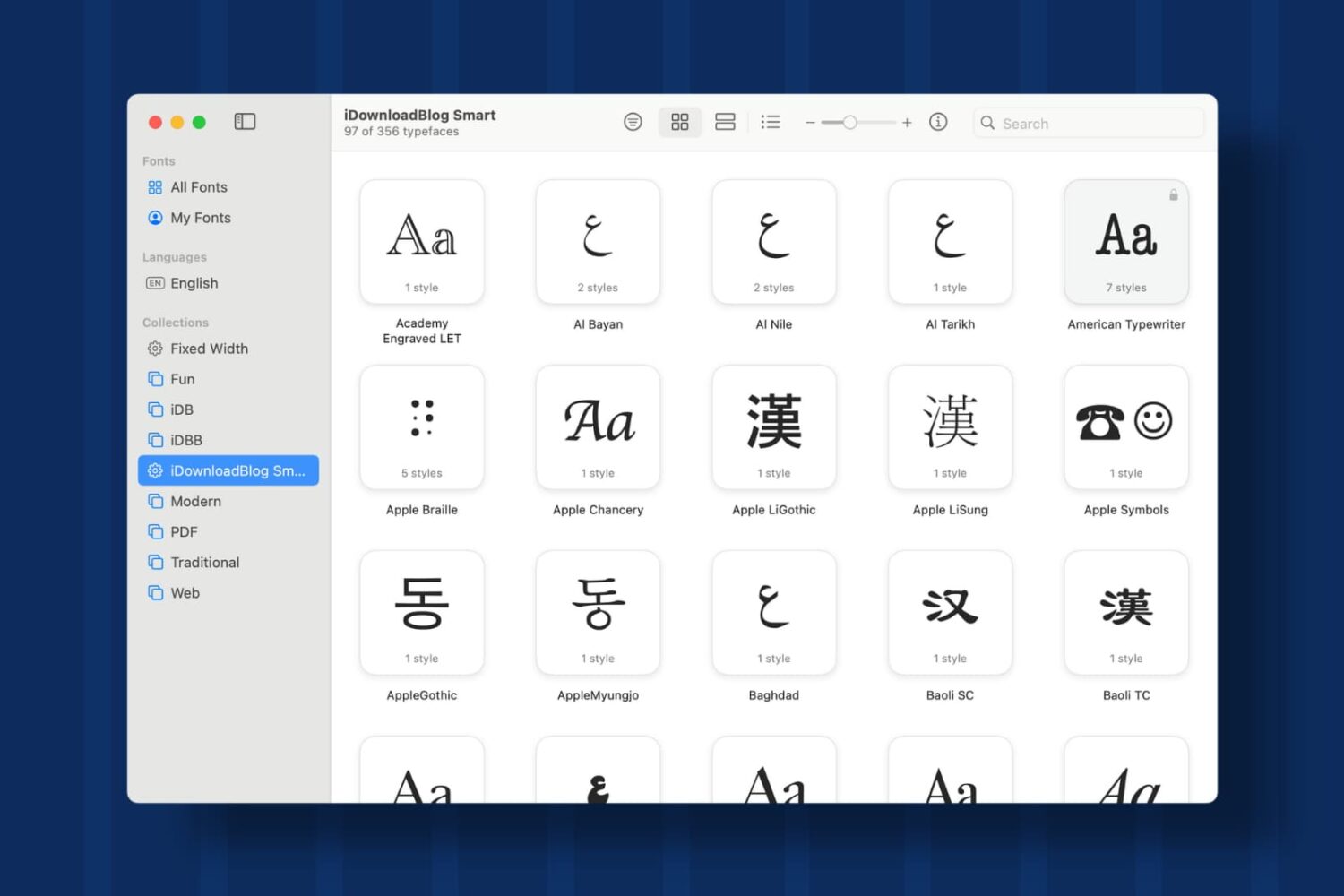
Learn how to create Collections and Smart Collections in Font Book on Mac, which are ideal when you quickly need a specific group of fonts.
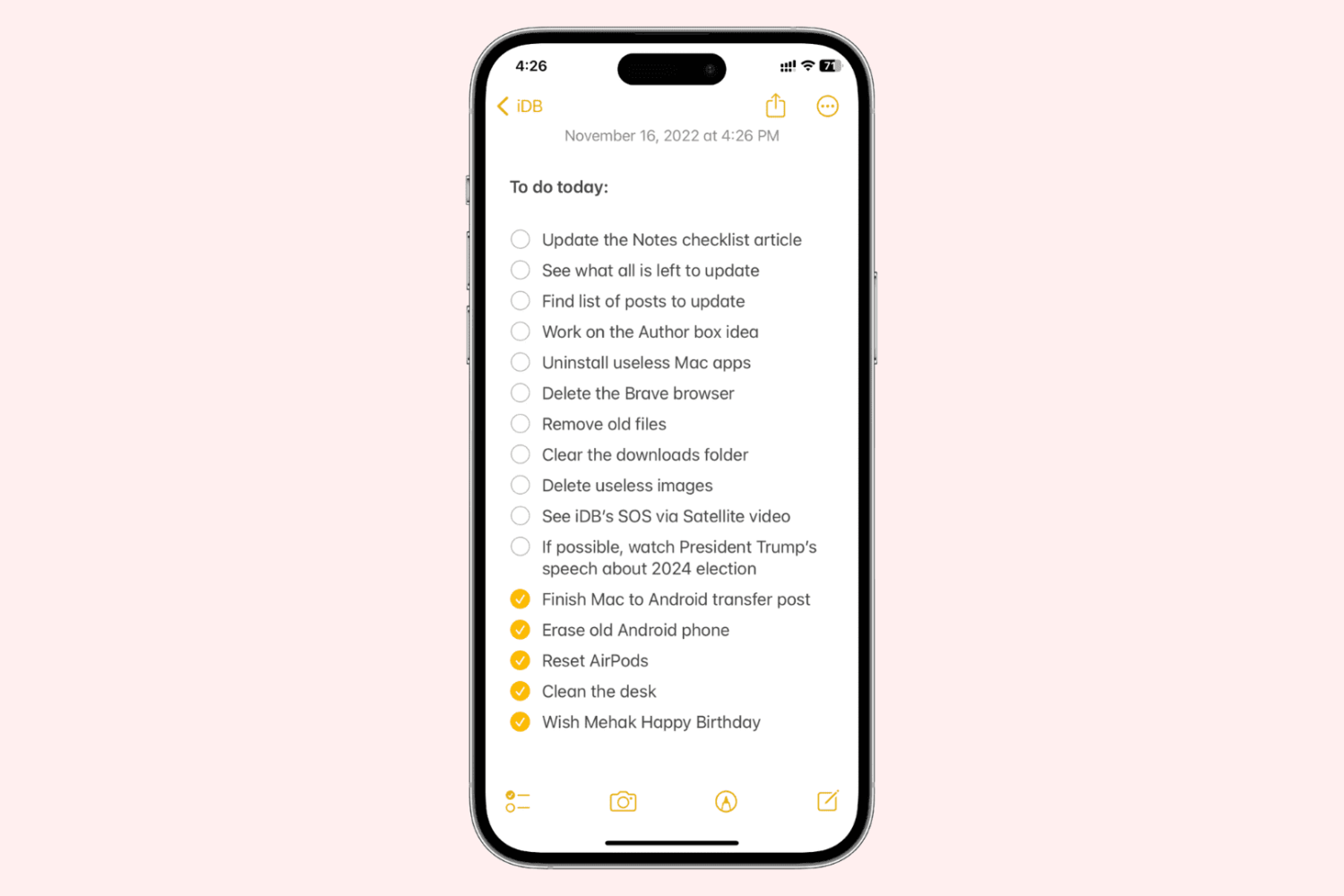
Learn how to enable a setting to sort completed checklist items in the Notes app for you and keep pending list items right at the top.