Learn how to create and use Tab Groups in Safari on iPhone, iPad, and Mac to organize your open tabs from an improved browser experience.
How to organize your tabs with Tab Groups in Safari

Stay up-to-date on the latest iPhone news and learn new tips and tricks with our comprehensive tutorials. From software updates to new features, we’ve got you covered.
Learn how to create and use Tab Groups in Safari on iPhone, iPad, and Mac to organize your open tabs from an improved browser experience.

Learn how to increase or decrease the text size of specific apps without changing the system-wide text size of your iPhone or iPad.
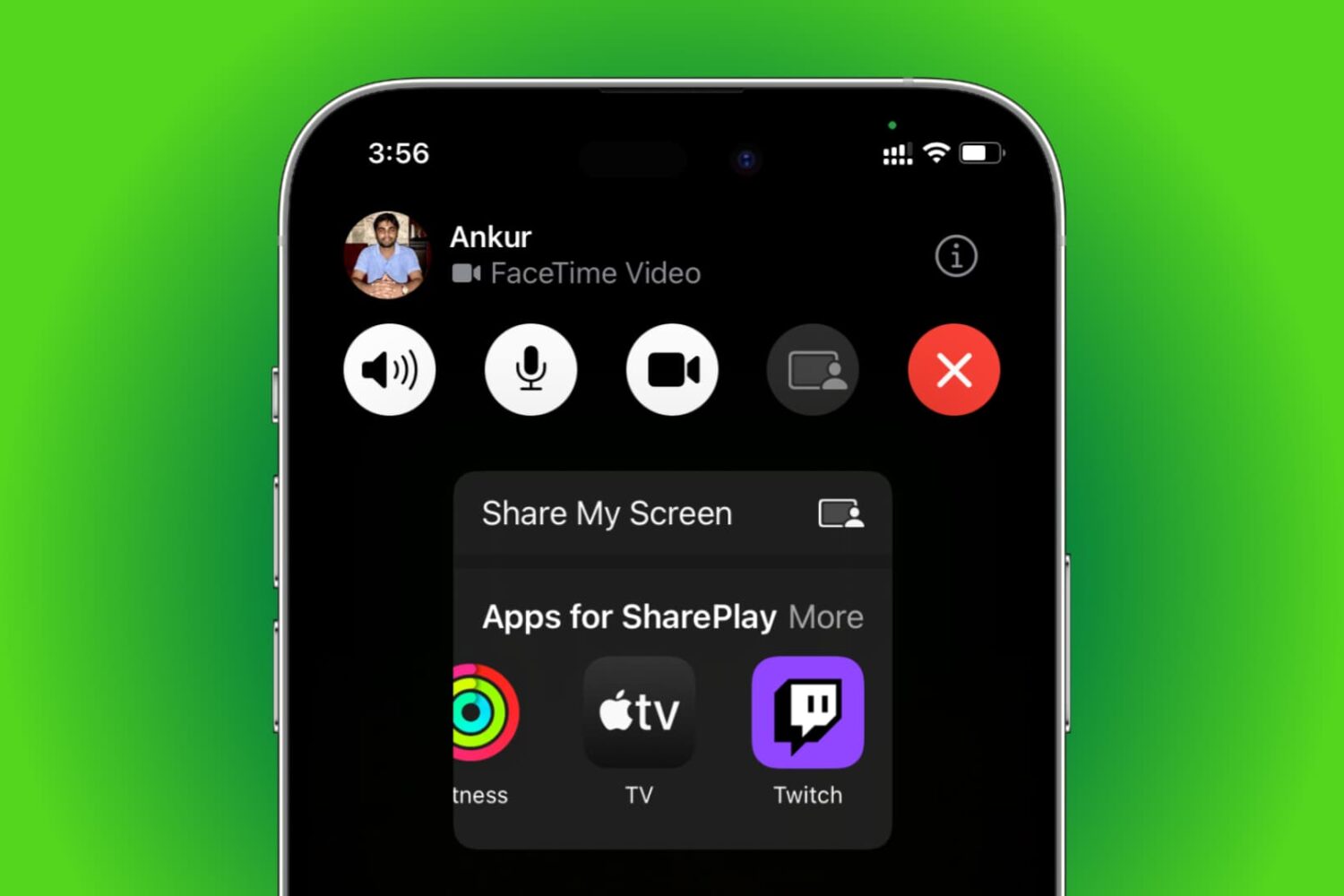
Learn how to use SharePlay to listen to music or watch movies & TV shows together with your friends over FaceTime on your iPhone, iPad, Apple TV, or Mac.

iCloud Backup is a great convenience. But before you use this handy feature, be sure to learn about Apple's data retention policy in terms of keeping old backups.

Learn how to use the Scheduled Summary or Notification Summary features on your iPhone and iPad to eliminate distractions from apps that send you non-urgent notifications throughout the day.

Learn how to set up, activate, and use the Focus feature on your iPhone, iPad, Apple Watch, and Mac to cut down on distractions and set communication boundaries so you can work, sleep, game, or do other activities without interruptions.
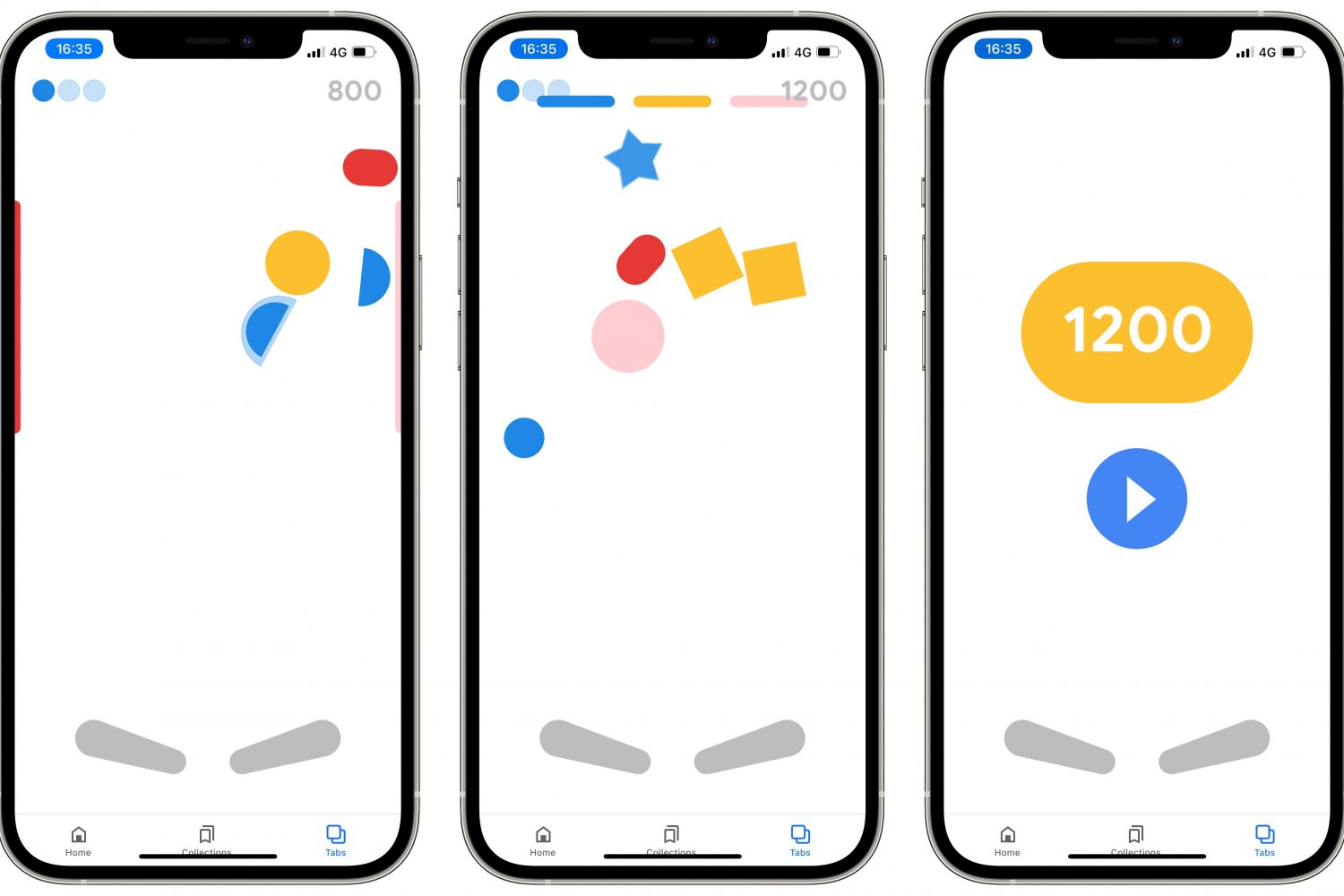
Follow a few simple steps laid out in our tutorial if you'd like to discover and play a secret Google Easter egg pinball game in the company's official app for iPhone and iPad.

Learn how to enable Picture in Picture (PiP) for the YouTube app on your iPhone or iPad for seamless multitasking while watching videos.
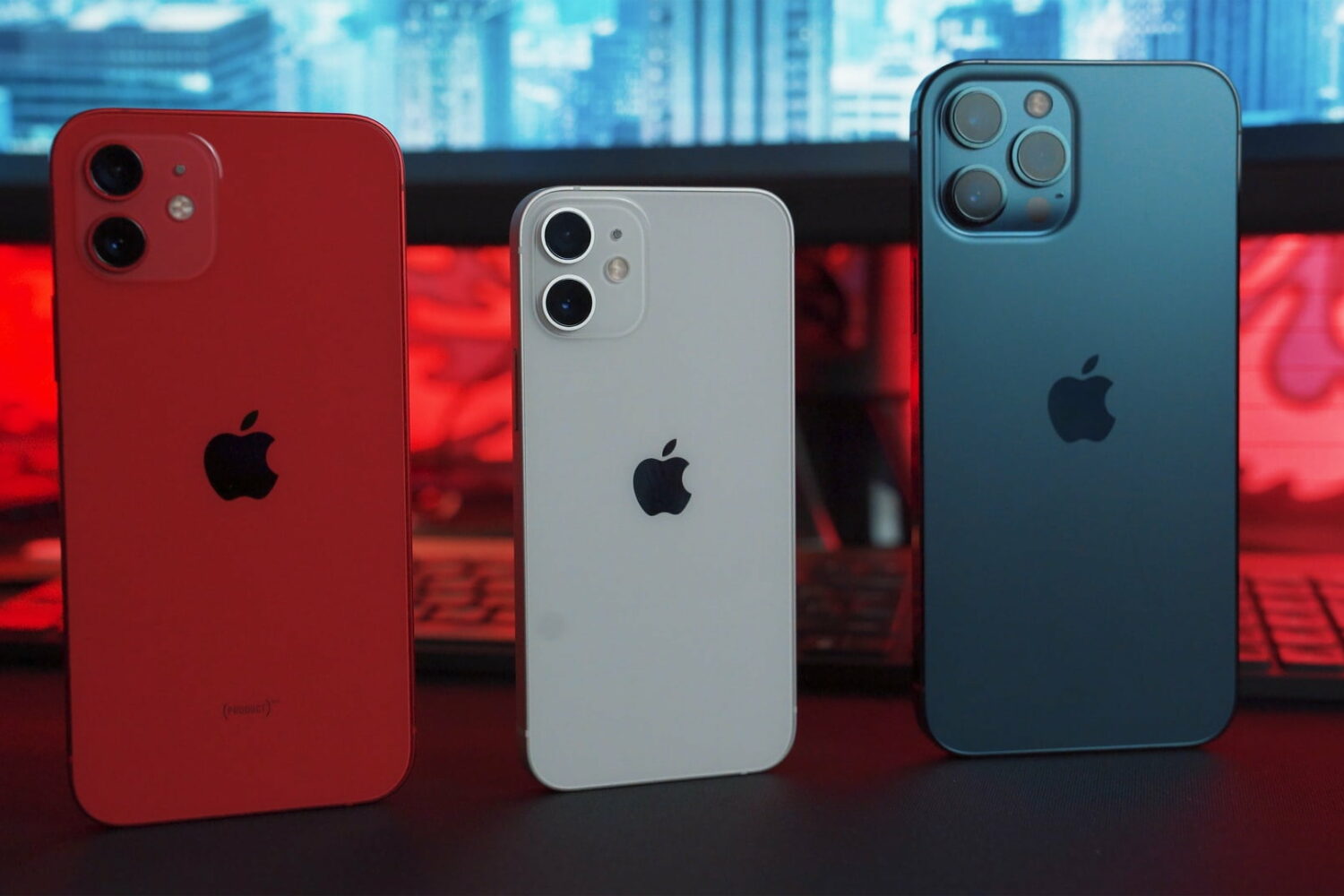
Learn how to remotely trigger the iPhone’s camera shutter and take perfect selfies and group shots, or record video hands-free without physically touching the device.
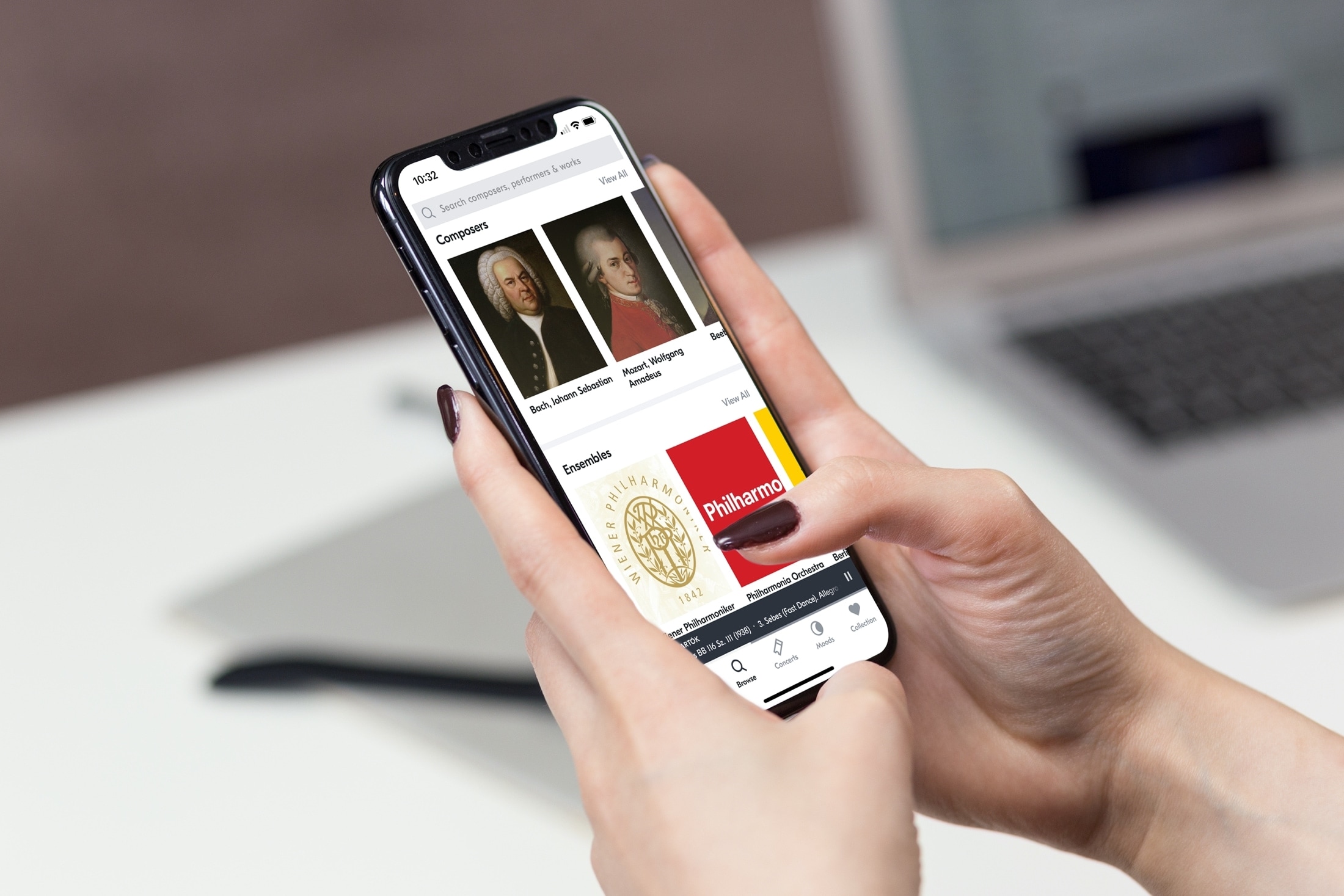
Learn how to make Siri remember your preferred music streaming service. When you give a voice command to play a song or artist, Siri will play it directly on that service without you needing to specify the app name.

Learn how to sort mailboxes in alphabetical order in the iPhone, iPad, and Mac Mail app to keep them better organized.
Did you accidentally delete an app on your iPhone or iPad? Learn how to easily restore both free and paid apps without purchasing them again.