Learn how to get a notification when the battery of your iPhone or iPad has reached 100% and is fully charged.
How to get notified when your iPhone or iPad is fully charged
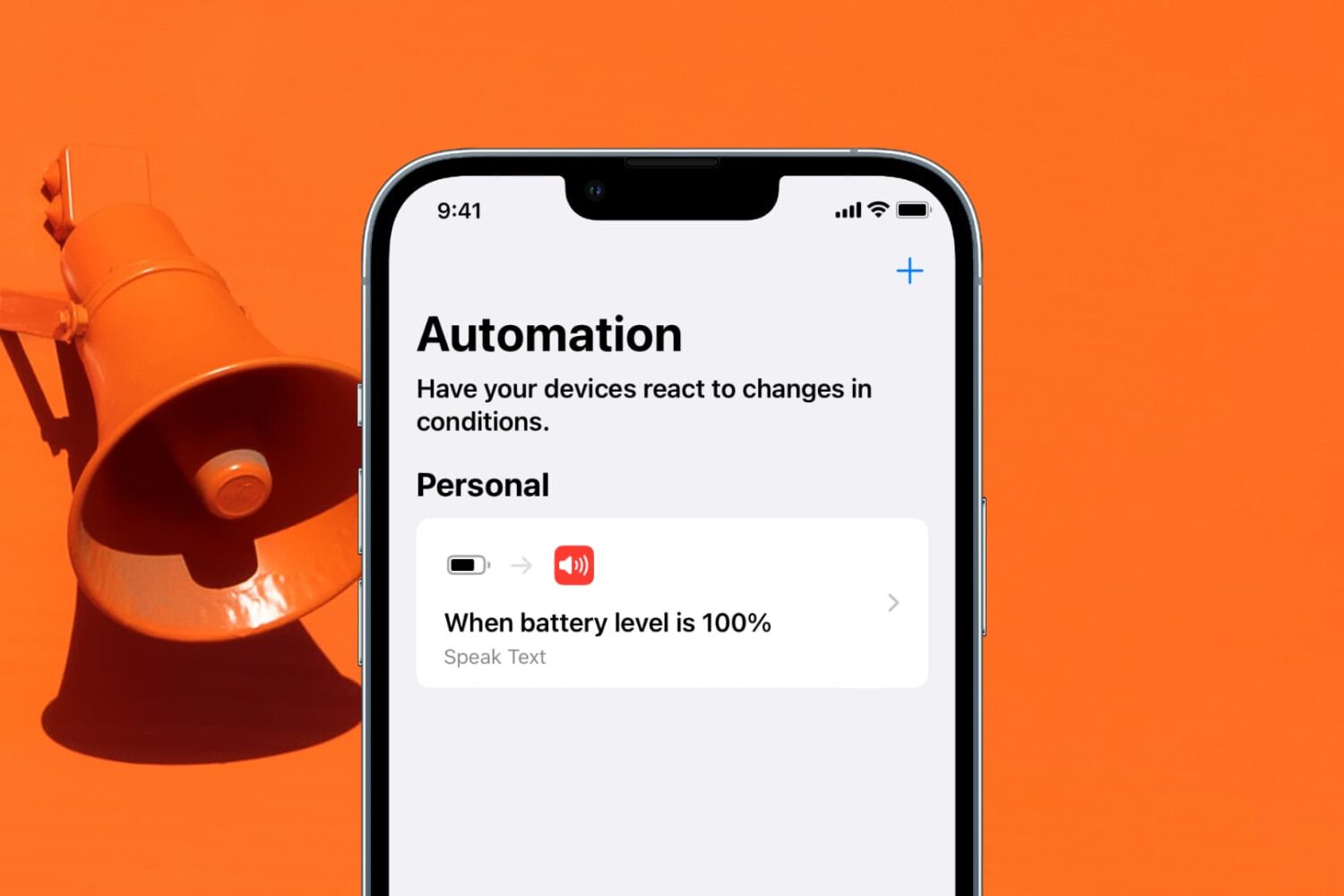
Stay up-to-date on the latest iPhone news and learn new tips and tricks with our comprehensive tutorials. From software updates to new features, we’ve got you covered.
Learn how to get a notification when the battery of your iPhone or iPad has reached 100% and is fully charged.
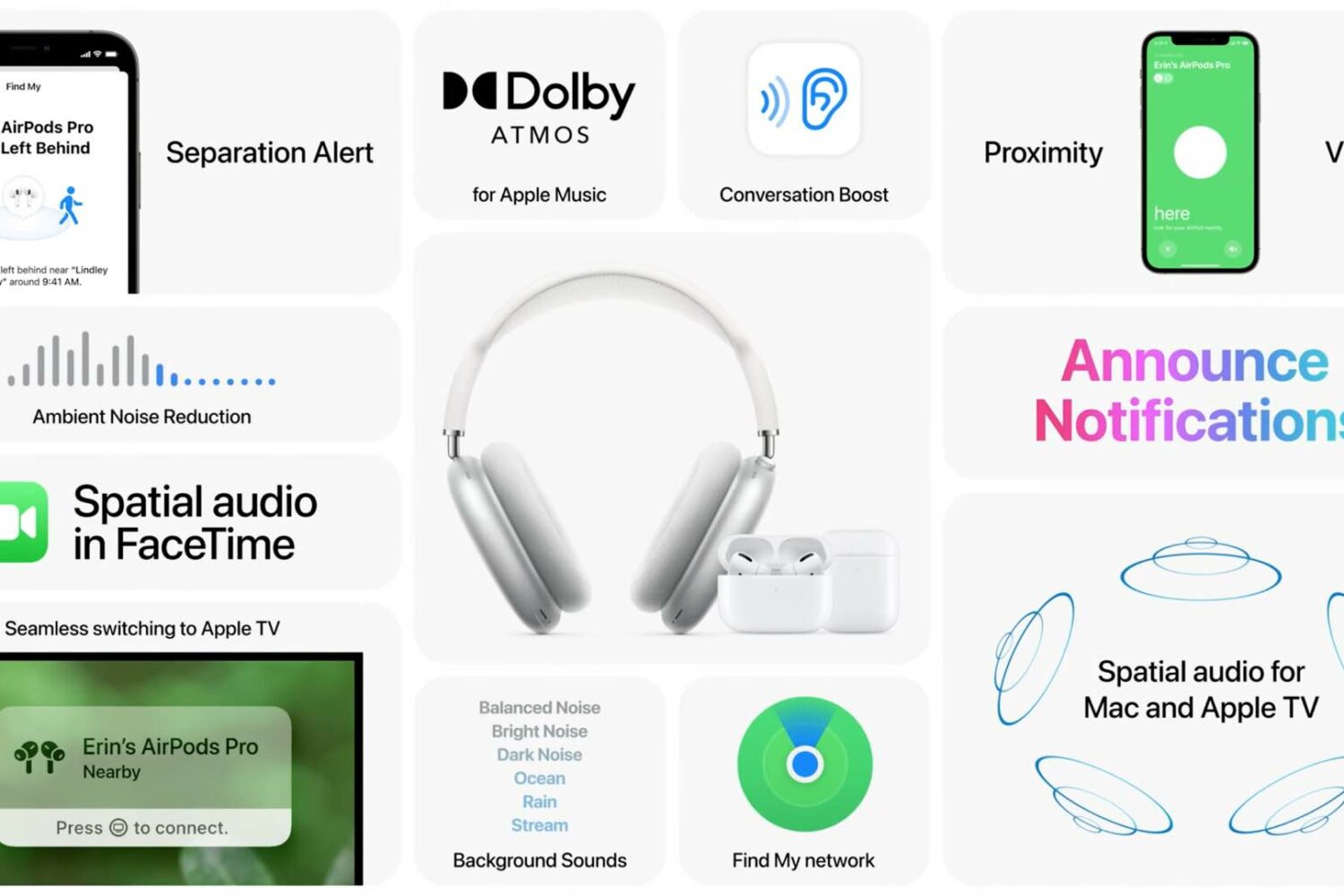
Apple has plenty of new AirPods features ready for your enjoyment, all you need to do is install iOS 15 and other software updates on your Apple devices. Here are all of them in one place.

Have you accidentally dropped your iPhone in water and found that the sound coming out of the speakers is all muffled? In this guide, we’ll show you how to get rid of the liquid stuck inside the speaker grill.

Found a lost item with an AirTag? Learn how to read the AirTag's NFC tag with your iPhone or Android phone to reveal the owner's contact information.

Learn how to schedule a message in Slack for iPhone or Mac and for timely communication without disturbing your colleagues at odd hours.

In this article, we will show you how to share your books purchased from the Apple Bookstore with up to five family members and also access their purchases.

Learn how to take long exposure photos on your iPhone and add this cool effect to your shots without needing third-party apps.

Did you know about TikTok's text-to-speech feature? Follow these steps as we show you how to easily and quickly add narration to your videos with a Siri-like voice reading your text aloud.
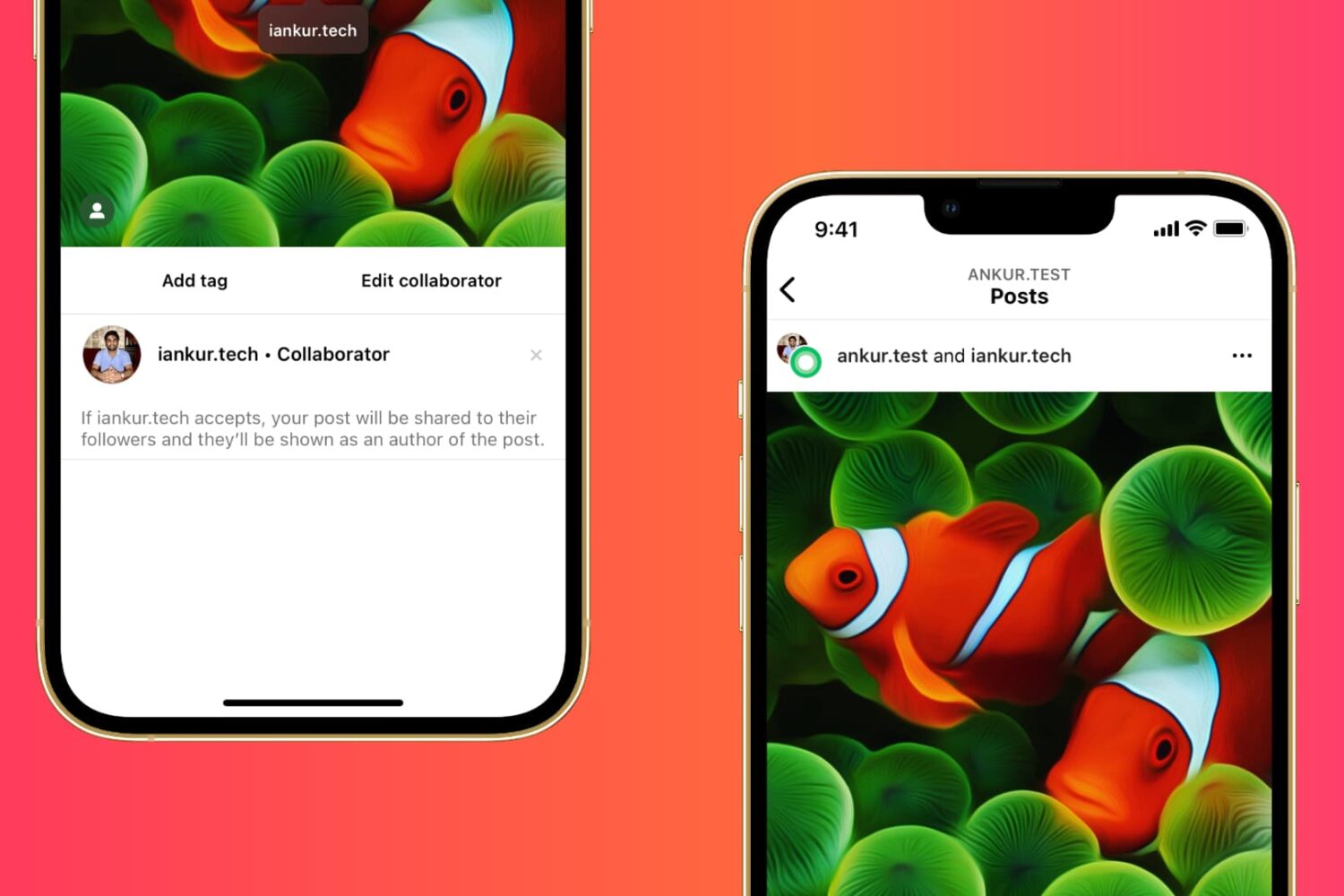
Learn how to collaborate with other creators on Instagram and post photos, videos, and Reels together to reach a larger audience.
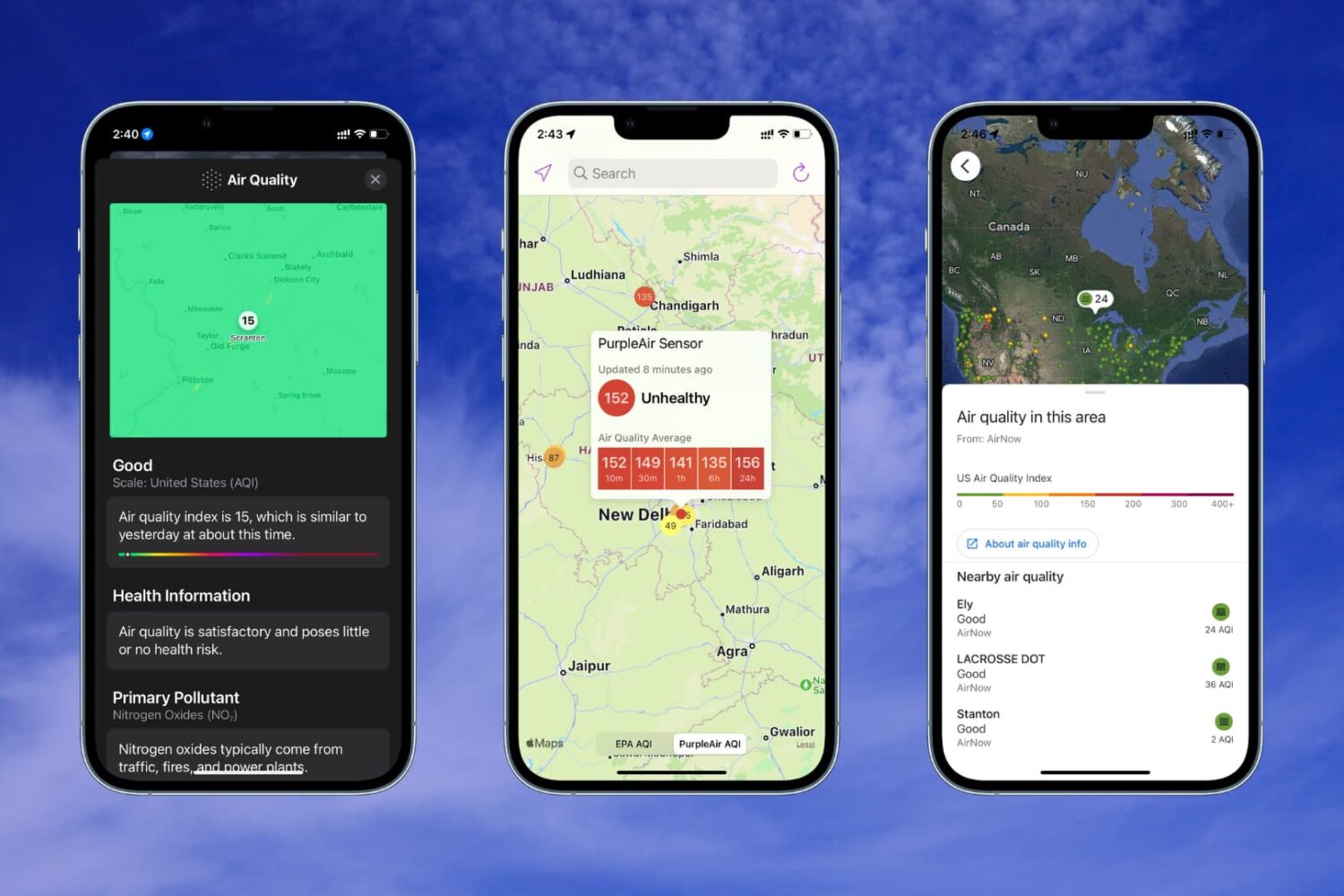
Learn how to check the Air Quality Index on your iPhone or Apple Watch if you live in a region with poor air quality or just want to know more about the air you breathe.

Watch 10+ awesome Apple Reminders tips and tricks for making the app super powerful to boost your productivity and fall in love with this underrated app, all over again.

The 2020 Olympics games officially commenced on July 23rd in Tokyo, Japan. As this is an international event, watching the game live isn't as easy as you may think. Due to the Covid restrictions, Japan has banned tourists from travelling to watch the games live. Hence, the only way to enjoy the Olympics is from the comfort of your homes. You can watch the games on your TV as several channels are broadcasting the games, but what if you want to watch it on your iPhone, iPad, or Mac.