This list goes over more than 125 new features, additions, and changes in iOS 16. We have organized them into categories for easy browsing.
The 125+ best iOS 16 features you should know about
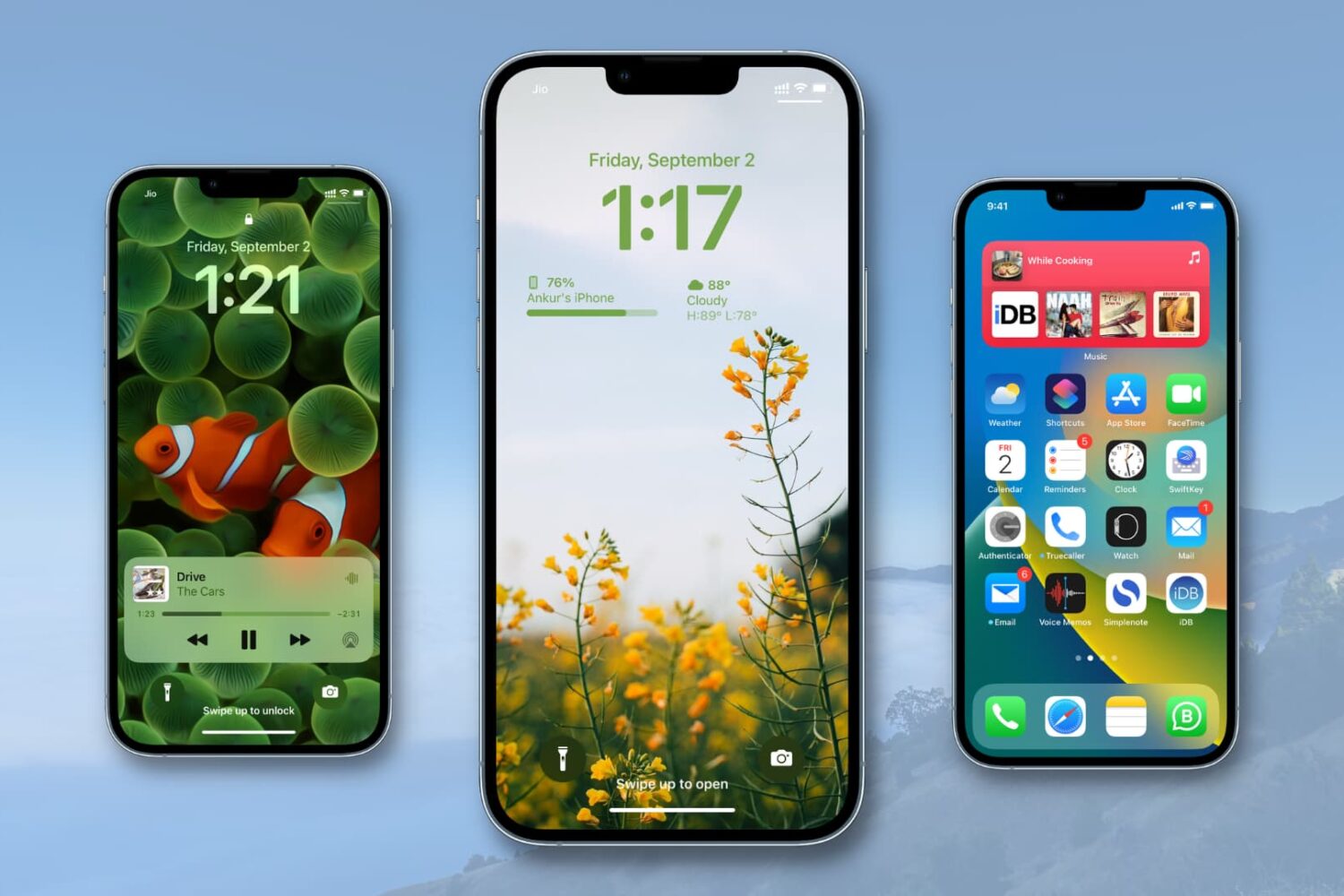
Stay up-to-date on the latest iPhone news and learn new tips and tricks with our comprehensive tutorials. From software updates to new features, we’ve got you covered.
This list goes over more than 125 new features, additions, and changes in iOS 16. We have organized them into categories for easy browsing.
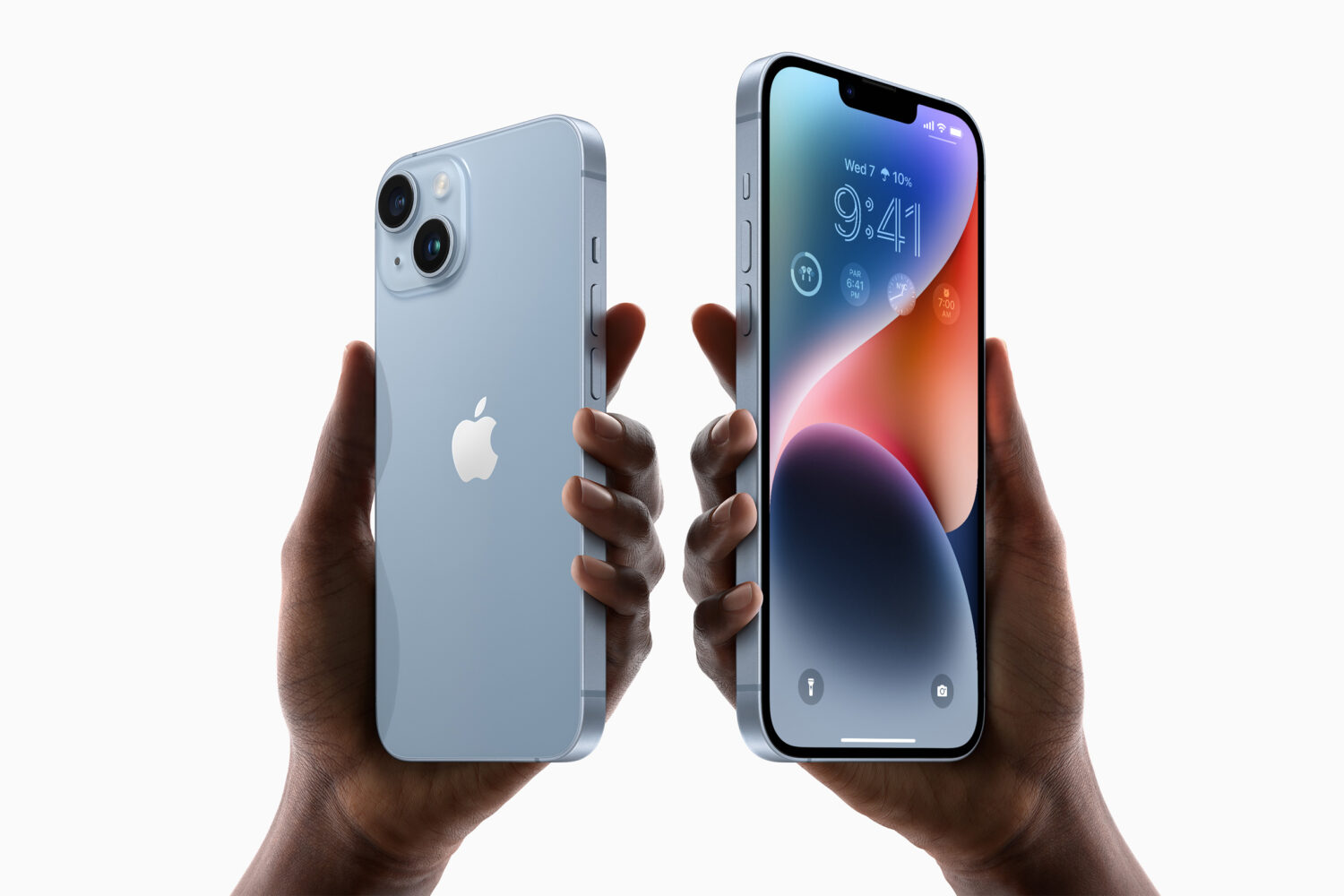
In the US, Apple went eSIM-only with iPhone 14 and iPhone 14 Pro even though not all carriers support electronic SIM. Here's what to know.

TrollStore by iOS developer opa334 has been all the rage as of late. This handy utility lets iOS & iPadOS 14.0-16.6.1 and 17.0 users perma-sign .ipa files on their iPhone or iPad without having to re-sign those apps every seven days (or yearly, depending on the type of Apple developer account you have) as you would normally need to do when sideloading with a solution such as AltStore or Sideloadly.

Learn how to set two different pictures as the Home Screen and Lock Screen wallpapers on your iPhone or iPad running iOS 26 or earlier.
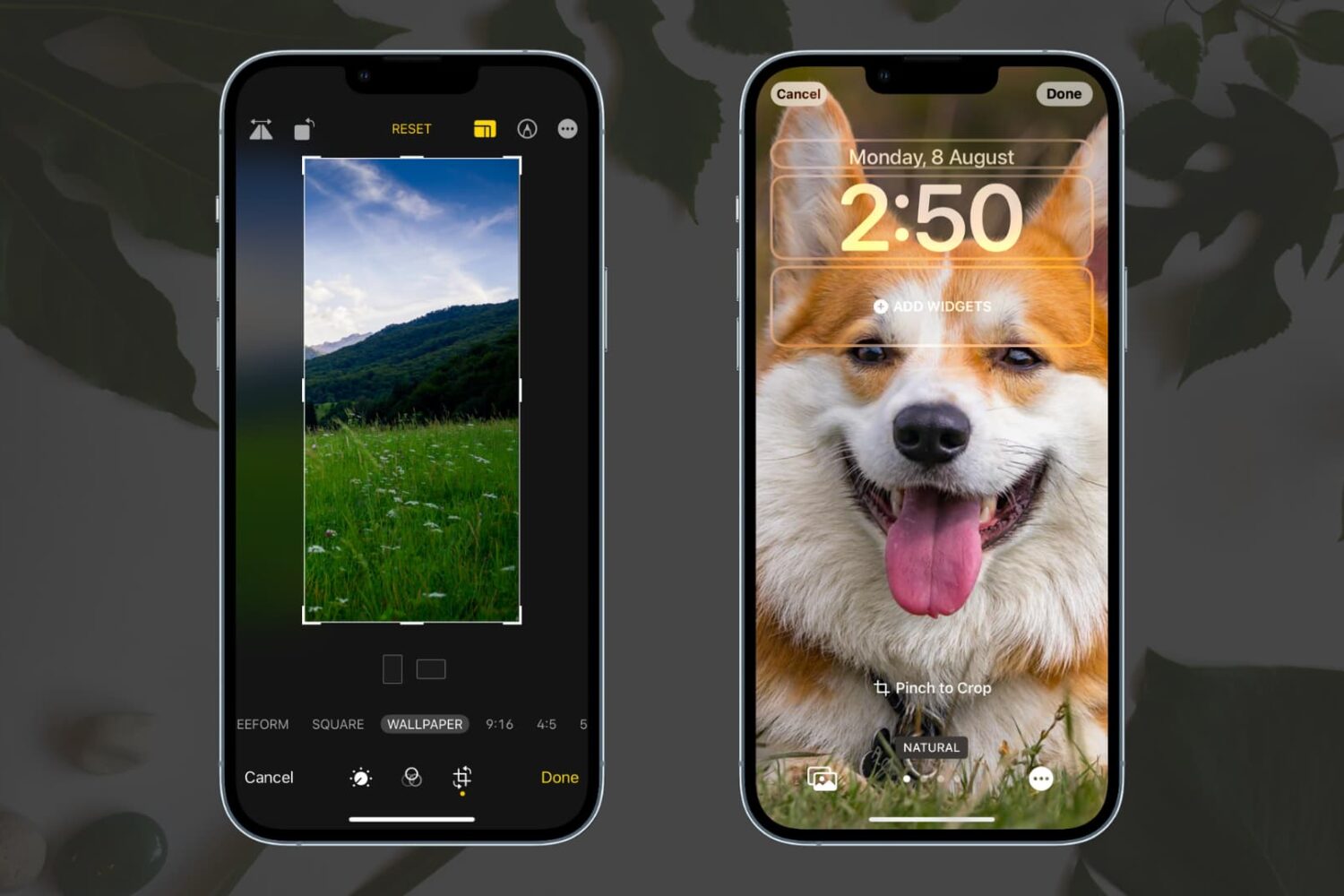
Learn how to crop an image down to the correct dimensions to use it as a perfect wallpaper for your iPhone’s Home Screen and Lock Screen.
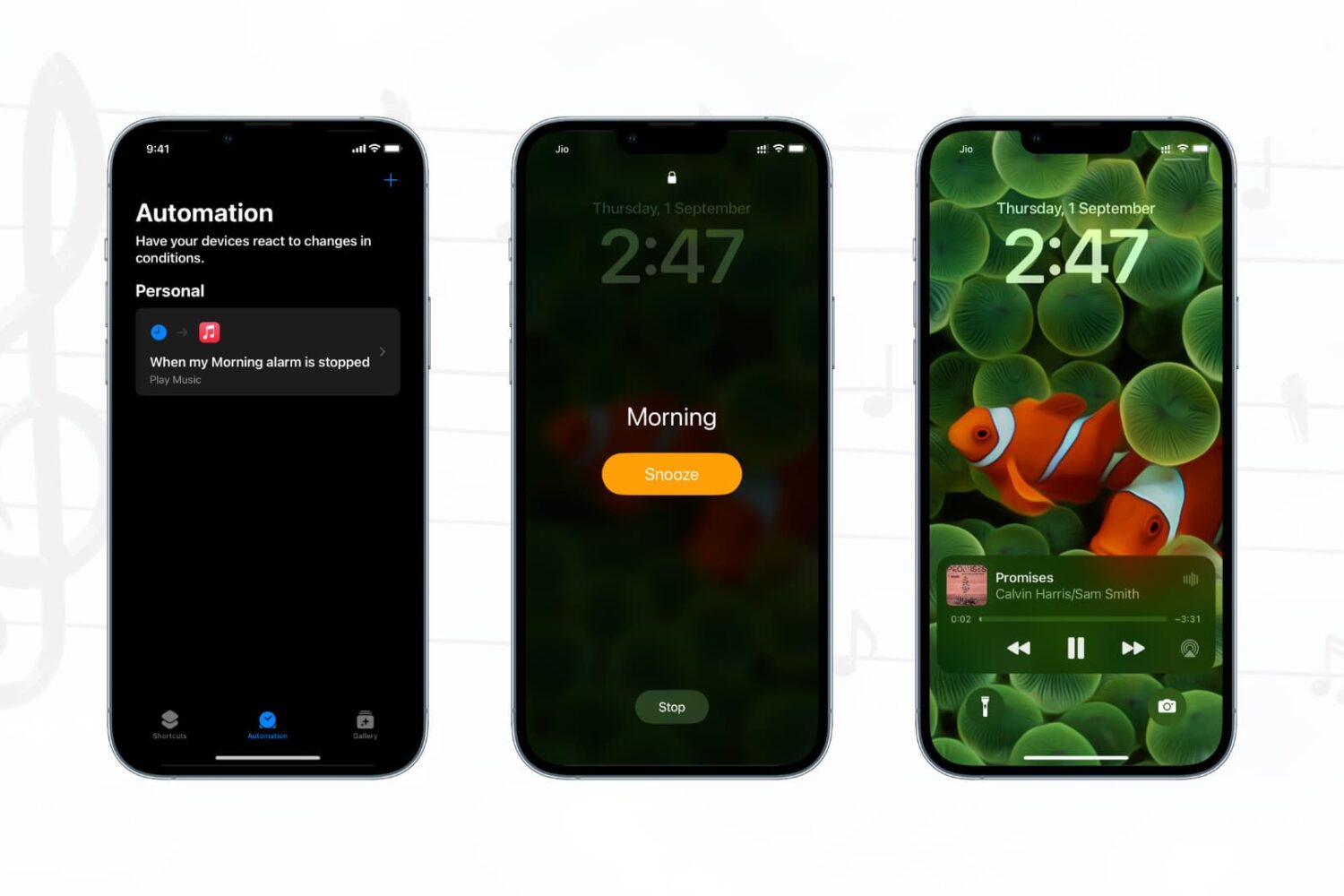
Have you ever wanted your favorite songs to start playing automatically when you turn off your morning alarm? In this quick tutorial, we’ll show you how to do that on your iPhone or iPad using the built-in Apple Shortcuts app.
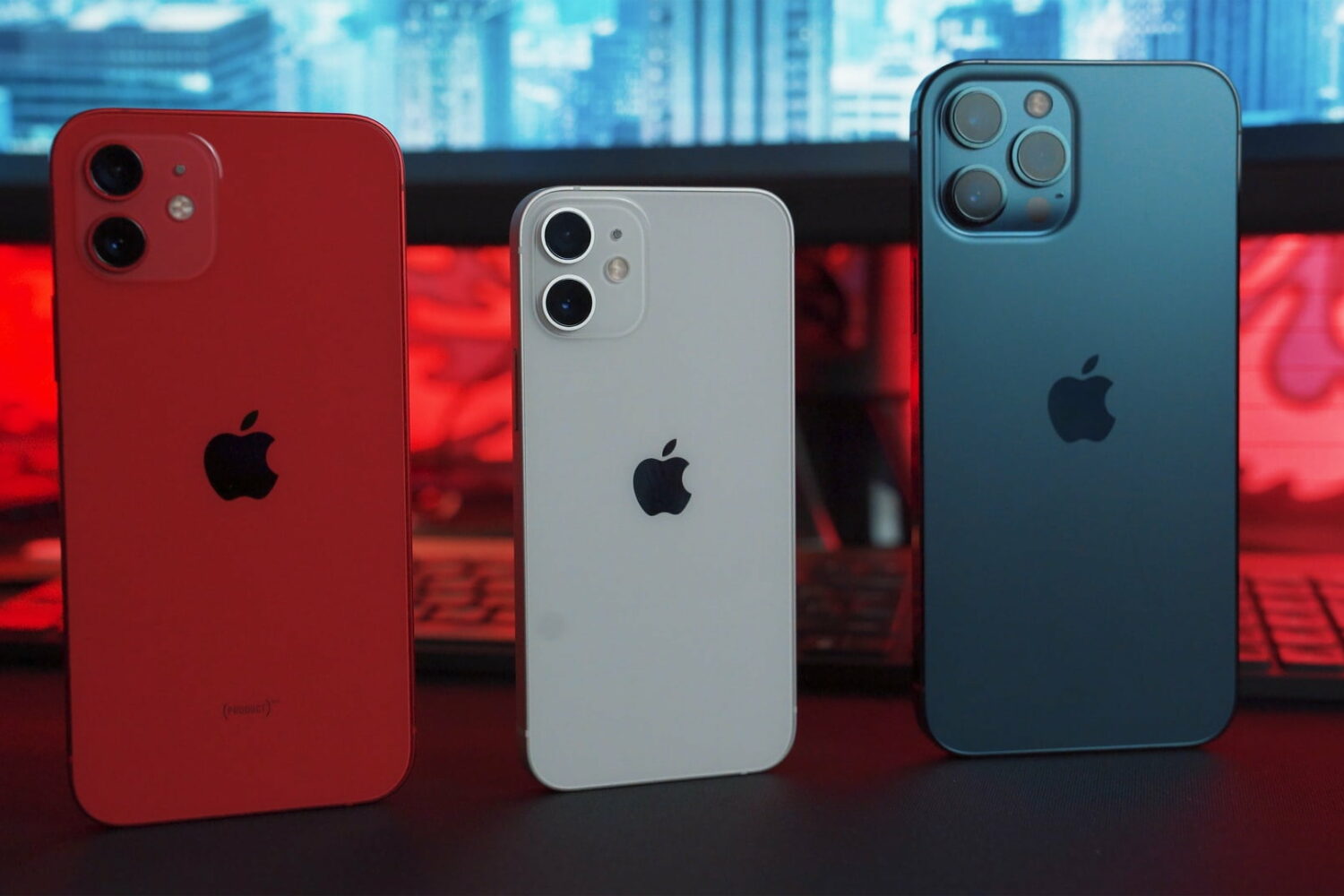
This tutorial teaches you how to avoid common iPhone photography mistakes that prevent you from taking great photos with your Apple smartphone.
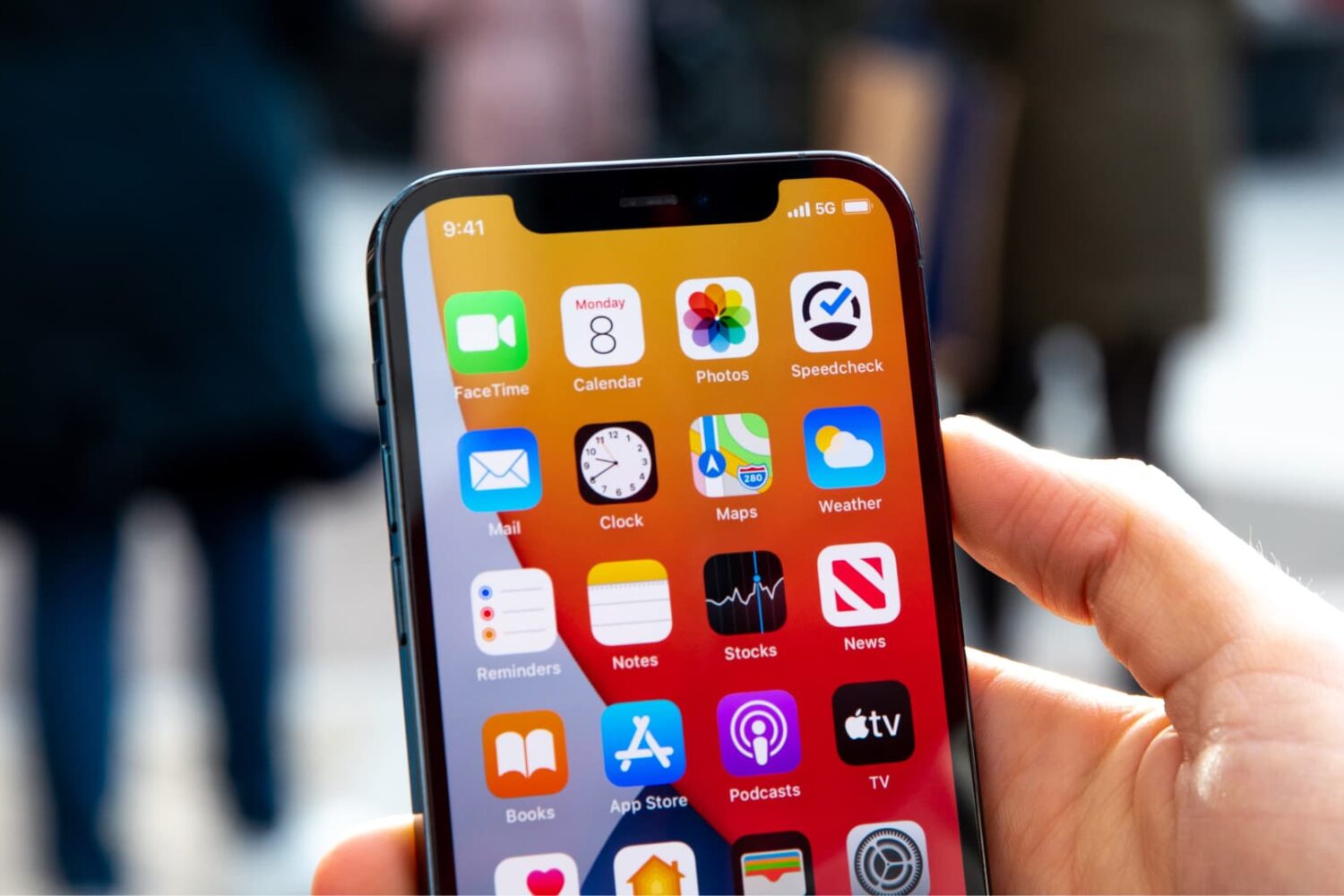
In this guide, we go over 18 effective tips to help you boost mobile data speed on your iPhone or cellular iPad if you’re experiencing connection drops, slow loading times, or generally poor download and upload performance.
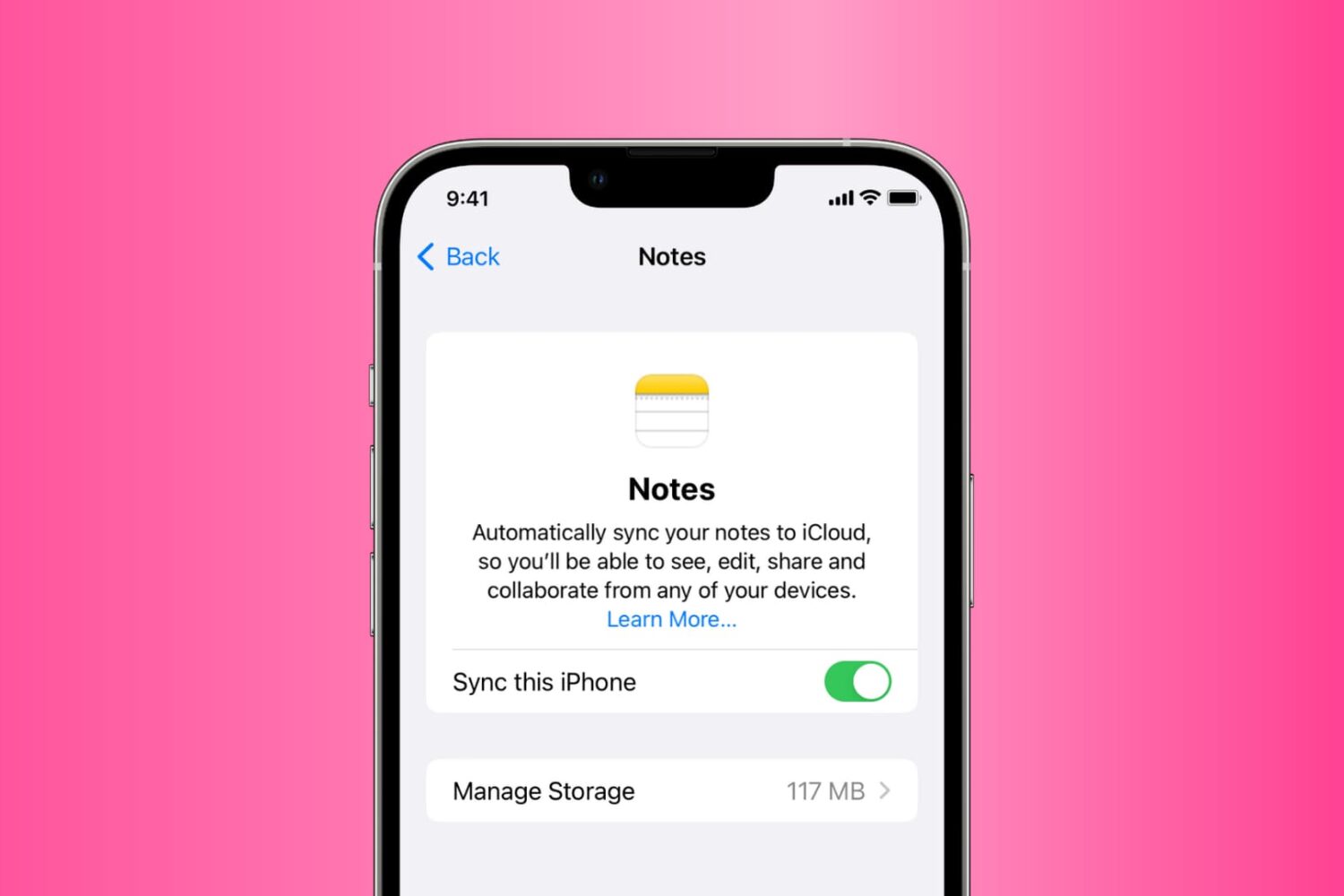
Go through these solutions to fix the Notes app not working, opening, freezing, crashing, or not displaying your notes on iPhone, iPad, and Mac.
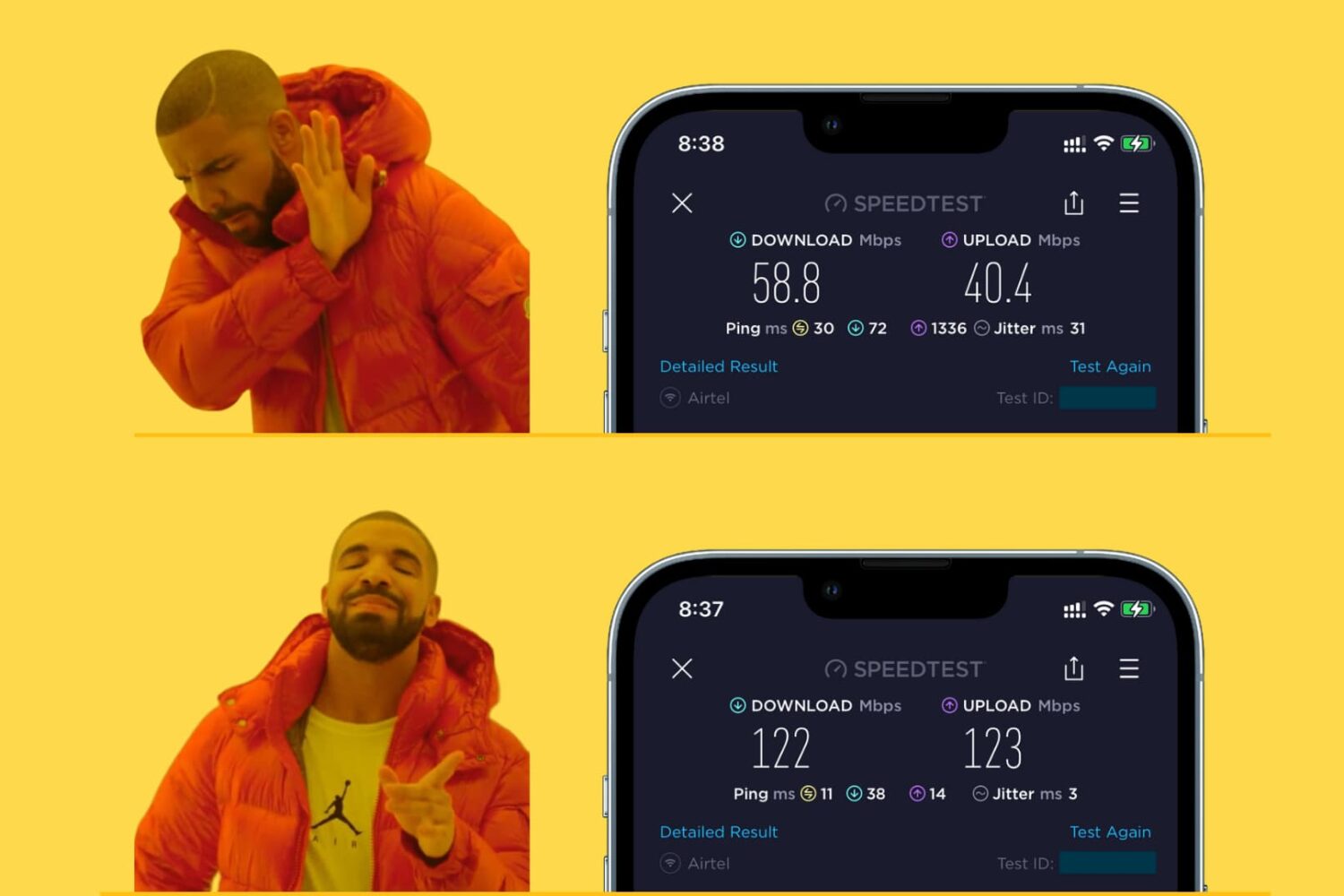
Learn how to make your iPhone, iPad, Mac, or Apple Watch join the faster Wi-Fi network and ignore the slower ones, so you get the best internet speeds.
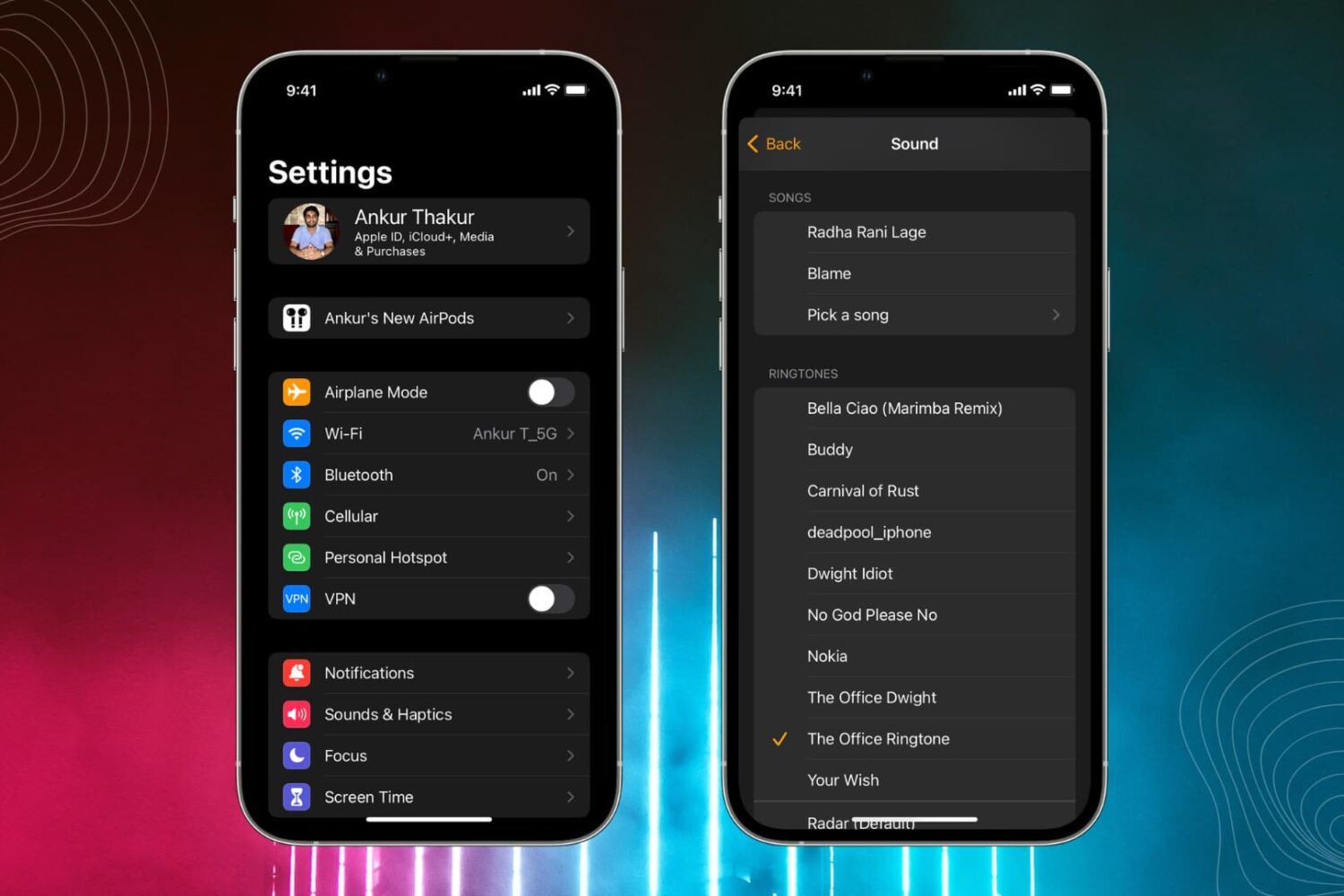
Learn how to personalize alert sounds like ringtone, text tone, and third-party notification tones on your iPhone and iPad.
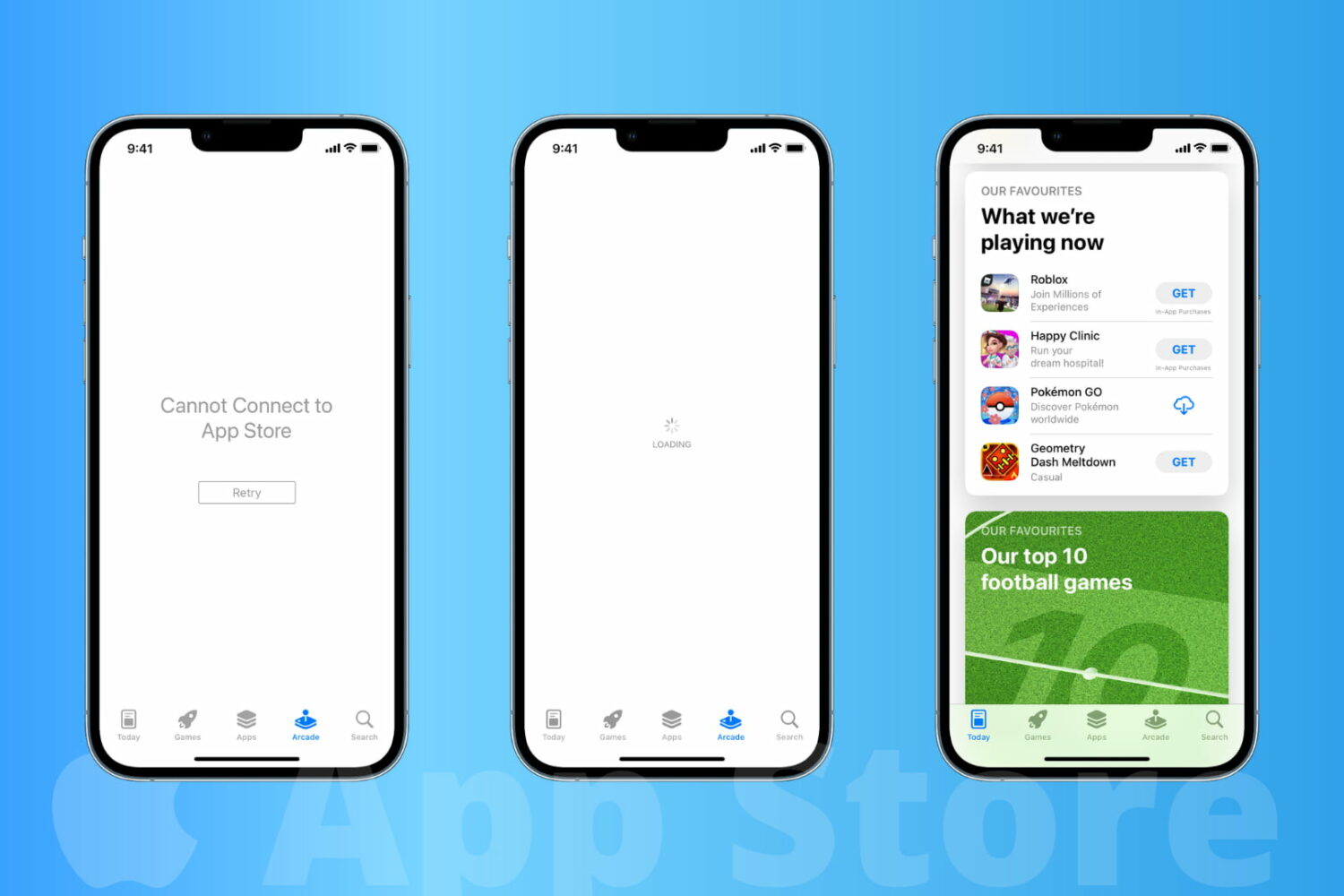
Learn how to fix the App Store not working on your iPhone or iPad, and solve the “Cannot Connect to App Store” error.