Here are some essential things you must do after dropping your iPhone in water or after it gets drenched in the rain, shower, or other liquid.
9 things you should do after dropping your iPhone in water
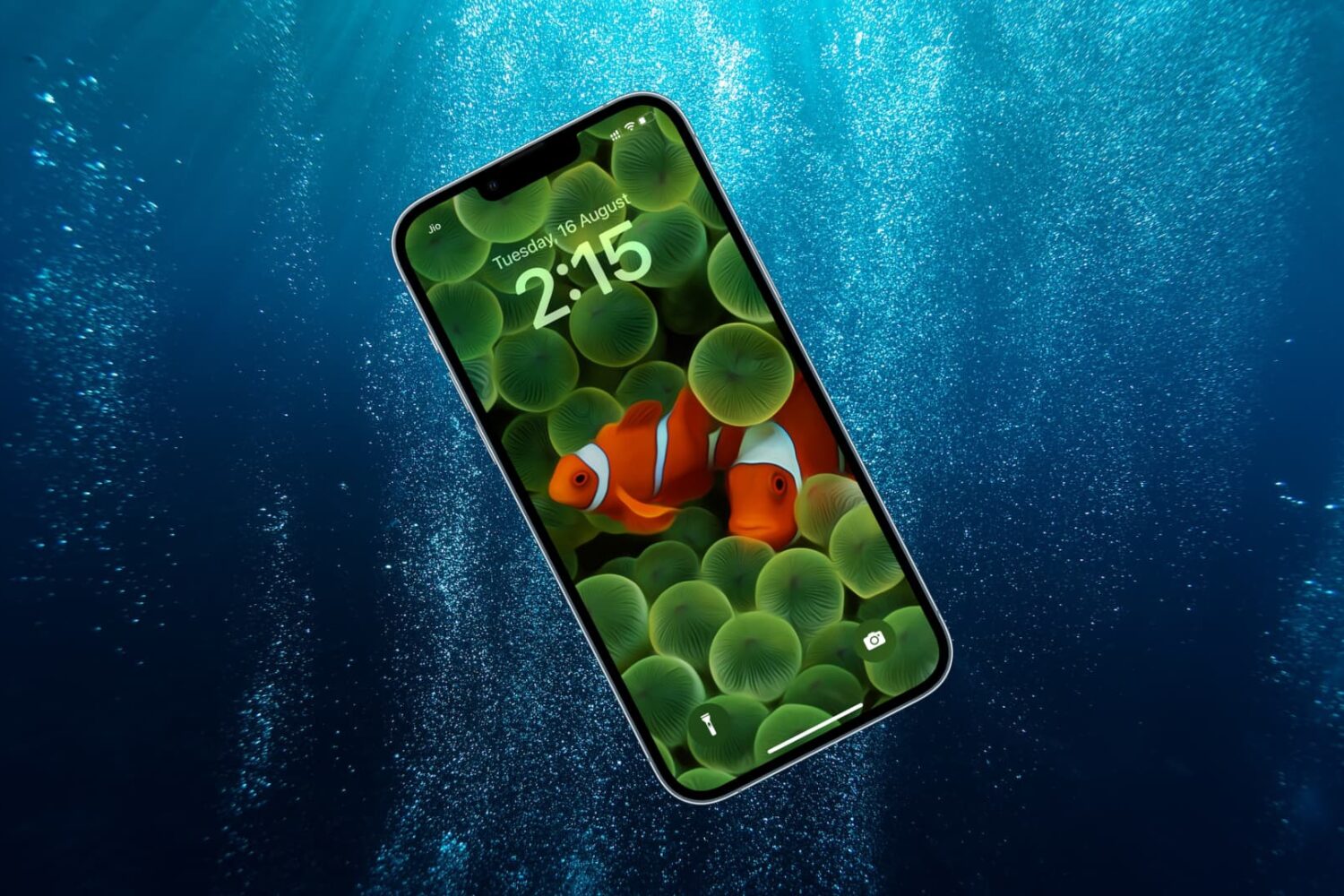
Stay up-to-date on the latest iPhone news and learn new tips and tricks with our comprehensive tutorials. From software updates to new features, we’ve got you covered.
Here are some essential things you must do after dropping your iPhone in water or after it gets drenched in the rain, shower, or other liquid.
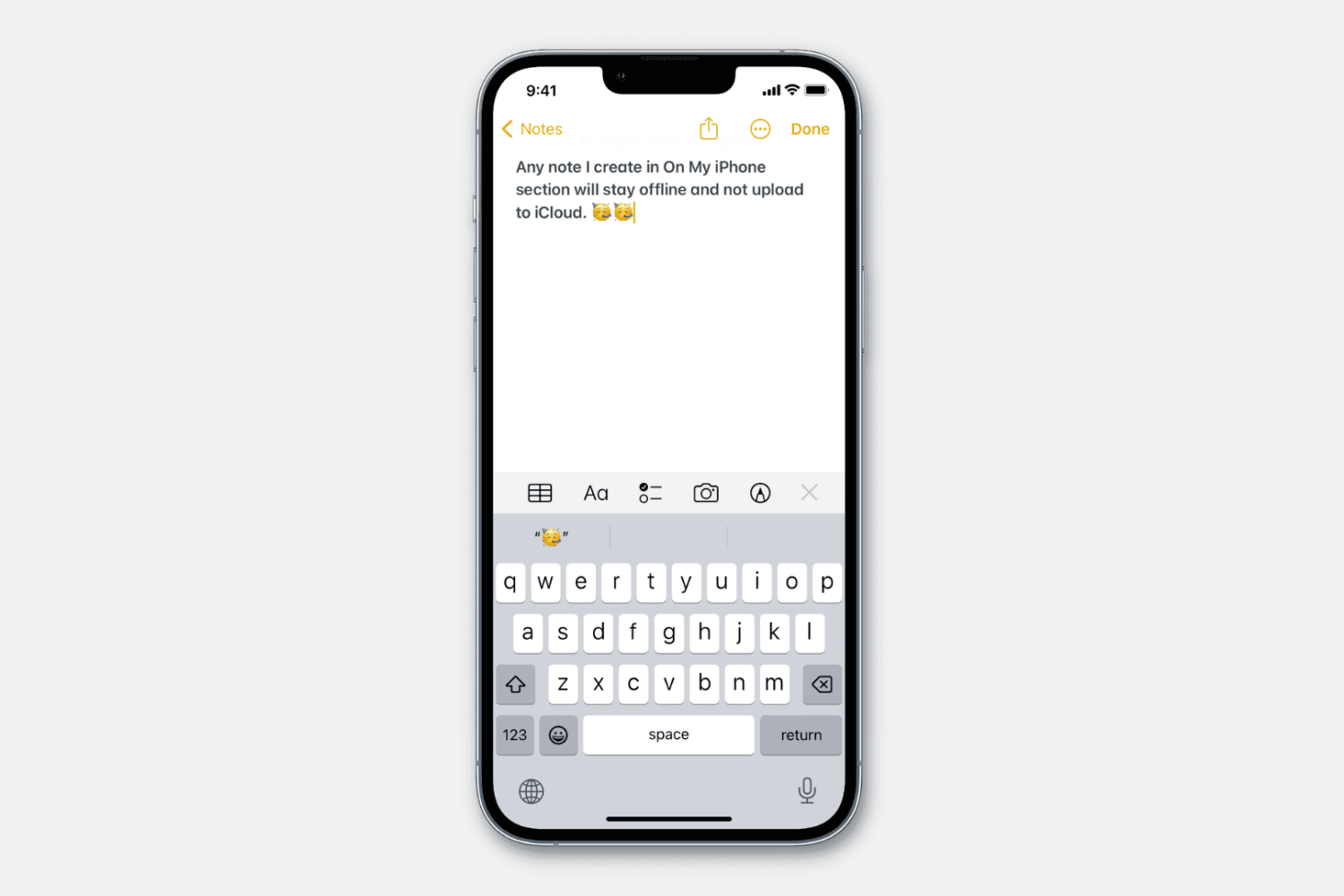
Learn how to stop specific notes from uploading to iCloud and prevent them from syncing to all your Apple devices.
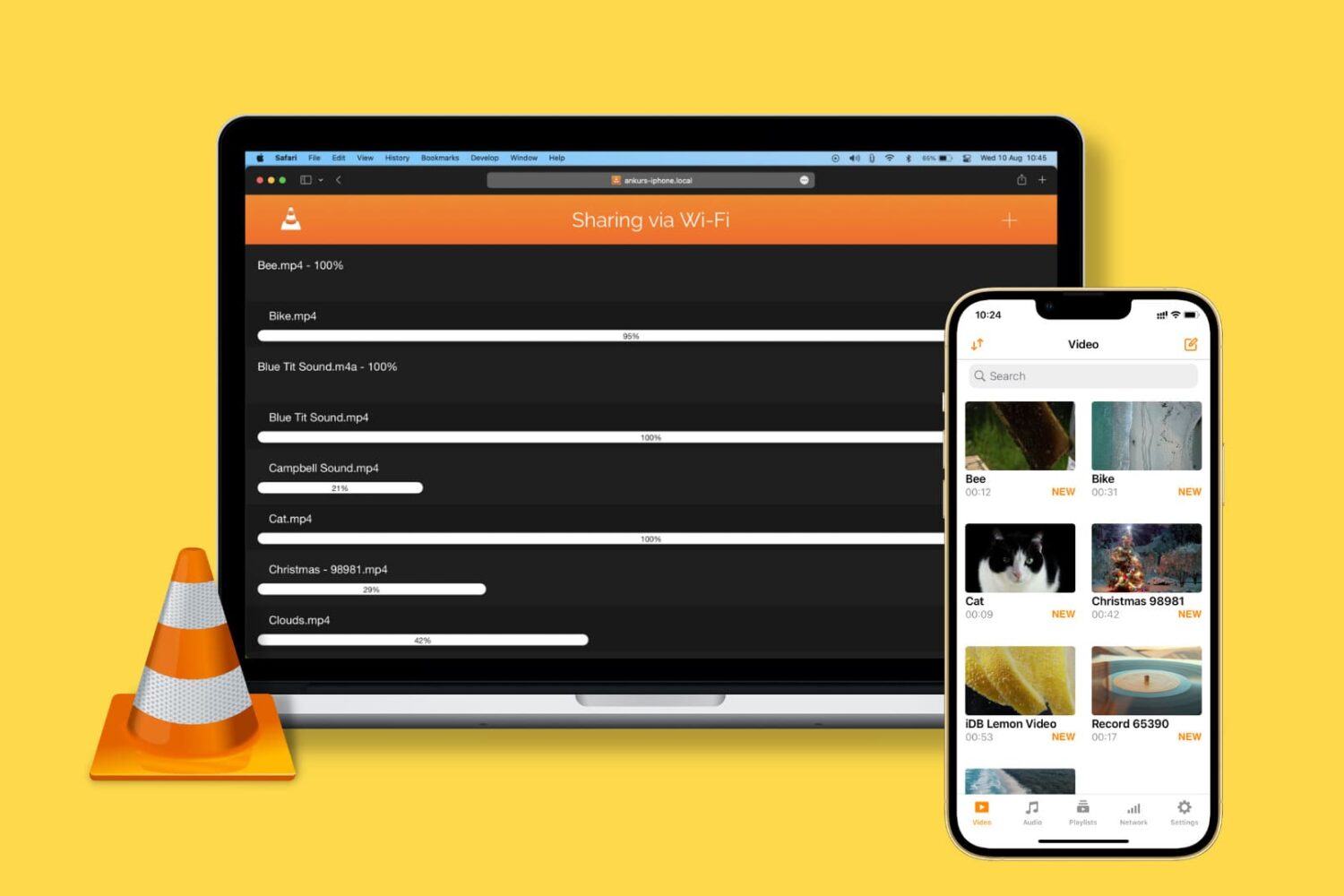
Learn how to transfer video, audio, subtitles, and all other kinds of files from your computer to the VLC Media Player app on your iPhone or iPad.
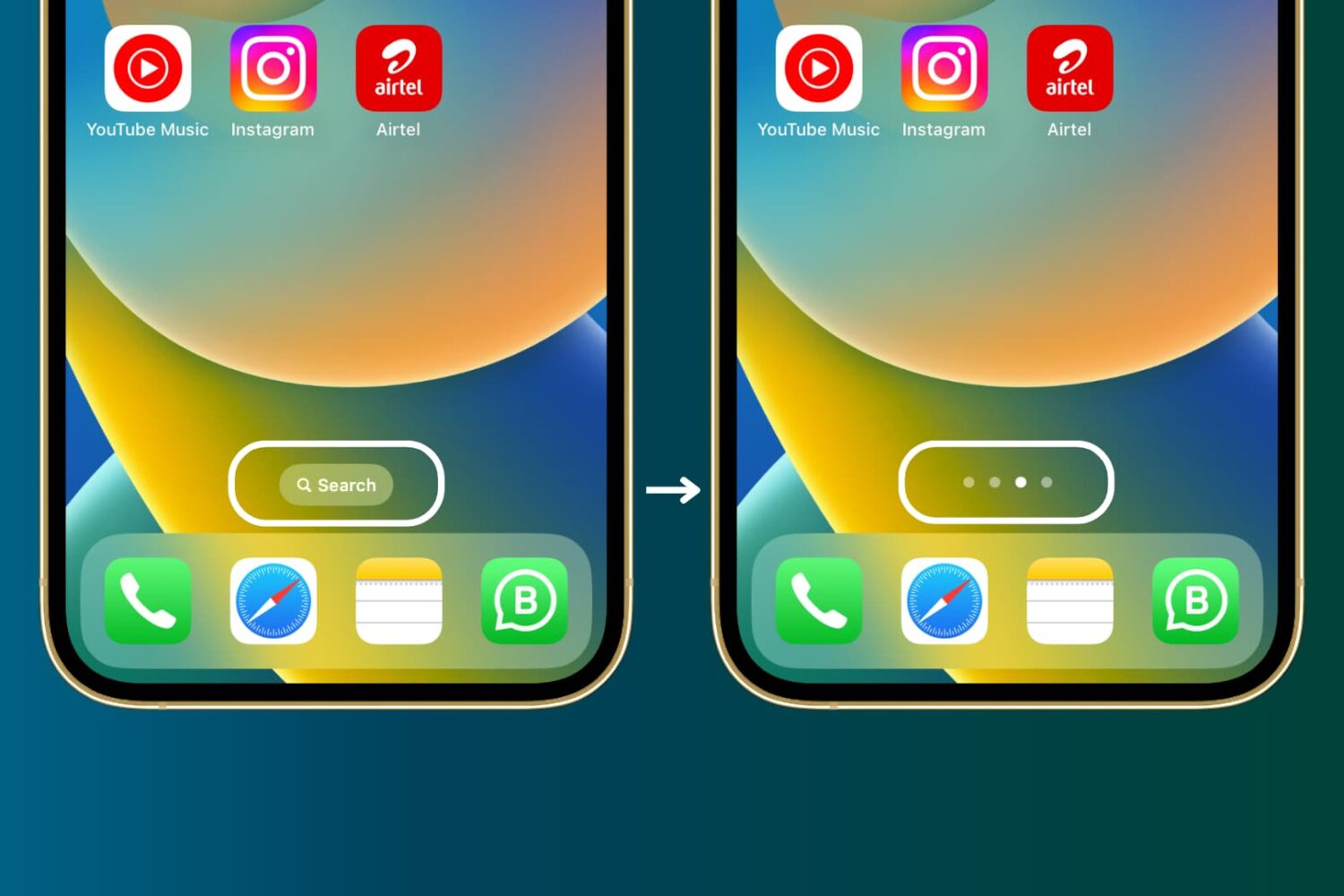
Find out how to hide the Search button from your iPhone Home Screen if you don’t use it and rely on the swipe-down gesture to open Spotlight Search.
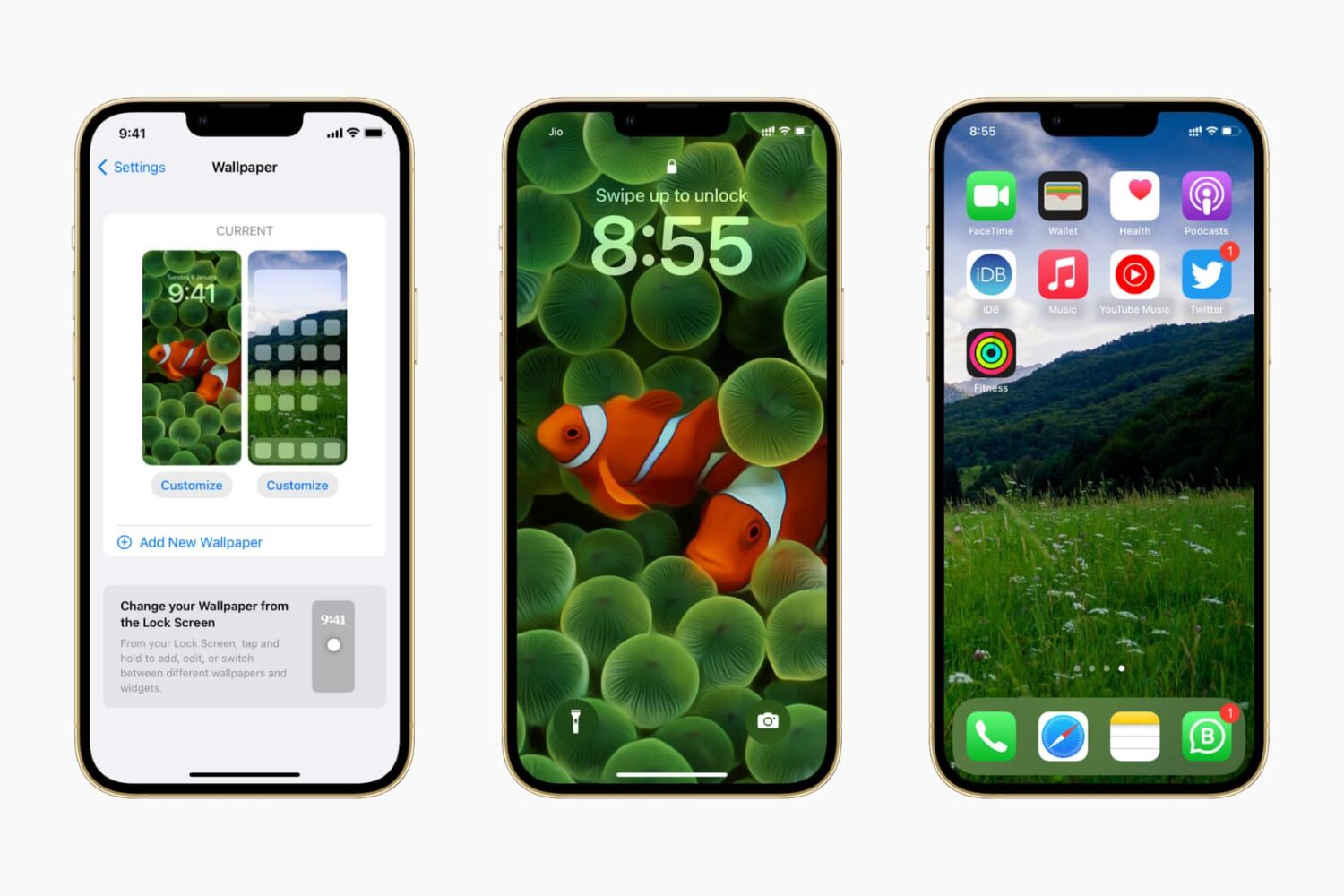
In this guide, we show you where to find some of the very best iPhone wallpapers and other backdrops for your Apple devices for free.

You can enter special symbols like copyright (©), trademark (™), and registered (®) effortlessly on your Mac and iPhone using keyboard shortcuts or the built-in Text Replacement feature. You don’t need to copy & paste or install a third-party app.
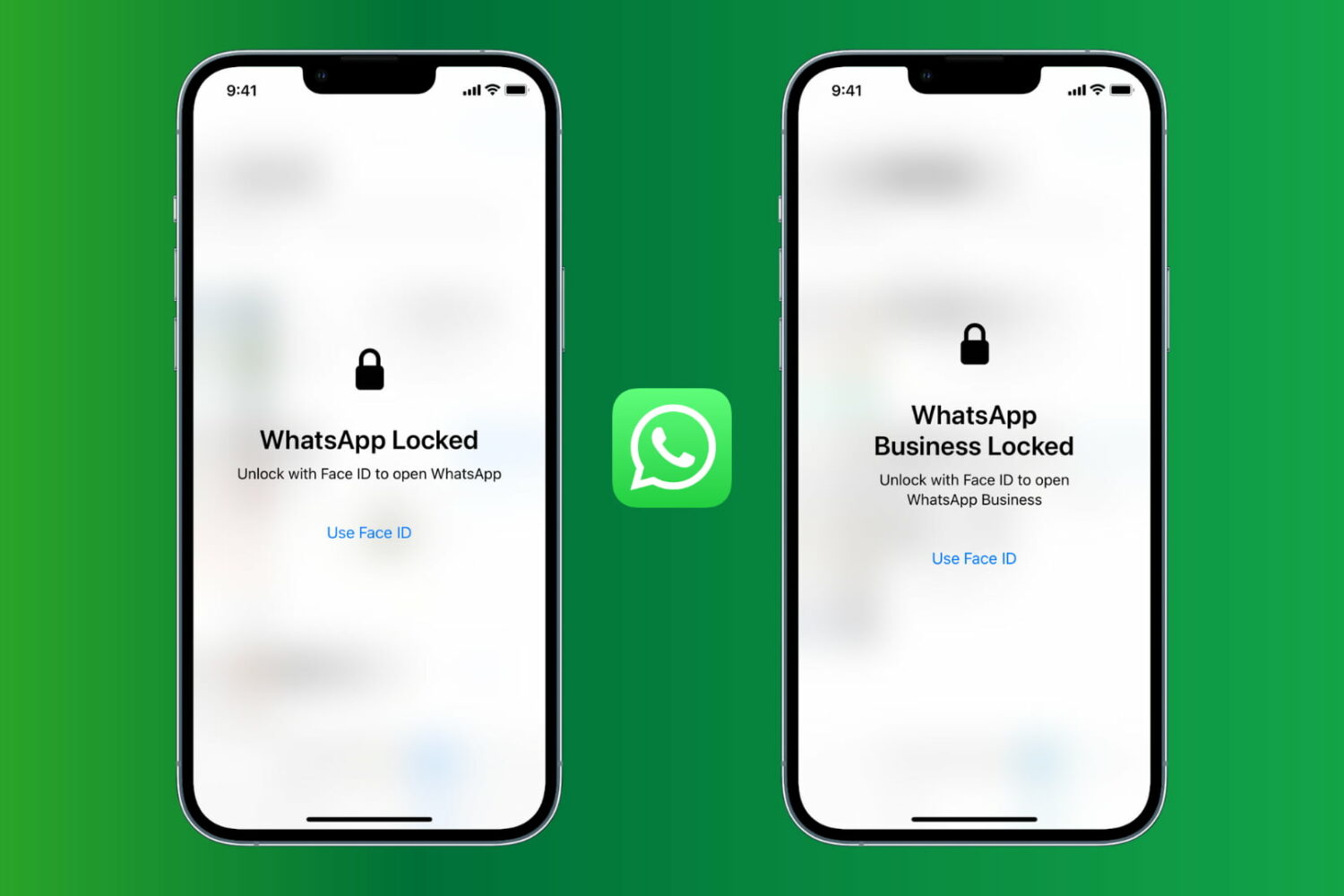
Learn how to protect WhatsApp chats on your iPhone to block anyone from reading your messages or remove Face ID, Touch ID, or password lock.
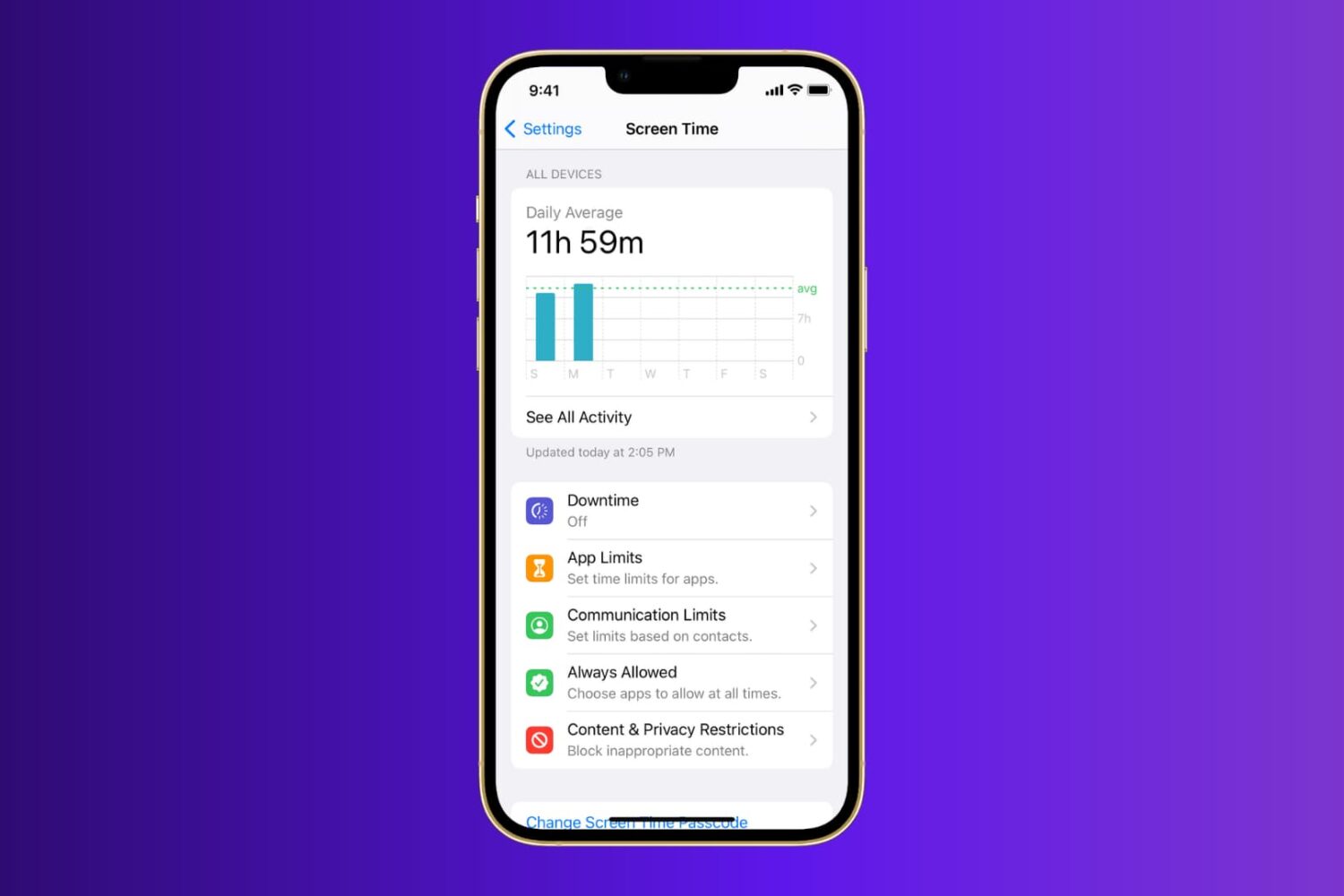
Learn what to do when Screen Time is not working properly on your iPhone or iPad running a recent version of iOS or iPadOS.
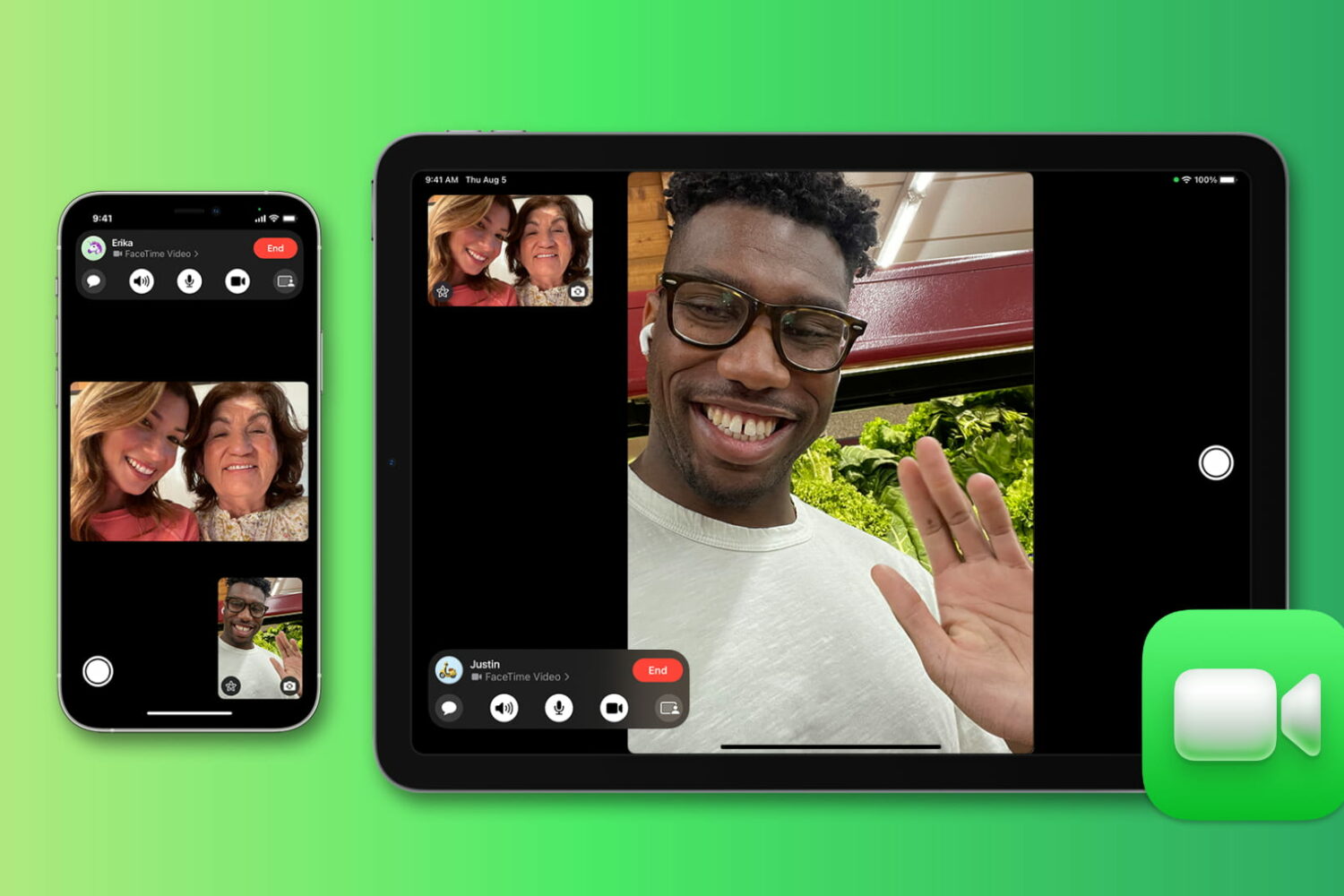
Wondering for how long you talked with a friend or family member on FaceTime? Check out the quick steps to see FaceTime call duration on iPhone, iPad, and Mac.
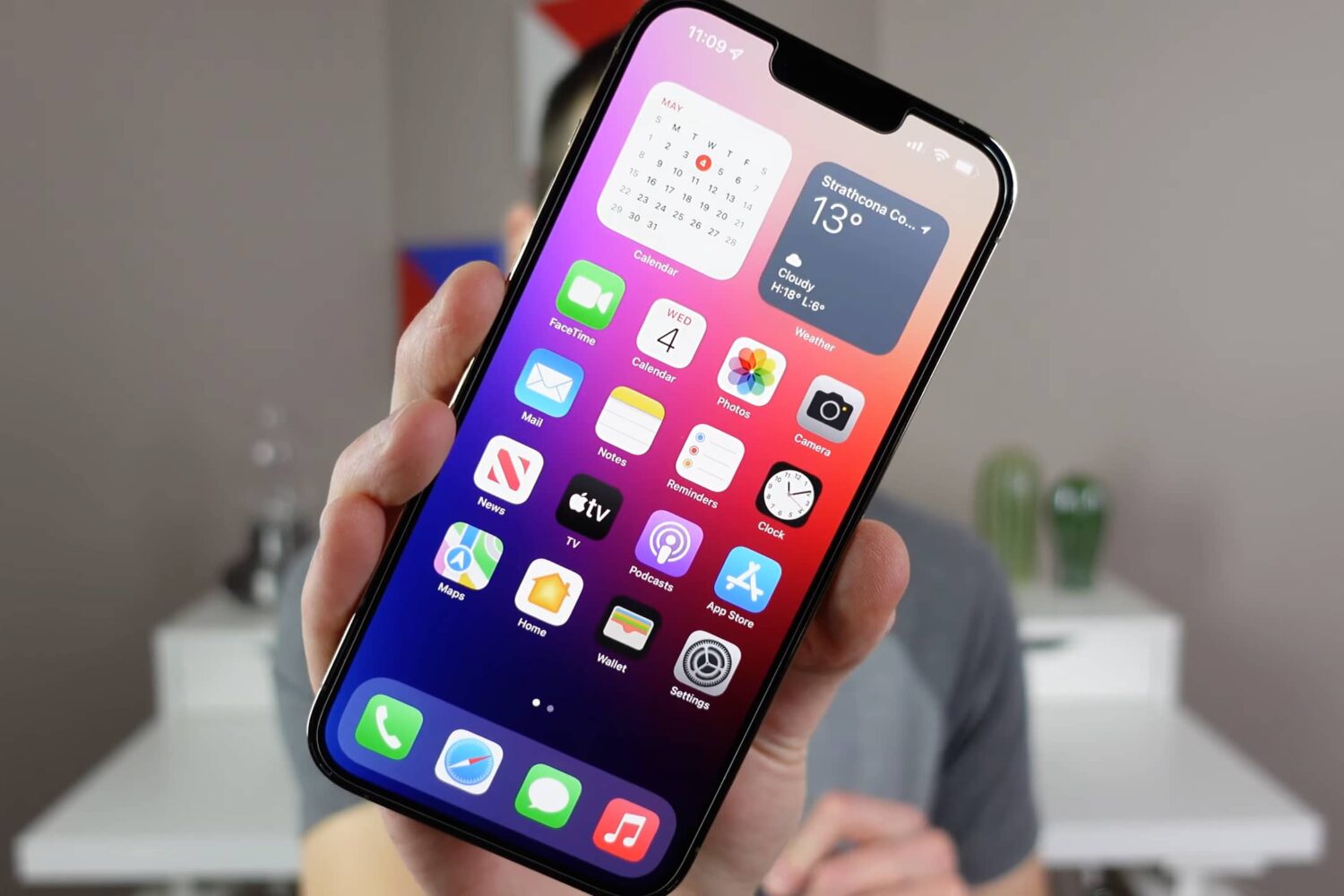
Watch and read these tips and tricks to learn about hidden or lesser-known features that help you make the most of your iPhone.
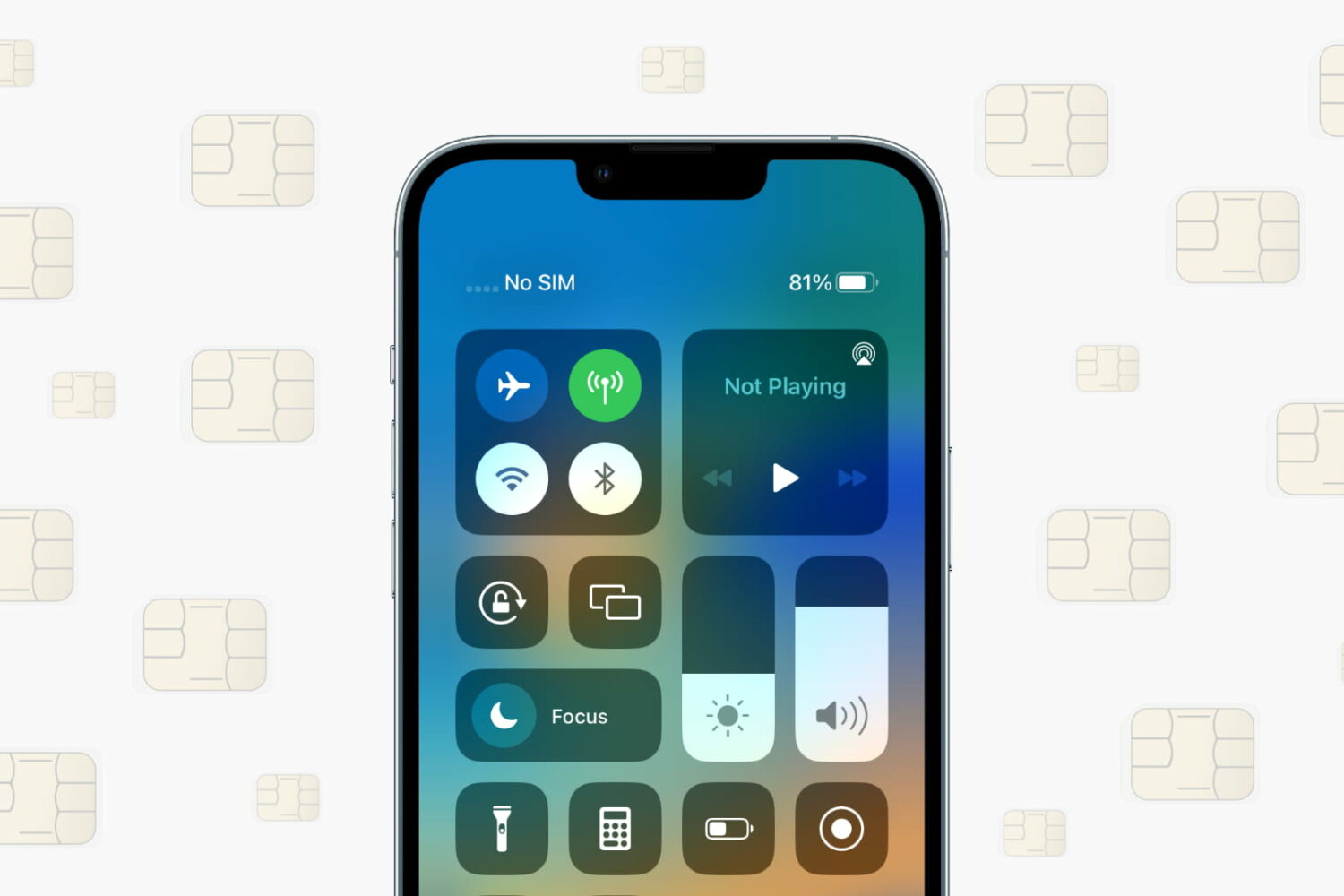
Learn what to do if your iPhone or cellular iPad isn’t recognizing the SIM card and shows “No SIM,” “SIM Not Valid,” or other SIM-related errors.
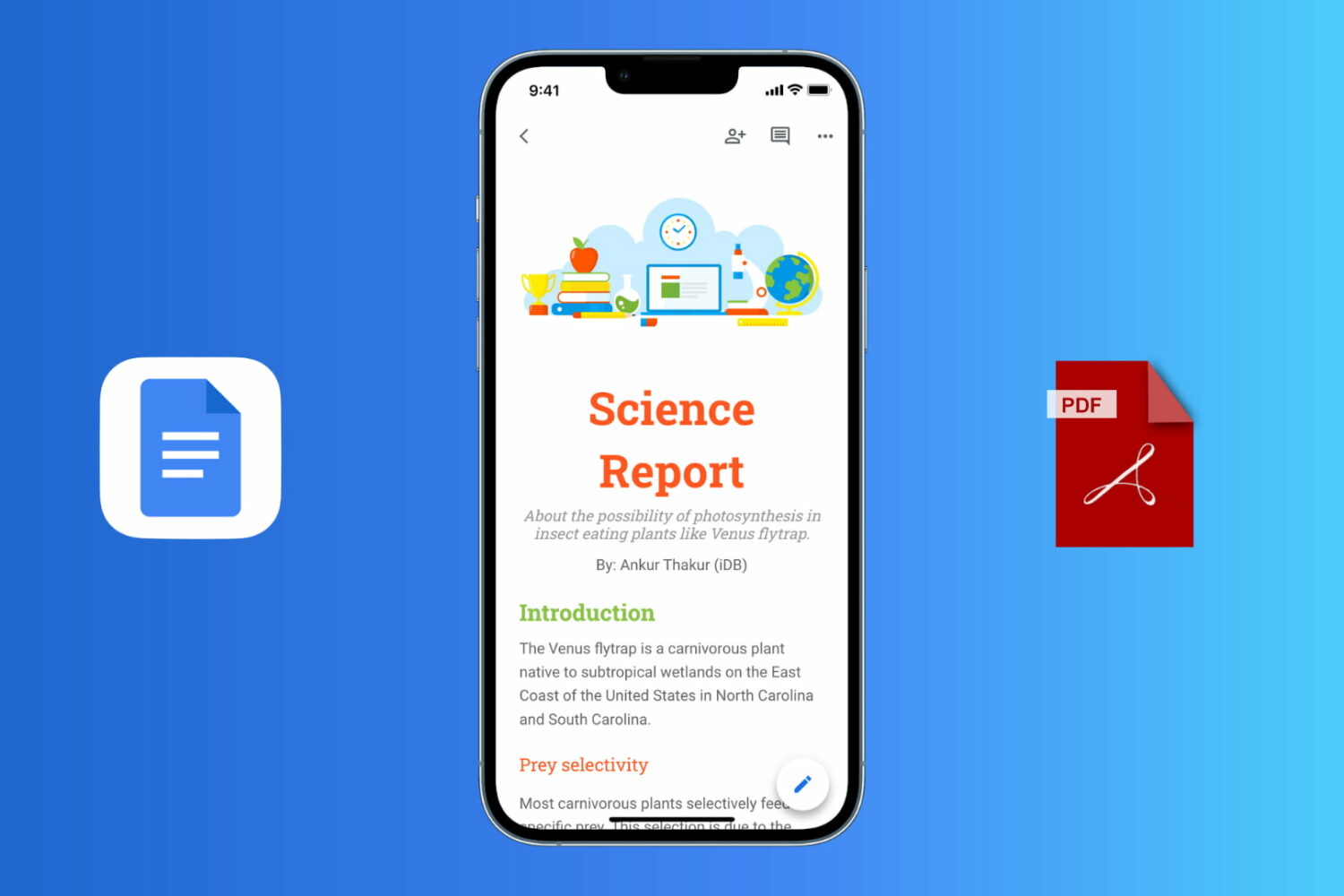
Follow these easy steps to export a Google Docs document as a PDF file on your iPhone, iPad, Mac, or Windows PC.