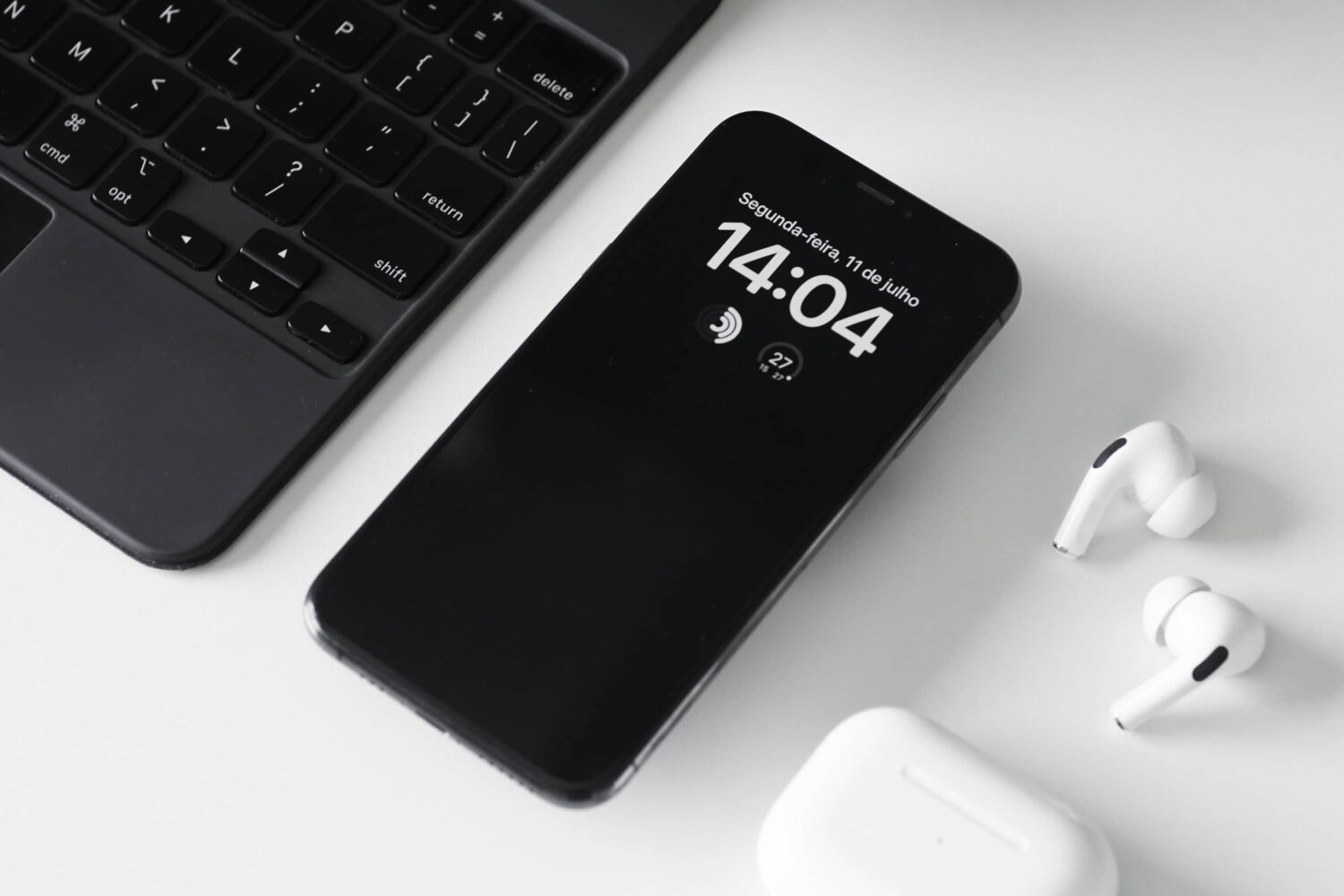
Learn how to manage the Always-On display on your iPhone, including how it works, its impact on battery life, and how to turn it on or off at will.
How to manage your iPhone’s always-on display
Stay up-to-date on the latest iPhone news and learn new tips and tricks with our comprehensive tutorials. From software updates to new features, we’ve got you covered.
Learn how to manage the Always-On display on your iPhone, including how it works, its impact on battery life, and how to turn it on or off at will.
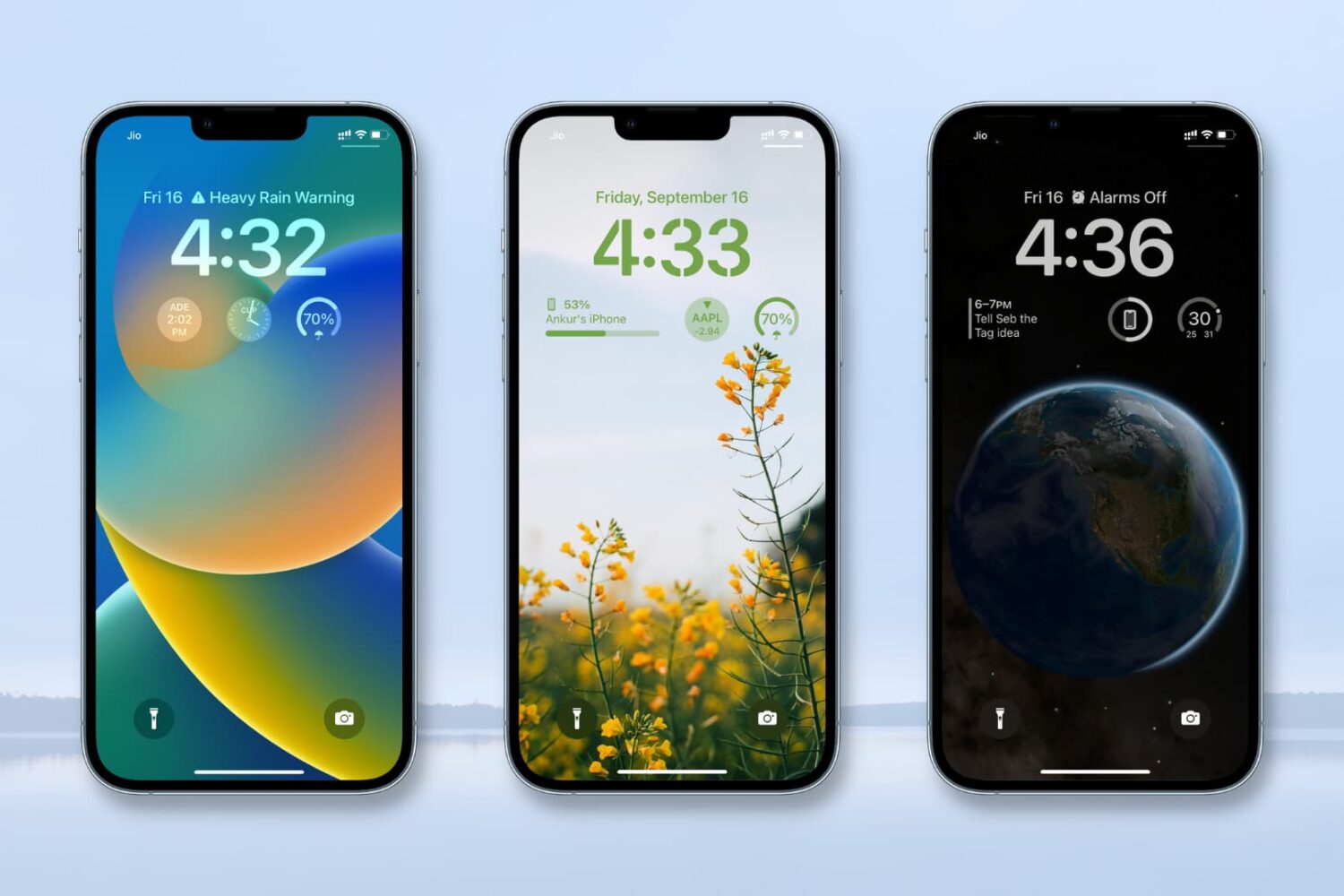
In this tutorial, we’ll show you how to add, customize, use, and remove widgets from your iPhone Lock Screen. We’ll also go over several other tidbits, such as widget limits, alignment, and placement.
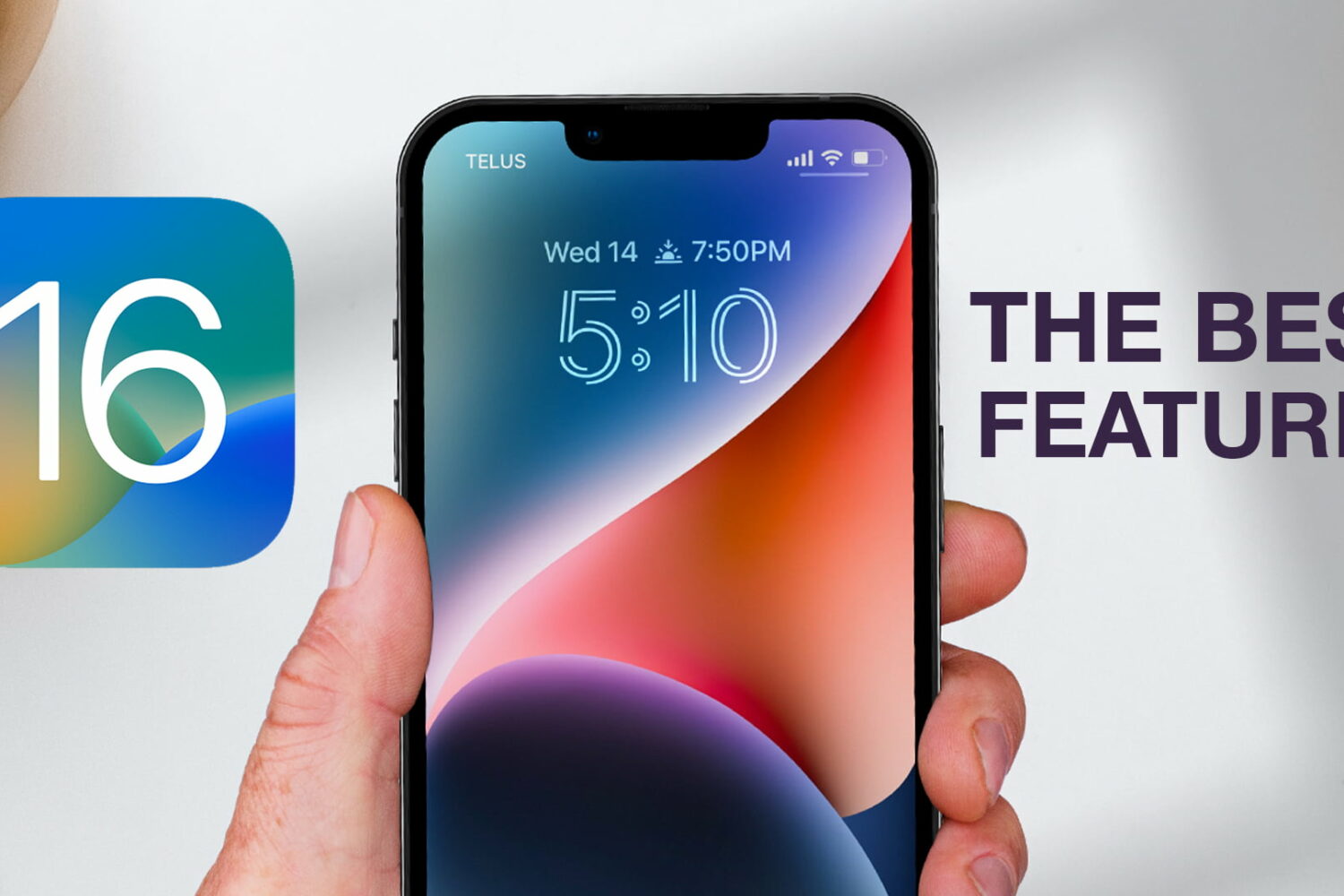
Watch our new hands-on video, or read our walkthrough showcasing 21 cool iOS 16 features that we think everyone should be using to make the most of their iPhone.
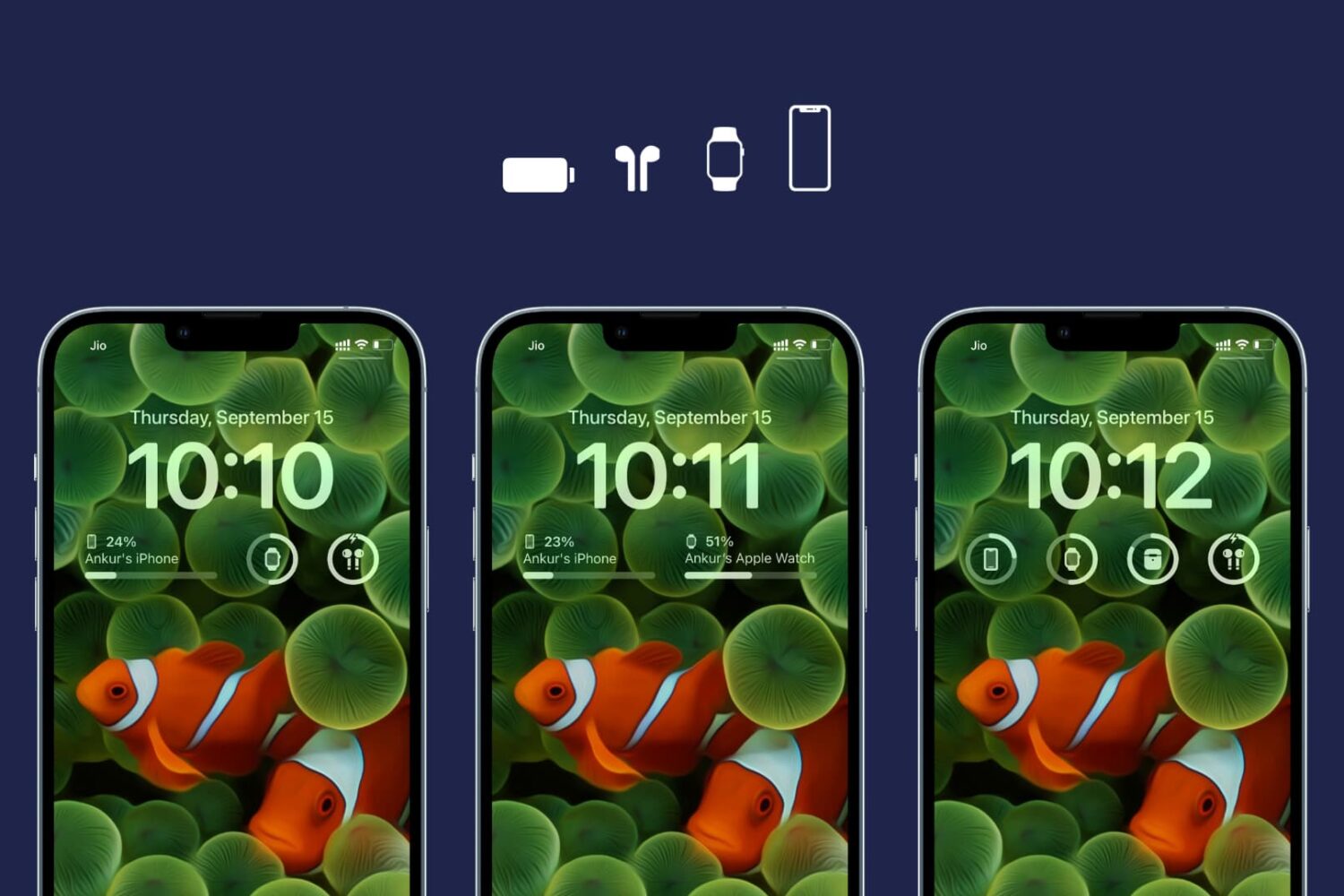
Learn how to customize the Lock Screen Batteries widget on your iPhone and iPad to display the charge level of a specific device, such as your iPhone, Apple Watch, AirPods, or something else.
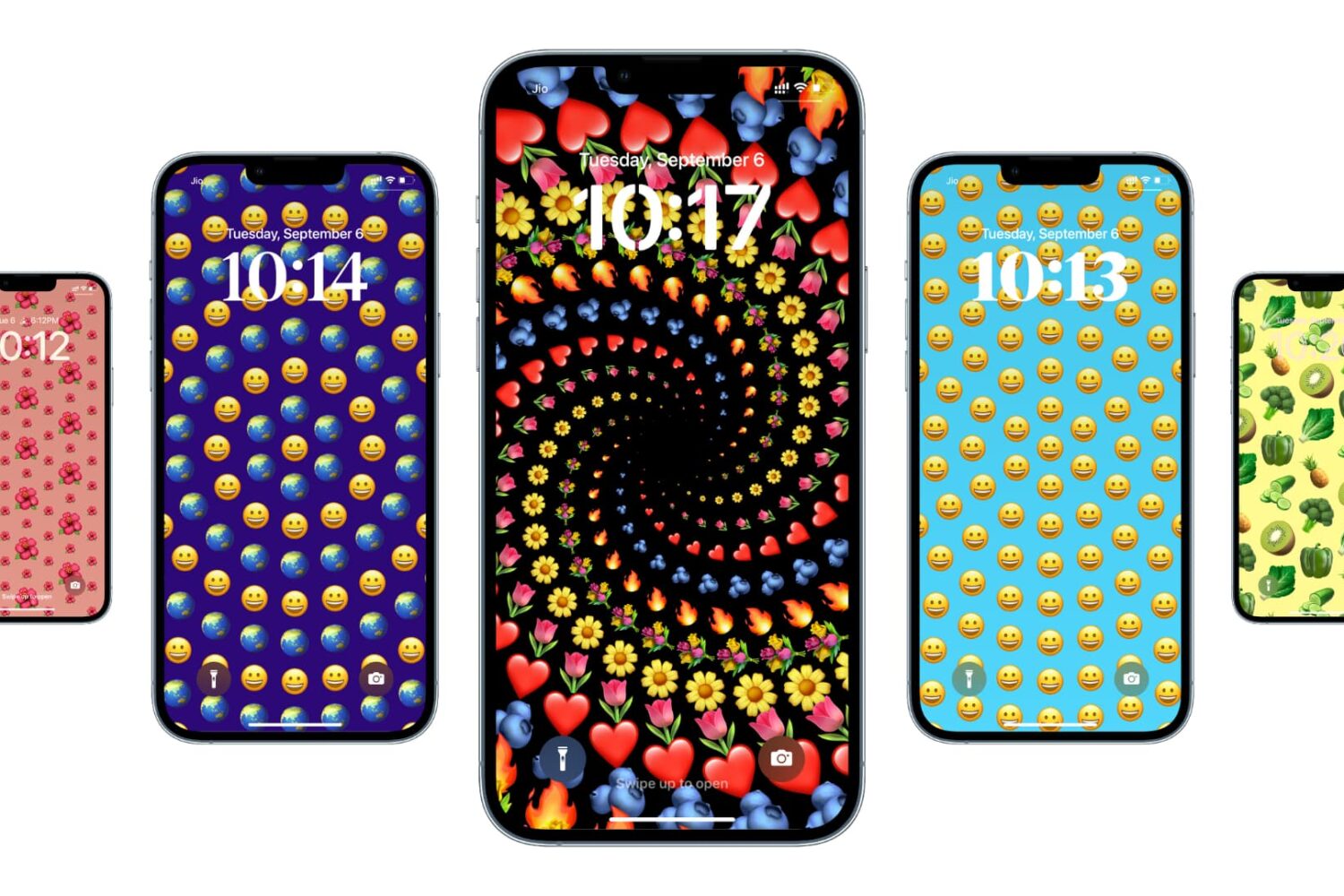
iOS and iPadOS have a cute little feature that allows you to use emojis as your wallpaper. So, if there is a specific emoji or set of emojis you love, you can easily make a wallpaper out of those with various colors and patterns.
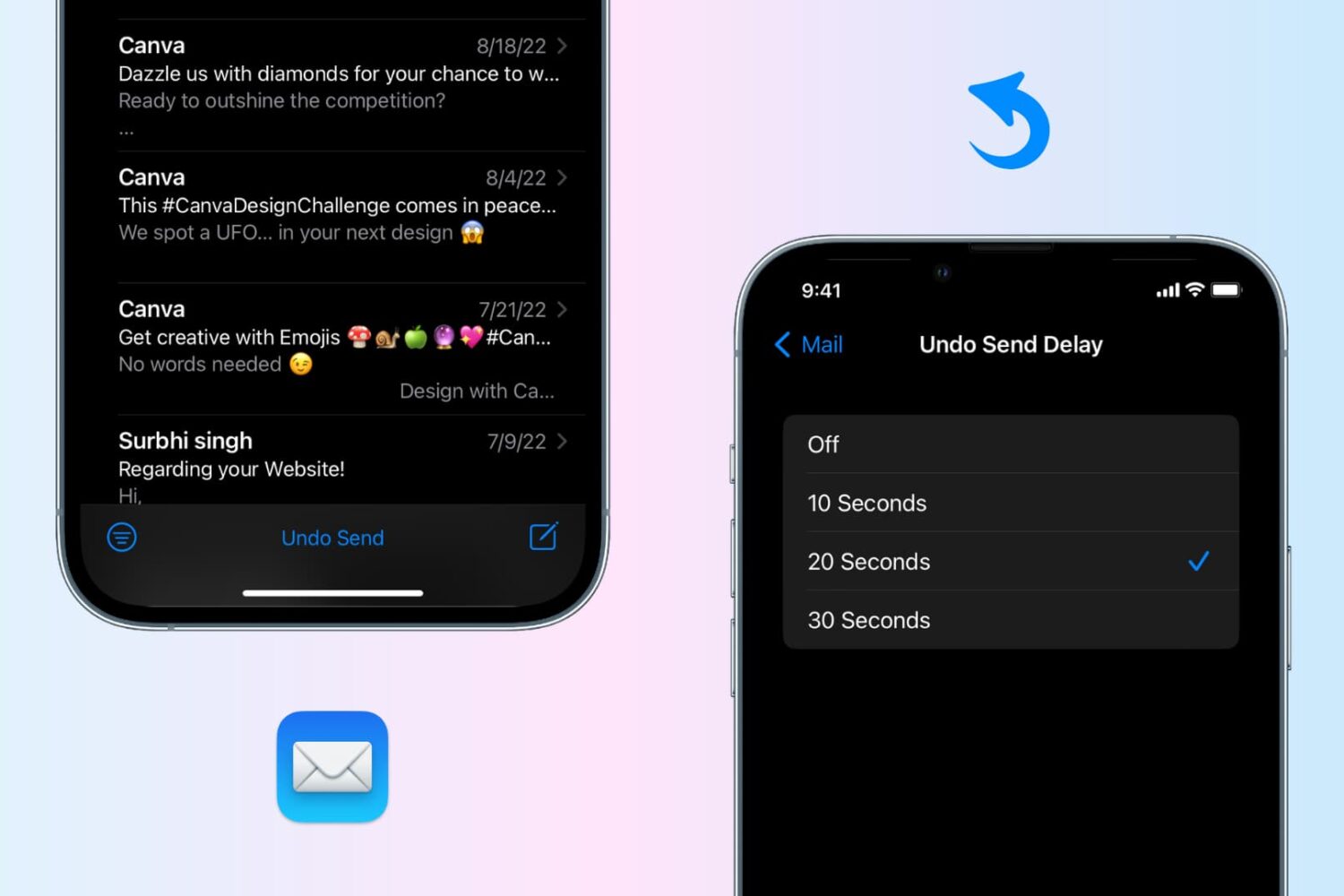
Undo send an email in the Apple Mail app on your iPhone, iPad, or Mac to recall the sent email before it reaches the recipient’s inbox.
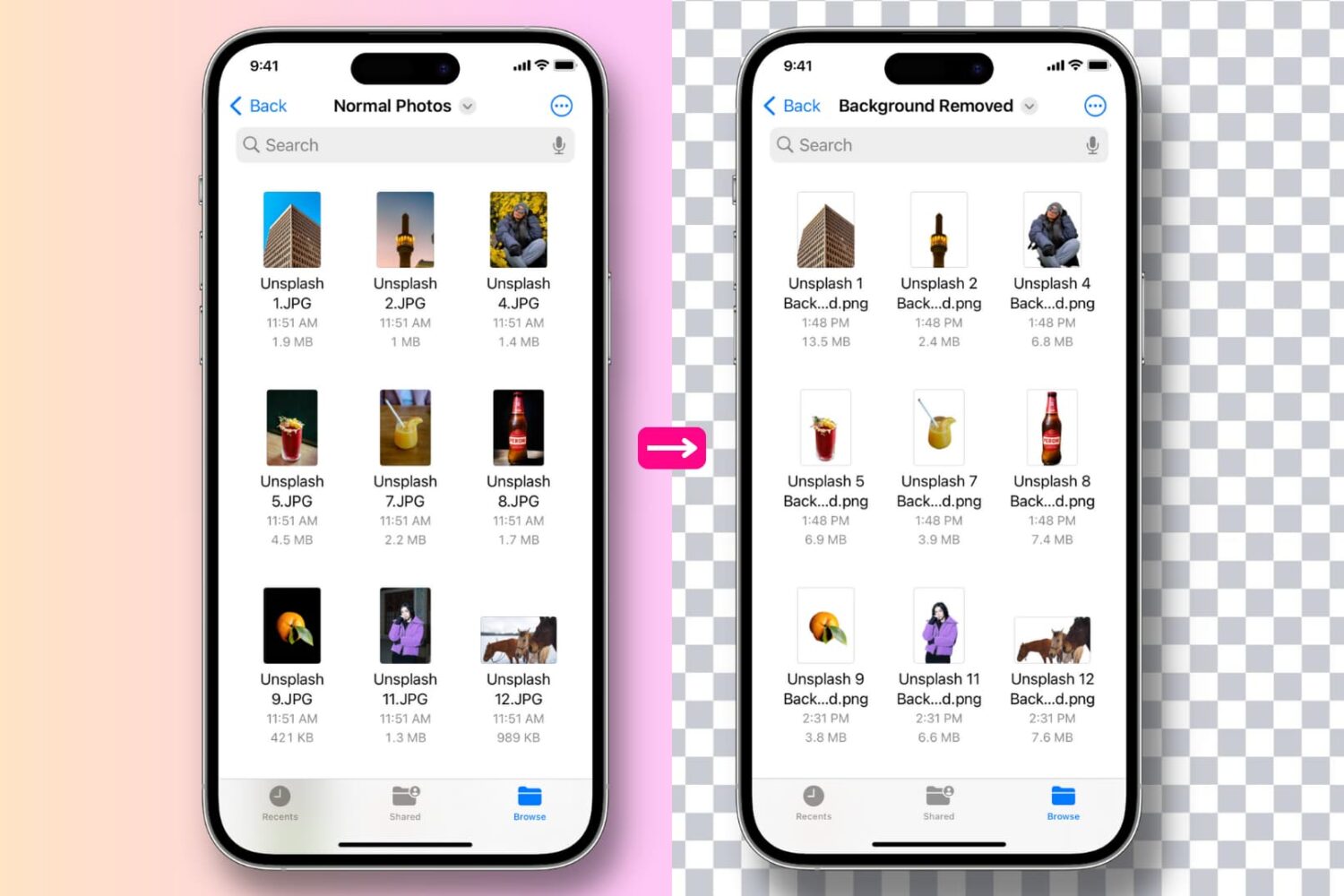
Learn how to remove the background, extract the main subject of one or several images to get a background-less PNG image, and use the subject in Messages or other photo editing apps.