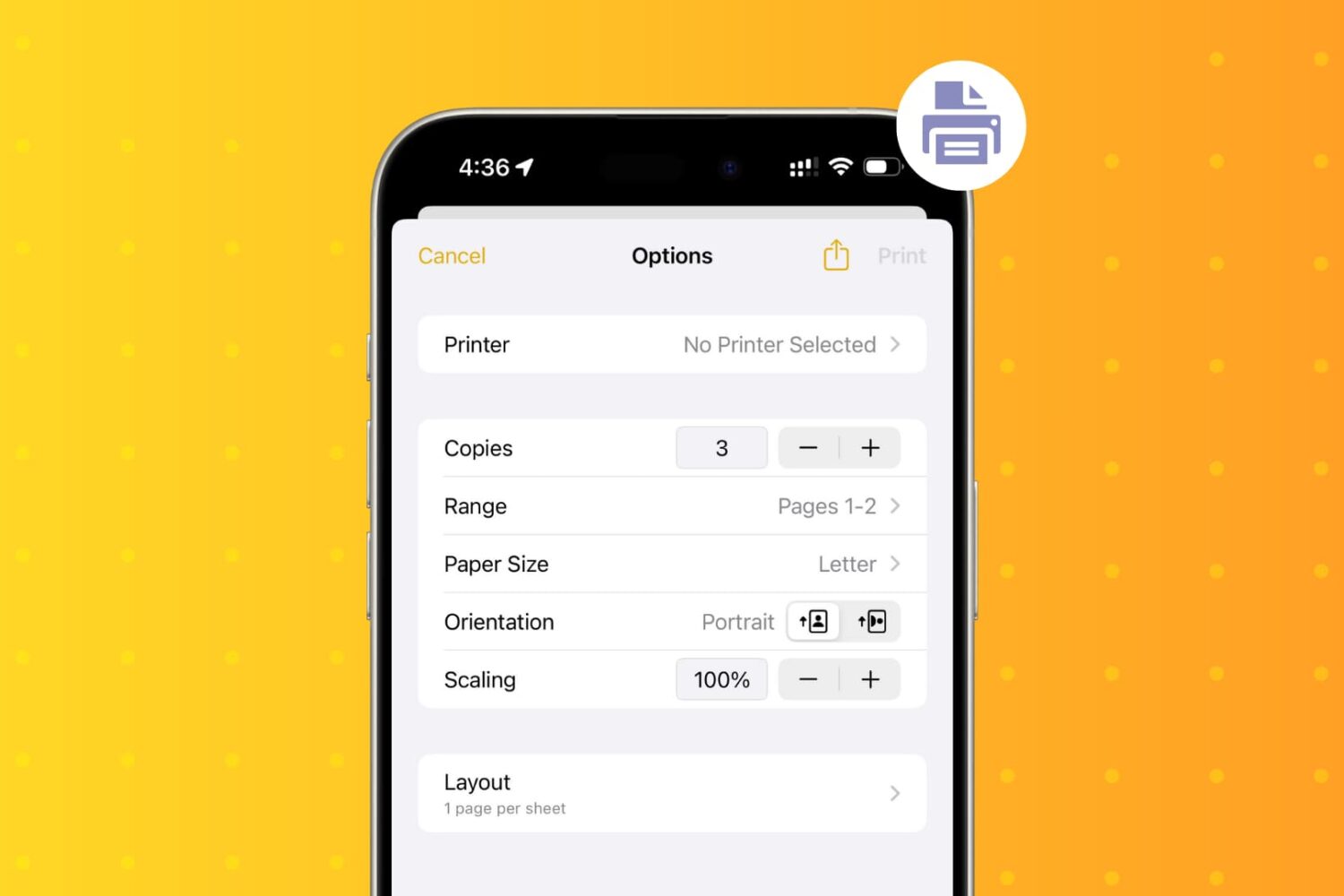
Learn how to wirelessly print PDFs, documents, images, etc., from your iPhone and iPad using an AirPrint printer.
How to print wirelessly from your iPhone or iPad
Stay up-to-date on the latest iPhone news and learn new tips and tricks with our comprehensive tutorials. From software updates to new features, we’ve got you covered.
Learn how to wirelessly print PDFs, documents, images, etc., from your iPhone and iPad using an AirPrint printer.
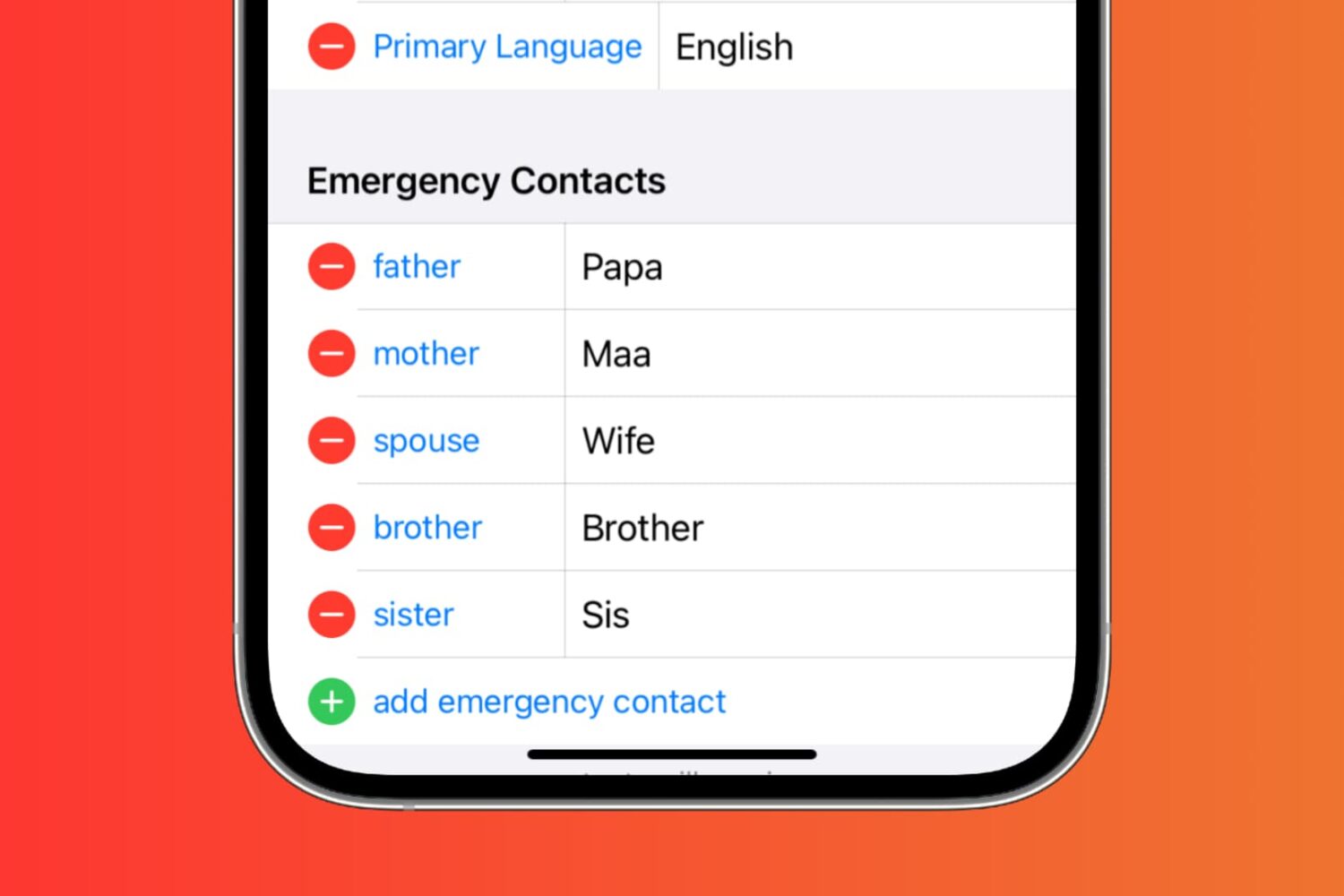
In this tutorial, we’ll show you how to set up emergency contacts on your iPhone. Since it only takes a minute or two, it’s worth your time. Hopefully, you’ll never need to use them, but if you do, they’ll be ready.
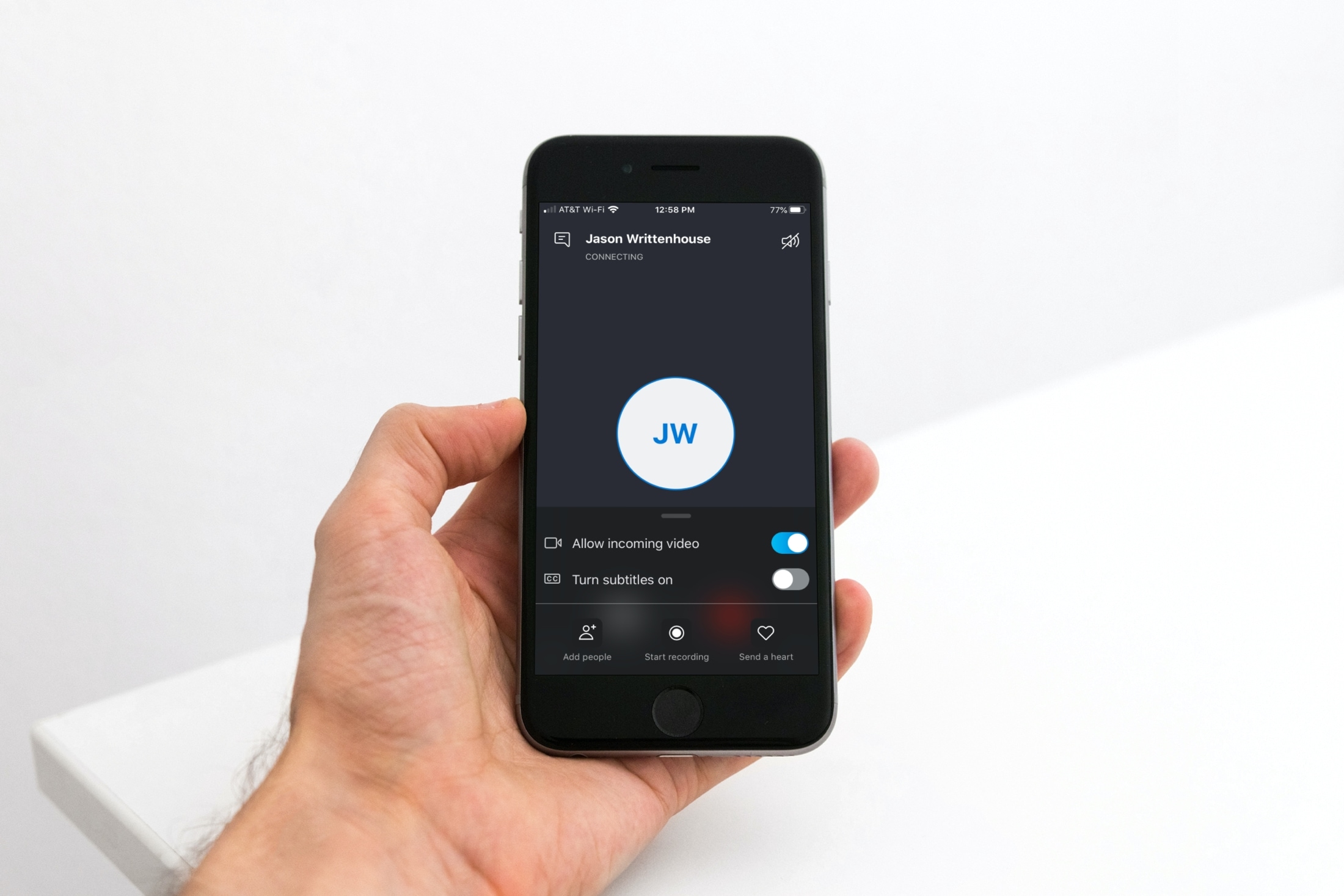
If you use Skype calls for things like interviews or meetings, you might not realize that you can record those calls instead of trying to capture everything by taking notes.
You can record audio and video Skype-to-Skype calls with a simple tap. Those recordings will then be available for you to save or share. If this is new to you, we’ll show you how to record your Skype calls in iPhone.

Has it been quite some time since you moved onto jailbreaking and stayed in there for a while? If so, you may want to consider pwning your iPhone again because iOS 13.5 has been successfully jailbroken and there still exist at least a dozen very compelling reasons to jailbreak.
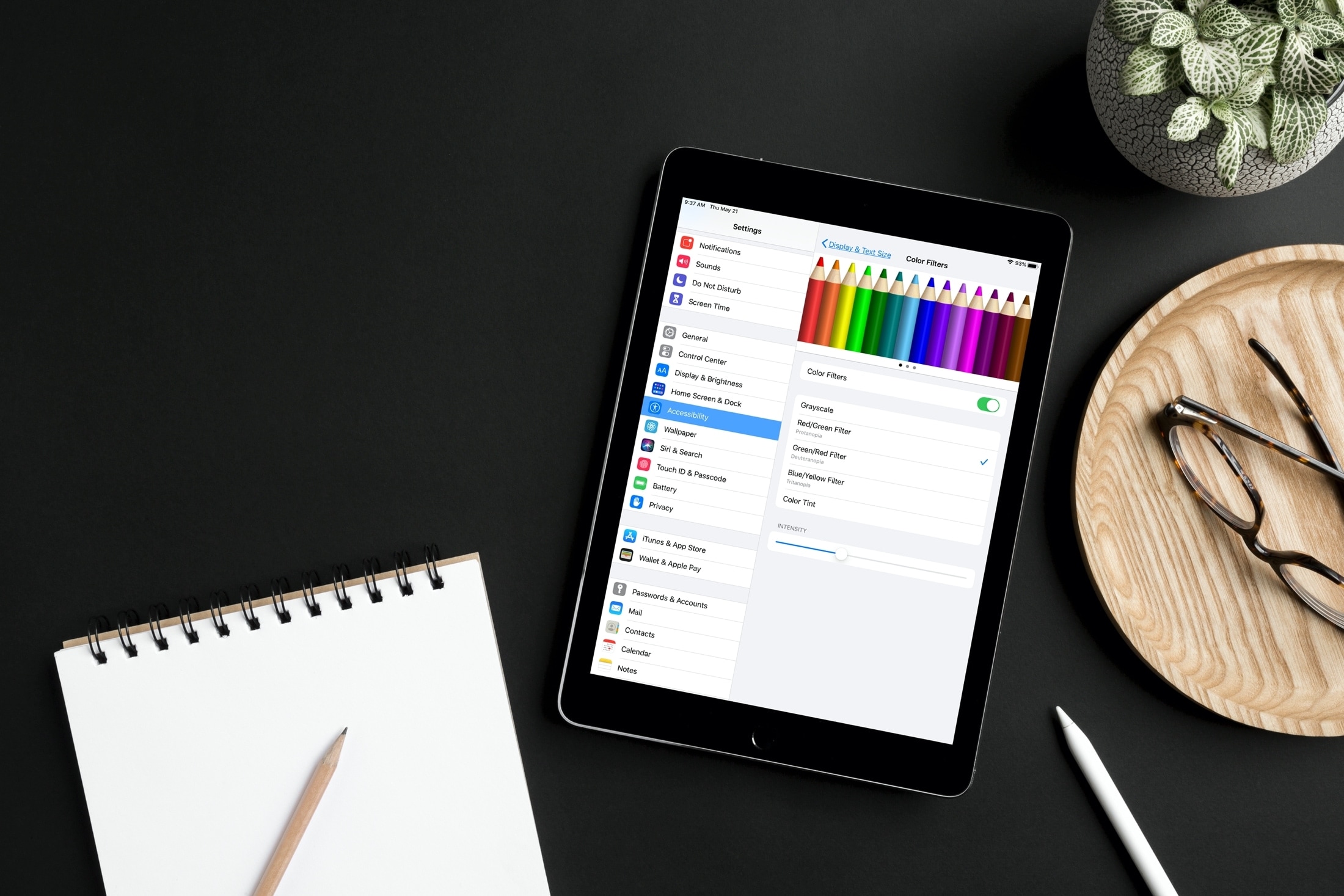
Learn how to adjust your iPhone or iPad's color settings to invert colors, apply color filters, increase contrast, and more, making the screen more pleasing to your eyes.
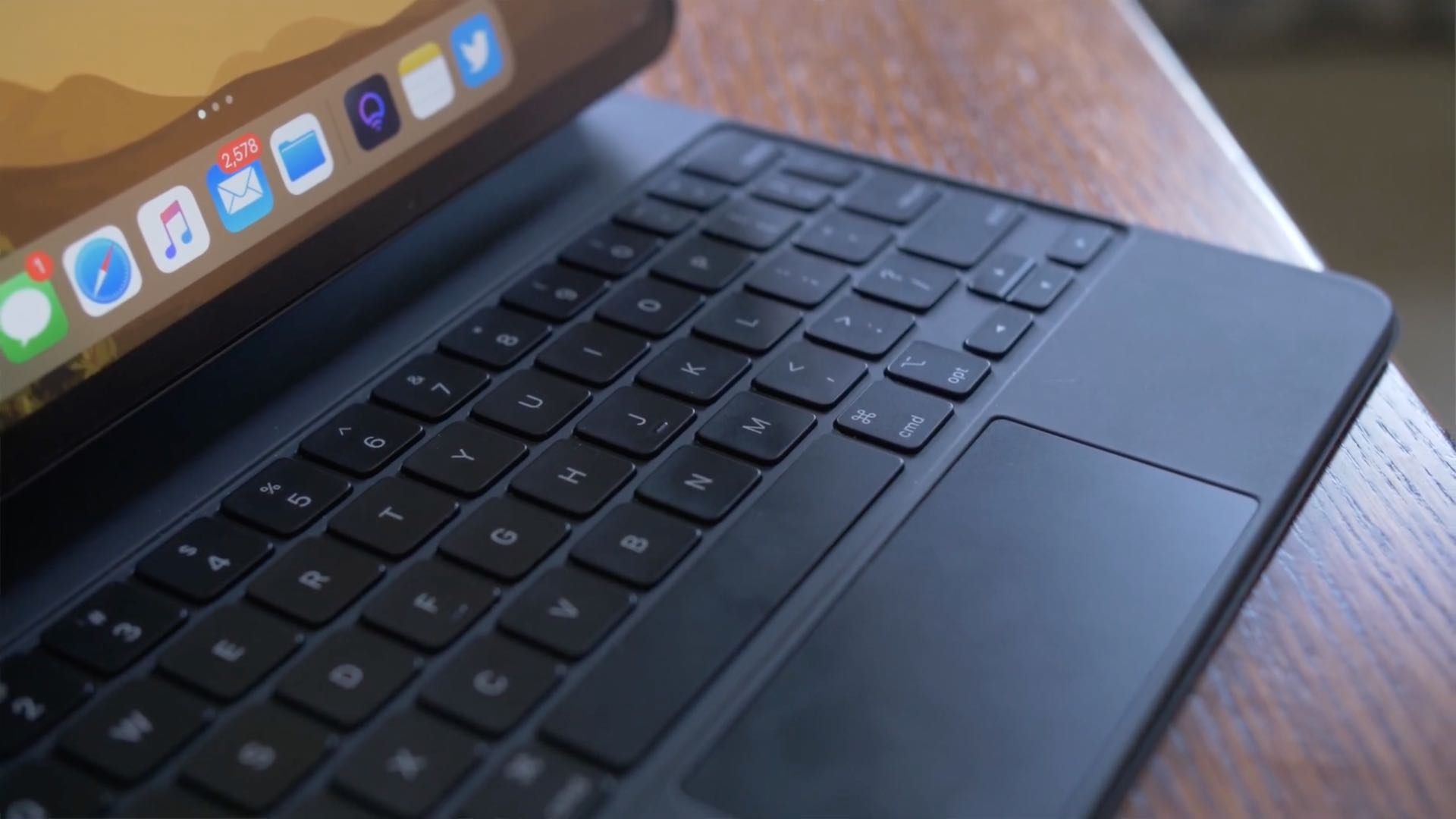
iPadOS brings an adaptive iPad cursor that uses subtle animations when hovering over various parts of the system to help you navigate. As an example, toolbar buttons in apps change color, and app icons on the Home Screen grow bigger. The animated cursor gives you a sense of context, but power users may want to disable these iPad pointer animations in order to enjoy a smoother tracking experience that resembles their computer.
Follow this step-by-step tutorial to learn how you can disable iPad pointer animations with just a few taps.

In this tutorial, we’ll explain what burst mode is on iPhone, how to use it to capture the perfect shot, and then keep the best pictures while getting rid of the rest.
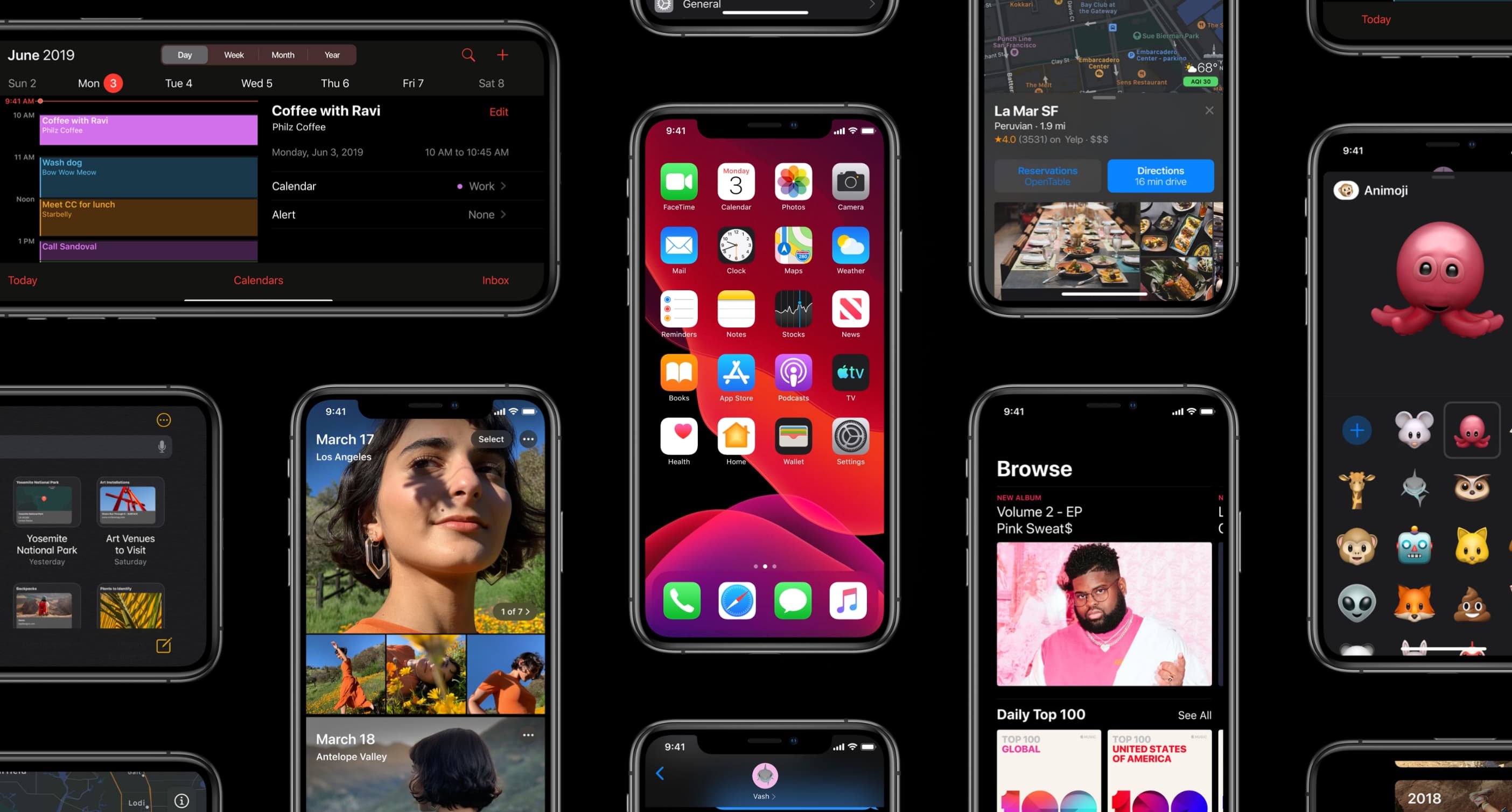
Apple on May 20, 2020 released iOS 13.5 for the iPhone and iPod touch devices and the iPadOS 13.5 update for compatible iPads. With those updates come several new features worth mentioning, including a new COVID-19 exposure notification system, Face ID improvements for mask wearers, disabling moving faces in FaceTime, Apple Music sharing to Instagram and Facebook Stories and more. Follow along with our quick tutorial explaining how to use everything new in iOS and iPadOS 13.5.

Learn how to have your iPhone and Apple Watch automatically share your Medical ID with emergency services, giving them useful information about you to ensure better and speedier help.

Want to delete Instagram comments in bulk? In this quick tutorial, we'll show you how to select up to 25 comments and delete them all instantly at once inside the Instagram app on your iPhone or iPad.
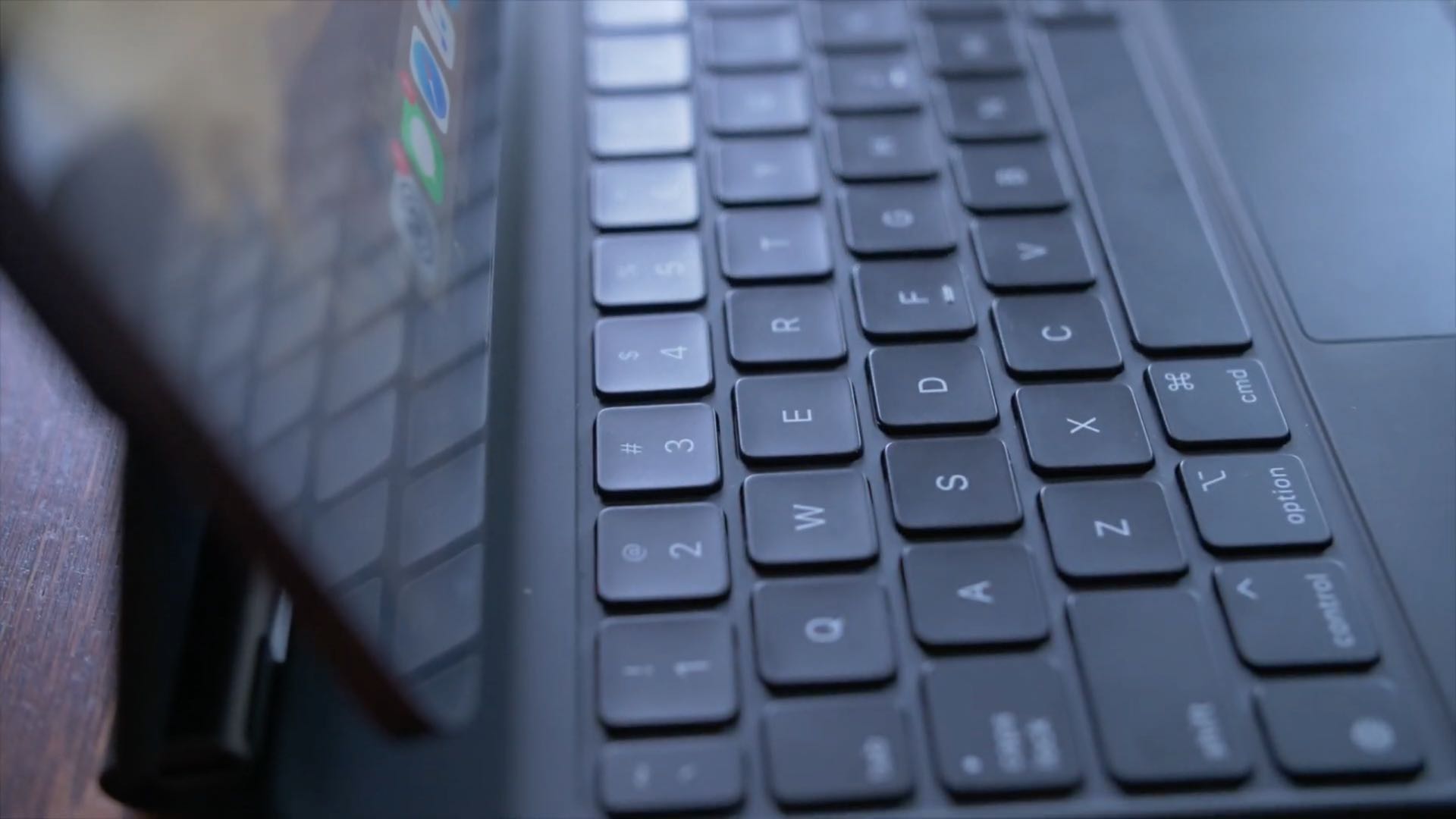
No physical Escape key on your iPad or Mac? No problem, as both iOS and macOS allow you to invoke Escape with a simple keyboard shortcut. Follow along with us to learn how to trigger the Escape command on iPad and Mac keyboards that lack a dedicated ESC key.

If you use the Notes app on your iPhone or iPad for not just note-taking but capturing photos, videos, and scans to reference within your notes, you can also save those items to your Photos app.
This means that if you want to use that capture for something else, you can find it easily in Photos rather than opening the Notes app for it. Maybe you thought this was happening all along, only to discover recently that it’s not.
Here’s how to automatically save photos, videos, and scans taken in Notes to Photos on iPhone and iPad.