Learn how to deactivate the camera shutter sound on your iPhone so you can take pictures quietly, without disturbing others.
How to silence your iPhone camera shutter sound when taking photos

Stay up-to-date on the latest iPhone news and learn new tips and tricks with our comprehensive tutorials. From software updates to new features, we’ve got you covered.
Learn how to deactivate the camera shutter sound on your iPhone so you can take pictures quietly, without disturbing others.
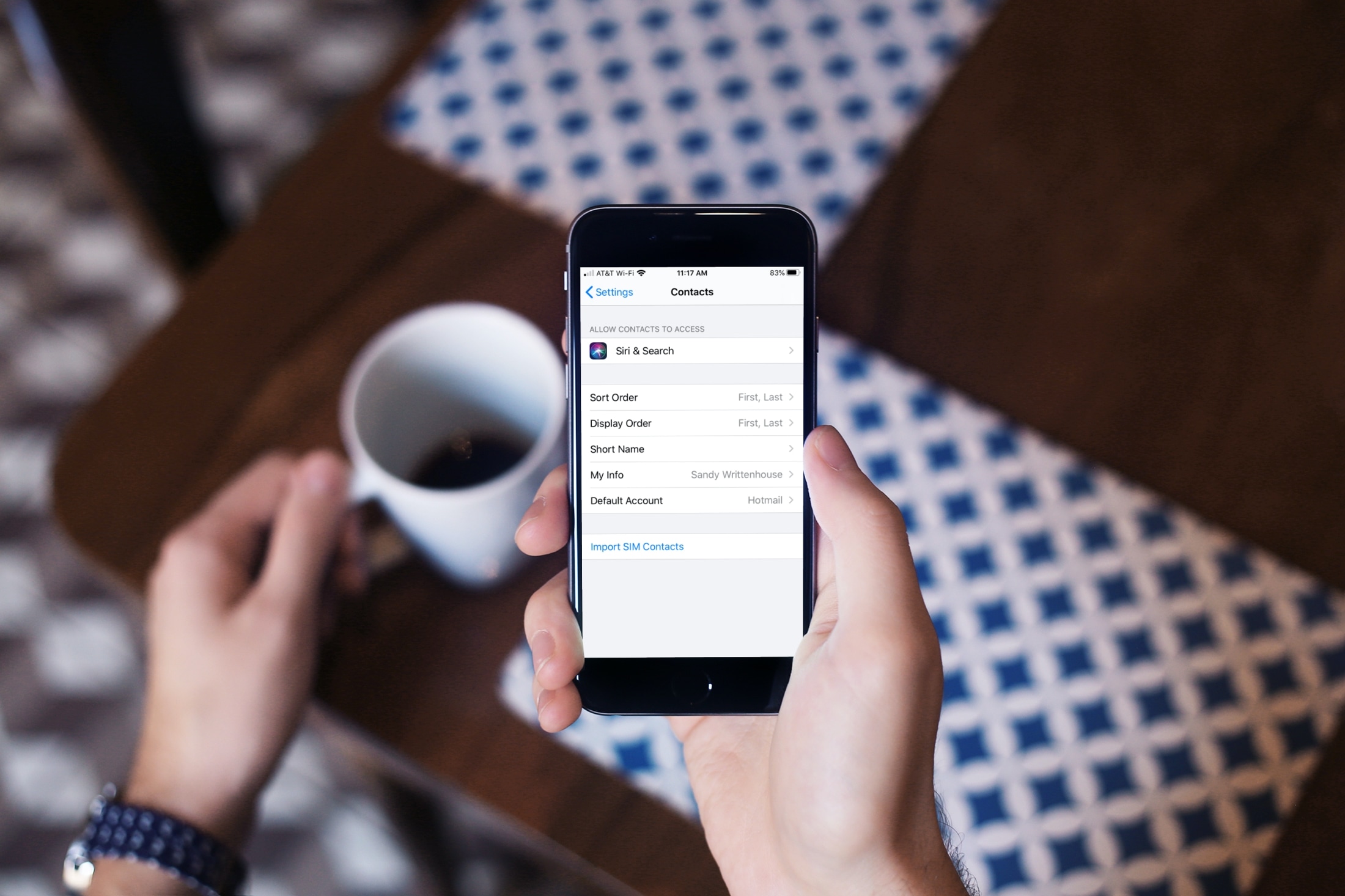
Learn what to do if contacts are saved in your physical SIM card and you want to have them on your iPhone.

Are you looking for the best iPhone Home Screen app arrangement? Explore some simple ways to arrange your Home Screen on iPhone and iPad, for a perfect mix of productivity and aesthetics.
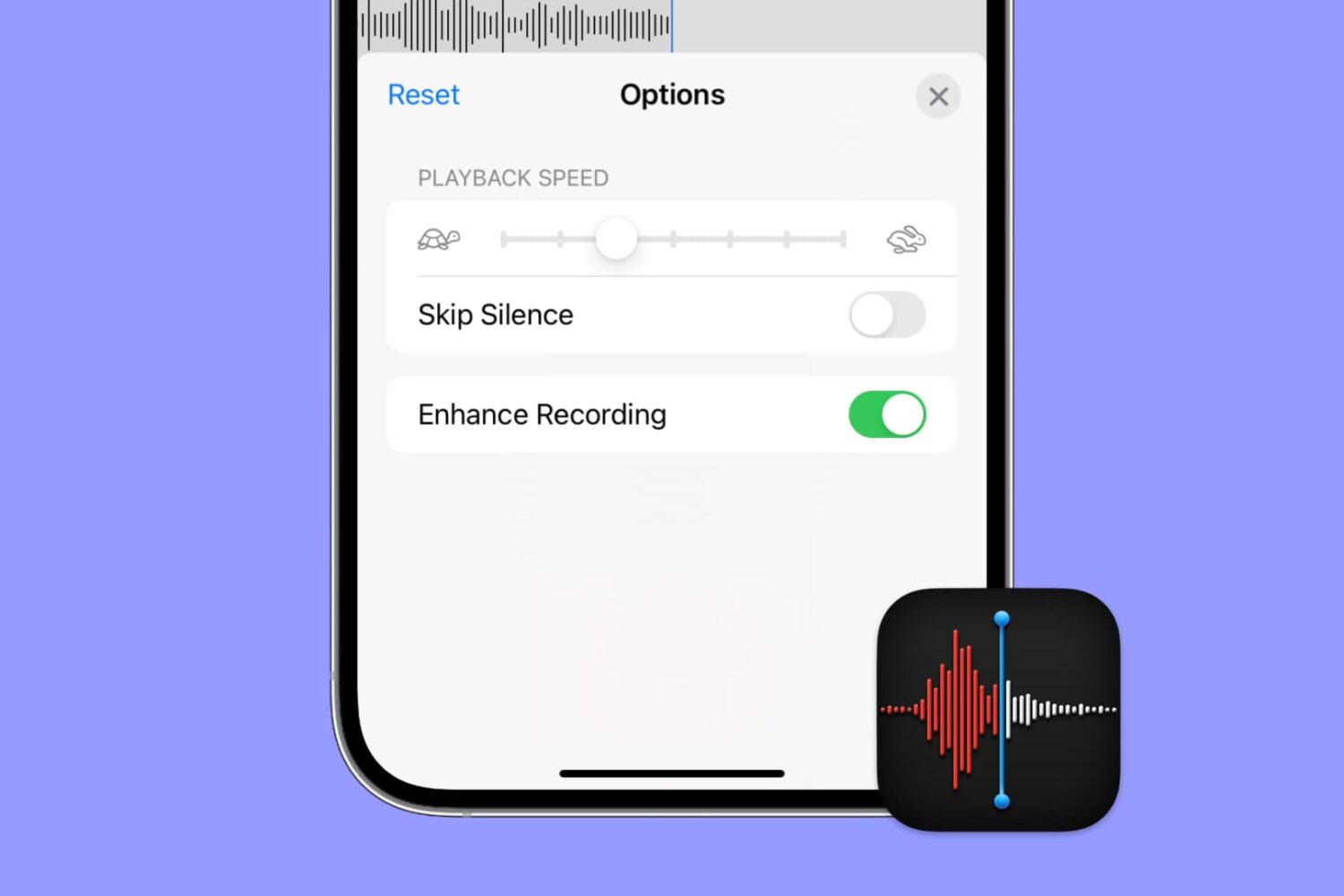
Apple's Voice Memos app has a feature designed to improve the sound quality of your recordings, including existing ones. Follow along with us as we show you how to use Voice Memos' Enhance Recording feature to reduce background noise and room reverberation of your voice notes.
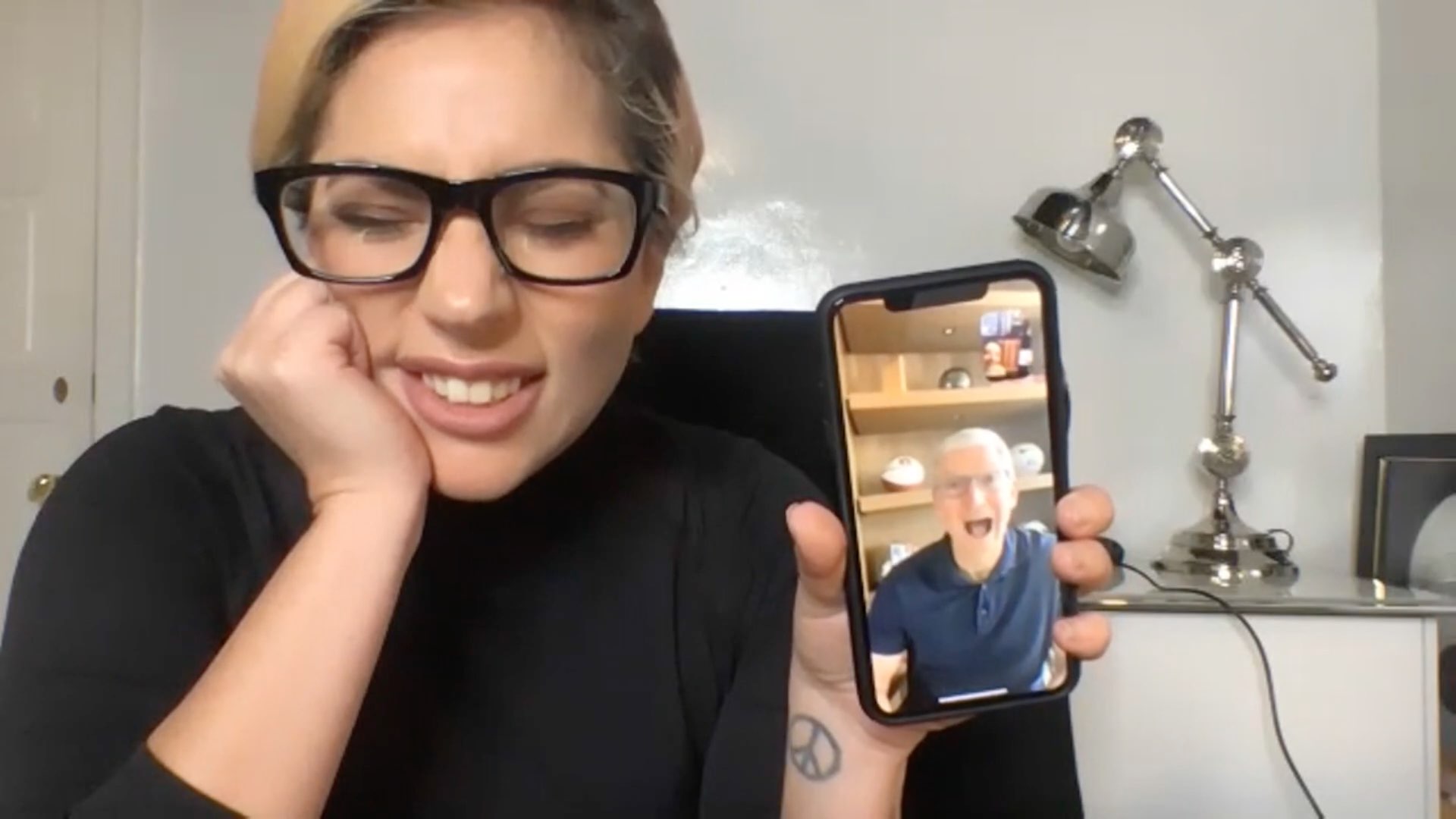
Learn how to turn off FaceTime eye correction which simulates direct gaze even when you're not looking straight at the iPhone's camera, which can be unsettling.

Learn how to master Picture in Picture on your iPhone and iPad to continue a video call or video playback while you use another app.
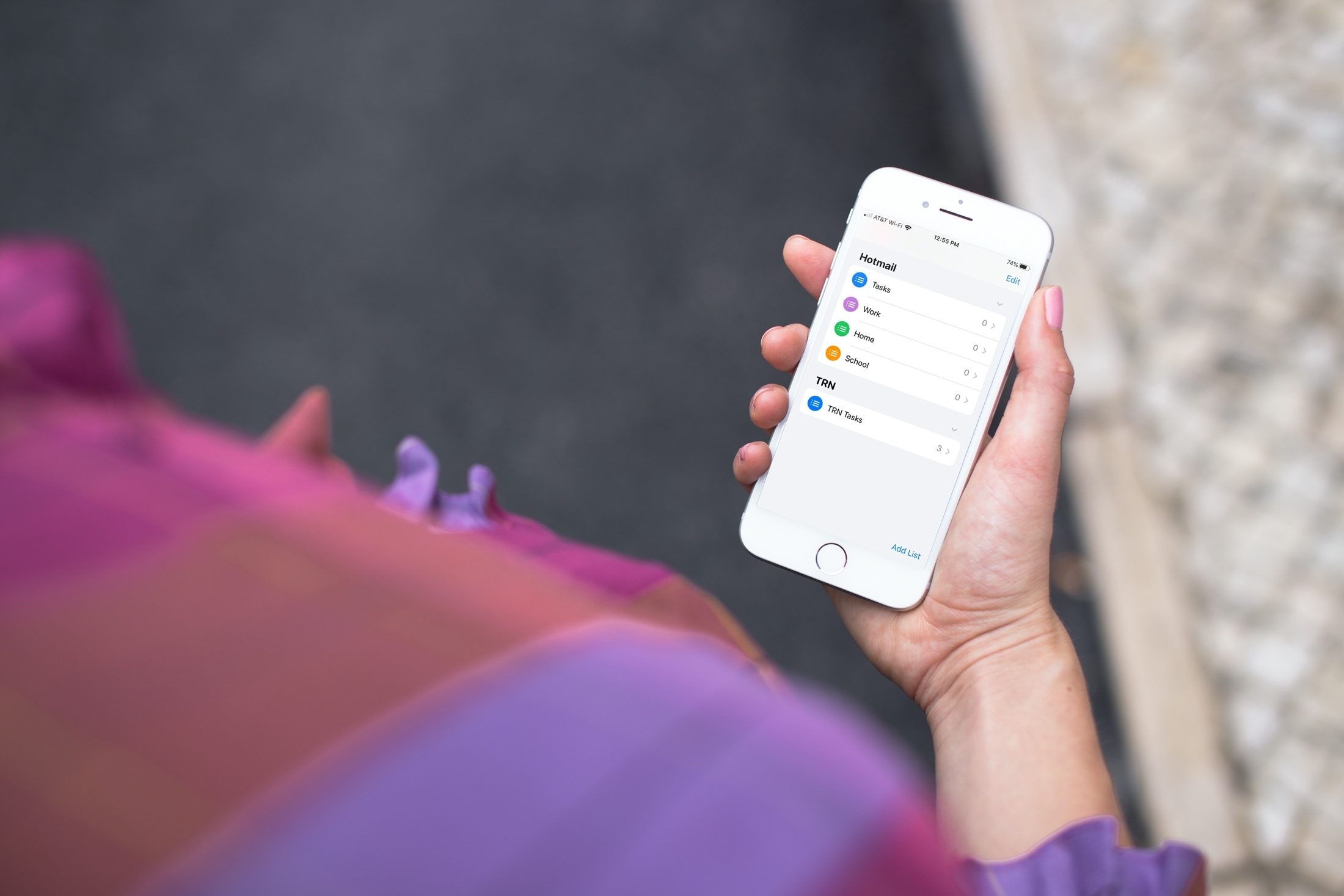
Learn how to add or remove accounts in Apple's Reminders app on an iPhone, iPad, and Mac to save your to-dos in your preferred online service.
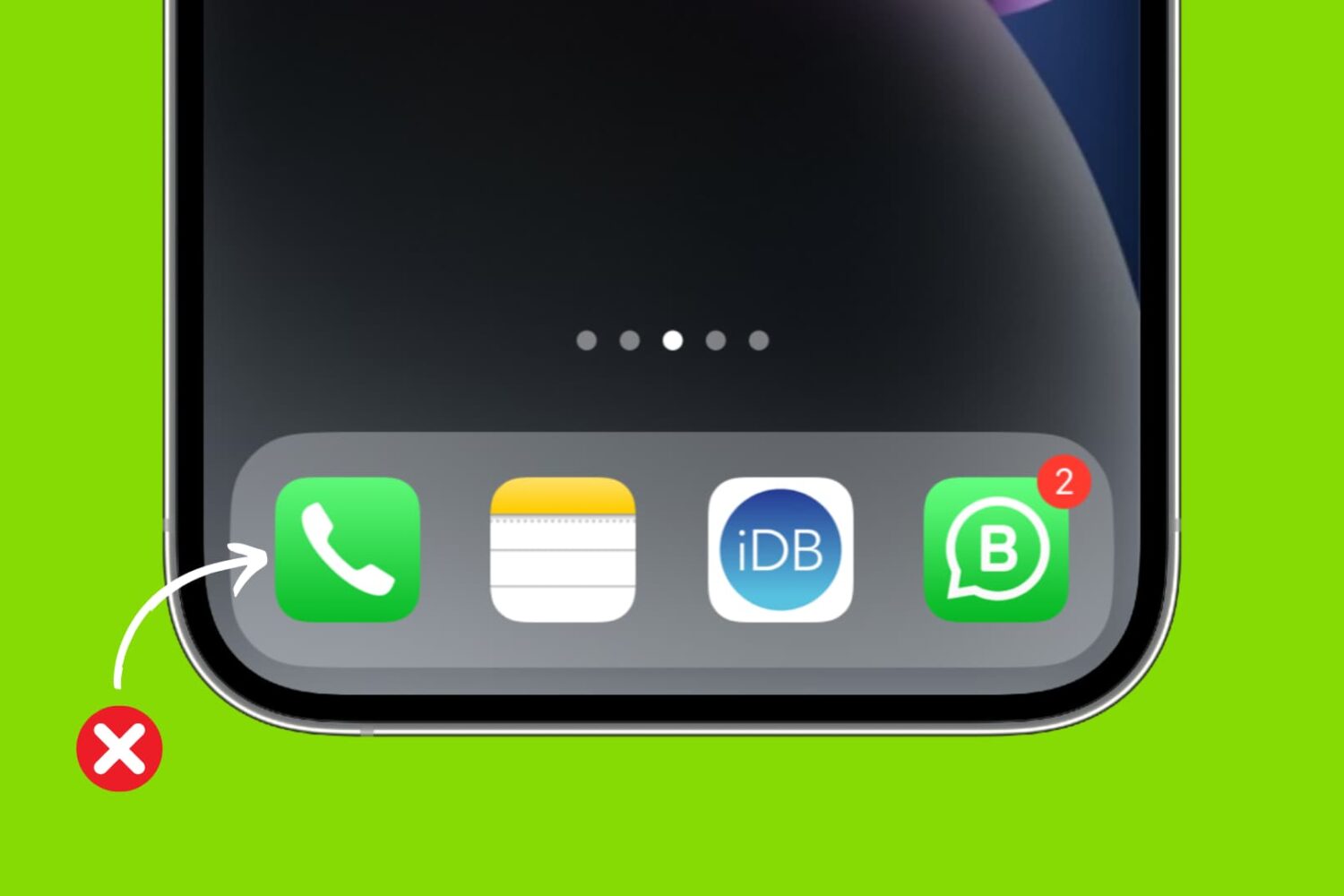
Learn how to quickly delete a single call record or reset your entire call history using the Phone and FaceTime apps on your iPhone or iPad.
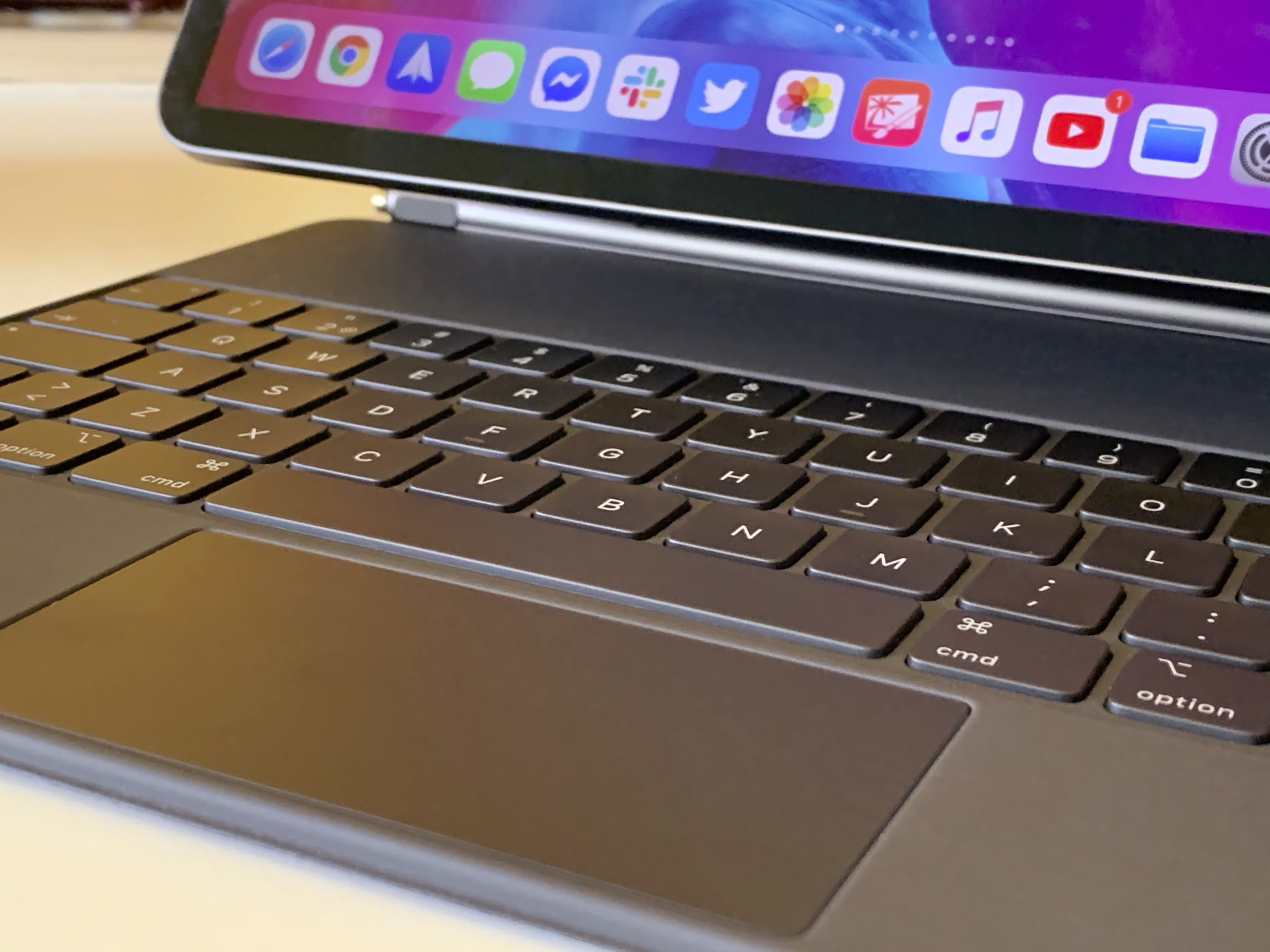
Learn how to disable iPad trackpad inertia to have the onscreen pointer stop moving immediately after you lift your finger from the trackpad.

If your iPhone or iPad is jailbroken, then it can be easy to go overboard with installing jailbreak tweaks. While the primary purpose of most jailbreak tweaks is to make your handset better, it’s always possible for a buggy or poorly coded tweak to go rogue and cause more harm than good; sometimes rendering your entire handset momentarily inoperable.
While some panic at the aforementioned thought, especially when it happens to their own jailbroken device, it’s not always necessary to restore your device and lose your jailbreak. In fact, the unc0ver jailbreak supports a function that lets you boot into a no-tweak state tantamount to the likes of no-substrate mode so that you can safely launch Cydia and uninstall the offending tweak(s). We’ll show you how that’s done in this tutorial.

Jailbreaking can be both a fun pastime and a way of making your iPhones and iPads capable of functionality that Apple doesn’t empower them with out of the box. Unfortunately, not all jailbreak tweaks work as expected, and in some cases, buggy or poorly coded tweaks may render your device temporarily unusable.
But fear not, as you probably won’t need to restore your device and lose your jailbreak data. The checkra1n jailbreak tool incorporates a Safe Mode mechanism that can be used to boot your jailbroken iPhone or iPad into a no-substrate-like mode in which jailbreak tweaks don’t load. You will, however, be able to launch Cydia and uninstall the offending tweak(s). We’ll show you how to do that in this tutorial.
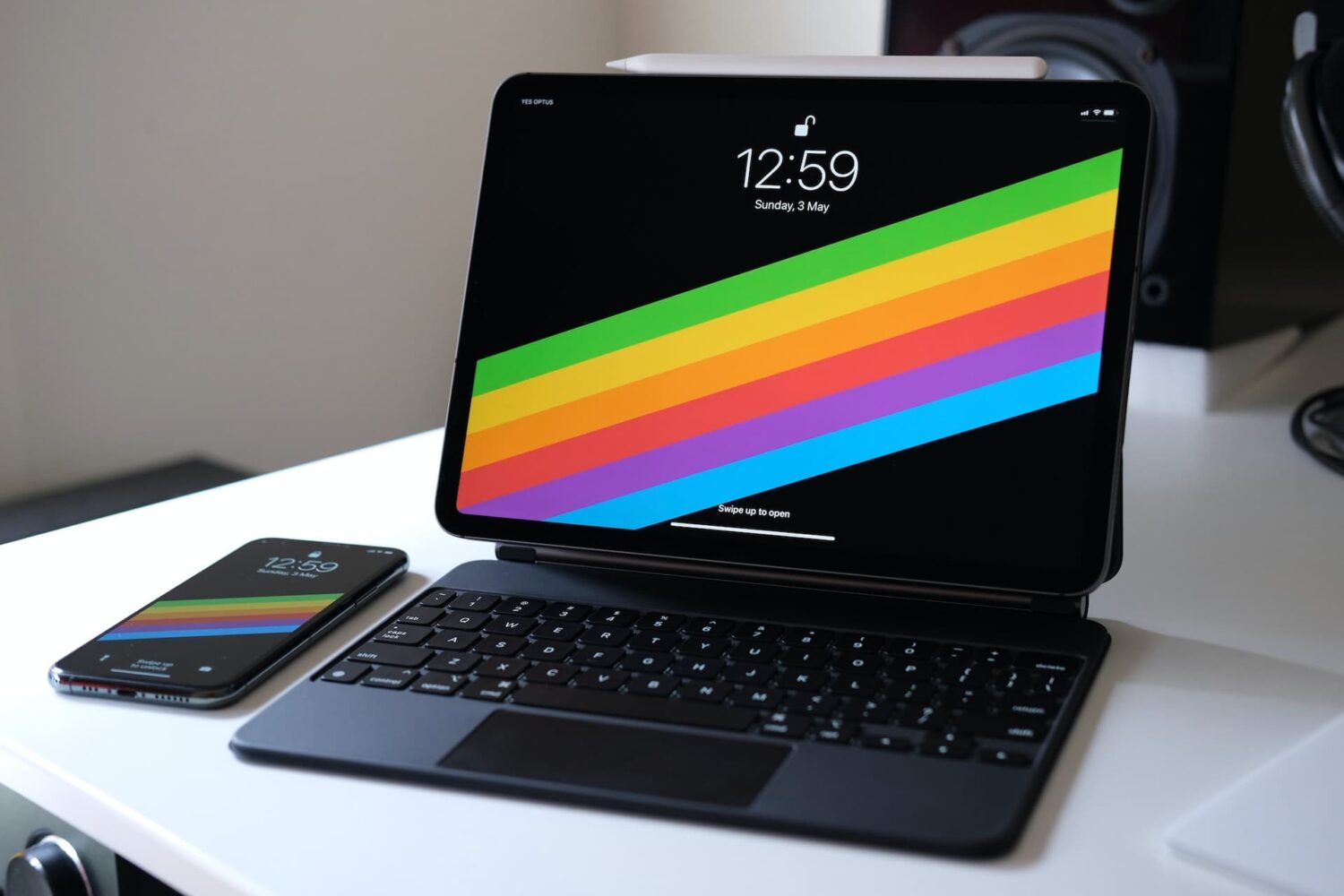
The right-click on the iPad is pretty similar in concept and execution to the long-standing right-click on Mac. In this tutorial, we show you how to do that on iPad with your finger, mouse, or trackpad.