Learn how to view retweets with comments, also known as quote tweets, in the Twitter app and website to see what people are saying about it.
How to view retweets with comments in the Twitter app and website

Stay up-to-date on the latest iPhone news and learn new tips and tricks with our comprehensive tutorials. From software updates to new features, we’ve got you covered.
Learn how to view retweets with comments, also known as quote tweets, in the Twitter app and website to see what people are saying about it.
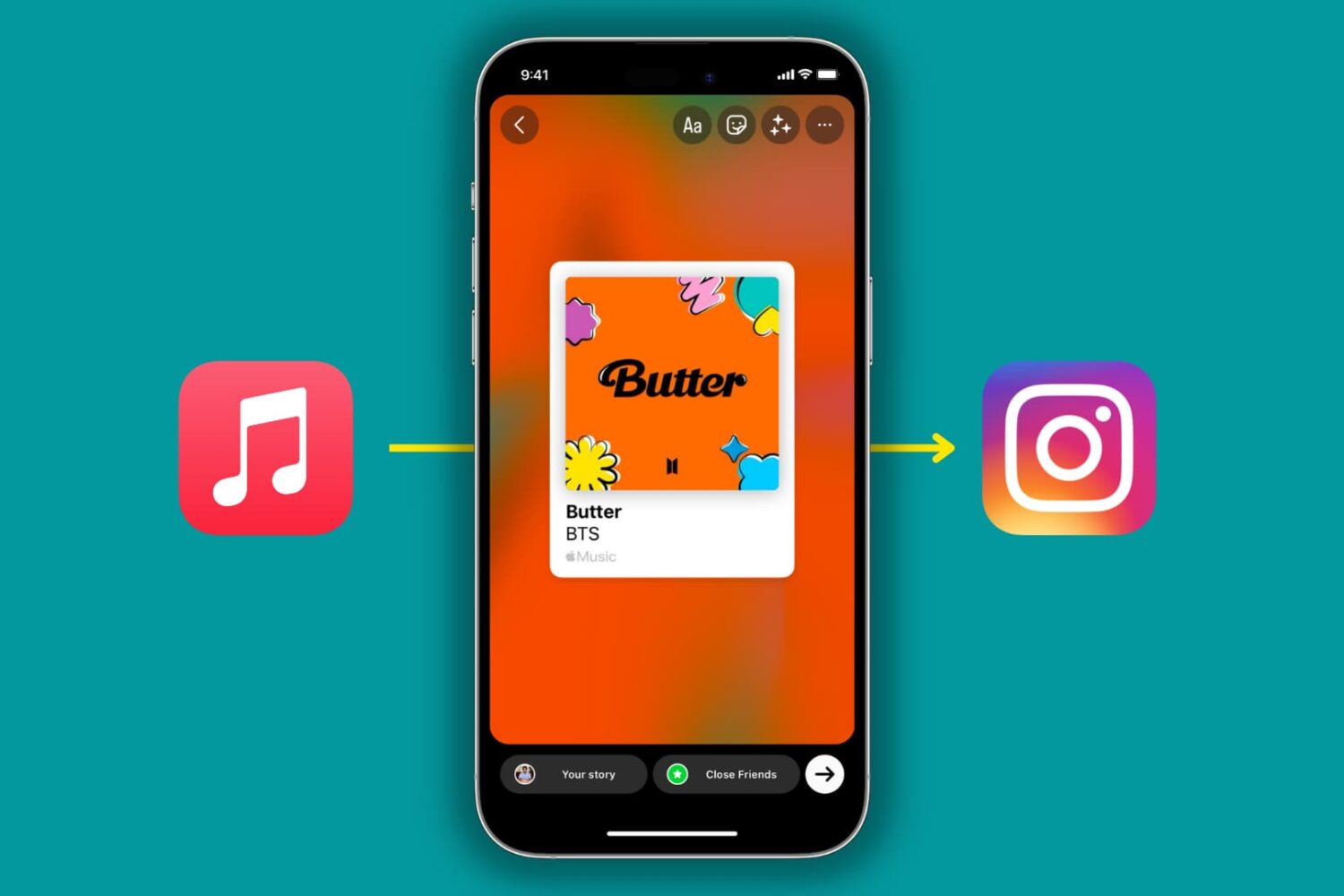
The Apple Music app on iPhone and iPad lets you share songs and albums to Instagram Stories or Facebook Stories in a beautiful, interactive manner. In this tutorial, we'll quickly show you how to do that!

The COVID-19 exposure notification in iOS 13.5 informs you whether you may have contracted the coronavirus by coming into contact with someone who's been diagnosed with COVID-19. This secure, private contact-tracing technology works in tandem with apps from public health authority developers that are installed on your device. If you'd rather opt-out, however, follow along with our step-by-step tutorial that teaches you how to disable the COVID-19 exposure notification at the system level to stop exposure logging and contact-tracing via Bluetooth.
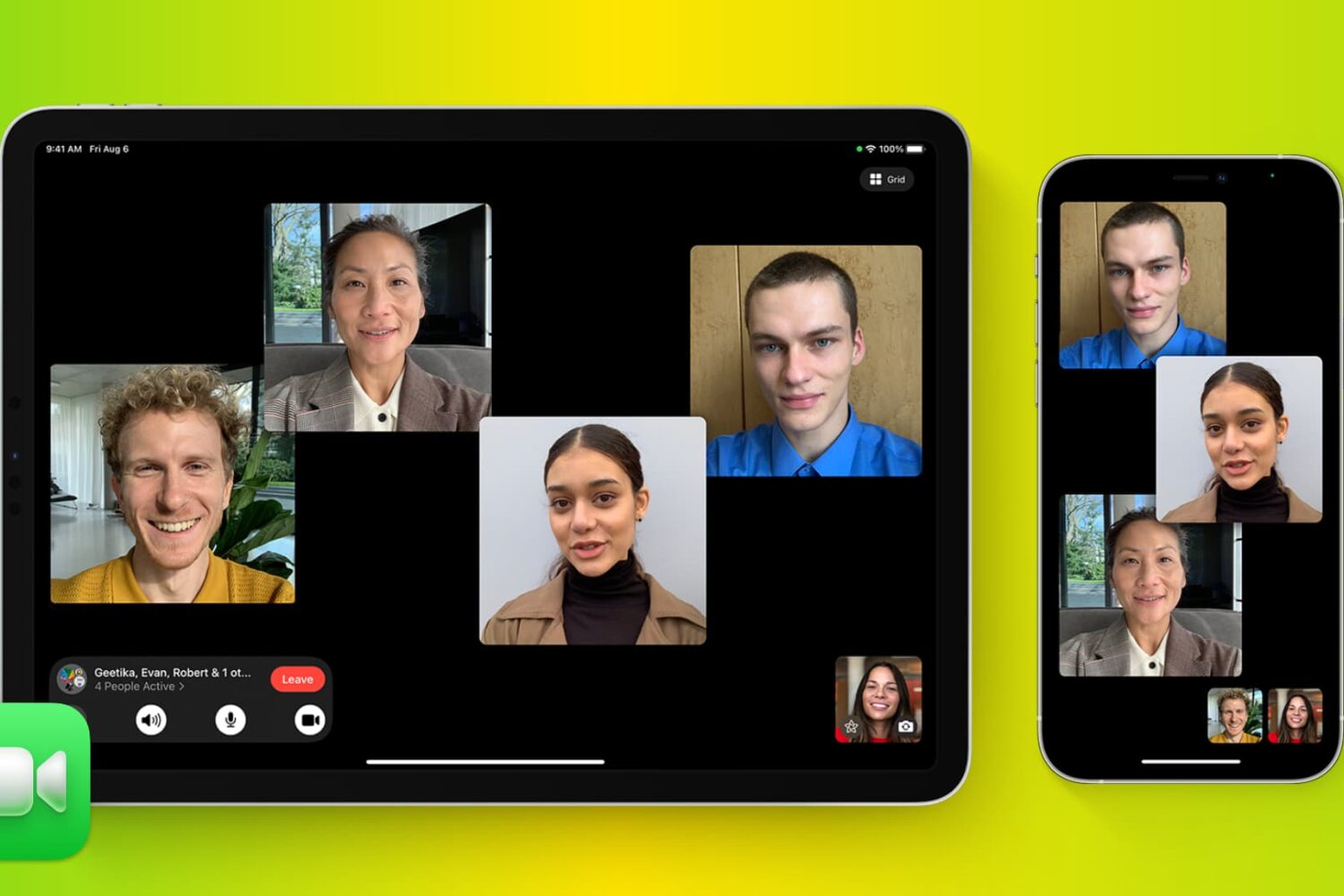
Don't like a person's face tile automatically enlarging on a group FaceTime call? Let's tell you why this happens and how to stop it on your iPhone, iPad, or Mac.
Learn how you can control your iPad pointer with the keyboard keys or number pad via a cool new accessibility feature called Mouse Keys.
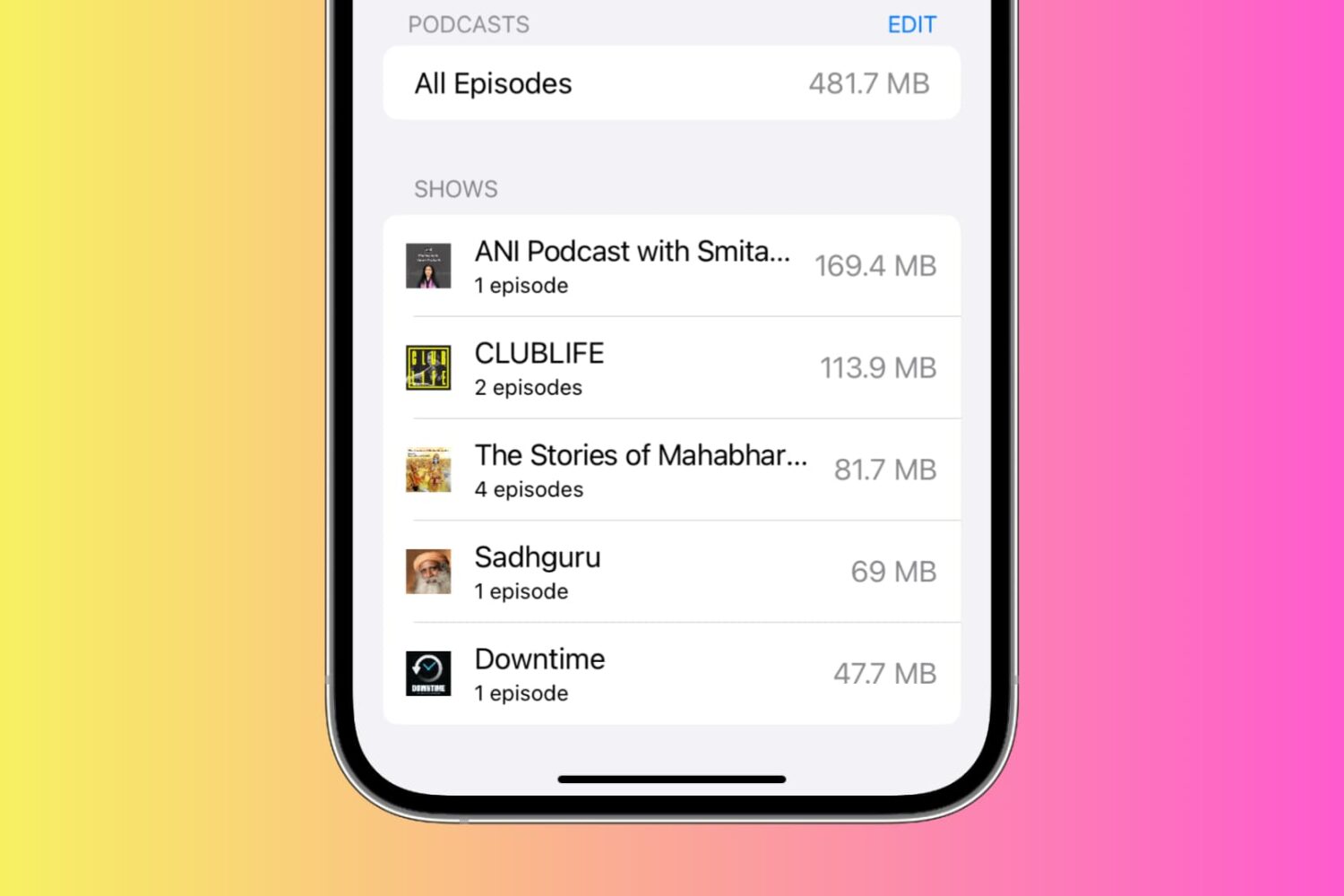
See the storage space used by podcasts and TV shows on your iPhone or iPad and manage them. If left unchecked, these can take up a lot of space on your device, which is why it’s a good idea to clean them up from time to time.
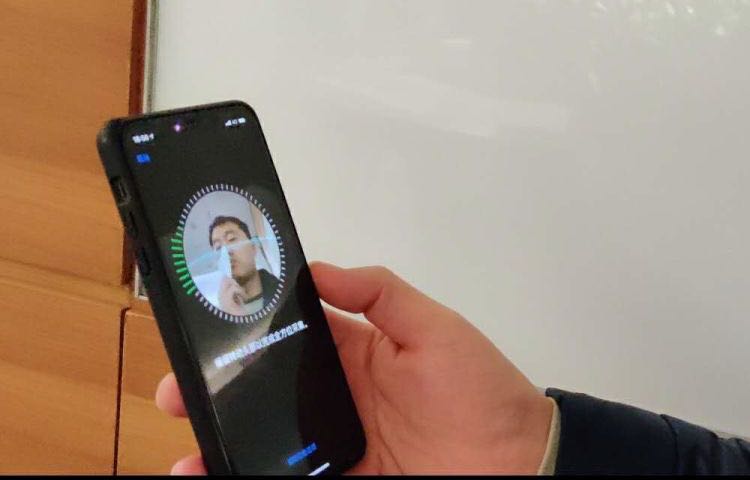
Face ID is awesome, but it only works reliably when your eyes, nose and mouth are fully visible to the TrueDepth camera, according to Apple's support document. That's hardly the case when you're wearing a mask, like those medical masks that people have been wearing during the COVID-19 crisis to protect themselves, and others, from exposure to the coronavirus. Instead of taking your mask off to unlock your iPhone, or waiting until Face ID fails, save yourself both time and frustration by skipping right to the passcode prompt with this super handy tip.
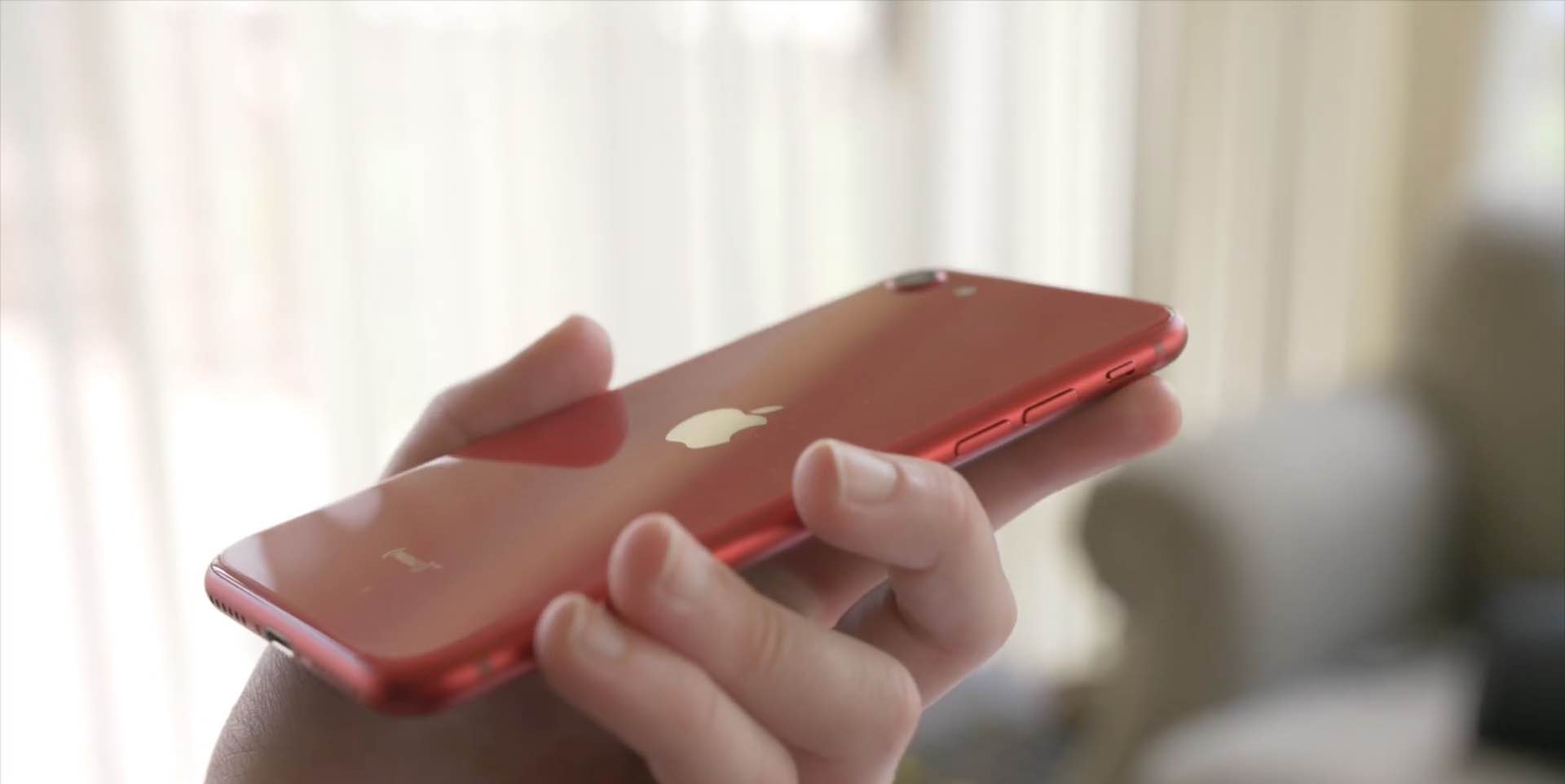
With the new iPhone SE a reality, folks who haven't owned an iPhone in years are sharing their tips for using the handset. We've rounded up a few common tips we think new iPhone SE customers will love. Watch our hands-in video walkthrough and learn something new today!
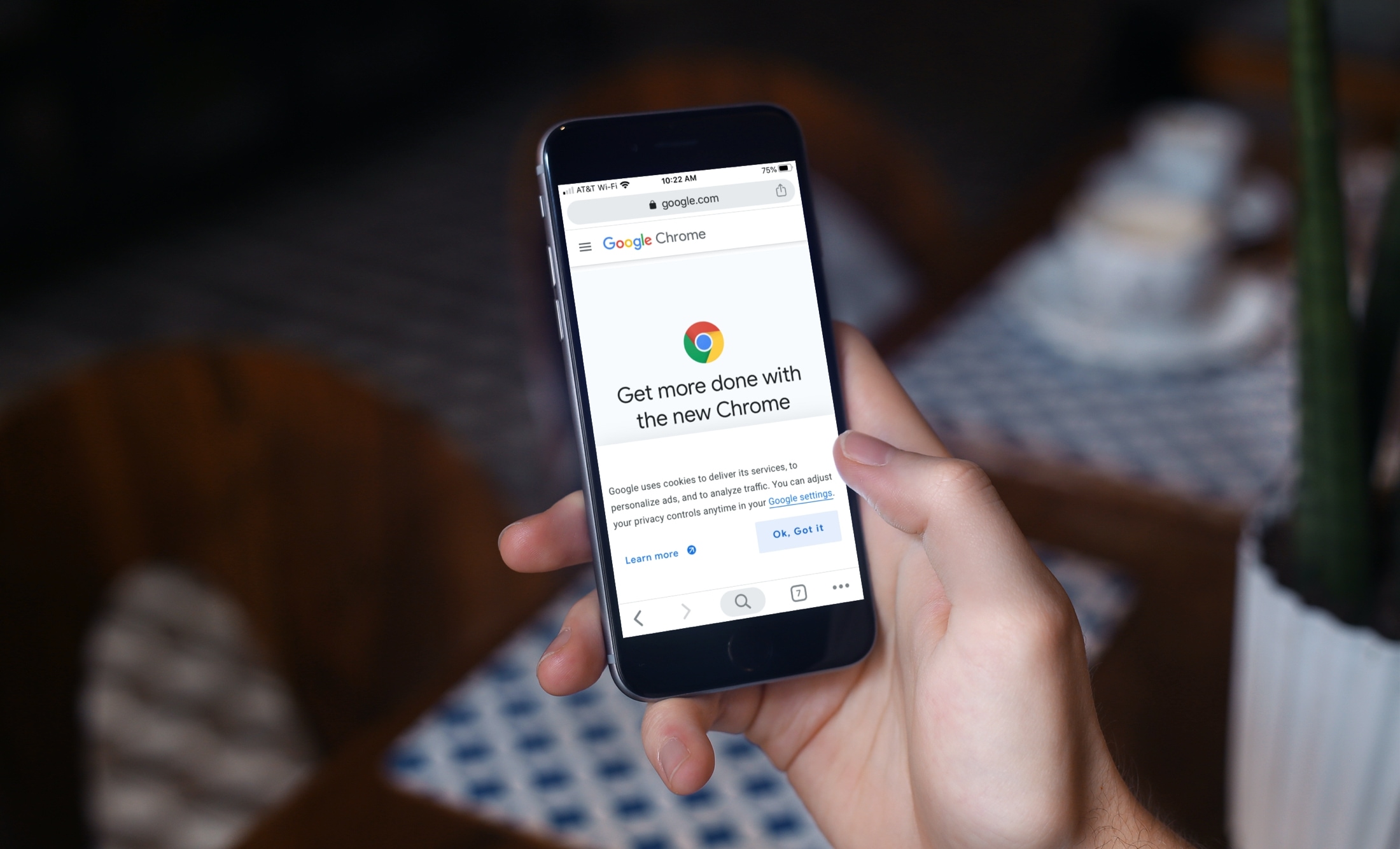
These tips will supercharge your iPhone web browsing experience in Google Chrome with custom settings for URL bar location, tab groups, and more.

Do you use a pointer device with your iPad, like a trackpad? If so, it pays to know about an option that makes tapping the trackpad with one finger register as clicking. Follow along with us as we show you how to enable or disable Tap to Click for your connected iPad trackpad in case you'd like to make taps on the trackpad register as either regular taps or physical clicks.
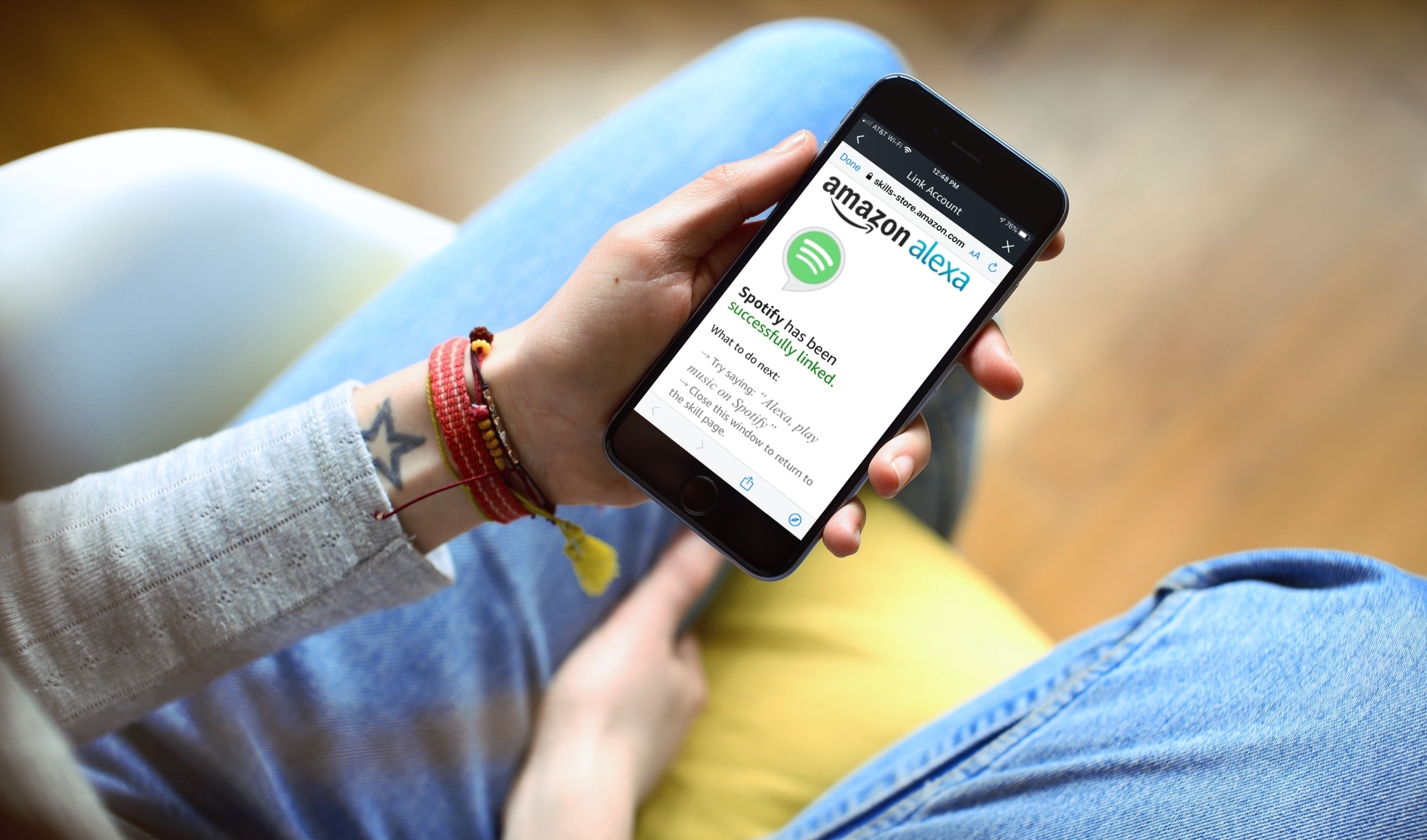
Learn how to listen to Spotify using Alexa on your Amazon smart speaker. We'll also show you how to make it the default music service so you don't have to say "on Spotify" in every voice command.
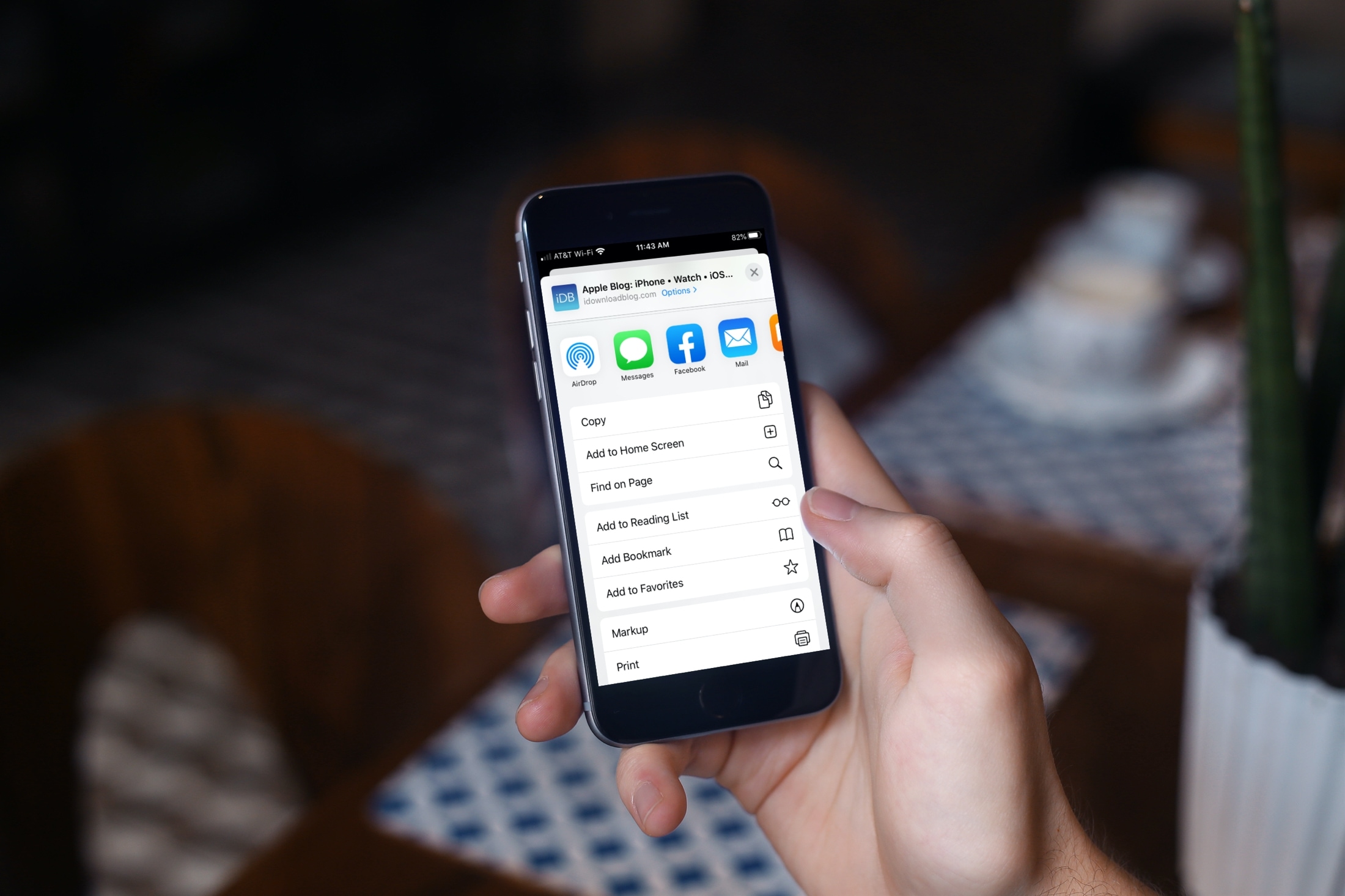
Learn how to declutter the systemwide Share menu on your iPhone or iPad to only show the apps, people, and options you frequently use.