Learn how to adjust the Sensitive Content Control to see less or more sensitive content recommendations when browsing Instagram on your phone or computer.
How to influence Instagram’s algorithm to show you more or less sensitive content in Explore
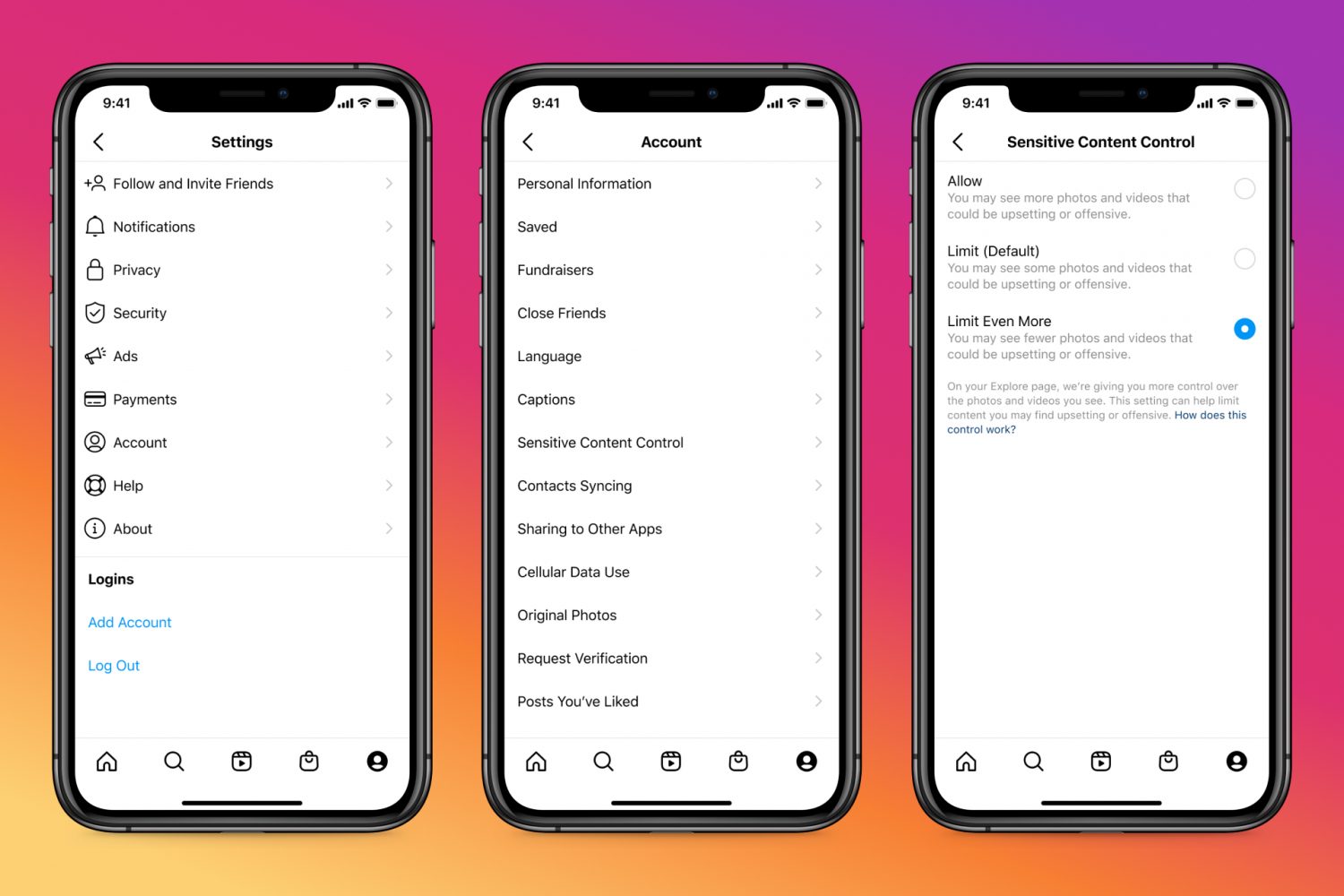
Learn how to adjust the Sensitive Content Control to see less or more sensitive content recommendations when browsing Instagram on your phone or computer.
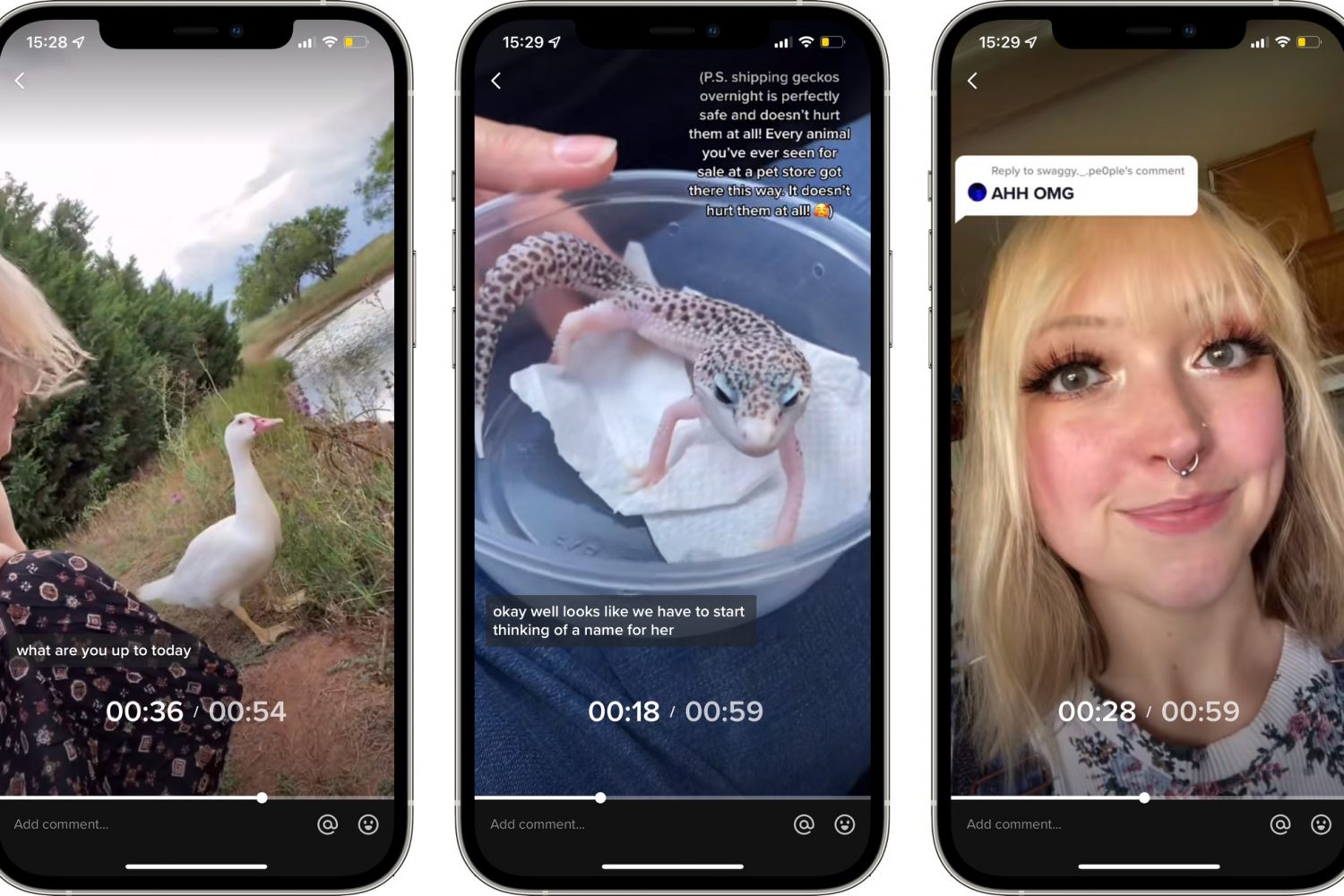
TikTok used to lack playback control because it initially focused on short-form videos up to sixty seconds long. But with TikTok videos now up to three minutes long, the app's gained video navigation. Here's how to use TikTok's fast-forward and backward scrubbing control.

iCloud Backup is a great convenience. But before you use this handy feature, be sure to learn about Apple's data retention policy in terms of keeping old backups.

Check out this list of useful offline Siri commands on your iPhone and iPad that work without an internet connection, including messaging, networking, setting timers and much, much more.
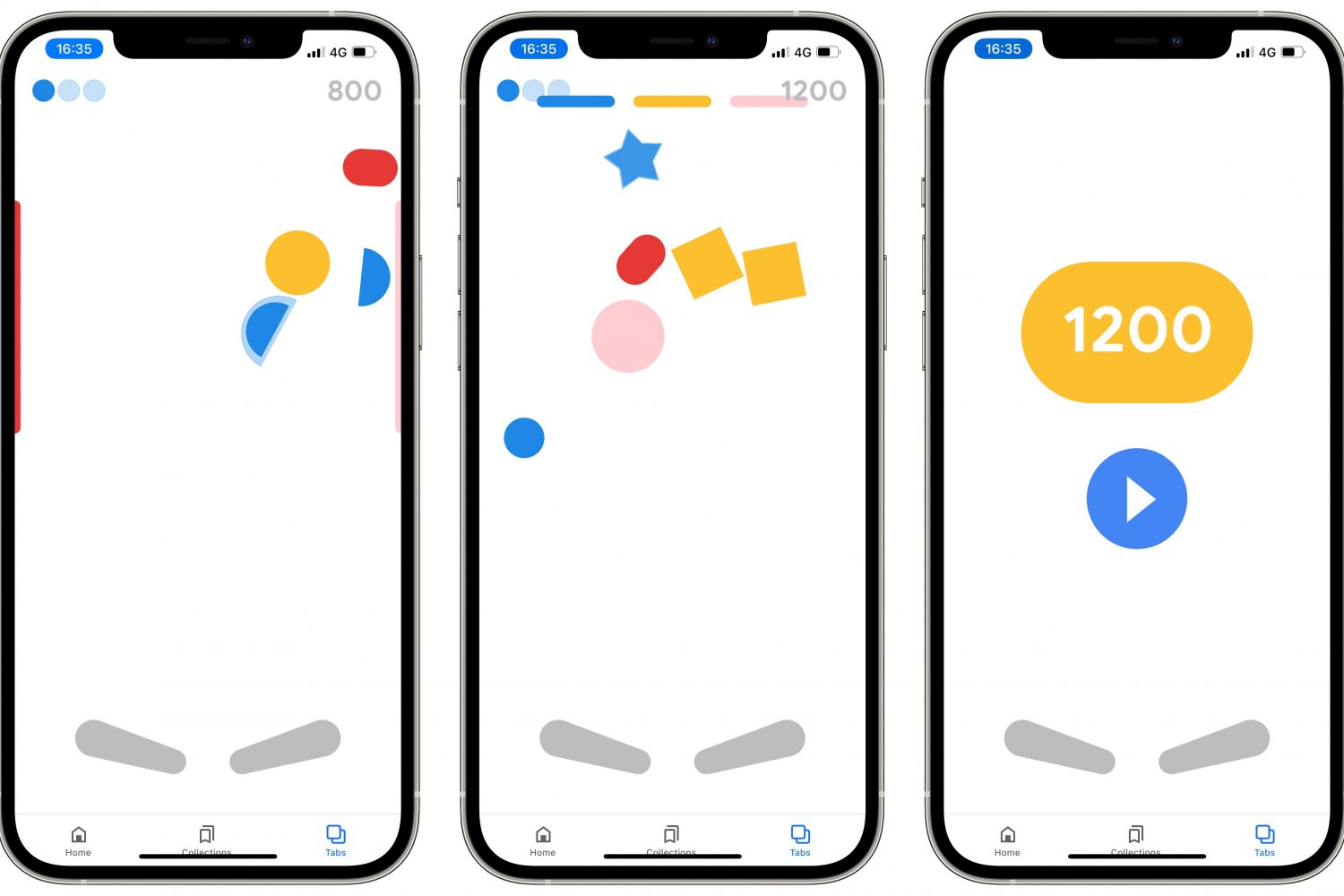
Follow a few simple steps laid out in our tutorial if you'd like to discover and play a secret Google Easter egg pinball game in the company's official app for iPhone and iPad.

In this tutorial, we'll show you how to configure your Apple TV the right way by adjusting a few important audio and video settings that are to improve your experience.

Your dream desktop has landed! The new 24-inch iMac powered by the Apple M1 chip runs circles around the previous Intel-based 21.5-inch model, but that's hardly the only thing it's got going for it. Watch our handy video tips highlighting some of its best features.
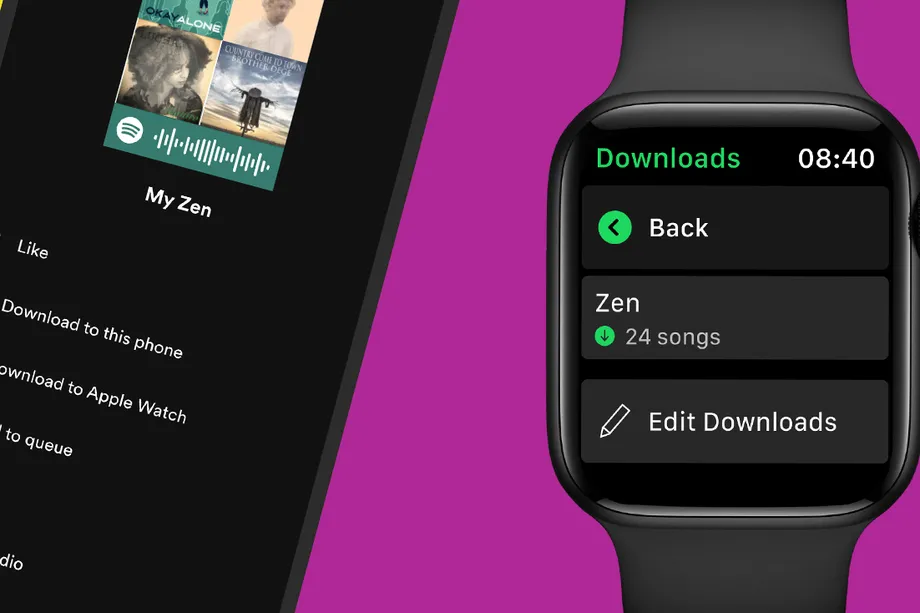
Learn how to download songs, playlists, and podcasts to the Spotify app on your Apple Watch so you can listen to them offline when your watch is not connected to your iPhone or the Internet.
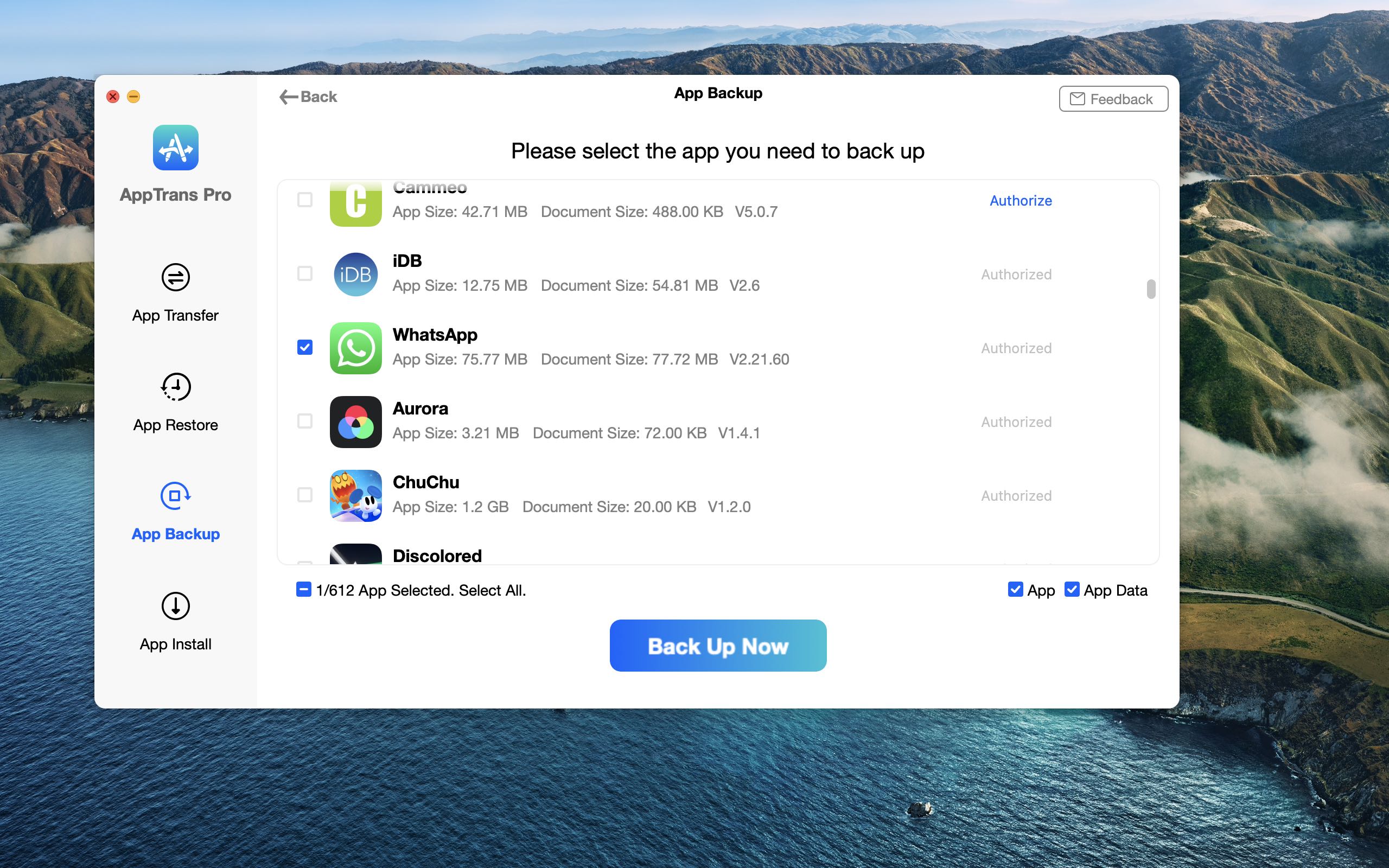
WhatsApp makes switching platforms a pain— for instance, the ability to transfer WhatsApp chats and media from your Android phone to a new iPhone is unsupported. The good news is, WhatsApp transfer doesn't need to be difficult provided you have the right tool for the job.

Apple refreshed the iPad Pro on April 20, 2021, giving its pro-branded tablet lineup a significant speed boost with its in-house Mac chip, the M1. Whether you're on the fence about buying a 12.9-inch iPad Pro or you already own one, be sure to watch our hands-on video walkthrough.
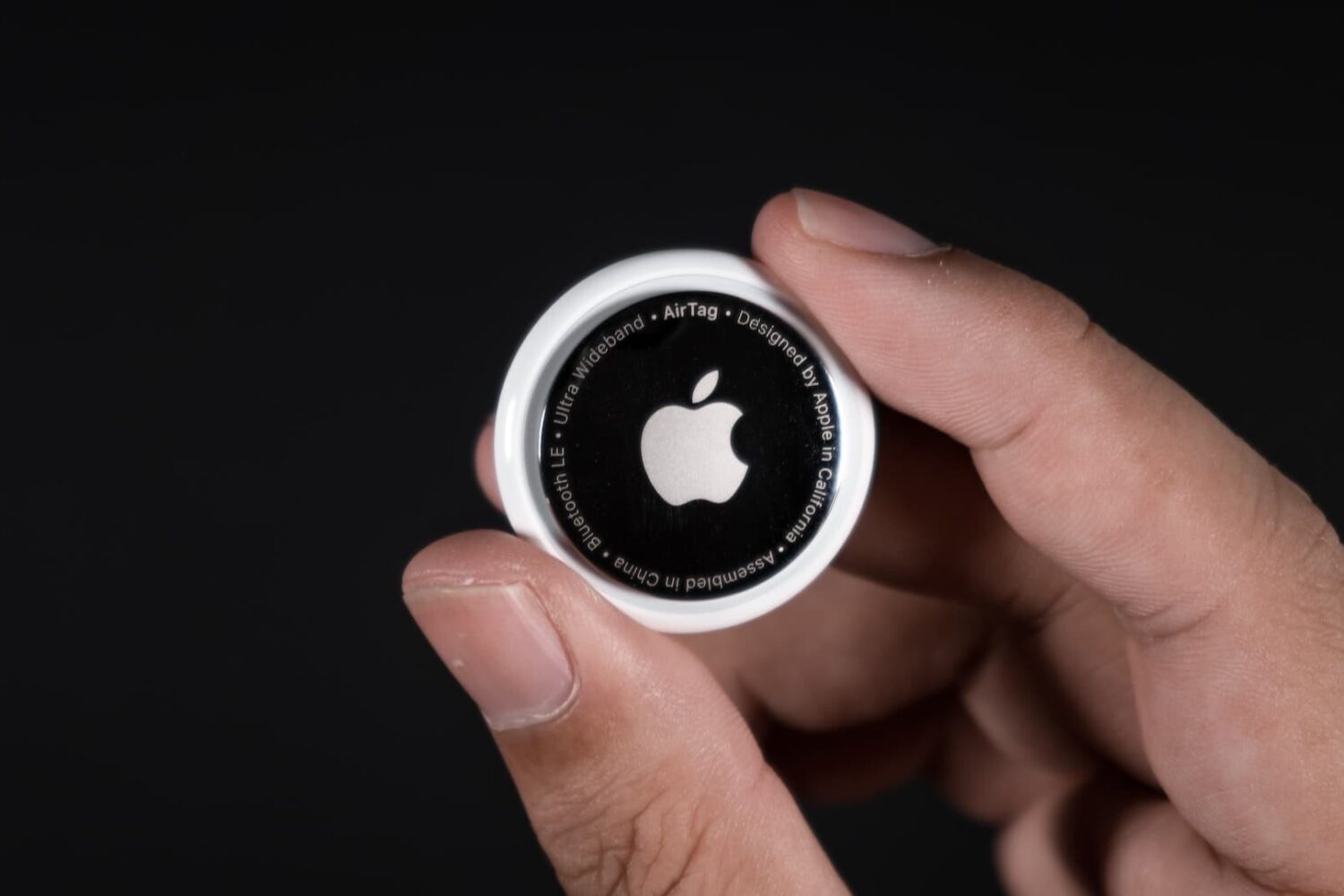
Whether you have lost an AirTag or found one that doesn’t belong to you, knowing its serial number can help you locate the owner or confirm if it is your own. In this post, we’ll show you how to easily find the serial number of an AirTag or AirTag (2nd generation).
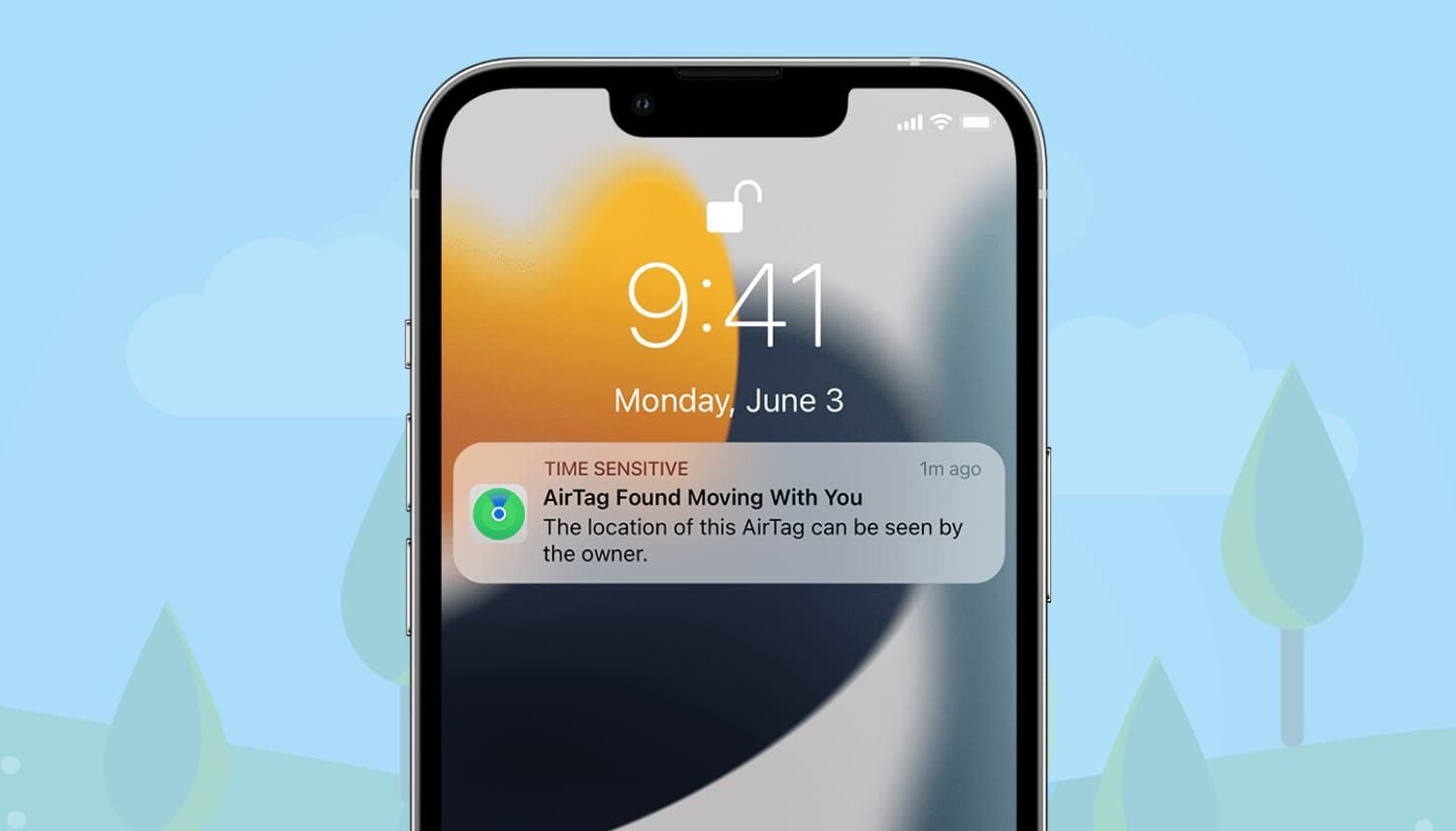
One of the AirTag safety features that Apple designed to discourage unwanted tracking shows a notification when your iPhone senses an unknown AirTag moving with you over time.
Besides AirTag, AirPods (3rd generation, Pro, Max), and other Find My network accessories can also be used to track. When that happens, you may see one of the following notifications:
AirTag Found Moving With You AirPods Detected, AirPods Pro Detected, or AirPods Max Detected "Product Name" Detected: For third-party Find My network accessories like Chipolo ONE Spot. Unknown Accessory Detected: You will see this message when a non-AirTag Find My network accessory is detected near you, but the Find My app on your iPhone has issues connecting to that accessory or the server.This tutorial focuses on what to do when an unknown AirTag is detected and found moving with you.