Learn how to add and display your preferred pronoun on your Instagram profile so people know how to refer to you.
How to add pronouns to your Instagram profile so people know how to refer you

Learn how to add and display your preferred pronoun on your Instagram profile so people know how to refer to you.

Learn how to reset your AirTag to its default settings for troubleshooting purposes or for making it ready for new use.
Learn how to sort your to-dos in the stock Reminders app by the due date, creation date, priority, or title on iPhone, iPad, and Mac.

Learn how to remove YouTube’s tracking cookie for embedded videos to make your site faster and increase the privacy of your visitors.

Learn how to use Siri suggestions in Safari on your iPhone, iPad, and Mac to get recommendations for useful sites you might want to visit.
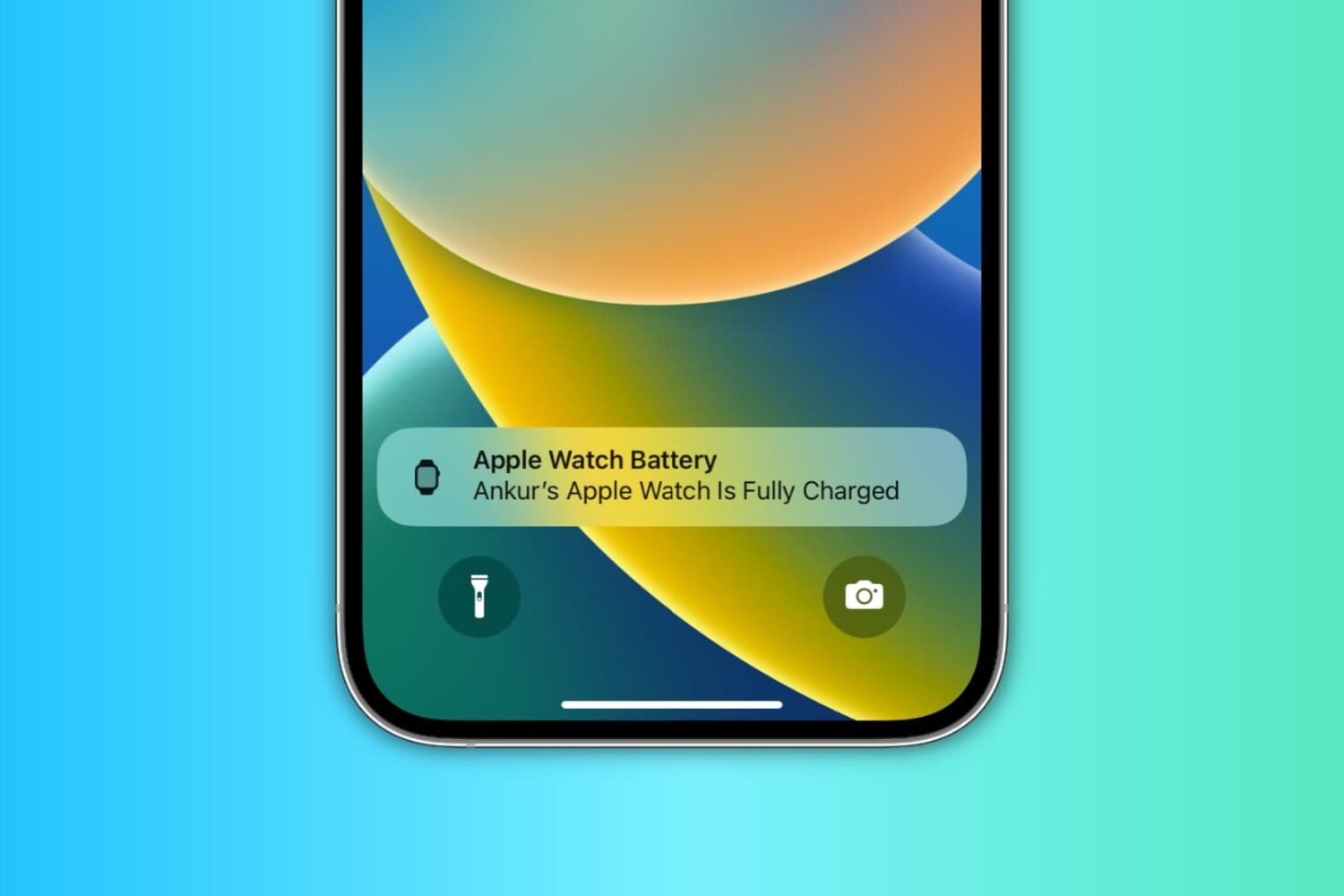
Learn how to use the handy Charging Reminders feature, which sends an alert on your iPhone to charge your Apple Watch before going to sleep and notifies you when the wearable is fully charged.
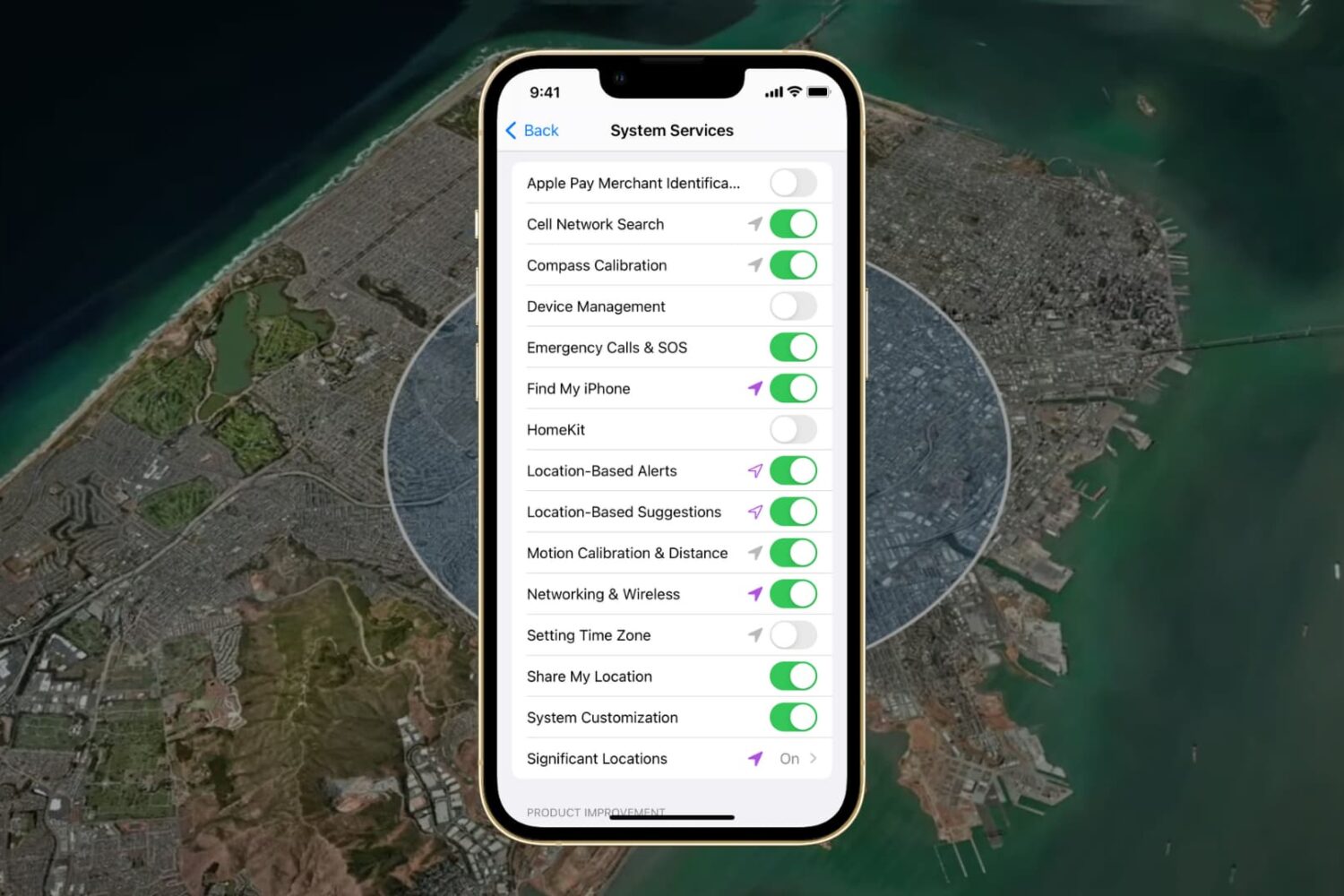
In this guide, we go over all the important options in your iPhone or iPad’s Location System Services section and help you decide whether to turn them off or leave them on.

Learn how to use the Hover Typing and Hover Text accessibility features on Mac to see a huge version of text under the pointer when you’re typing or navigating around macOS.

Learn how to unlock your iPhone with your Apple Watch for times when you’re wearing a face mask, sunglasses, or ski goggles and can’t use Face ID.

Speed up your Home Screen navigation by learning how to move through the pages of apps much faster than by swiping.
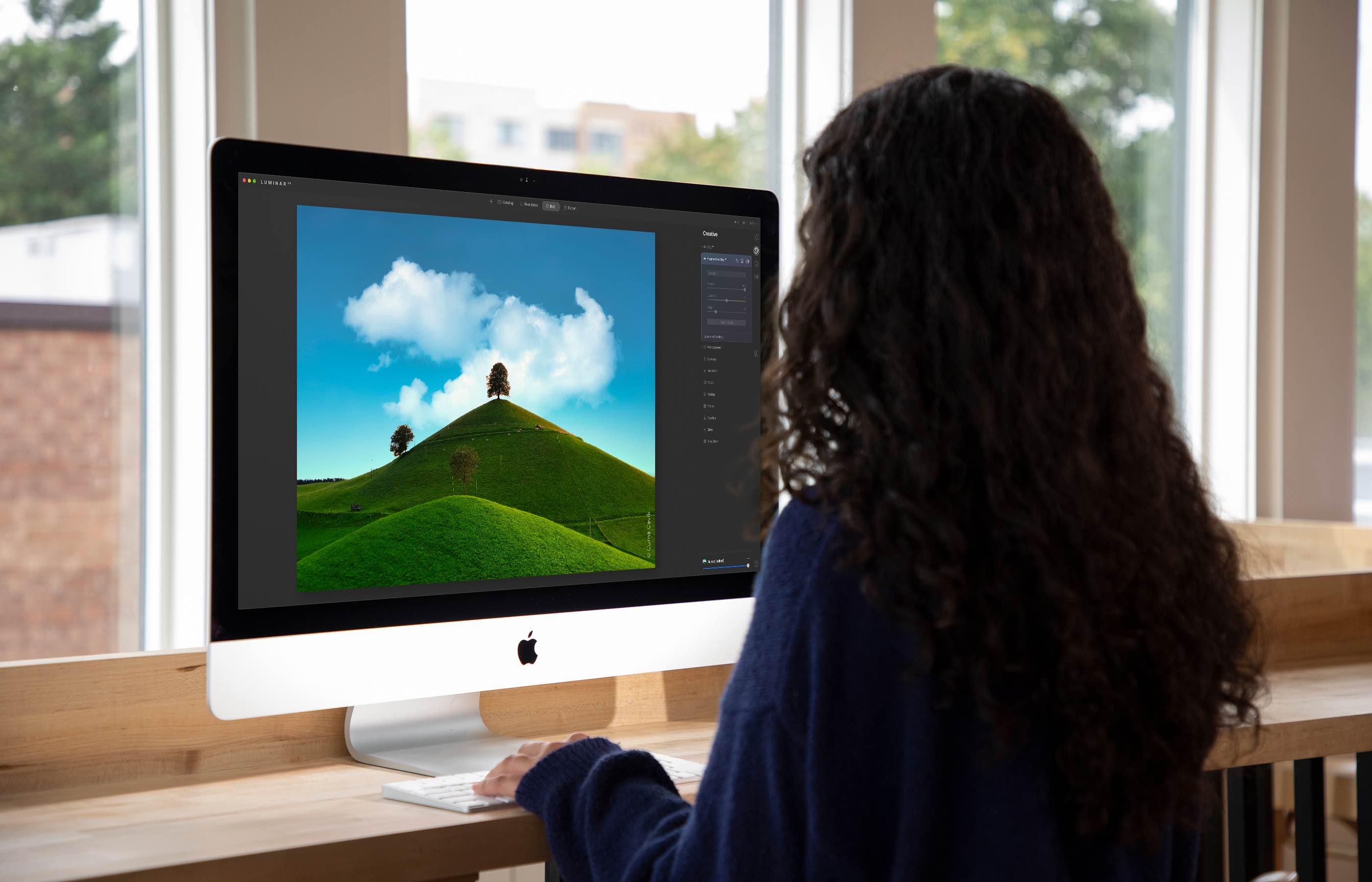
The Luminar AI image editor lets you edit landscapes, cityscapes, nature portraits and architecture photos with ridiculous ease—no need to deal with complex layers and palettes or adjust countless knobs. In this tutorial, we'll demonstrate how easy and fun achieving eye-catching landscape looks can be by with Luminar's rich assortment of AI-powered tools.
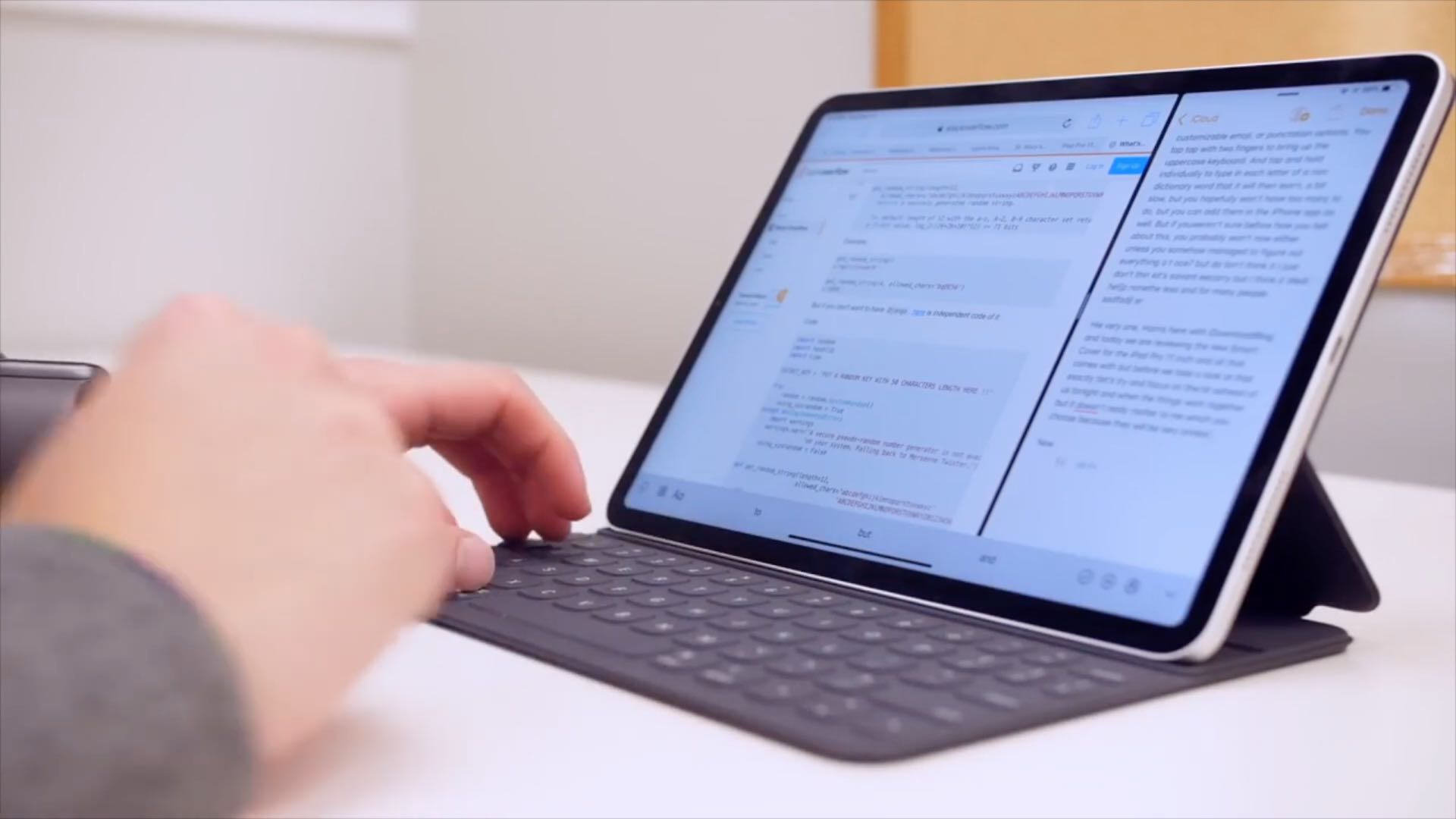
Learn how to configure your physical keyboard so that pressing the globe key instantly brings up the iPad emoji picker anywhere in iPadOS.