In this guide, we go over all the important options in your iPhone or iPad’s Location System Services section and help you decide whether to turn them off or leave them on.
How to adjust location for system services on iPhone and iPad
In this guide, we go over all the important options in your iPhone or iPad’s Location System Services section and help you decide whether to turn them off or leave them on.
Learn how to use the Hover Typing and Hover Text accessibility features on Mac to see a huge version of text under the pointer when you’re typing or navigating around macOS.
Learn how to unlock your iPhone with your Apple Watch for times when you’re wearing a face mask, sunglasses, or ski goggles and can’t use Face ID.
Speed up your Home Screen navigation by learning how to move through the pages of apps much faster than by swiping.
The Luminar AI image editor lets you edit landscapes, cityscapes, nature portraits and architecture photos with ridiculous ease—no need to deal with complex layers and palettes or adjust countless knobs. In this tutorial, we'll demonstrate how easy and fun achieving eye-catching landscape looks can be by with Luminar's rich assortment of AI-powered tools.
Learn how to configure your physical keyboard so that pressing the globe key instantly brings up the iPad emoji picker anywhere in iPadOS.
Achieve amazing results as if you had an entire graphics department working for you is easy with templates in the Luminar AI image editor. By leveraging artificial intelligence to understand the strengths and weaknesses of every image, templates make it easy to automatically correct common capture problems and apply enhancements across multiple images at once. In this tutorial, we'll show you how to use templates in Luminar AI.
Learn how to use your iPhone or iPad to change the press speed and press & hold duration for your AirPods stem and AirPods Max Digital Crown.
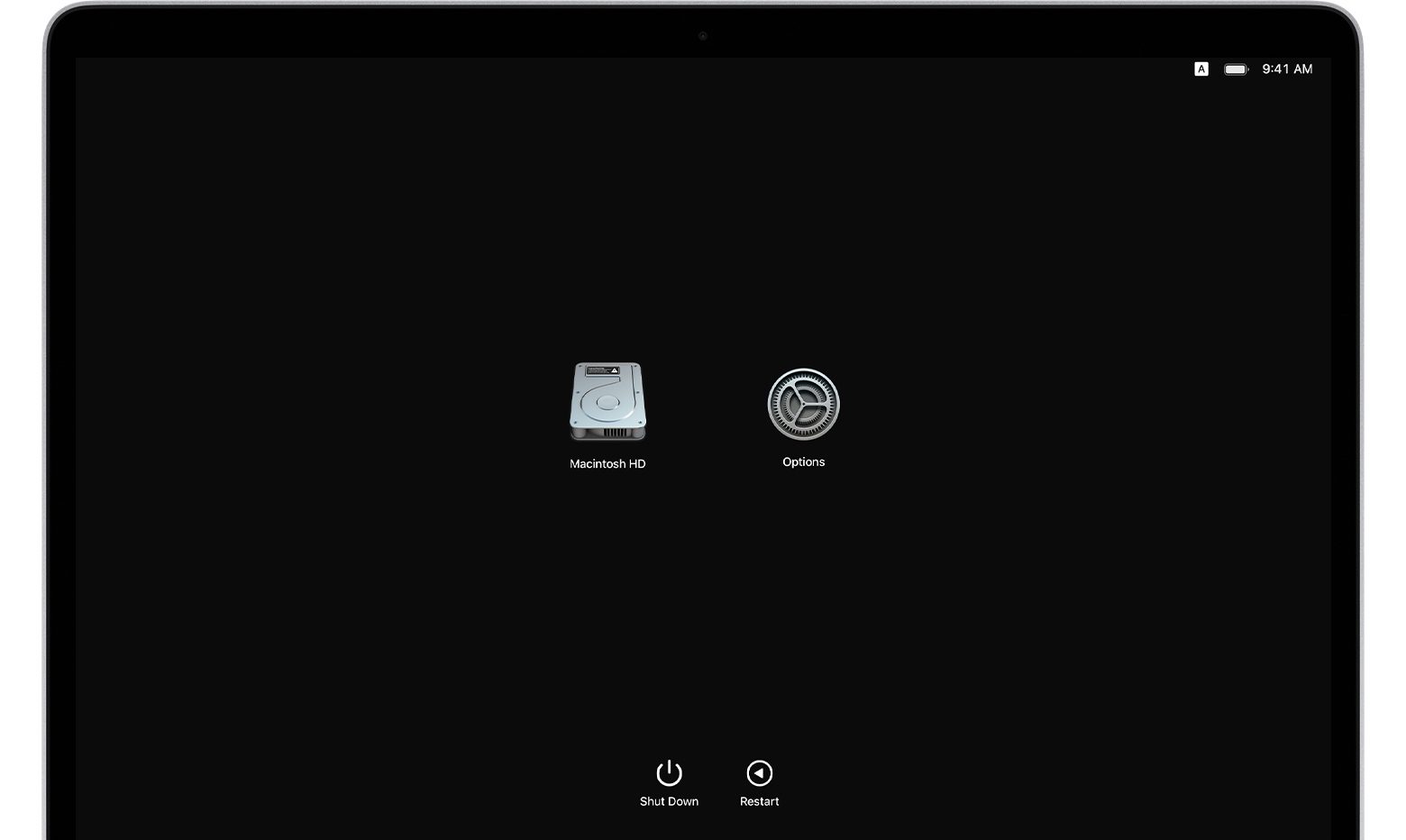
If you own an Apple silicon Mac and are wondering how to transfer your files to another Mac computer, you've come to the right place. Apple's macOS Recovery feature makes it simple to transfer files between two Mac computers, and we show you how it's done in this tutorial.
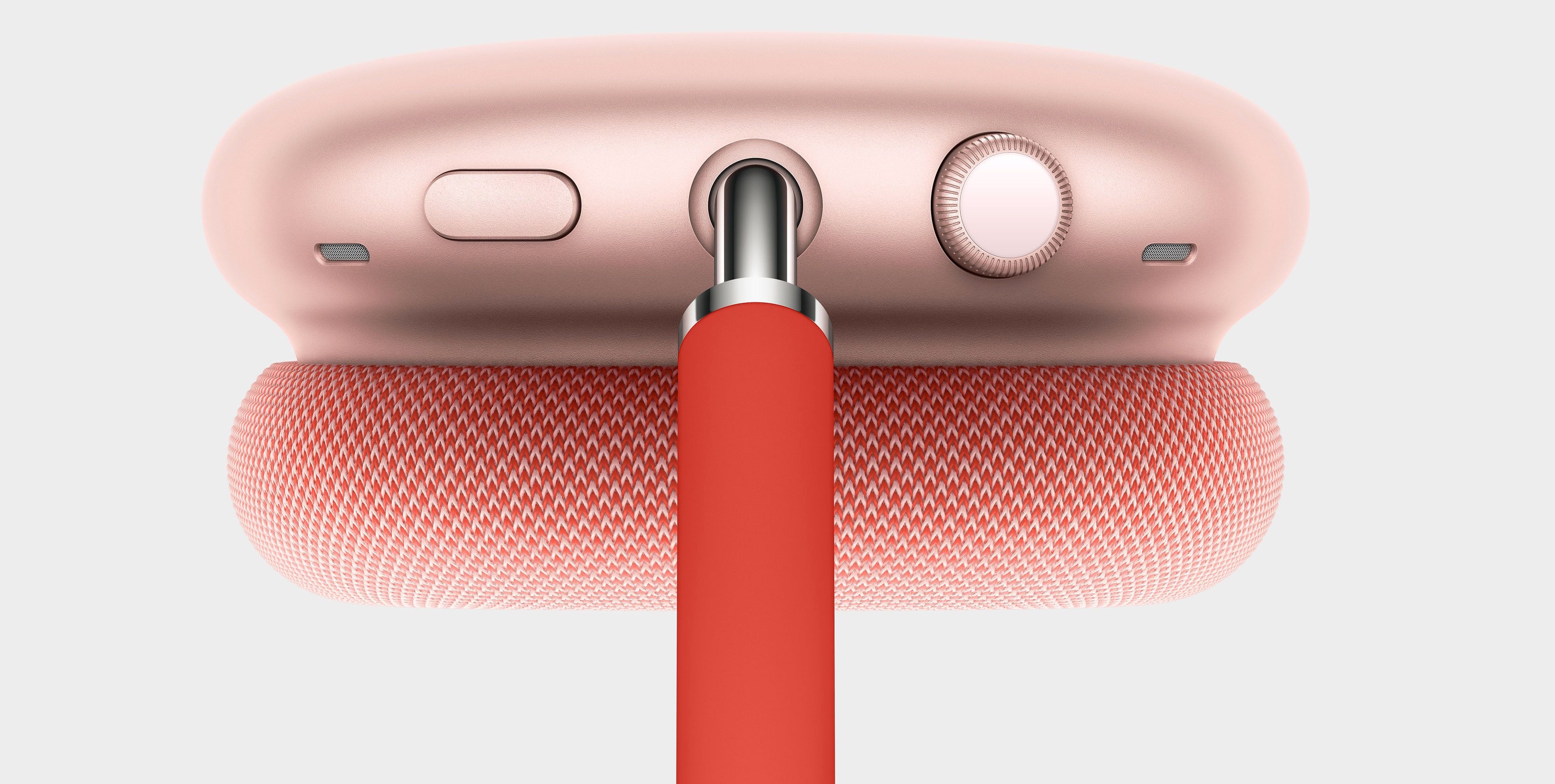
Whether you've just ordered Apple's expensive over-ear AirPods Max headphones or are already a happy owner of a pair of these, you might want to watch our video tutorial going over the physical and software details, including tips and tricks for using the headphones like a pro.
In this tutorial, we’ll walk you through the steps to reset Bluetooth on your Mac to fix common wireless connection issues with your Bluetooth accessories.
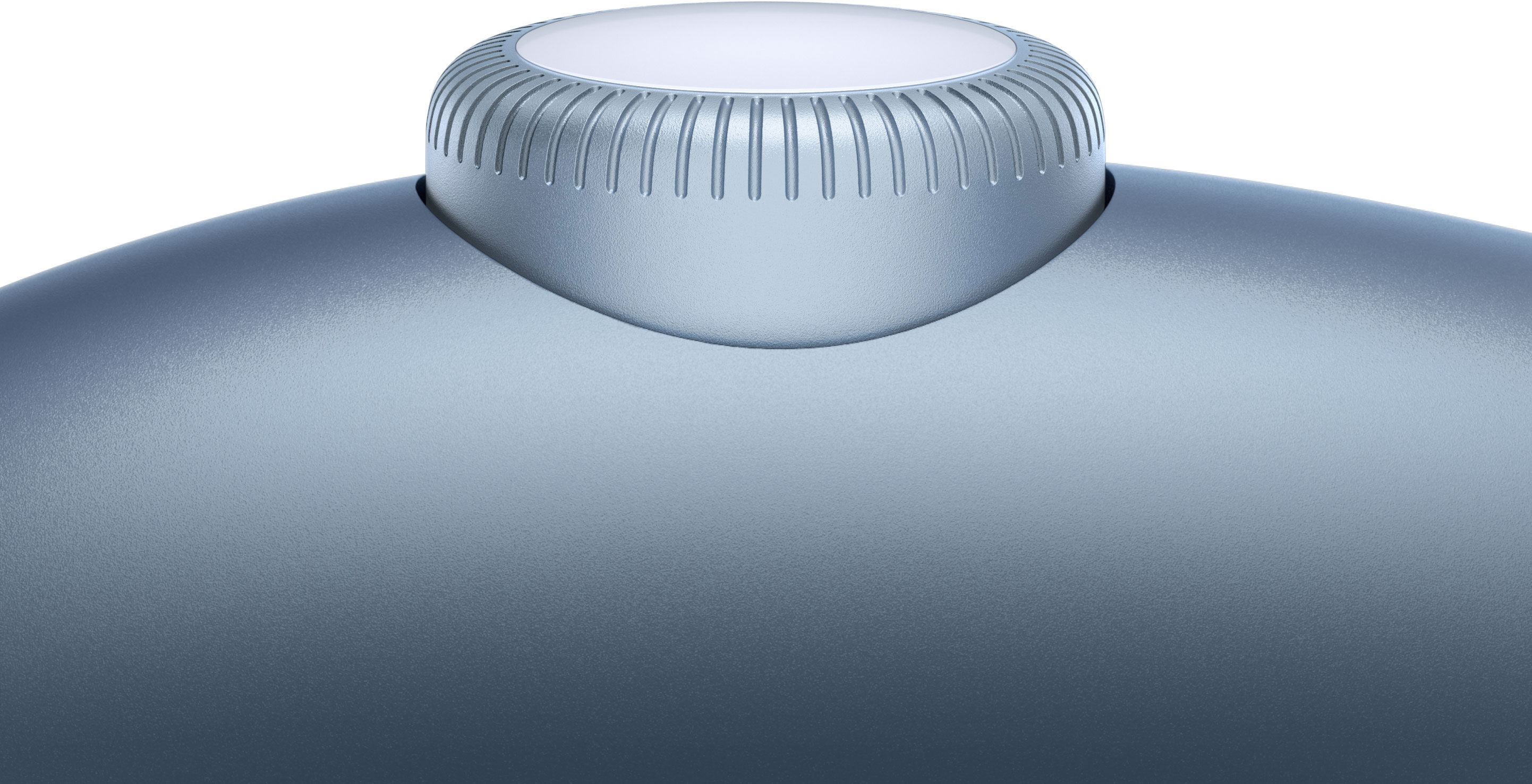
Your AirPods Max over-ear headphones feature a rotatable Digital Crown button, located on the top of the right earphone. Follow along with this tutorial to learn all the ways you can use the Digital Crown to pause, resume or skip the music you’re listening to (or the video you’re watching), as well as adjust the volume, invoke Siri, answer and end calls, and much more..