Learn how to translate foreign language words, sentences, or paragraphs and see their definition on your iPhone, iPad, and Mac using built-in tools.
How to translate words and sentences on iPhone, iPad, Mac

Learn how to translate foreign language words, sentences, or paragraphs and see their definition on your iPhone, iPad, and Mac using built-in tools.
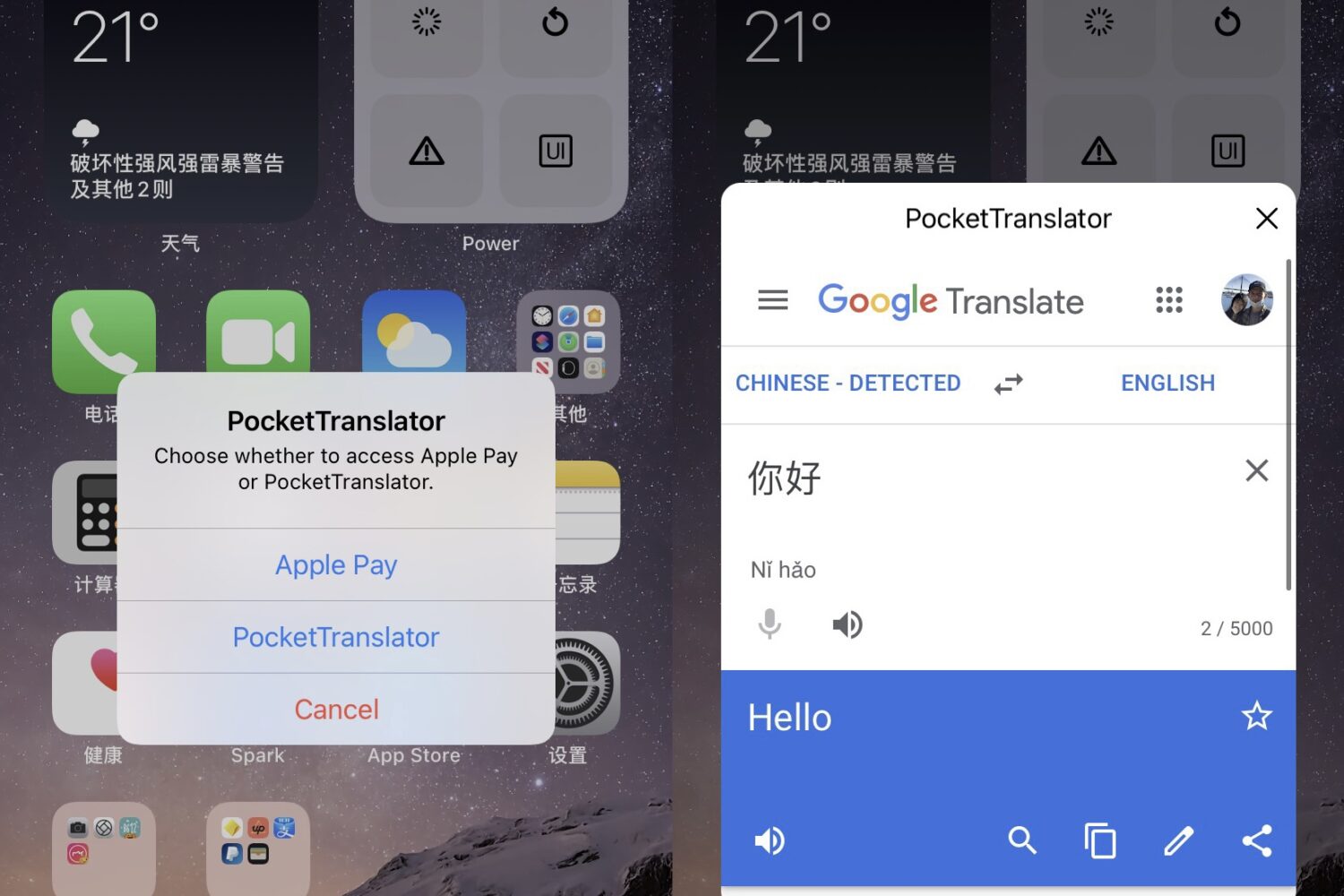
Having the ability to translate between two different languages can be an invaluable asset, especially if you’ve been shirking on foreign language studies.
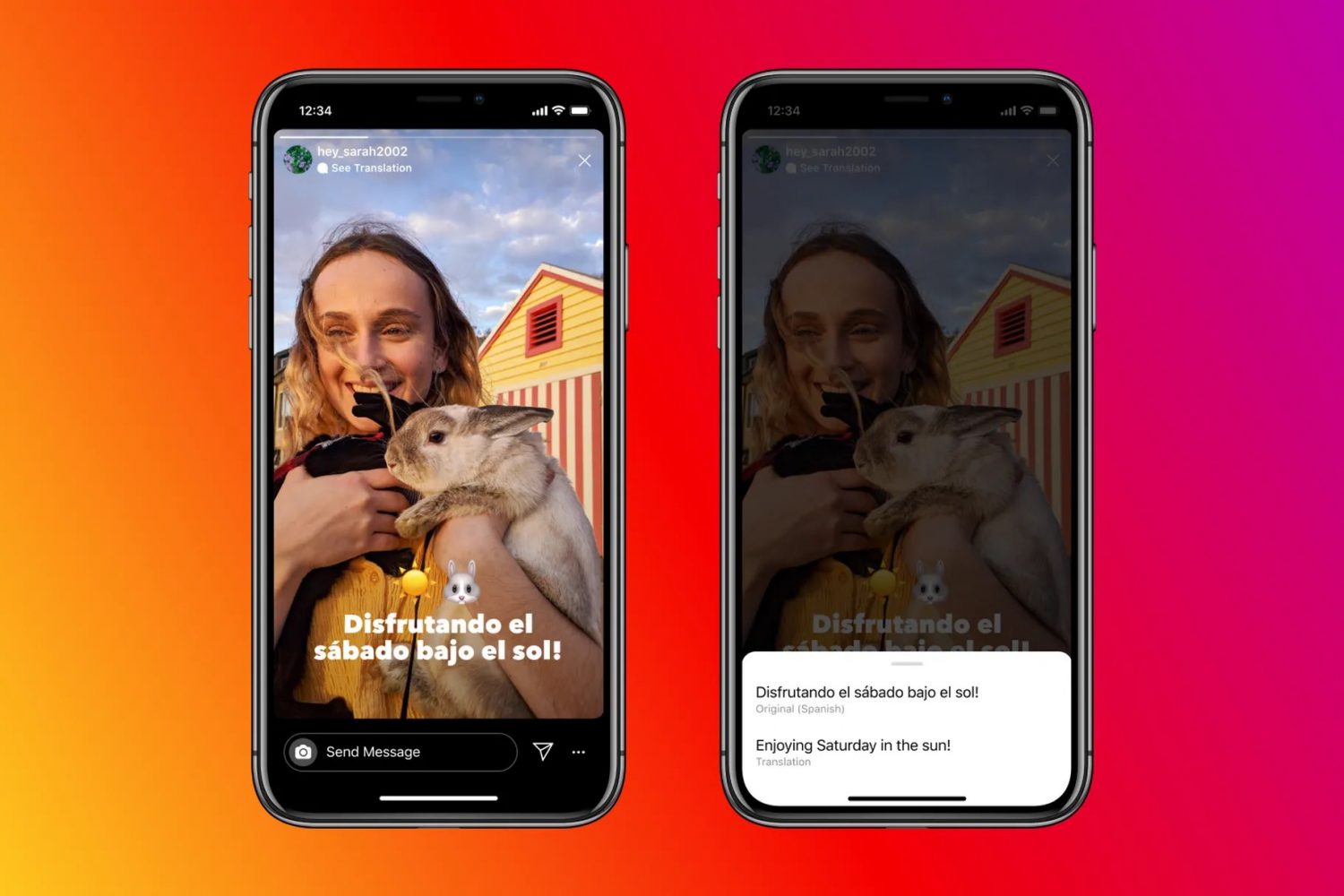
Learn how to translate foreign text in Instagram stories into one of the 90+ supported languages on your iPhone or Android phone.
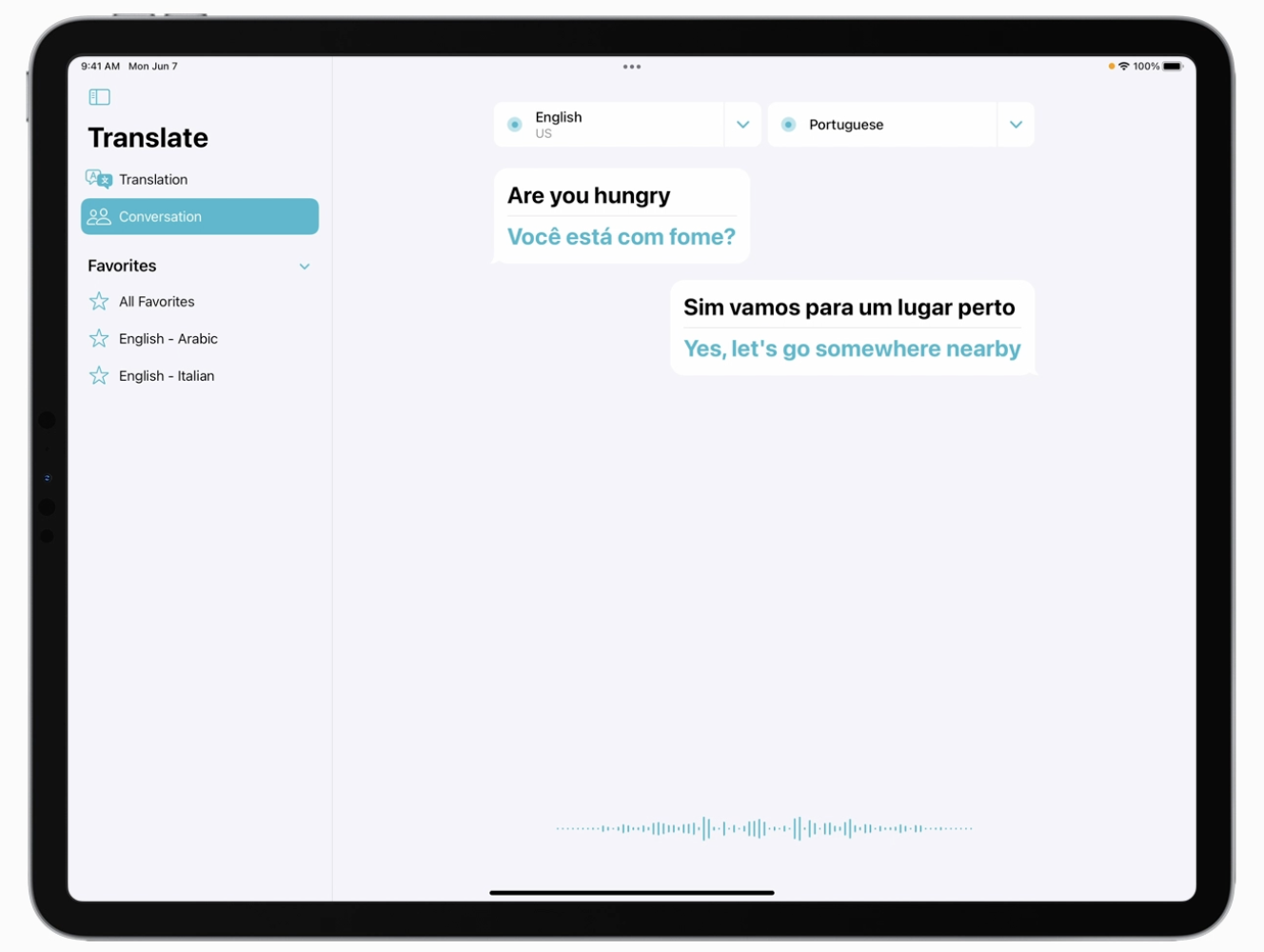
There are some instances where the iPad is missing out on some Apple-specific apps. The Weather and Calculator apps, for instance. And for folks who believe the Translate app would be a good fit for the iPad, well, Apple apparently agrees.
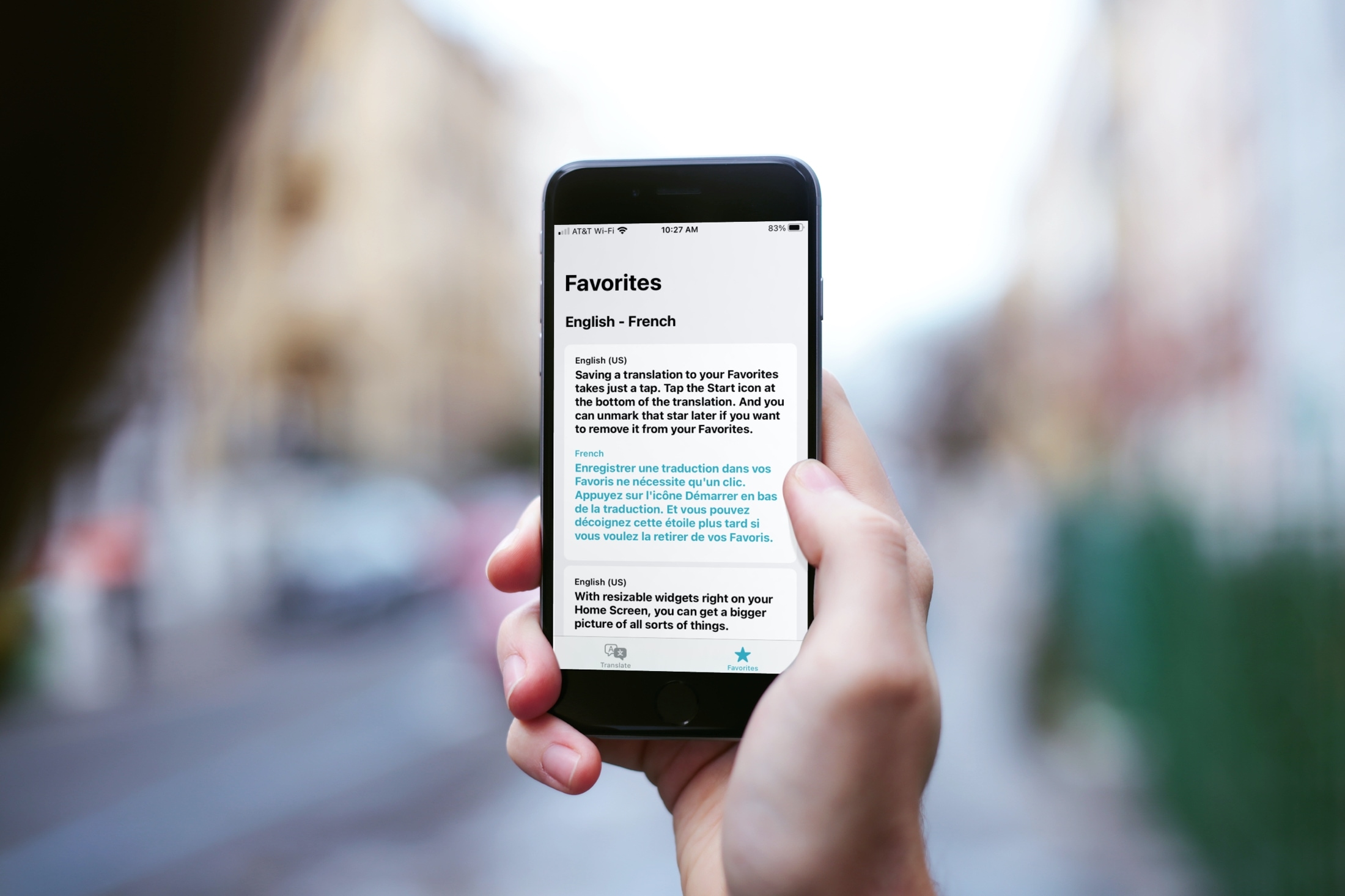
Learn how to save translations as favorites and browse your recent translations in the Apple Translate app on your iPhone so you can refer to them whenever needed on your international trips. And if the translations are not useful, you can also delete them from the history.
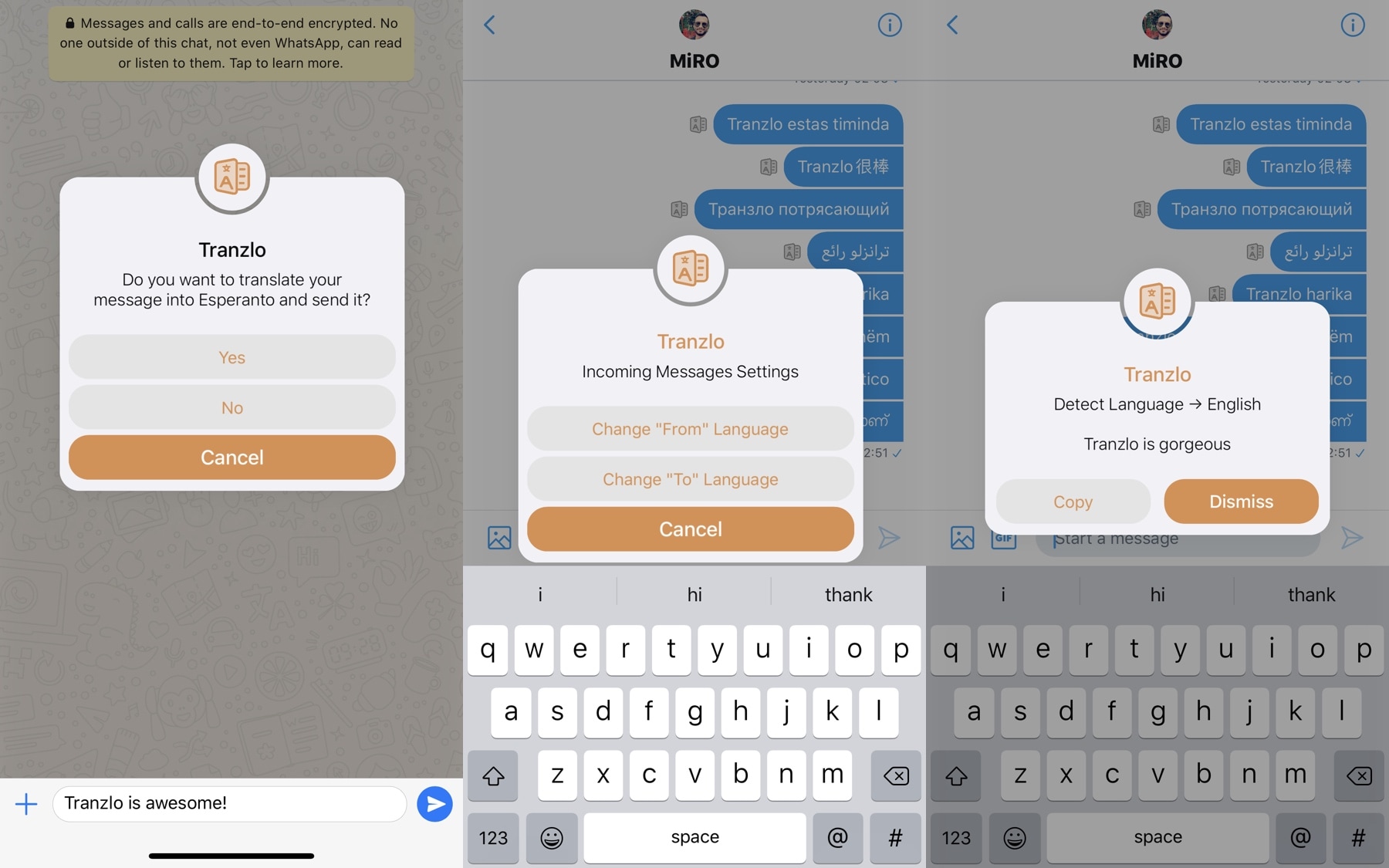
Being bilingual has its perks, but since not everyone has the luxury of knowing more than one language by heart, translation services often lend assistance to those wanting to know how to say something in another language. There’s just one problem: accessing said translation services can be cumbersome, often requiring the user to visit a website or switch to another app.
Here to help with the aforementioned dilemma is Tranzlo, a newly released and free jailbreak tweak by iOS developer MiRO92 that aspires to make language translation much less of a chore on iPhones and iPads.
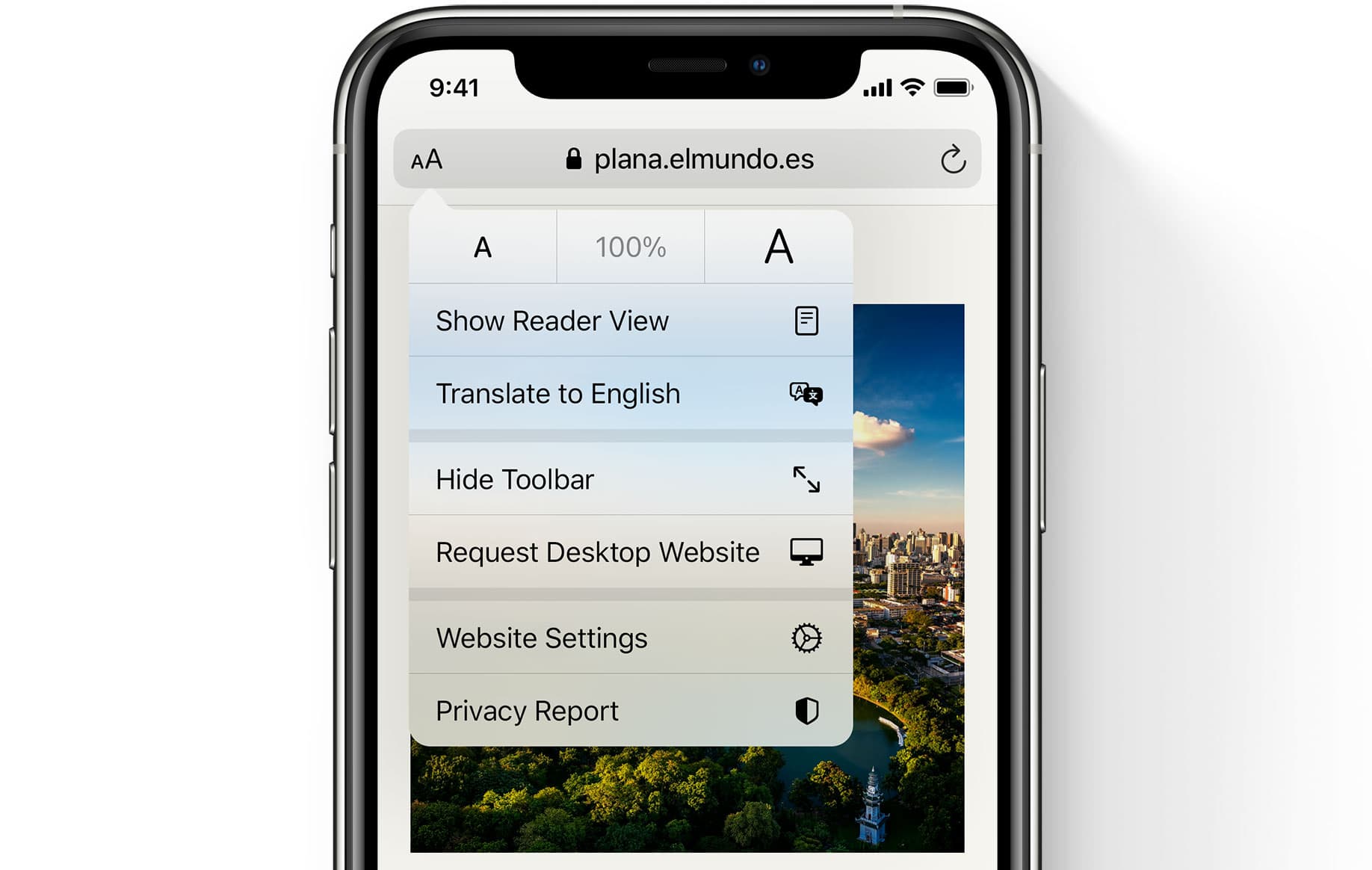
After becoming available to customers in Brazil and Germany earlier this month, the new Safari webpage translation feature in iOS 14, iPadOS 14 and macOS Big Sur has reportedly is now reportedly working in additional countries, including France and Sweden.
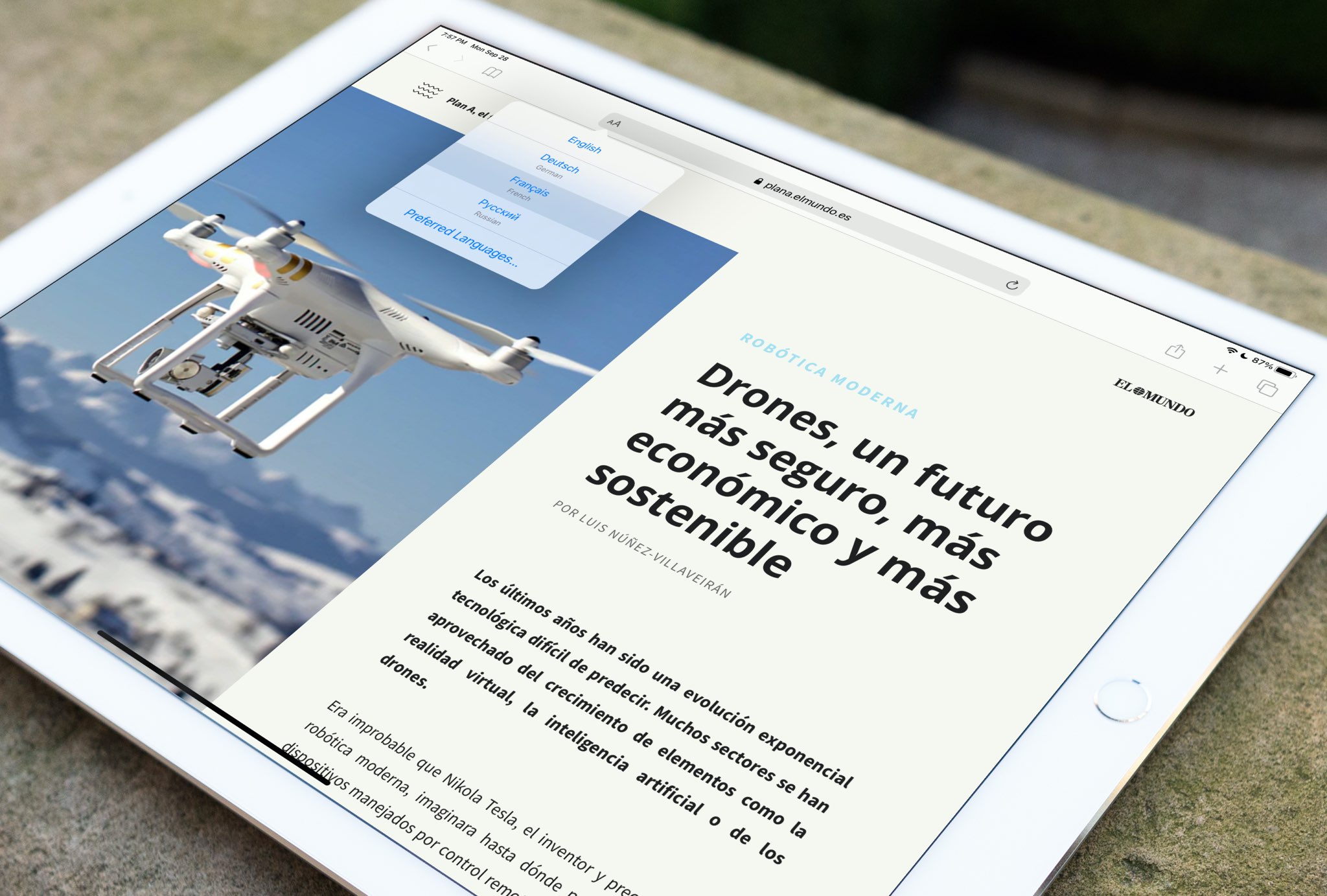
The new feature in iOS 14, iPadOS 14 and macOS 11 Big Sur that allows you to translate whole webpages in Safari is now available in Brazil and Germany.

Learn how to use Conversation mode in Apple's Translate app to show the translated transcription of a face-to-face conversation in real time.
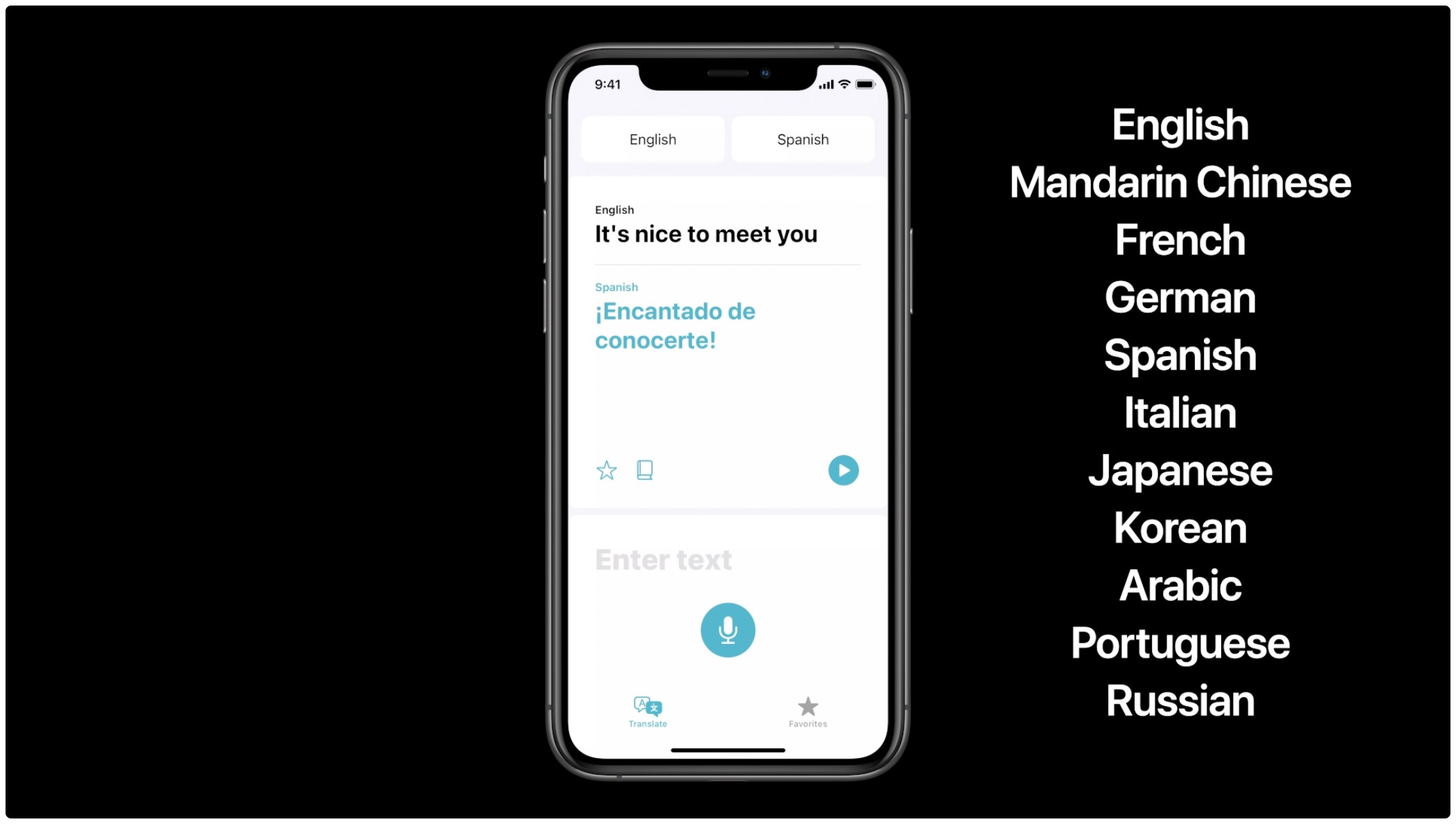
Read these official system requirements for Apple's Translate app on the iPhone and iPod touch to verify that the software supports your preferred languages, regions and devices.
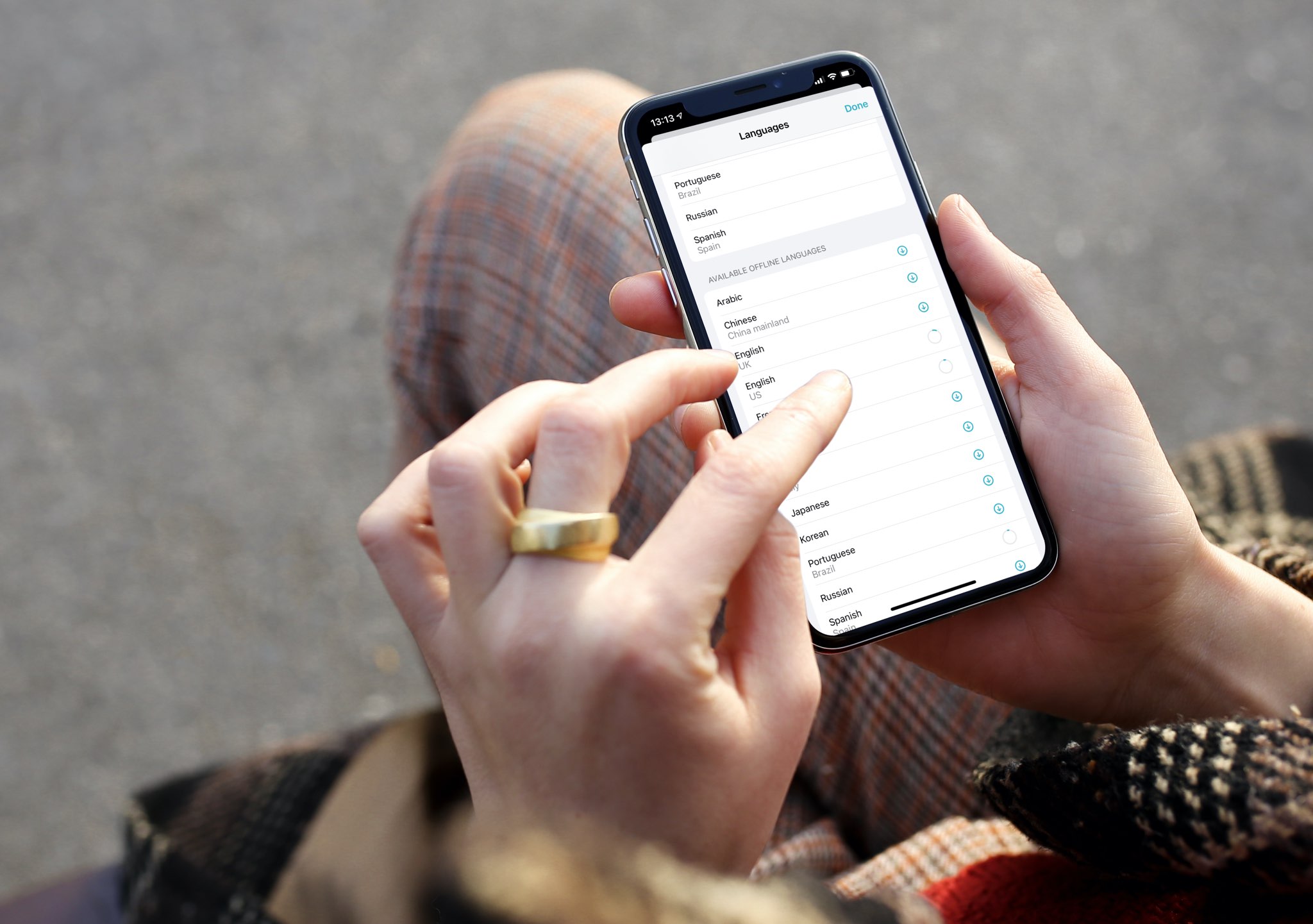
Before you can use the iPhone or iPad Translate app without an Internet connection, you'll need to download language packs. In this brief tutorial, we'll show you how to download languages to your iPhone or iPad so you can use it for offline translation.
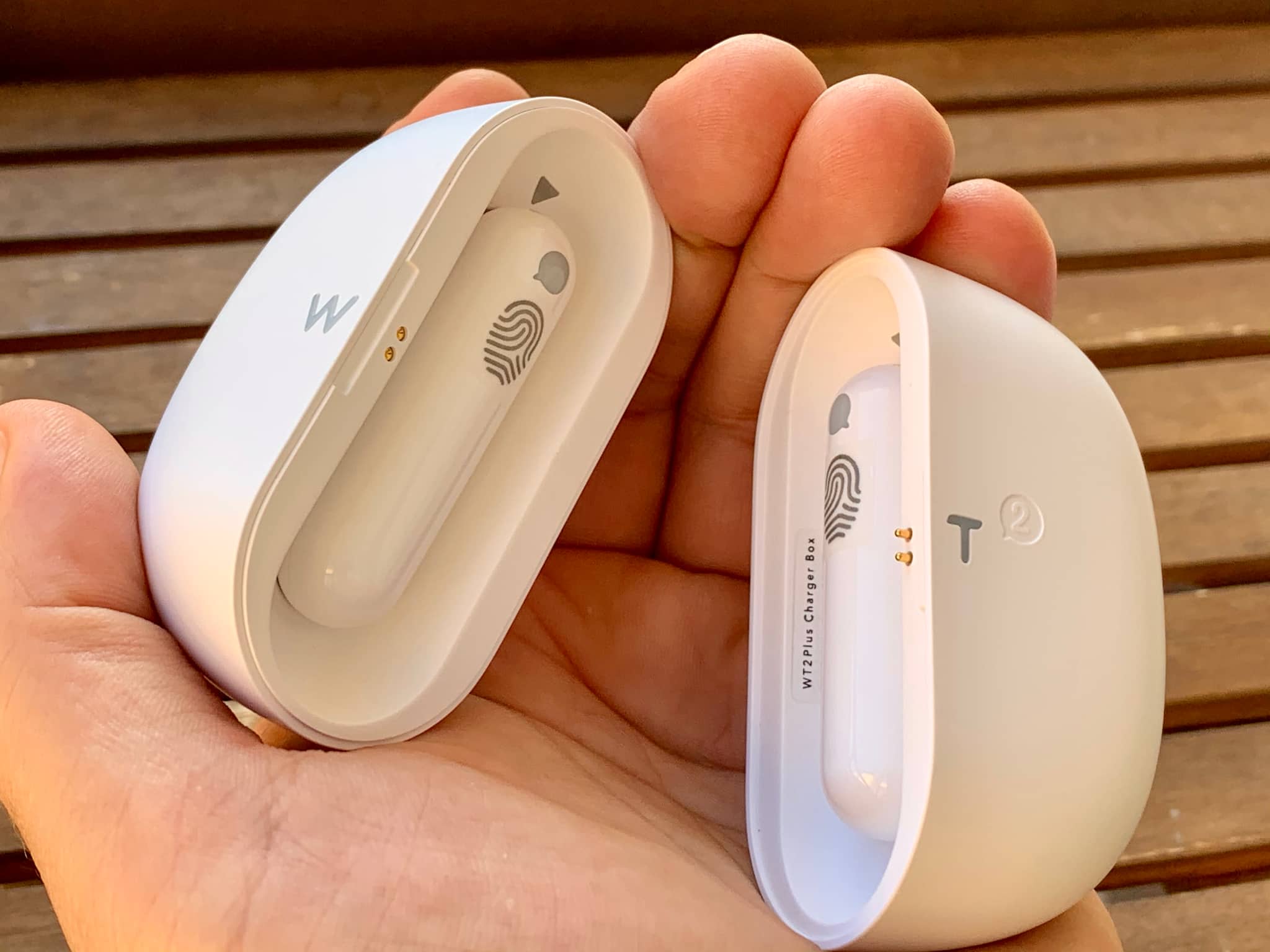
If your foreign language skills leave a lot to be desired, these specialized earbuds from a Chinese brand, called TimeKettle, provide near real-time translation from one language to another, with 95 percent translation accuracy and support for enough language pairs to cover more than 80 percent of the world’s population. Here’s how they work in real life.