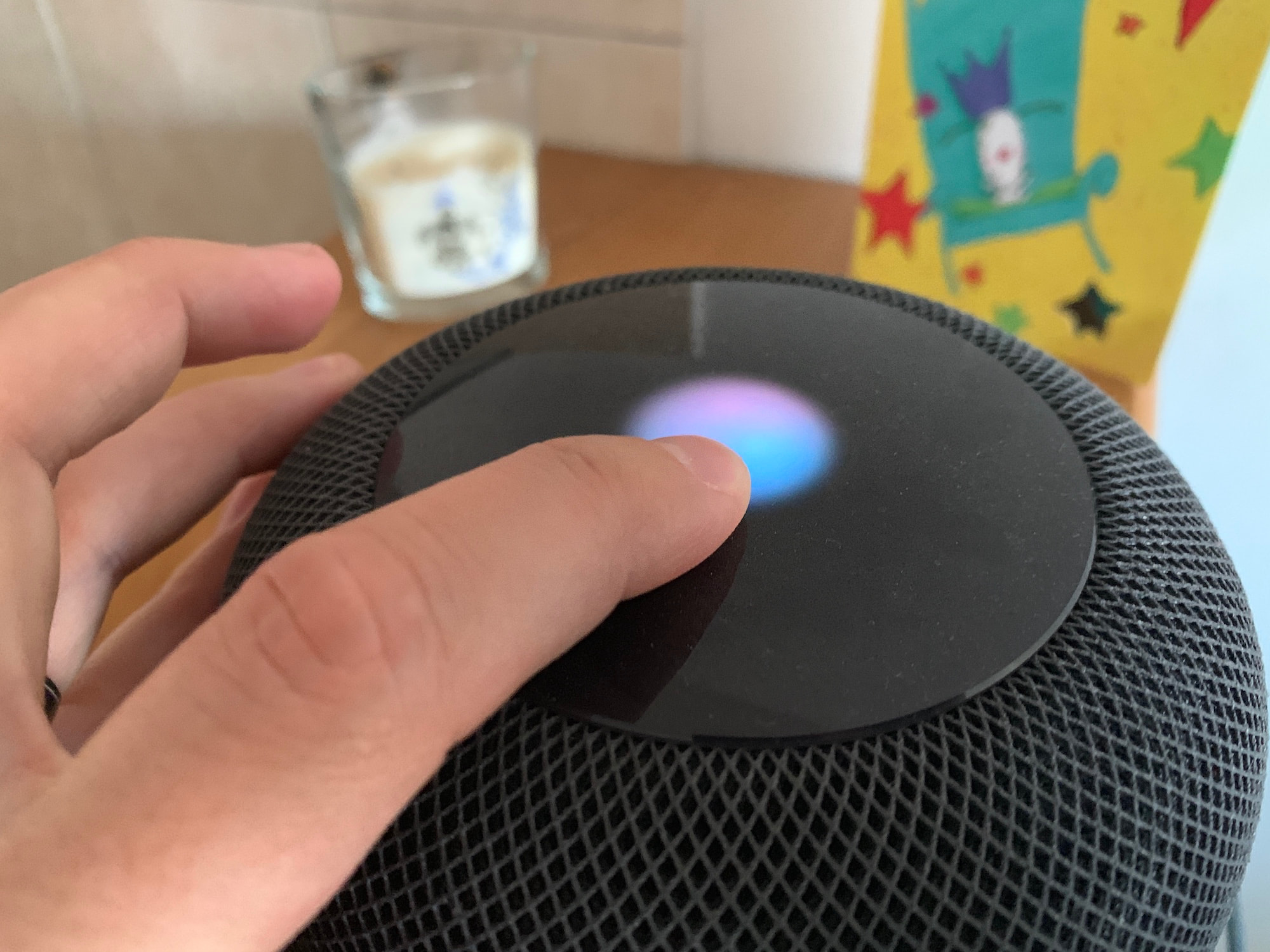
Check out this quick tip to make phone calls directly on speakerphone using hands-free Siri on your iPhone or iPad.
How to make a call on speakerphone with Siri on iPhone
Check out this quick tip to make phone calls directly on speakerphone using hands-free Siri on your iPhone or iPad.
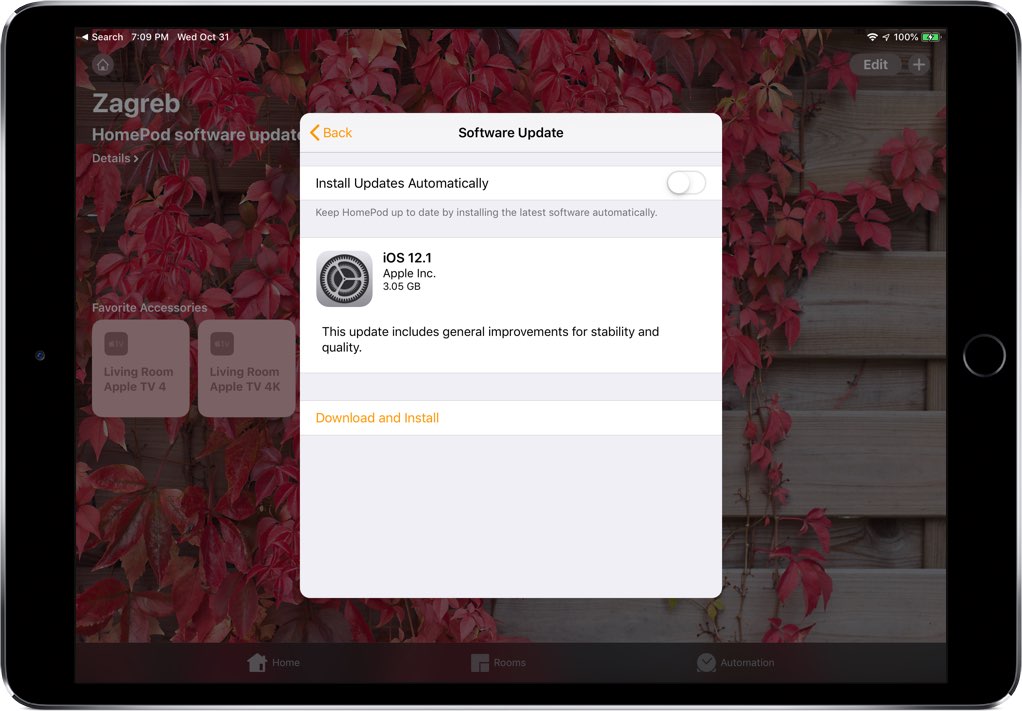
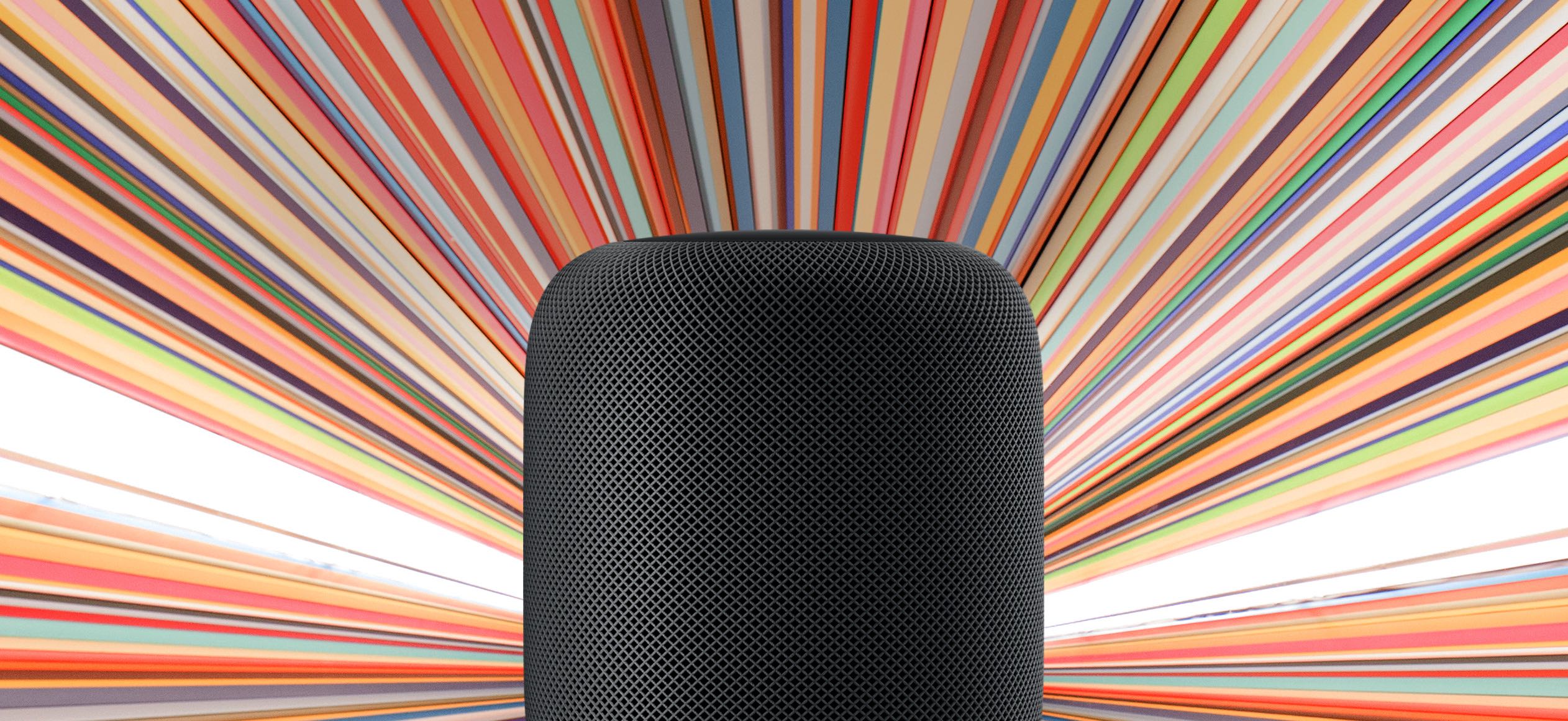
Apple today released the iOS 12.1 software for its Siri-powered HomePod speaker, which according to the official changelog includes general improvements for stability and quality.
Nearly nine months after it was first released, the Siri-based Apple HomePod is now found in four of 100 homes that own a smart speaker in the United States. This compares to 23 percent of users who say they own at least one of the most popular smart speakers, the Amazon Echo.Â
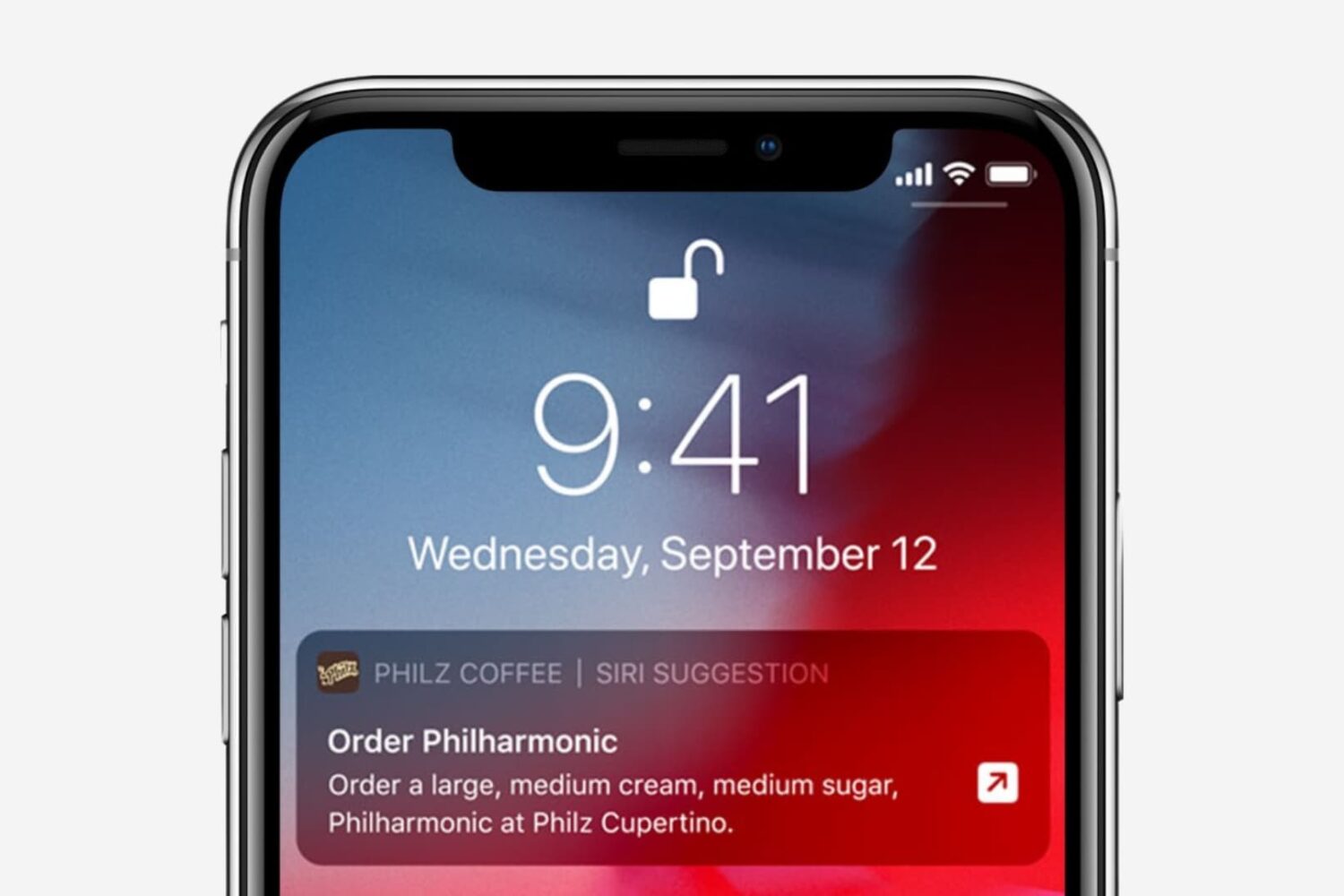
In this tutorial, we’ll show you how to turn off Siri suggestions for a specific app or all apps, and prevent them from showing up on the Lock Screen, Spotlight Search, and elsewhere on your iPhone or iPad.
Here’s a look at some of the best Siri Shortcuts implementations available for iOS. With the Siri Shortcuts feature in iOS, you can execute a trigger with a voice command. Not all apps support Siri Shortcuts. Luckily, those that do ship with their own shortcuts that you can use with ease.
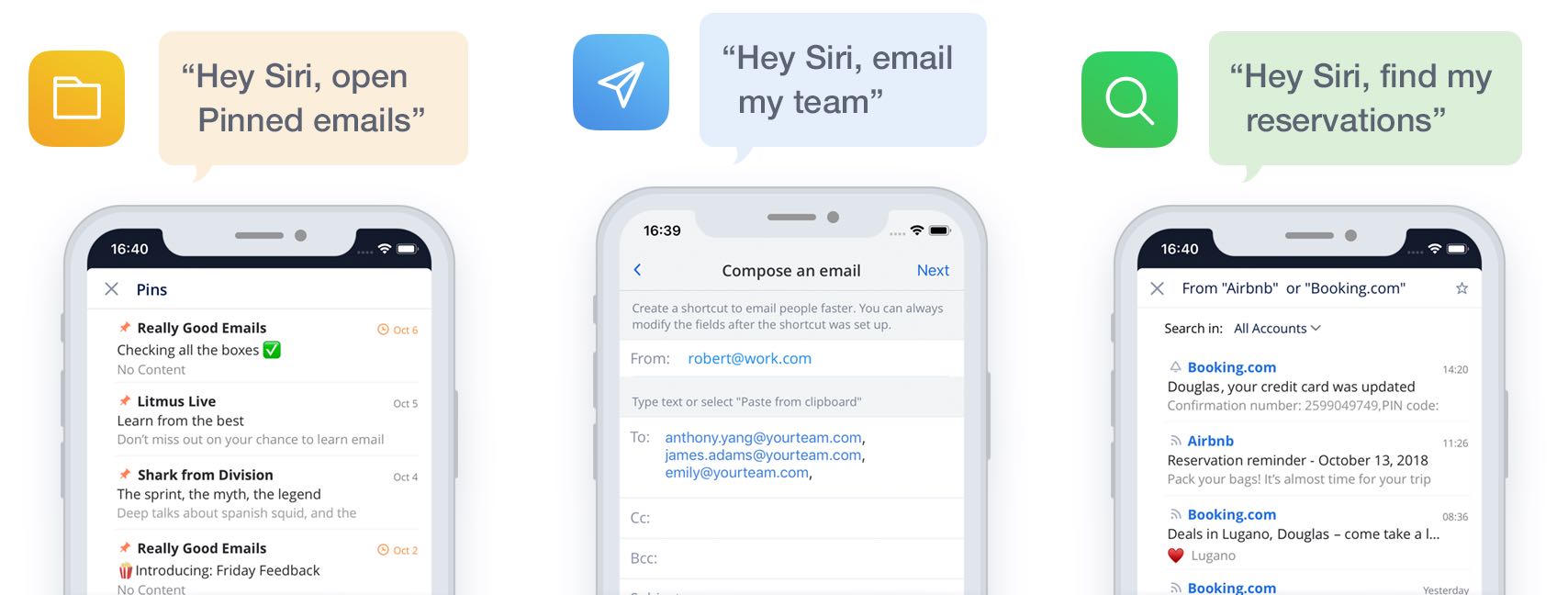
The popular email app Spark by Ukrainian developer Readdle has introduced support for the new Siri Shortcuts automation feature introduces in iOS 12.
According to both Apple's online store and the company's press release announcing the new iPhone XS and iPhone XS Max smartphones, its Siri-powered HomePod wireless speaker is scheduled to launch next in Spain and Mexico on Friday, October 26.
Tired of Siri talking back every time you ask for something on your Apple Watch? While it’s very thoughtful of Siri to acknowledge your request, you may not want to hear it. For example, just because you ask Siri to set a timer for 10 minutes doesn’t mean you want to hear a confirmation that the countdown has begun.
You may not be able to disable Siri’s feedback, but you can tweak the settings to quiet Siri down a bit. Here’s how to customize Siri voice feedback on your Apple Watch to lower the volume or completely turn off spoken responses.
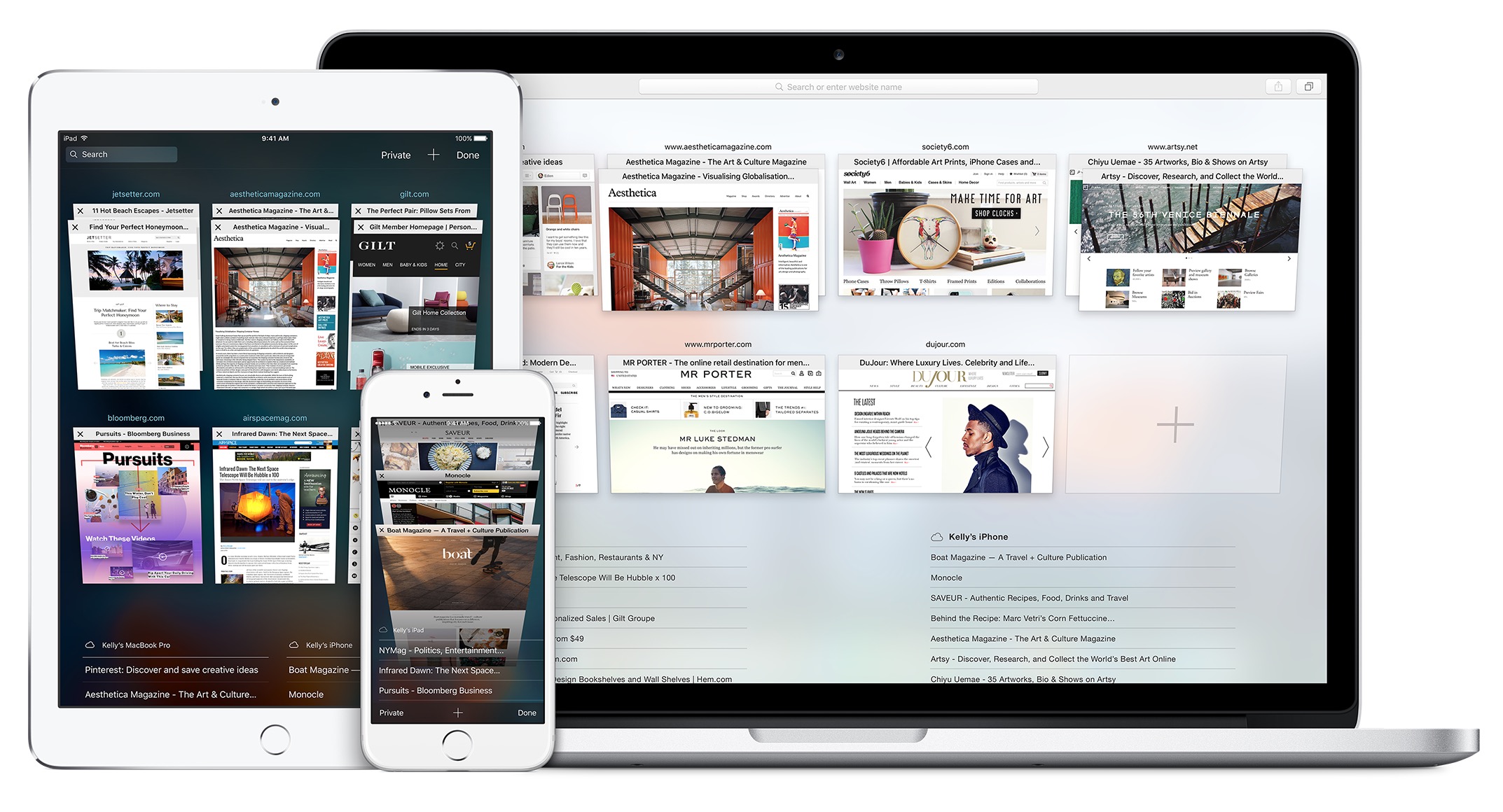
As soon as you start typing into Safari’s Smart Search field, the browser pulls up suggestions for the terms you type. It's unclear if Apple previously applied some kind of a quality filter, but they are certainly doing it now following a report Wednesday on BuzzFeed News.
Depending on how you use Siri throughout your workflow, you might find a new free jailbreak tweak called AutoDismissSiri by iOS developer Andreas Henriksson to be an advantageous supplement to your jailbroken handset.
Just as the tweak’s name implies, AutoDismissSiri adds a timeout period to the Siri interface. That said, if Siri would idle on your device for a specific amount of time, then the interface closes automatically.
In this article, you'll learn how to install the update and take advantage of the watchOS 5 features, including Walkie-Talkie, activity competitions, and more.
First announced in June, watchOS 5 brings significant new features to the table, including Walkie-Talkie, Activity Competitions, Podcasts, among others. There is also an expanded Siri watch face and four new watch faces.
Siri Shortcuts Suggestions are set to arrive on iOS 12 in just a few days. However, if you're using an iPhone 6 or iPhone 6 Plus, you're out of luck. The new capabilities won't be available for iPhones produced in 2014 or earlier, according to Apple's Craig Federighi (via Reddit).