Find out how to create a simple automation without using third-party tools that will take a picture of the thief and send their location to you in case you lose your iPhone or iPad.
How to remotely take pictures and get location of your iPhone thief

Find out how to create a simple automation without using third-party tools that will take a picture of the thief and send their location to you in case you lose your iPhone or iPad.
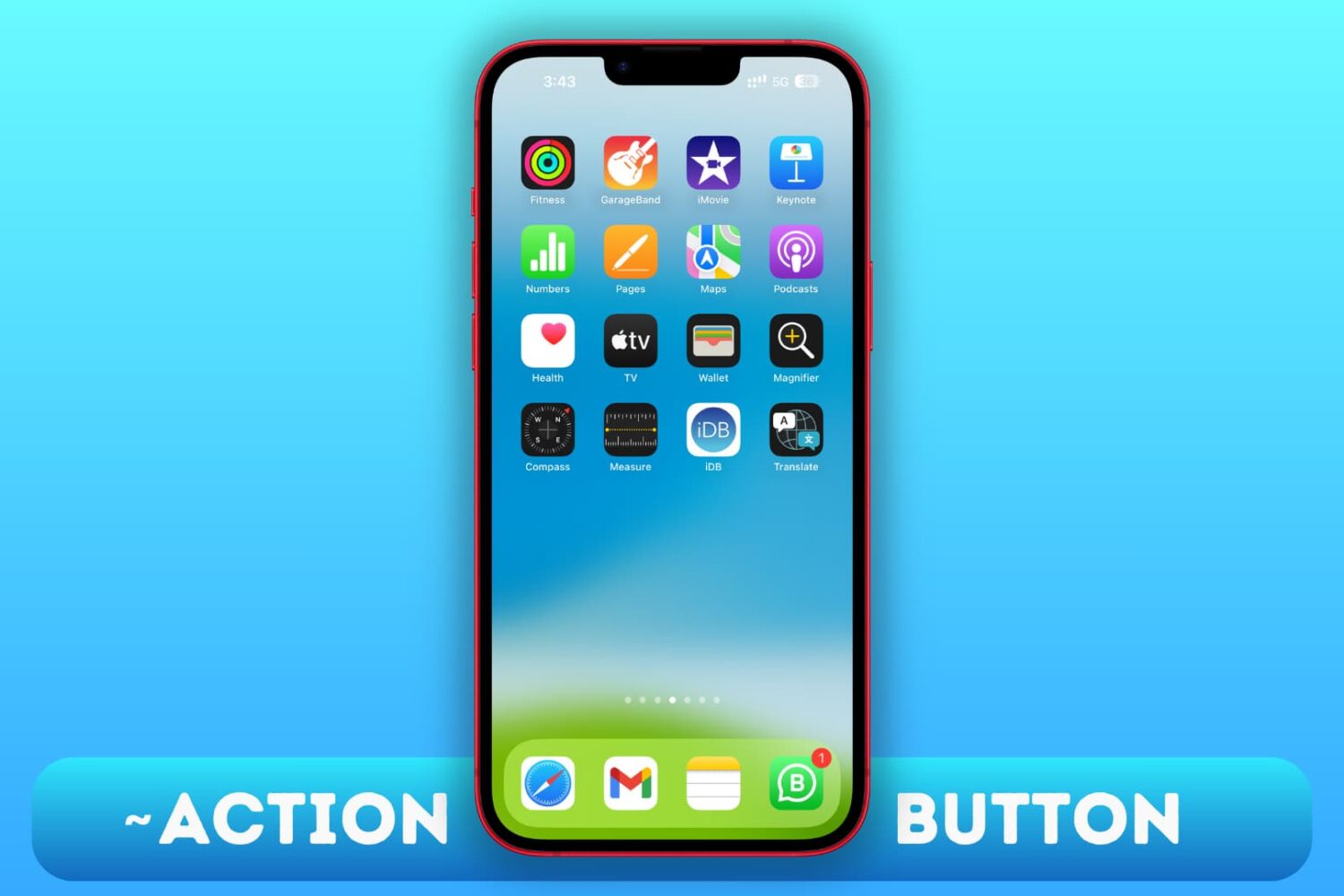
Use these workarounds to replicate the features of the Action button on the iPhone 15, 15 Plus, and older iPhone models.
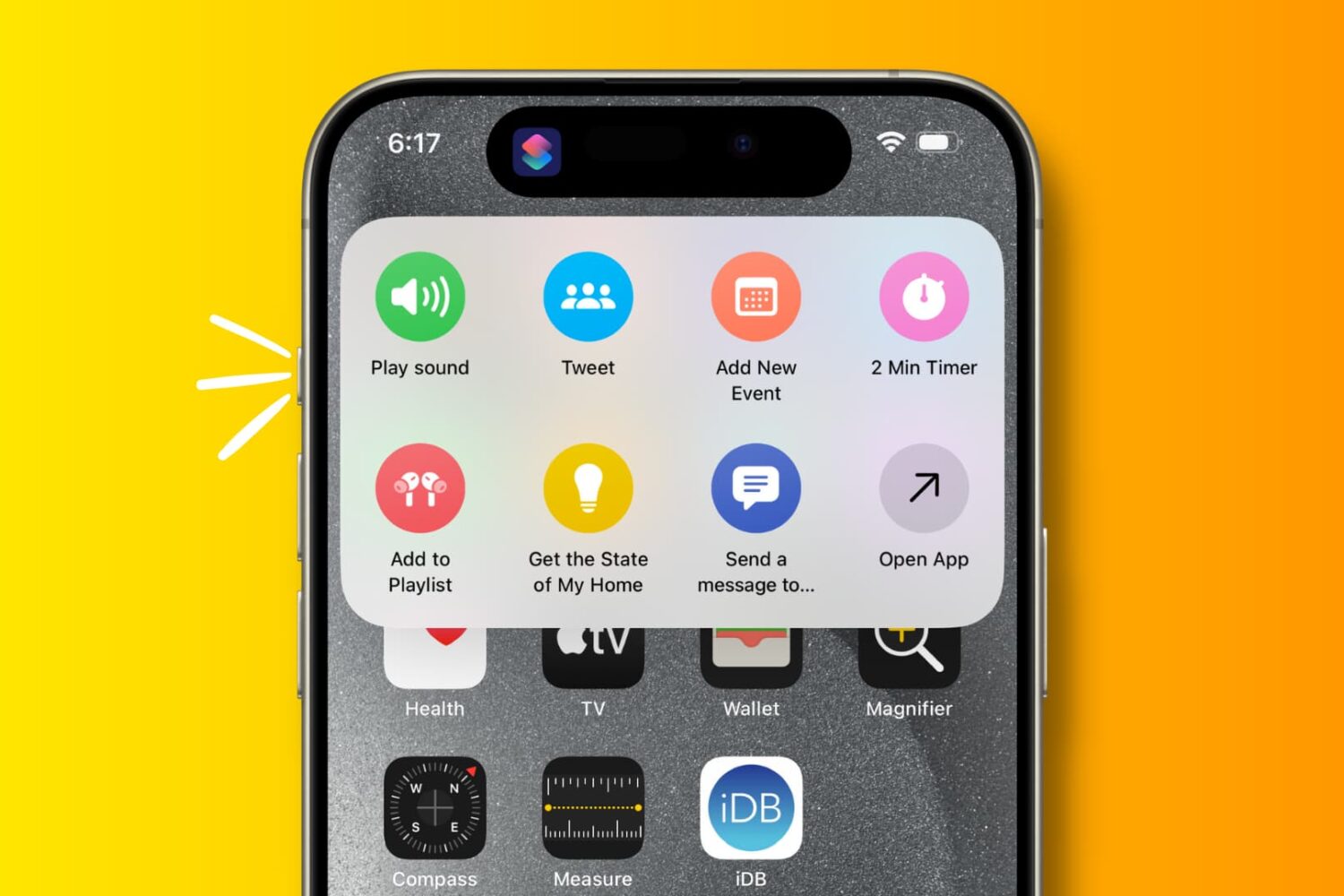
Explore these 29 useful things you can do with the Action button on your iPhone 15 Pro and iPhone 15 Pro Max.
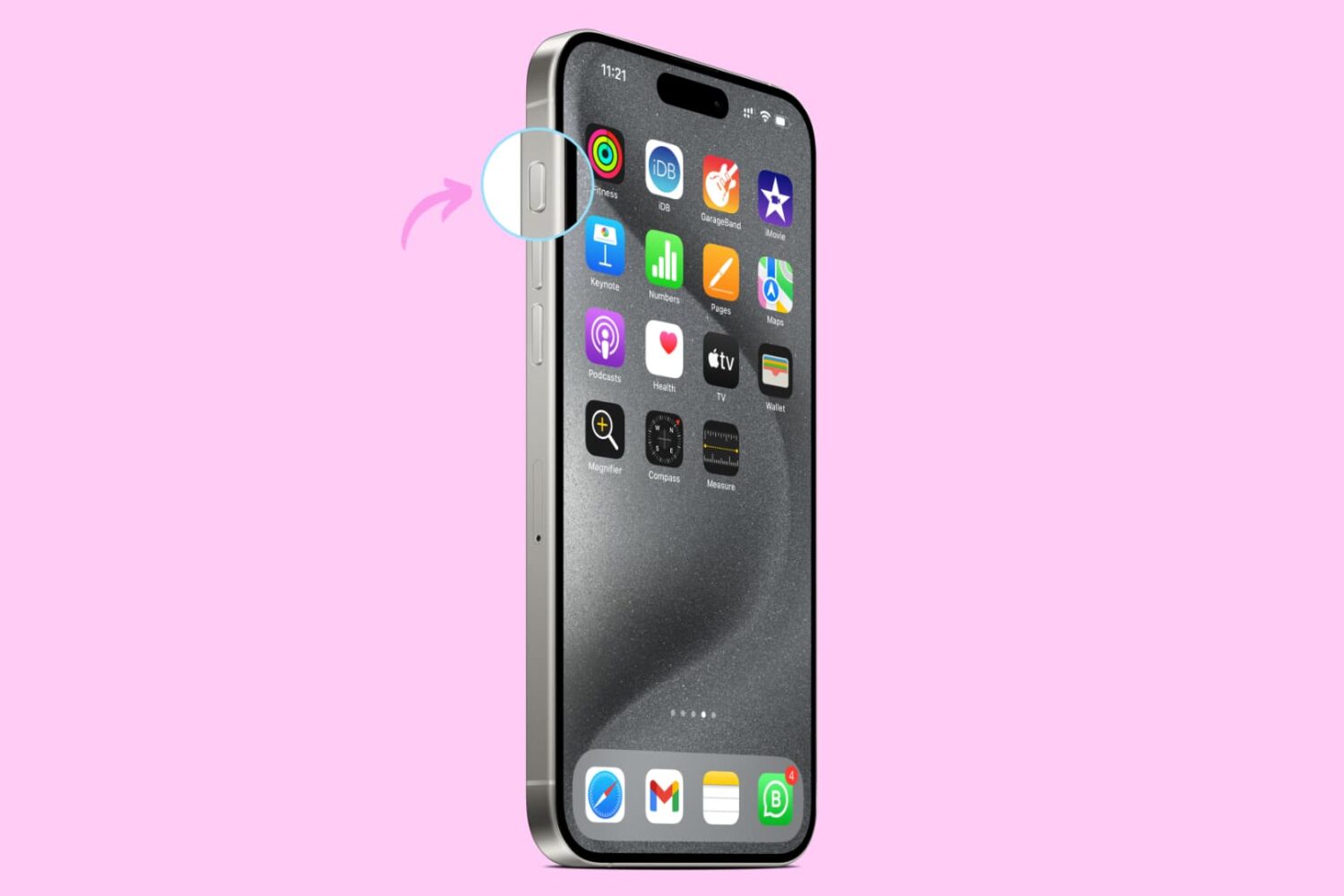
Learn how to set up and use the Action button on your iPhone to quickly perform useful tasks and save time.
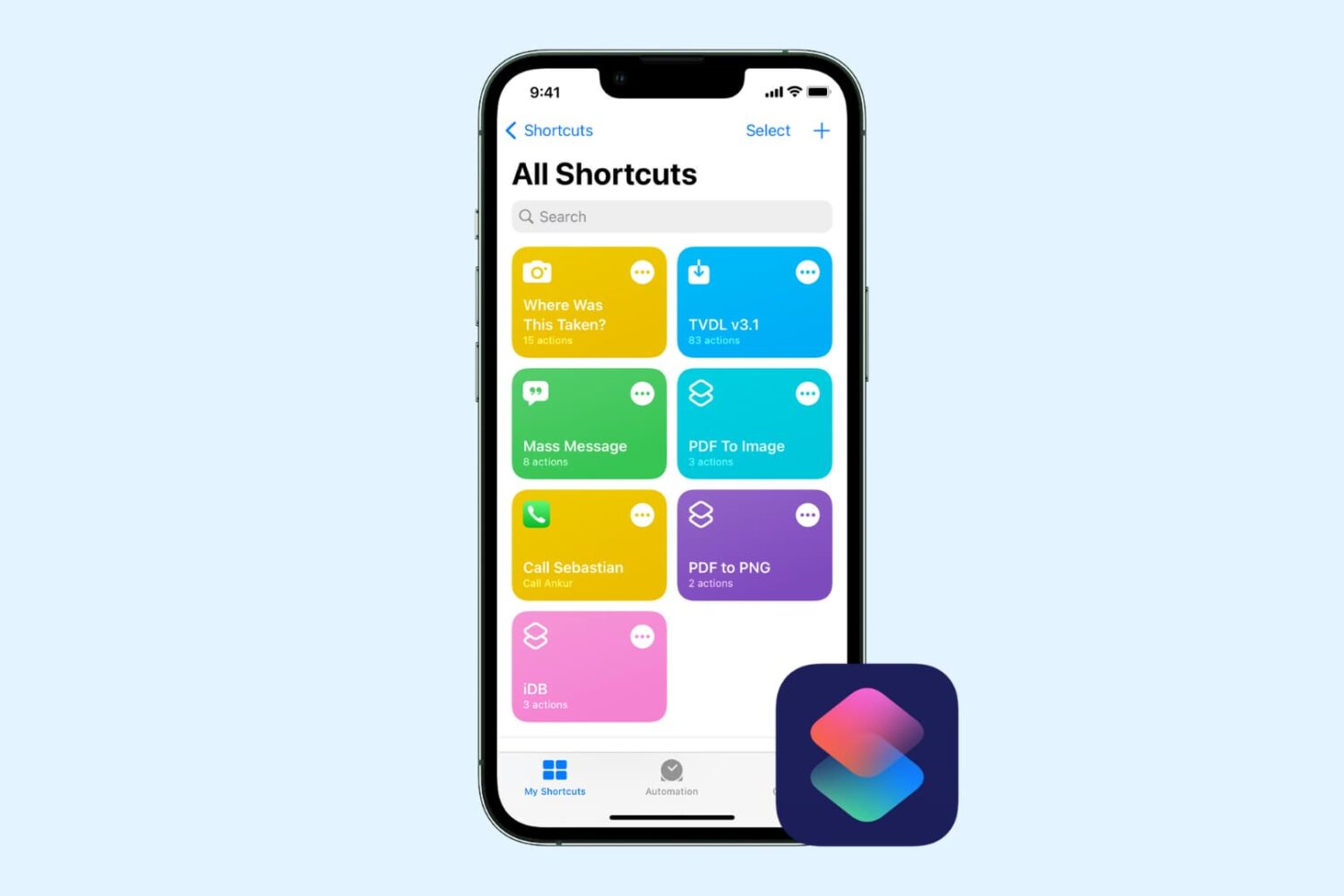
Check out this comprehensive guide to fix iOS shortcuts not working on iPhone or iPad, leaving you confused and unable to perform certain tasks.
In this guide, we go over several ways to quickly run a shortcut on your iPhone, iPad, or Mac that don't required opening Apple's Shortcuts app.
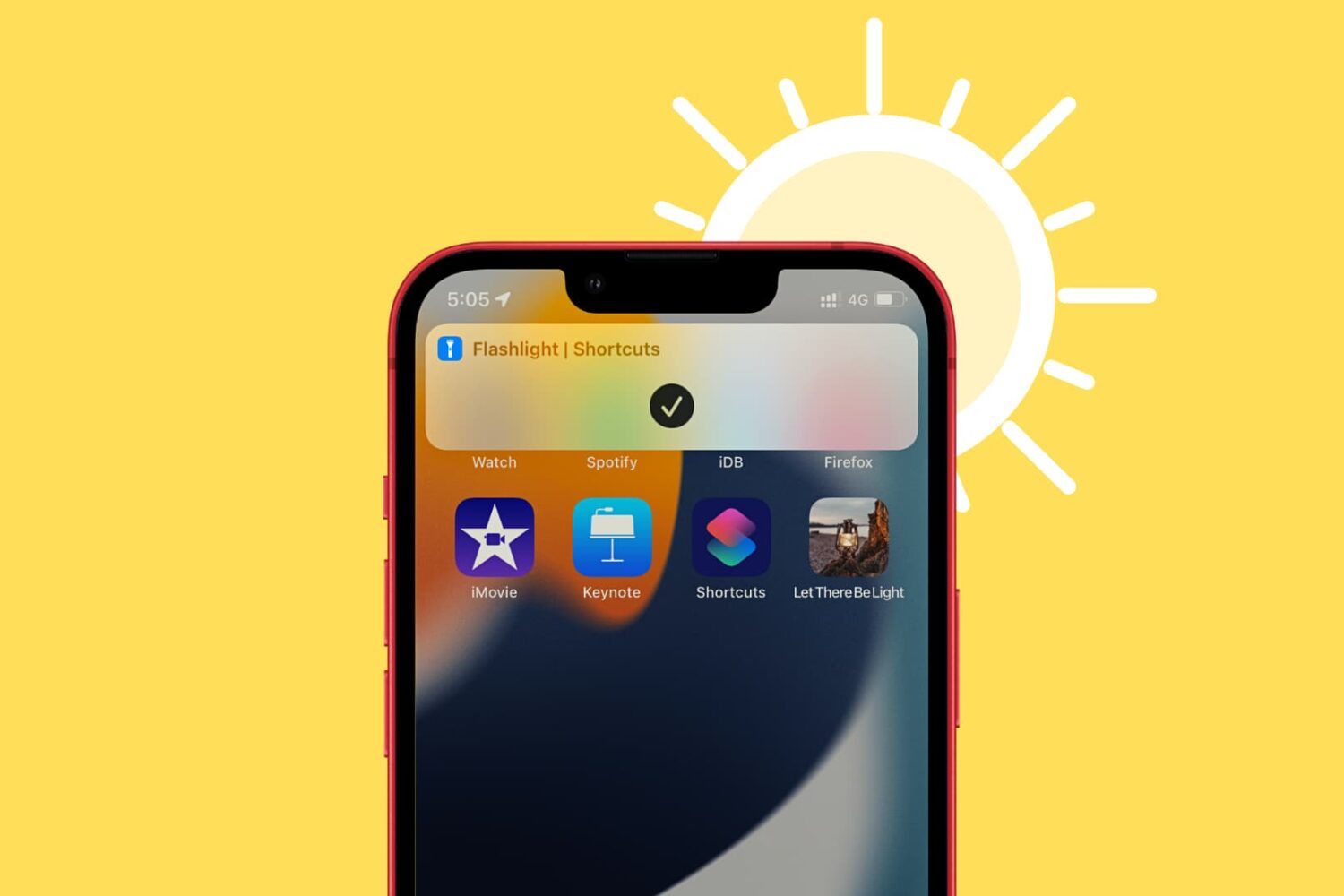
In this brief tutorial, we’ll show you how to create a flashlight shortcut on your iPhone or iPad Home Screen for easier access.
In this tutorial, we will show you how to set your Mac to automatically start playing music when it starts up or after a reboot.
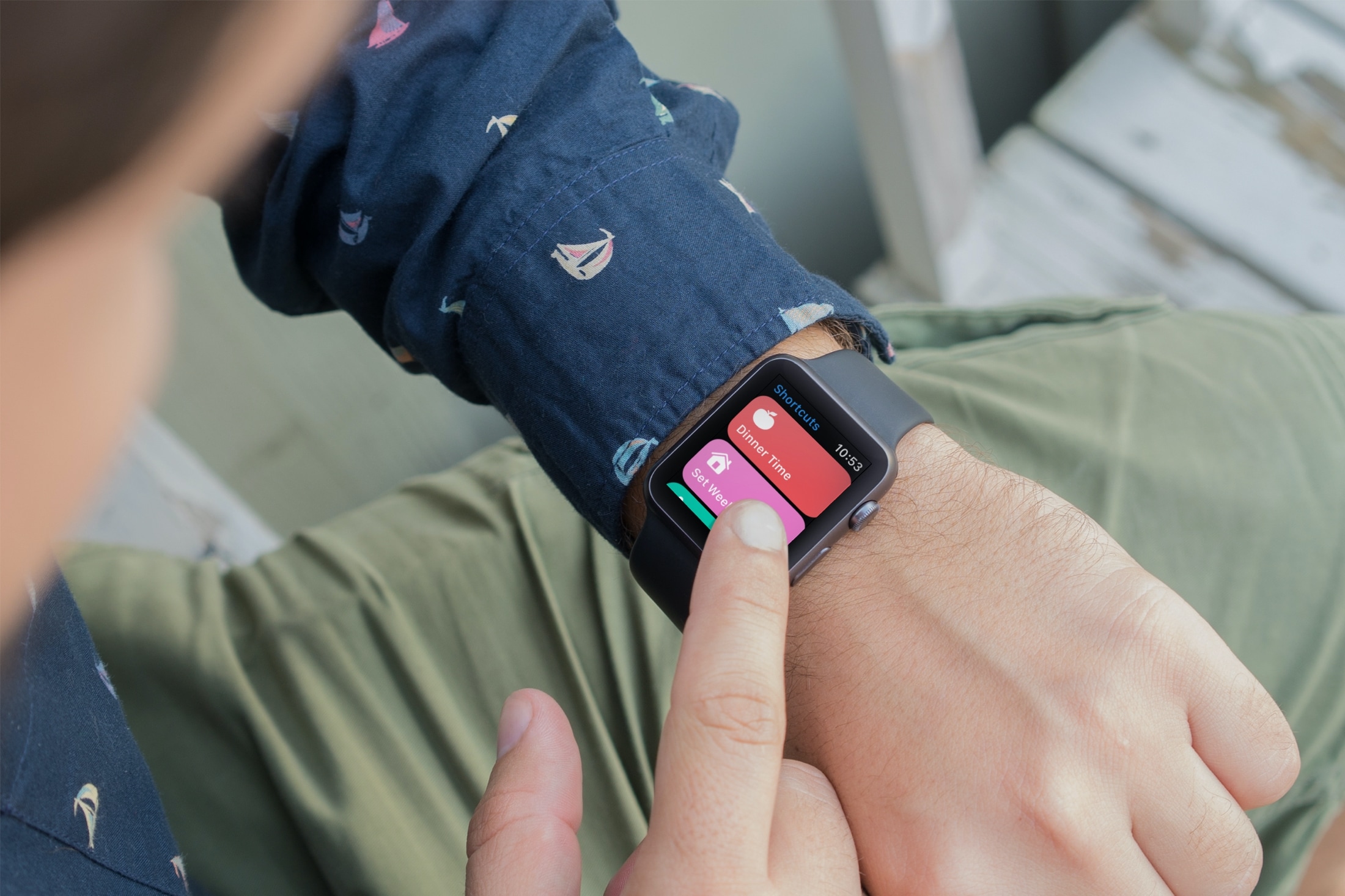
Learn how to enable an iPhone shortcut to run on the Apple Watch and add that shortcut as a complication on your watch face to run it quickly in one tap.
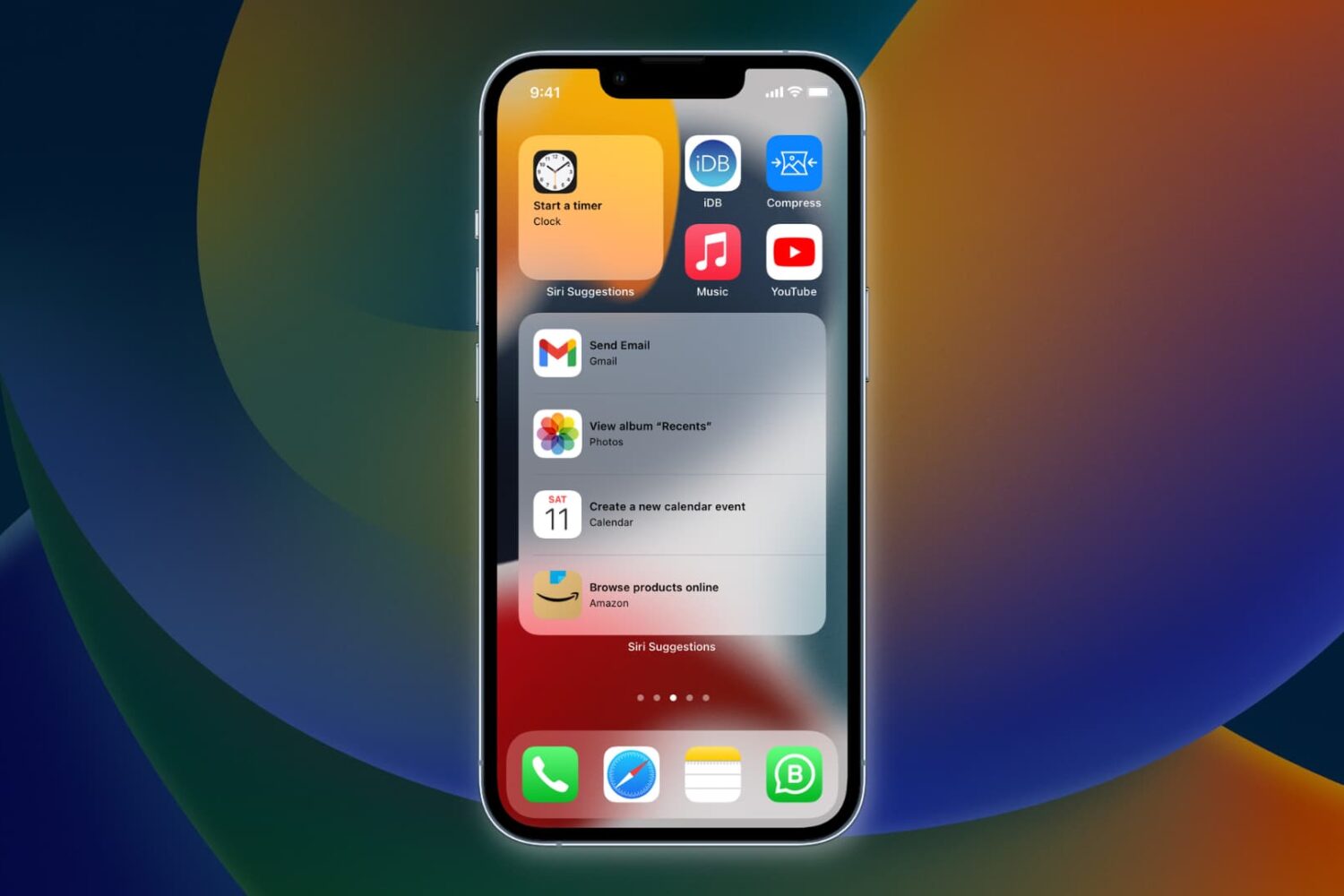
Learn how to have Siri intelligence dynamically curate your apps and show suggested actions right on your iPhone Home Screen in the Siri Suggestions widget.

The dream of the self-lacing shoe has been in place for quite some time, and a goal that companies like Nike have been working on for years. While there have been ideas and implementations, we're not quite there to having a self-lacing shoe be the standard out there in the wild. But Nike is at least bringing Siri and Apple Watch support into the mix right now.
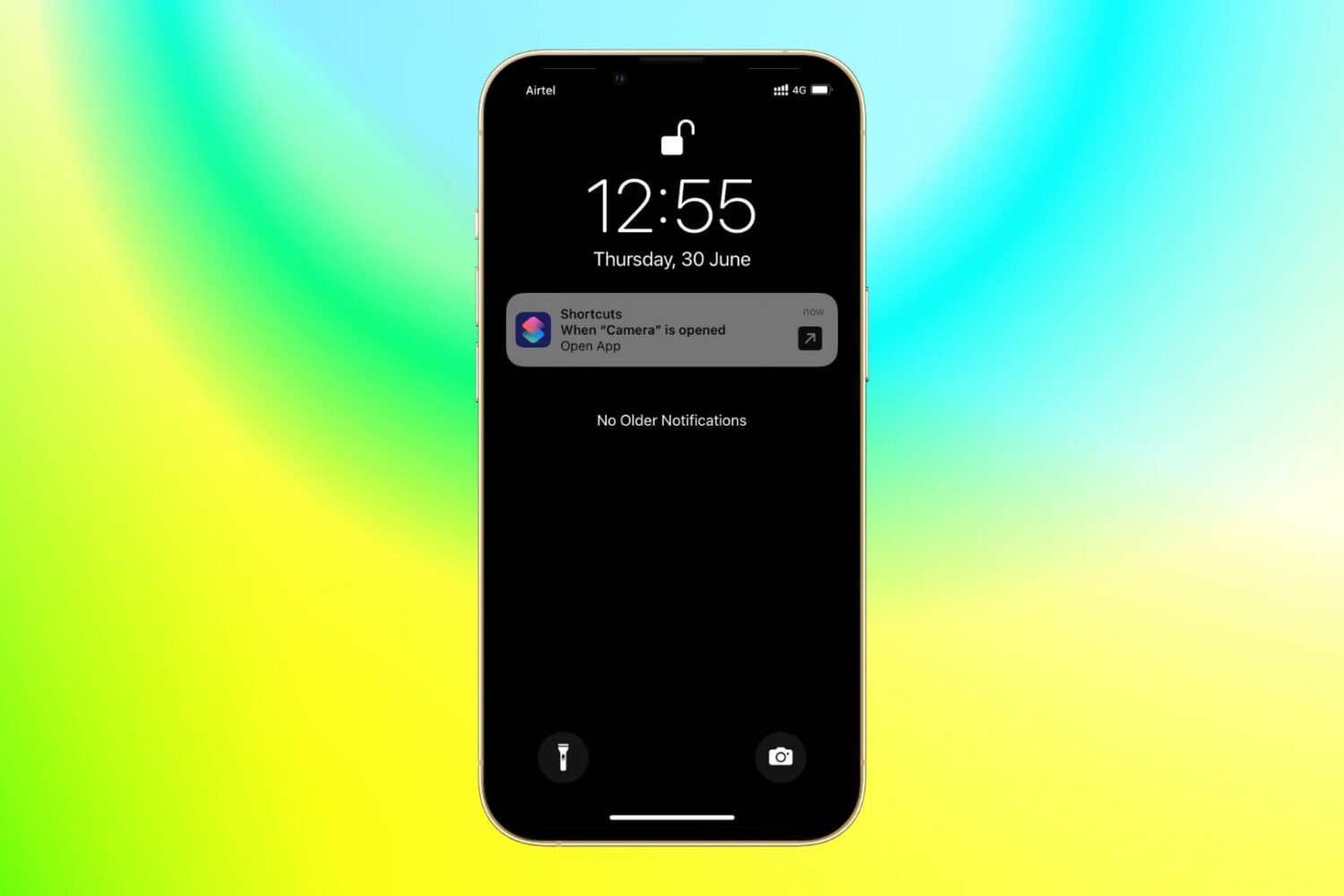
With the power of iOS automation, you can open a different app when you tap the app icon of another app. Confused? It's pretty awesome and useful for several cases.