Review

Apple TV review: it’s all about the potential

Potential. That's a word that you're going to hear tossed around a lot when it comes to the newly released Apple TV. It has the potential to be a great streaming device. It has the potential to be a wonderful music playing machine. It has the potential to be an awesome gaming console. It has the potential to really become your living room's nucleus for entertainment.

Is it doing any one of those things in a mind-blowing fashion currently? Not exactly. Fortunately, the Apple TV has plenty of room for growth, because it's powered by a more significant operating system called tvOS, and Apple has opened the platform up so that developers can create apps. Just like an iPhone 4s at its beginning, which shipped with iOS 5, looks nothing like an iPhone 4s running iOS 9, the Apple TV experience is bound to evolve, grow, and improve.

If you purchase an Apple TV now, you're buying into that potential. Already, the Apple TV can do more than the 3rd-generation version that it supplants. The older hardware couldn't download apps, and wasn't capable of playing games natively on device.  With the new Apple TV, you have all of that, along with much-improved hardware, a better remote that doesn't require line of sight, and limited Siri access.

At this early stage in the game, you shouldn't expect a perfect experience, but even out of the gate, it's obvious that the new Apple TV is a much better device than prior versions. Right now, it's just good, but with the proper direction, it has the potential to be the best set top box that we've seen thus far.
Lumino City review: a puzzle adventure that’s as good as it looks

Puzzle adventure games are a dime a dozen, but that doesn't mean they are all good (or all bad, for that matter). Finding the right mix of complexity and innovation, combined with proper elements of visual aesthetic, is not that easy.

Lumino City has found the right mix. Not only is it visually pleasing (read below to find out more about that), but the puzzles are also unique and complex, without being so difficult that you lose interest. We've got a full game review of Lumino City for you today.

Review: ‘Quarter’ portable battery has MagSafe port

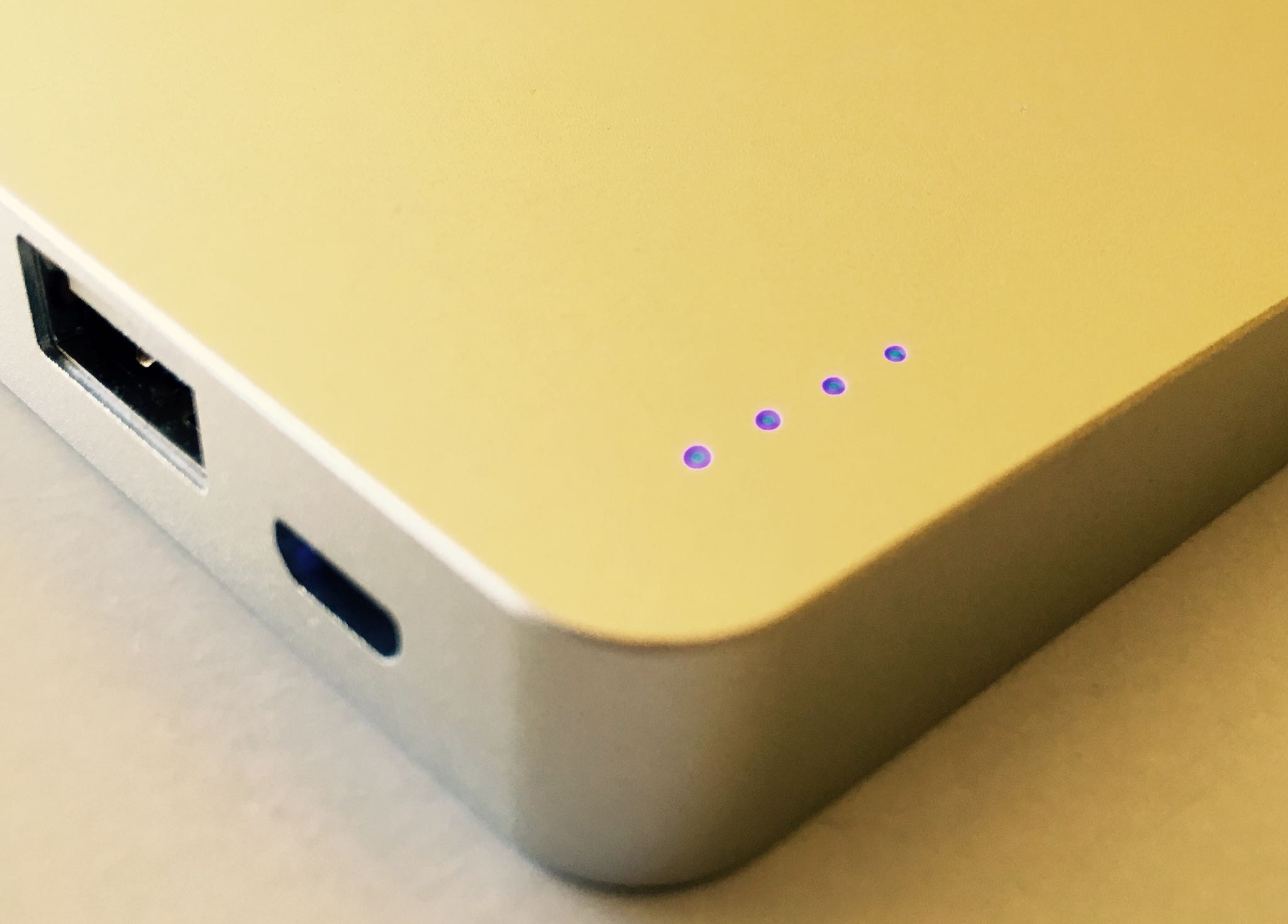
China-based Beaver Electronics Co. recently unveiled a reasonably priced portable juice pack with buttonless design that after 15 minute of fast-charging holds enough juice to fully recharge an iPhone 5s. In fact, the Quarter recharges any mobile device via USB.

Surprisingly, through its built-in MagSafe 2 port the Quarter charging its 5,000mAh internal battery via the MacBook's MagSafe wall charger takes under an hour. The company kindly provided me a review unit that I tested out over the past week, here're my impressions.

Review: take a Quick Look inside OS X installer packages with Suspicious Package for Mac

I download apps for my Mac from the Mac App Store whenever possible. Going through the Mac App Store gives me a piece of mind knowing Apple screens all submissions and keeps harmful software at bay.

But every once in a while, an app comes along and gets distributed outside the Mac App Store's safe haven. True, one can verify signing information for non-Mac App Store apps in Terminal, but it isn't for the faint-hearted.

That's precisely the kind of problem that a nifty little Mac app, called Suspicious Package, solves in one fell swoop.

Created by a company called Mothers Ruin Software, the free of charge app is actually a plug-in for the Mac's Quick Look feature, allowing you to easily and quickly inspect contents of  a .PKG installer file after you've downloaded it but before it's launched.

Review: Emojify turns your photos into emoji artwork, ASCII art and more

Have you ever wanted to effortlessly create a collage of emoji emoticons from your own photos? As in, with just a few taps and no prior Photoshop knowledge whatsoever?

I'm a big sucker for ASCII art and there certainly is no shortage of such apps in the App Store, but I wanna move beyond ASCII and have the freedom to create collages based on my iPhone's emoji keyboard.

I'm also interested in experimenting with app icons and other icons sets. If you're anything like me, you'll want to check out Emojify, a cool iPhone app by Singapore-based studio called VoidWorks.

With Emojify, you can quickly turn your pixels into pieces of art comprised of a bunch of tiny icons and emoji characters, and even export them in high-resolution to create stunning 20-by–20 inch prints.

Belkin Charge Dock review: the best iPhone and Apple Watch dock available

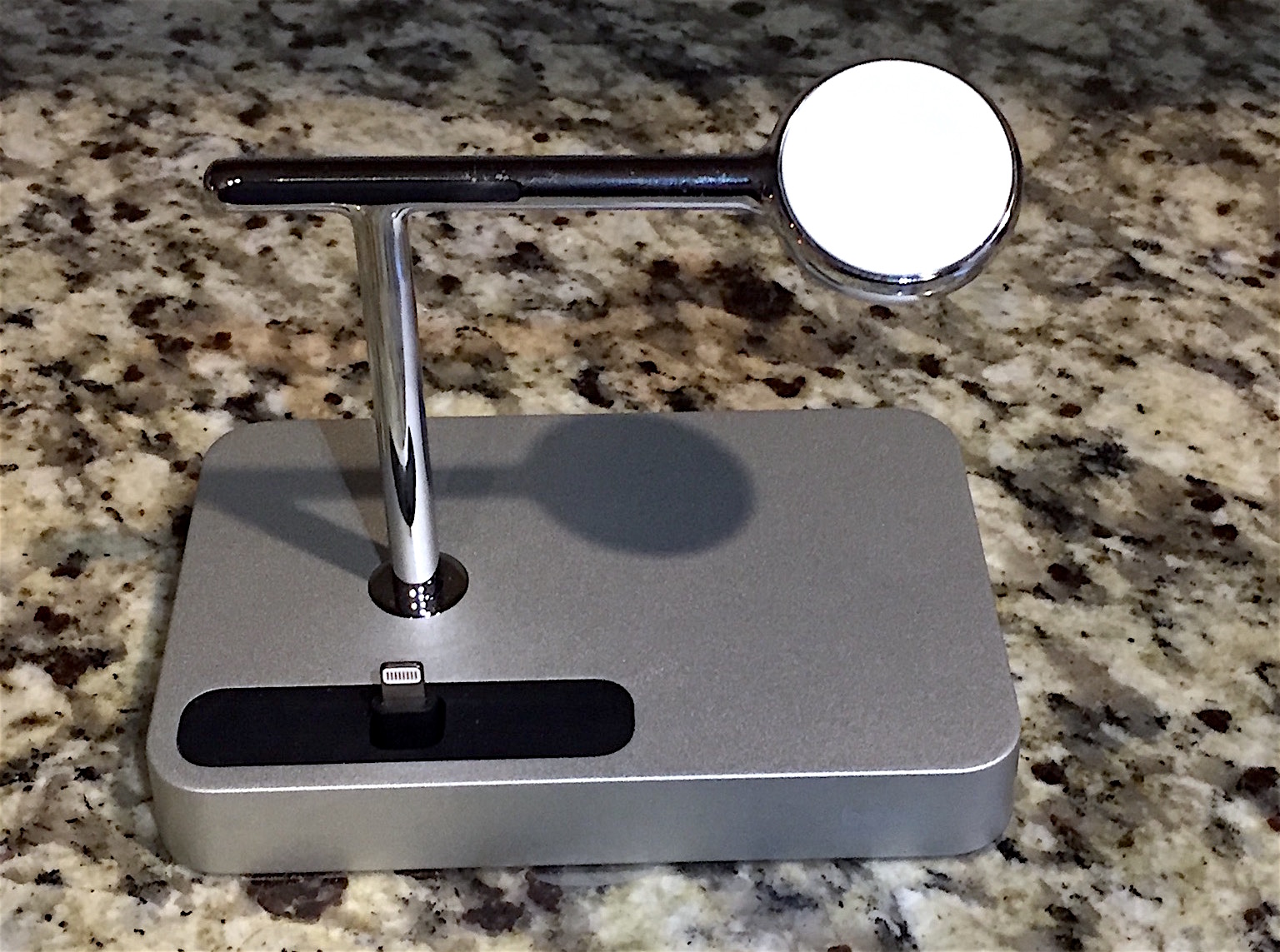
Shortly after Apple announced that it would allow manufacturers to include Apple Watch charging pads in their accessories, Belkin unveiled the Charge Dock. It's a charging dock with a built-in magnetic charger for the Watch and an adjustable Lightning connector for iPhone.

The Dock checks all of the necessary boxes: it looks sharp, is very well-made and it carries Made for iPhone and Apple Watch badges, meaning it's passed Apple's certification tests. And after using one for the past few weeks, I felt it was good enough to warrant an in-depth review.

Twelve South Forté review: a truly luxurious stand for Apple Watch

Soon after the launch of Apple Watch, Twelve South released HiRise, its first charging stand for the digital timepiece. Our review of the $50 accessory detailed it as a solid product that did its job well, with its durable build and aluminum finish giving it a pleasantly subtle design.

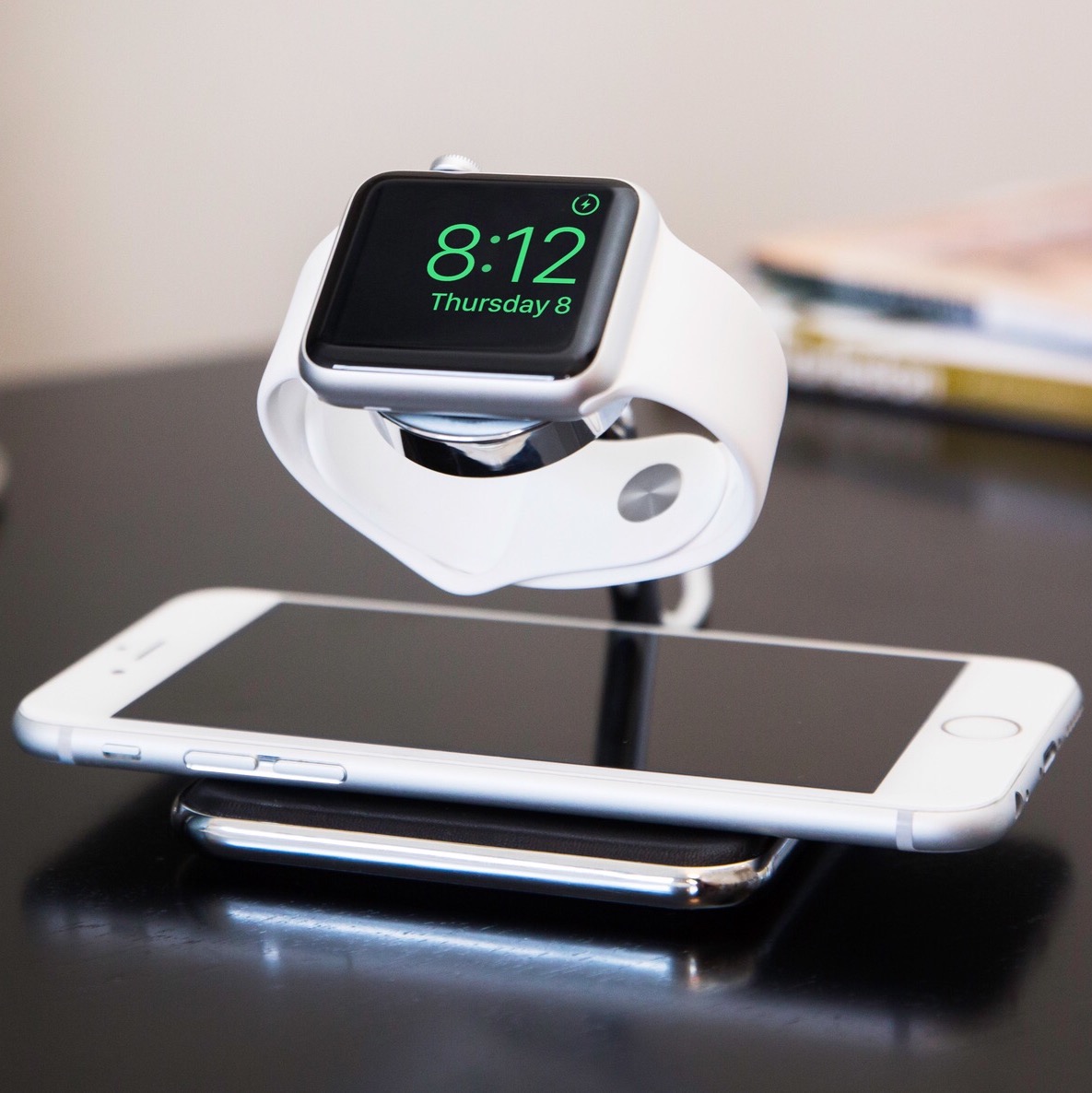
Now, Twelve South is back with Forté, a bolder, more luxurious Apple Watch stand that is designed to be more versatile while remaining true to Twelve South’s Apple-like design paradigm. Supporting closed and open bands, portrait and landscape charging, and a docked Apple Watch and iPhone, Forté shines with the aura of a stand that could’ve easily been designed by Apple. And by selling it in their online and retail stores, Apple has, in a way, put their stamp of approval on Forté.

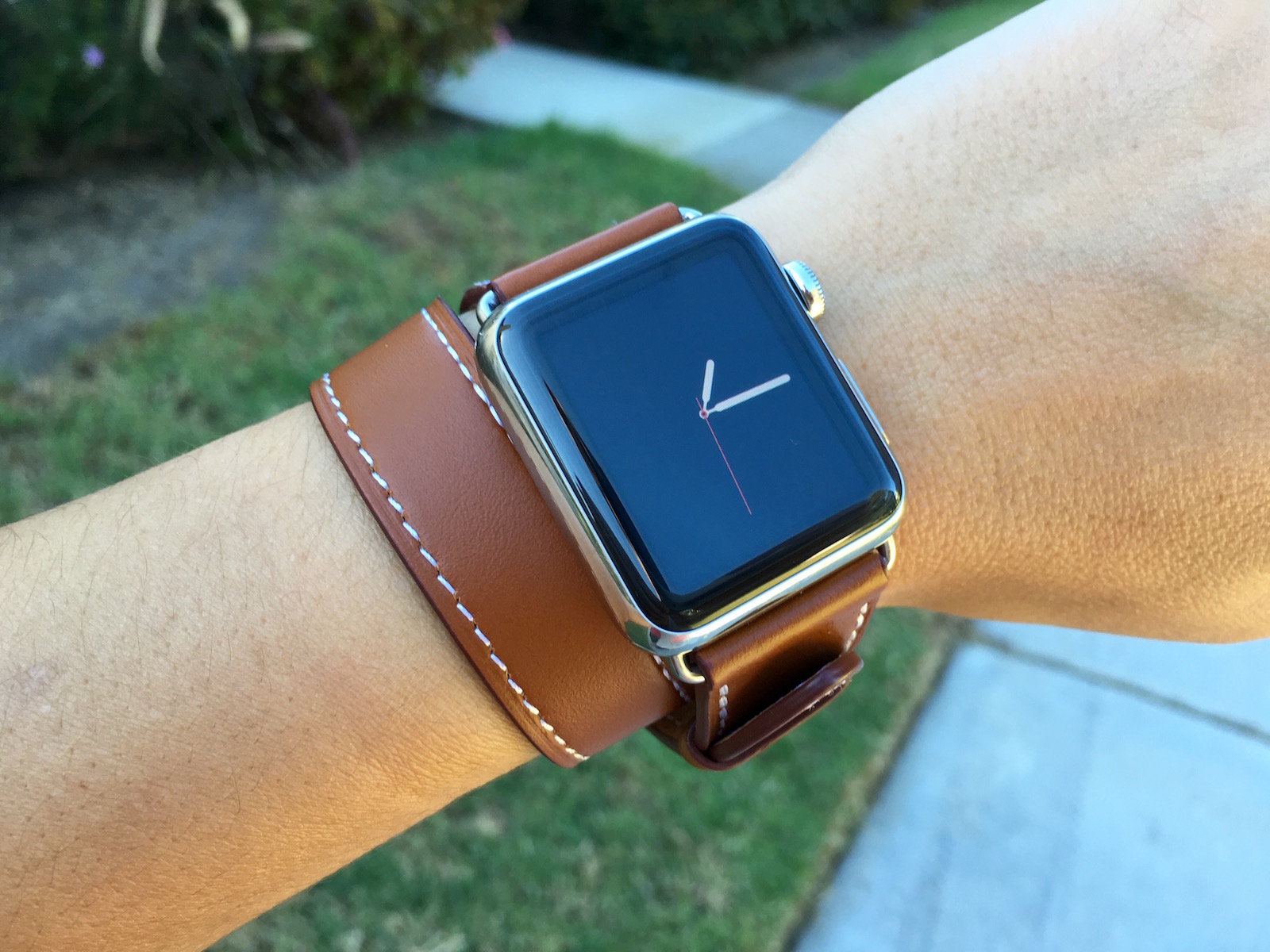
A look at 5 Apple Watch knockoff bands

One of the best features of Apple Watch is how customizable it is. There are millions of watch faces variations to play with, and of course, you can use a multitude of watch bands to make your device stand out or blend in, depending on your mood.

If customizing your watch faces doesn't cost anything, buying bands from Apple can turn out to be expensive, with each band selling for hefty prices, especially if you don't want to settle for the fluoroelastomer bands.

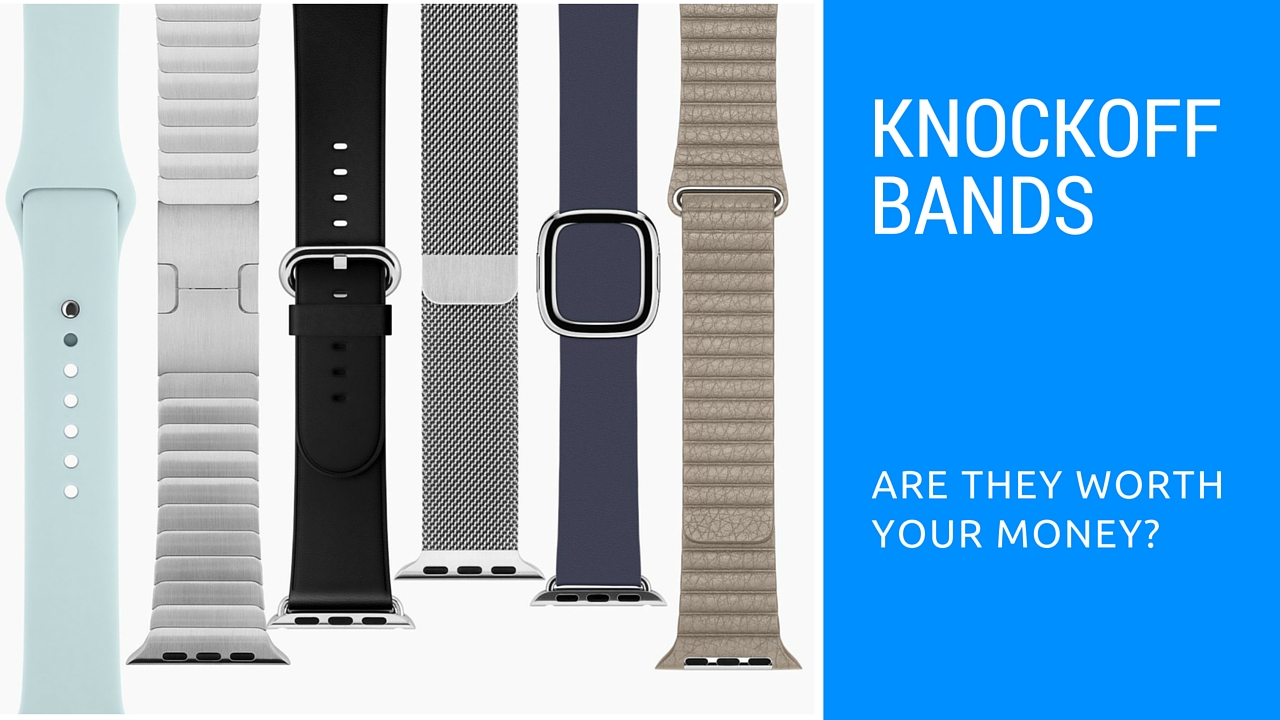
An alternative Apple Watch users might want to look into is the knockoff bands available online. They appear to be exact replicas of Apple's official bands, and sell for a fraction of the price. I was curious about the price/quality ratio of these bands so I decided to purchase seven of them (two of which are still on back order) and see for myself if they are worth the money.

In this post, I will give a brief overview of each band that I received, as well as personal thoughts regarding the quality and whether or not it's a smart buy.

Review: reclaim iPhone storage lost to Live Photos with this free app

Live Photos, one of the hallmark features of the new iPhone, is prominently featured in Apple's commercials and even jailbreakers can get it on older devices via a recently released jailbreak tweak.

The only problem with Live Photos is that they take up about two times the space of normal images. While iOS's Photos app lets you turn a Live Photo into a still photo with a few taps, the process quickly becomes cumbersome when processing multiple Live Photos.

Besides, the method doesn't really remove anything as you can revert back anytime.

A new iPhone app called Lean from developer Tiny Whale, available for free in the App Store, automates the process of cleaning up one or more unwanted Live Photos, so you end up with their normal representation which helps save storage space on your iPhone.

Review: track how well you sleep at night with Sleep++ for Apple Watch

I was having high hopes ahead of the Apple Watch unveiling that detailed sleep analytics would be part of the headline feature set, based in no small part on the company's hiring efforts in that field.

As a blogger, my sleep is basically in disarray so I was keeping my fingers crossed that Apple's wearable would benefit my rest. Much to my surprise, the device arrived without specialized sleep-tracking functions.

But thanks to developer David Smith's nifty little app called Sleep++, I can now measure the duration and quality of my sleep thanks to the power of software.

Rivet Radio review: listen to news stories curated just for you

You've probably got a couple of apps in your stash that provides curated stories for you to read. But, what about an app that reports stories to you?

Rivet Radio is like listening to a version of NPR that only reports the stuff you are interested in. We've got a full app review of Rivet Radio for you right now.