Review

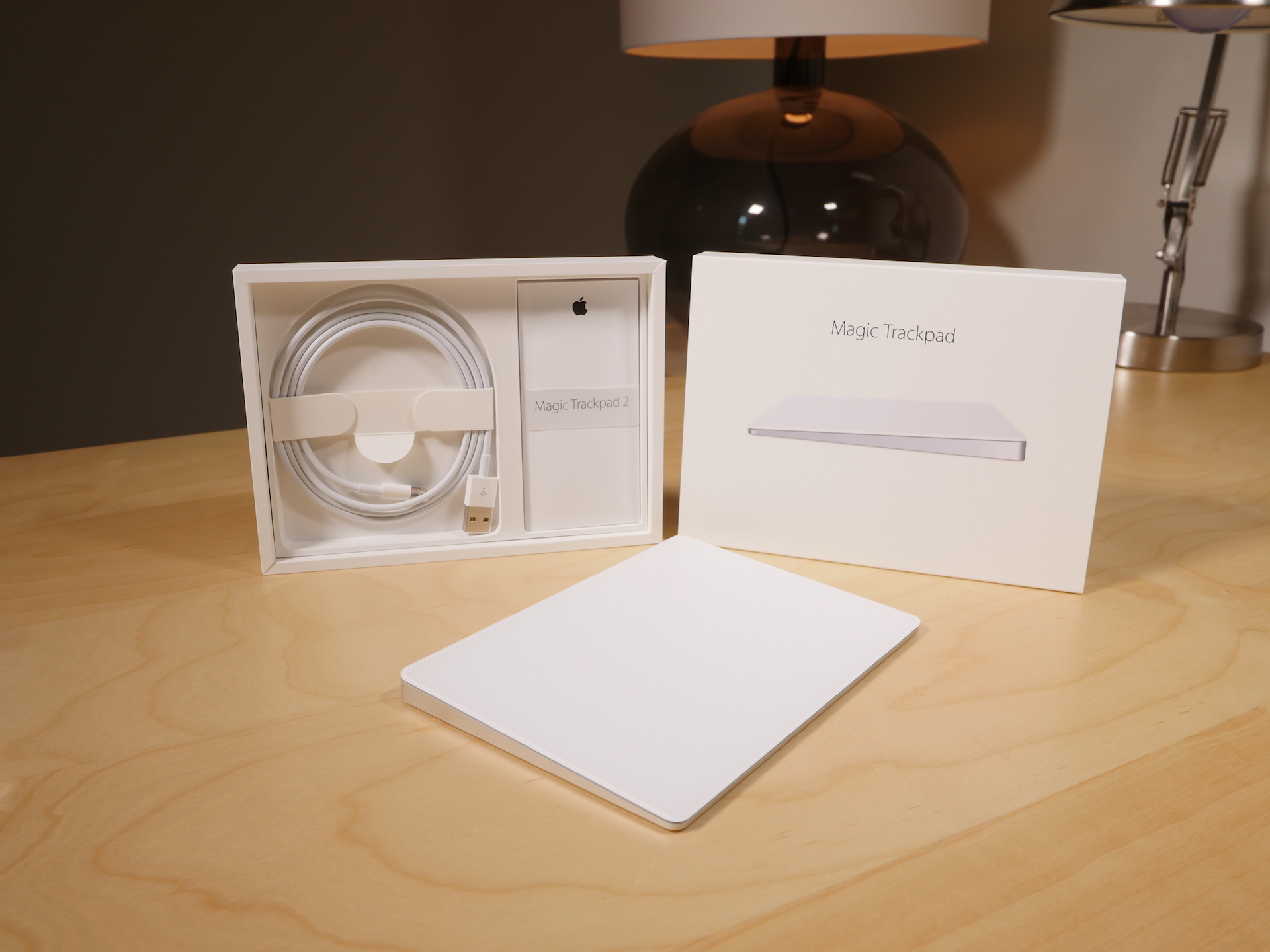
Magic Trackpad 2 review: Force Touch-enabled and rechargeable, but should you upgrade?

Of all of the new "Magic" devices in Apple's lineup, perhaps no device is more deserving of the moniker than the Magic Trackpad 2. It's the only device, out of the three new peripherals that Apple recently launched, that truly brings new functionality to the table.

While the Magic Mouse 2 and the Magic Keyboard are legitimate upgrades over the products they replace, the Magic Trackpad 2 is the most justifiable upgrade from a pure features standpoint, and Apple's pricing for it says as much.

At $129.00, this isn't exactly a knee-jerk purchase to be made on a whim. And if you already own the old Magic Trackpad, an impulse buy is lessened even more.

I've been testing out the new Magic Trackpad 2 for several days now, and it's taken me a while to put my thoughts down in writing. This device takes significantly more time to get to know than either the Magic Mouse 2 or the Magic Keyboard. That's because the Magic Trackpad offers the most diverse functionality of the trio.

With all of that said, is the Magic Trackpad 2 worth upgrading to if you already own the previous Magic Trackpad? Watch our video review, and read my full analysis for the details.
LUNATIK EPIK Apple Watch Kit offers rugged protection in a handsome package

I would argue that it was the LunaTik and TikTok watch kits for the iPod nano, not the Pebble, that sparked initial consumer interest in smartwatches. Two years before Pebble's Kickstarter debut, the two kits garnered $1 million on the crowdfunding site from folks who wanted to wear their nanos on their wrists.

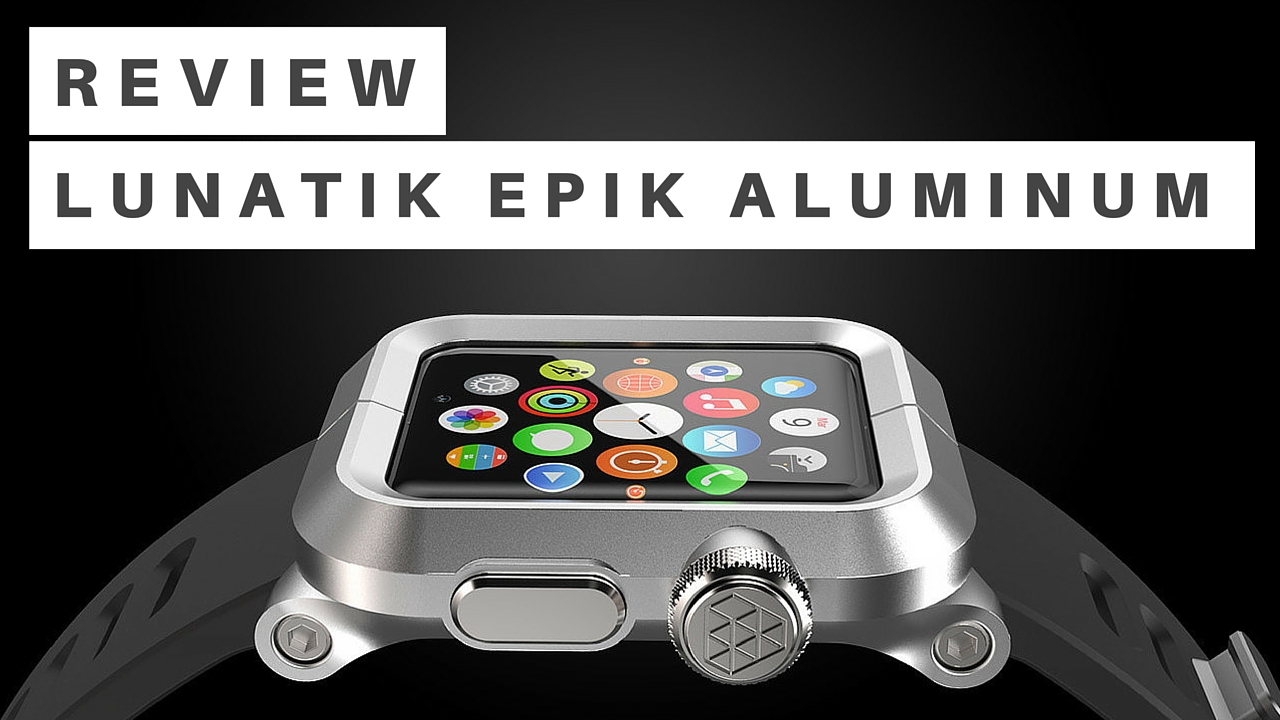
Fast forward to this summer, and Minimal, the company responsible for those kits, returned to Kickstarter with a similar accessory for the Apple Watch. It's called the LUNATIK EPIK, and it's a premium case and strap solution, that offers rugged protection for Apple's [42MM] smartwatch in a handsome package.

Magic Keyboard review: streamlined and rechargeable, but worth it?

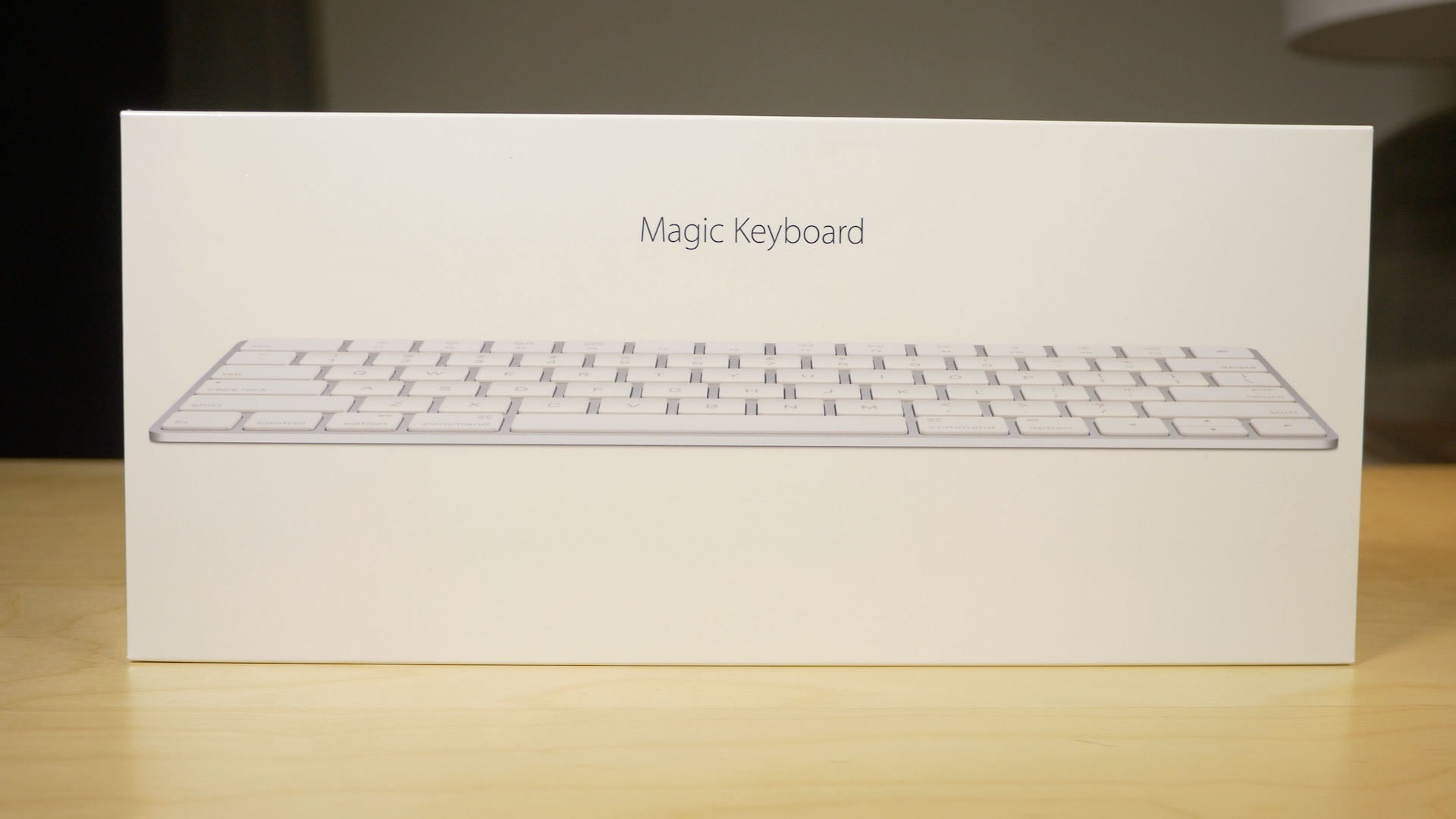
Along with my Magic Mouse 2, I decided to pick up a Magic Keyboard. The Magic Keyboard, for me, is probably the least compelling of the "Magic" devices that Apple just released. That's primarily because I'm a full time MacBook user, so I don't actually have a real hardline need for an external keyboard.

Yet, I'm nonetheless intrigued by the Magic Keyboard. I'm a sucker for the streamlined design, and the rechargeable batteries. Anytime you can get me away from having to replace or swap out batteries, you've pretty much won me over.

But does the Magic Keyboard do enough to truly justify the upgrade? Admittedly, it's a hard sell. Not only do you have to consider whether an upgrade is necessary, you then have to justify paying $30 more than the Wireless Keyboard that it replaces.

Is it worth it? Watch our video review and find out.

Flume review: view your Instagram feed in a dedicated Mac app

Most people view their Instagram account via the official mobile app. However, you can check out your feed right from the Internet in most web browsers, and it looks pretty cool because the pictures are much bigger.

Flume is a dedicated Instragam viewer for Mac that creates a lovely experience different from what you see on the official website. We've got a full app review of Flume for you today.

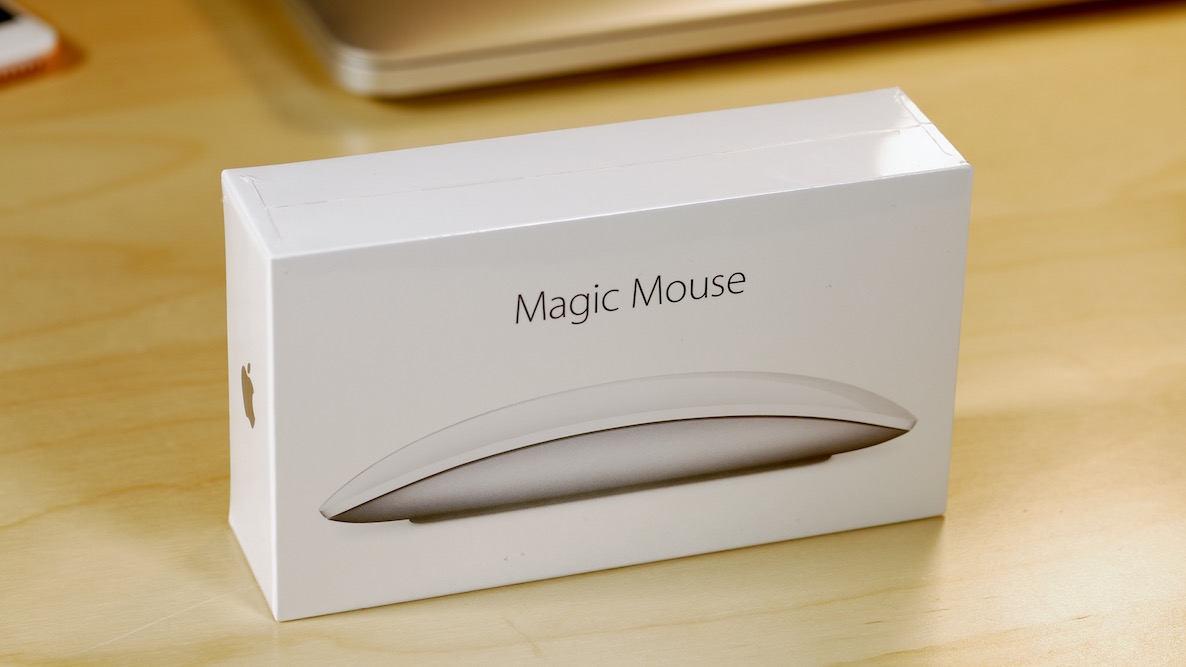
Magic Mouse 2 review: rechargeable and sturdier, but is it worth the upgrade?

I've been a huge proponent of the Magic Mouse ever since it first debuted. I use this mouse almost daily, even though I have a MacBook with a trackpad.

When editing video in Final Cut Pro X, a mouse is pretty much a necessity due to the precision required. With this in mind, the Magic Mouse is one of my most cherished companions when it comes to my daily workflow.

As you know, Apple just updated its Magic Mouse with several new features. The headlining feature of the new Magic Mouse is its built-in rechargeable battery. The new mouse is also lighter with a sturdier build and features an optimized foot design for better movement. But for existing Magic Mouse users, is it worth the upgrade?

Jump Jack review: a retro platformer that will keep you on the edge

If you are looking for a retro style arcade platformer, this is your lucky week. A brother duo development team has just launched a game that clearly was created from the minds of old school gamers.

Jump Jack is an action platformer that does not stop. Every panel of every level is fast paced and leaves you out of breath. We've got a game review of Jump Jack for you today.

Super Sharp review: simple physics make this game fun and challenging

Finger-swiping games really stand out on touch-screen devices. Before smartphones, there really wasn't such a thing. Now, slicing and dicing with your finger has become its own category.

Super Sharp is one such game, but it adds a nice physics-based mechanic to a minimalist puzzle that is quite entertaining. We've got a full game review of Super Sharp below. See if it is something you'd like.

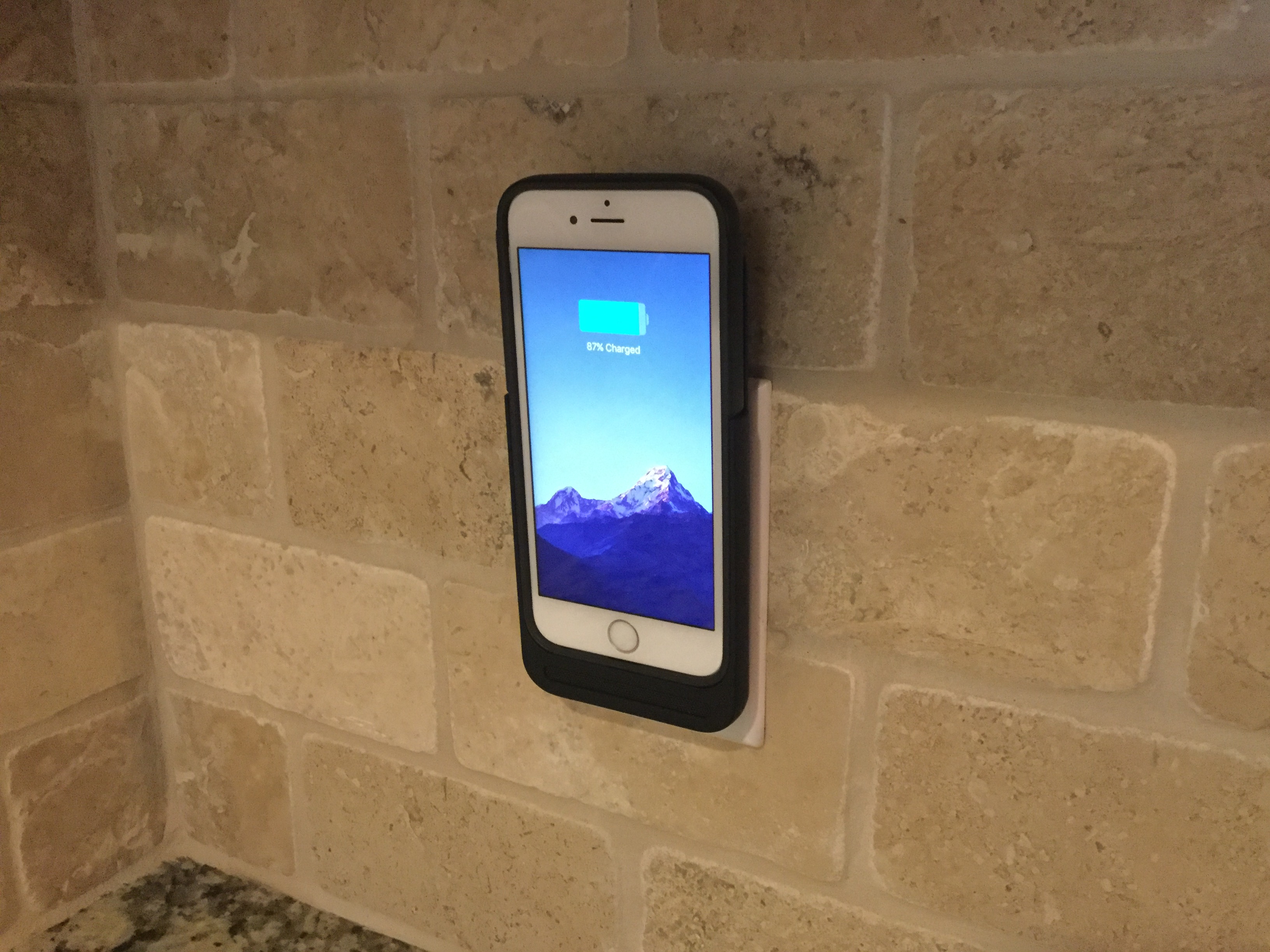
Review: the Prong PWR is an iPhone battery case with a twist

After spending a year growing accustomed to the iPhone 6 Plus, I decided to go for the smaller handset. I've been pretty happy with the 6s thus far, but the smaller size means a smaller battery, and I've found it's not enough to get me through a normal day.

When I'm working, my dock is typically within arms-length, but on days when I'm out and about this gets to be a problem. We have several battery packs, but I find USB cables very limiting, and I definitely don't want to use a bulky battery case full-time.

That's where the Prong PWR Case comes in.

Review: Overcast 2.0 brings streaming support and new price—free (no IAPs whatsoever)

Developer Marco Arment today issued a major update to Overcast, its praised podcast player and manager app for the iPhone, iPod touch, iPad and Apple Watch. Going from the freemium to free model, Overcast 2.0 is now a free app without In-App Purchases, advertising or other limitations.

Instead, you can now support the continued development of Overcast, if you want, by becoming a patron which entails a recurring subscription.

If not, enjoy everything Overcast hast to offer absolutely free of charge.

One of the major new features in Overcast 2.0 is streaming, which can now be used with Smart Speed and Voice Boost effects to save time when listening to podcasts by shortening moments of silence without having to download new episodes first.

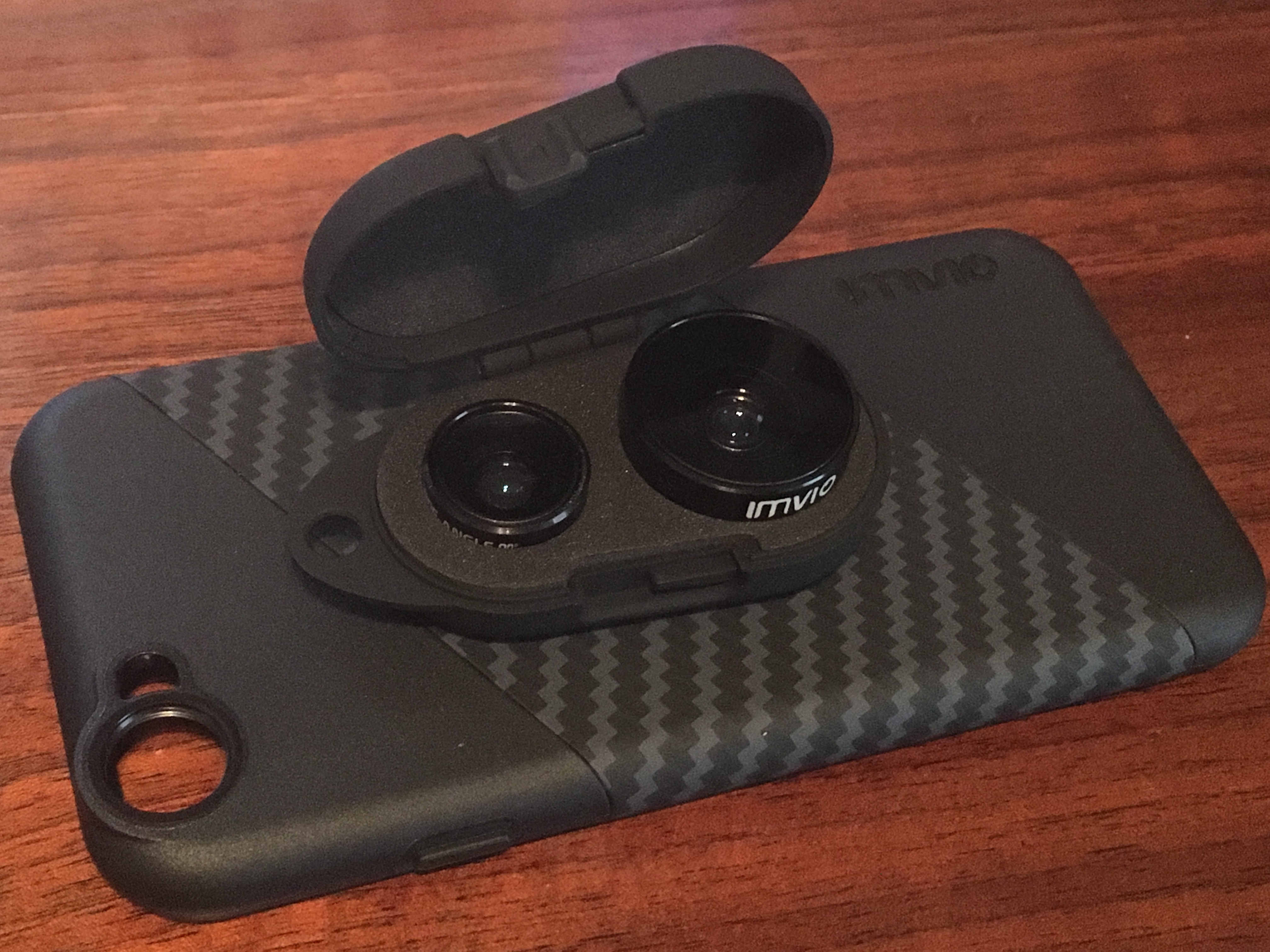
Get more out of your iPhone photos with the Imvio Camera Lens Kit

Folks in the market for an iPhone lens accessory should consider adding the Imvio Camera Lens Kit to their list of prospects. The kit includes an iPhone case, a Fisheye and Wide Angle lens, a protective carrying case, and it's available for every late-model iPhone starting with the 5s.

I've been using Imvio lenses on my iPhone 6s for the past week, and I have to say that overall, it's a solid product. The case fits well and the lenses attach and detach easily. It's not perfect though, and I did find a few things I didn't like during my testing. Read on for my full review.

Review: wrist dialing is easy with Watch Keypad, an app Apple should have made

WatchOS 2 appeals to sausage-fingered types with its bigger, square keypad, and that's quite cool by me, but isn't its lack of a dialing functionality in apps like Messages and Phone quite a shame? This poses a major problem when needing to place a phone call from the wrist to a number you don't have assigned to a contact.

Watch Keypad by Dutch developer Rob De Ruiter, as the name suggests, solves this problem in one fell swoop.

This app makes it real simple and easy to type a phone number to call from your Apple Watch, without any restrictions on contacts. I spent some quality time testing Watch Keypad and will be using a lot going forward, here's why.

SoundShare review: a social network for music lovers

As of October 1, I am officially a paid subscriber to Apple Music. It is the first time in years that I've paid for streaming music. Because I like Apple Music so much, it makes it a little difficult to test music streaming apps without comparing them to what I think is the best version out there.

With SoundShare, you aren't streaming music as much as you are building friendships based on musical interests. Similar to a Twitter or Facebook feed, you can let others know what you are into. Today, we go hands-on with an app review of SoundShare.