Notifications

‘PostOffice’ forwards all iOS notifications to Google Glass

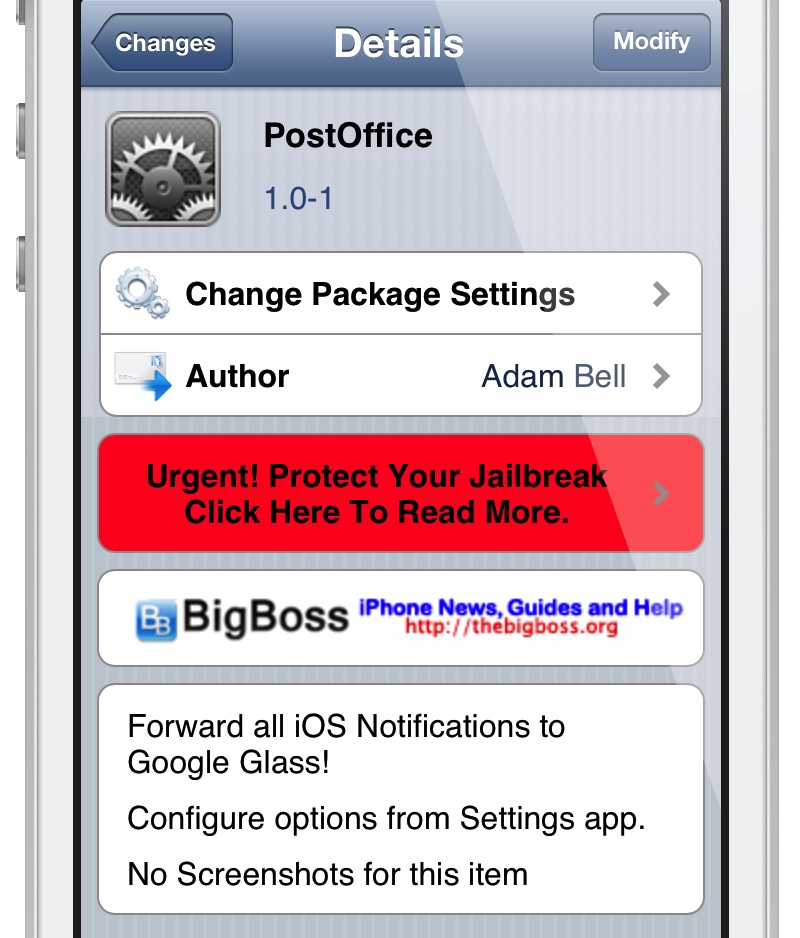
Adam Bell, the iOS developer behind jailbreak tweaks like Stride and the Facebook Chat Head enabling MessageBox, is back at it again. He just released PostOffice — a new jailbreak tweak that allows Google Glass users to forward all of their iOS notifications directly to Google Glass.

Unfortunately, I don't own Google Glass, so it's impossible for me to personally test out exactly how the tweak functions. At any rate, take a look inside for a screenshot of the tweak's settings.

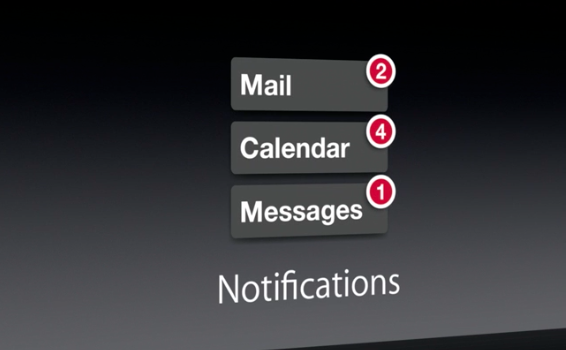
A closer look at the new Notification Center in iOS 7

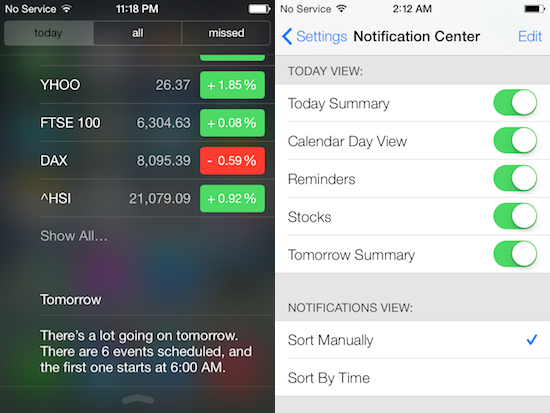
From the moment you lay eyes on iOS 7, you can tell that it's completely different than any of the previous versions of Apple's mobile OS. The entire system has been redesigned, from the Lock screen to the app icons, and everything in between.

We've taken brief peeks at a lot of the changes that we've spotted thus far in iOS 7 over the past few days, but we felt some of them deserved a more in-depth look, like the all new Notification Center. It's better looking now, and quite a bit smarter...

Google+ notifications will soon sync across devices

One of the annoyances about notifications in today's multi-platform world is the alert conundrum. We've all been there: an alert comes in, you act on it on one device and yet it doesn't clear on the other. And with apps constantly producing all sorts of notifications, managing these things across our gadgets is tricky, to put it mildly.

Matter of fact, you'd be right to argue that notifications tend to get a little out of hand, up to the point where they turn your daily computing into a nightmare.

Apple feels your pain: that's why it gave iOS 7 a new Notification Sync feature where reading a notification on your iPad automatically marks it as read on your iPhone, and vice versa, courtesy of iCloud. Google isn't standing still either: today, the search monster started rolling Google+ notification sync across the web, Android and iOS...

OS X Mavericks includes some major improvements to notifications

Good news Mac users. In addition to all of the cool stuff Apple has already outlined in Mac OS X Mavericks, the new software is also going to include a number of improvements to the way it handles notifications.

Easily the coolest thing about the enhancements is that you can now quick reply to notifications. This is something that iOS users have been clamoring for for years. Hopefully it's a sign of things to come.

More details after the fold...

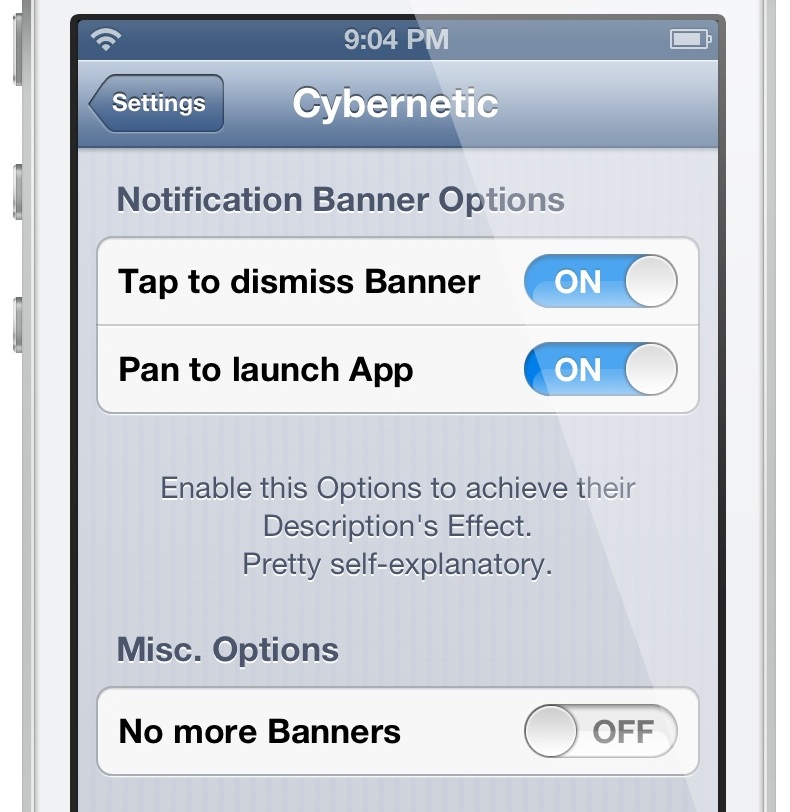
‘Cybernetic’ brings new options to banner notifications

Cybernetic is a recently released jailbreak tweak that allows you to alter the way banner notifications work. For instance, if you tap on a banner, you can make the banner dismiss instead of opening the app associated with the notification.

If you're looking to change some of the options when it comes to banner notifications, then look no further than Cybernetic. Check inside for our hands-on video walkthrough.

Badger lets users view unread notifications by tapping the app icon badge

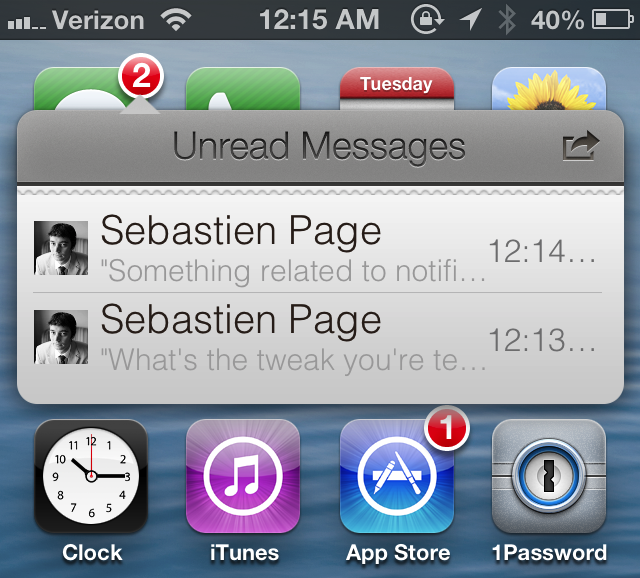
Ladies and gentlemen, after much wait and after even more debate, it's finally here. I am, of course, talking about Badger — a tweak that we initially previewed some months back. After some very intense development and design, the final version of Badger has shipped. It's now available for purchase on Cydia's BigBoss repo for $0.99.

If you've been keeping your ear to the proverbial street, then you already know what Badger is and what it does, but let me jog your memory anyway. Badger is an iOS tweak that allows users to view unread notification alerts by swiping on the app icon displaying the badge. Once the app is swiped, a highly stylized pop-up menu containing unread notifications will appear on screen.

That's what Badger is capable of doing in its most basic form, but as you might guess, the tweak contains quite a few hidden goodies and options under the hood. Check inside as I provide you with an in-depth look at Badger and show how you might benefit from its usage.
LSFlatAlerts improves single Lock screen notifications

I don't know about you, but I've never been fond of the singular pop-up alerts that show up on the Lock screen when you receive a notification. It's singular, weird, and way too imposing for my tastes.

The thing is, once you receive a second notification, the view switches to a more attractive flat list view. I much prefer this multiple notification view over the solo view. Considering this, I was intrigued when I saw a new tweak — LSFlatAlerts — make its way to the Cydia store. It's a jailbreak tweak that makes all notifications, even single ones, appear in the more attractive flat list view.

‘Secretary’ reads you your messages and missed notifications

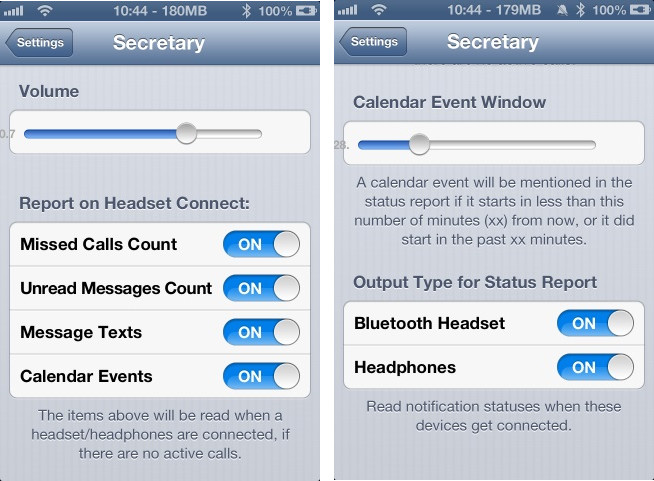
Looking for a new way to sort through notifications on your iPhone? If so, you might want to check out Secretary, a new jailbreak tweak that will read your notifications aloud to you upon connecting your device to a Bluetooth speaker or headset.

Once activated, the tweak can tell you how many unchecked missed phone calls and messages you have, as well as the number of impending calendar events. It can also read your text messages aloud to you using text-to-speech, similar to Siri...

Luna is an upcoming tweak that lends greater control over Do Not Disturb

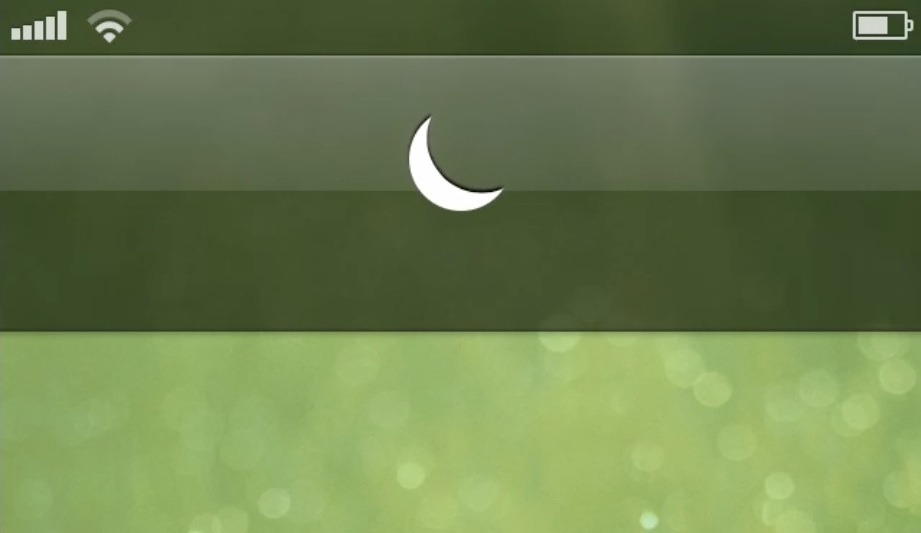
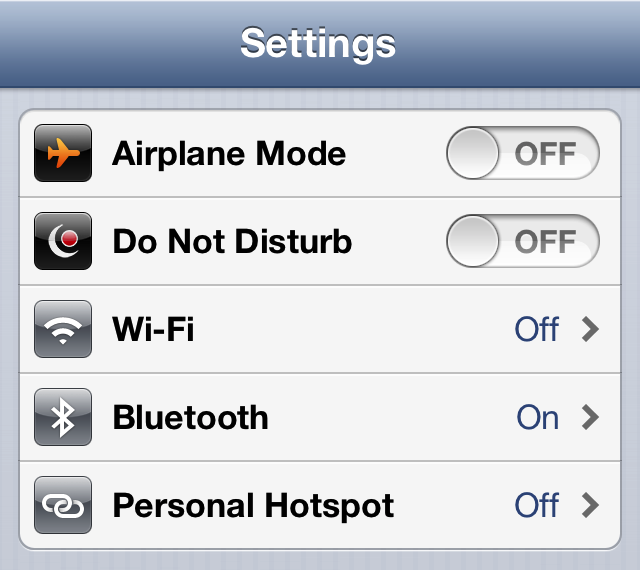
Looking for a way to maximize the iPhone's built-in Do Not Disturb functionality? You may choose to look in Cydia for some of the already existing tweaks, or you may decide to hold out for this upcoming collaboration between Ryan Petrich and Sentry.

Yes, Petrich needs no introduction, he's a prolific developer that's created some amazing things for jailbroken devices. Sentry, too, is very well-known for his design concepts and meticulous attention to detail. Luna is based off of Sentry's concepts, which can be seen after the break.

So what does a collaboration between these two look like? Better yet, will you find it to be useful? Look inside for a quick preview of their upcoming tweak called Luna.

Abstergo: the perfect tweak for managing notifications

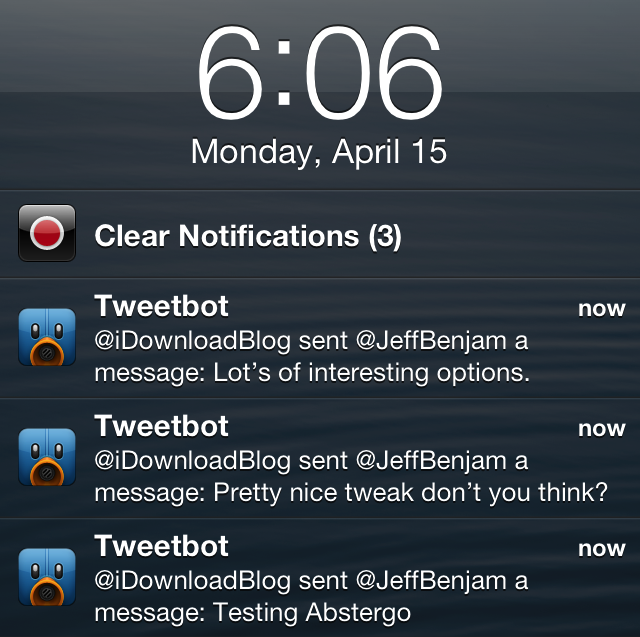
It's been a very long time in the making, but the release of Abstergo is almost upon us. Abstergo, as you may remember, has been talked about and worked on for over a year. It is the concept and creation of Andrew Richardson and Joshua Tucker, and it promises to make managing your notifications better on iOS.

Needless to say, lots and lots of time has been invested into nearly every aspect of the tweak. Tucker, in a candid discussion with him via Twitter, stated that the pair worked hard on one particular portion of the tweak — the ability to add notifications back to the Lock screen — for a couple of weeks.

With its release a mere six days away, Abstergo is shaping up to be a tweak that has been well worth waiting for. I believe it truly will lend a better ability to managing iOS notifications. It's one of those tweaks that's a bit difficult to explain how it can help you without seeing it in action for yourself. For that reason, we've hit the video lab to give you an in-depth hands-on demonstration of the tweak's most intimate functions. Take a look past the break for the full scoop.

Sleeper Tweak: BannerDisable

We talk about a lot of interesting things on Let's Talk Jailbreak, and one of them is the concept of sleeper tweaks. These are great tweaks, that for whatever reason have been forgotten, or fly under the radar. We've talked about a few of them on the Podcast, and I'd like to periodically talk about them on the blog.

One of the first sleeper tweaks that comes to my mind is BannerDisable. It came out before Do Not Disturb hit iOS, and it's a lot more forceful than iOS' built in DND feature. If you absolutely do not want any notifications disturbing you for any reason, then you should definitely have BannerDisable installed on your device.

Badger beta updated with support for all apps and more

Badger — the highly anticipated jailbreak tweak that let's you view notifications right on the Home screen — has been updated. The tweak, still in beta, continues to receive incremental updates as it inches closer to a public release.

In our very first look at the tweak, Badger was extremely limited, only allowing users to view notifications for the Messages app. After the recent updates, Badger now allows users to view notifications for every app installed on the device, and more.