Notifications

New ‘Notifyr’ app pushes your iPhone notifications to your Mac

A new iPhone app has surfaced in the App Store that offers a fairly unique feature: the ability to push notifications to your Mac. It's called Notifyr, and it utilizes a companion OS X client and Bluetooth LE tech to automatically send your iOS notifications to your desktop.

The whole thing is fairly easy to set up. After you've downloaded both the iOS app and the Mac client, you'll follow the usual bluetooth pairing procedure. And once that's done, you should start seeing all of your iOS notifications pop up in your Mac's Notification Center...

Real-time web notifications go live on Twitter.com

Twitter is on a roll lately. After enabling photo tagging in mobile apps recently and introducing prettier user profile pages on the web yesterday (the design is reminiscent of Facebook profiles), the company Thursday started rolling out another new feature: real-time web notifications on Twitter.com.

That's right, those notifications you get from Twitter on your phone are now popping up in the web interface as well.

These in-browser alerts are optional and can be disabled for retweets, favorites, follows, replies, mentions and more. The notifications are actionable so you're able to reply, favorite, retweet and follow right from the alert. It's a staggered roll-out over the coming weeks so be patient if you don't yet see web notifications on Twitter.com...

Apple seen testing push notifications for resolved Maps issues

Apple is apparently testing a new notification system for Maps, according to a report from MacRumors. The site has posted screenshots showing a new option that some users are seeing to receive a push notification when their reported issue with the app has been fixed.

It works like this: after choosing to 'Report a Problem' within the Maps app, users are given the option to be notified when engineers have fixed the issue. And once the problem has been resolved, Apple sends out a push notification to that user's device letting them know...

Google Now cards now rolling out on desktop in Chrome for Mac

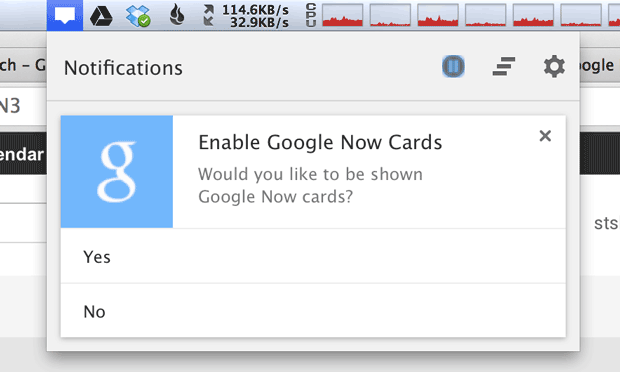
Rich desktop notifications have been available in Google’s Chrome browser for the Mac for some time now, provided you were on the Canary channel where Google hosts early and unstable alpha releases of its browser. The normals, however, had to wait until desktop notifications for the Now cards made their way into the stable Chrome channel.

According to Google itself, that day is today - people on stable Chrome releases should start seeing Google Now alerts being pushed to their Macs and PCs. The handy alerts are nested right inside the browser’s notification center that sits in your Mac’s status bar (bottom-right if you're using Windows)...

How to slim down banner notifications in iOS 7

TinyBar is a brand new jailbreak tweak that allows you to slim down the look of incoming banner notifications in iOS 7. The tweak, which is configurable from the stock Settings app, also features the ability to implement scrolling for messages that eclipse the width of the iPhone's screen.

TinyBar is an interesting way to go about customizing the look and feel of banner notifications. Take a look at our video walkthrough inside for a demonstration of how it works.

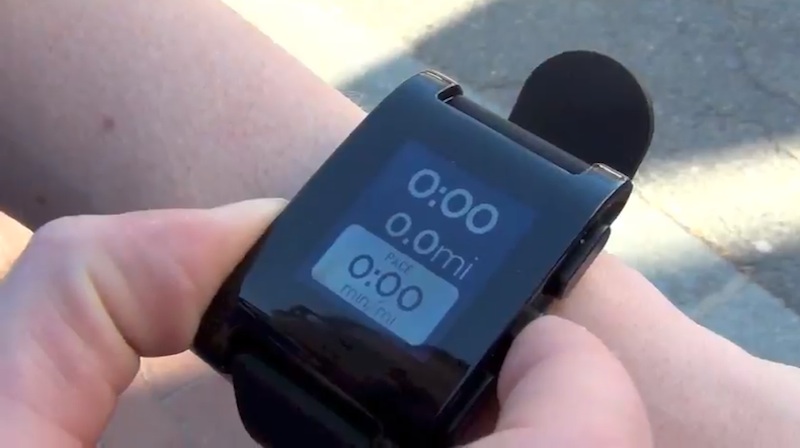
Pebble firmware update brings Do Not Disturb mode, faster notifications and more

The Pebble Smartwatch has gotten smarter than ever as the company pushed a new version 1.4 firmware which enhances notifications while bringing a new Do Not Disturb mode along with other new features, improvements and fixes.

Like on your iPhone, Pebble's new Do Not Disturb mode lets you specify a time frame during which notifications won't be displayed. You can also specify what notifications are displayed, create a new Snooze Alarm, create multiple alarms, toggle alarms on and off, edit existing alarms and enjoy improved iOS performance...

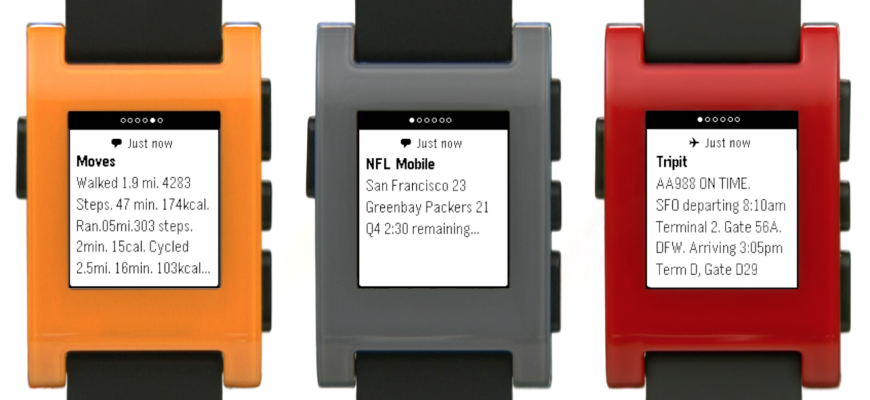
Pebble update goes live with full iOS 7 Notifications support

Pebble has had basic support for iOS Notifications in place from day one. The implementation, however, left a lot to be desired as the Pebble smarwatch could only relay the most basic of iOS notifications through a companion iPhone app.

Eagle-eyed readers will remember that the company last week confirmed an upcoming update would enable additional iOS 7 Notification Center alerts.

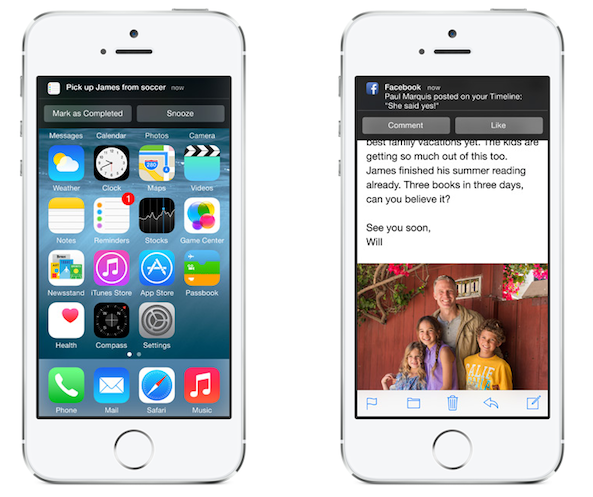
And just like clockwork, a new version of Pebble's iOS app has gone live now in the App Store, introducing full integration with the iOS 7 Notification Center. This allows Pebble owners to receive any alerts enabled in Notification Center on an iOS 7 device and have them displayed on their $150 smartwatch.

Yes, this includes alerts from third-party apps such as Twitter, Facebook, WhatsApp and lots more. Go past the fold for more...

Pebble announces support for all iOS 7 notifications, new SDK

Big news today for current and potential Pebble users. The company announced a major update to its smartwatch platform that includes support for all notifications in iOS 7, as well as a new SDK and new APIs for developers.

Previously, the Pebble was very limited on the types of push notifications you could receive from your iPhone. But now, thanks to updates made in iOS 7, it will be able to receive alerts from Facebook, Google Maps—you name it...

Google Now and rich notifications spotted in Chrome browser

After being caught on the wrong foot following Apple's introduction of the Siri personal digital assistant in October 2011, the Internet giant Google responded by launching Google Now. Mostly owing to a series of missteps, controversial advertising and ongoing reliability issues with Siri, Google has managed to rapidly leapfrog Siri.

But the search monster isn't stopping there, it wants people to use Google Now no matter the device or platform. After adding Google Now features to its native Search iOS app, Google Now cards are coming to a desktop near you via the Chrome browser...

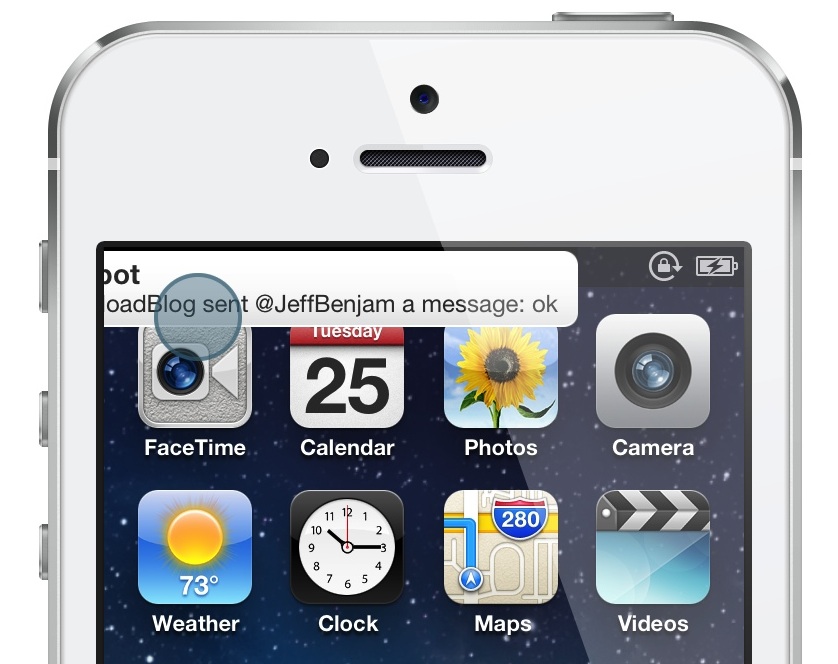
BannerSwipe: dismiss banner notifications with a simple swipe gesture

BannerSwipe is an extremely simple jailbreak tweak that allows you to quickly dismiss banner notifications using a swipe gesture. The tweak includes a fluid banner dismiss animation to go along with its gesture.

While it's true that you don't necessarily need a tweak like this to quickly dismiss banner notifications with a swipe gesture, BannerSwipe's main draw is the included dismissal animation. Want to see how the animation looks in action? Check our our video walkthrough...