Notifications

Android Wear meets the iPhone
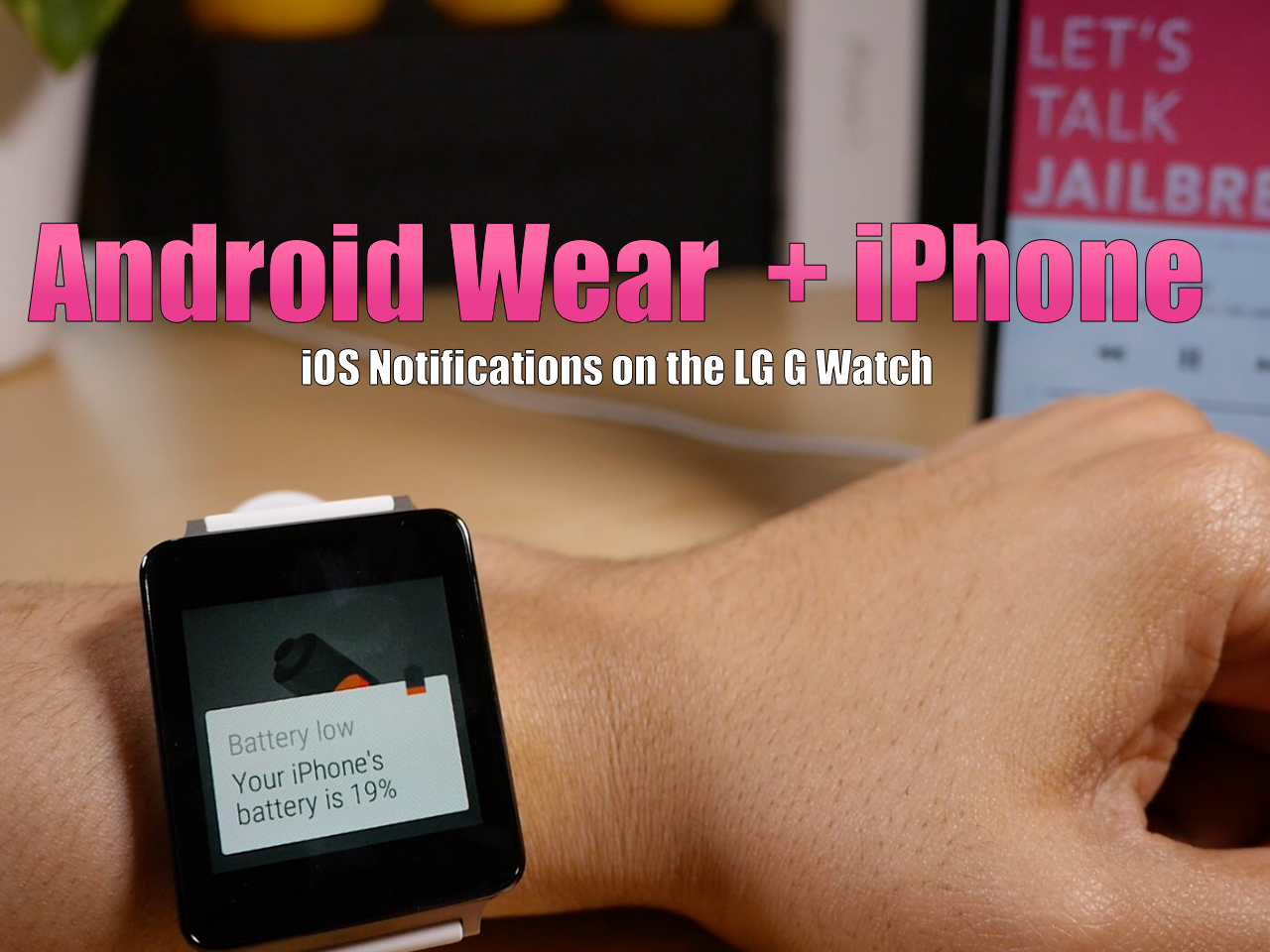
Over the past few days, I've been working with developer MohammadAG to test his in-progress iOS-to-Android Wear application on the LG G Watch. This application, which has a ton of potential for both jailbreakers and non-jailbreakers, allows iOS to forward notifications to Android Wear devices. In the video that follows, I showcase some of the features that are in the current version of Mohammad's new Android Wear APK.

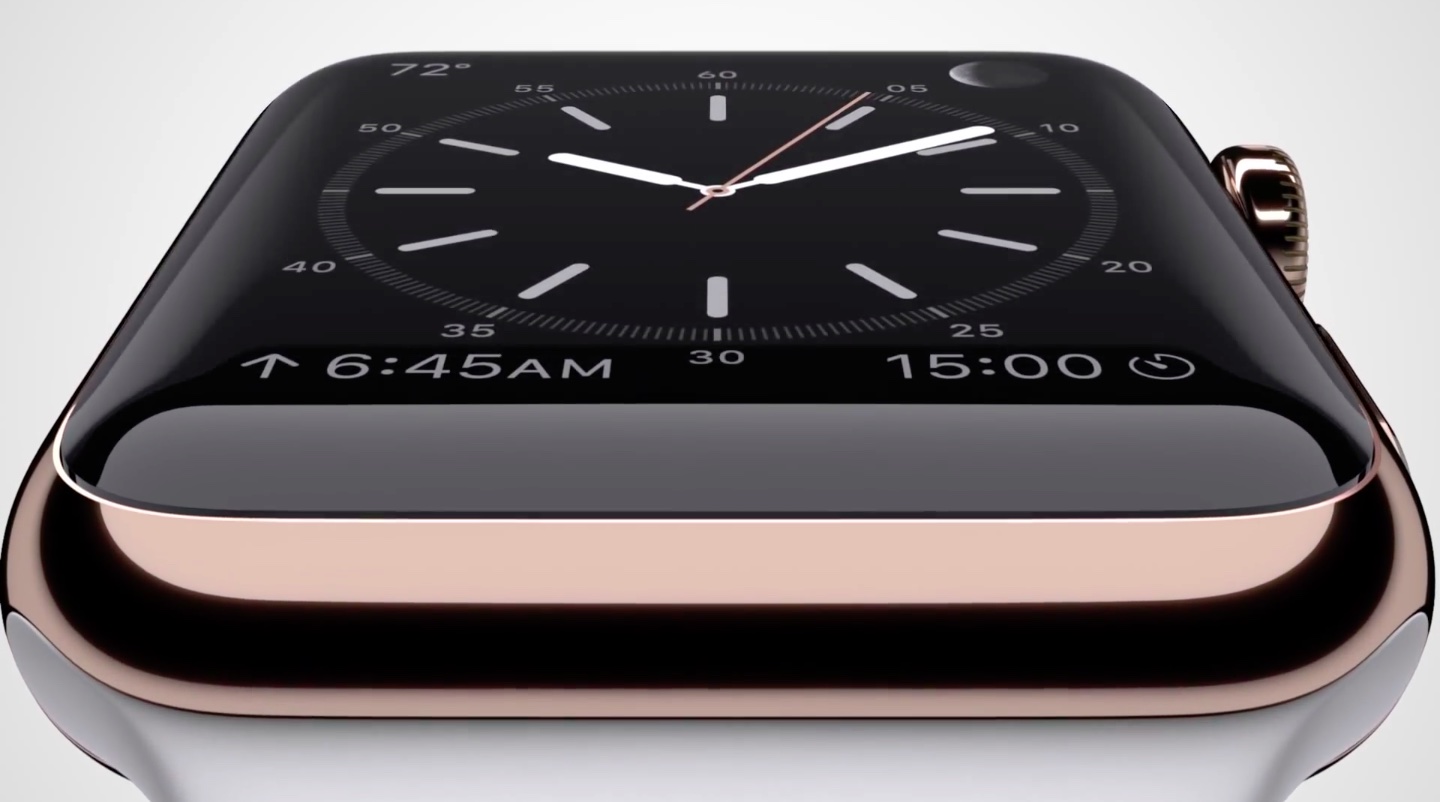
Even more Apple Watch details revealed in new report

You will find yourself using your iPhone a lot less, once you've purchased an Apple Watch, according to TechCrunch. The publication has spoken with a number of people who have used the new wearable extensively, and one person even said they "nearly stopped" using their iPhone.

This is because the Apple Watch is built to handle alerts and other matters much more efficiently than your smartphone. Notifications are seen right away and acted on quickly, so they don't pile up, and apparently they're auto-disabled when the Watch is removed or reaches 10% battery life.

How to remove all pending notifications at once

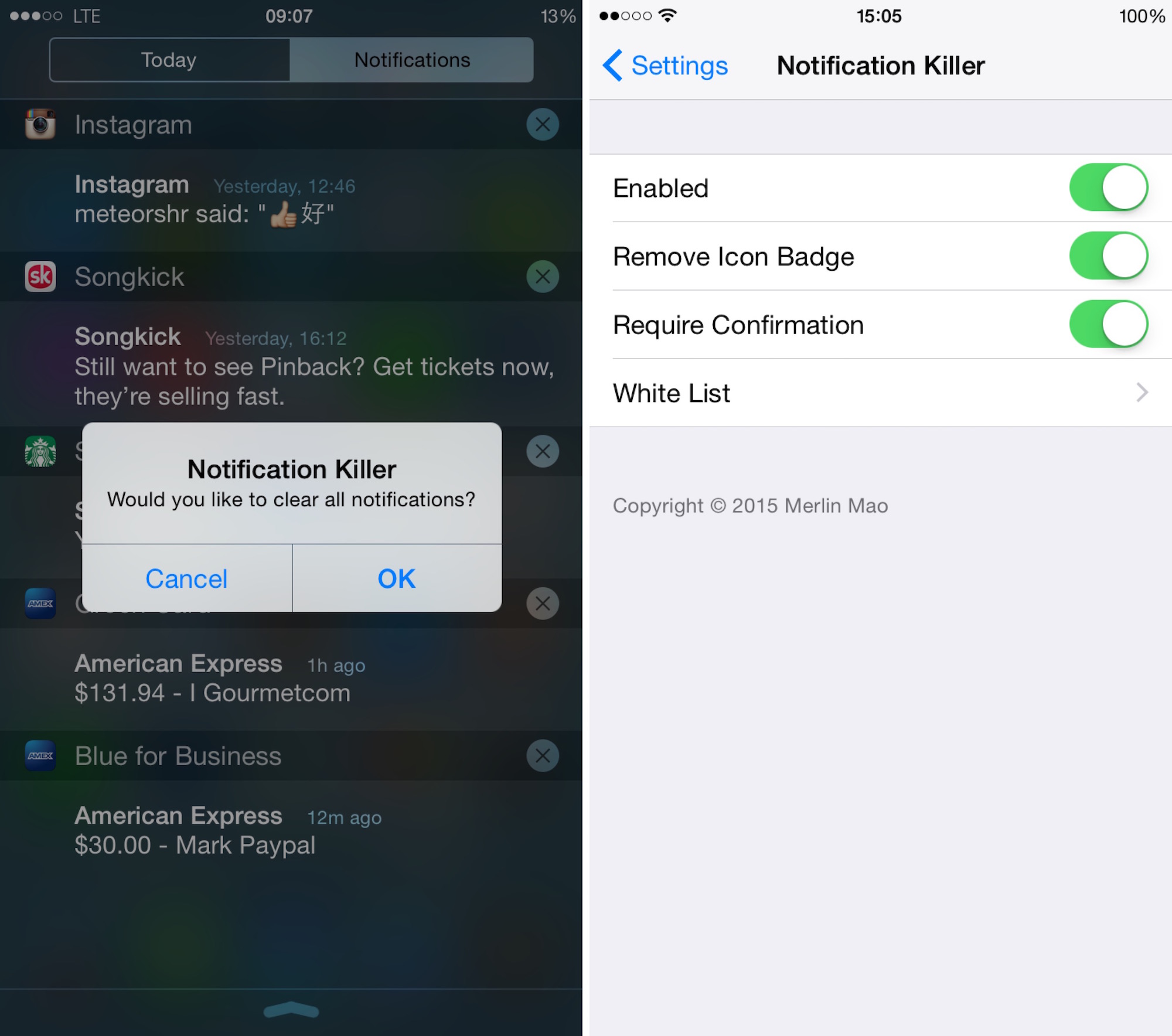
Notification Killer is a new tweak released in Cydia that lets you remove all pending notification that are in Notification Center at once, saving you dozen of potential taps on the screen. The concept isn't new by any means, and many other tweaks have offered similar functionality in the past, but Notification Killer appeared at the right time in my Cydia feed, as I was recently looking for a tweak to do exactly what it does.

Confero: tidy up the Home screen by hiding app badges

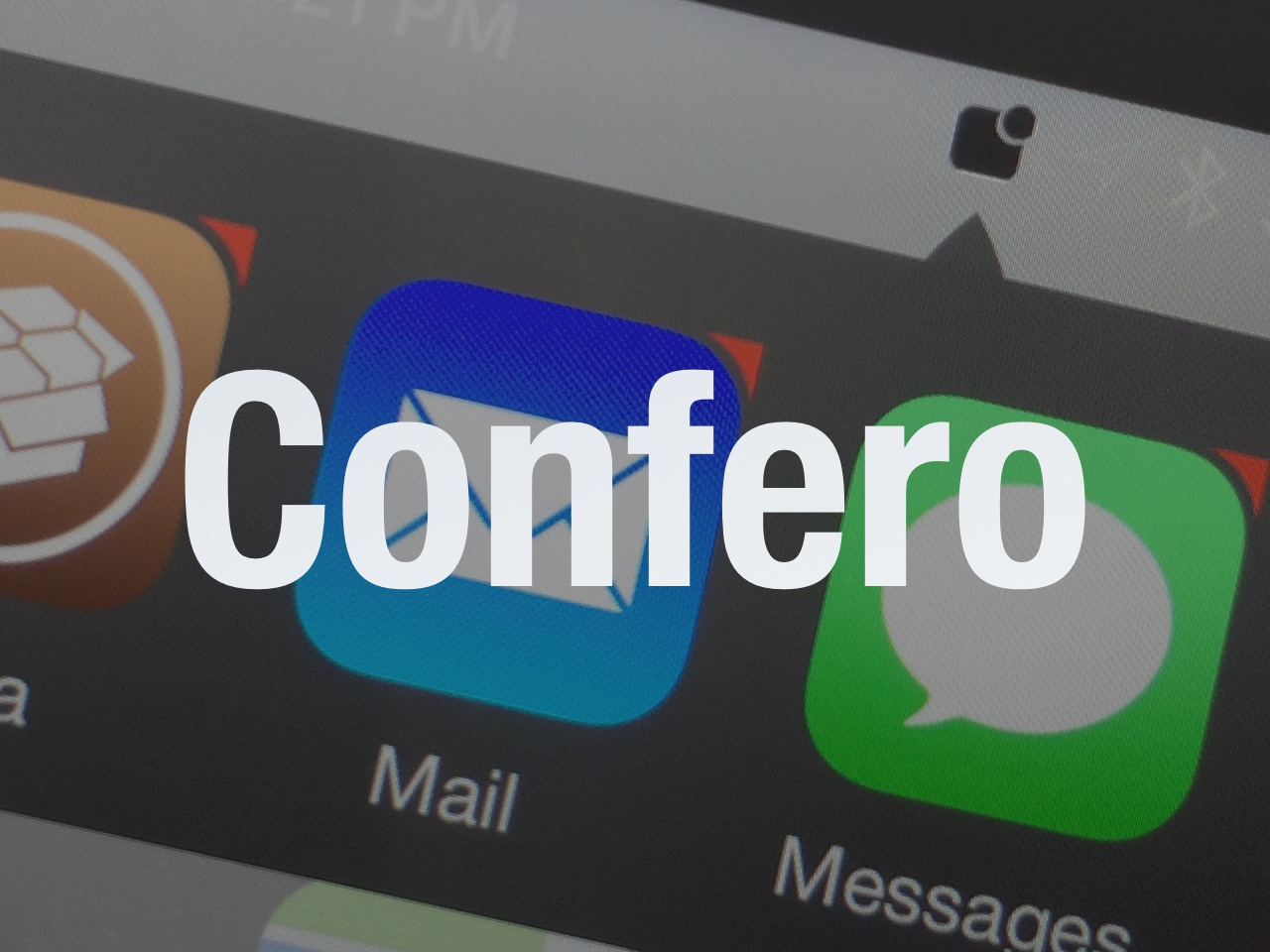
Confero is a brand new jailbreak tweak that helps you to clean up the iPhone's SpringBoard by eliminating (or at least lessening) the red notification badges. Many find such badges, which sit in the upper right-hand corner of an app with pending notifications, to be an eyesore. Confero is a viable solution for getting rid of said badges.

Prettier Banners adds contacts photos to Messages notifications

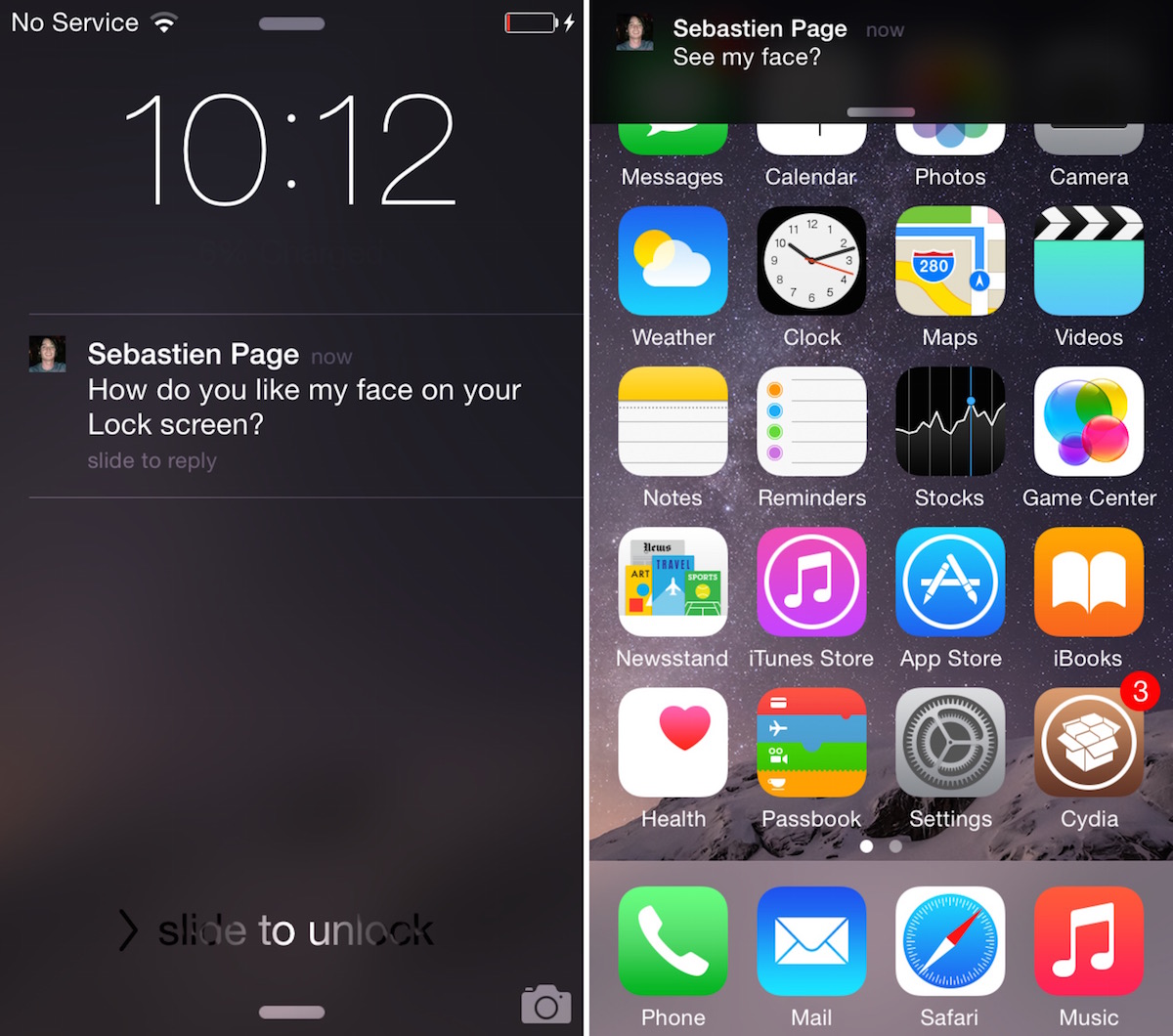
I miss BiteSMS for so many reasons, and one of them is that the tweak adds the photo of your contacts in Messages notifications, assuming you do have a photo for that contact to begin with of course.

Prettier Banners is a new tweak that will certainly fill that void, at least until BiteSMS gets an update. Developed by Mohamed Marbouh, Prettier Banners will replace the Messages app icon with the photo of your contact when receiving a text message notification.

TeeVee 3 updated with iOS 8 Today widget, interactive alerts and now free

TeeVee 3, a TV show-tracking app that I reviewed in May by Tomas Perzl of the Czech Republic and Slovakia-based CrazyApps Team, now lets you tweet out upcoming episodes or mark the ones you've seen as watched, directly from the notification itself, and also see which shows are coming next in the Today view of the iOS Notification Center, thanks to its iOS 8-focused update released yesterday.

Other new features available in this excellent iPhone and iPad app include new sorting options (Alphabetically, Reverse, AirDate and Unwatched), the ability to delete a show by long-pressing it in the list and several bug fixes.

As a cherry on top, the team has decided to discount the $2.99 app to zero bucks, for a limited time, in an effort to bring in new customers. If you're going to grab the latest TeeVee 3.1 update, please keep in mind that the app now requires iOS 8.

Twitter’s iPhone app gains interactive notifications on iOS 8, revamps profile pages

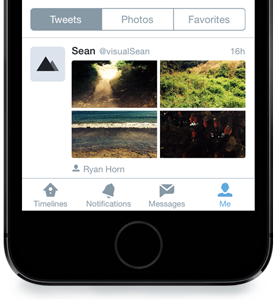
Twitter, the popular micro-blogging service, is rolling out a brand new profile experience on Twitter for iPhone, in addition to another cool new feature — support for interactive notifications for incoming tweets on iOS 8 devices — the startup announced in a blog post Thursday.

While the new profiles will be available for everyone using iOS 7 or above, the ability to interact with alerts on the Lock and Home screen is not because this capability is part of the great new features available only in iOS 8.

NotifyMeAgain lets you snooze notifications on your iPhone

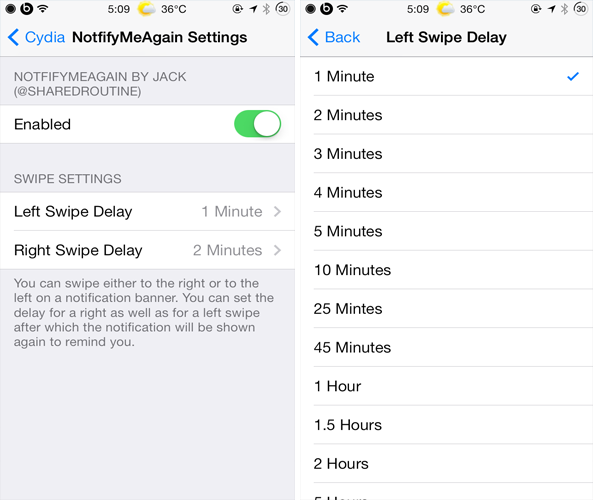
Personally, when I'm in the middle of something on my device, I usually dismiss incoming notifications and normally end up forgetting about them. This can cause an issue if the notification is about an important text message or email. NotifyMeAgain is a brand new jailbreak tweak that prevents users from forgetting about pending notifications.

NotifyMeAgain reminds users about a pending notification by displaying it again after a period of time. It works by requiring you to set a timer after which you want a pending notification to re-appear. This is quite similar to how the "Snooze" feature works for alarms in the Clock app. The tweak employs swipe gestures in order to invoke a timer. For instance, you can swipe the notification banner to the right or to the left to choose a particular timer.

iPhone could automatically silence alerts when you exercise, Apple patent hints

Notifications on mobile devices are both a curse and a blessing. I don't think anyone in their right mind would diminish the value in receiving a timely notification about an important event while on the go.

On the other hand, virtually every app wants to send notifications these days. Even though iOS does offer some granularity as to the times of day when these alerts are allowed to buzz your device, by no measure is this sufficient.

An Apple patent publicized by the United States Patent and Trademark Office (USPTO) last Thursday gives an insight into Apple's research efforts that would automatically enable a Do Not Disturb mode (added in iOS 6) when the device has determined that a user is working out, saving you a few taps...

Yahoo Weather now includes customizable notifications for your favorite locations

Yahoo's excellent Weather app for the iPhone and iPad is among the best weather apps on our 2013 list. Today, the app has received a new feature allowing you to take advantage of notifications based on your favorite locations.

You can customize the new Daily Notifications and elect to receive them for specific locations and Yahoo will deliver your weather updates in the form of notifications twice per day - once in the morning to prepare for the coming day and once in the evening with the next day's weather...

Meet Ringly, the smart ring that alerts you to iPhone notifications

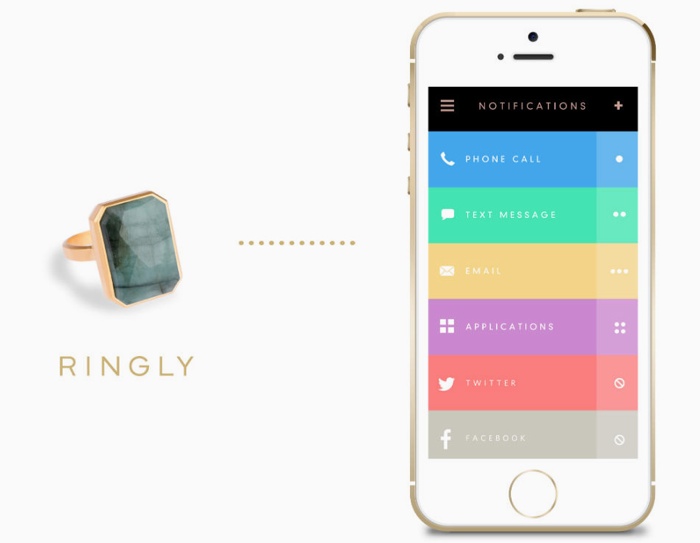
At first glance, the Ringly appears to be an ordinary piece of jewelry. Slip it on your finger, and it looks and feels like a typical fashion ring. That all changes, however, when your iPhone receives a notification, as the ring begins to vibrate and light up.

Using the low energy Bluetooth standard, Ringly connects to your phone and sends you customized notifications through vibration and light. It's discreet enough for a meeting, but conspicuous enough that you'll never miss an important call or message...