Learn how to unsend messages on iPhone, iPad, and Mac in just a few steps to retract texts before they are seen.
How to unsend messages on iPhone, iPad, and Mac
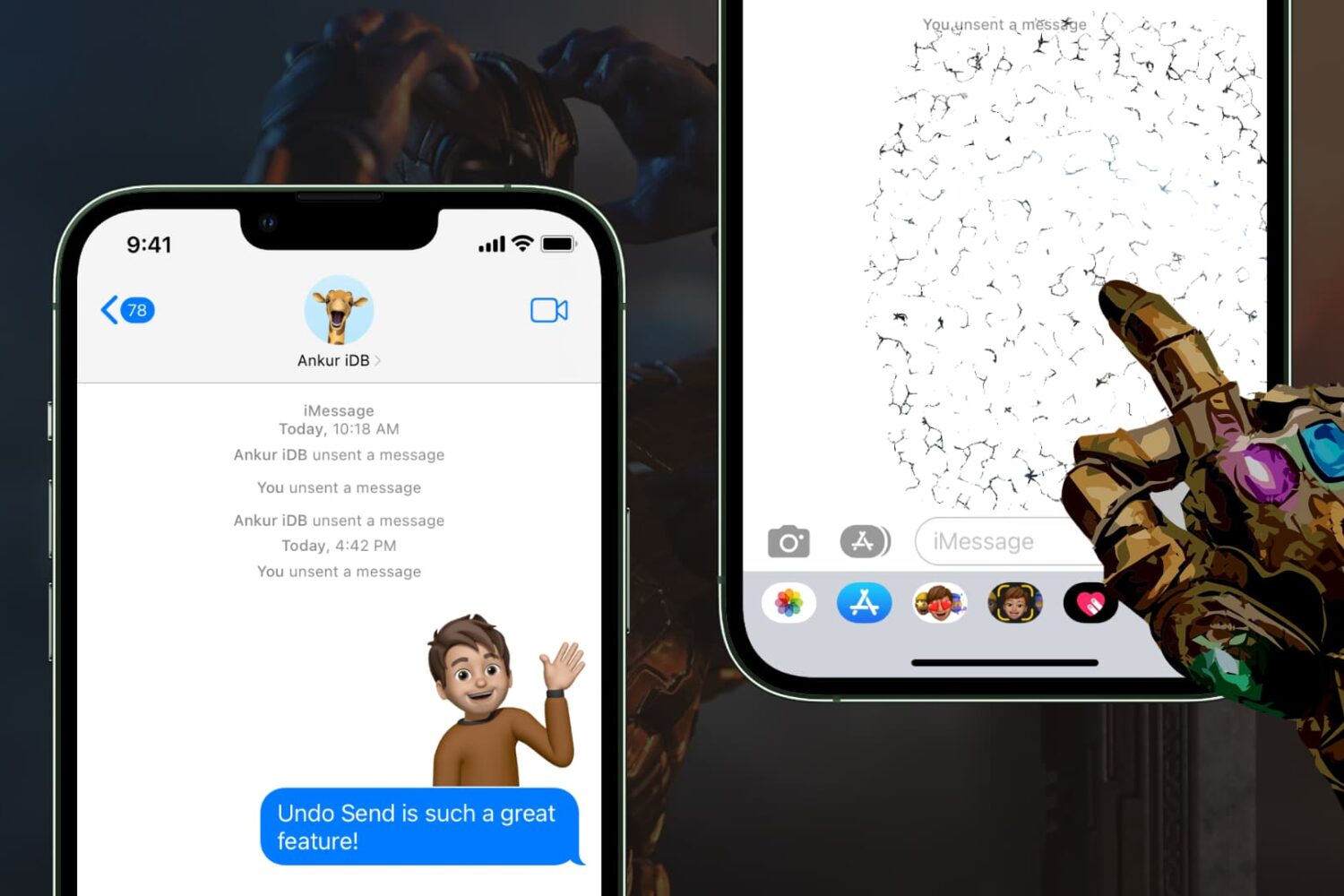
Learn how to unsend messages on iPhone, iPad, and Mac in just a few steps to retract texts before they are seen.
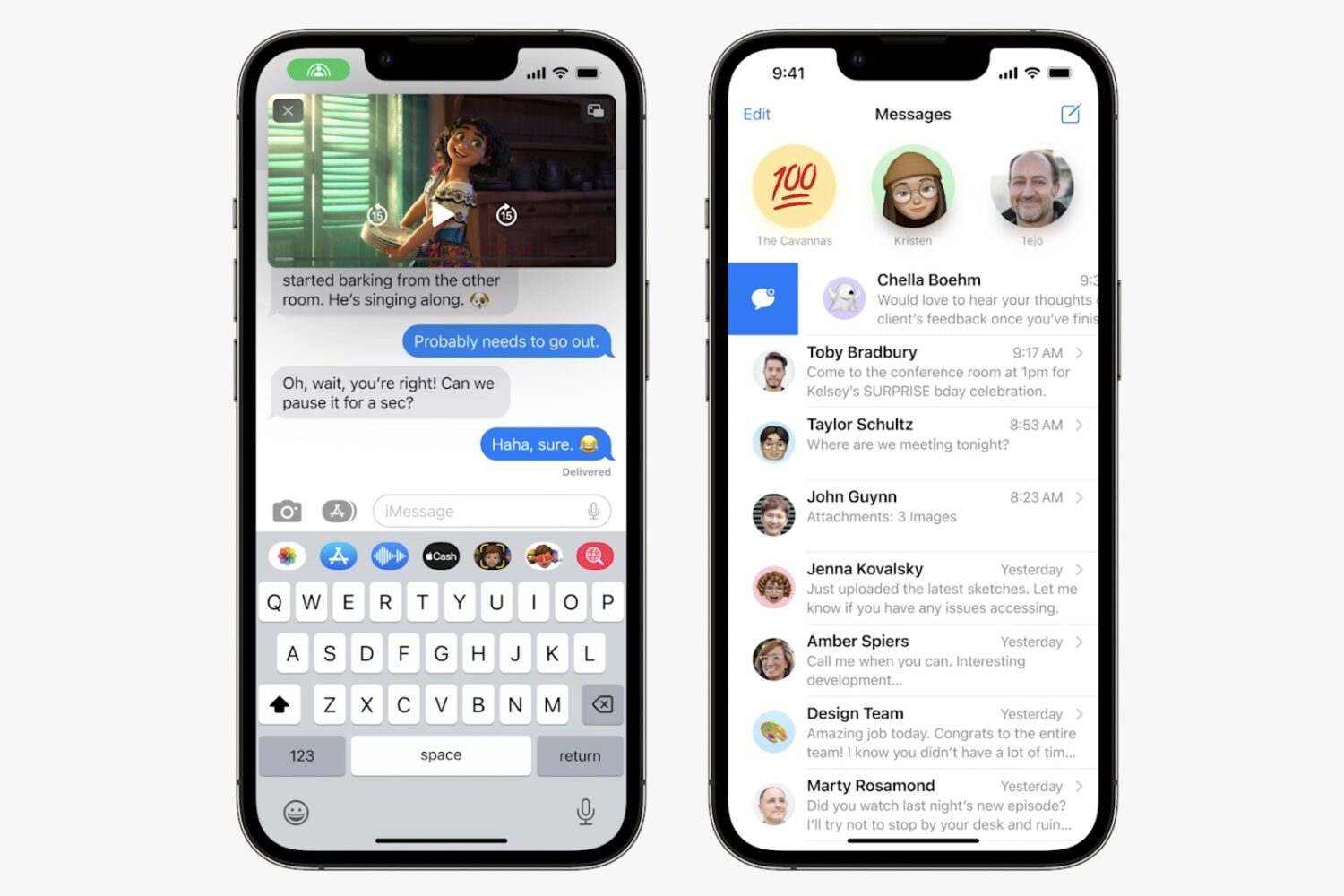
Watch this video overview of all the new messaging features available on iOS 16's Messages app, including the ability to edit an iMessage and revoke a text.
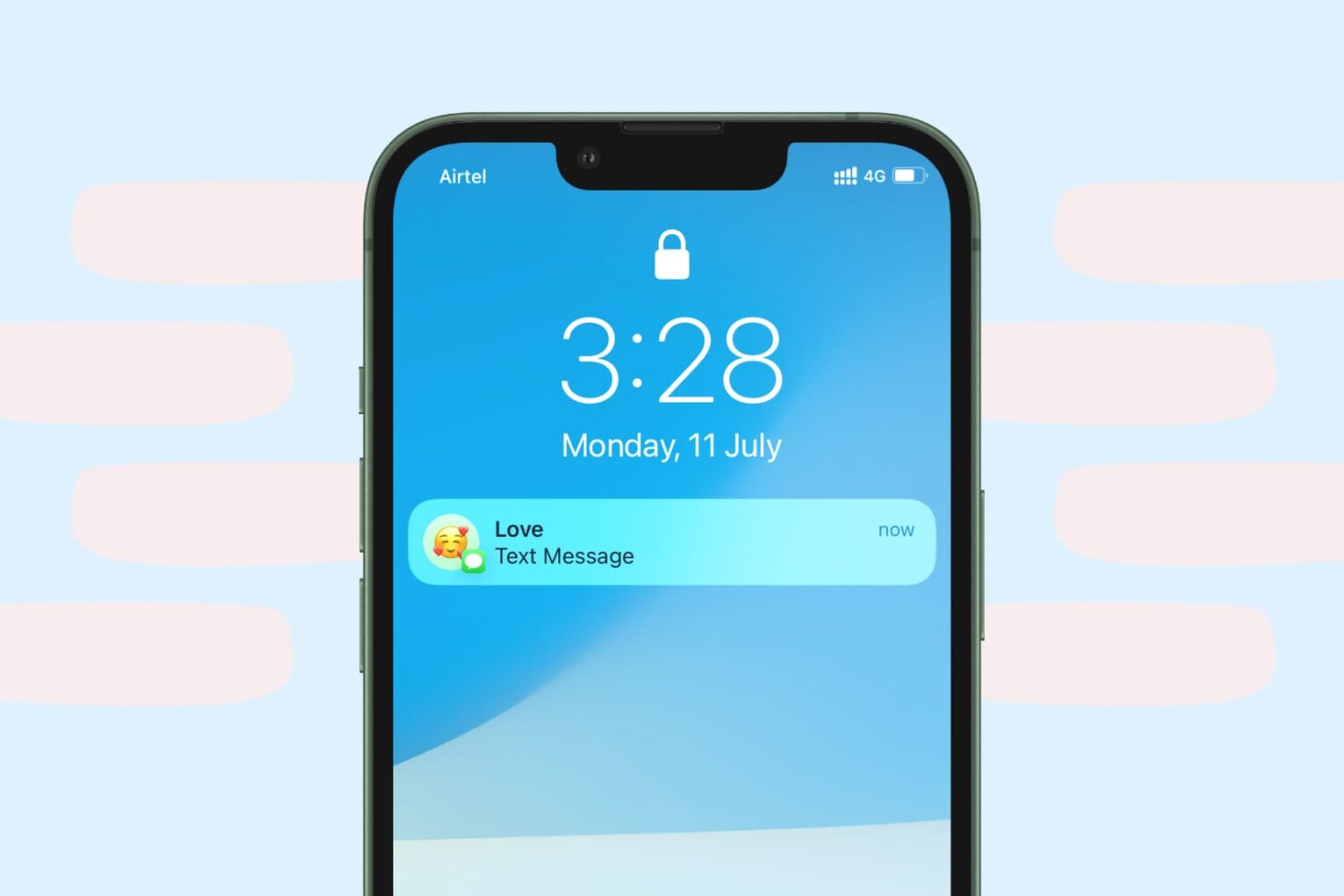
Increase the privacy of your personal conversations on iPhone by locking the Messages app or hiding texts so others with access to your phone can’t see them.
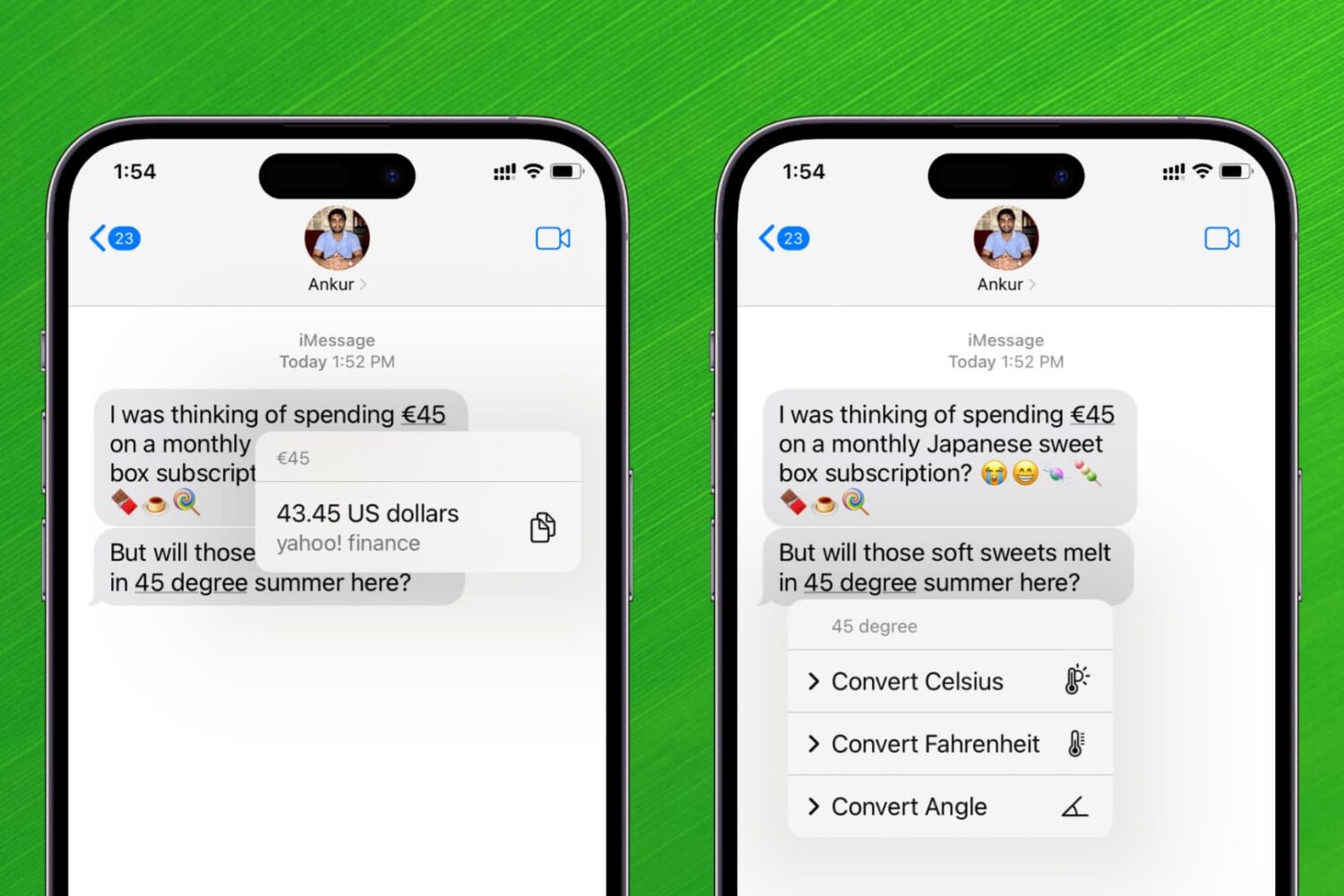
Learn how to convert time zones, currencies, temperatures, distances, and more in Messages, Notes, and other apps on your iPhone and iPad without leaving the current app or relying on another app.
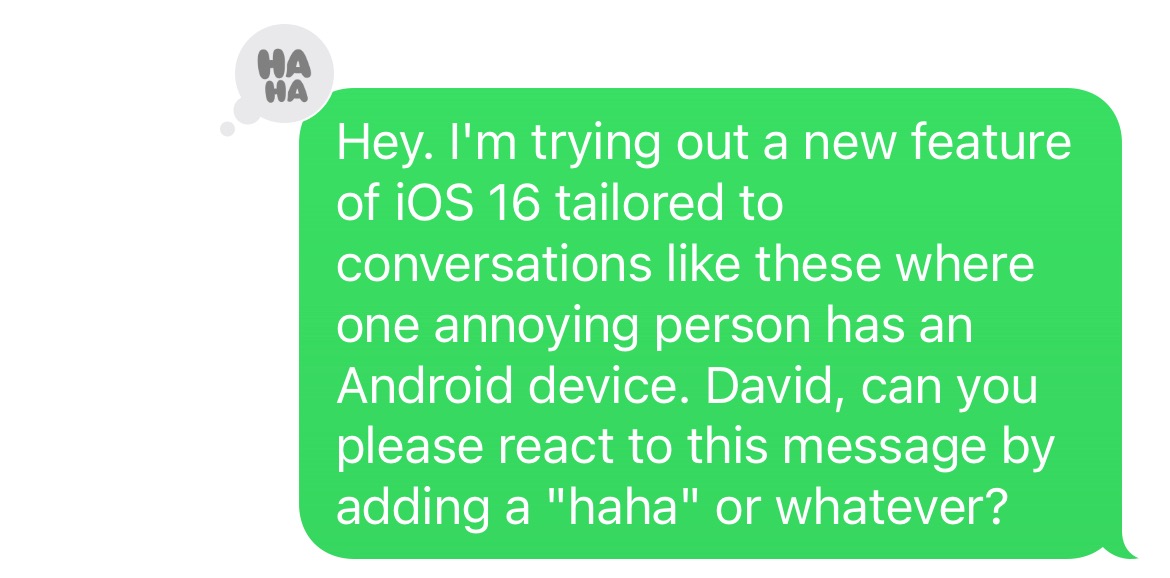
iOS has supported the ability to react to specific messages for a bit of time now, but it hasn't always been a universal feature. Meaning, if you happen to find yourself in a group chat with a person (or persons!) using an Android phone, those reactions wouldn't display properly. It all looked a little muddled. But, with the next software update on the way for iOS, that's changing.
Apple's iOS 16 software includes new features for the iPhone's Messages app, like message revoking and the ability to recall a sent message, among other changes.
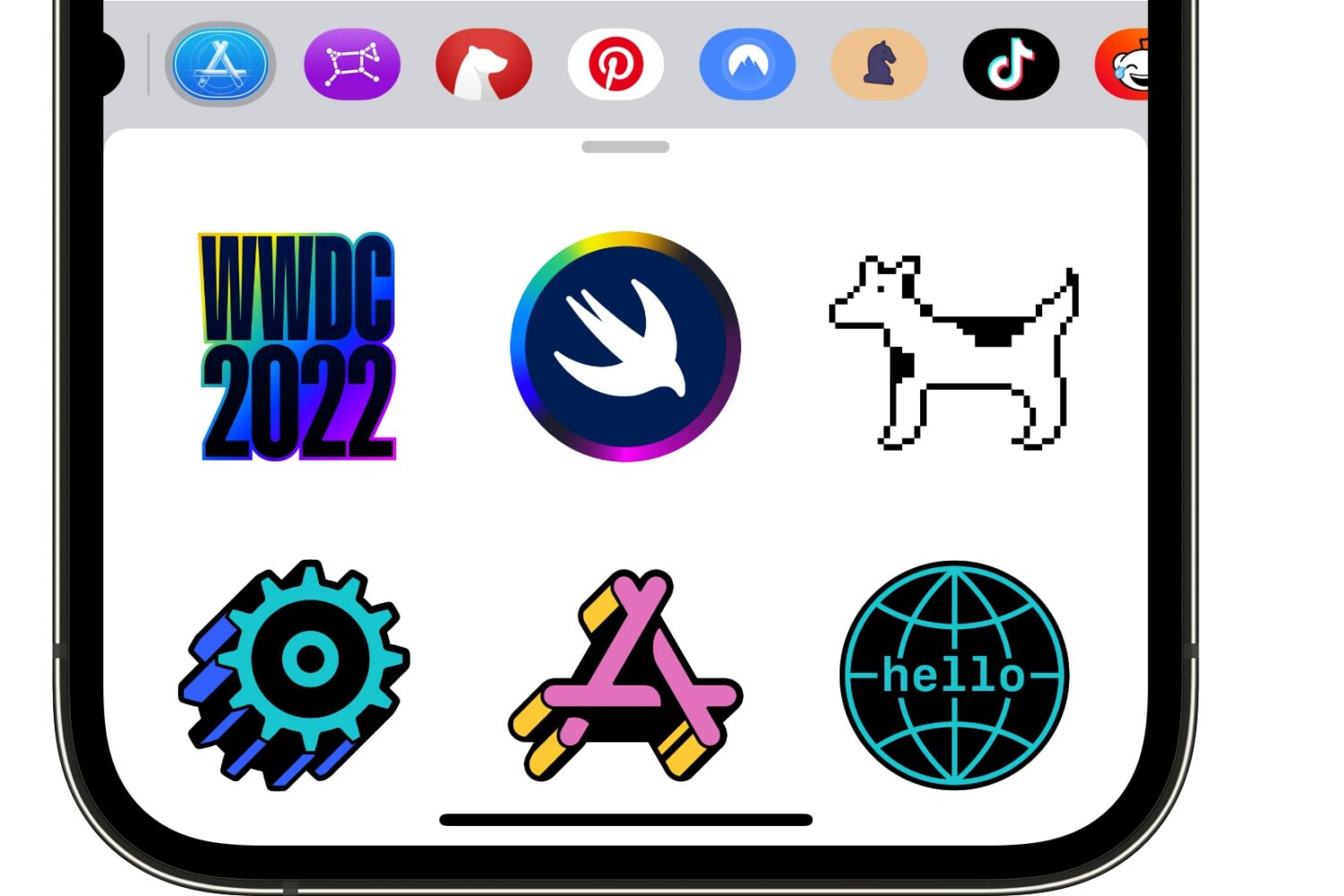
Show your appreciation for WWDC, Apple's annual developer conference! Here's how to download the official WWDC 2022 stickers for iMessage and FaceTime.
In this comprehensive guide, we cover over 65 tips for the Apple Messages app on your iPhone or iPad to help you use it like a pro and take your texting to the next level.
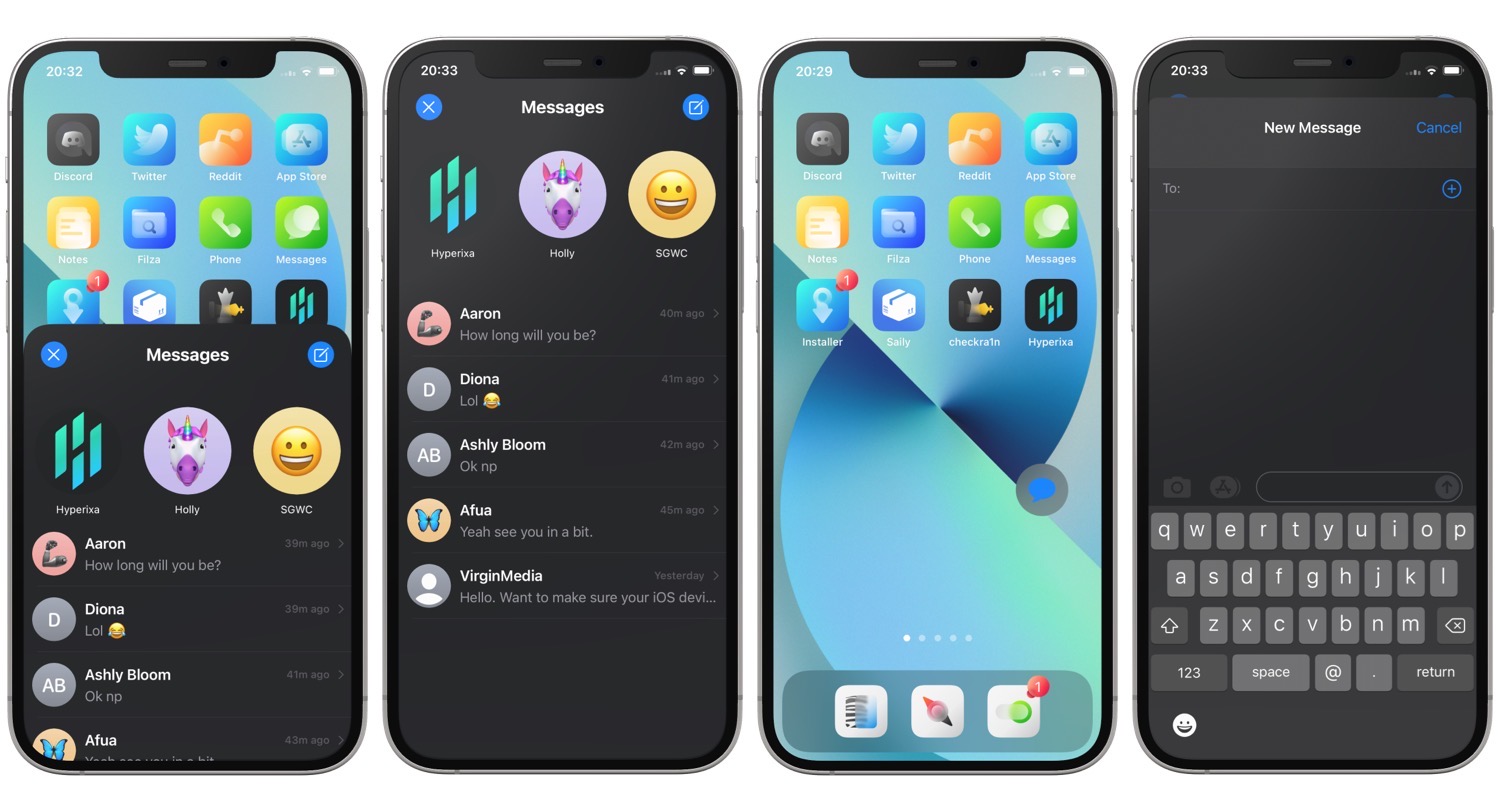
If you’ve ever went to use your iPhone to contact one of your friends or family members, and wished that there was an easier way to do it, then you might come to appreciate the likes of a new jailbreak tweak called iConnect by Hyperixa.
Learn how to mute iMessage alerts for a specific person or for everyone. Once you do this, you won't be bothered by text notifications on your iPhone, iPad, Apple Watch, and Mac.
It's been almost a month exactly since Apple launched iOS 15.2 and iPadOS 15.2 to the public. And now the company is back with another software update. However, this one's not as big as the last, focusing rather on a minor uptick to the version number.
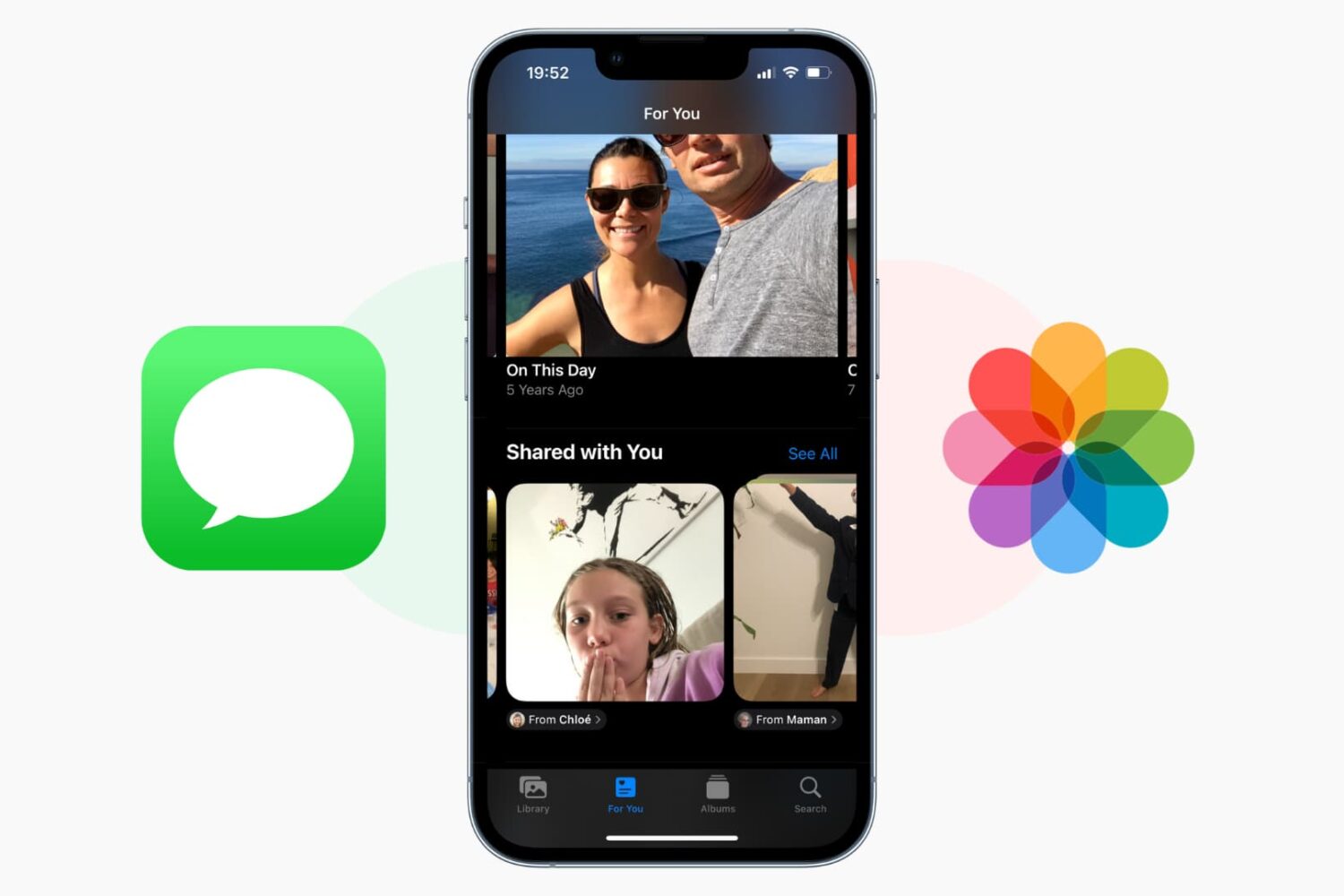
Learn how to stop the pictures you received in the Messages app from showing up in the Photos app on your iPhone, iPad, or Mac.