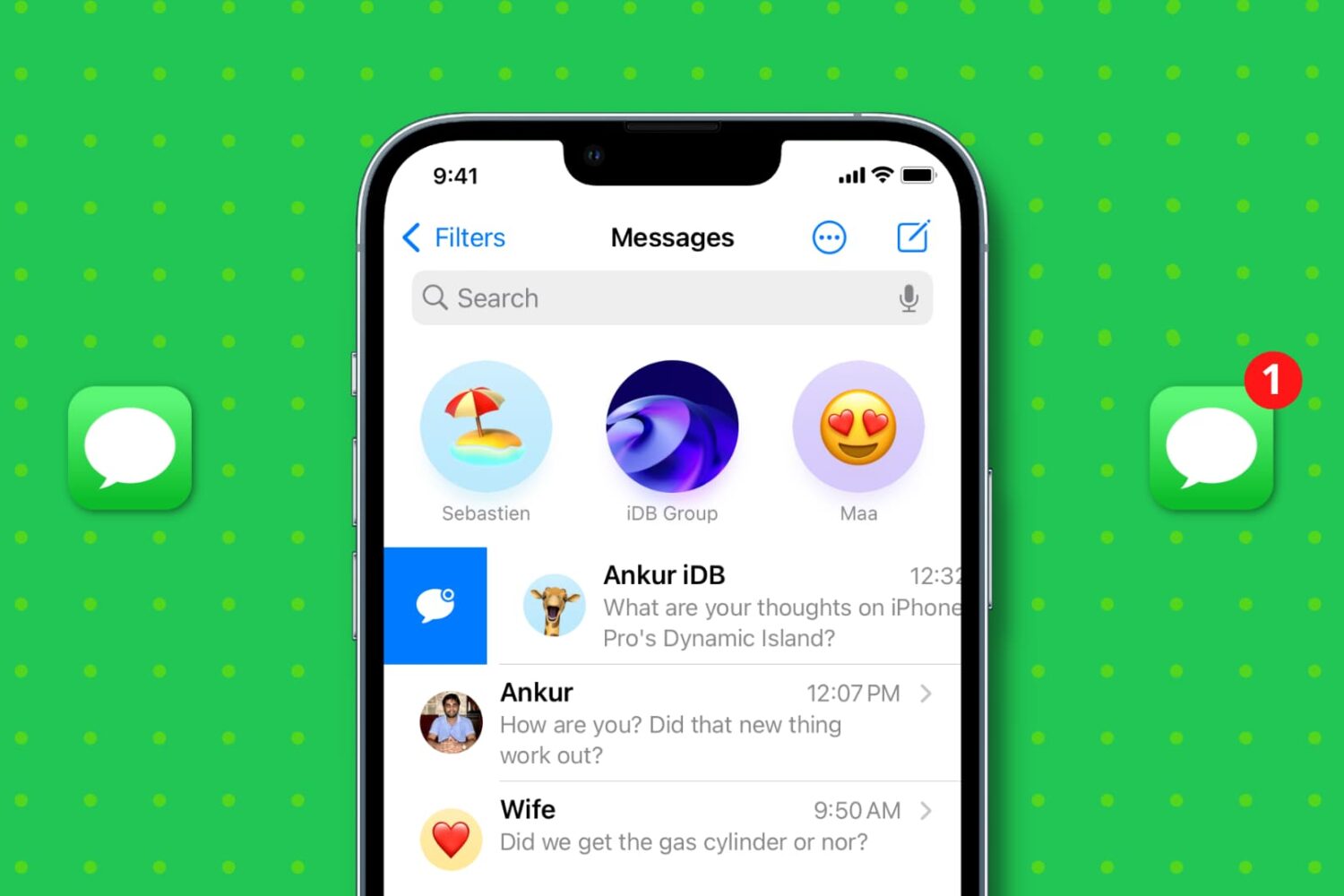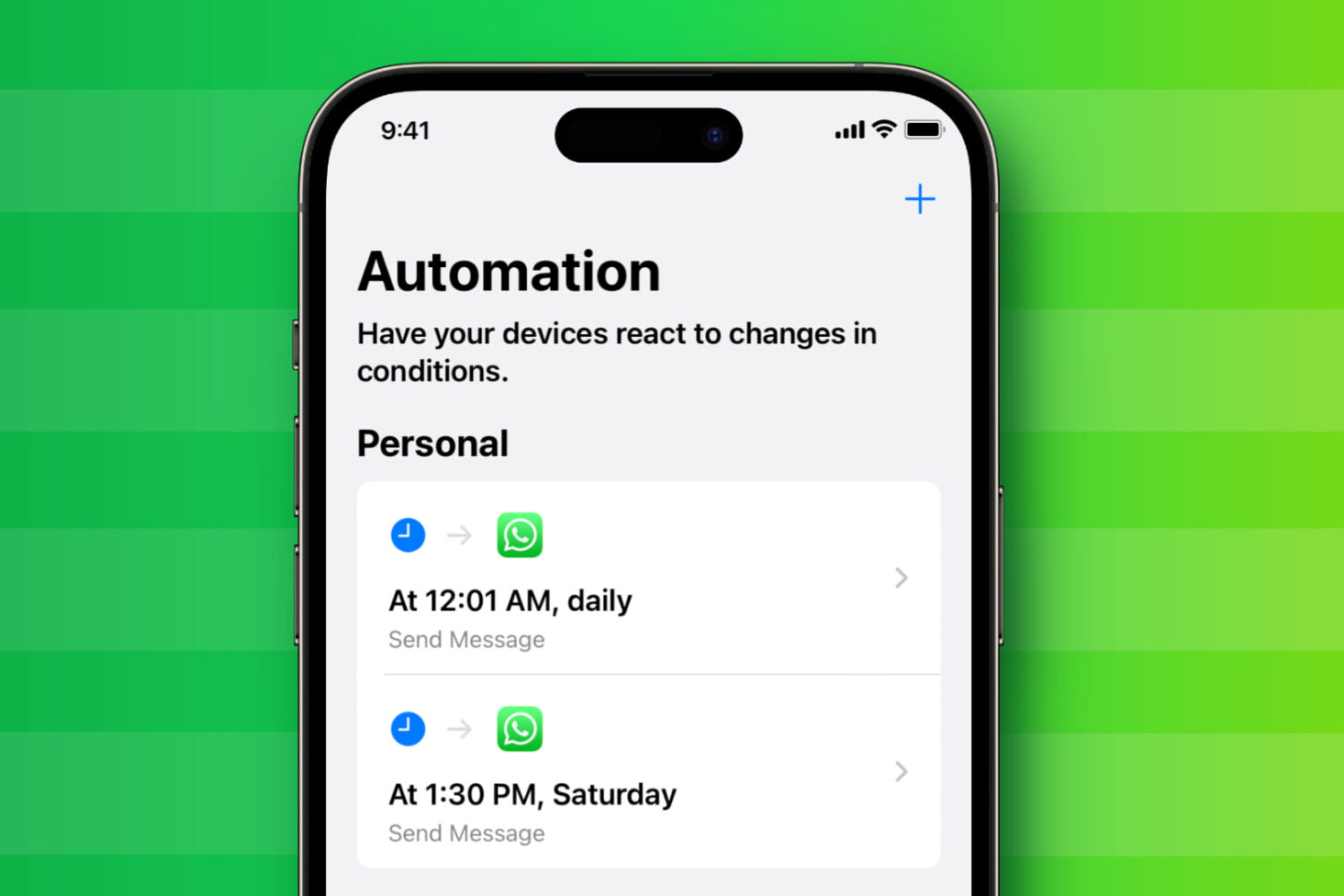
In this step-by-step tutorial, we show you how to back up your texts and transfer all your SMS and iMessage from your old iPhone to the new one.
How to transfer SMS and iMessage texts from one iPhone to another iPhone
In this step-by-step tutorial, we show you how to back up your texts and transfer all your SMS and iMessage from your old iPhone to the new one.
Do you ever wonder exactly how much time you spend texting your friends, or perhaps even the number of messages you’ve exchanged? There’s a certain ‘stats for nerds’ appeal to this concept that I find interesting, and if you’re in a similar boat, then you might take interest in a new and free jailbreak tweak dubbed SMSStats 3 by iOS developer ExTBH.
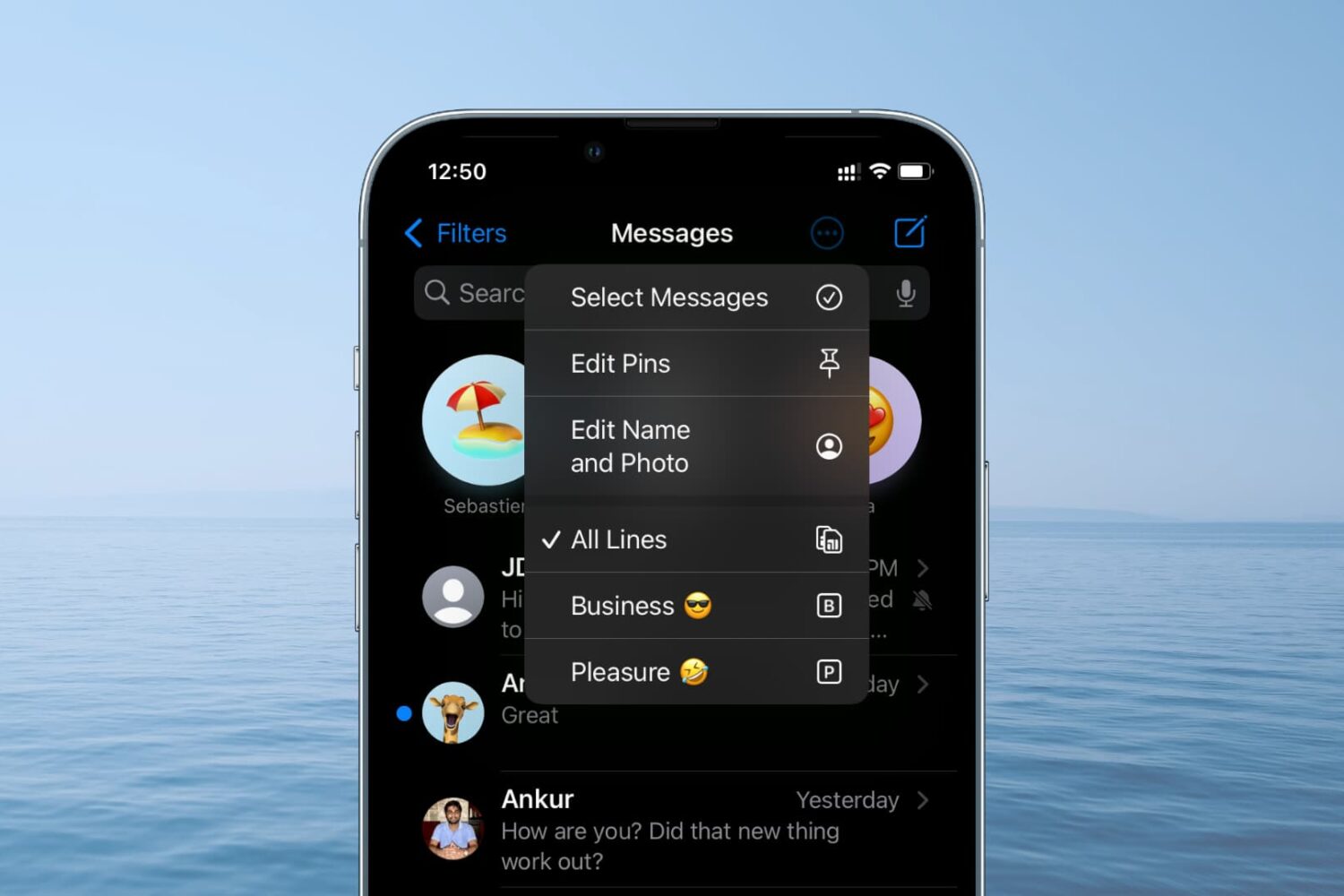
Learn how to check all SMS and iMessages for a specific phone number if you're using two or more SIM cards on your iPhone.
Accidentally deleted a message that you now want back? Learn how to see recently deleted SMS, RCS, or iMessage and easily recover them on your iPhone, iPad, and Mac.
Learn the various ways to mark read texts and iMessages as unread on iPhone, iPad, Mac, and Apple Watch if you want to attend to a particular message later.
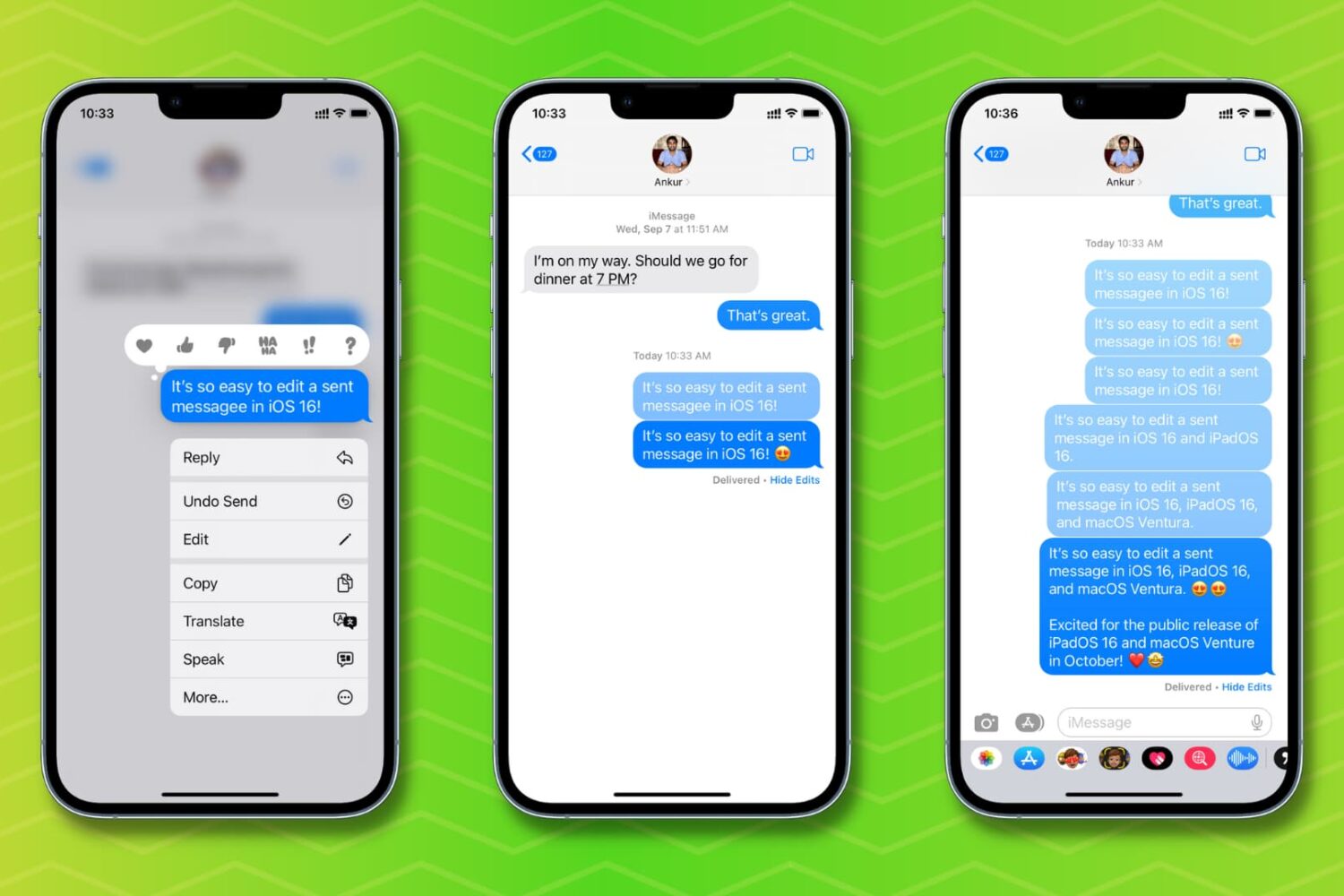
Check out how to edit a sent message on your iPhone, iPad, Mac, and Apple Watch if you need to fix a typo or correct something -- without having to delete and resend the text.
Learn how to unsend messages on iPhone, iPad, and Mac in just a few steps to retract texts before they are seen.
Watch this video overview of all the new messaging features available on iOS 16's Messages app, including the ability to edit an iMessage and revoke a text.
Increase the privacy of your personal conversations on iPhone by locking the Messages app or hiding texts so others with access to your phone can’t see them.
Learn how to convert time zones, currencies, temperatures, distances, and more in Messages, Notes, and other apps on your iPhone and iPad without leaving the current app or relying on another app.
iOS has supported the ability to react to specific messages for a bit of time now, but it hasn't always been a universal feature. Meaning, if you happen to find yourself in a group chat with a person (or persons!) using an Android phone, those reactions wouldn't display properly. It all looked a little muddled. But, with the next software update on the way for iOS, that's changing.
Apple's iOS 16 software includes new features for the iPhone's Messages app, like message revoking and the ability to recall a sent message, among other changes.