Messages

How to use Digital Touch in Messages for iPhone and iPad

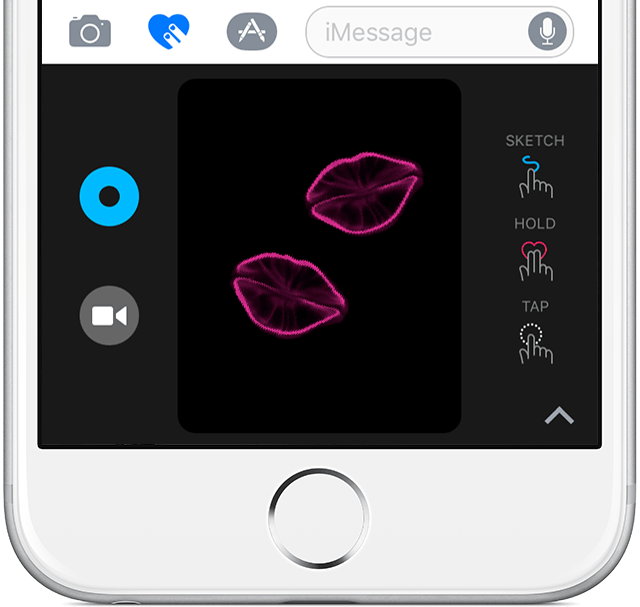
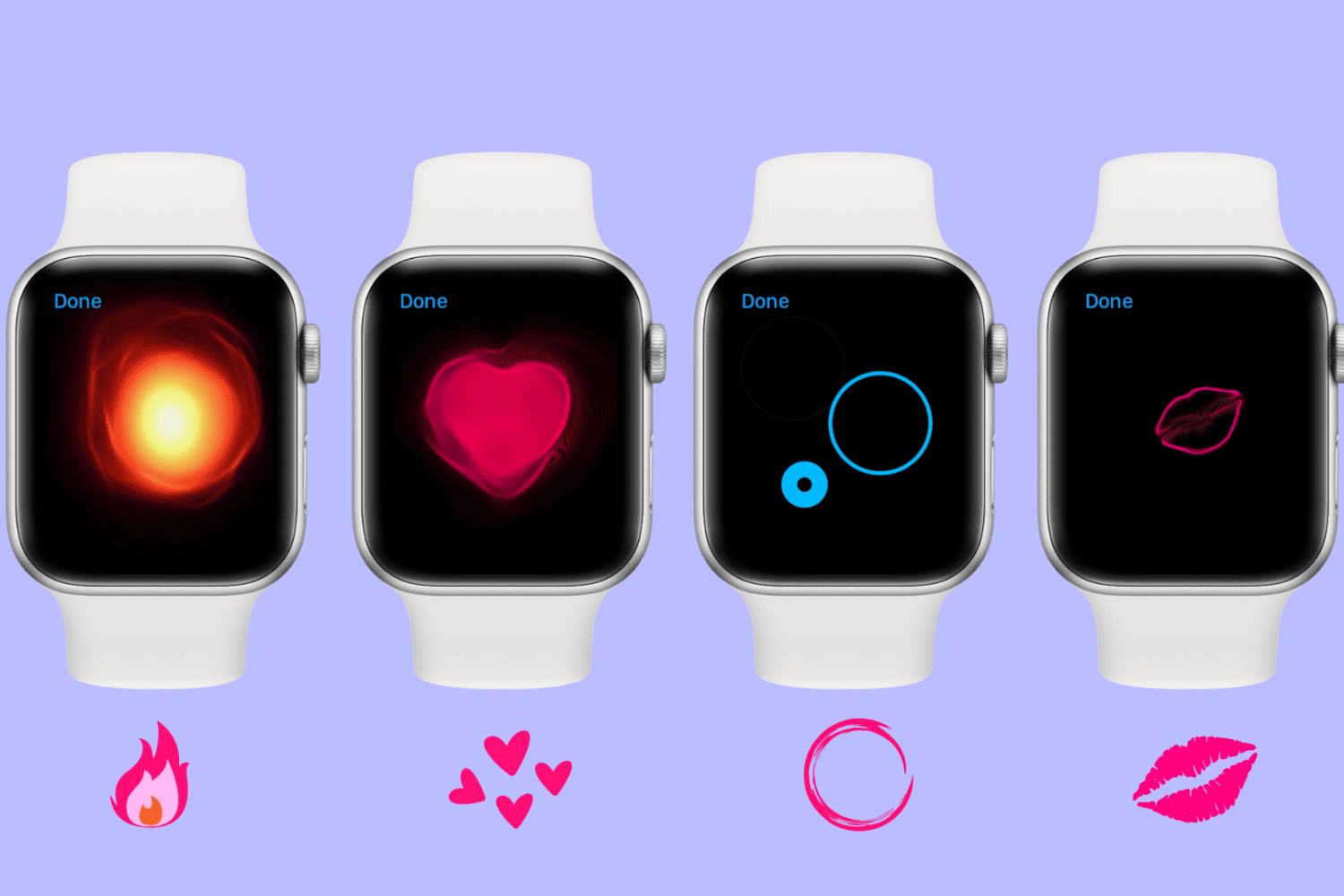
Digital Touch debuted as a sort of gimmicky feature of the Apple Watch software. On iOS 10, Digital Touch has made its way into the stock Messages app, making it easy and to add various effects to photo or video attachments, send sketches, taps, kisses, heartbeats and more. In this step-by-step tutorial, you're going to learn how to express your feelings in style with the Digital Touch features on your iOS 10-enabled iPhone, iPad or iPod touch.

Identifying songs inside iOS 10 Messages with Shazam’s new iMessage app

Shazam, a music identification service that's integrated into iOS (“Hey Siri, what song is this?”), recently celebrated a billionth download of its popular mobile app. Today, the company pushed a sweet little update to Shazam and Shazam Encore iOS apps in the App Store. Bumped to version 10.1, the refresh software packs in a brand new iMessage app with support for music detection within iOS 10's stock Messages app, here's how to use it.

You can reduce motion and keep iMessage effects in iOS 10.1 beta

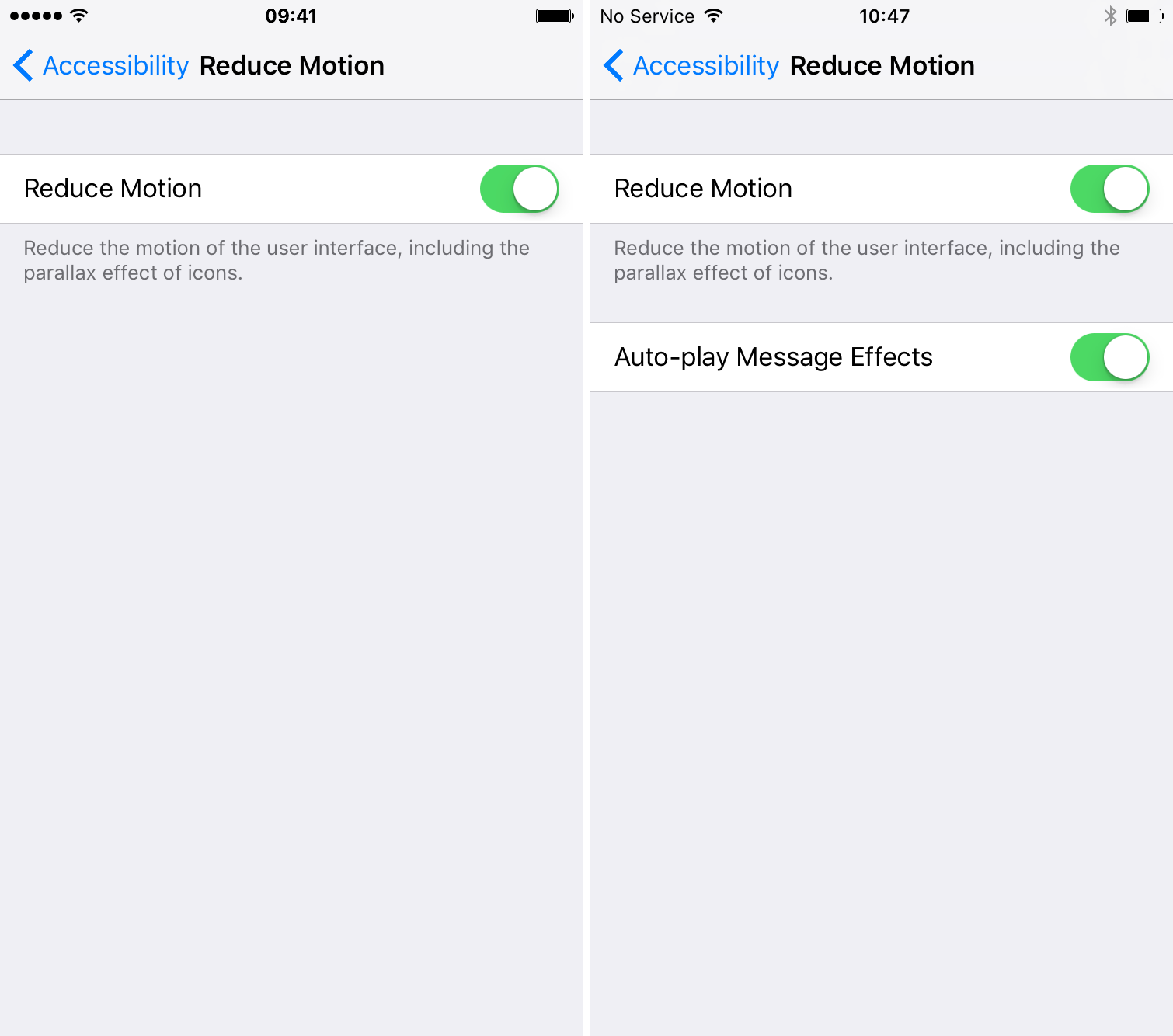
A handy improvement has been discovered in the first two betas of iOS 10.1: the ability to reduce motion while retaining the various iOS 10 iMessage features. It seems Apple has heard the complaints of users (me included) who like to turn off Parallax and other UI animations, but still want to be able to enjoy the new Messages app.

Apple threatens pulling an app for pranking friends with stickers that mimic iMessage bubbles

Apple on Friday threatened to pull Phoneys, a 99-cent sticker pack which lets you prank friends by putting words in their mouth. The #1 Top Paid item in the Messages App Store, Phoneys employs a simple trick to make the illusion work: it provides stickers that look exactly like the blue iMessage bubbles. Phoneys developer Adam Howell says Apple told him it would be pulling the app next Thursday unless it's fundamentally changed so that the stickers looked nothing like iMessage bubbles.

Apple airs new ‘Balloons’ ad highlighting iPhone 7 and expressive messaging

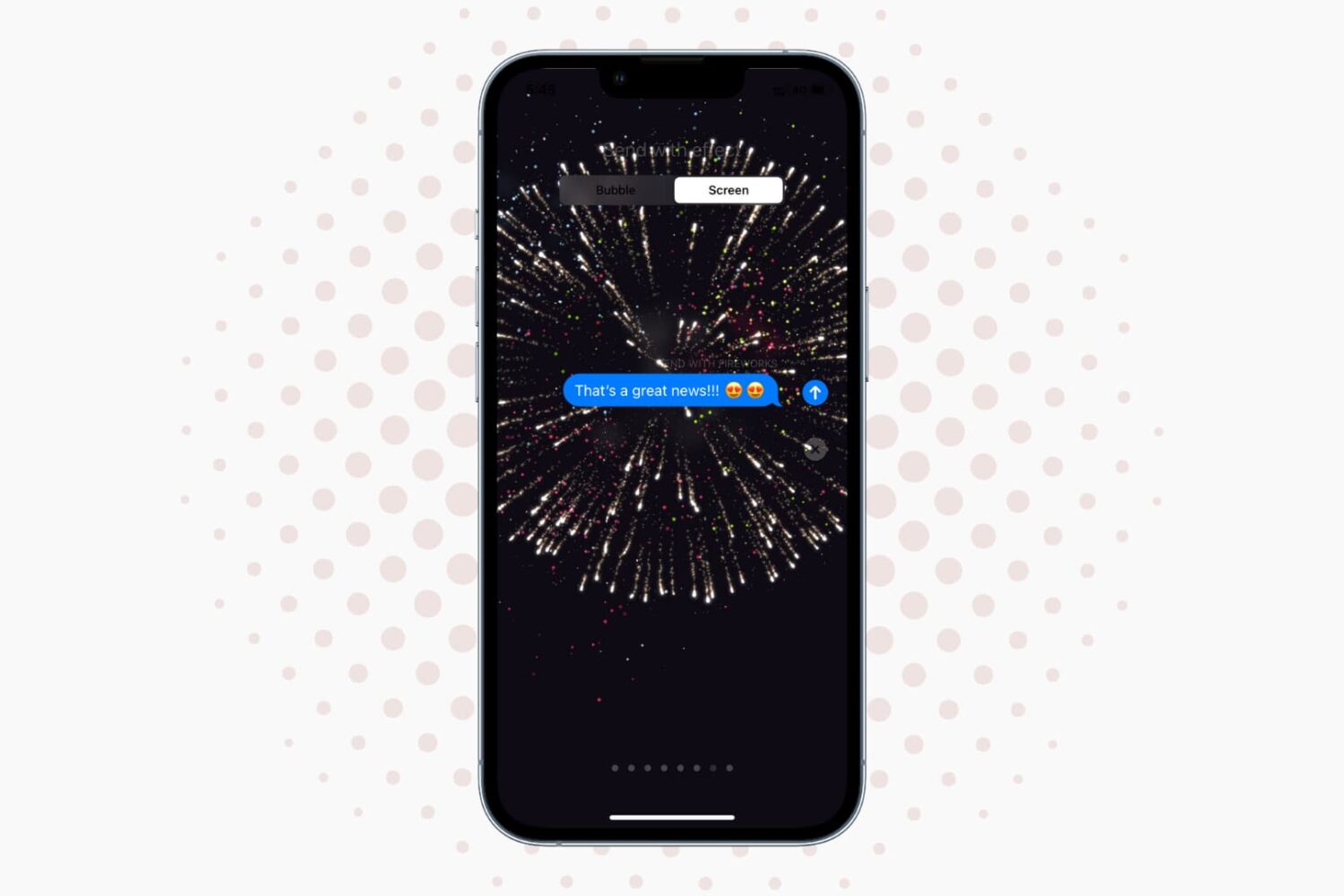
Apple's much improved Messages app in iOS 10 is more expressive than ever, especially with nicely done animations that take over the entire screen.

One of the fullscreen effects in Messages, a bunch of balloons that fly up from the bottom of the screen, is the central theme of a new iPhone 7 commercial that Apple posted on its YouTube channel today.

The 30-second commercial wraps up with the message, “The all-new iPhone 7, with expressive messages. Practically magic.”

How to use emoji like a pro in Messages for iPhone and iPad

Your expressive Messages app for the iPhone, iPad and iPod touch packs in some interesting and useful features related to emojis. For added impact, emojis can be made three times their normal size.

But that's not all.

Apple's stock QuickType keyboard now recommends emojis as you type and Messages has a cool emojification feature where you tap words to turn them into appropriate emoji characters.

We're going to take you through all emoji-related features in Messages for iOS and teach you how to use them. Are you ready to boost your emoji game?

Yes, Apple keeps a log of who you contact on iMessage for 30 days

A new report is out on Wednesday, claiming that Apple logs your iMessage contacts and may share them with police. The Intercept published the piece, along with an internal law enforcement document that shows Apple tracks information like IP addresses, phone numbers and time, and stores it for up to 30 days.

At first glance, the report can be a bit unsettling, conjuring thoughts like: "isn't Apple always preaching about user privacy" and "I thought iMessage was one of the most secure messaging services, thanks to its end-to-end encryption." But it doesn't take much digging to realize this is likely much ado about nothing.

Delete messages from the Lock screen & Notification Center with MadridDelete

MadridDelete is a new free jailbreak tweak that lets you easily delete SMS and iMessages from either the Lock screen or Notification Center, rather than having to be in the Messages app.

Although you can typically clear notifications and mark messages as read from these places, you have never actually been able to delete a message from the Lock screen or Notification Center until now.