Messages

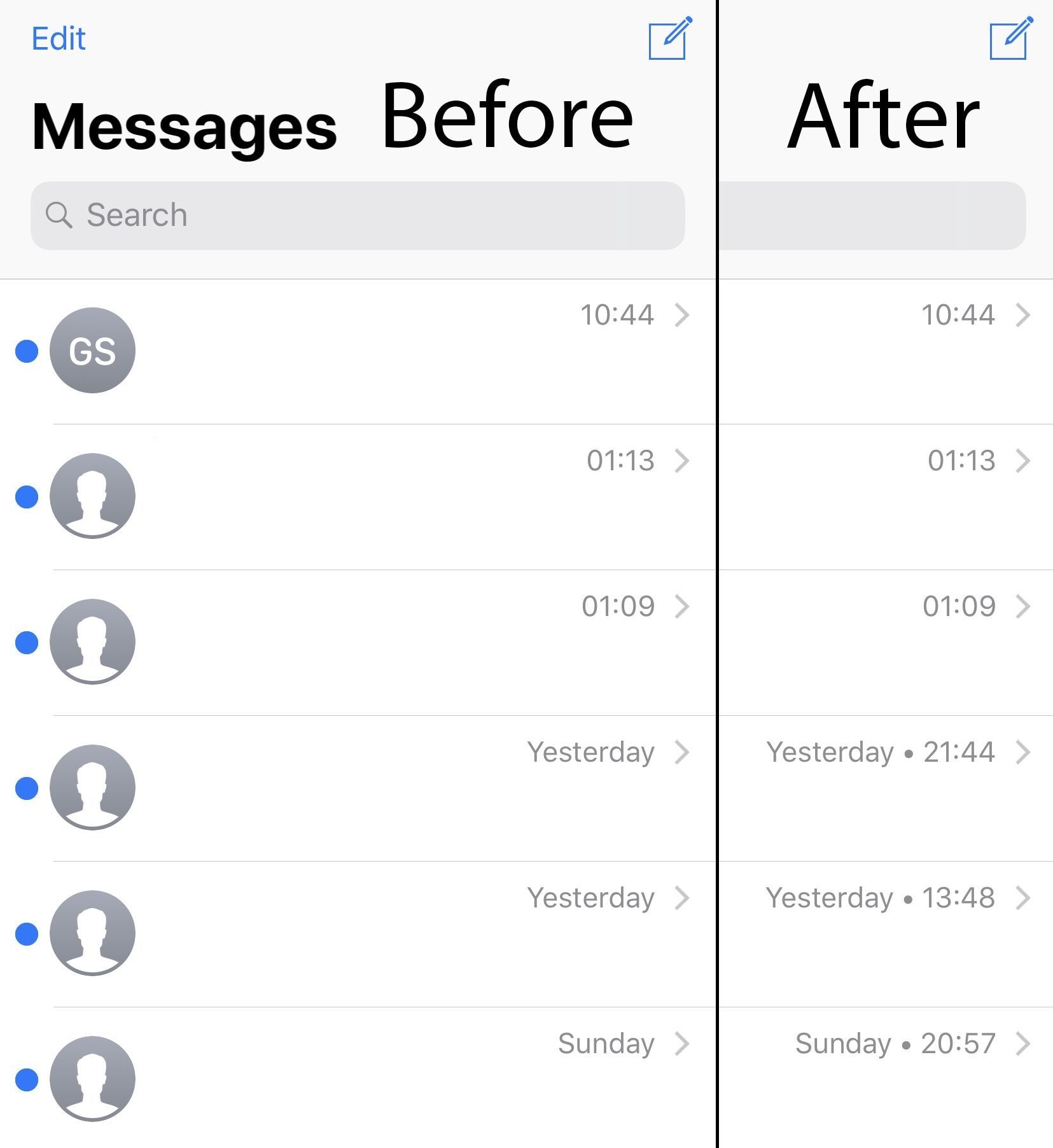
This tweak makes the Messages app’s timestamp system more useful

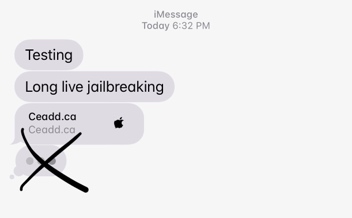
It was just a few days ago that we showed you a jailbreak tweak called ExactTimePhone, which could make your call log history significantly more helpful by detailing the exact time that an incoming or outgoing call transpired if it was more than a few days old. The tweak received lots of positive feedback, but it left the begging question: shouldn’t a similar tweak be made for the Messages app?

If you’re on board with this train of thought, then you’ll probably come to appreciate a newly-released and free jailbreak tweak dubbed ExactTimeMessages by iOS developer gilshahar7, as it makes this same concept a reality in iOS’ native Messages app for both iMessage and SMS conversations.
Augment your jailbroken iPhone’s dual-SIM capabilities with eSIM+

Apple’s latest iPhones, from the iPhone XR to the iPhone 13 lineup, support dual-SIM functionality. Straight out of the box, these handsets can have both a physical SIM-based carrier and an eSIM-based carrier configured on the same device for traveling abroad. But perhaps unsurprisingly, the native implementation of this capability on the iOS platform leaves a lot to be desired.

Here to help with this particularly disgruntling issue is a newly-released jailbreak tweak called eSIM+ by iOS developer iArrays. Just as the name implies, this tweak augments any jailbroken iPhone that supports dual-SIM capabilities, such as those mentioned earlier.

How to print iPhone Messages with iMazing on Mac

Print messages from iMazing

If you haven’t heard of iMazing, this is a software application that you can use to the manage your iOS devices. Among their features, you can back up your device, manage its content, and yes, print your conversations from Messages app.

You likely have a specific reason for needing to print your messages. And this application makes it easy to do. If you already have iMazing installed, then you’re one step ahead. If not, it’s available for a free trial for Mac directly from the iMazing website.

So, let’s jump right to it; here’s how to print iPhone Messages with iMazing on Mac .

The best iPhone emoji keyboard apps

Best emoji keyboards for iPhone - FancyKey

These days, using emojis when sending text messages is the norm. You can say about anything with an emoji instead of text from “I love you” to “Let’s grab a burger.” And your iPhone is packed with tons of them to use. But there are apps that take these handy little smileys to another level.

You can send emojis that are arranged in a picture, those that you edit yourself, and many that you won’t find on your iPhone by default. If you want to step it up with your emojis, here are the best iPhone emoji keyboard apps.