Messages

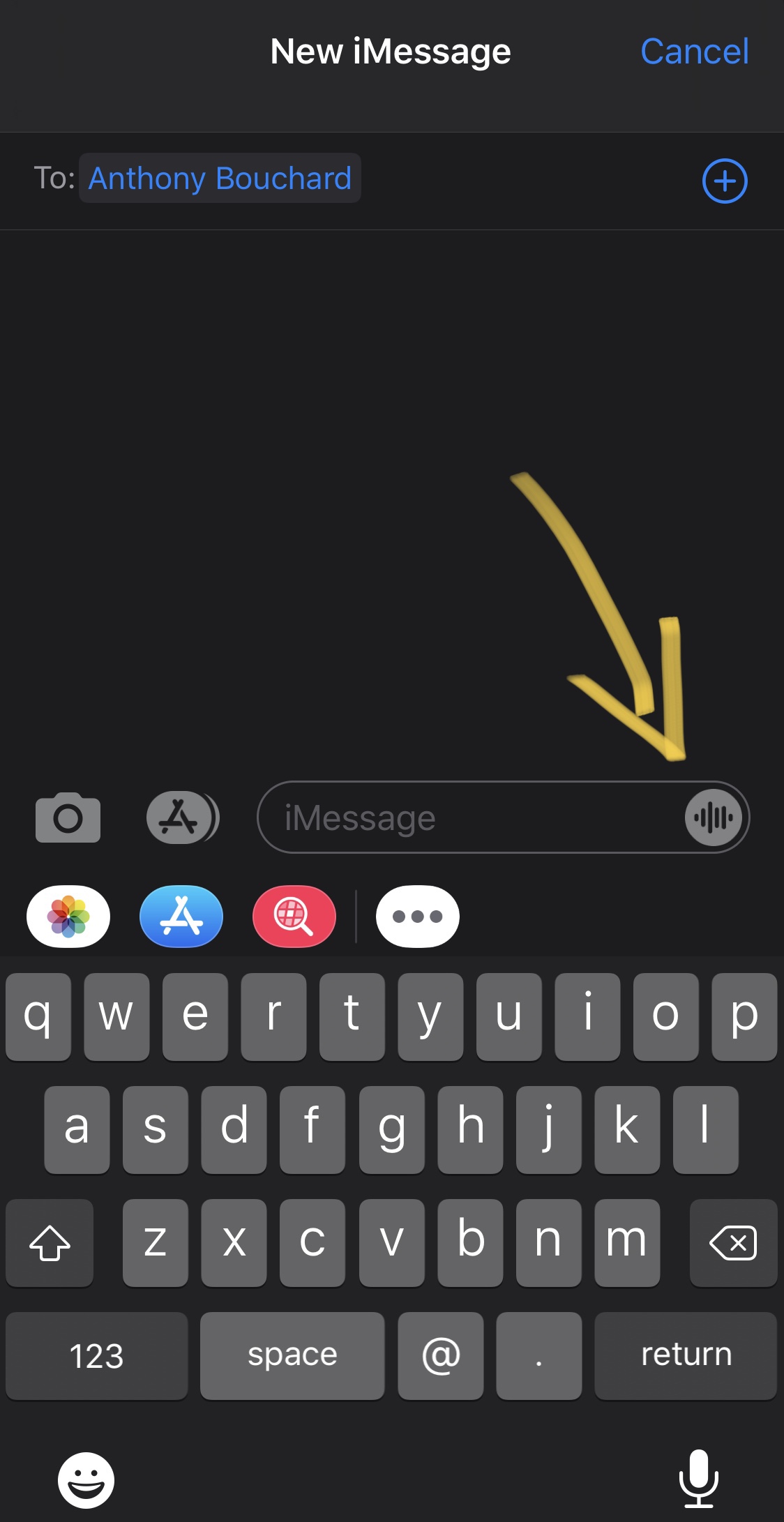
This tweak disables the voice recording button in iMessage

If you use Apple’s Messages app as your primary means of talking to people each day, then you’re probably accustomed to seeing the app’s voice message button in the text message composition field. This button lets you record yourself speaking and send your voice as an audio clip as opposed to typing it out or using Dictation to send a written message.

While this feature has its uses for a small subset of niche scenarios, you’ll probably very seldom use it if you don’t like recording yourself and prefer sending written messages. For those people, a new and free jailbreak tweak called AudioMessageBeGone by iOS developer burrit0z swoops in to save the day.

Colorize your pwned iPhone’s Messages app with Courier

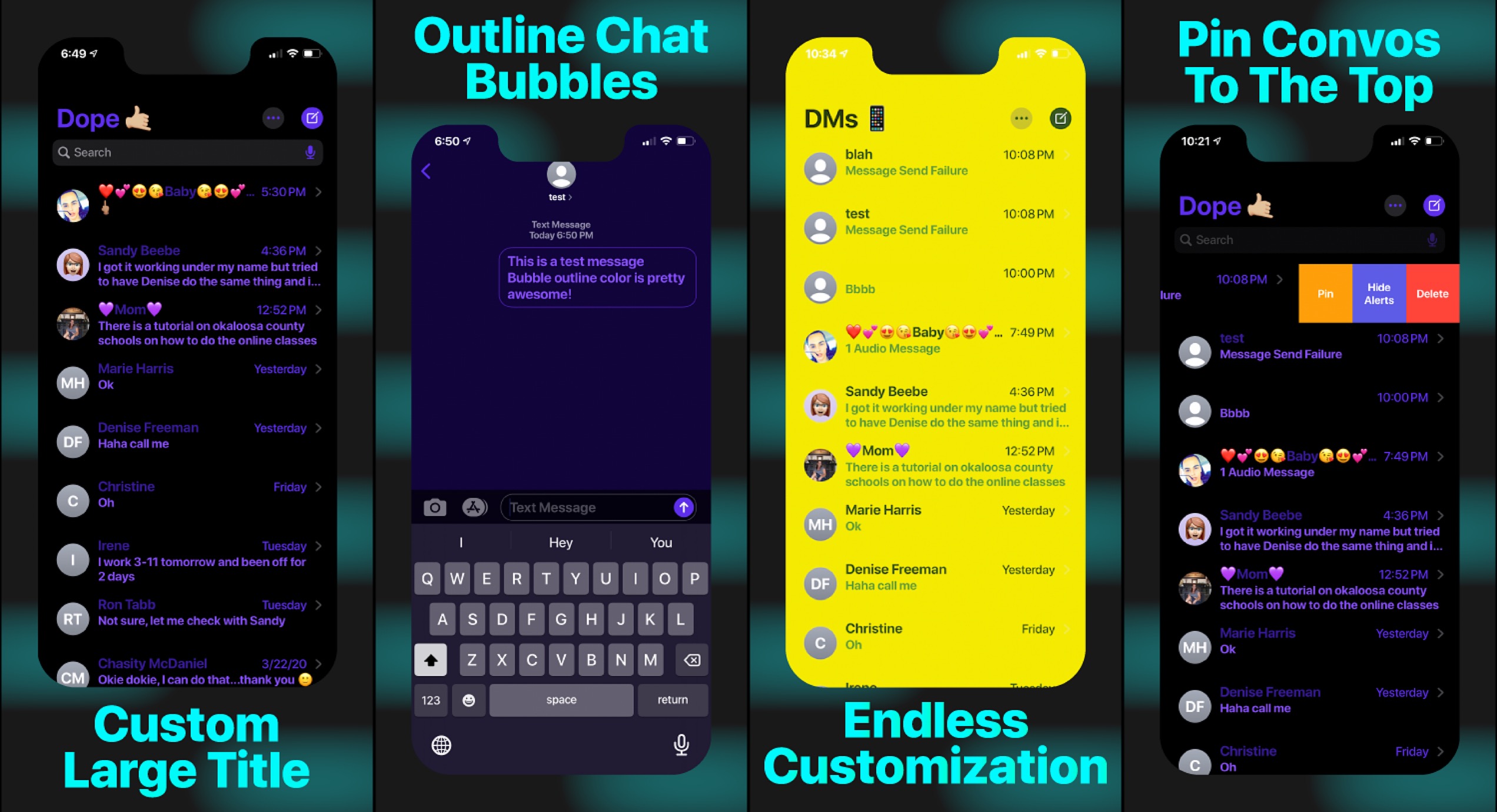
One of the interfaces iPhone users spend most of their time in is the Messages app, and with that in mind, it doesn’t come as much of a surprise that jailbreak tweak developers are creating ways to make customizing the Messages app possible.

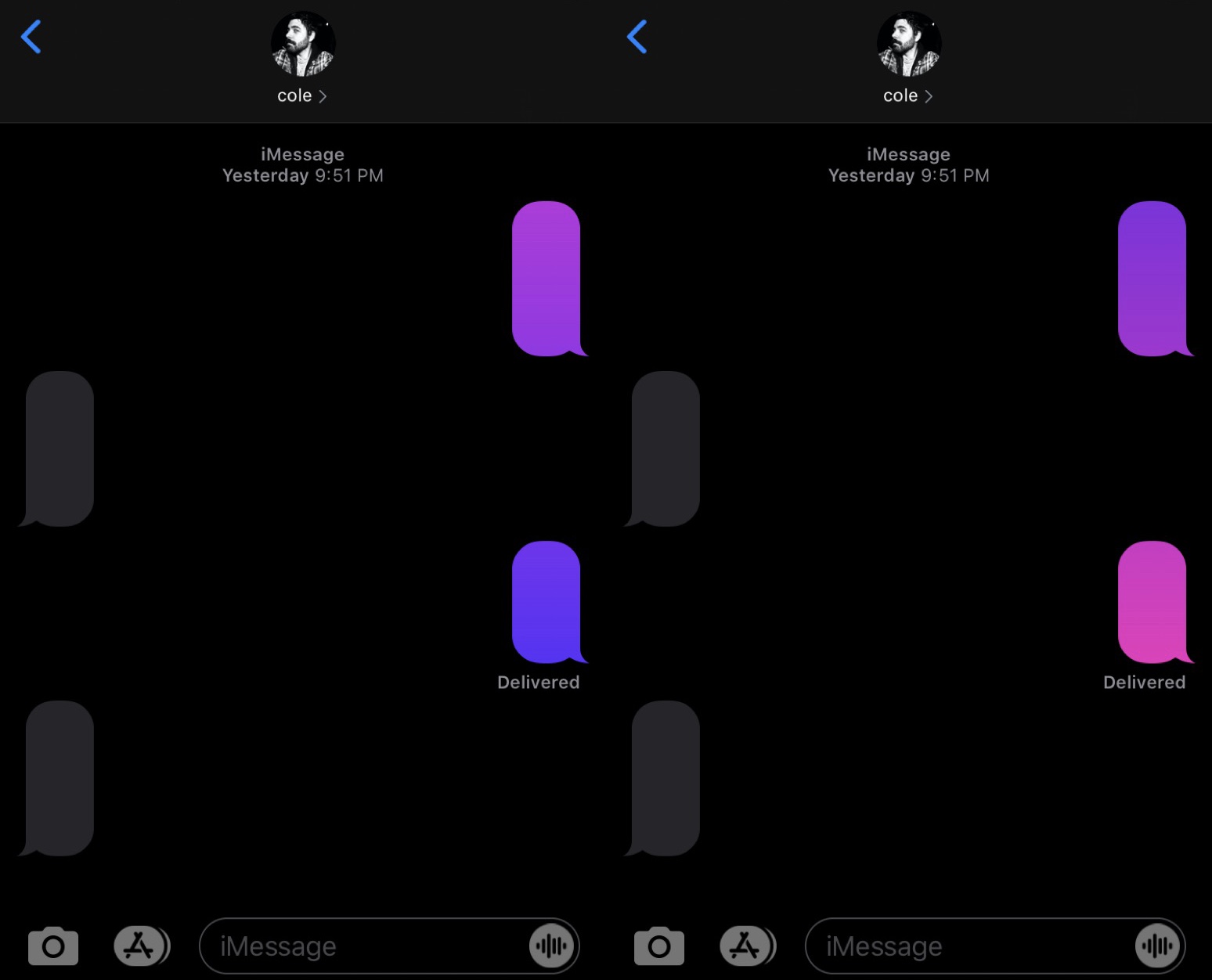
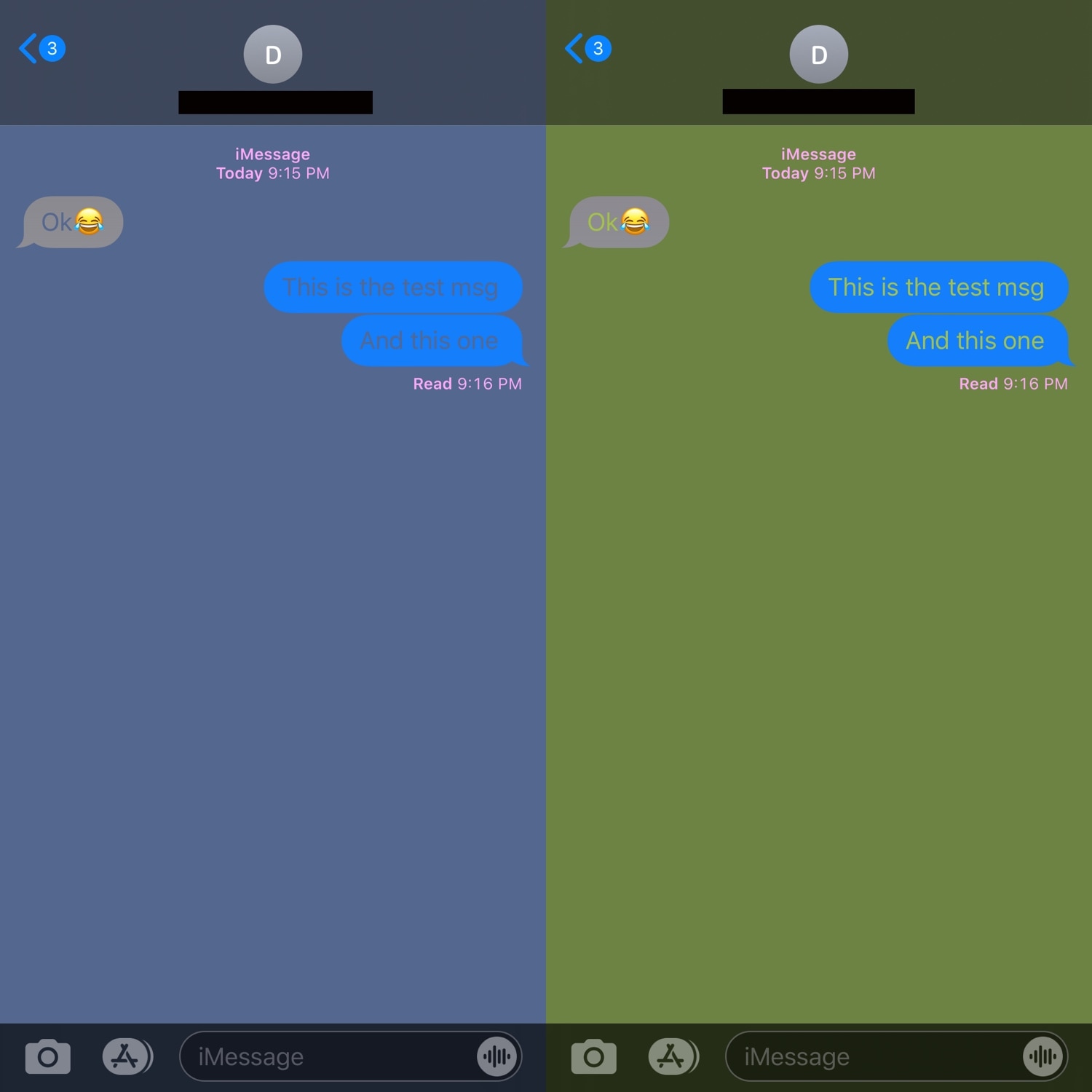
With the launch of a new tweak called Courier by iOS developer Sirius24, you can colorize several elements of the Messages app’s user interface just about any way you want. Some examples of the tweak at work are depicted in the screenshot samples above.

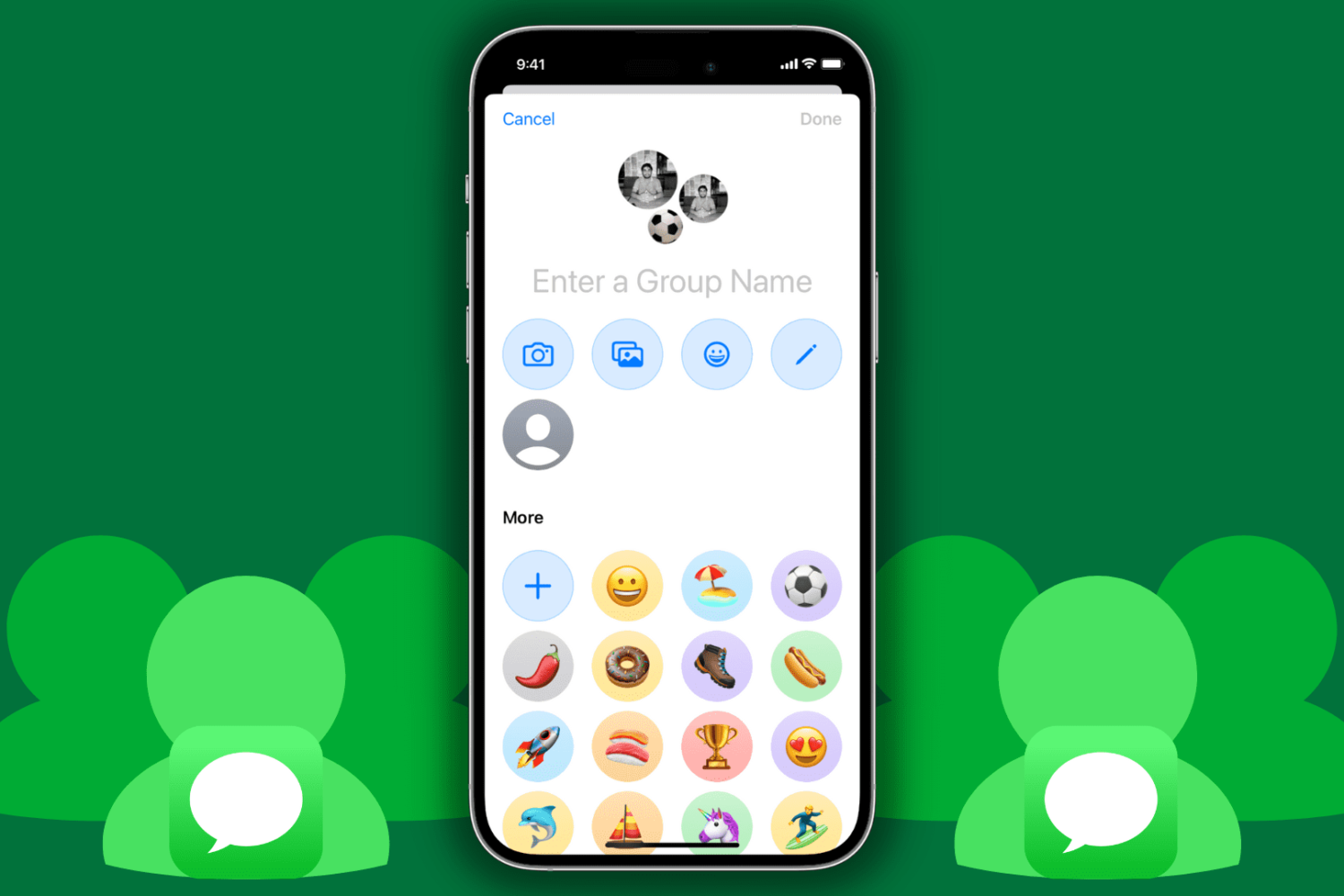
How to change the name of a group conversation in the Messages app on iPhone, iPad, and Mac

Rename group message on iPhone

Being able to participate in group messages on iPhone, iPad, and Mac is a cool way to communicate with friends or family. You might make plans together, chat about your favorite show, or just use it as a hangout.

One way to have easy access to that group conversation is to give it a name. This way, you can find it quickly when you need to in your conversation list. This tutorial shows you how to do that.

New to Mac? How to set up and use the Messages app

How to use Messages on Mac

There are some things to get used to if you’re a new Mac user, especially if you’re switching from Windows. From the different labels and locations for items to how to use the Dock to your advantage, we try to cover it all for those new to macOS on iDB.

As another how-to in our series, we’re going to walk through how to set up and use the built-in Messages app on Mac.

ChatLock jailbreak tweak protects your in-app conversations

People seem to value privacy more than ever these days, and with such a massive part of our lives taking place in digital conversations, isn’t it about time we do more to protect them?

Not all apps incorporate native conversation-centric privacy features, but with the help of a newly released jailbreak tweak called ChatLock by iOS developer Elias Sfeir, you can lock individual conversations in several of your favorite messaging apps with just a few taps to prevent friends and family from logging into your device and reading your personal chats.

This tweak can delete all Messages app conversations with a tap

Chronic texters know just how easy it can be to fill iOS’ Messages app with active conversation cells, but what about when it comes time to delete them all?

You could swipe and delete each one individually or you could tap the ‘Edit’ button and select each one individually before deleting them all in one fell swoop. But a newly released and free jailbreak tweak called clearallmesg by iOS developer mr Yacine takes things one step further to make deleting messages in bulk even easier.

This tweak hides when you type to others via iMessage

iMessage is one of my favorite messaging platforms, but I sometimes wish that it provided more privacy while typing to other people. Case in point, I’m not that fond of how iMessage notifies other users with a live status indicator when I’m typing to them.

If you’re in the same boat and you have a jailbroken handset at your disposal, then I think you’ll enjoy using a newly released and free jailbreak tweak called No Typing Indicator 12 by iOS developer ceadd.