iOS

ScreenshotActions makes it easier to share and interact with iOS screenshots

I take so many screenshots on my iPhone day in and day out that I nearly take having the ability to capture my display as an image file for granted. Many others are in the boat I am, but whether you take many screenshots or not, one thing we may all be able to agree on is that Apple could make the screenshot interface a lot more intuitive.

Enter ScreenshotActions, a newly released and free jailbreak tweak by iOS developer P2KDev that makes it a whole lot easier for users to share and interact with screenshots after snapping them.

This tweak centers the final row of apps on your Home screen

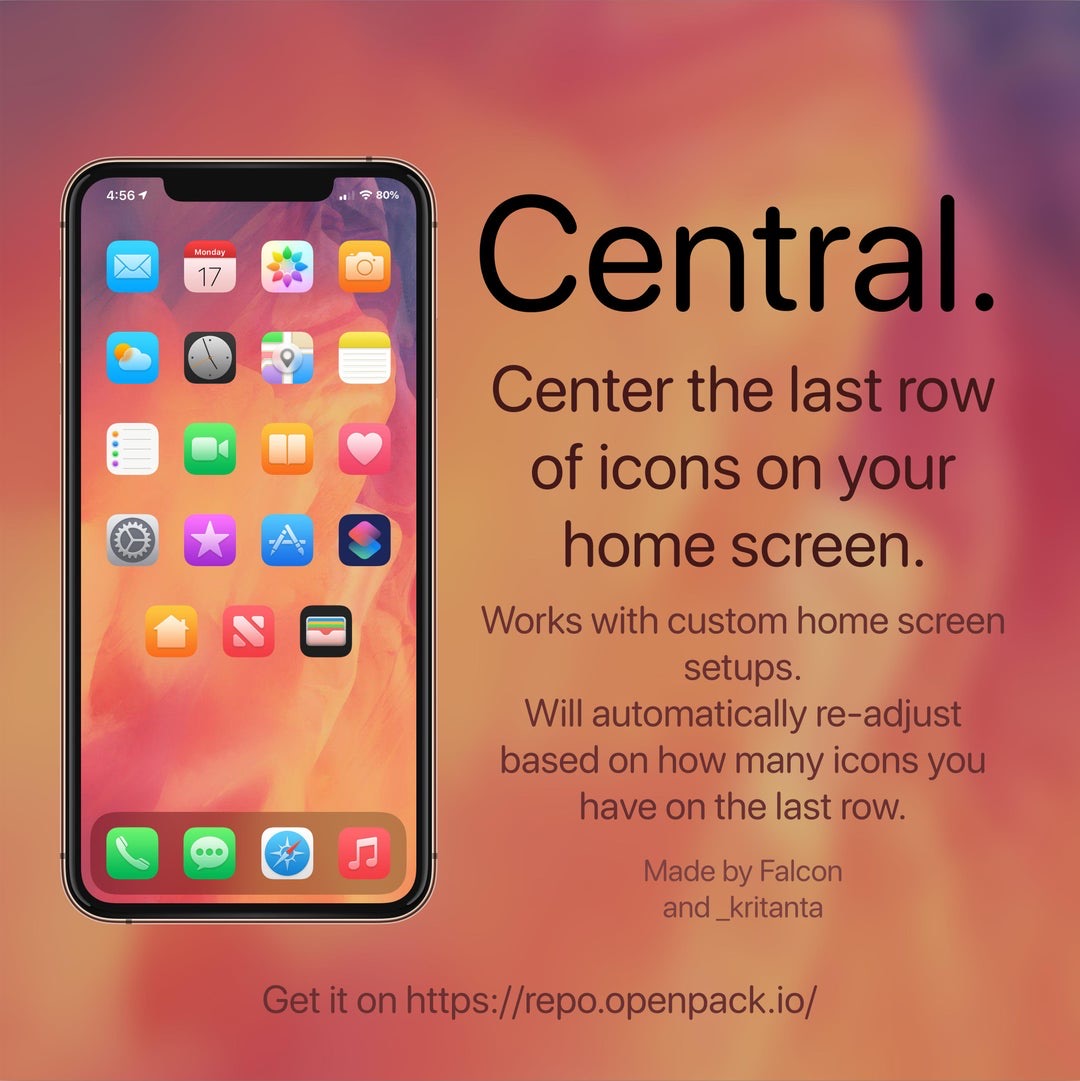
If you’re lucky enough to have a jailbroken iPhone or iPad at your disposal and you’re looking for a fun and quirky way to make your handset’s Home screen stand out from the average Joe’s, then you just might come to appreciate a newly released and free jailbreak tweak called Central by iOS developers Kritanta and Falc0nDev.

As depicted in the screenshot example above, Central adjusts your Home screen’s application icon layout in such a way that the final row on the Home screen funnels down to just three icons in the center of your display.

Sileo v1.7.1 officially released for Chimera and checkra1n jailbreak users

The Sileo Team took to Twitter late Wednesday evening to share that it had released an updated version of the Sileo package manager dubbed v1.7.1 with various improvements, but that wasn’t all. The Tweet also noted that the new Sileo build was available for both Chimera and checkra1n jailbreak users.

The Sileo Team attempted a checkra1n port for its Sileo package manager just before the new year, and despite a flaky initial release that quickly crashed and burned, it now seems that the Sileo Team is making a second attempt – this time with some help from Diatrus, a name that might sound familiar if you’ve ever used an unofficial Sileo port before.

ColorFlow 5 gives iOS 13’s Now Playing interface a fresh coat of paint

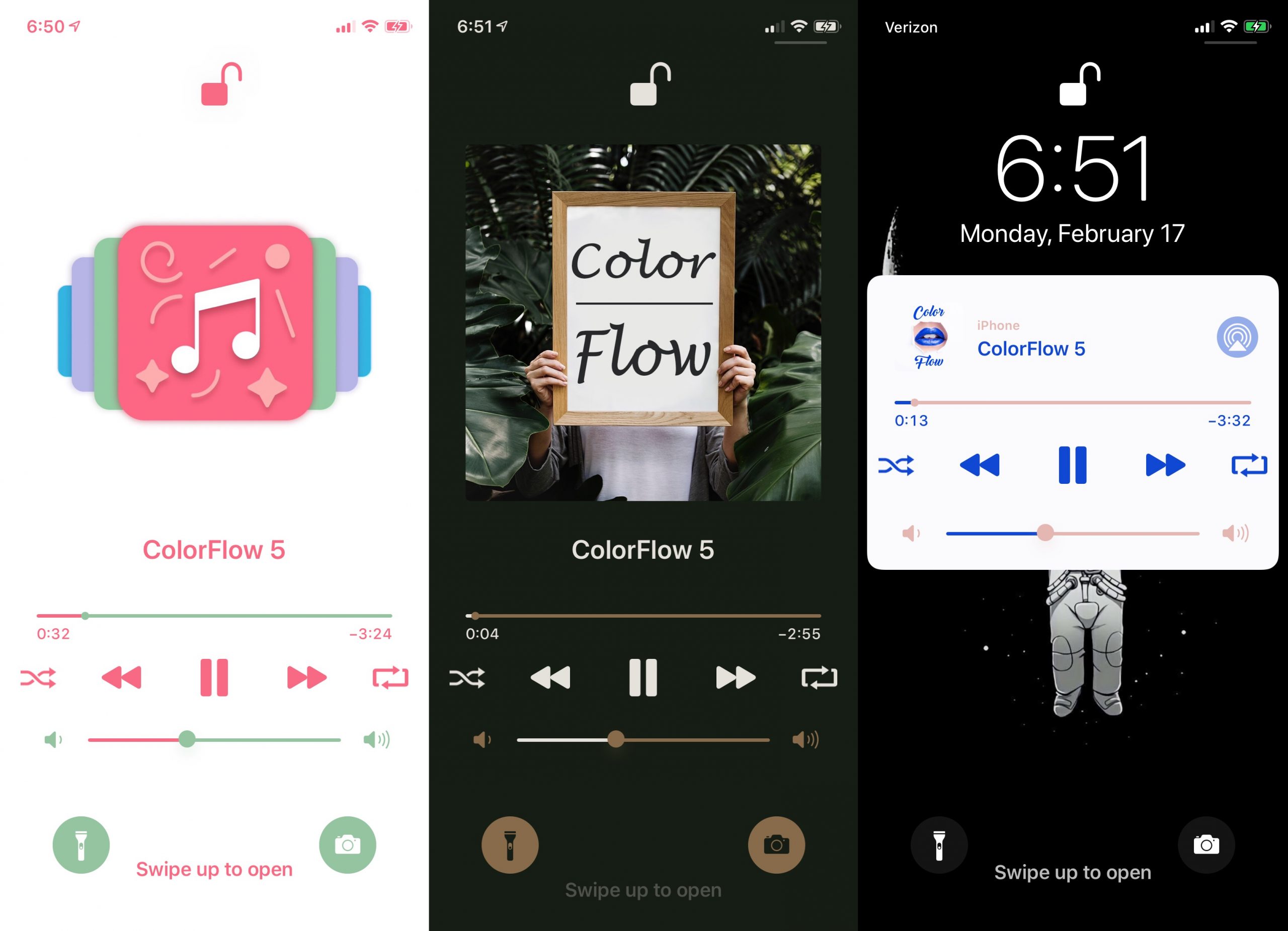
If you’ve recently jailbroken iOS 13 with checkra1n or unc0ver and you enjoy listening to your favorite songs or media through Apple Music or Spotify, then we have a feeling that you might enjoy a newly released jailbreak tweak called ColorFlow 5 (iOS 13) by iOS developer David Goldman.

As you might’ve inferred from the tweak’s name already, ColorFlow 5 is the fifth iteration of this tweak, and it automatically colorizes the Now Playing interface using the dominant colors from the current track’s album artwork. Examples of this are shown in the screenshots above.

Give your jailbroken handset the custom aesthetics it deserves with Cyanea

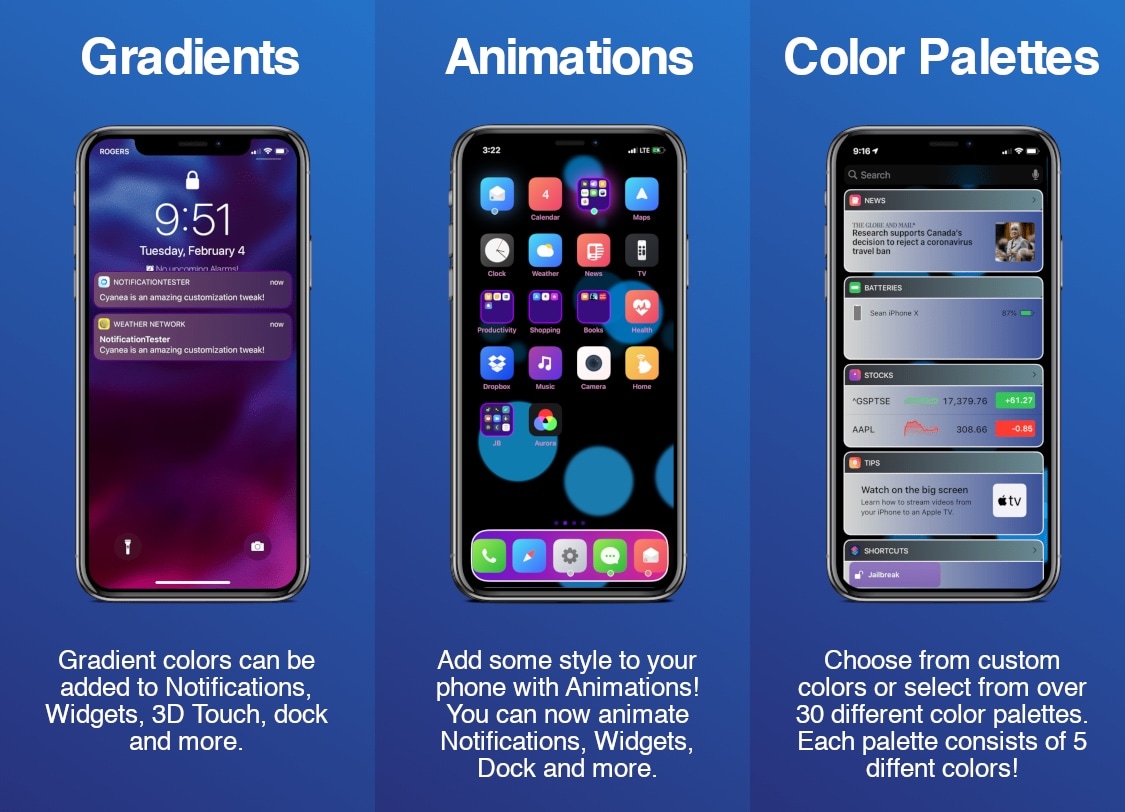
Cyanea is a newly released jailbreak tweak by iOS developer Sirius24 that incorporates a surfeit of fun new ways to customize your jailbroken handset’s system-wide aesthetics and behavior.

Cyanea is the highly-evolved successor of an older tweak called Chameleon that we showed you last year. It permits those users to personalize their device with custom color gradients, color palettes, animations, and more.

Dots 2 gives OLED-equipped iPhones an awesome new notification indicator

Ever since Apple first introduced an OLED display in its smartphone lineup, there’ve been countless jailbreak tweak releases attempting to take full advantage of it. From always-on displays, to revolutionary new notification indicators, there has been no shortage of innovation on this front.

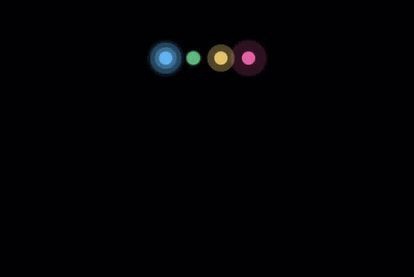
The latest addition to the party is a newly released jailbreak tweak called Dots 2 by iOS developer Shyam Lad, and as depicted in the screenshot examples above, this tweak displays pulsating colorful dots for missed notifications at the top of an always-on pitch black display when the device is locked.

Gravitation brings gravity to your jailbroken iPhone’s Home screen

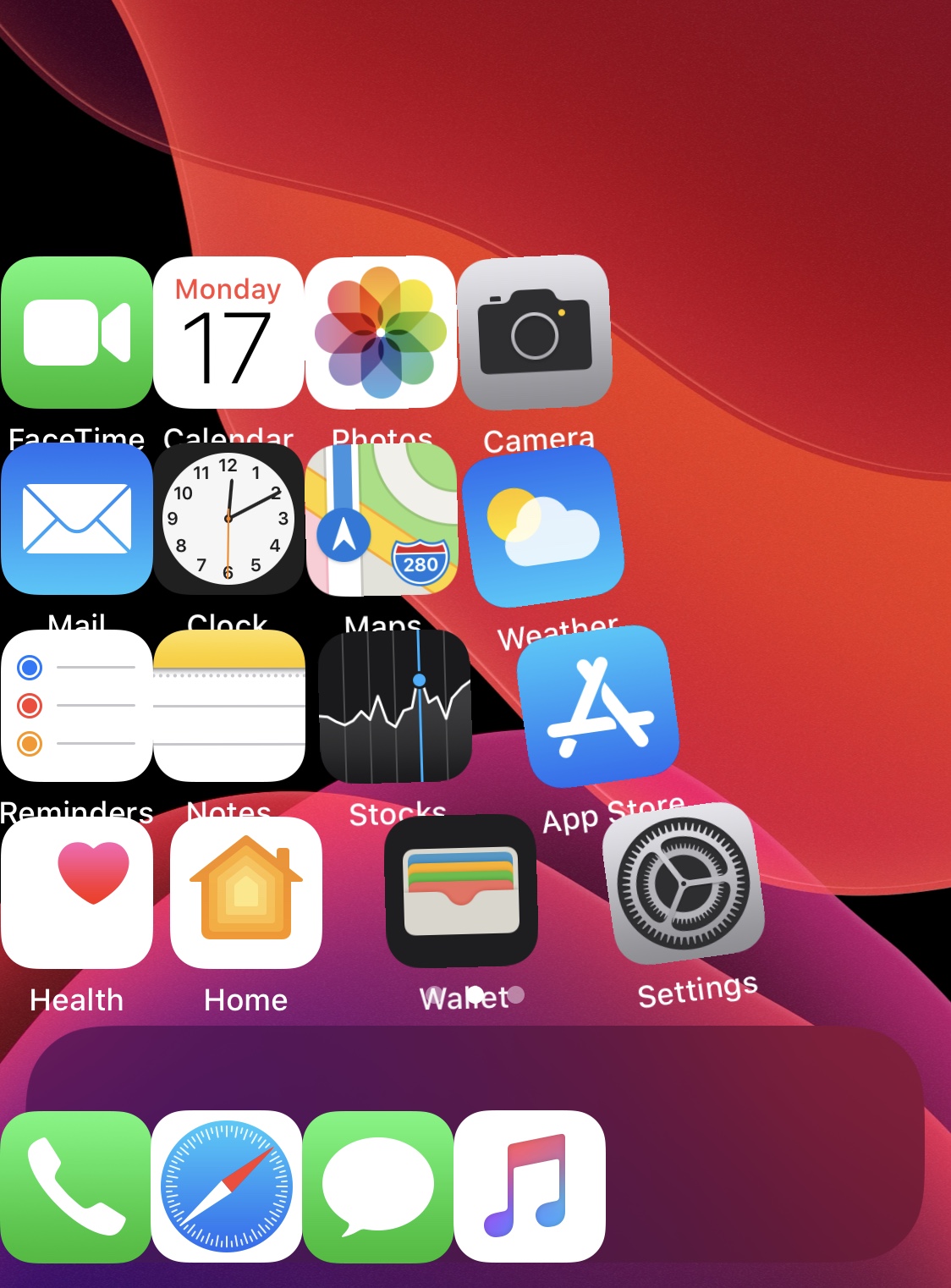
Longtime jailbreakers like myself will remember those fun and quirky jailbreak tweaks that could be invoked to simulate gravity on your iPhone’s Home screen. Upon triggering a configured Activator gesture, one could watch in awe as their Home screen icons all fell to the bottom of the screen, almost as if there was a gravitational pull being imposed on them.

It’s been a while since we’ve witnessed such a tweak, but with newfangled jailbreaks like checkra1n and unc0ver permitting various iOS 13 devices to be pwned, now seems like a as good a time as ever for such tweaks to surface once more. That’s why iOS developer Kritanta has released a new and free jailbreak tweak called Gravitation.

VolVibes brings customizable haptic feedback to your iPhone’s volume buttons

If you’ve recently jailbroken on iOS 13 and you’re looking for new ways to personalize your pwned handset, then one place you could start your search is with a newly released jailbreak tweak dubbed VolVibes by iOS developer Ethan Whited.

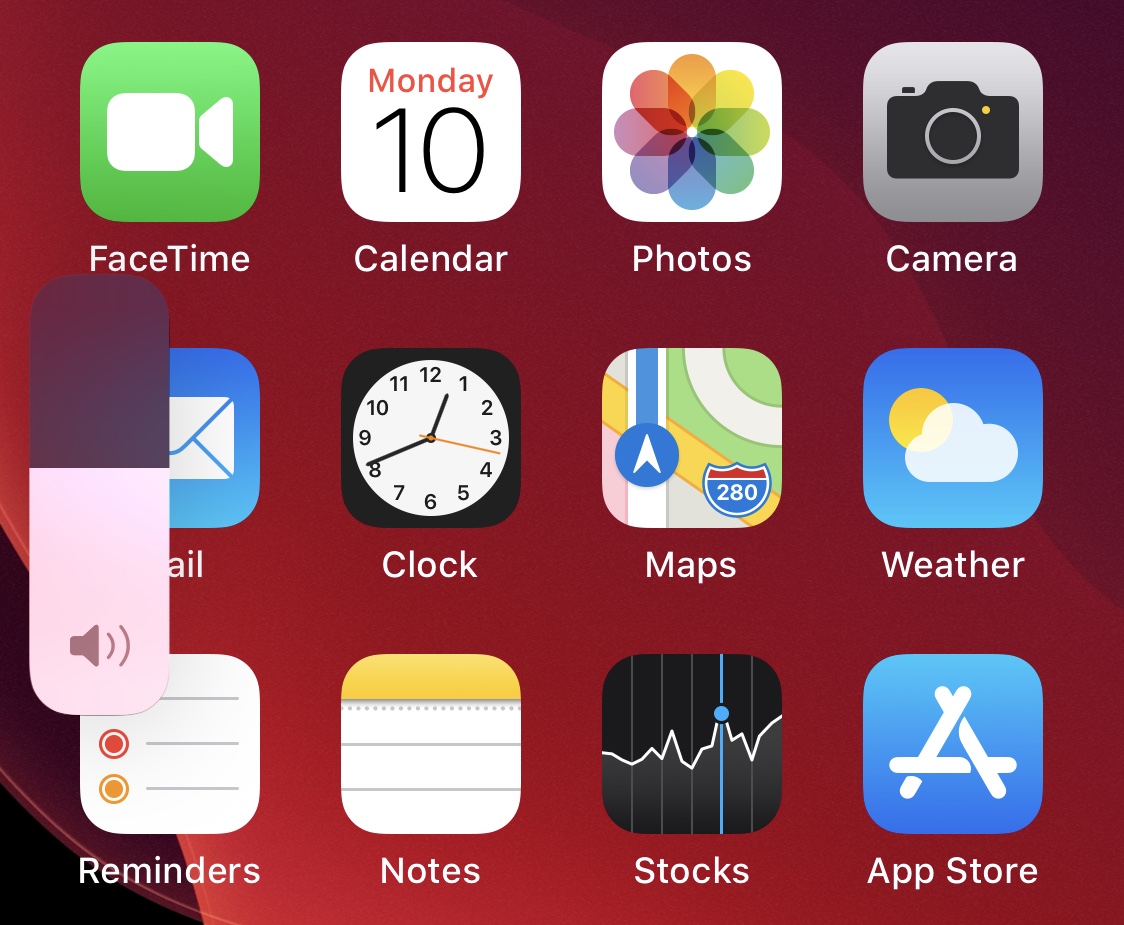
As the name implies, VolVibes introduces haptic feedback when pressing either of your iPhone’s volume buttons. The concept certainly isn’t new, but VolVibes sets itself apart as it integrates configuration options that competing tweaks simply don’t have.

CoolStar teases screenshot of Chimera13 jailbreaking iPadOS 13

Pwn20wnd’s unc0ver jailbreak has enjoyed being the center of attention for the past couple of weeks thanks to newfangled iOS 13.0-13.3 support on A12(X)-A13 devices by way of Brandon Adad’s oob_timestamp tfp0 exploit, but it might not be the only jailbreak in town for long.

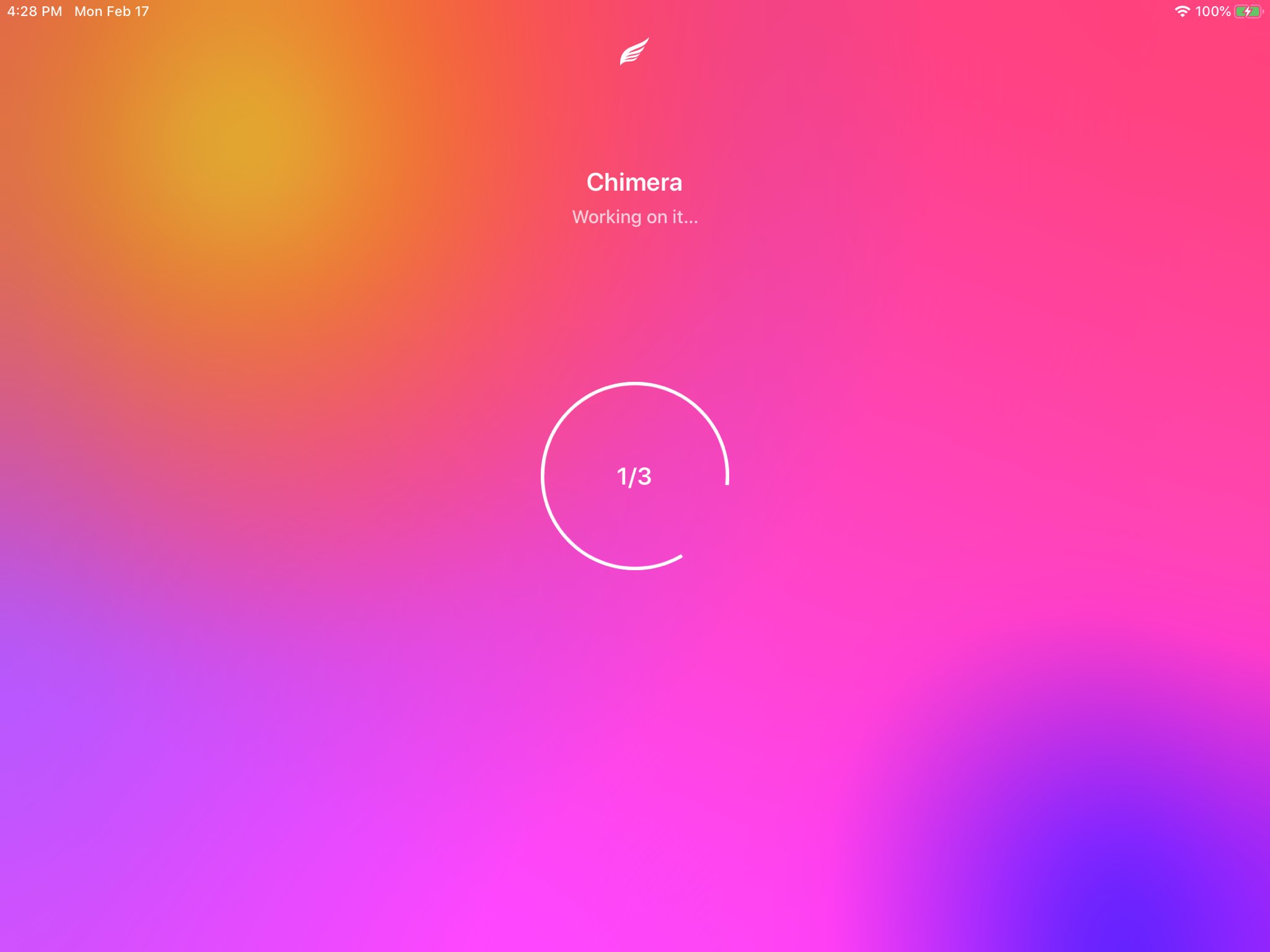
Electra Team lead developer CoolStar took to Twitter Monday evening to share a teaser screenshot of what appears to be Chimera13 running on iPadOS 13:

Cydia Impactor and ReProvision allegedly working again for some users

In a somewhat miraculous turn of events, it appears that popular jailbreak-centric utilities including the likes of Cydia Impactor and ReProvision have started working again for some users.

The news came first by way of ReProvision lead developer Matt Clarke, who confirmed with us via email that ReProvision was actually alive and well again starting Sunday evening. Tweets shared publicly reveal that the tool was updated over the weekend to bypass the ‘that’s all folks’ message that denoted the tool’s EOL (end of life) and also that the tool wouldn’t be updated anymore if it broke a second time: