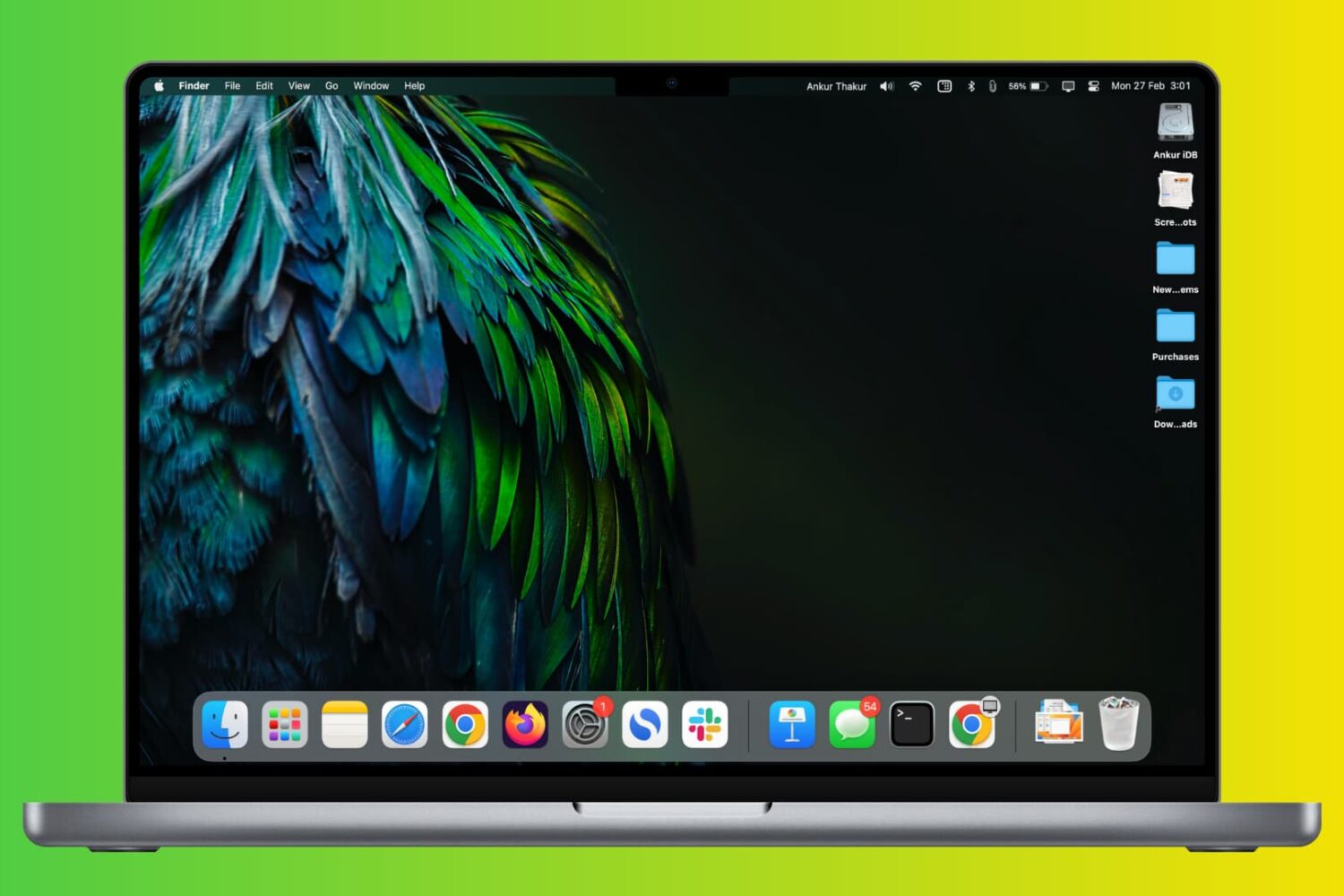
In this comprehensive troubleshooting guide, we provide all the solutions to fix slow or unresponsive Google Chrome on your Mac and restore its optimal performance.
Google Chrome feeling slow or freezing on Mac? Here’s how to fix it
In this comprehensive troubleshooting guide, we provide all the solutions to fix slow or unresponsive Google Chrome on your Mac and restore its optimal performance.
You can watermark your PDF with text, logo, or image to let people know that the PDF is private, confidential, or created by you or your organization. Though a watermark can’t prevent content theft, it certainly can prevent misuse and help convey that you’re the creator or owner of that PDF.
So, whether it is for school, work, or personal use, this tutorial will show you how to watermark PDFs for free on your iPhone, iPad, and Mac.
Learn how to change your Mac's sleep time settings to adjust when the screen turns off automatically and explore related options.
If you have the OLED edition of the Nintendo Switch, then you’ve got a larger and more vibrant gaming display that looks better than that of the traditional LCD display model.
Check out these quick steps to block your Mac's keyboard, mouse, and trackpad from being used on a nearby iPad or other Mac.
Use the built-in Voice Isolation feature to filter out background noises and make your voice clearer during phone, FaceTime, WhatsApp, and other calls on your iPhone, iPad, and Mac.
Learn how to manage photos and videos to efficiently optimize your iPhone or iPad's storage and free up valuable space.
Follow these steps to access the Bard AI chatbot, Google’s ChatGPT rival, using a browser on your iPhone, iPad, Mac or other compatible devices.
Use our troubleshooting tips to fix WhatsApp video calls not working in picture-in-picture (PiP) multitasking mode on your iPhone.
Check out two simple ways to create blank or invisible app folder names on your iPhone or iPad Home Screen, giving it a clean and distinctive appearance.
Learn how to change a file extension on your iPhone, iPad, or Mac, why you might want to do that, and potential issues to avoid.
Give your iPhone's Lock Screen and Home Screen a unique look by creating wallpapers from your personalized Memoji, Genmoji, and photo stickers instead of using the same old emoticons.