Check out these quick solutions to resolve low phone call sound issues and increase the volume if you’re struggling to hear during calls on your iPhone.
Fix low phone call sound on iPhone and increase the volume
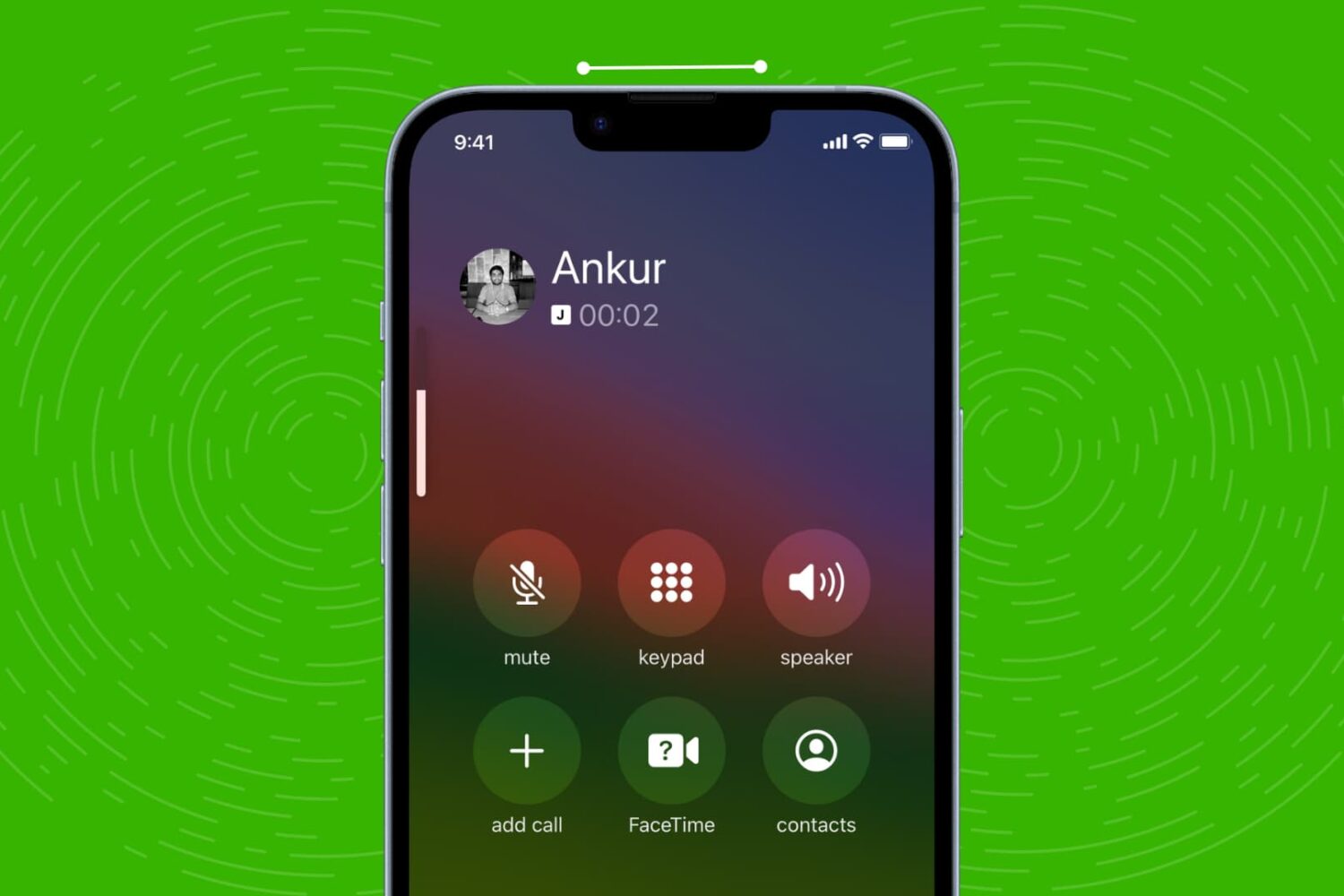
Check out these quick solutions to resolve low phone call sound issues and increase the volume if you’re struggling to hear during calls on your iPhone.

Learn how to quickly straighten your pictures on iPhone and iPad using the stock Photos app, ensuring your memories always look perfectly aligned.

Learn how to install macOS Sequoia on a different volume (disk partition) and have two macOS versions simultaneously on your Mac.
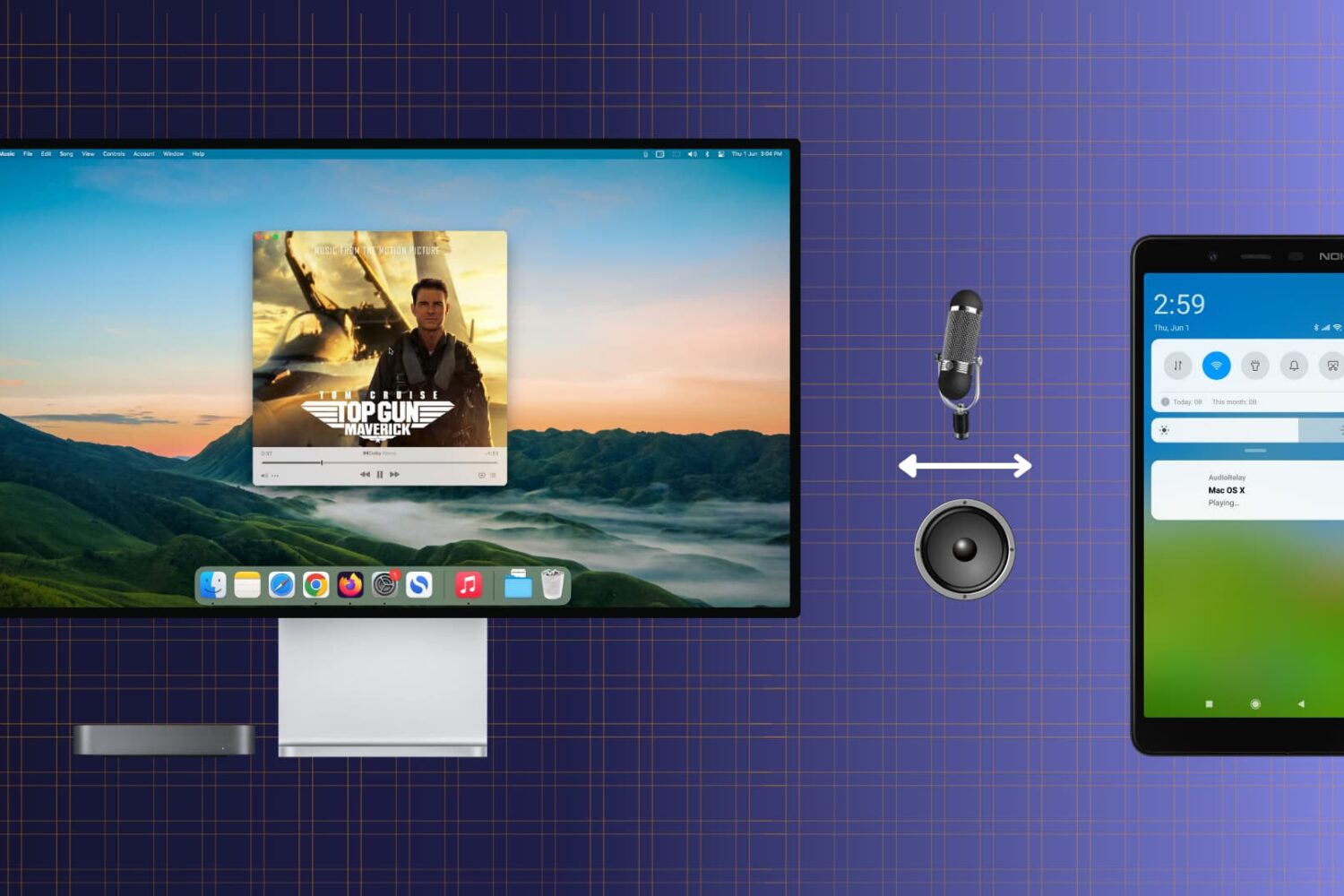
Check out this free and easy way to turn your Android phone into a convenient wireless speaker or microphone for your Mac.
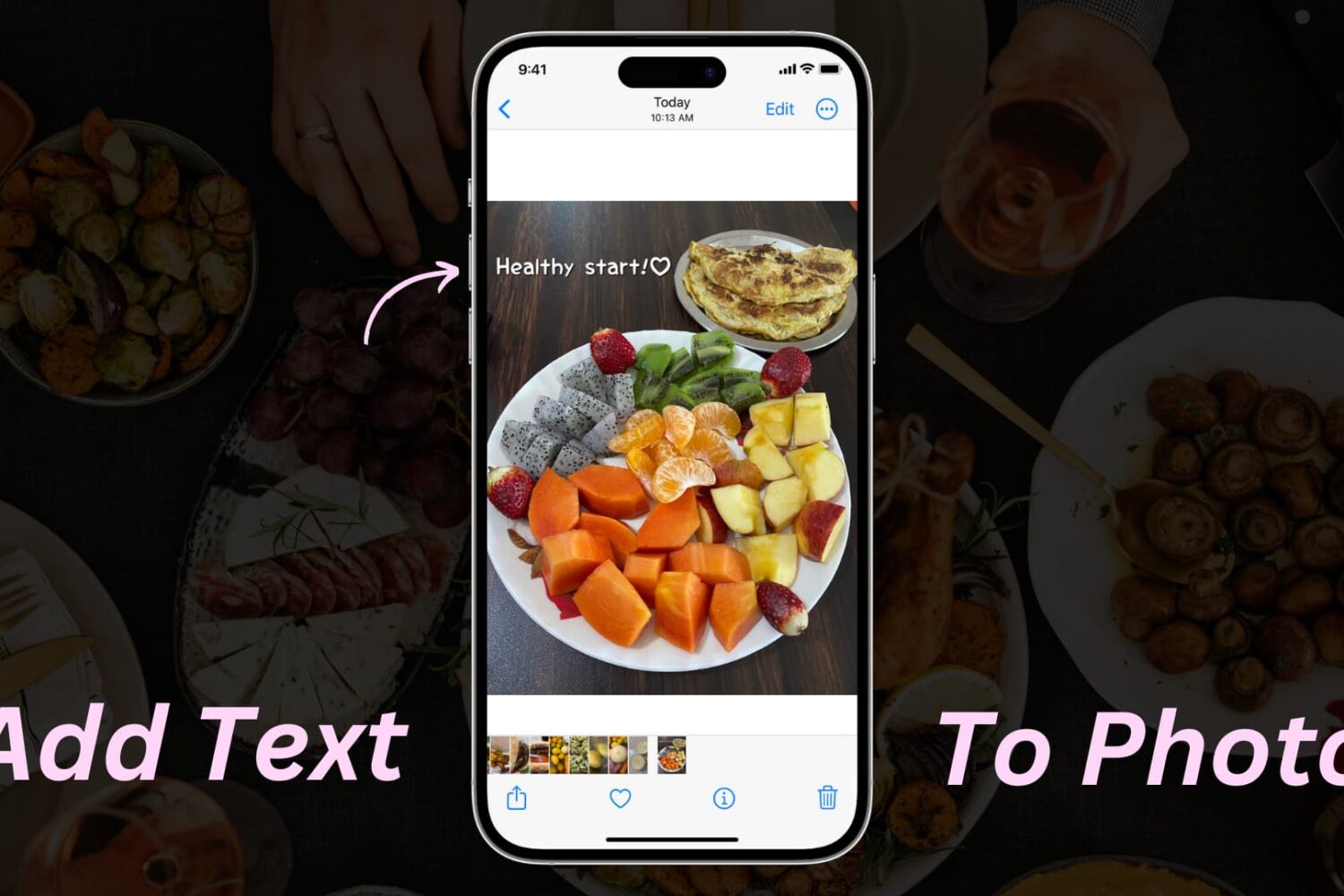
Learn how to add text or text-based signatures to your photos on iPhone, iPad, and Mac so your images stand out and effectively convey your message.

Learn how to get macOS Sequoia on a USB thumb drive and use it to install macOS 15 on multiple Macs without needing to download the large macOS file each time.
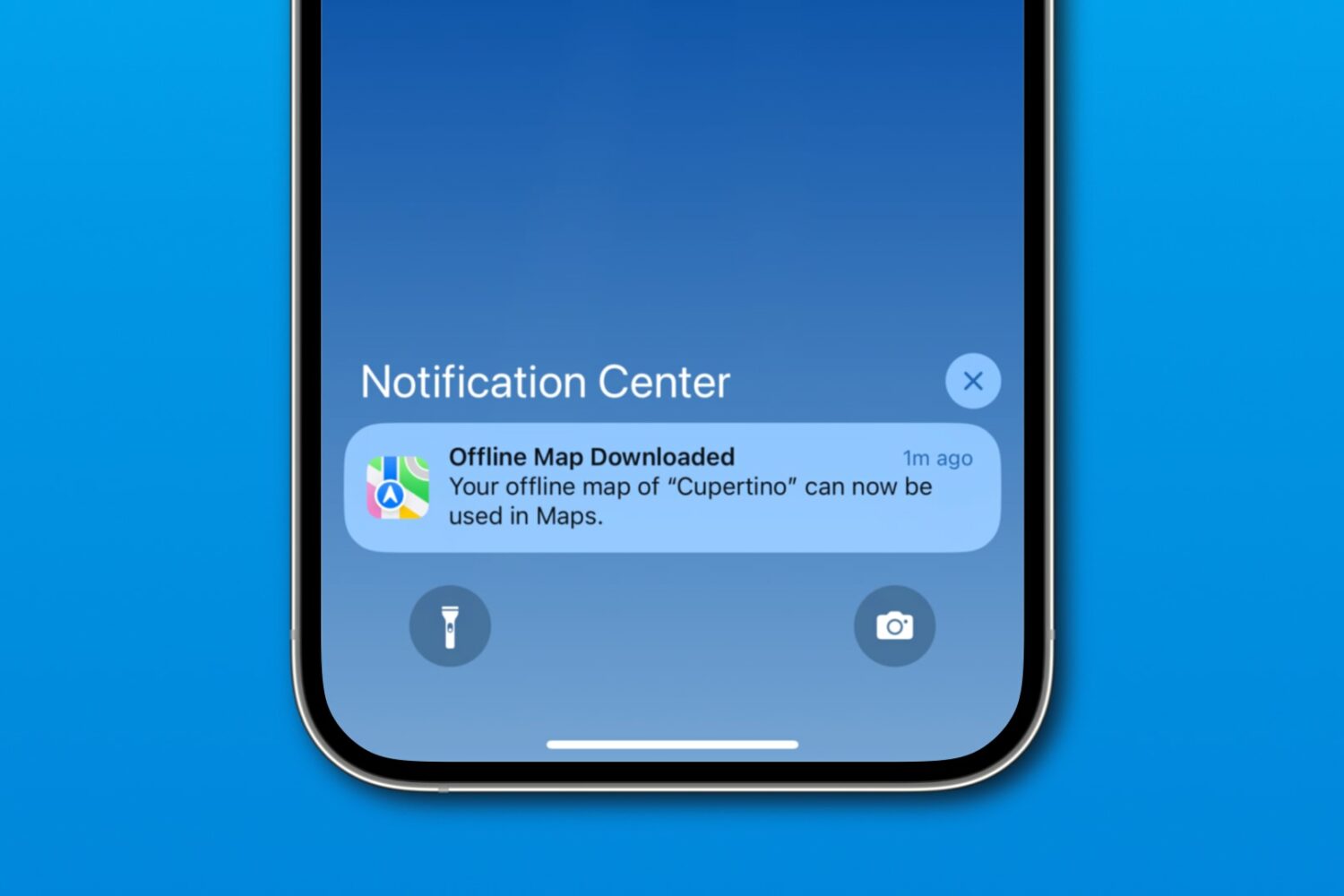
Download a custom region in iOS 17's Apple Maps to navigate offline on your iPhone, iPad or Apple Watch, search for nearby places, and more.
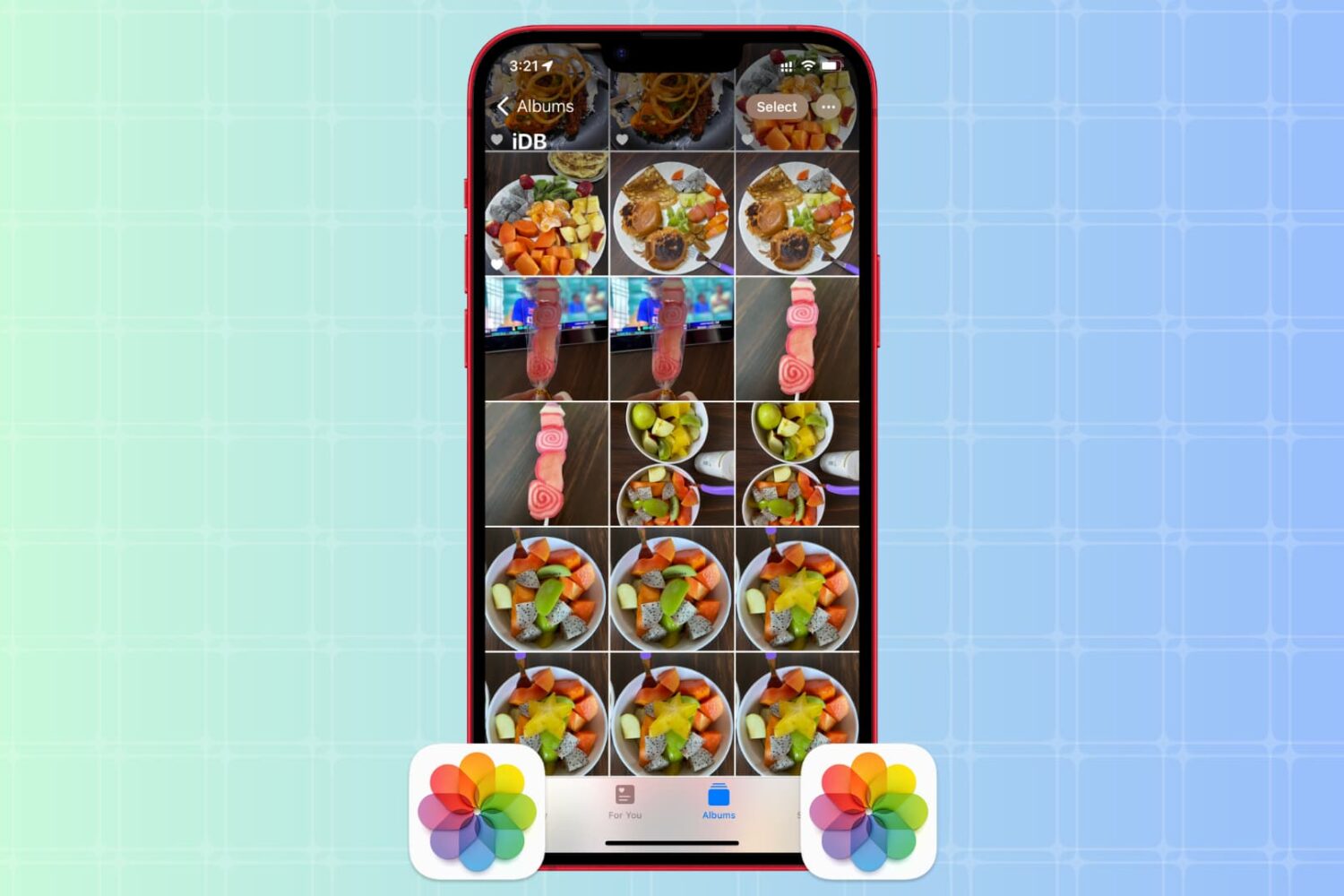
Whether you want to create backups, share multiple copies, or organize your media files, the Apple Photos app makes it easy to duplicate your photos and videos.
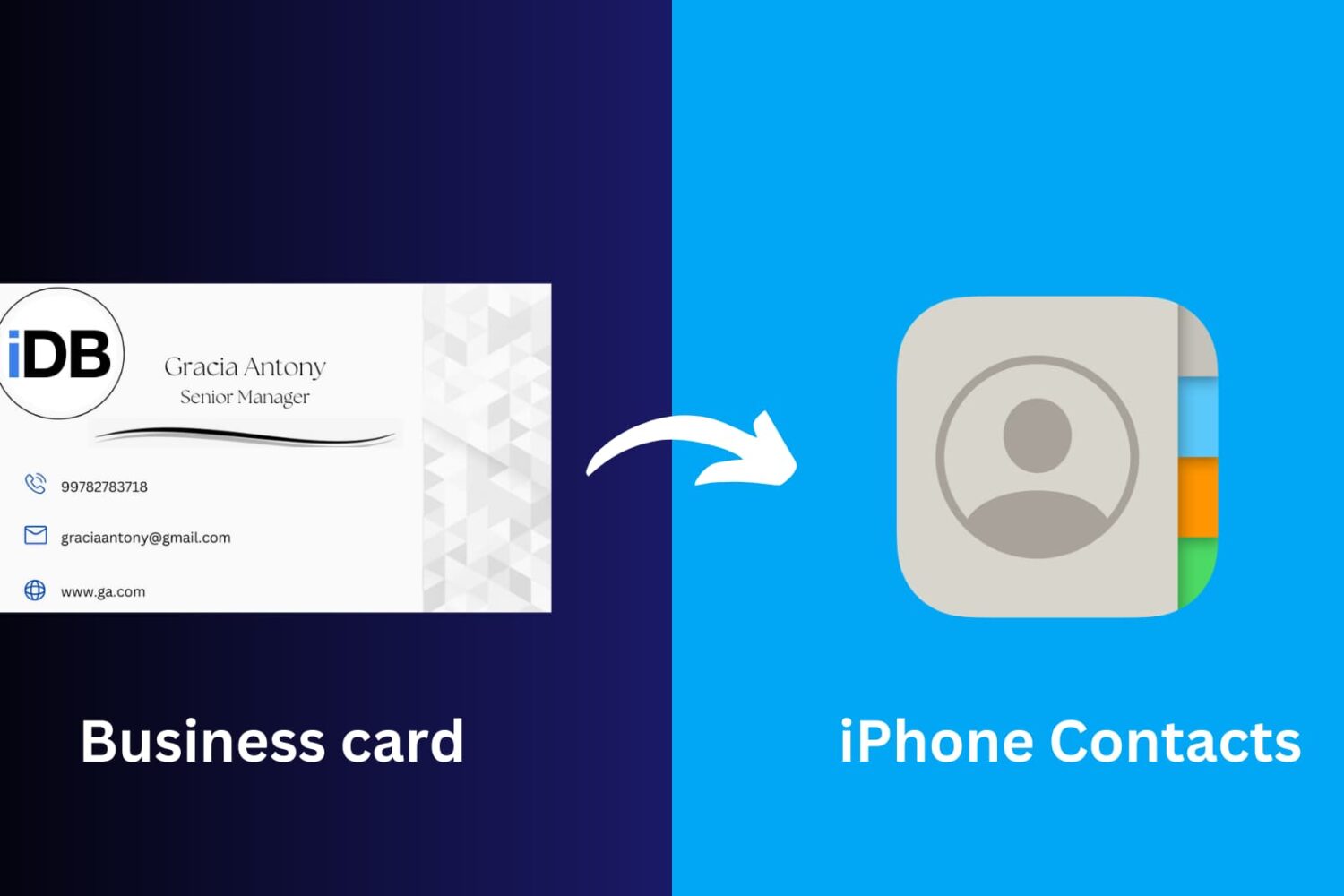
This article will guide you through the simple process of scanning a business card and seamlessly saving its information to your iPhone Contacts app, ensuring you never miss a beat in networking and professional connections.

If you’re looking to use the DelayOTA update method on one of your jailbroken devices to move to a newer firmware, then you can make things easy on yourself by taking advantage of an add-on called Dahlia by iOS developer Dhinakg.
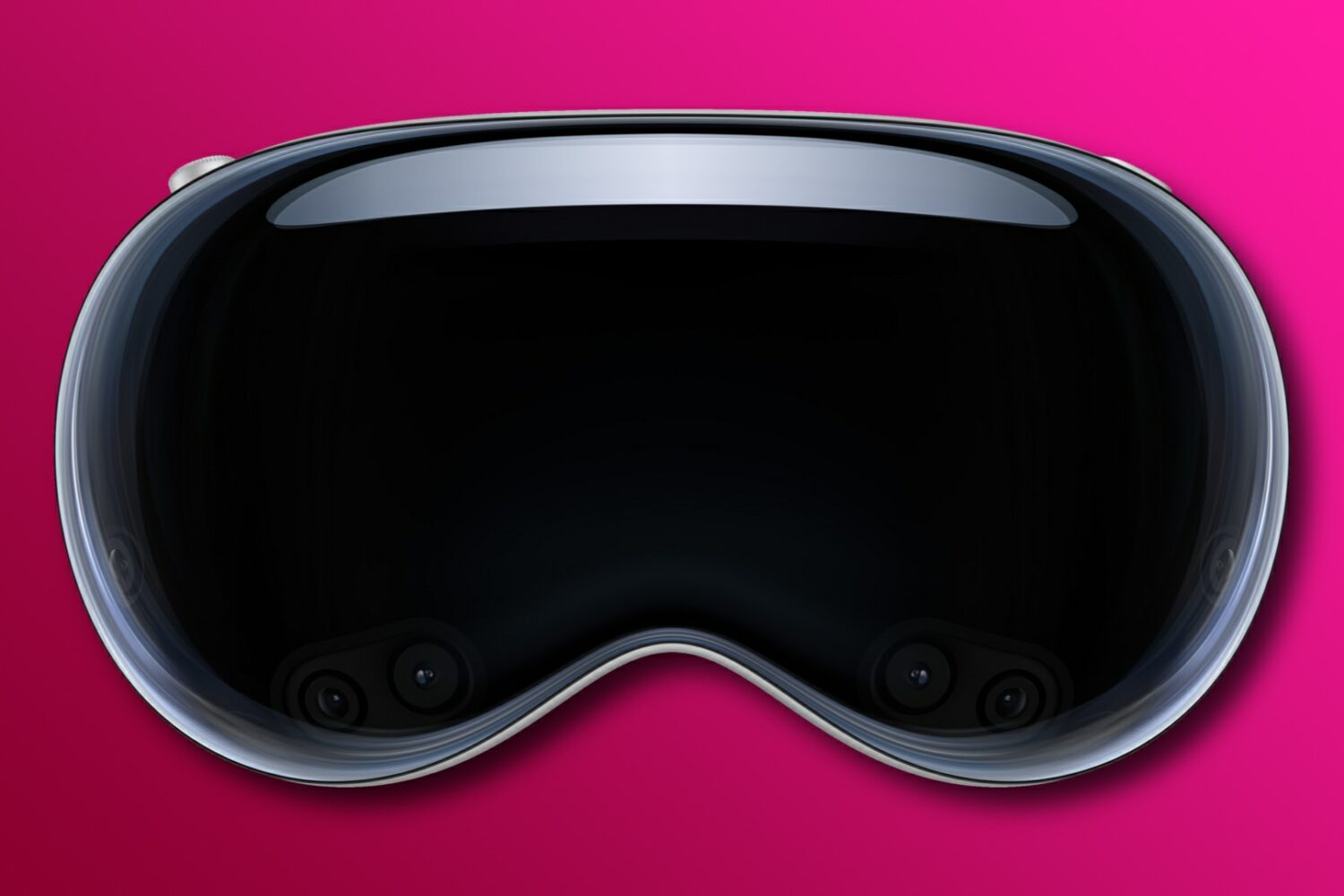
Learn about the Optic ID feature in visionOS, which securely unlocks Apple’s Vision Pro mixed-reality headset and authenticates purchases.
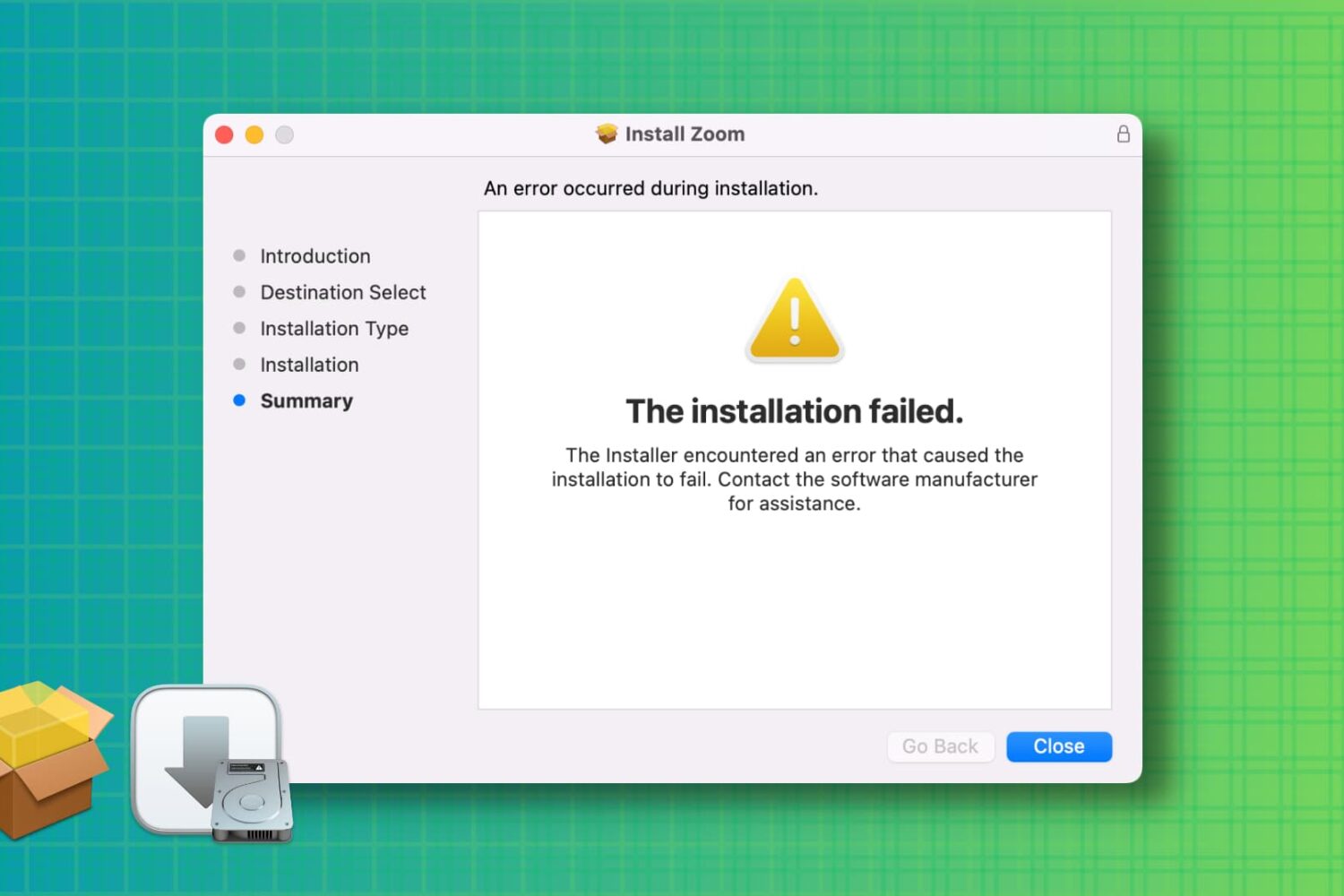
Learn how to troubleshoot and fix the “installation failed” error when installing a Mac app using a downloaded PKG, DMG, or ZIP file.