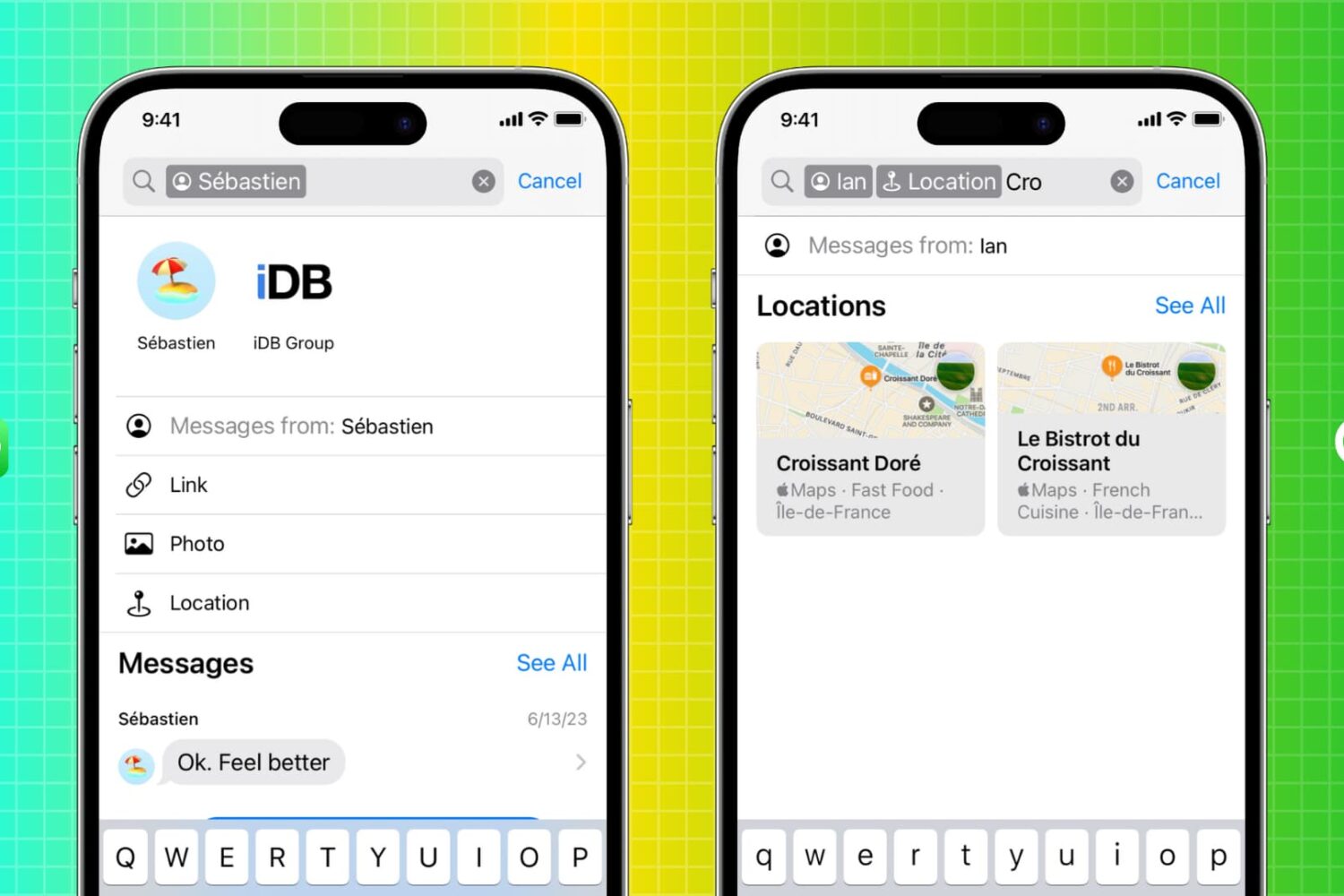
Learn how to use FaceTime Live Captions on your iPhone, iPad, and Mac to view real-time transcriptions of what the other person is saying.
How to get Live Captions during FaceTime calls
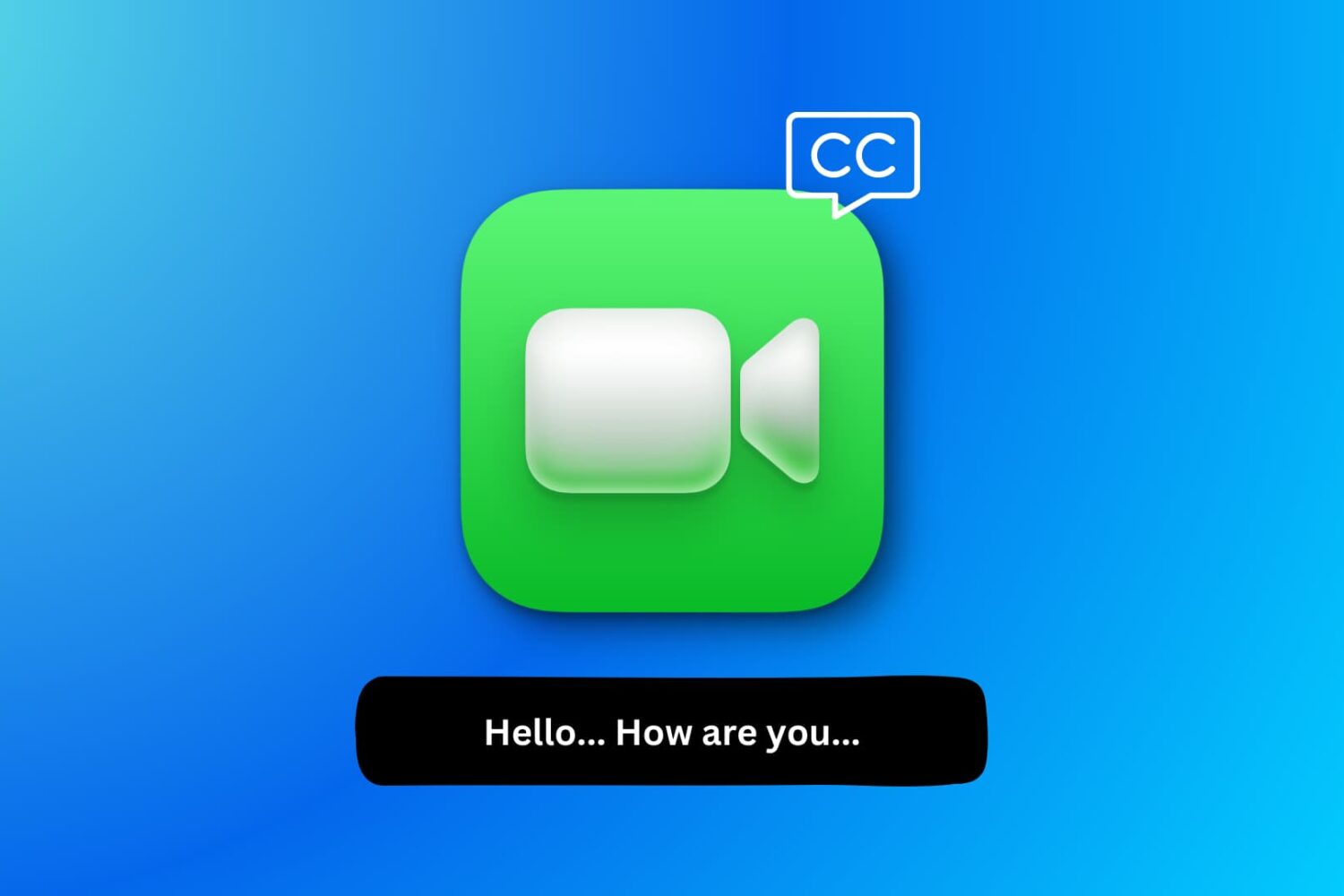
Learn how to use FaceTime Live Captions on your iPhone, iPad, and Mac to view real-time transcriptions of what the other person is saying.

Use your iPhone’s camera level to guide horizon placement in your photographs and perfectly align overhead and top-down shots.

Learn what Live Speech is and how to set it up and use it on your iPhone, iPad, Mac, or Apple Watch to convert typed words into speech.
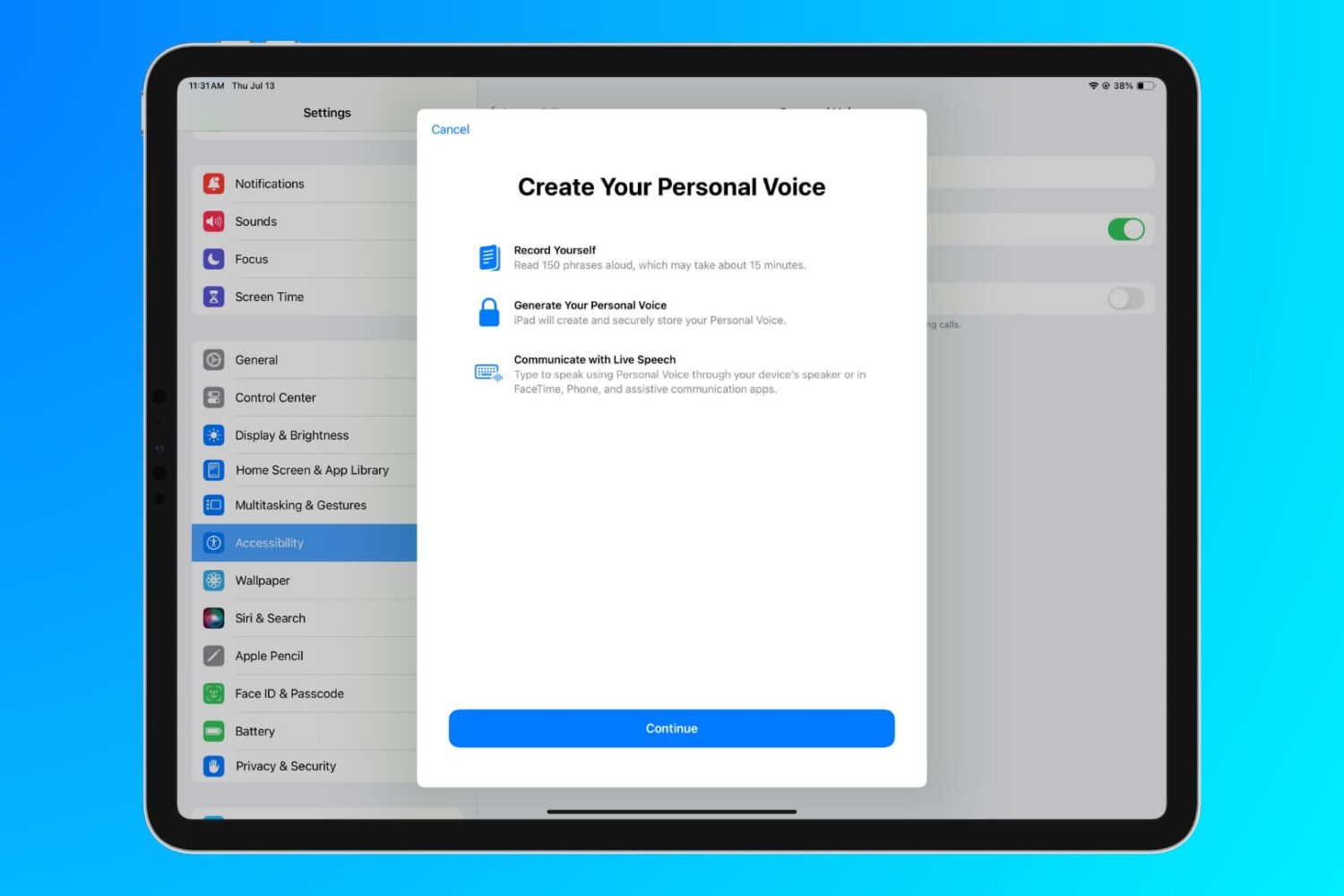
Learn how to use the Personal Voice accessibility feature to create a replica of your voice on iPhone, iPad, and Mac for use with Live Speech.
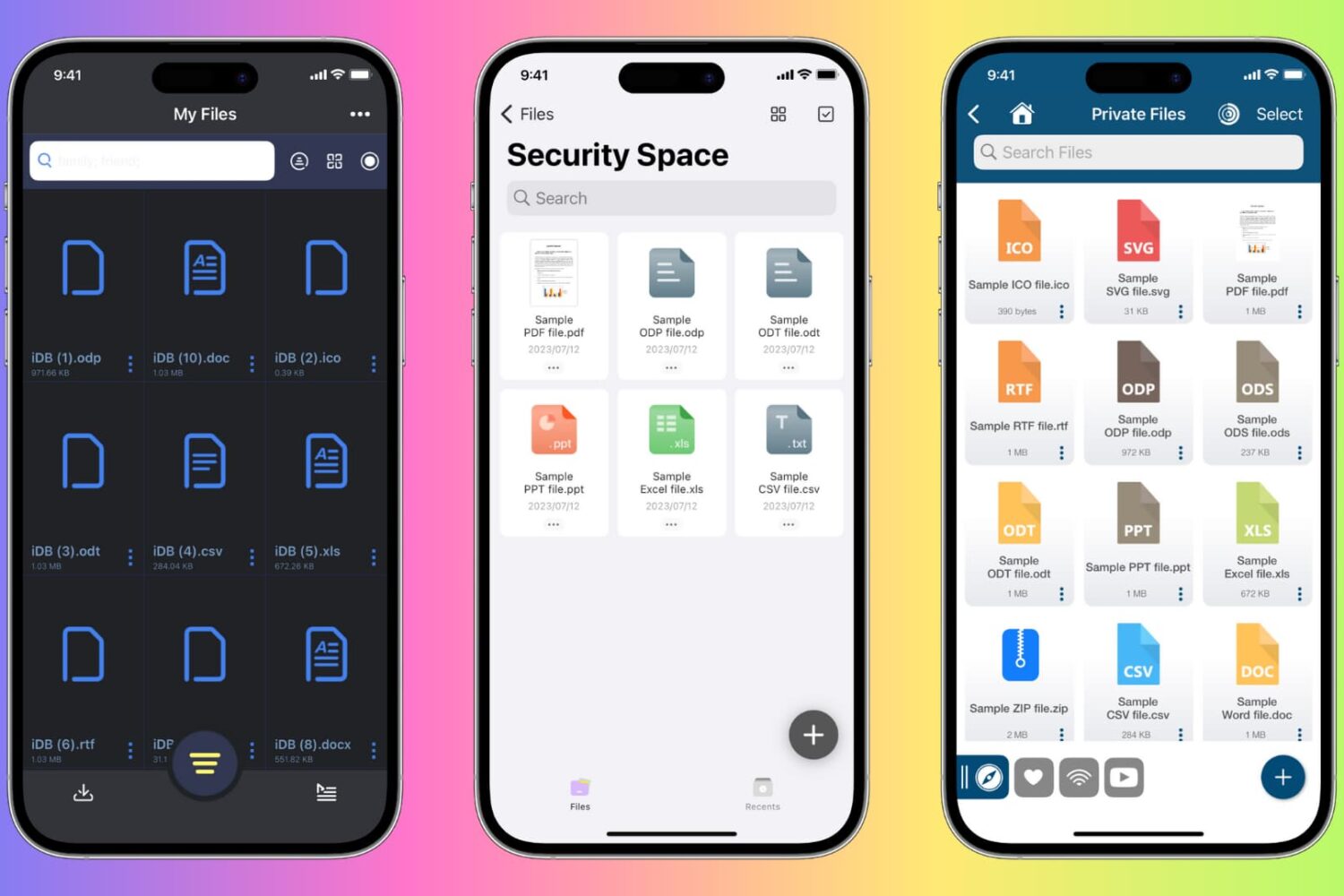
Learn how to protect private documents on your iPhone, iPad, or Mac from prying eyes by locking them with Face ID, Touch ID, or device passcode.

Much like you can install package manager apps like Cydia, Sileo, and Zebra on jailbroken devices, you can also install package manager apps on non-jailbroken devices so that you can take advantage of add-ons for the MacDirtyCow and kfd exploits.
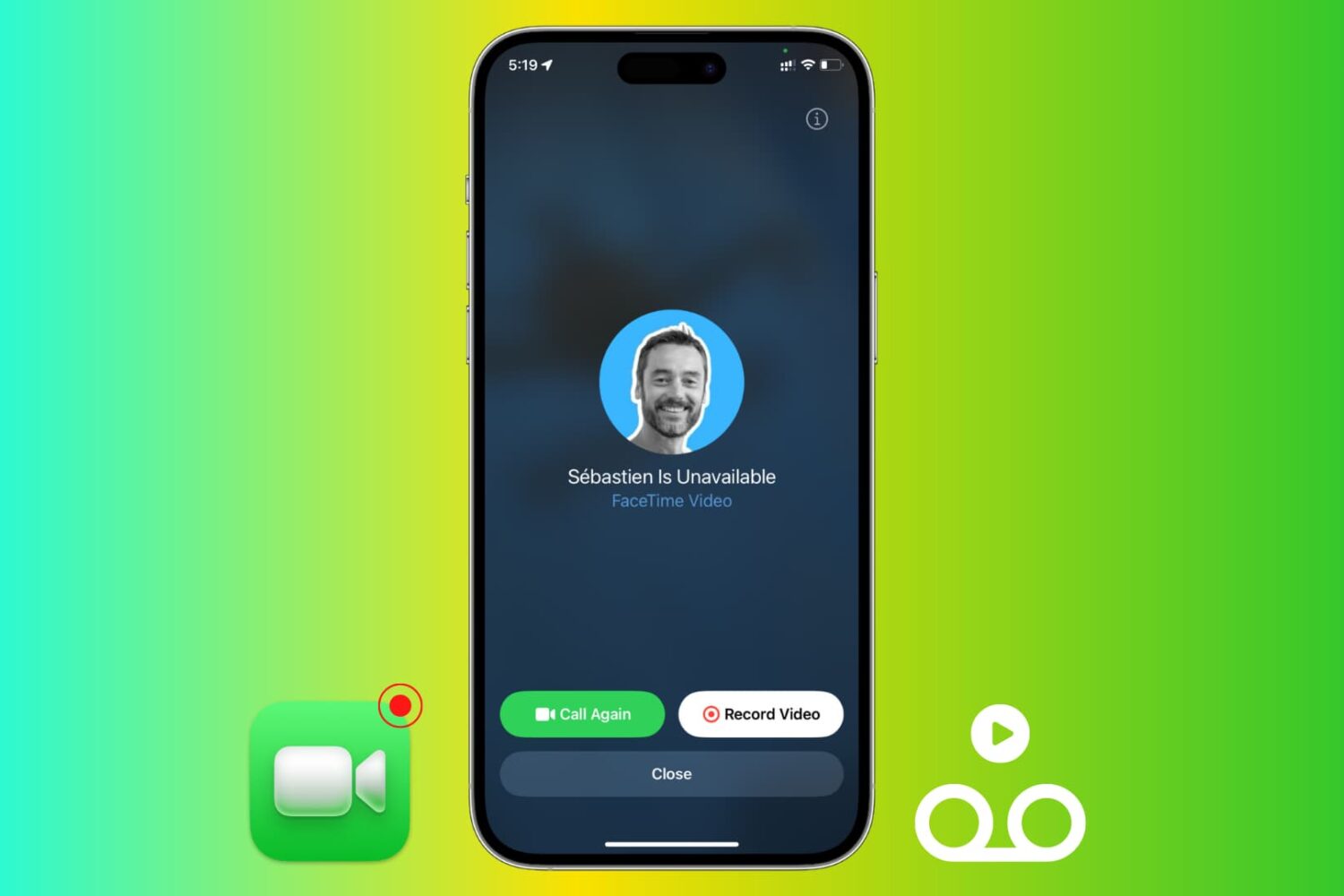
Learn how to leave video voicemails on FaceTime from your iPhone or iPad when the call won't connect or the recipient is unreachable or doesn't answer.
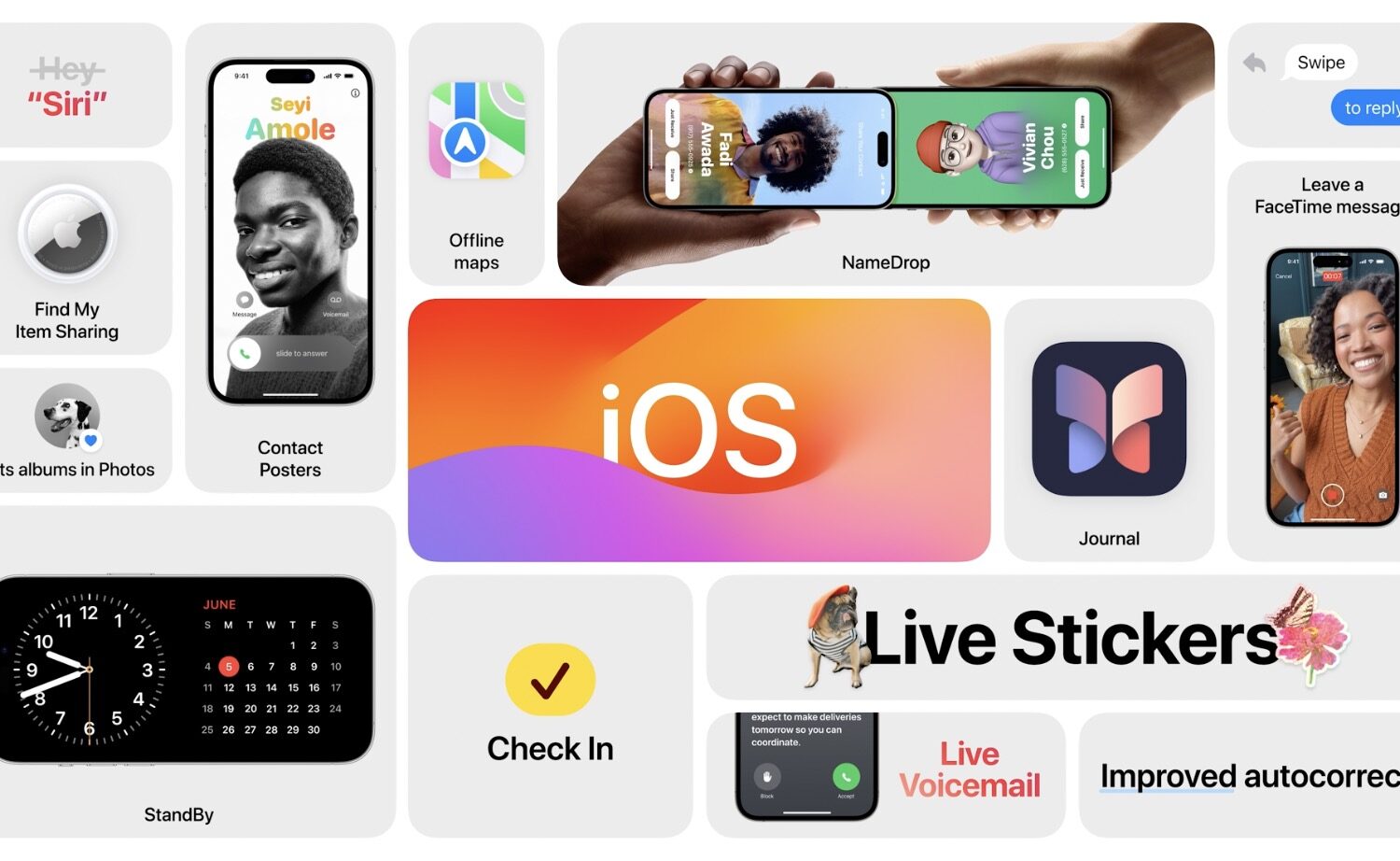
iOS 17 makes the iPhone more useful, but several new features with limited region and language support won't be broadly available to everyone at launch.

Flying a drone can be done for fun or for hire, but if you’re new to the activity or considering it for the first time, flying for fun is definitely the best place to start.
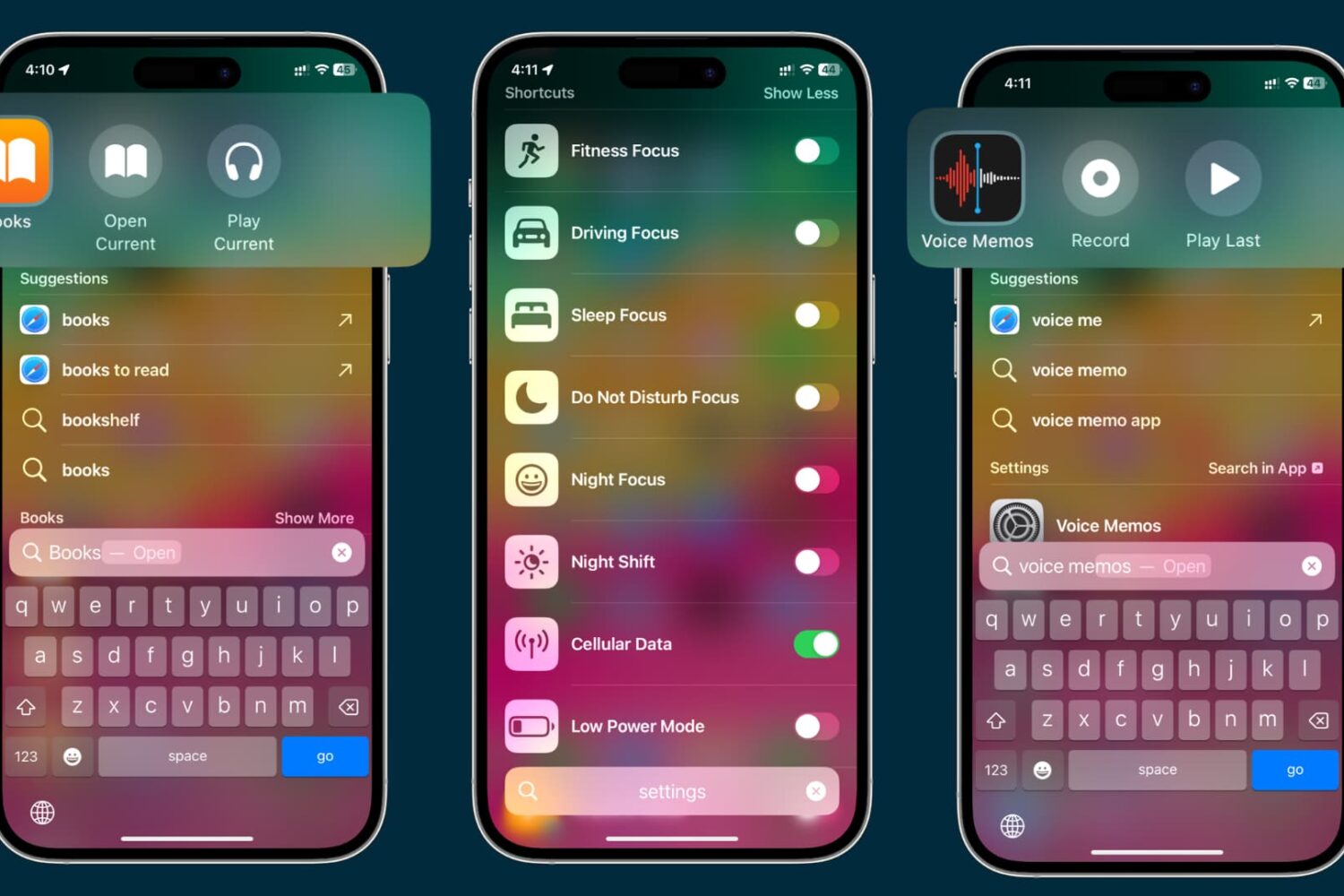
Learn everything about App Shortcuts in Spotlight to enhance your search experience and quickly trigger actions or navigate to specific sections of apps on your iPhone or iPad.
Learn how to turn any website in Safari into a proper web app that you can open on your Mac straight from the Dock or Launchpad.