Learn what to do if you're unable to download songs and podcasts for offline listening in the Spotify app on your iPhone, iPad, or Mac.
How to fix Spotify not downloading songs on iPhone, iPad, and Mac
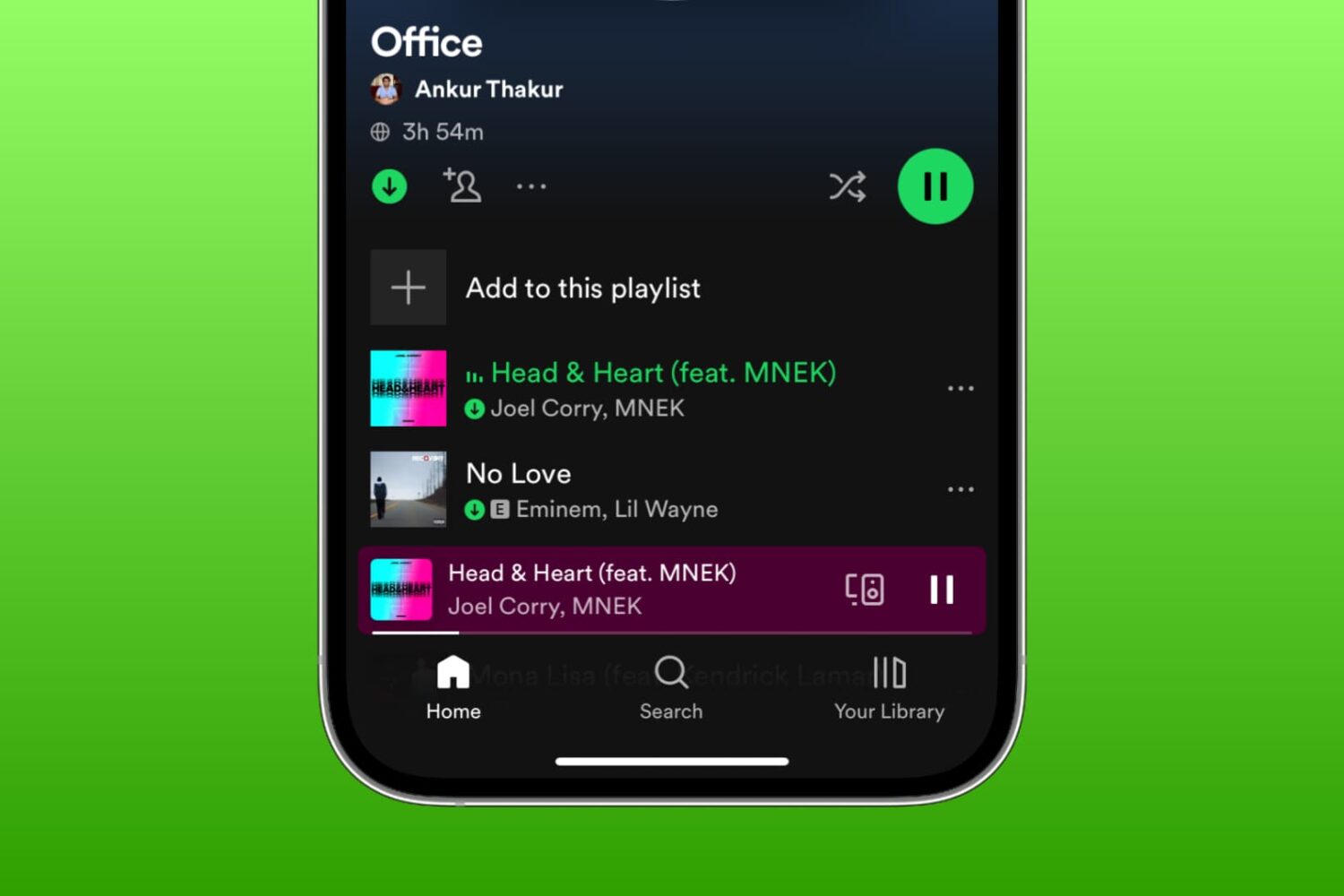
Learn what to do if you're unable to download songs and podcasts for offline listening in the Spotify app on your iPhone, iPad, or Mac.
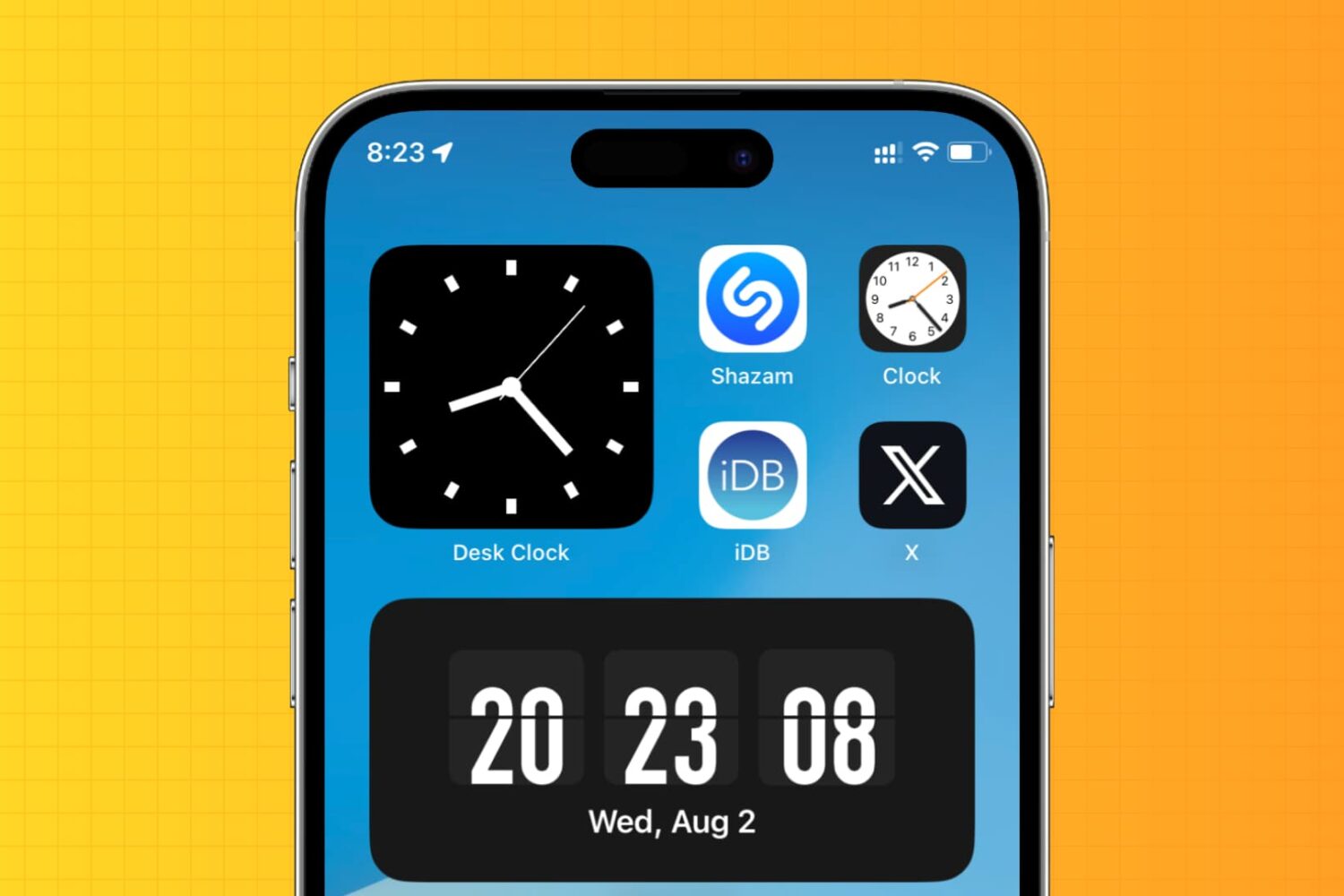
Learn how to display an analog clock on your iPhone or iPad with the hours, minutes, and seconds hands to keep track of the exact time down to the second.
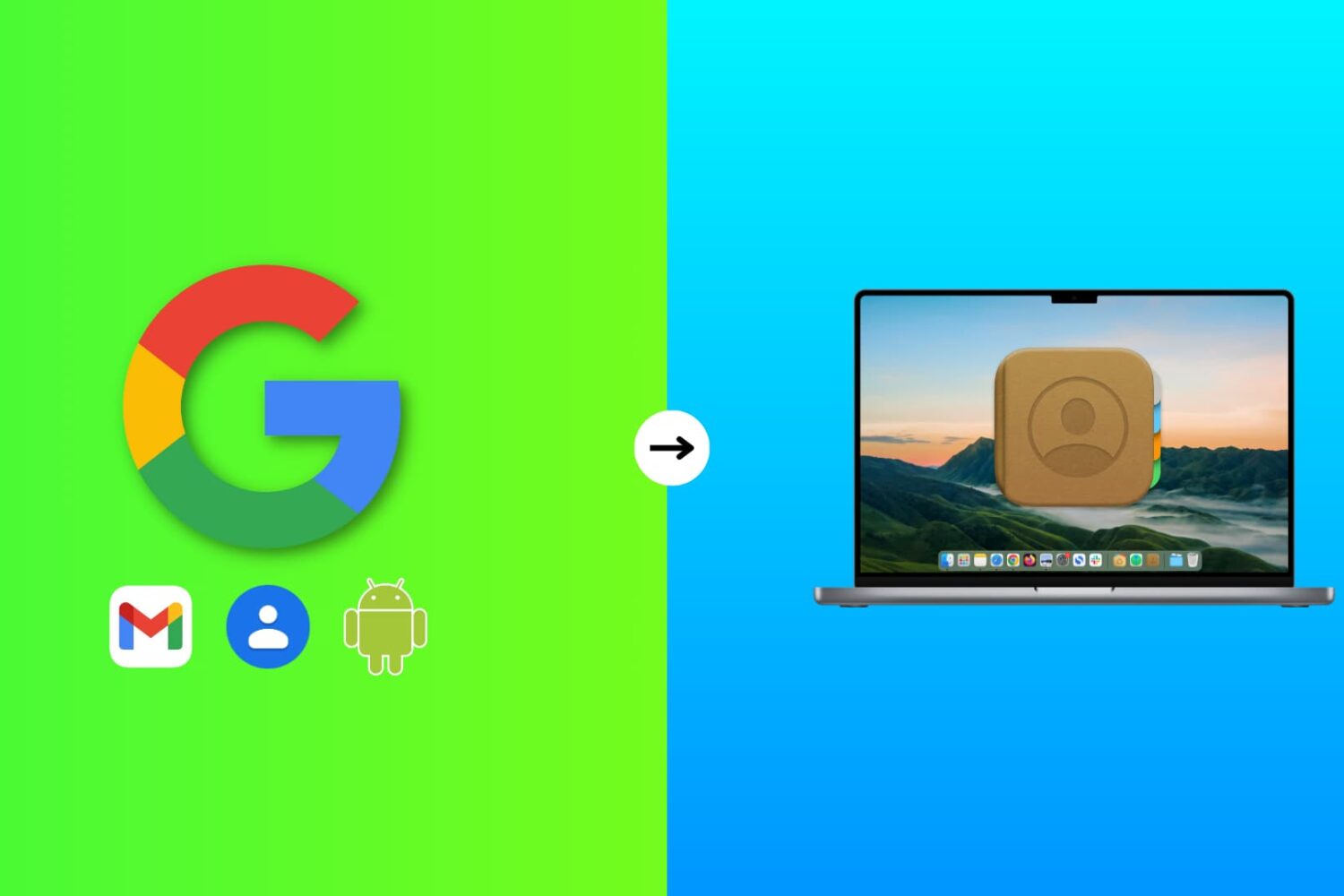
Learn how to add phone numbers and email addresses of your family members, friends, and other contacts saved in your Google account to your Mac's Contacts app.
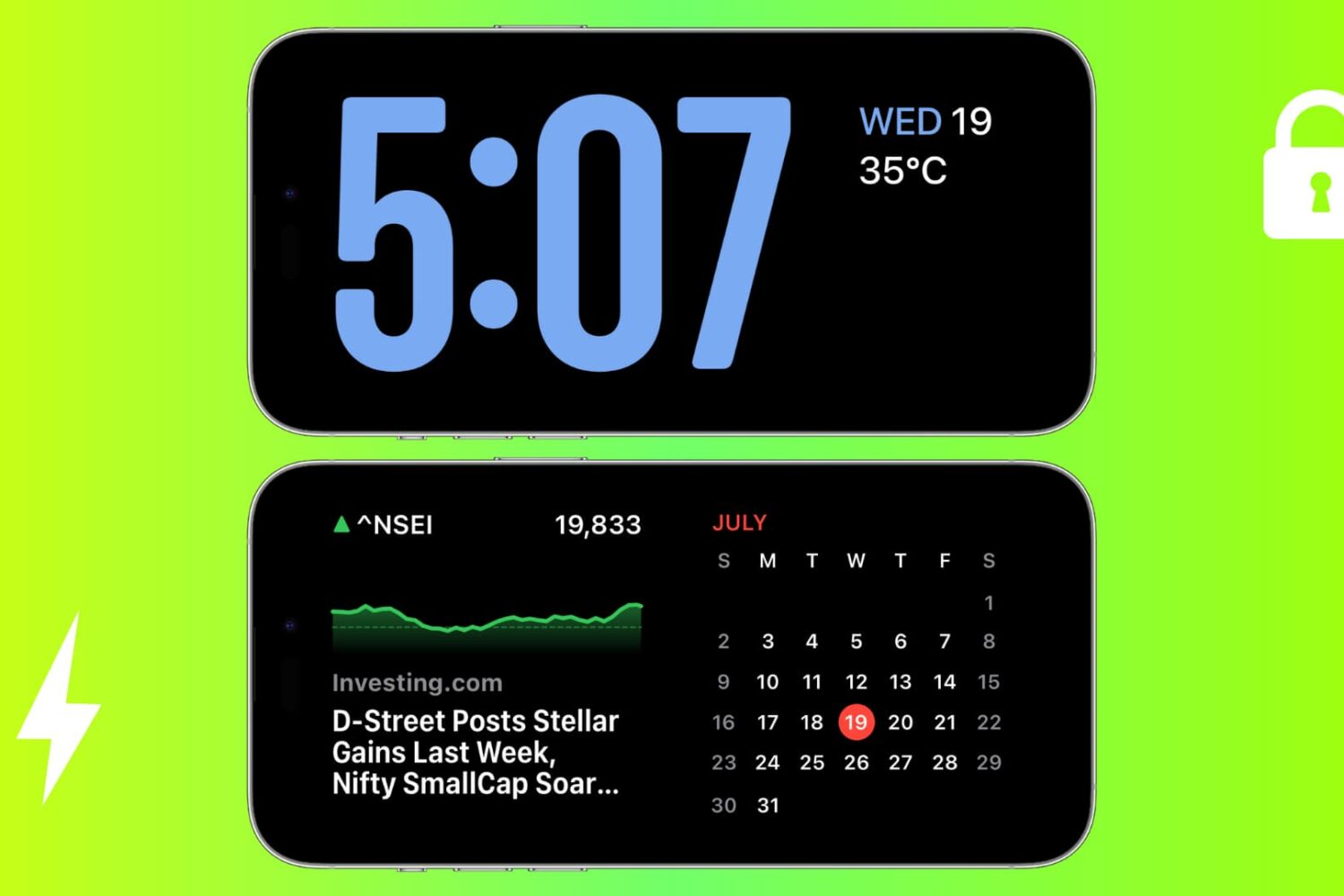
Check out these solutions to fix StandBy issues on your iPhone, ensuring it functions perfectly as a desk or nightstand display.
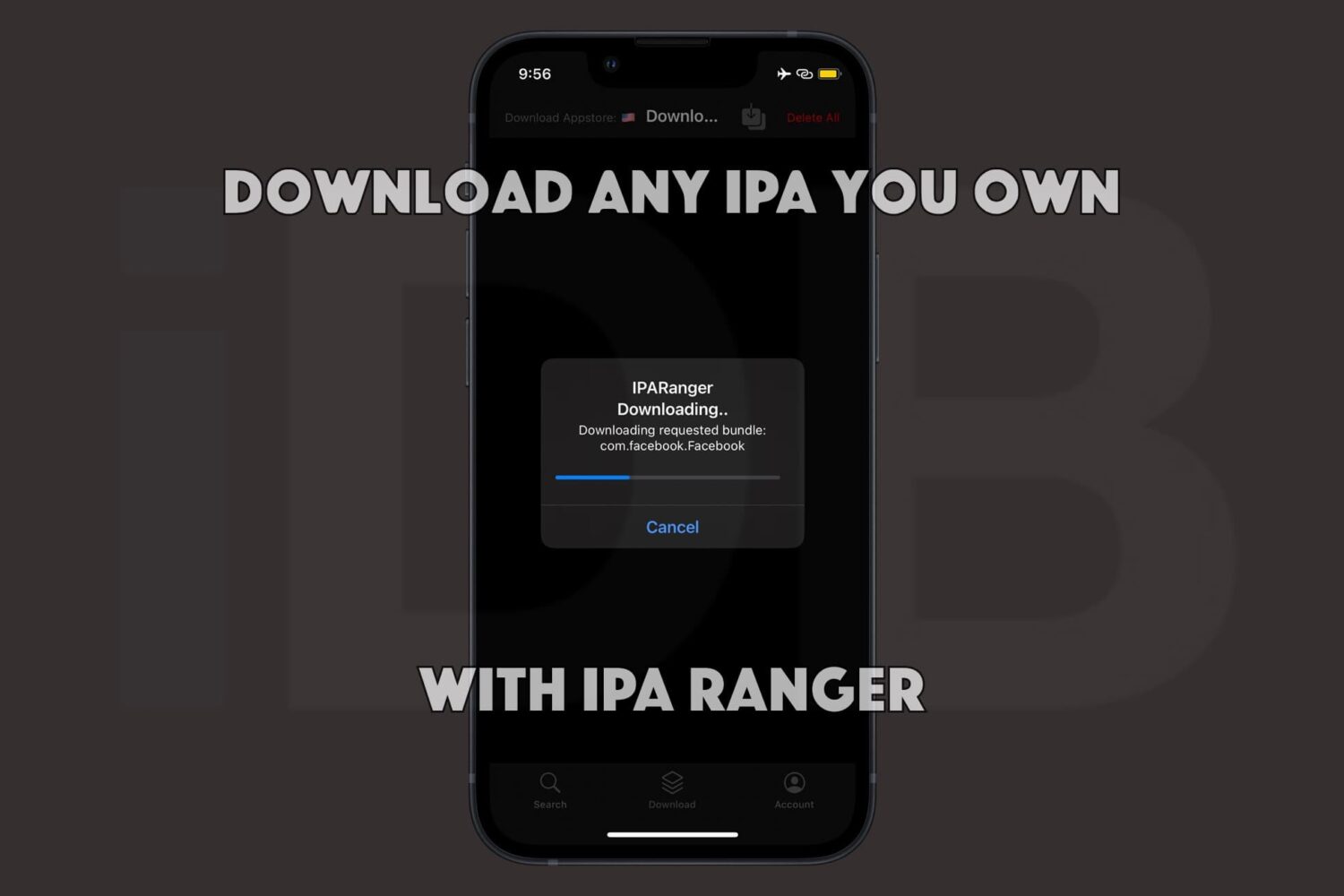
Being able to obtain the raw .ipa files of the apps you own from the App Store is a powerful capability. Not only can you often decrypt those apps to run them on Apple silicon-equipped Macs, but you can also inject your own custom tweaks into those apps before sideloading them on your iPhone or iPad with utilities such as Sideloadly.
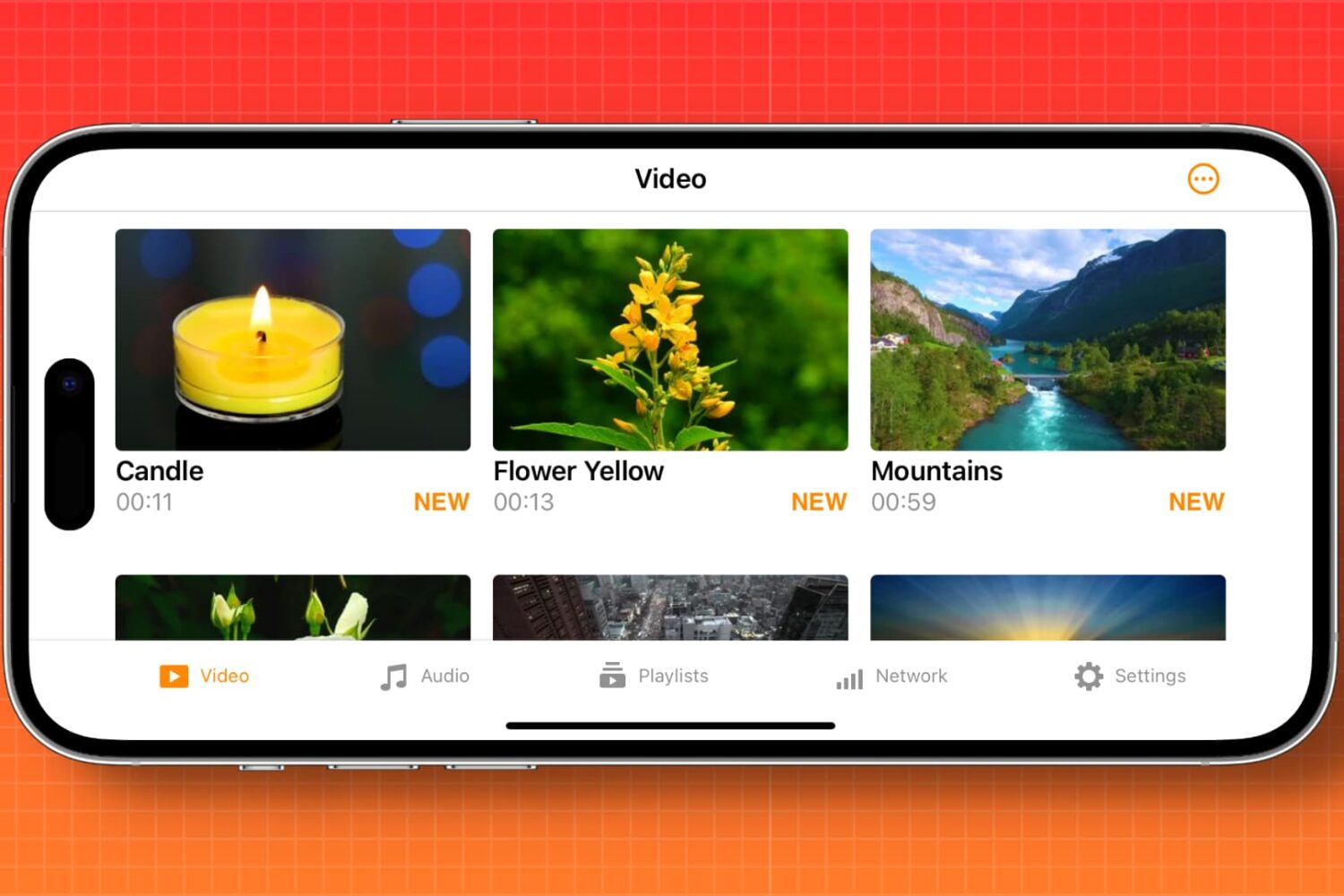
Learn how to automatically enable screen rotation for specific apps like Apple TV, YouTube, VLC, and Netflix on your iPhone.
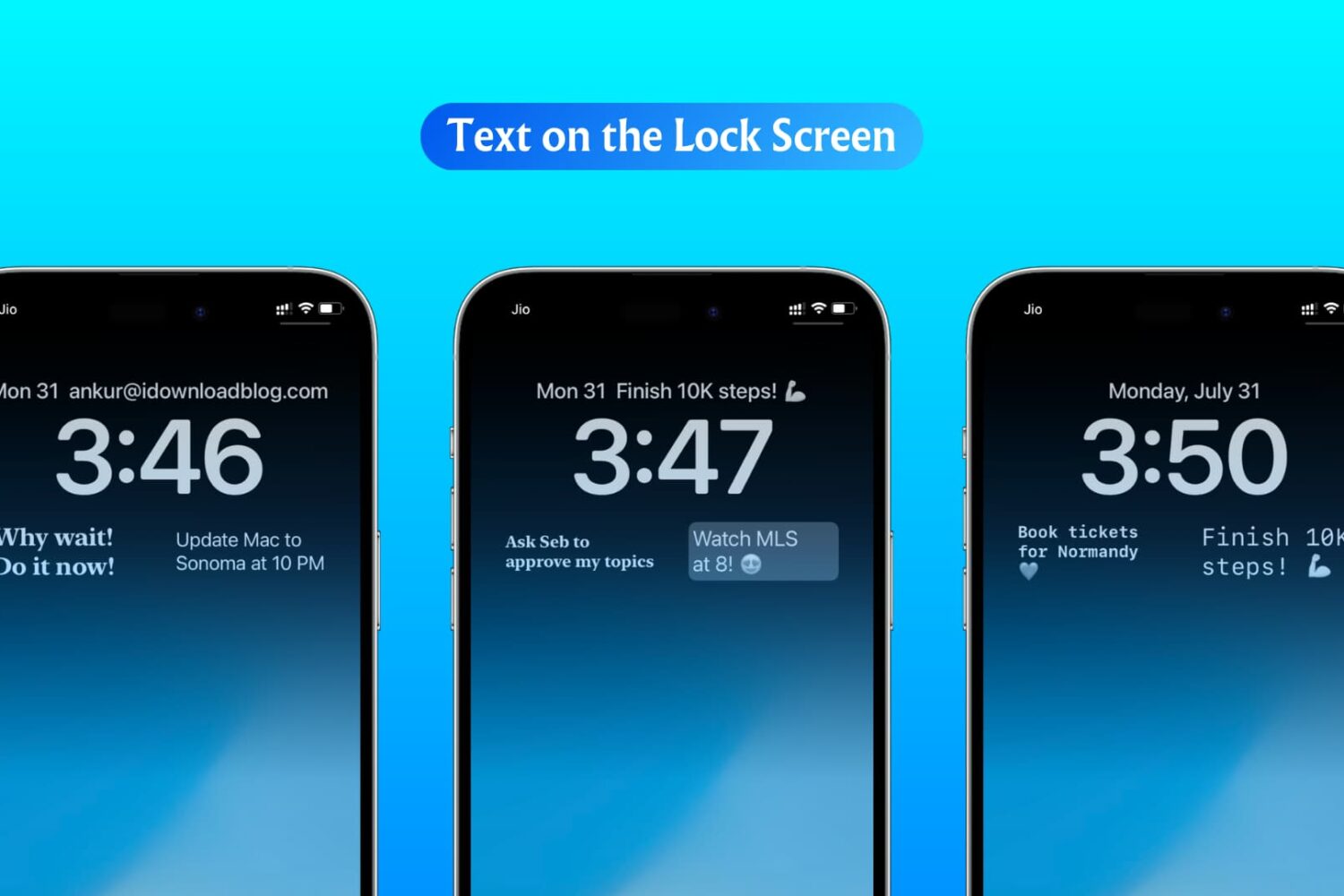
In this step-by-step tutorial, we show you how to display custom text, like your name, email address, phone number, or an inspirational quote, on your iPhone or iPad Lock Screen.
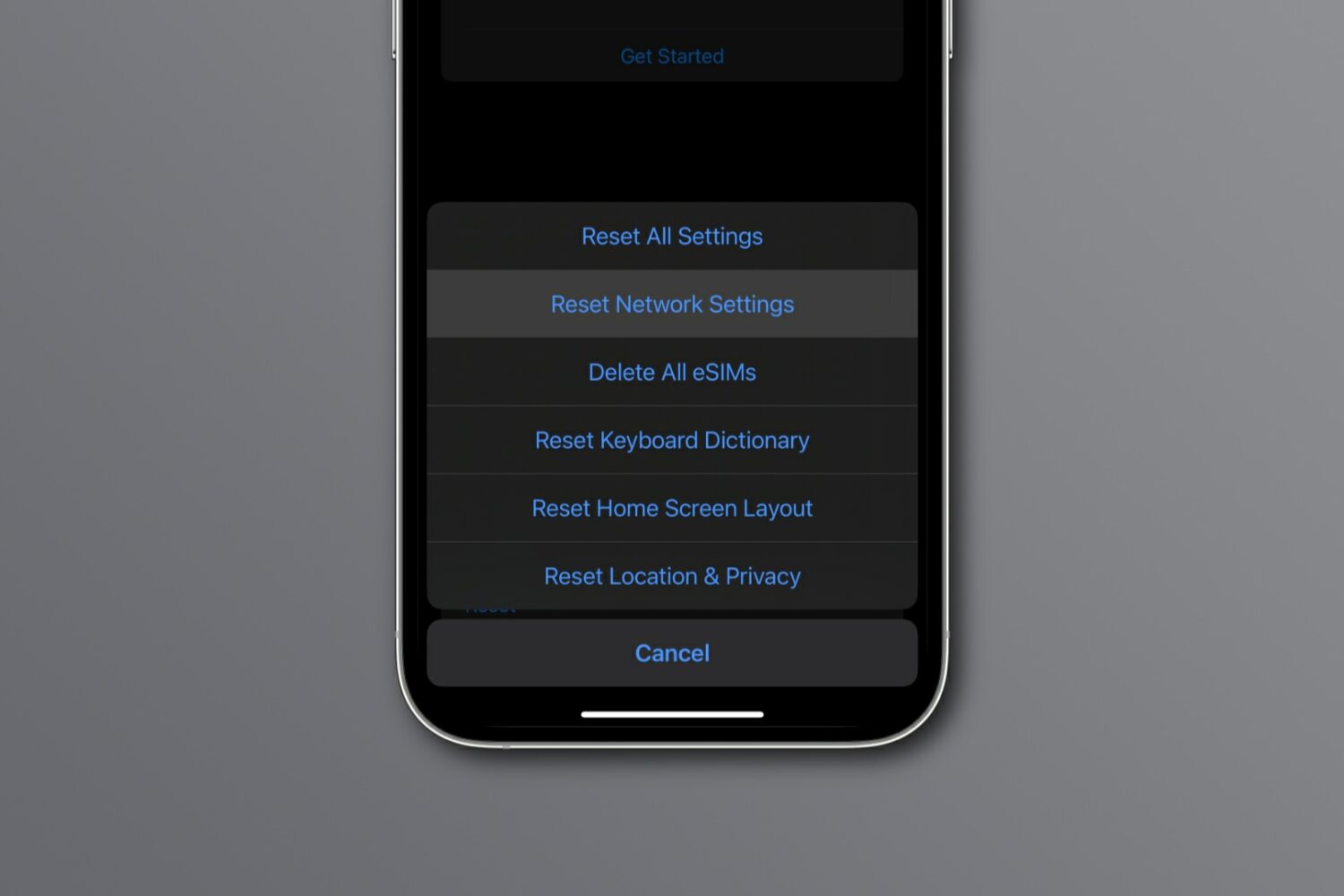
Reset network settings on your iPhone, iPad, Mac, Apple Watch, or Apple TV to resolve common Wi-Fi issues, network glitches, and internet connectivity problems.
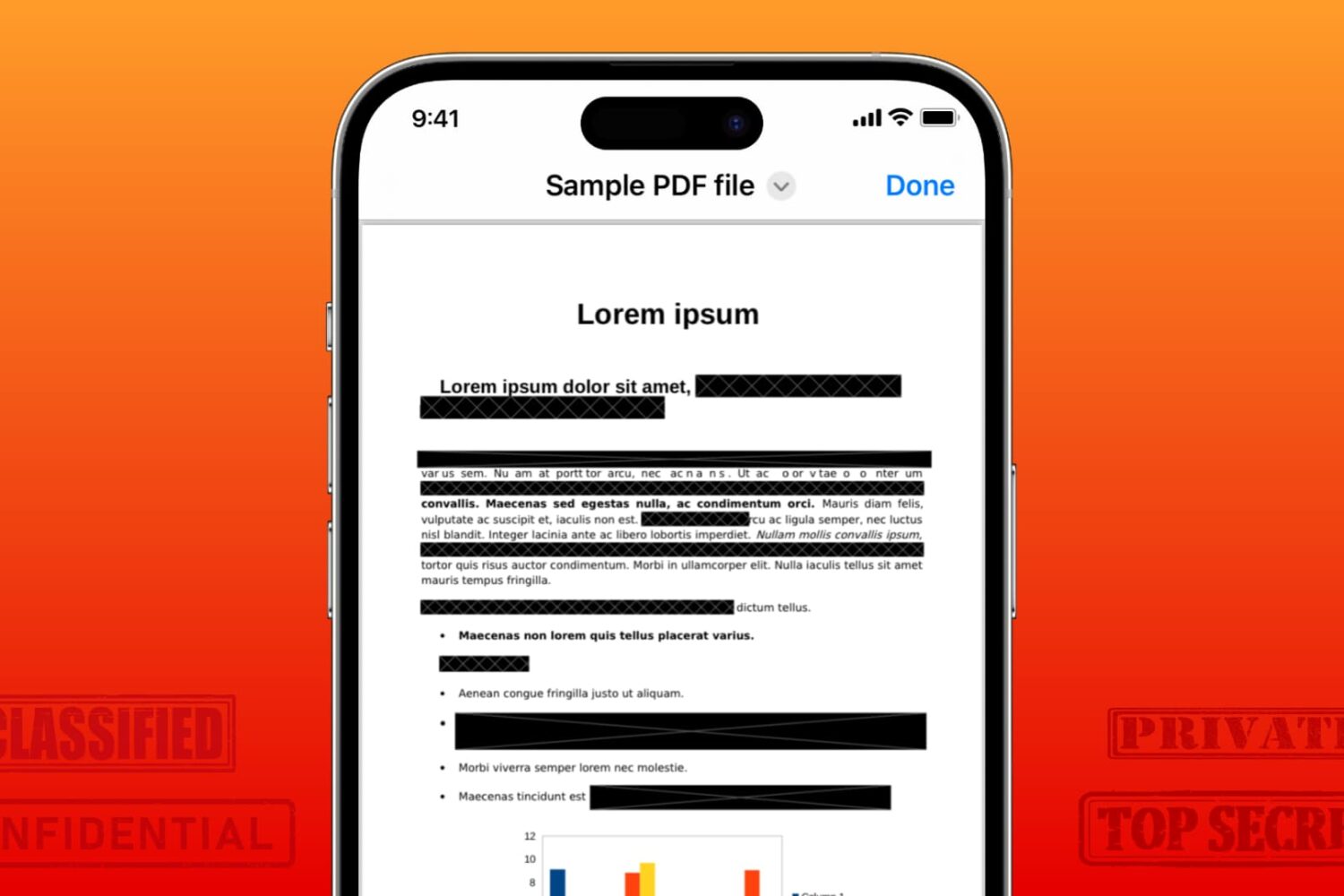
Learn how to securely redact or black out emails, phone numbers, bank accounts, and other confidential text in PDF documents to protect your privacy.
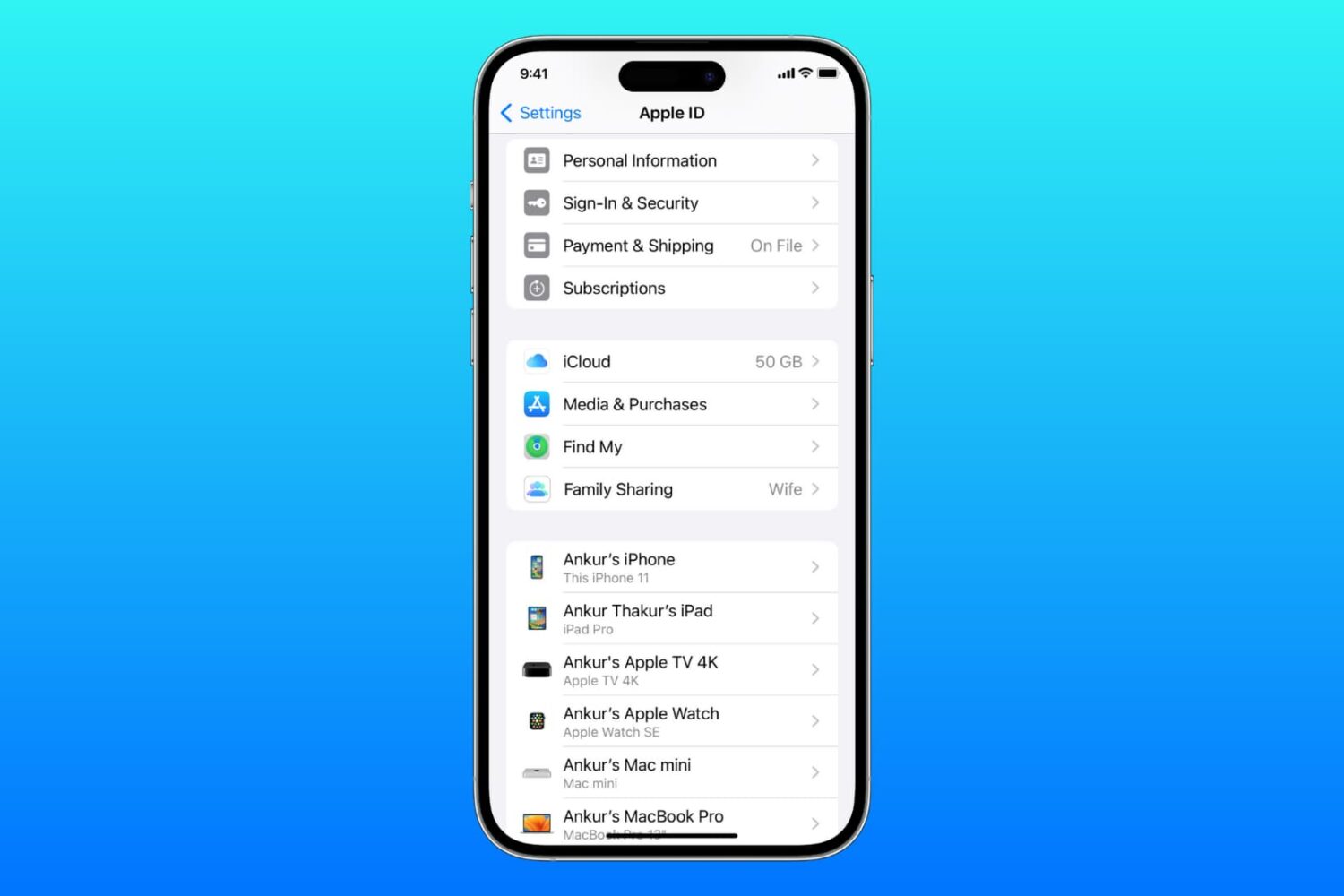
Learn what to do if you cannot access your iCloud or Apple Account settings because they’re grayed out or unclickable on your iPhone, iPad, Mac, or web browser.
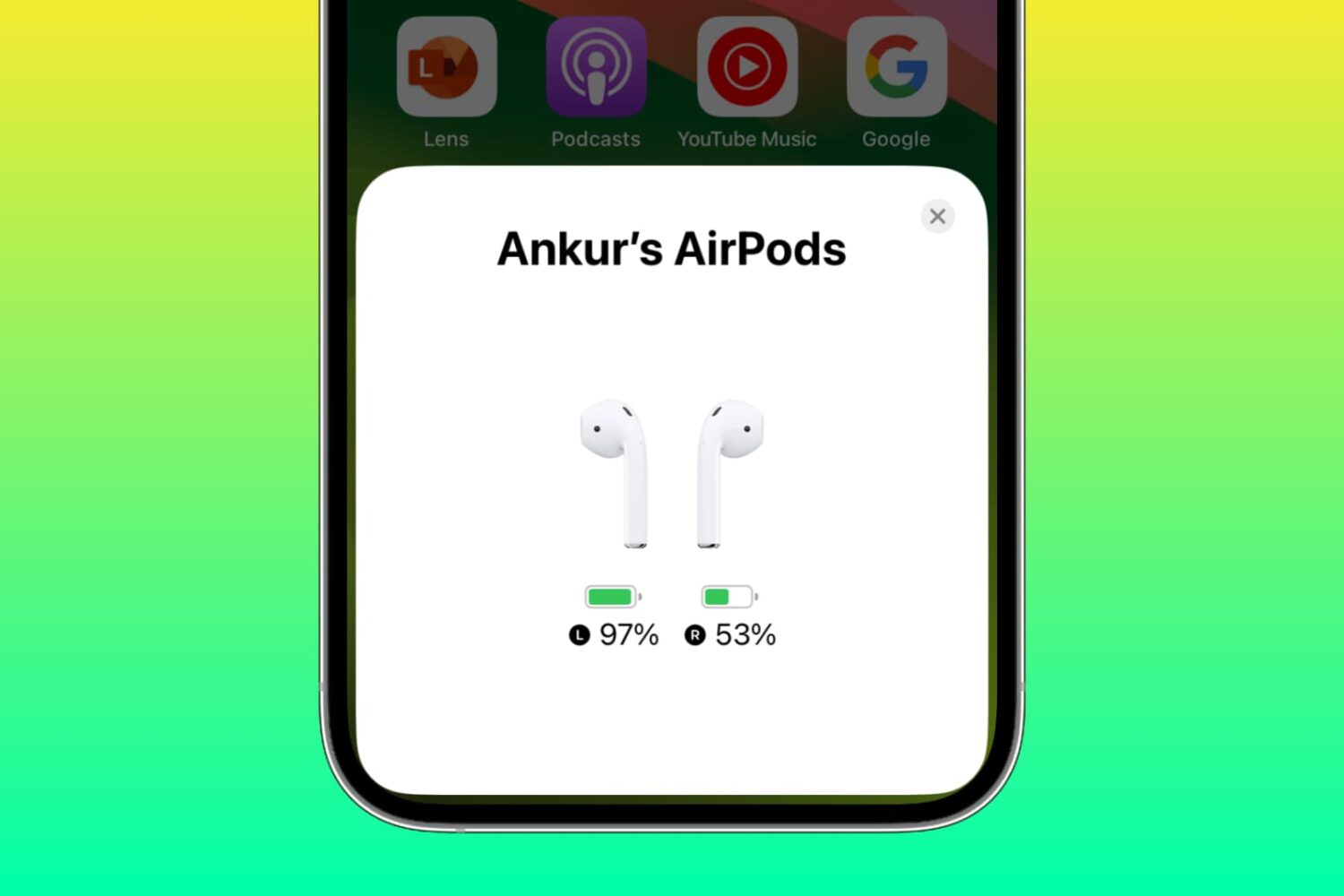
Learn why one AirPod battery is dying faster than the other and how to fix uneven battery drain between the left and right earbuds to get equal listening time.