Learn how to autofill saved login passwords or contact details in your texts on an iPhone, iPad, and Mac without ever leaving the Messages app.
How to autofill contacts and passwords in Messages on an iPhone, iPad and Mac
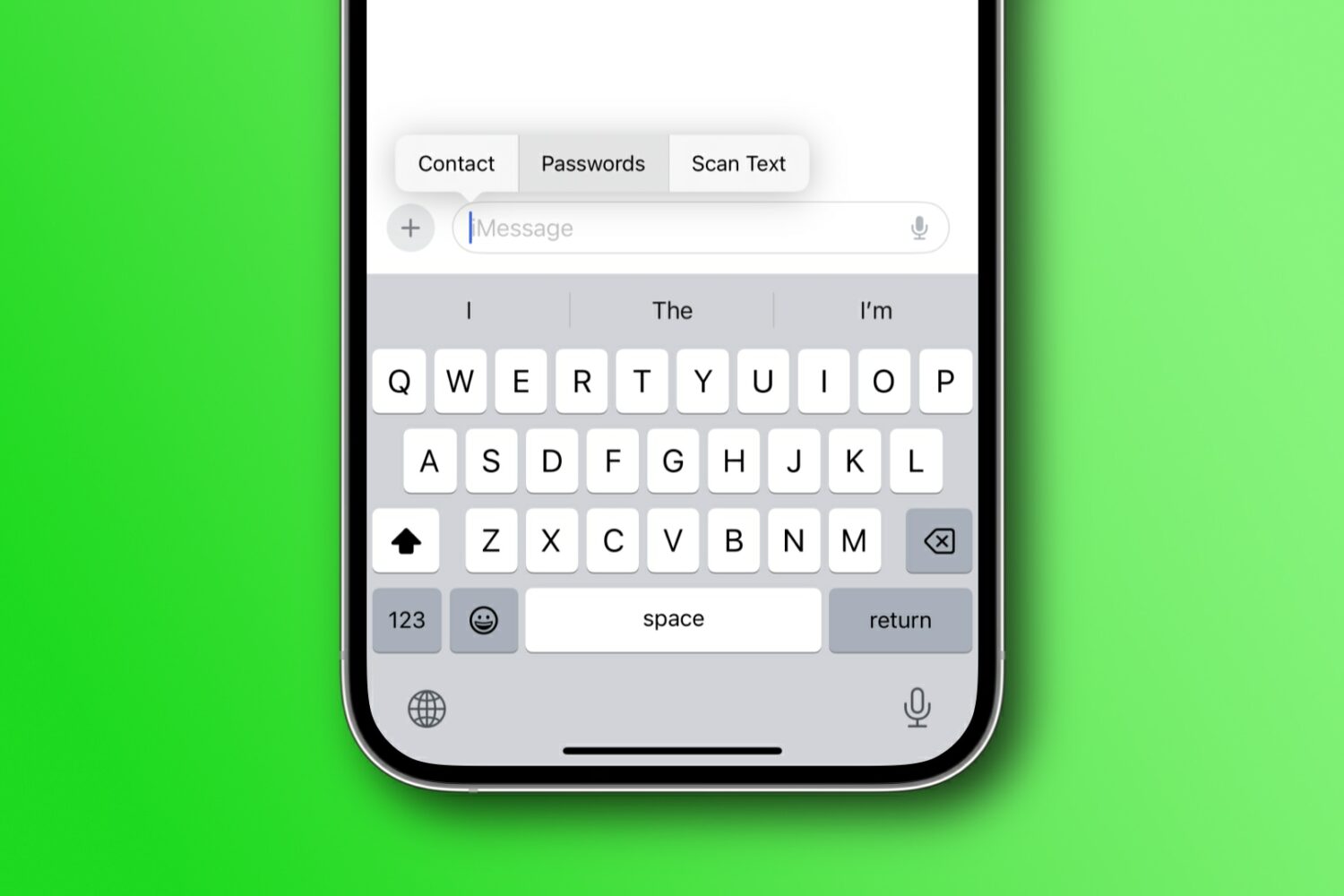
Learn how to autofill saved login passwords or contact details in your texts on an iPhone, iPad, and Mac without ever leaving the Messages app.
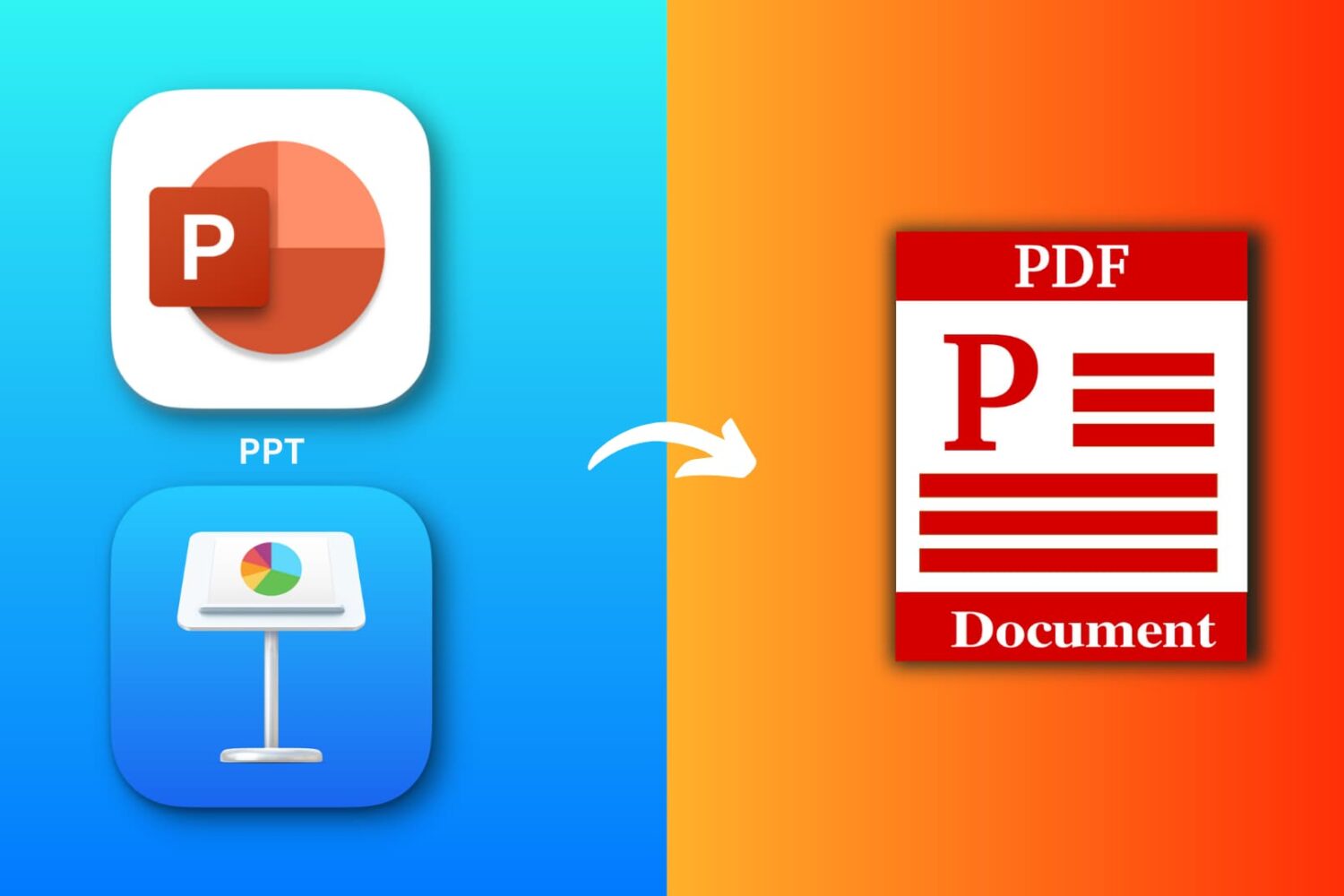
Explore six free ways to convert a PowerPoint (PPTX or PPT) or Apple Keynote file to PDF on your iPhone, iPad, or Mac.
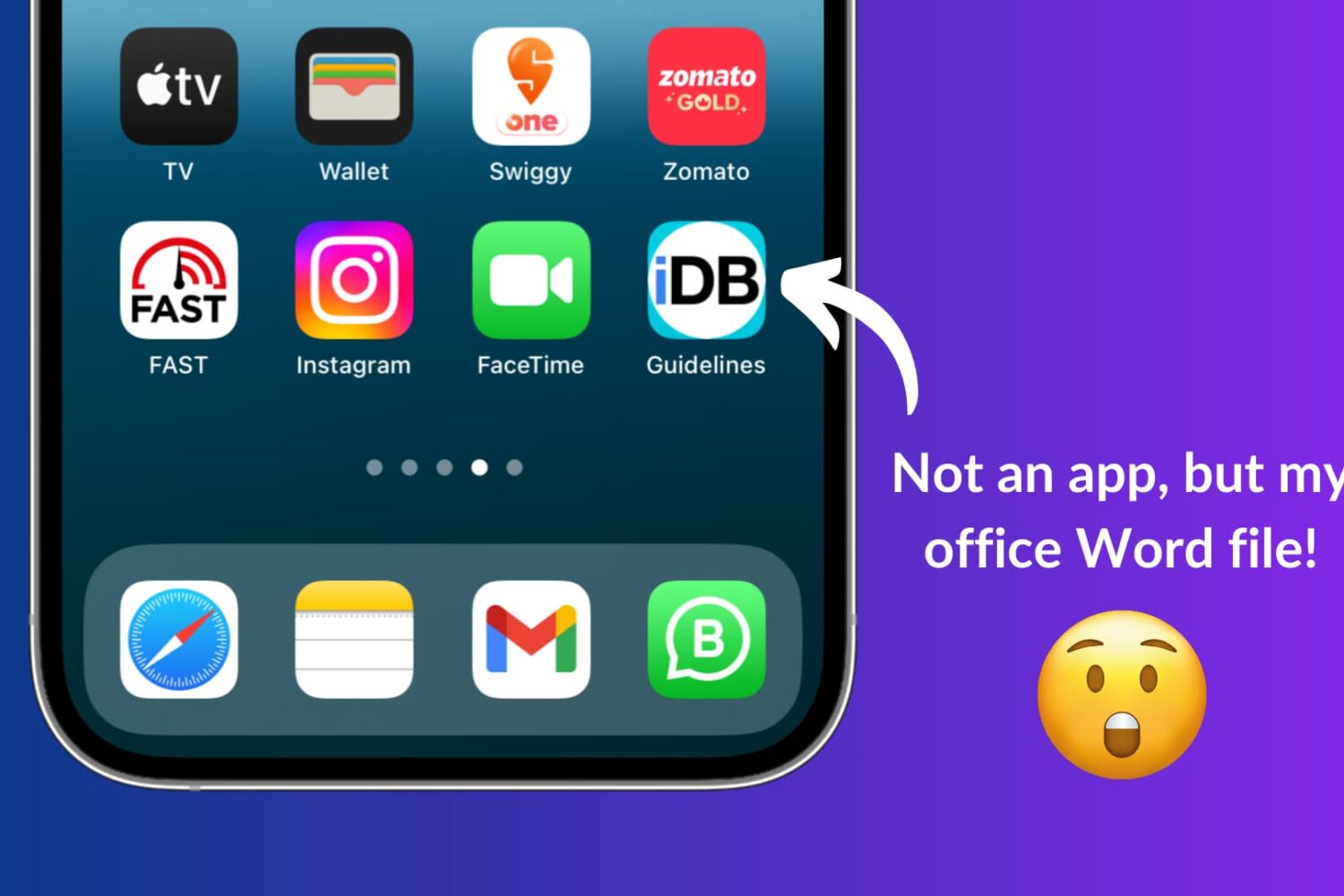
Learn how to use Apple Shortcuts to add a document like a PDF or a Word file to the Home Screen of your iPhone or iPad for quick and easy access.

Learn how to use the Google Photos Locked Folder feature to protect sensitive images and videos with Face ID, Touch ID, or device passcode on iOS and Android.
If you haven’t already heard, there’s another package manager app for the MacDirtyCow and kfd exploits in town, and it’s called PureKFD. This project allows you to browse a whole host of repositories that support Misaka and Picasso-compatible packages.
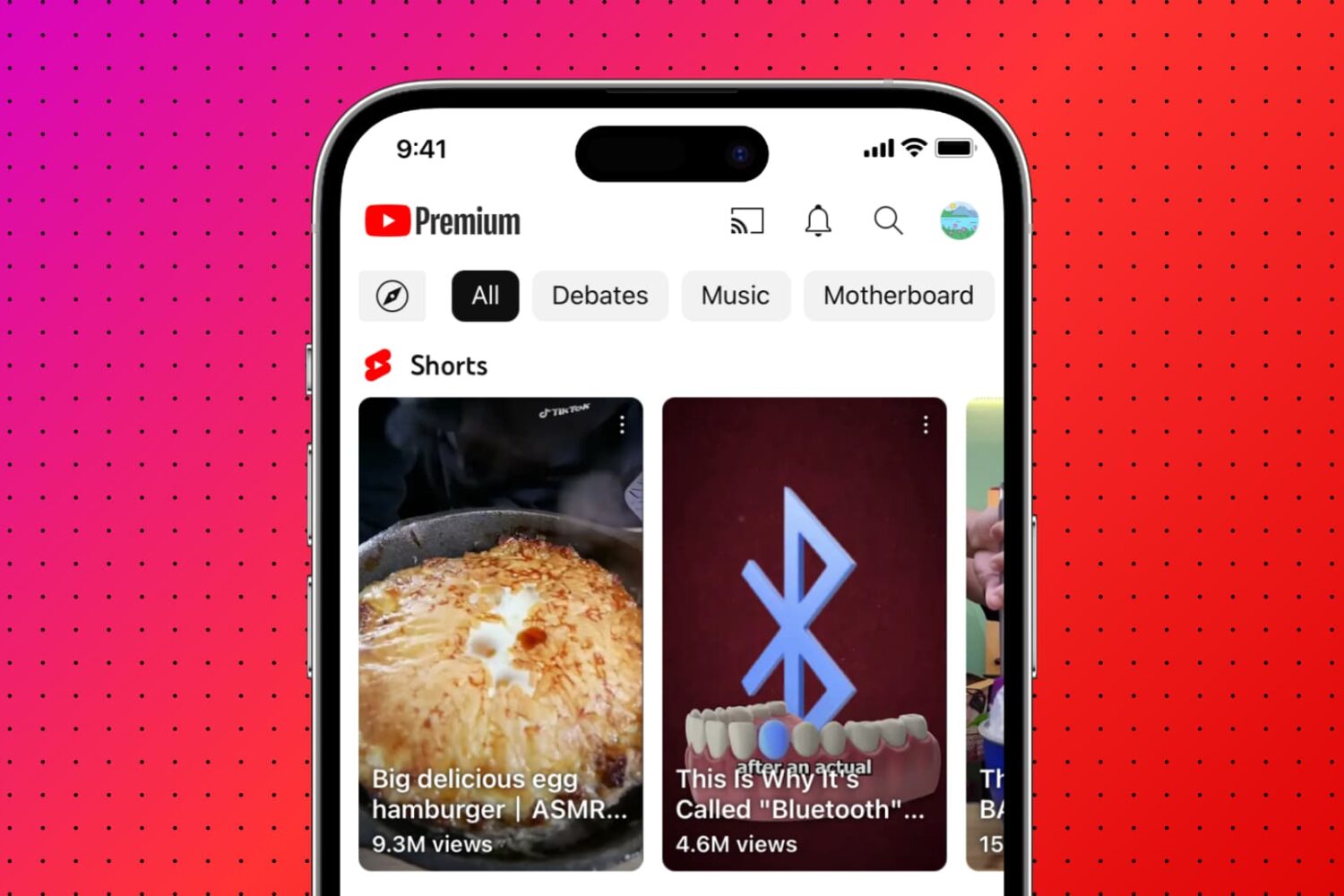
Learn how to remove Shorts from the YouTube interface if you don’t like short-form video and want more room for the content you actually enjoy.
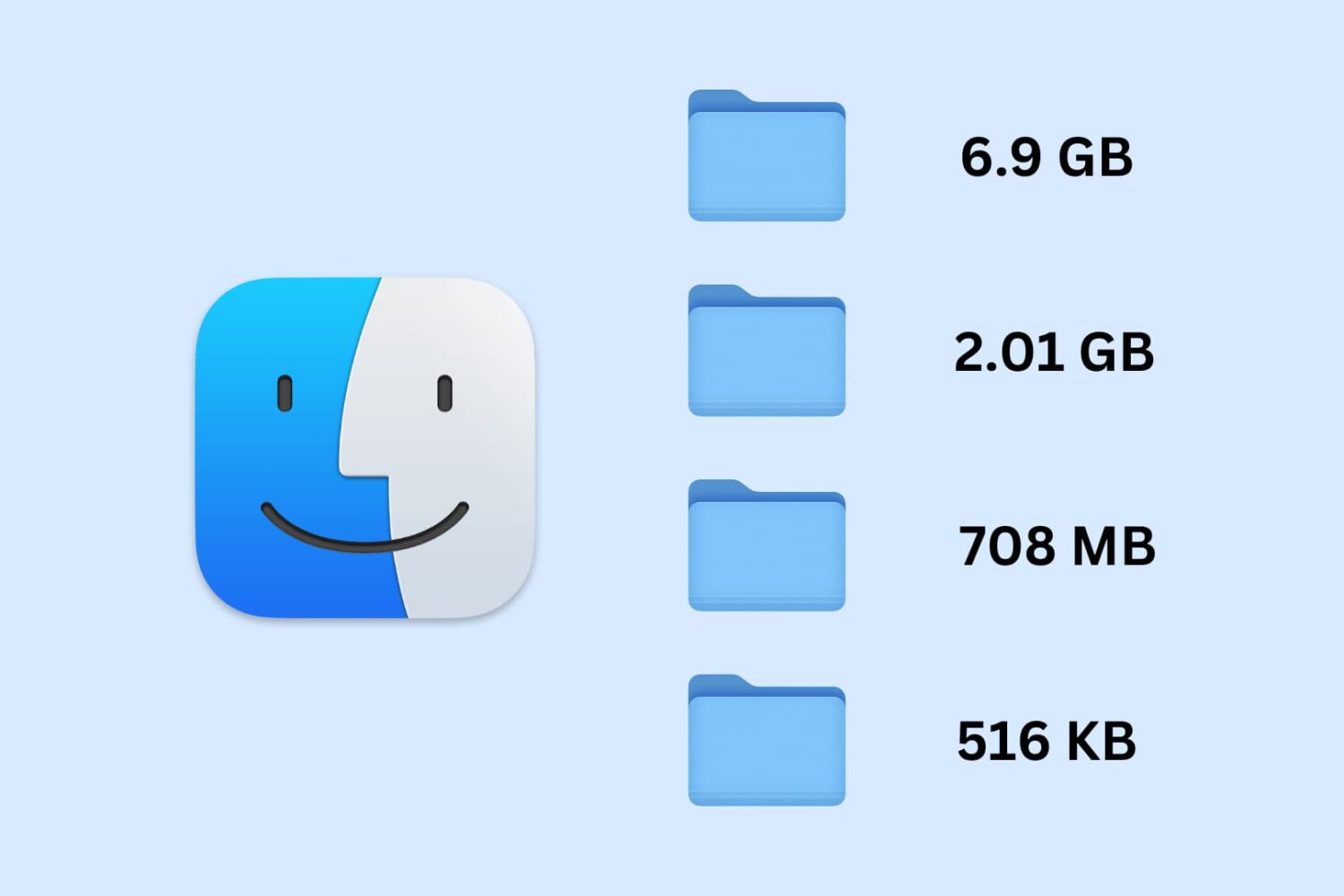
Learn how to set your Mac to calculate folder sizes and show how much storage space each folder takes up when navigating files in Finder as a list.
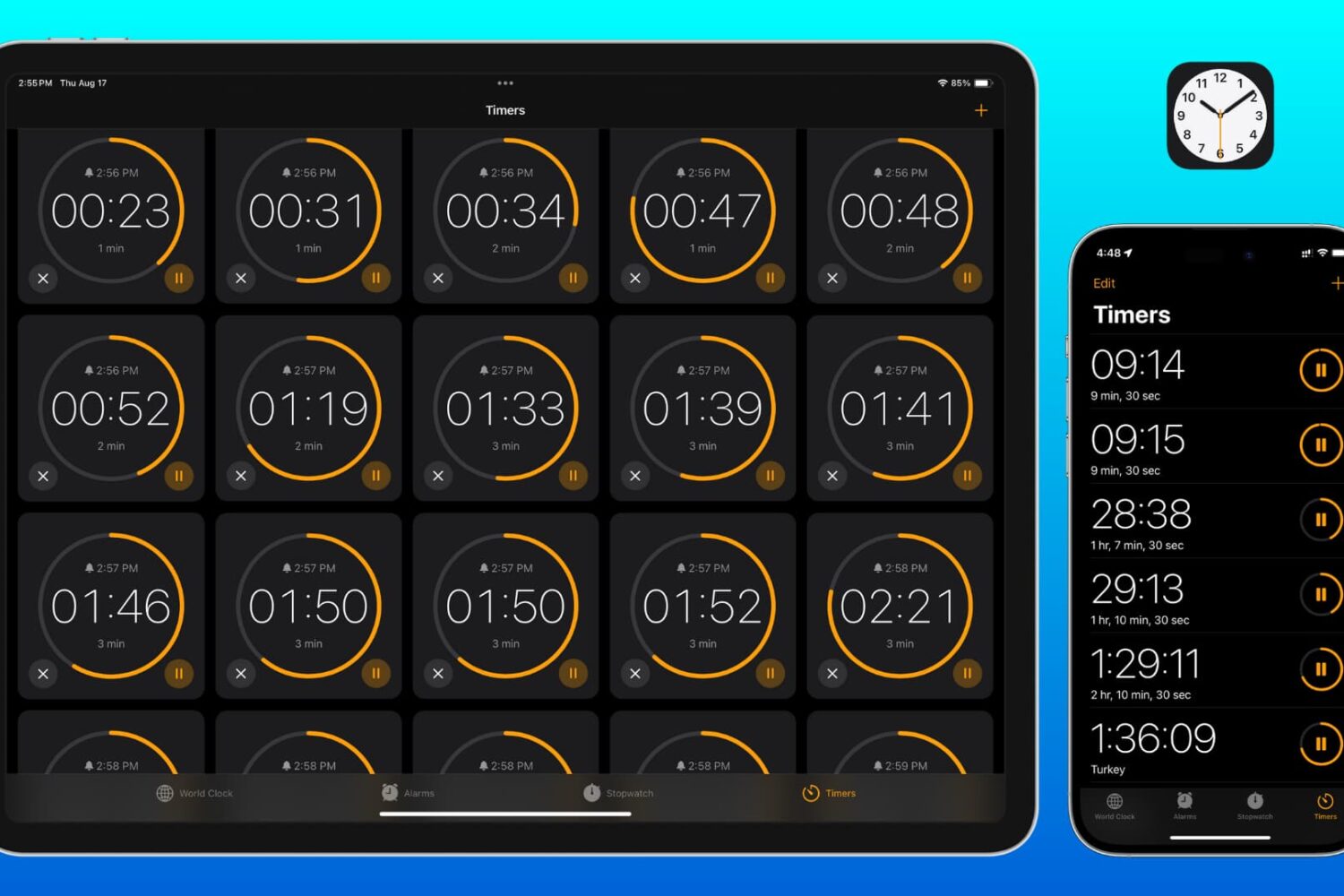
Learn how to set two or more timers simultaneously on your iPhone, iPad, and Mac so you can easily keep track of multiple tasks or to-dos at once.
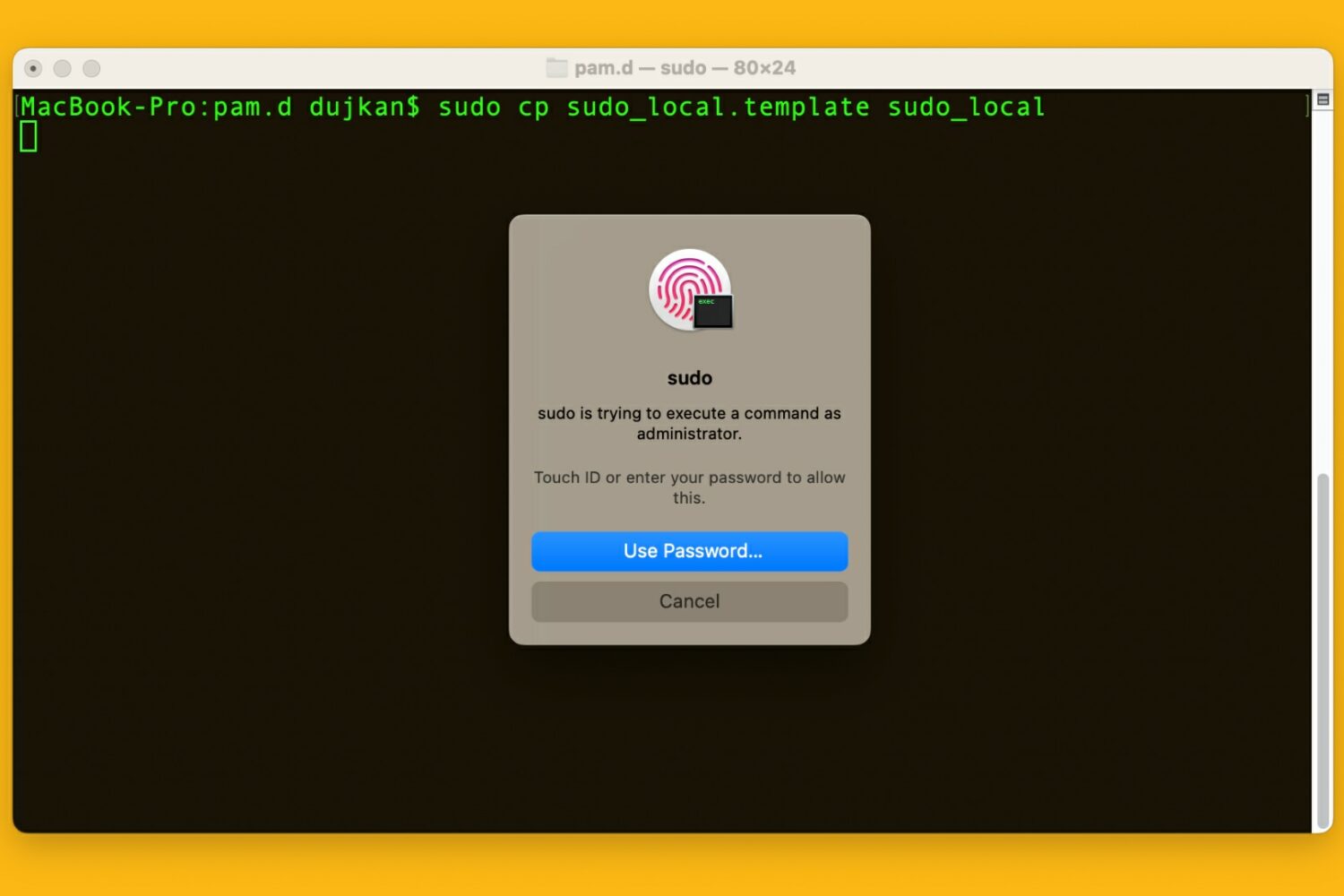
Learn how to use your Mac's Touch ID for the sudo command in the macOS Terminal app to save yourself from typing an administrator password.
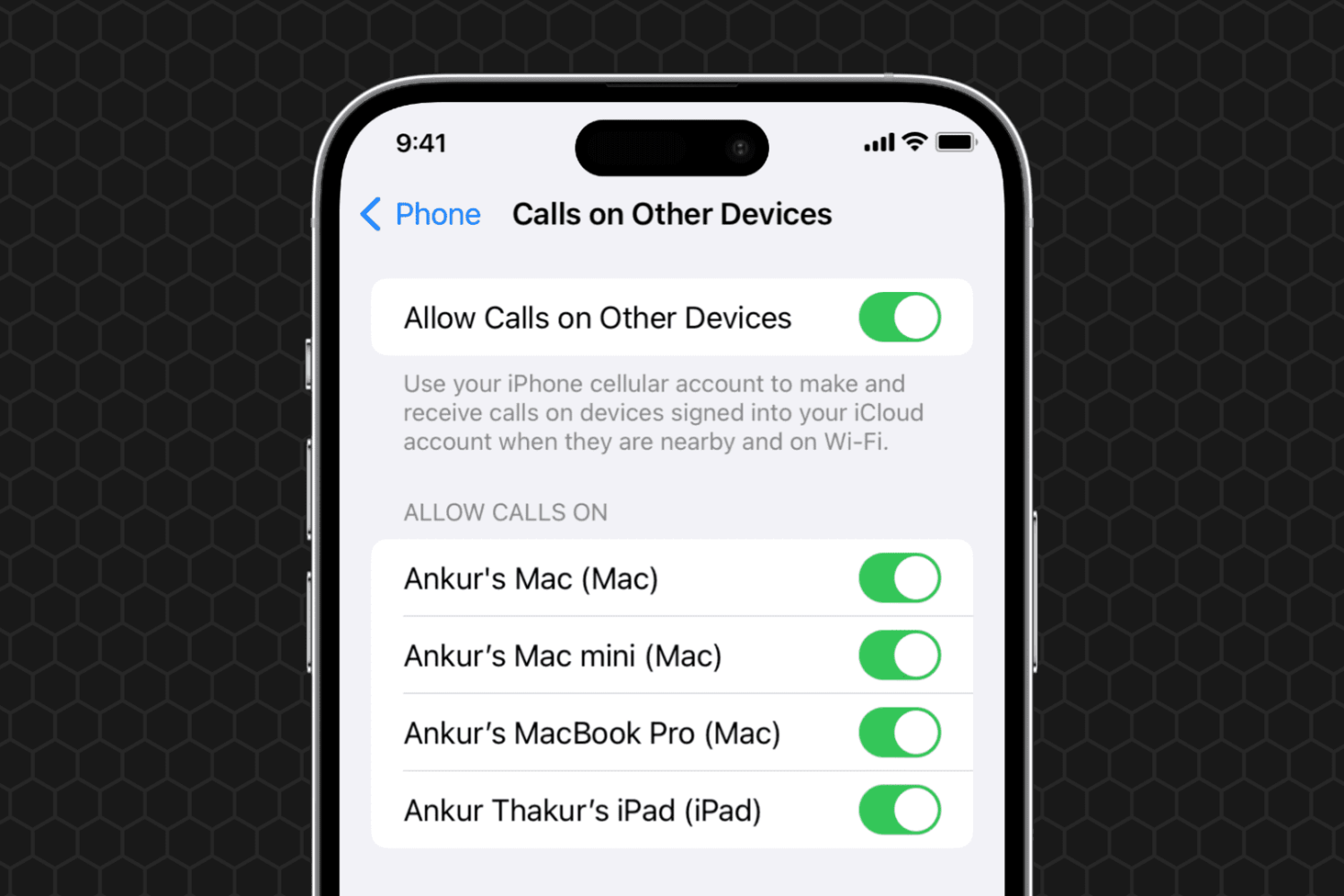
Learn what to do if you can't set your iPhone phone calls to appear on your other devices, such as your iPad or Mac.
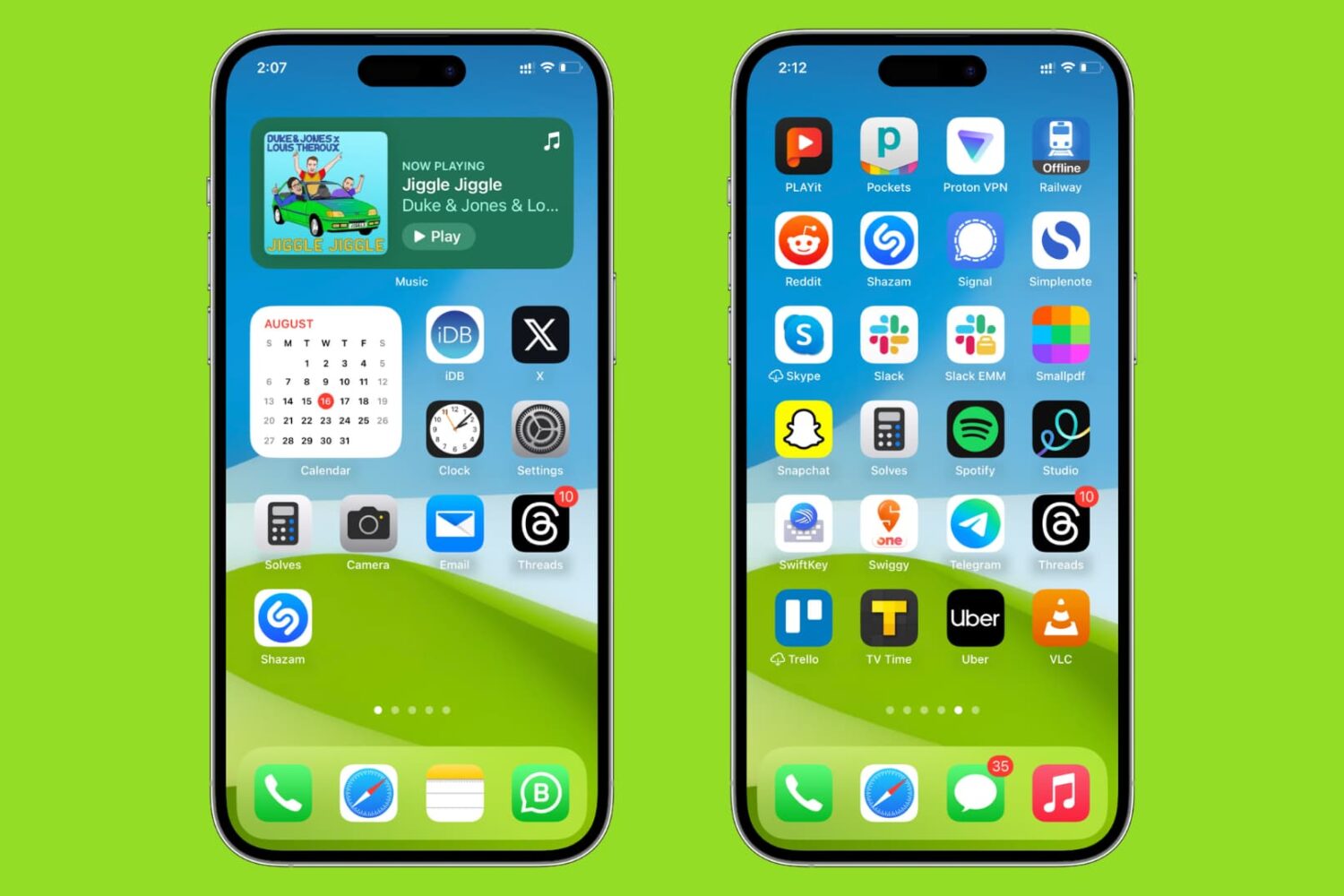
Learn how to sort your iPhone and iPad Home Screen apps alphabetically for easier access.

Learn how to use the AI-powered Smart Deband feature in Pixelmator Pro and Photomator for Mac to smooth out color banding artifacts in low-quality photos.