Boost your privacy by preventing specific apps from tracking your activity or preventing all iPhone, iPad, and TV apps from asking to track you in the first place.
Stop apps from tracking you on iPhone, iPad, Apple TV
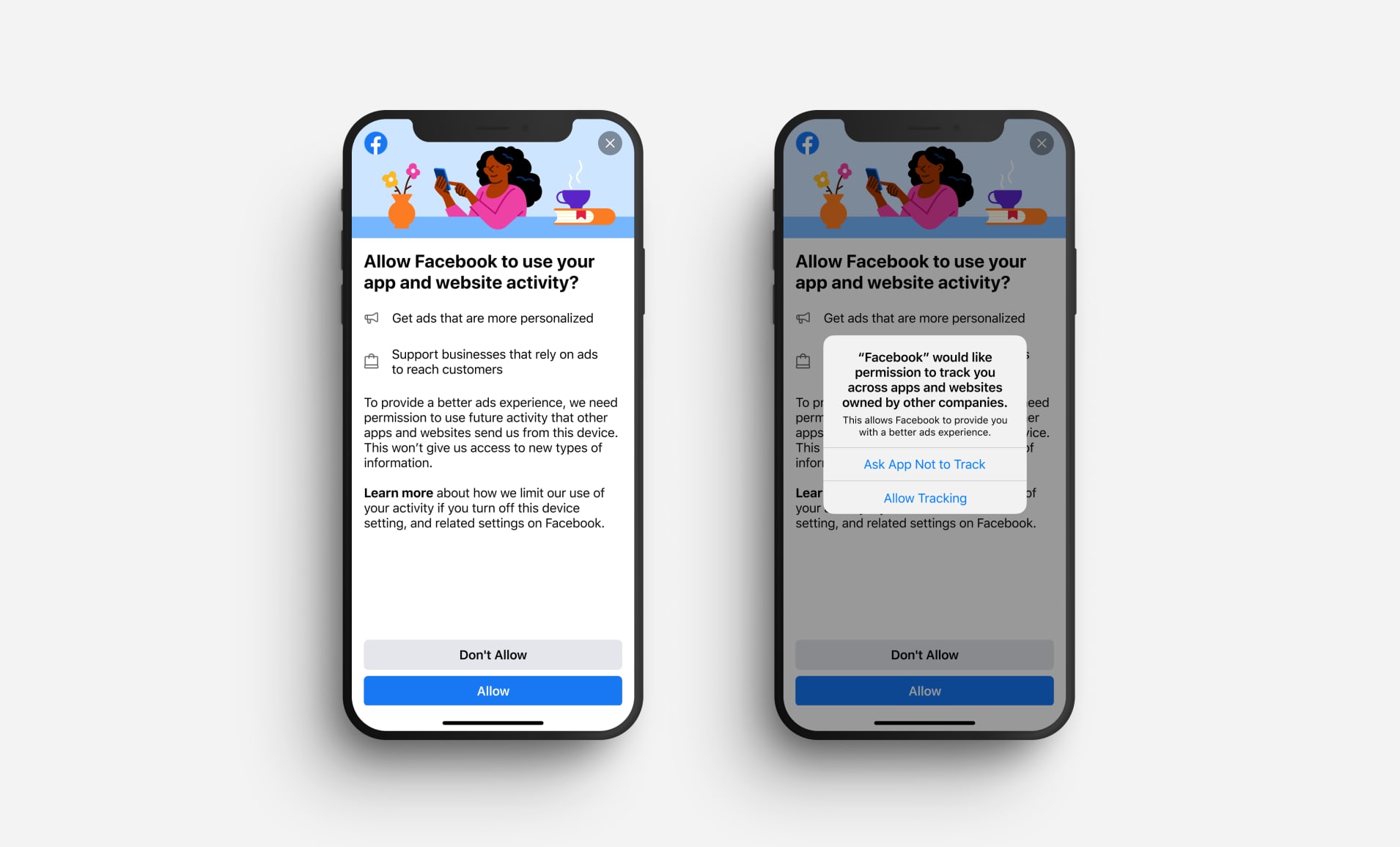
Boost your privacy by preventing specific apps from tracking your activity or preventing all iPhone, iPad, and TV apps from asking to track you in the first place.

Check out 3 effective ways to locate a lost or misplaced Apple Pencil using your iPad in this detailed guide.

Learn how to turn on and use the handy Live Caption feature in Google Chrome to automatically transcribe any video or audio playing in the browser on your Mac or Windows PC.
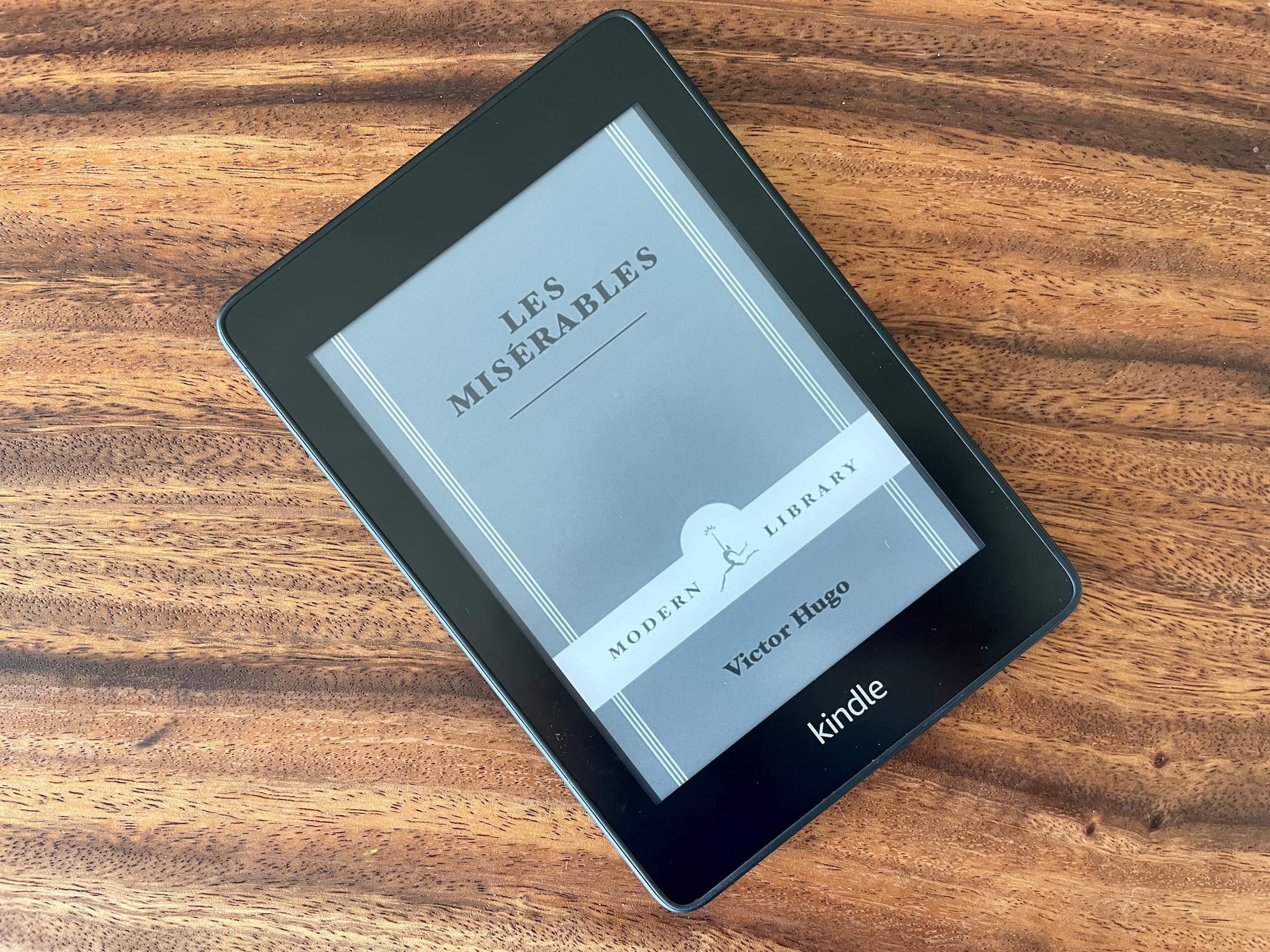
For the longest time, Amazon wouldn't let Kindle users set the cover of the book they are currently reading as their Lock Screen wallpaper, which in hindsight seemed like a very odd decision considering how popular of a feature request it was. But things change, and Amazon is now allowing users to do just that. In this post, we'll talk about what devices support this new feature, who can enable it, and how to enable it.

Learn how to print specific events or events in a certain timeframe from the Calendar app on your Mac so you can have your schedule in hand on a physical piece of paper.

Need VoiceOver when logging in to your Mac? In this tutorial, we’ll show you how to manually activate VoiceOver on the login screen or have it enabled automatically so that it’s ready to go when you are.
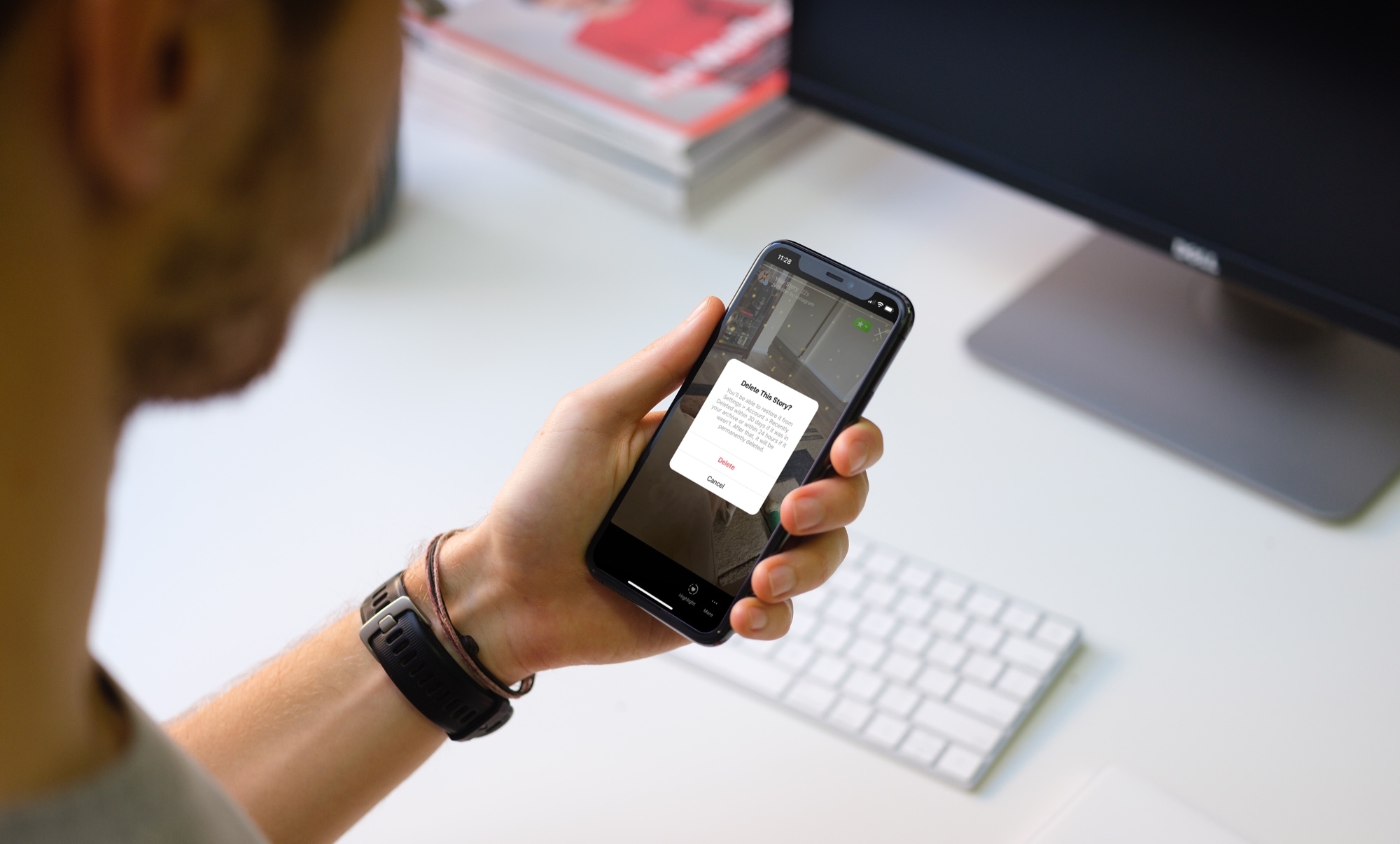
Learn how to delete an Instagram story from your profile, from the archive, or from the recently deleted section. You can also delete a promoted story if you have a business account.
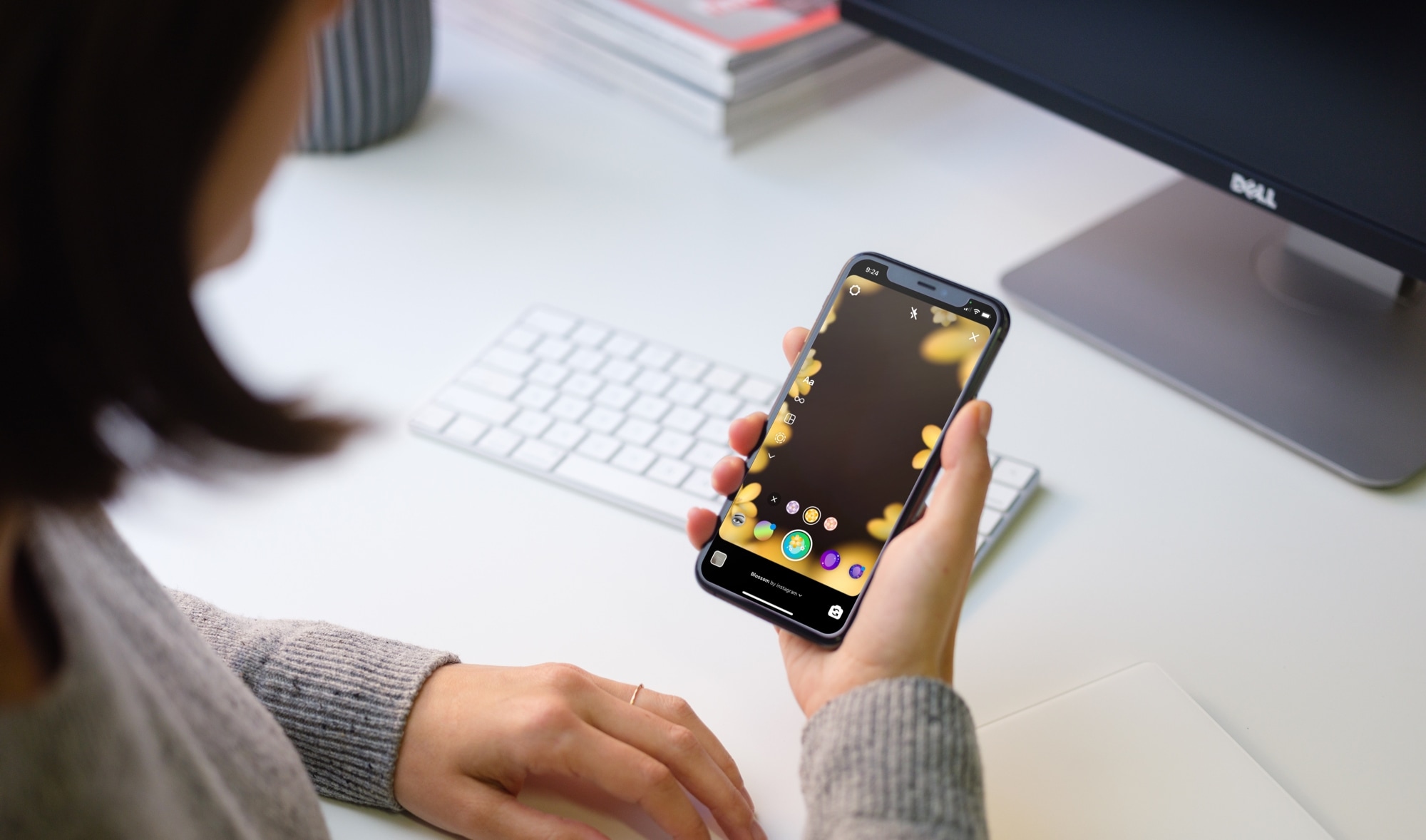
Learn how to make your Instagram stories stand out by using an effect from the Effect Gallery and save your favorite effects for later or share them with friends.

In this guide, we list all the handy accessibility features available on your Apple TV that you can use to fine-tune your TV viewing experience.
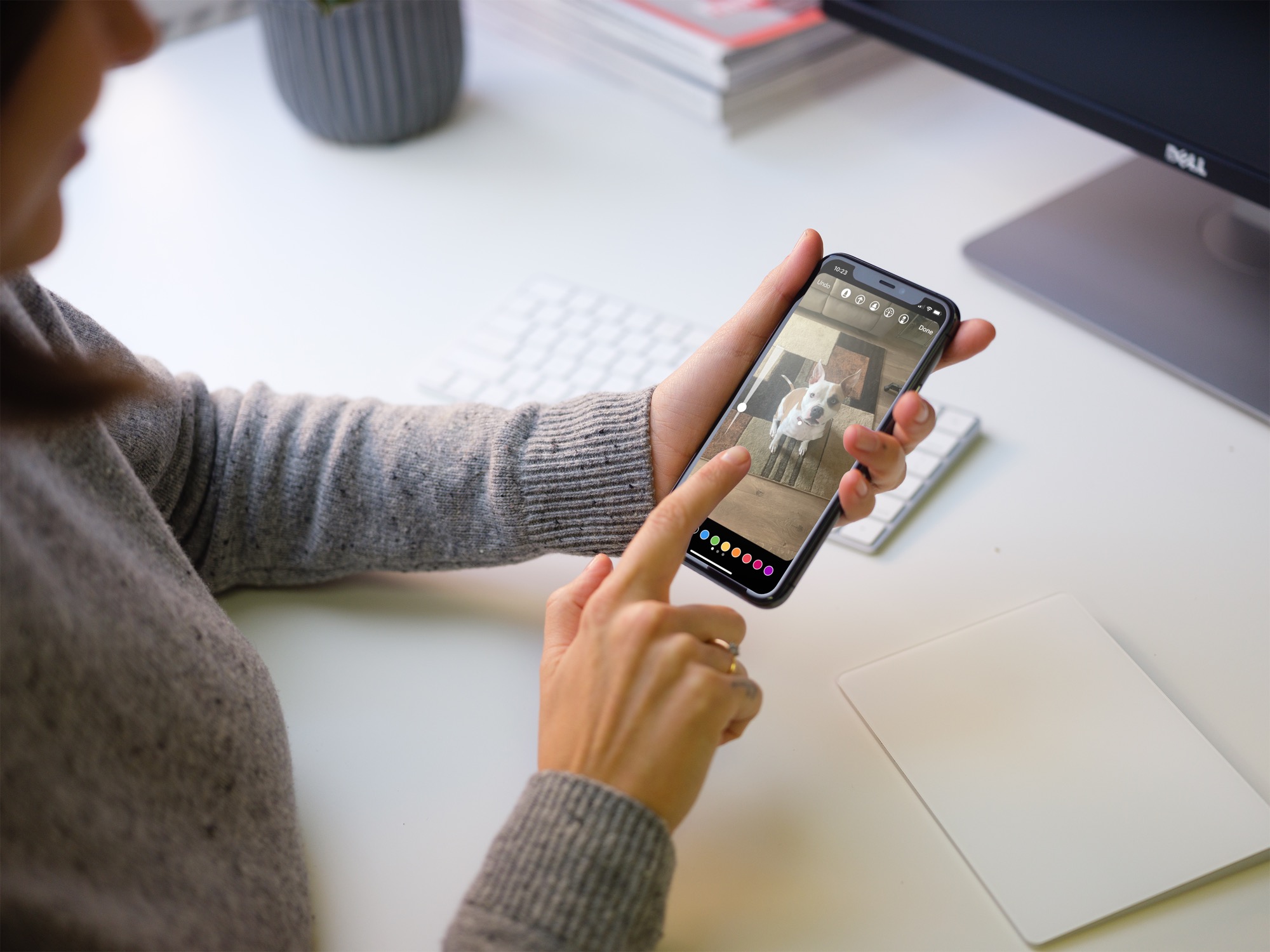
Learn how to use Instagram story filters, stickers, drawings, and text to make your stories stand out from the rest.

Learn how to use vanish mode on Instagram to send messages that automatically disappear as soon as they’re seen and you leave the chat.
