Learn how to change the quality of content streamed or downloaded in the TV app on your iPhone, iPad, Mac, Apple TV, and Apple Vision Pro.
How to change streaming and download quality in Apple TV app
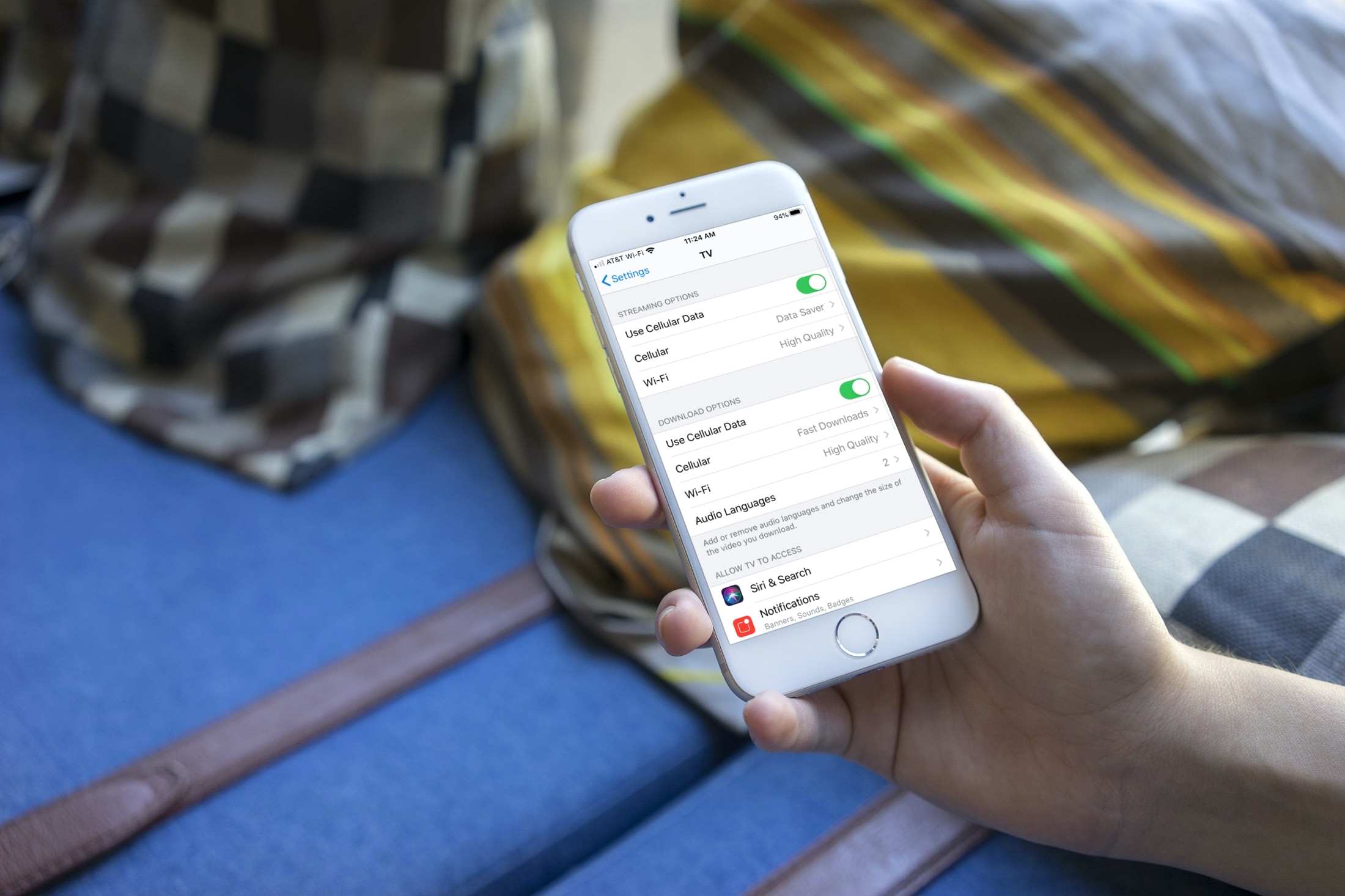
Learn how to change the quality of content streamed or downloaded in the TV app on your iPhone, iPad, Mac, Apple TV, and Apple Vision Pro.
Whether you’re transferring to another mapping app or creating a backup, this guide shows you how to export and download your Google Maps data on both iPhone and the web.
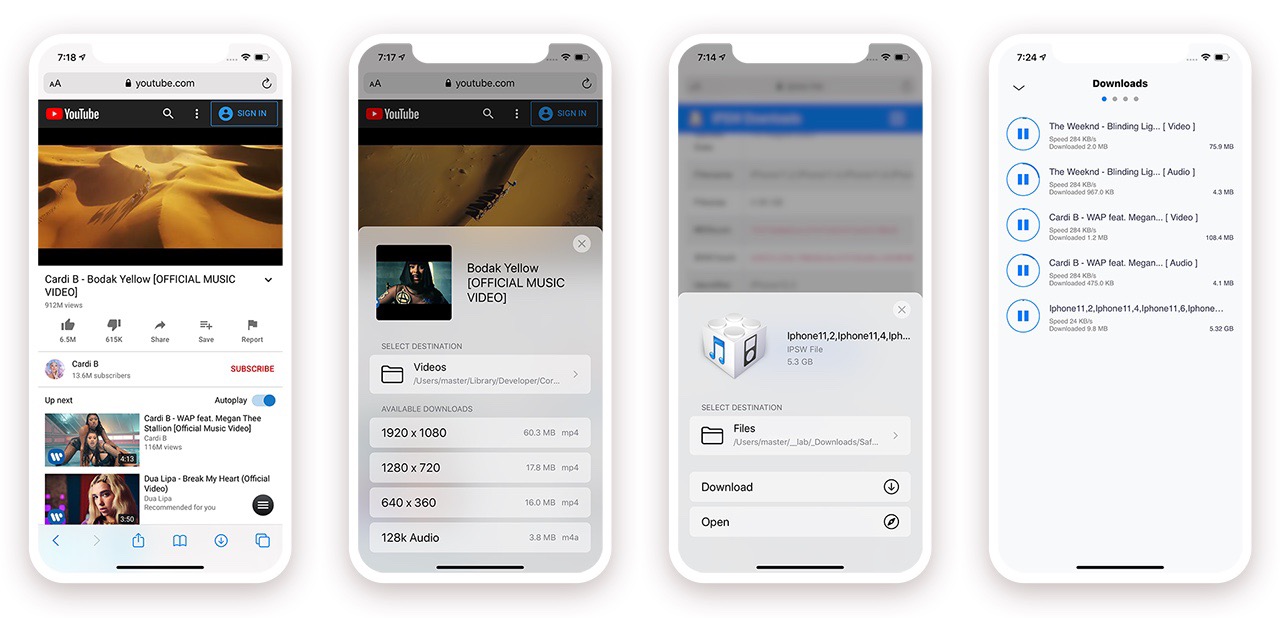
When Apple released iOS & iPadOS 13 last Summer, one of the exciting new features that the company added to the iPhone and iPad experience for the very first time was a built-in download manager for the native Safari web browser. As necessary as this was to make Apple’s platforms both usable and competitive with the rest of the mobile device market, it still left quite a bit to be desired — par for the course when it comes to Apple.
Jailbreakers have significantly more options to choose from when it comes to augmenting this user experience, and with the help of a recently-updated jailbreak tweak dubbed Safari Downloader+ by iOS developer Jalal Ouraigua, jailbreakers can both expect more and get it, especially in terms of the Safari file-downloading experience. The all-new version 5.0 of the Safari Downloader+ adds full support for iOS & iPadOS 13 for the first time.
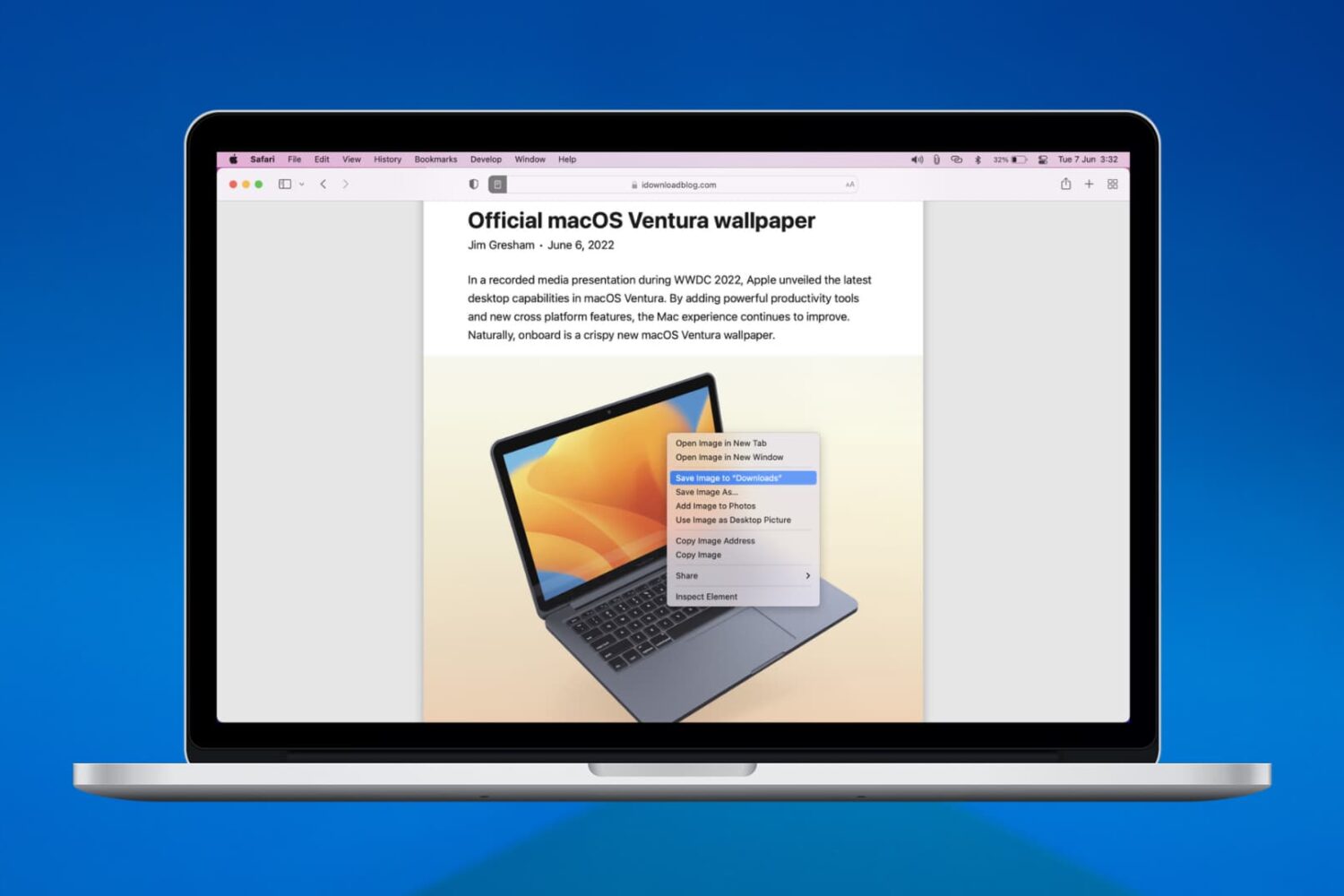
We’ll walk you through six easy ways to download, save, or copy an image on your Mac using Safari in this handy beginner’s guide.
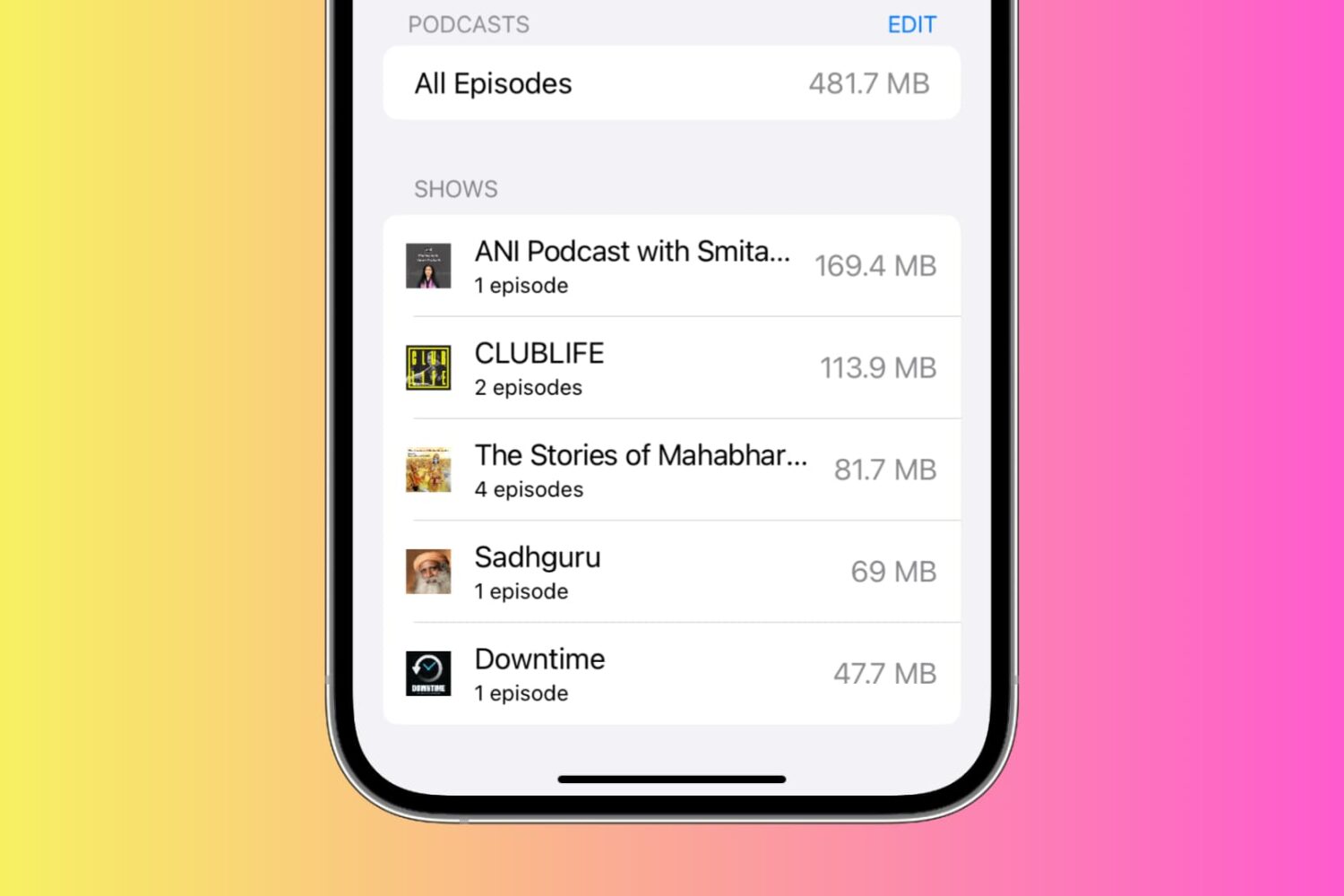
See the storage space used by podcasts and TV shows on your iPhone or iPad and manage them. If left unchecked, these can take up a lot of space on your device, which is why it’s a good idea to clean them up from time to time.
Learn how to change the folder where Google Chrome and Firefox download and save files from the internet.
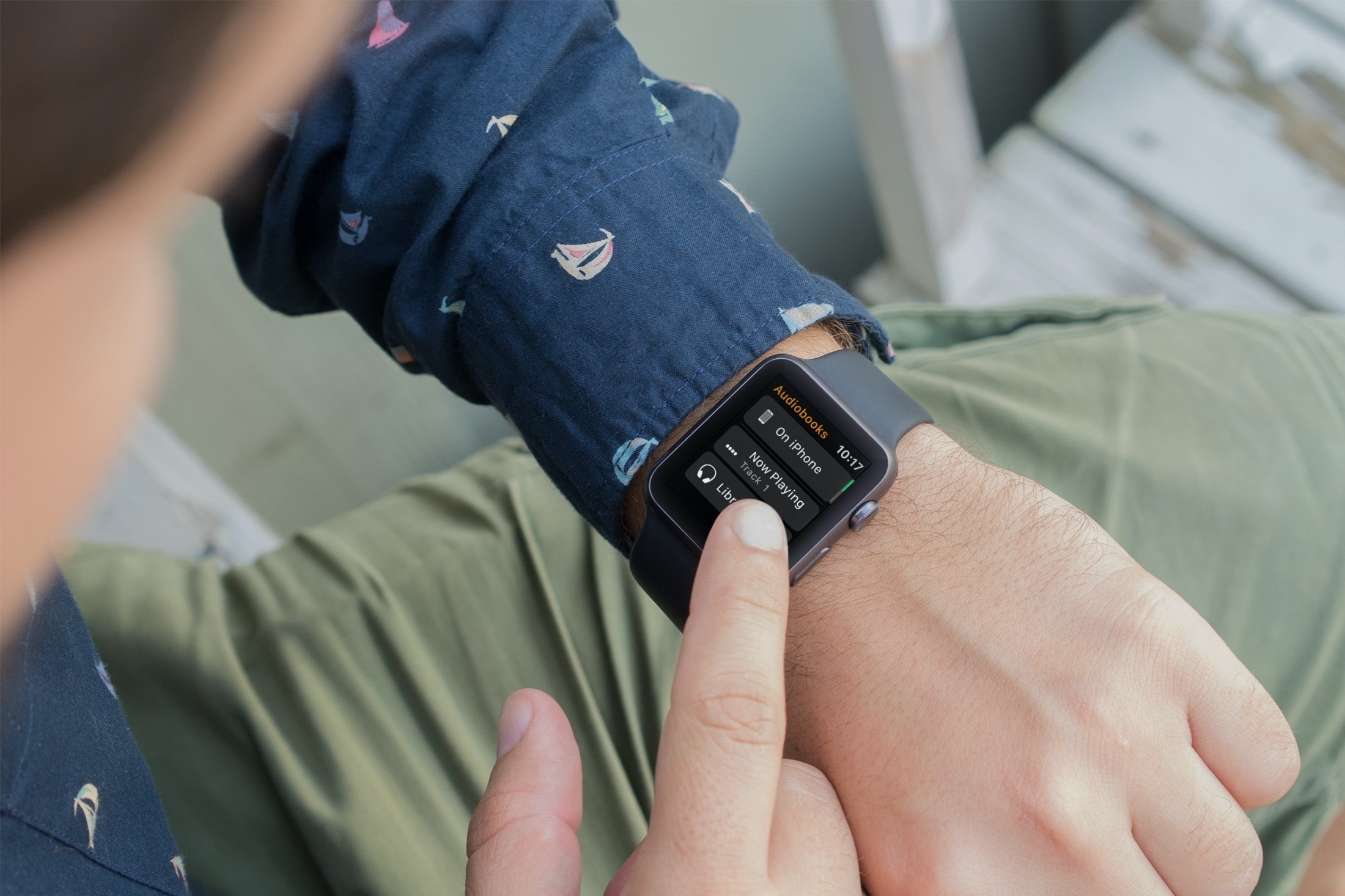
Learn how to stop your Apple Watch from automatically downloading Audiobooks and instead add the selected titles manually.
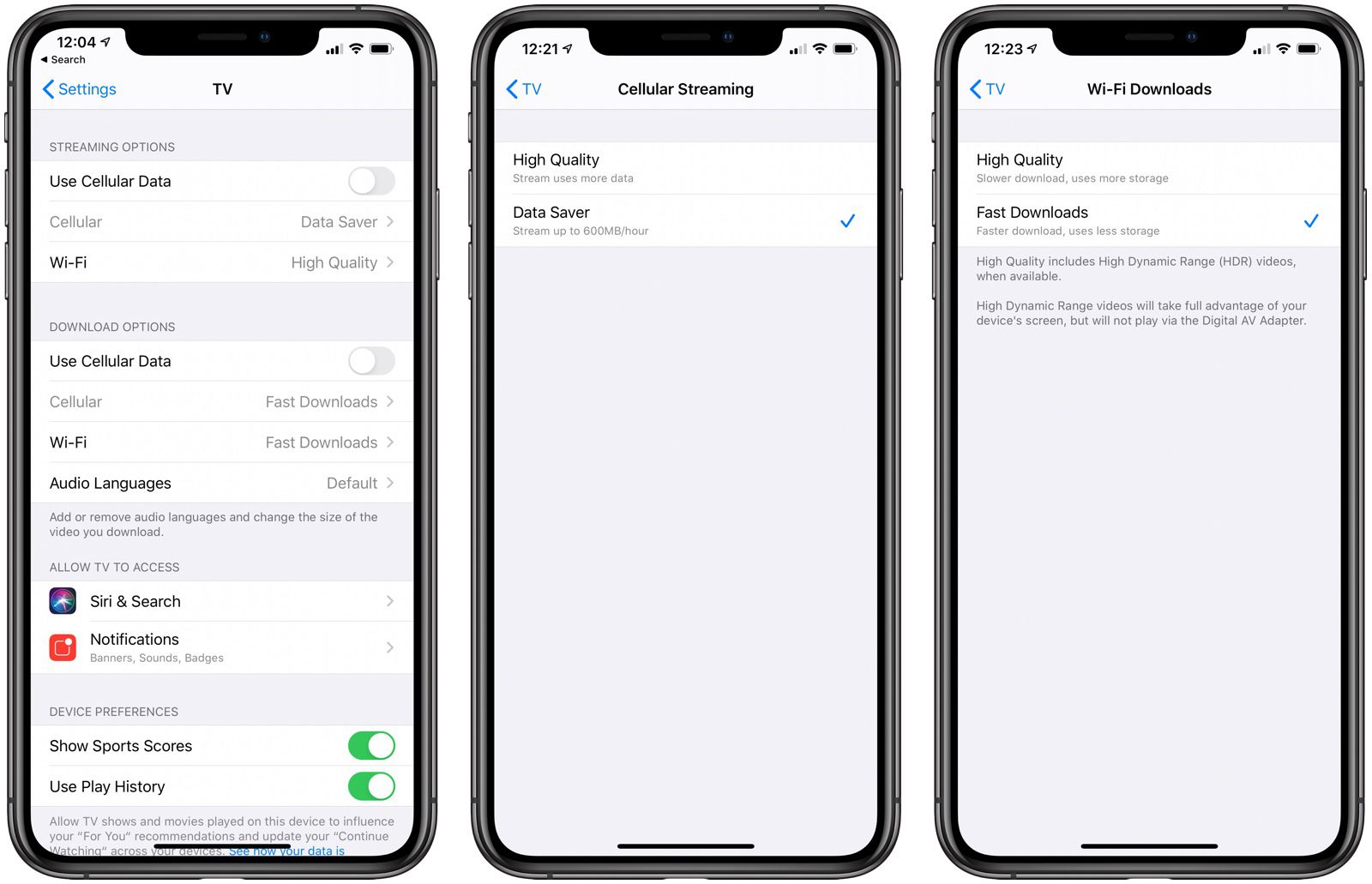
Second betas of the upcoming iPadOS and iOS 13.4 software updates include new options in Settings for Apple's pre-installed TV app that make it possible to adjust how content downloading and streaming is handled over both Wi-Fi and cellular connections.

Find out how to always allow downloads in Safari on Mac from sites you trust, so you don’t have to deal with pop-ups asking for your permission every time you want to save something from these websites.
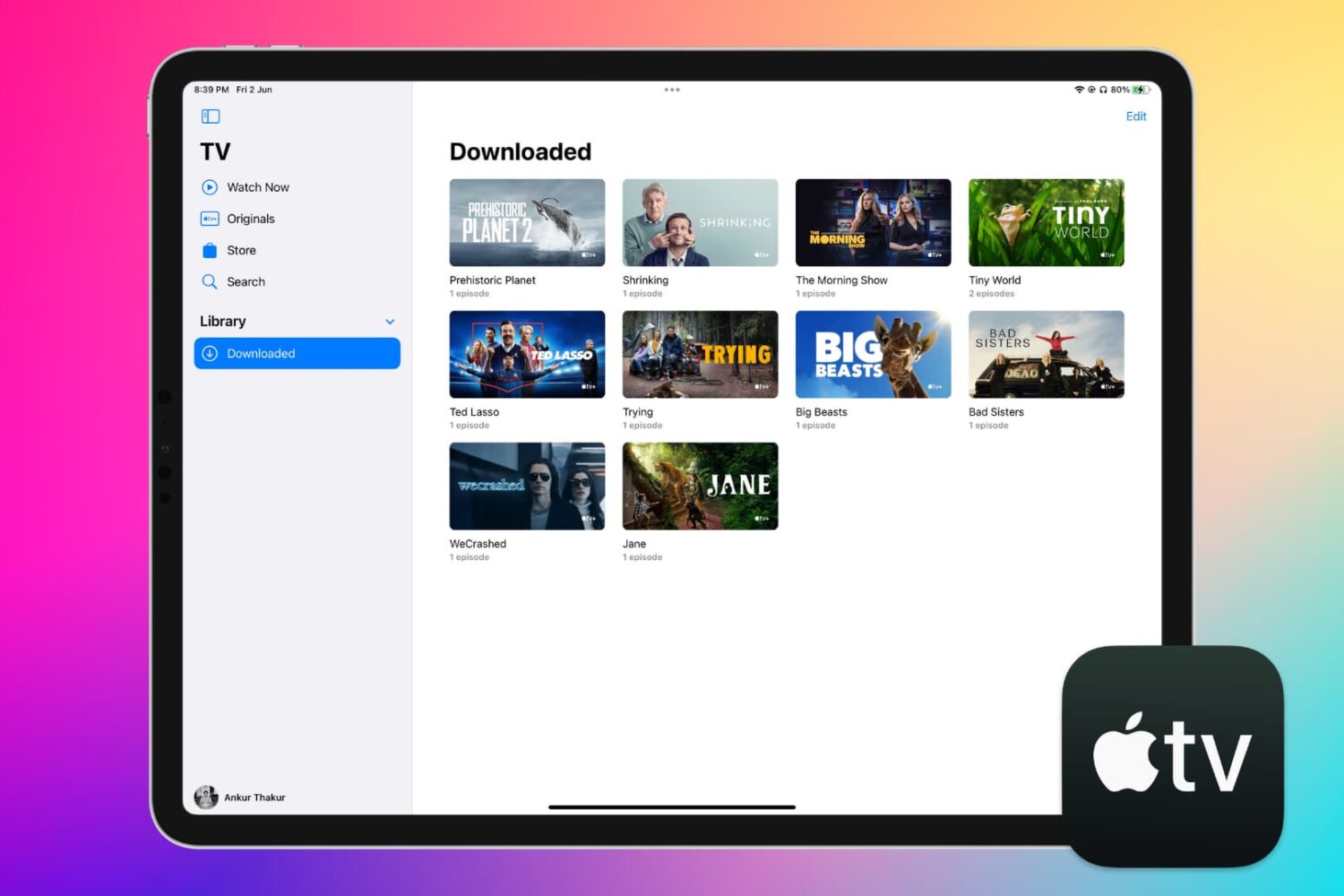
Learn how to download Apple TV content, including shows and movies, to your iPhone, iPad, or Mac for offline viewing, so you can watch them later without needing a Wi-Fi or cellular connection.

If you use a screen saver on your Apple TV that displays your own photos or those from Apple, then you don’t worry about getting new images on a regular basis. But if you use the Aerial screen savers that Apple offers, you can decide for yourself when to receive new ones.
You may only want new aerial screen savers every month due to their size, or perhaps you want them every day. Either way, here’s how to change how often your Apple TV checks for new screen savers to download.
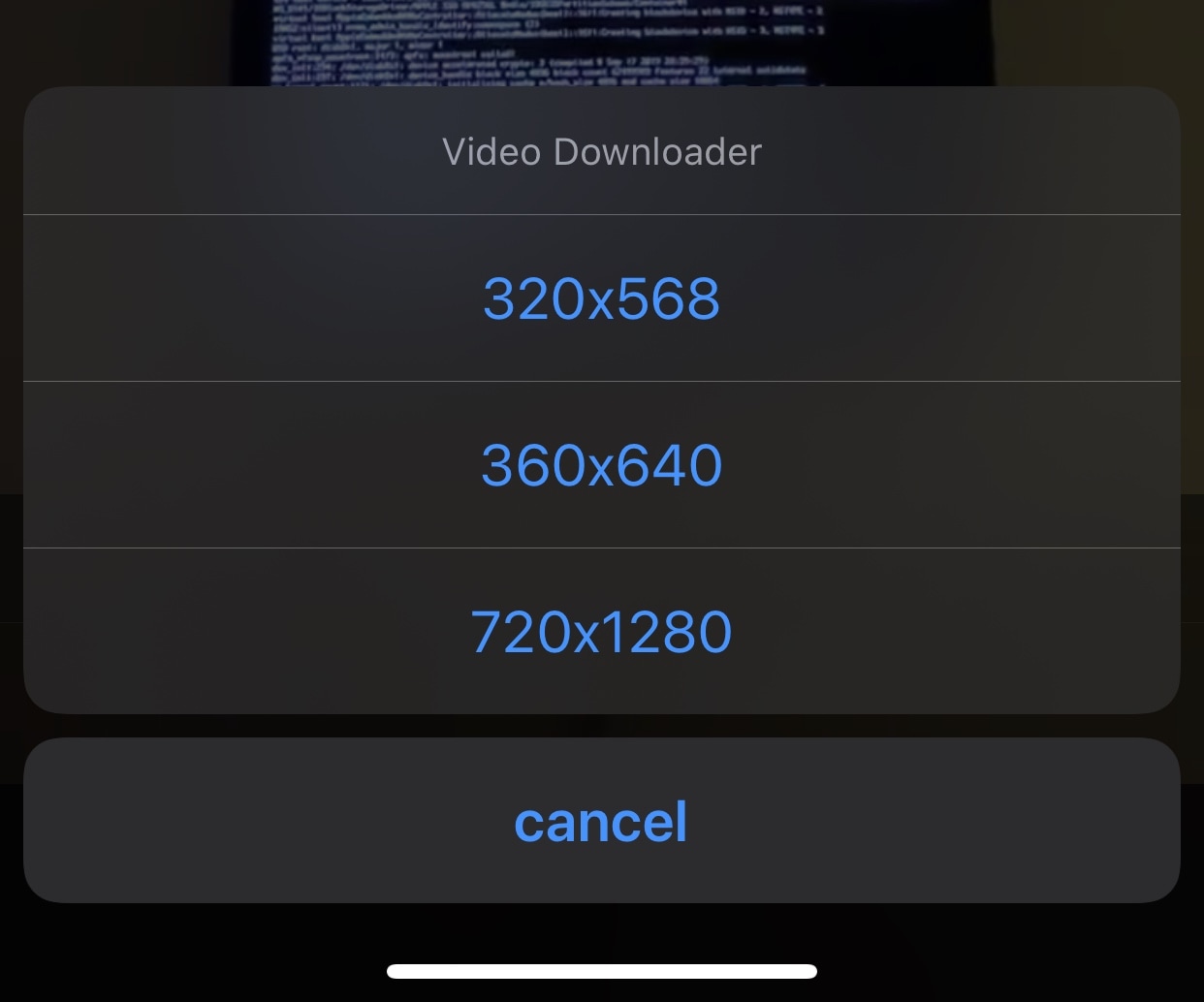
If you’re a Twitter user, then you likely understand the frustration of being unable to download videos from your News Feed.
Fortunately, a newly released and free jailbreak tweak dubbed twttrVideoDL by iOS developer Aesthyrica will let anyone with a jailbroken iPhone or iPad download News Feed videos with ease.