Learn how to stop Apple’s Safari browser on your Mac from automatically opening files downloaded from the internet to mitigate potential security threats.
How to stop Safari from automatically opening downloaded files
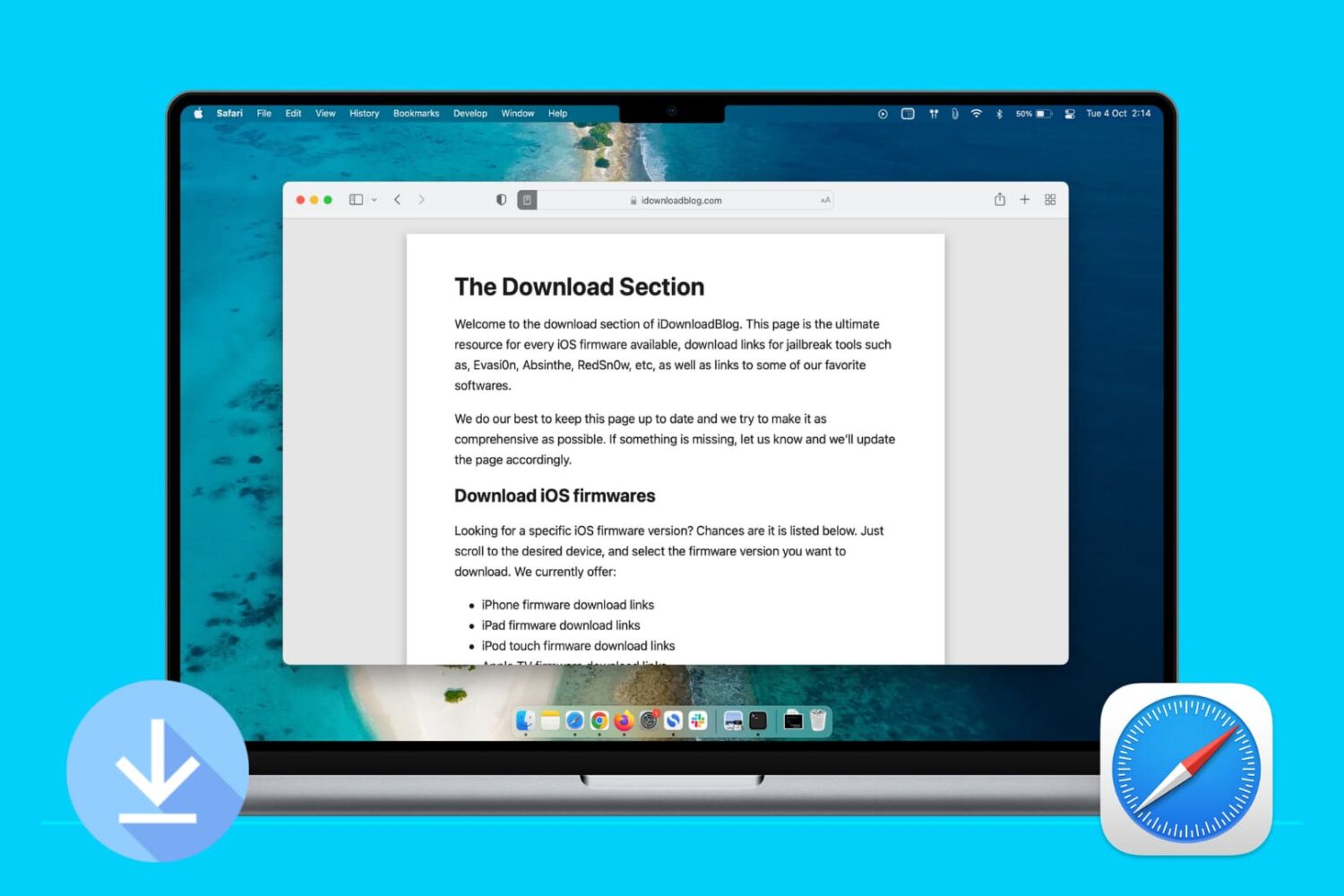
Learn how to stop Apple’s Safari browser on your Mac from automatically opening files downloaded from the internet to mitigate potential security threats.
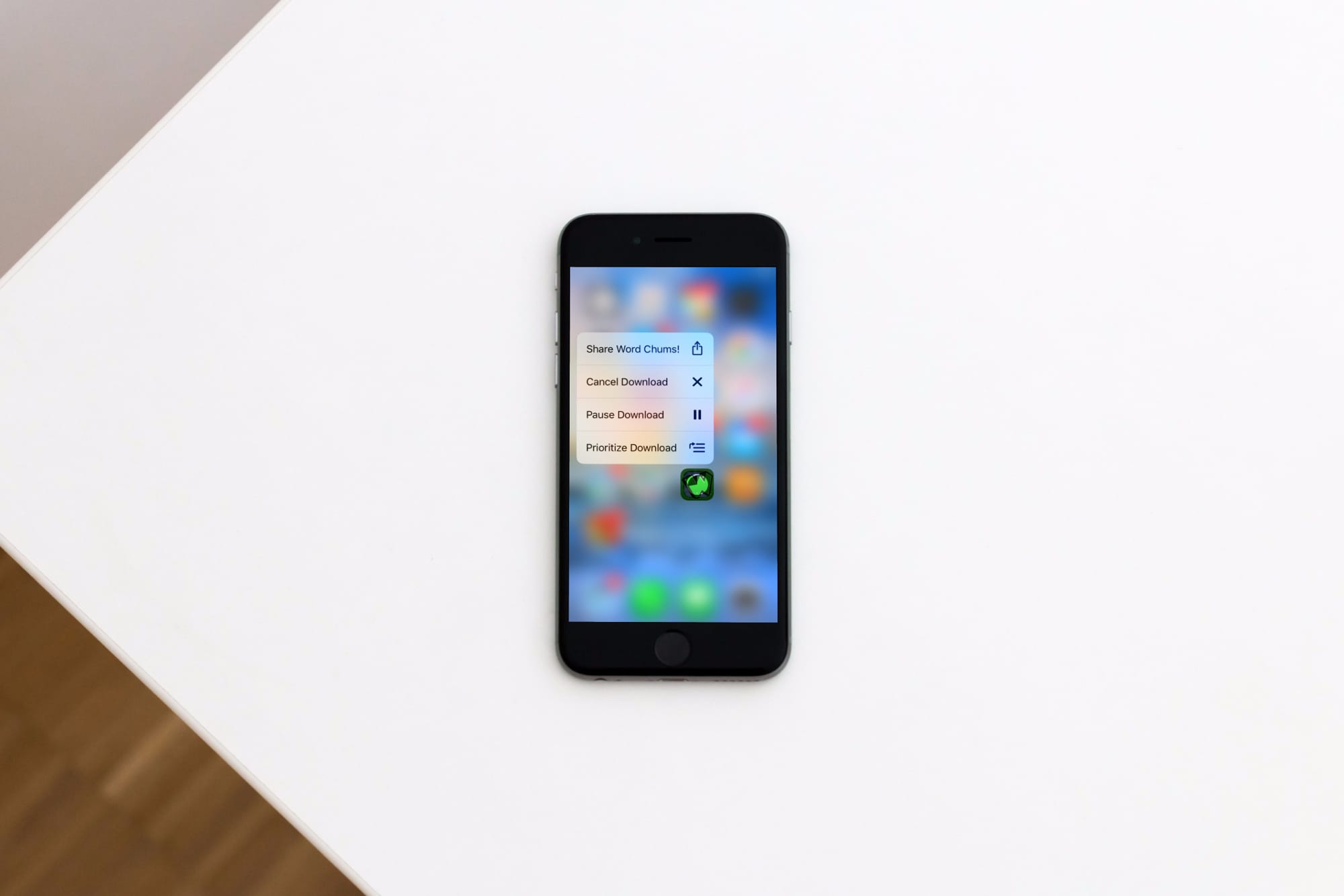
Learn how to prioritize app installations on your iPhone or iPad to speed up specific app downloads or updates from the App Store so the ones you need most finish first.
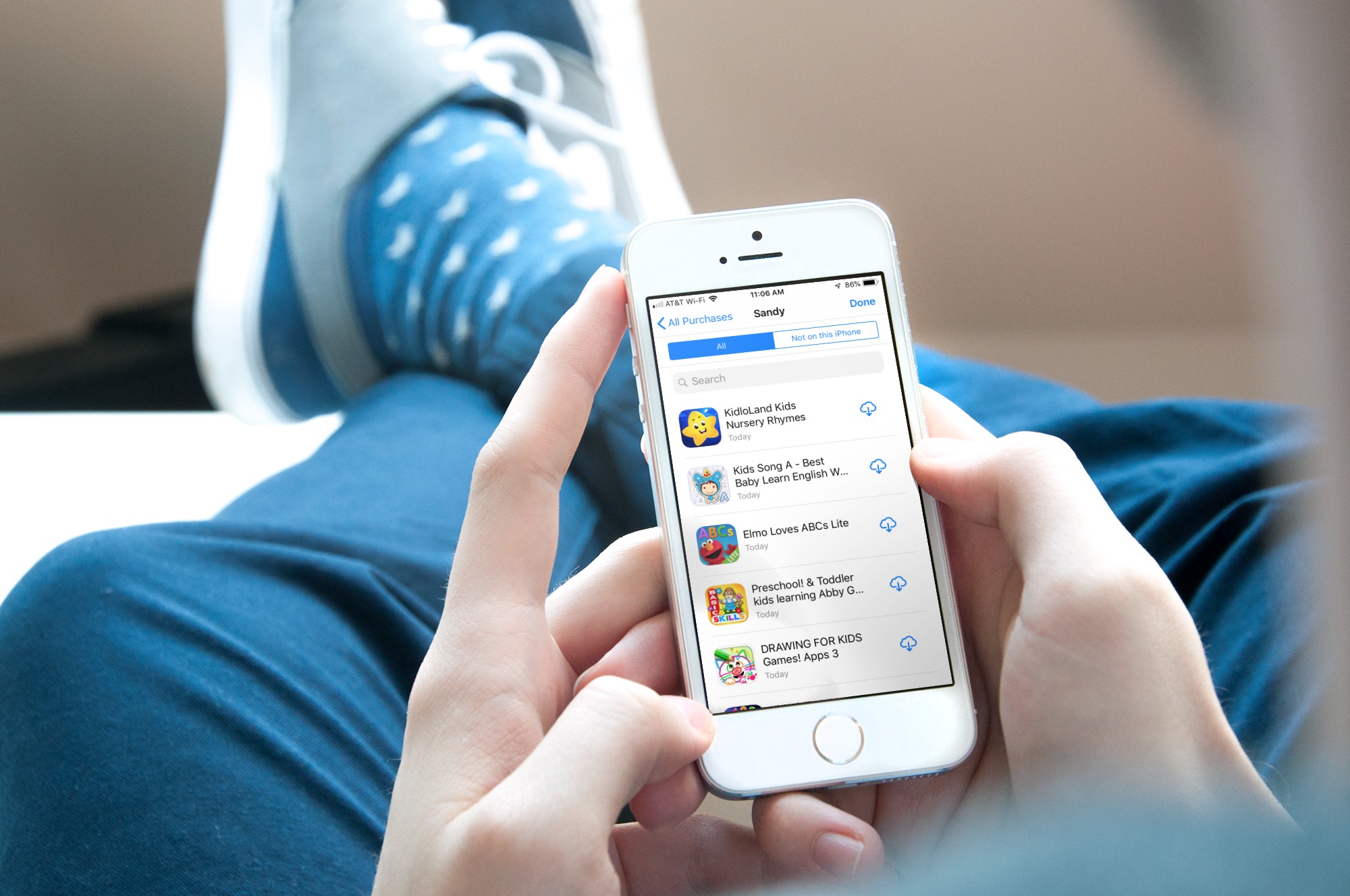
Learn how to redownload previously purchased free or paid apps on iPhone, iPad, and Mac without having to pay again.
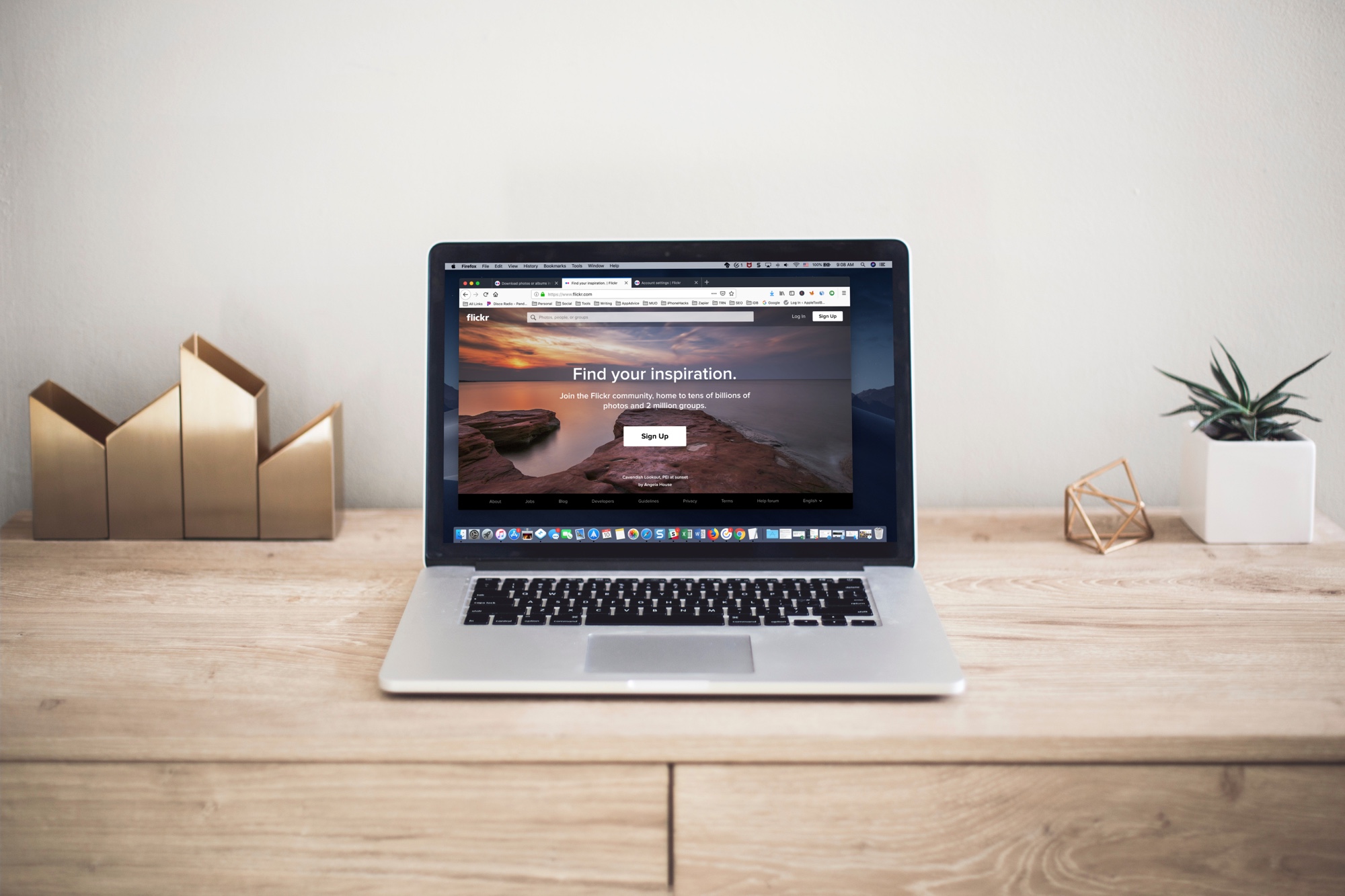
In this tutorial, we’ll show you how to download all or selected Flickr photos and videos, which can be helpful if you have decided to move away from Flickr or simply want to back up your items to your computer or another cloud storage.
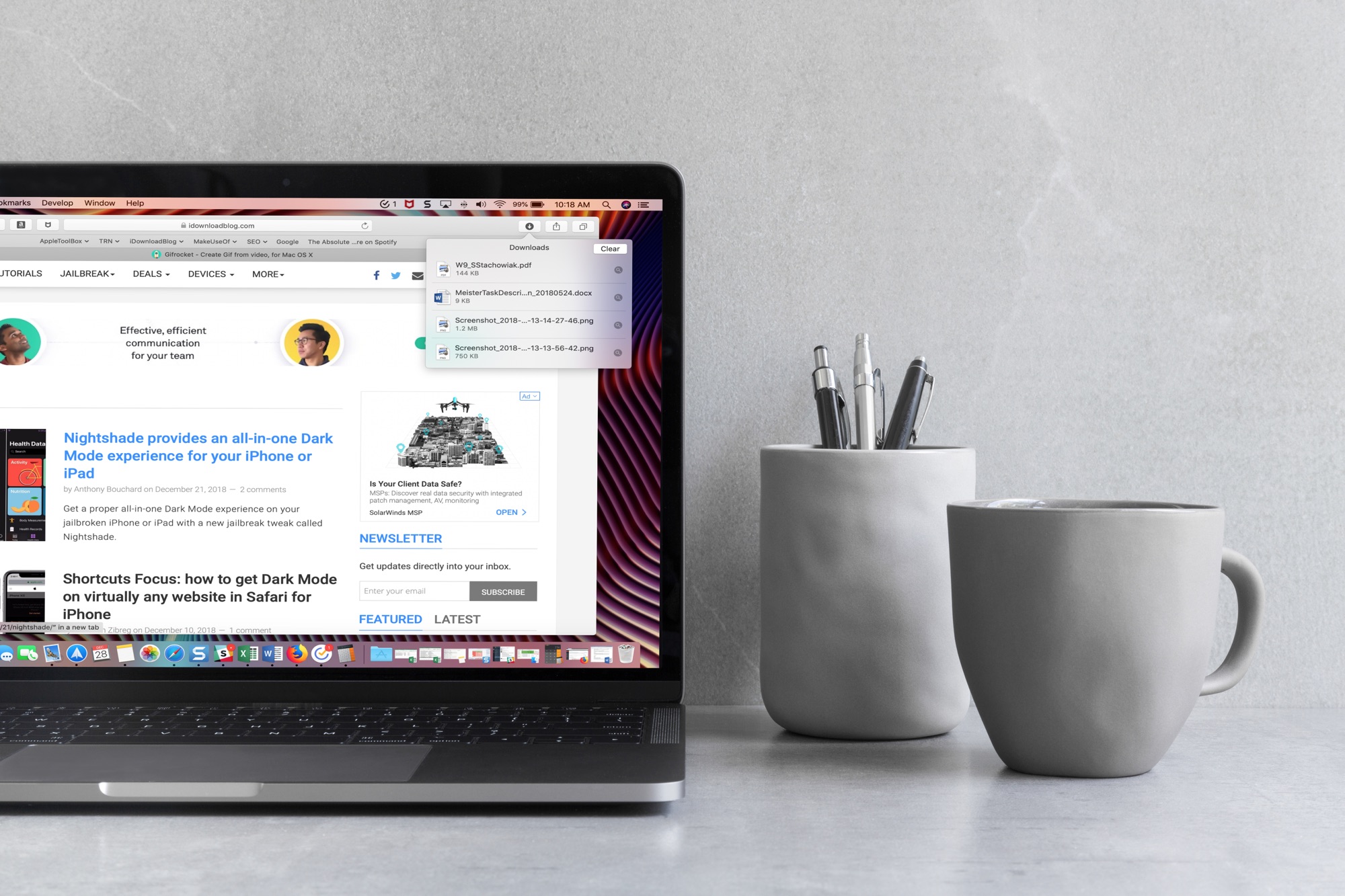
When you download items in Safari, they are all easily accessible from the toolbar. You can see them, pause and resume them, and clear them away.
Here’s how to manage and remove download items in Safari for Mac.
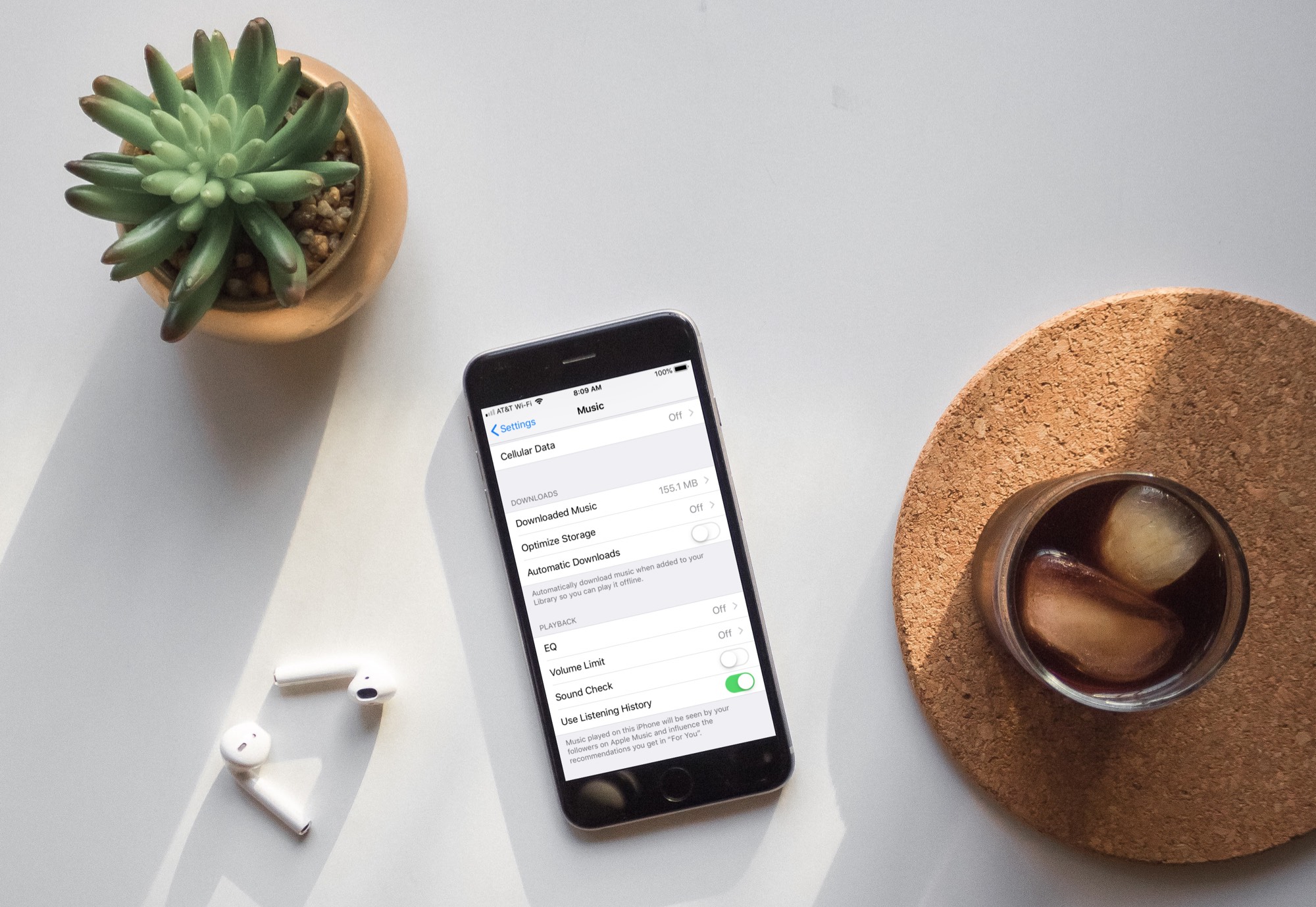
Learn how to turn off automatic downloads for Apple Music on iPhone, iPad, or Mac to stop the Music app from downloading every song, album, or playlist you add to your library.

Learn how to cancel an already-initiated software update if you don’t want to update your iPhone and iPad to the latest version of iOS after all.
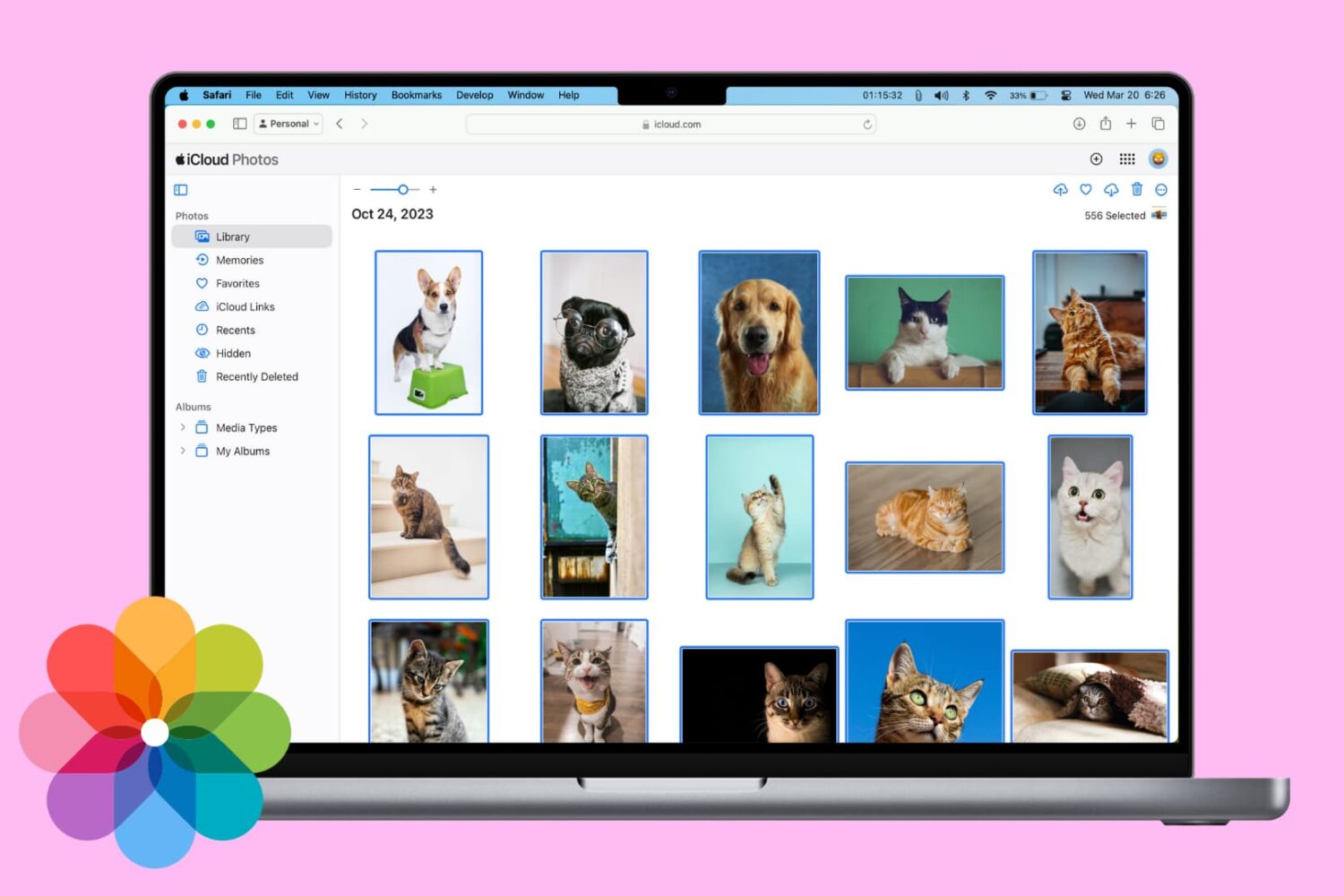
In this tutorial, we will show you three ways to download the photos and videos you have in iCloud to your Mac or Windows PC.
Once you have the photos saved locally, you can back them up elsewhere, edit them with software, or work with them as you please.
Apple has made the first iOS 12 public beta, seeded last week to developers, available for testers. Those in the Beta Software Program can download iOS 12 from Apple’s website.
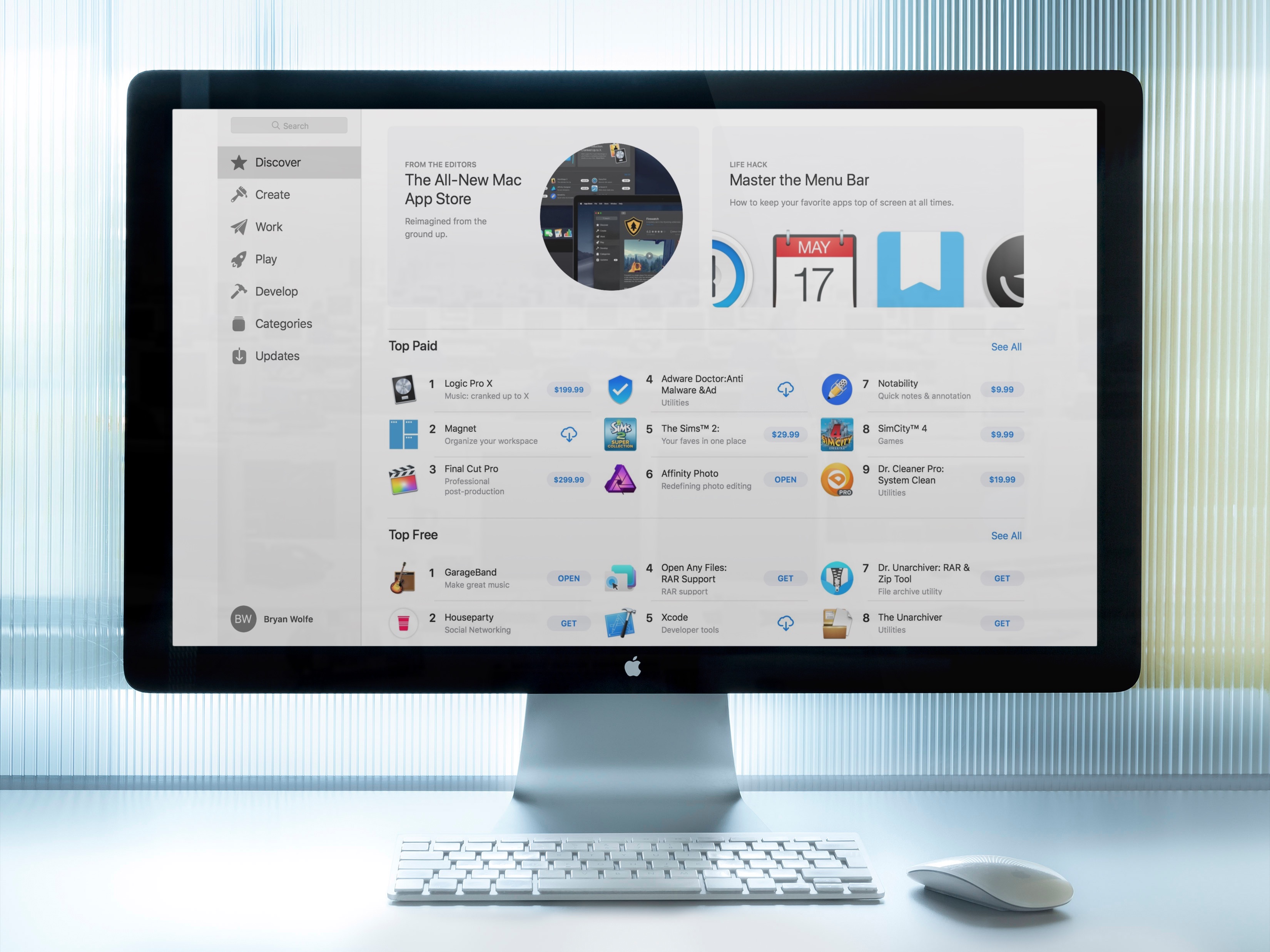
When the macOS Mojave Mac App Store arrives this fall, it will look familiar. It's almost identical to the iOS App Store and yes, this is a good thing. Here's a quick look at the redesign.
In this step-by-step tutorial, we'll show you how to download an archive of your Instagram account, including the photos and videos you've uploaded to the service, any archived Stories, comments on your posts, instant messages, and other data.
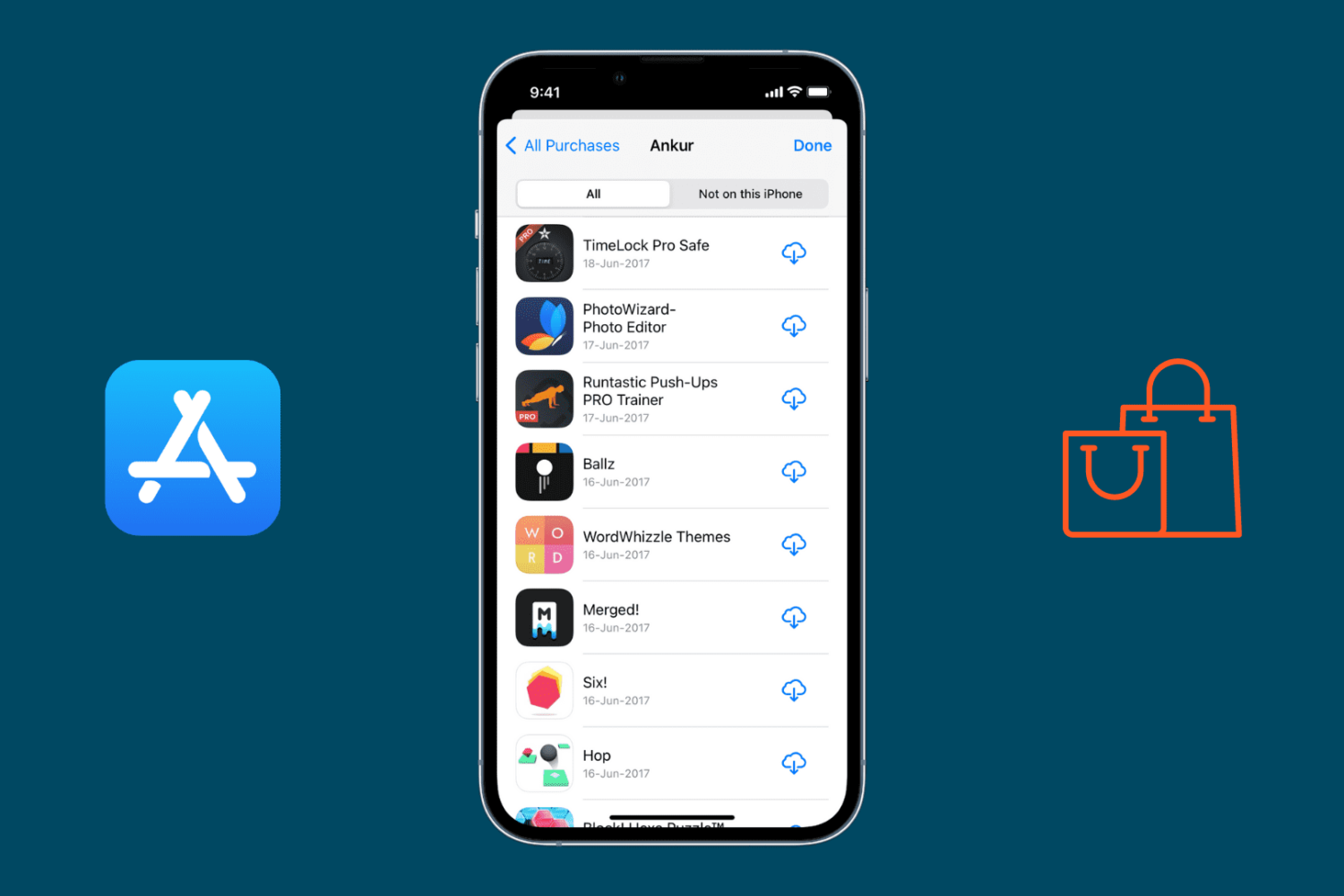
In this simple guide, we show you how to view your App Store download history and review apps that you downloaded a while ago.