Learn how to use Picture-in-Picture in Firefox and Google Chrome for seamless video playback while you browse the web or use other apps on your computer.
How to use Picture-in-Picture in Firefox and Google Chrome
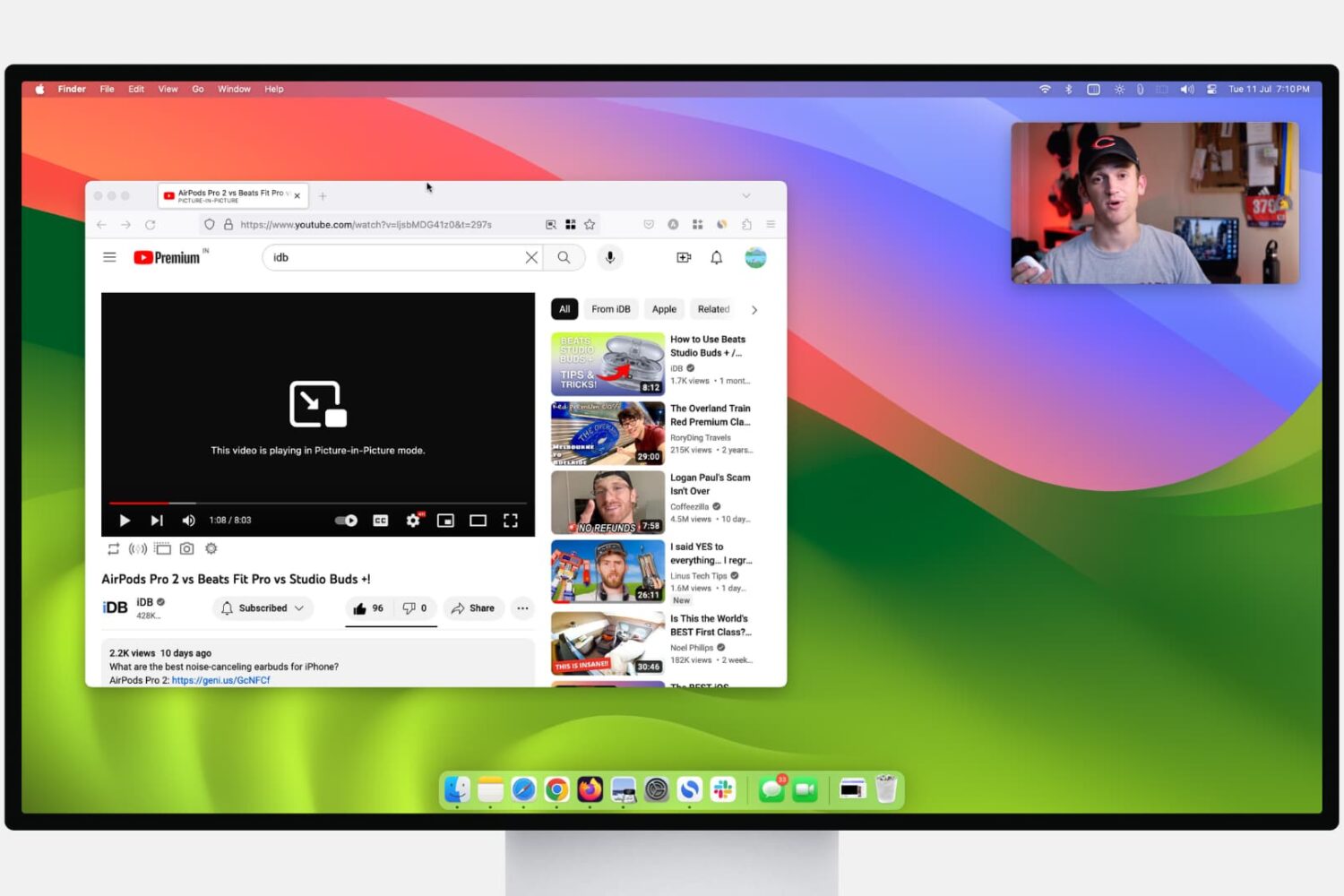
Learn how to use Picture-in-Picture in Firefox and Google Chrome for seamless video playback while you browse the web or use other apps on your computer.
Learn how to copy bookmarks between Safari, Firefox, and Chrome on your Mac if you want to switch to another browser or have all your bookmarks everywhere.
Learn how to change the folder where Google Chrome and Firefox download and save files from the internet.
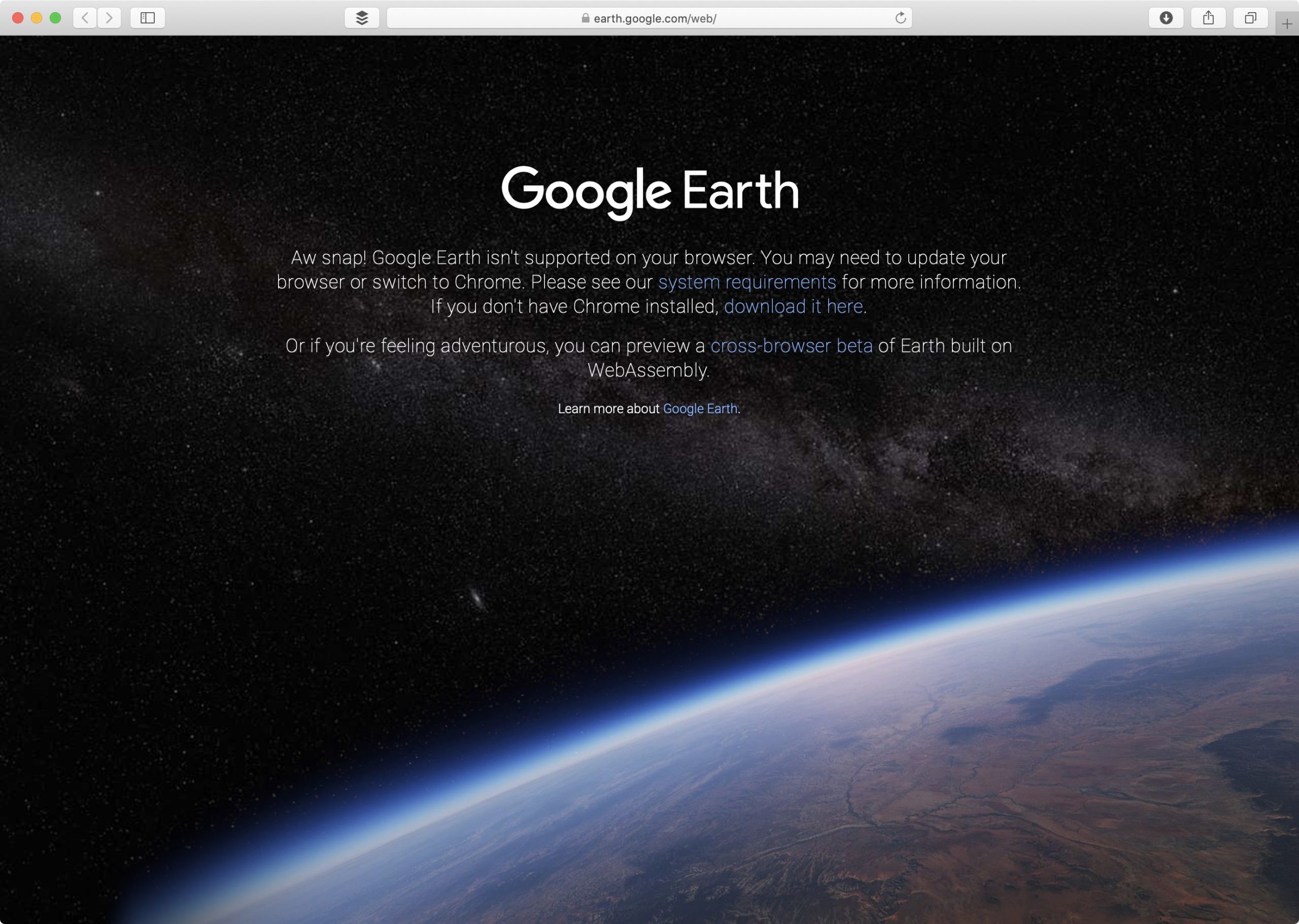
Google announced via a Medium blog post yesterday that its Google Earth web app now finally works in browsers other than its own Chrome app, such as Mozilla's Firefox, Microsoft's Edge and Opera Software's Opera, but acknowledged that support for Safari is still being worked on.
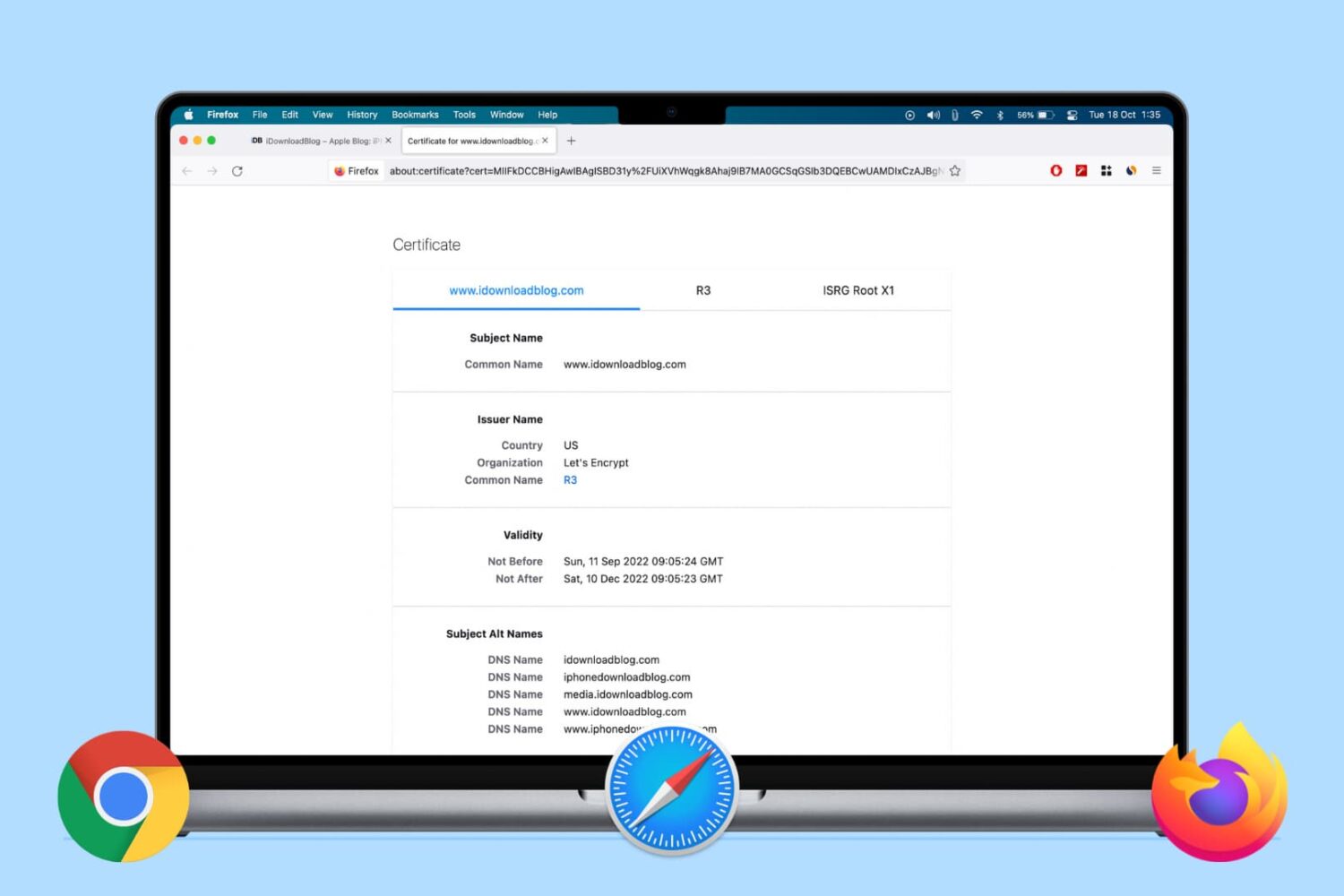
Learn how to view the digital certificate for websites in Safari, Google Chrome, and Firefox on your Mac or Windows PC to verify the ownership and ensure you’re transmitting data to a secure site.
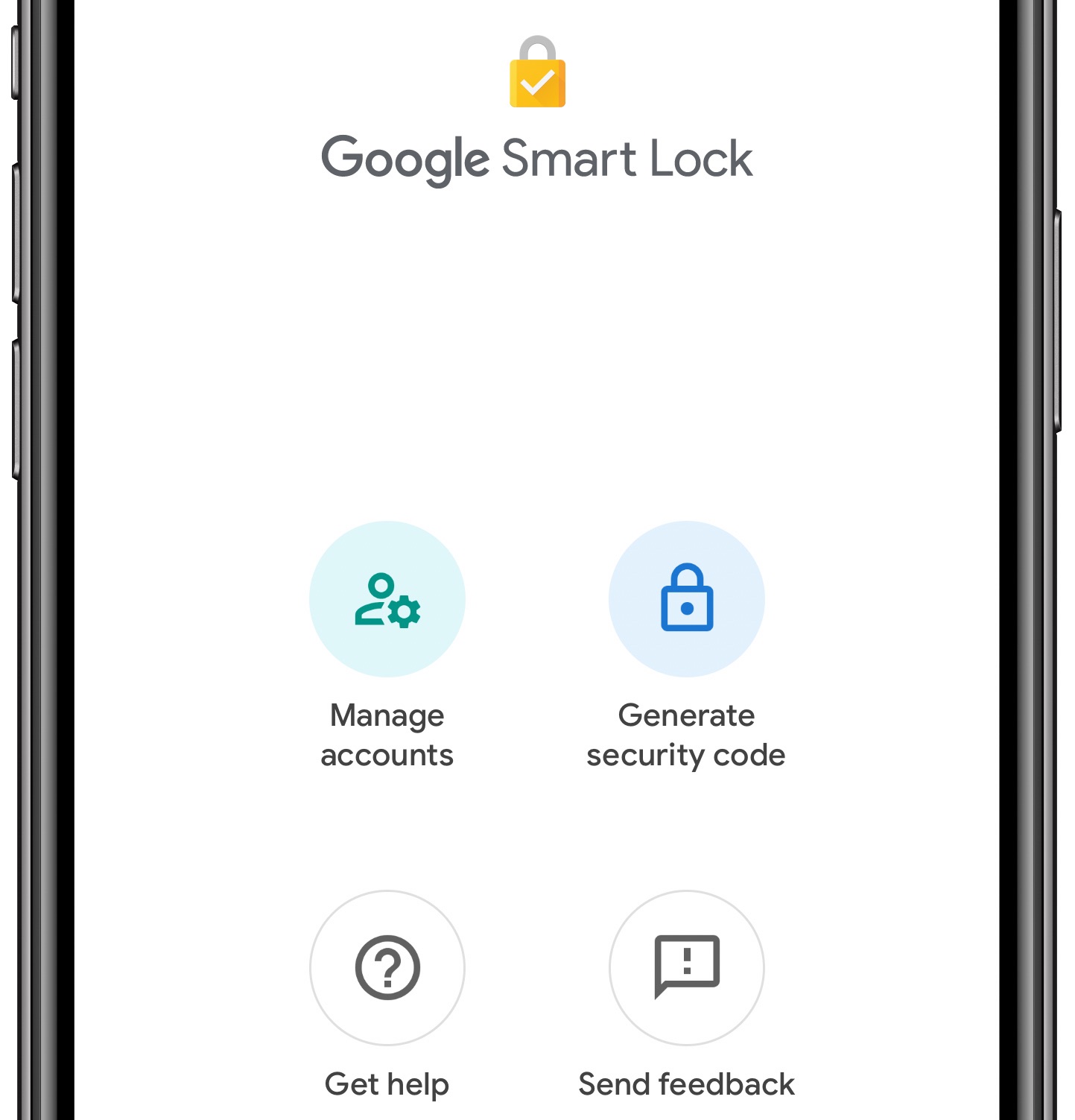
You can now use your iPhone as a physical two-factor authentication security key for logging into Google's first-party services in the Chrome browser on another device.
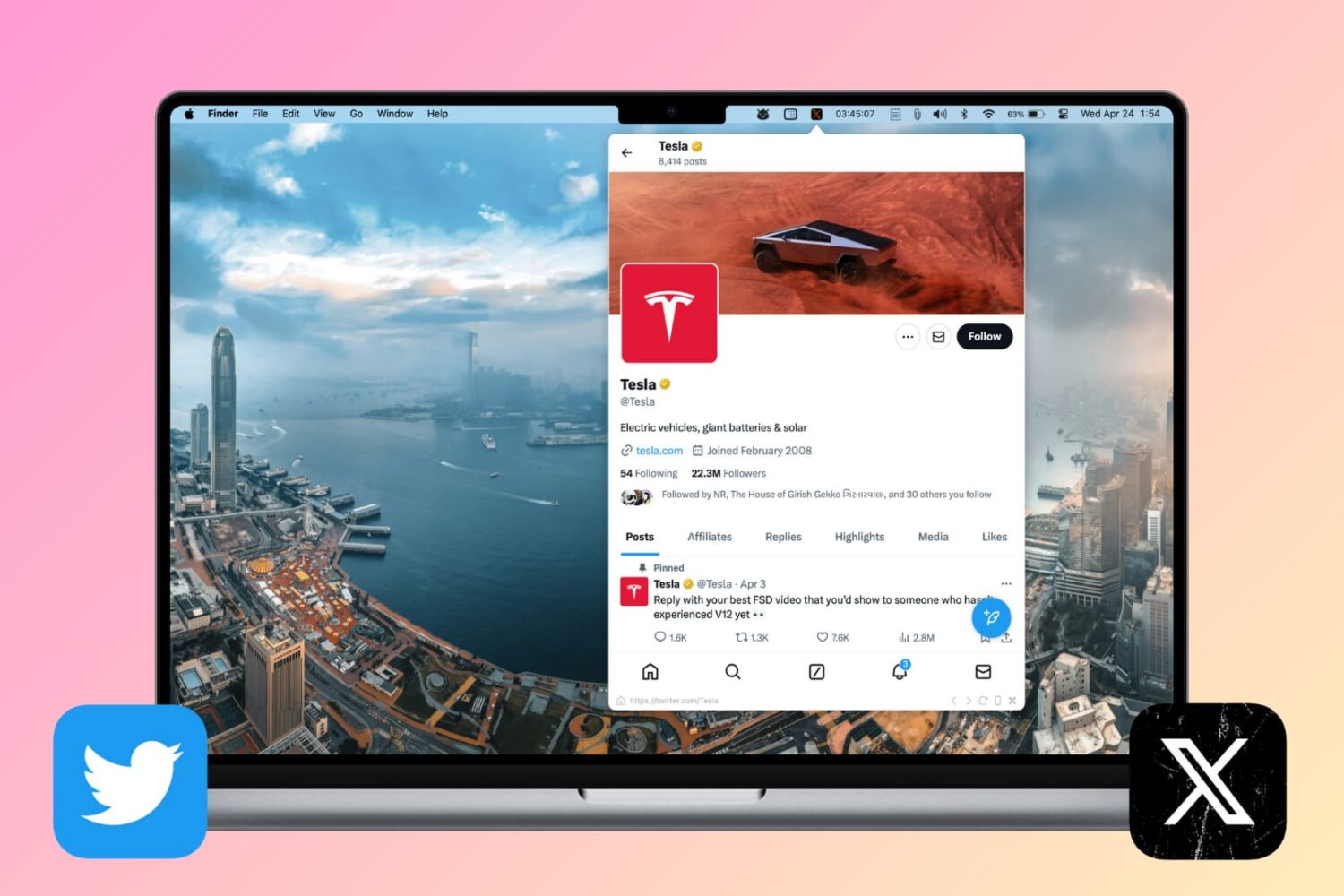
Whether it’s browsing X inside a web browser, a dedicated app, or from your menu bar, here are five ways to use it on your Mac.
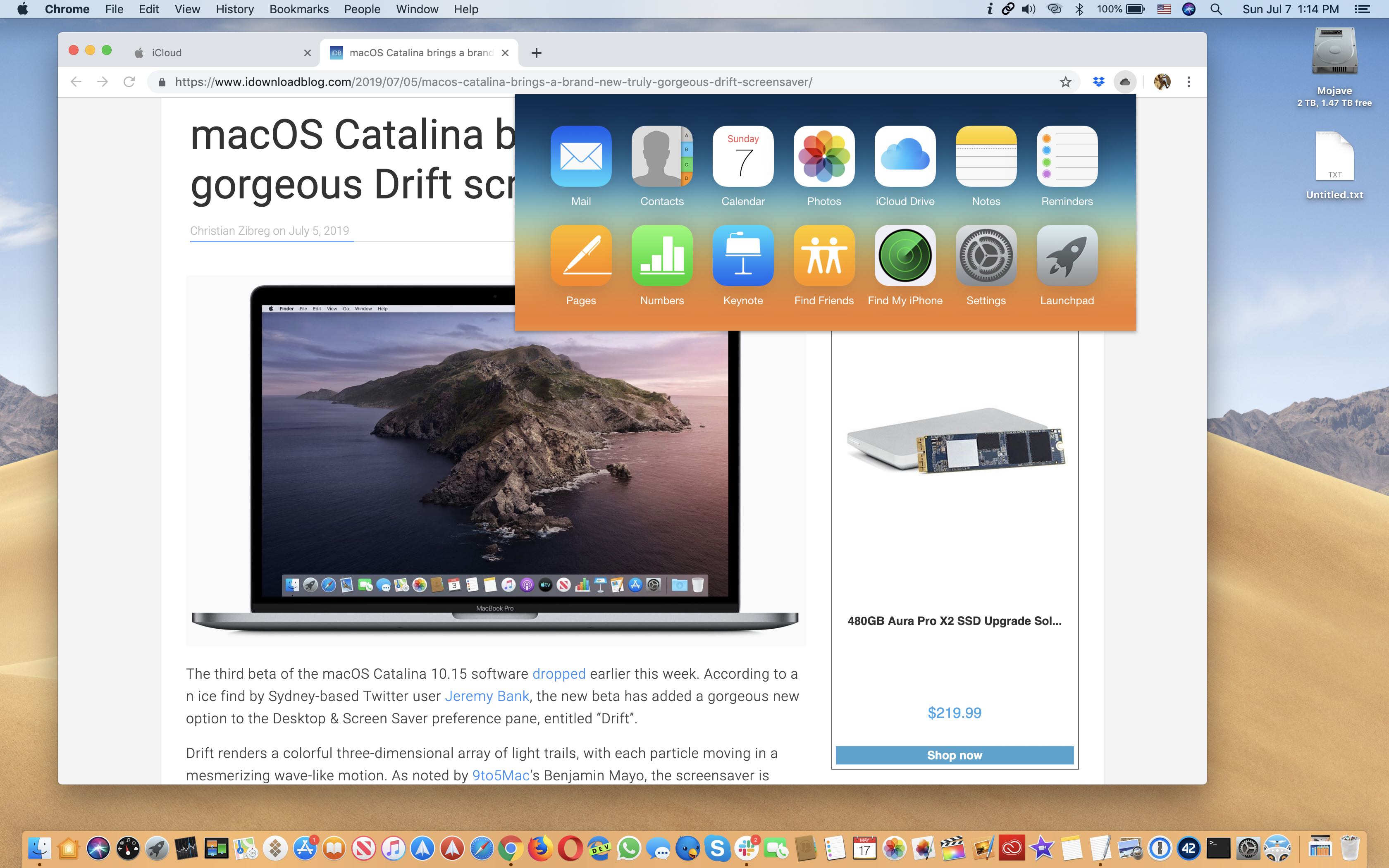
This free productivity extension is an incredibly simple and easy way to access the iCloud web apps on your computer from within anywhere in the Chrome or Firefox browser.

You've probably noticed that YouTube won't render 4K videos in the Safari browser even though modern Macs support native display resolutions higher than 1080p and have the processing power required for smooth 4K video playback.
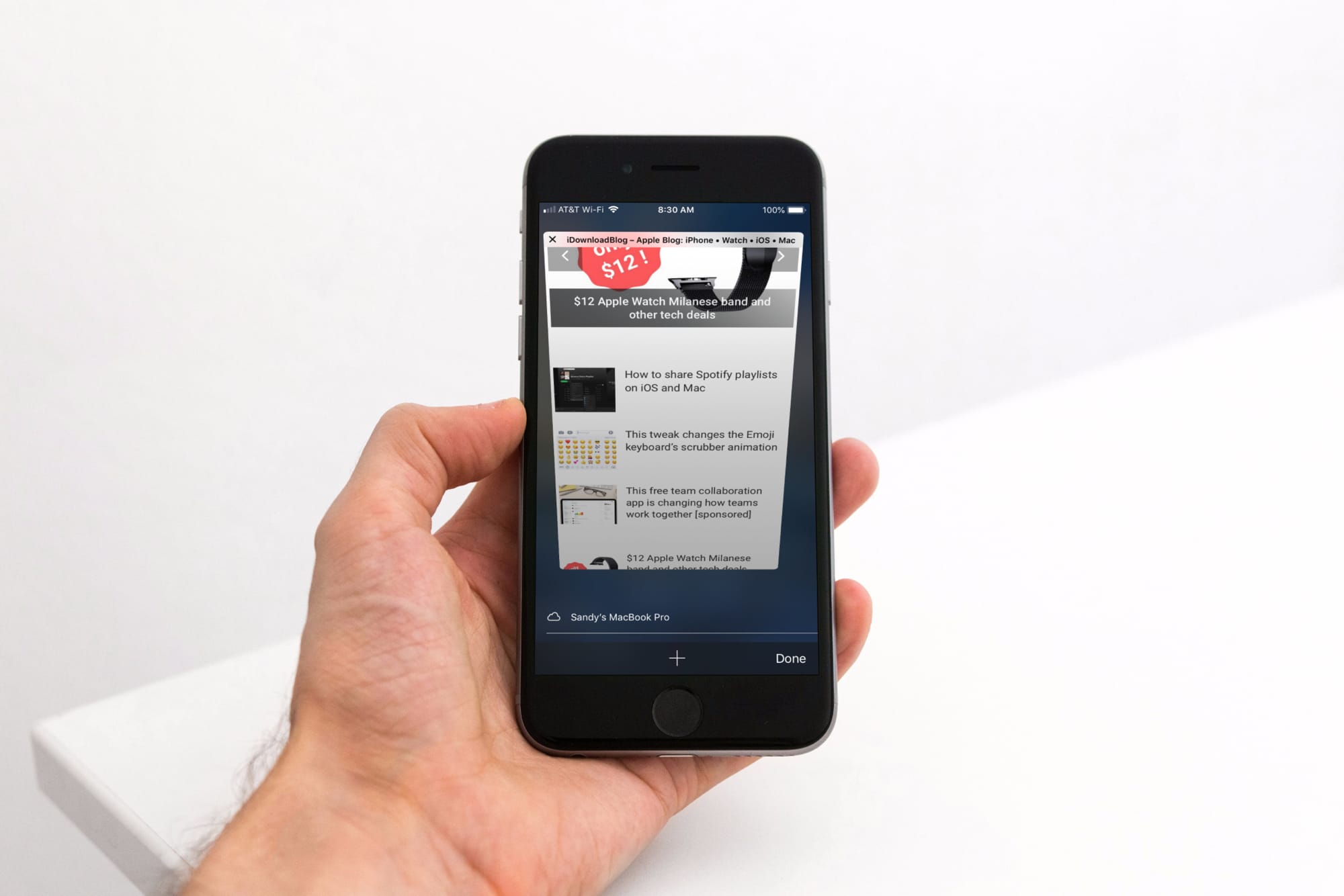
Some people love iOS’ Safari web browser, but if you’re the type of person who would rather use a third-party alternative like Chrome or Firefox, then you might be disappointed to learn that Apple doesn’t let you configure a default web browser apart from Safari. On the other hand, those with jailbroken handsets can have their cake and eat it too.
With the help of a new jailbreak tweak called BrowserDefault by iOS developer lpane, you can choose the default web browser apart from Safari that your handset will use to launch web links when tapped.
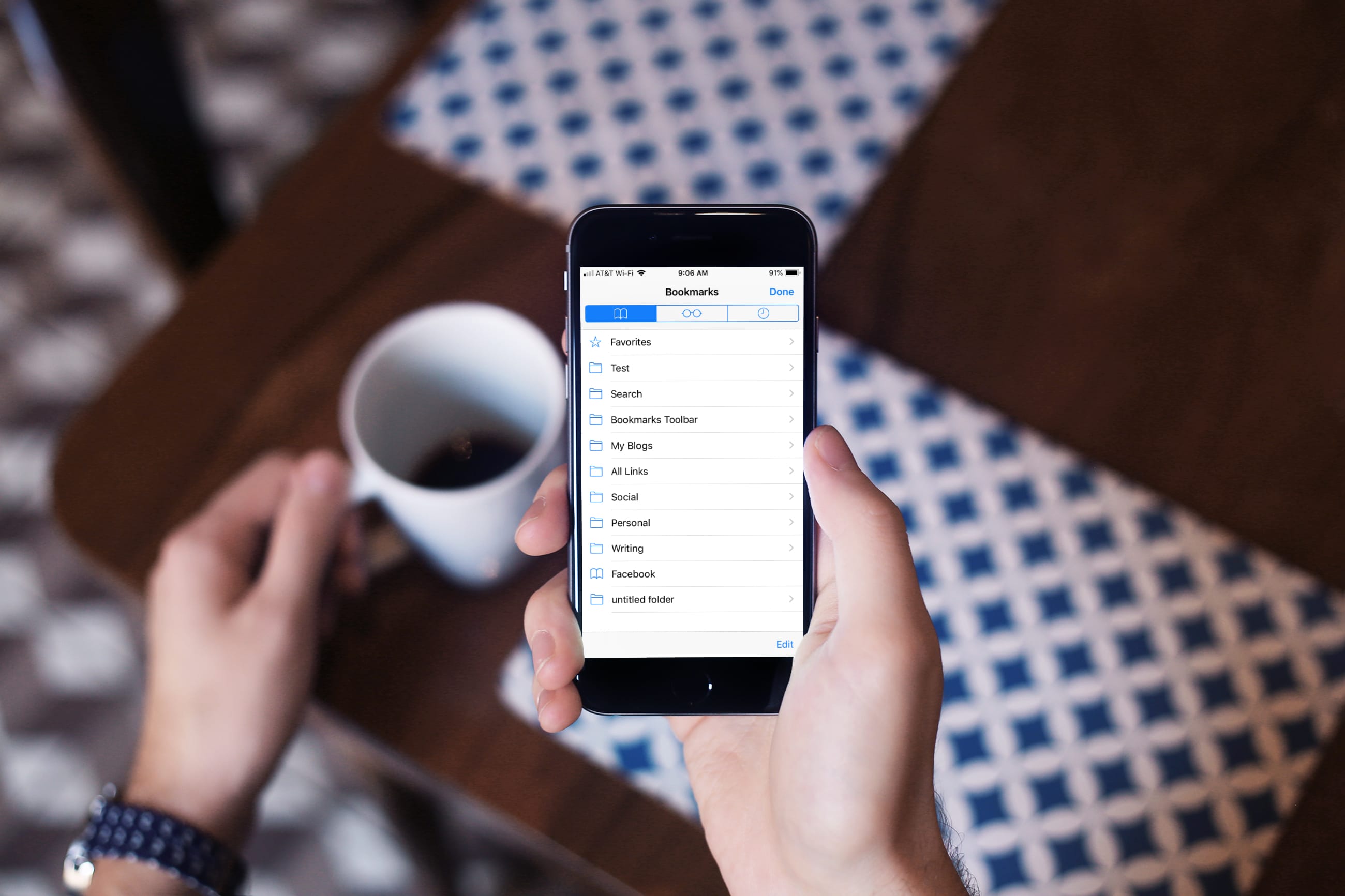
Learn how to turn off bookmark sync in Safari, Google Chrome, and Firefox on your iPhone and iPad if you’d like a different set of bookmarks on each device.

Dark mode-centric features are on the rise across the board, from typical apps that you can install from the App Store, to the very add-ons that you download from Cydia to enhance the native iOS experience.
That said, those who use Chrome on their iPhones or iPads instead of Safari might take a liking to a new free jailbreak tweak called DarkChrome by iOS developer Nathan Whitaker, as it can provide the dark mode experience you’re looking for in the official Chrome app for iOS.