Learn how to make your iPhone or iPad open web links in Chrome instead of Safari if you prefer Google’s browser over Apple's built-in option or other browsers.
How to open web links in Chrome on iPhone instead of Safari

Learn how to make your iPhone or iPad open web links in Chrome instead of Safari if you prefer Google’s browser over Apple's built-in option or other browsers.
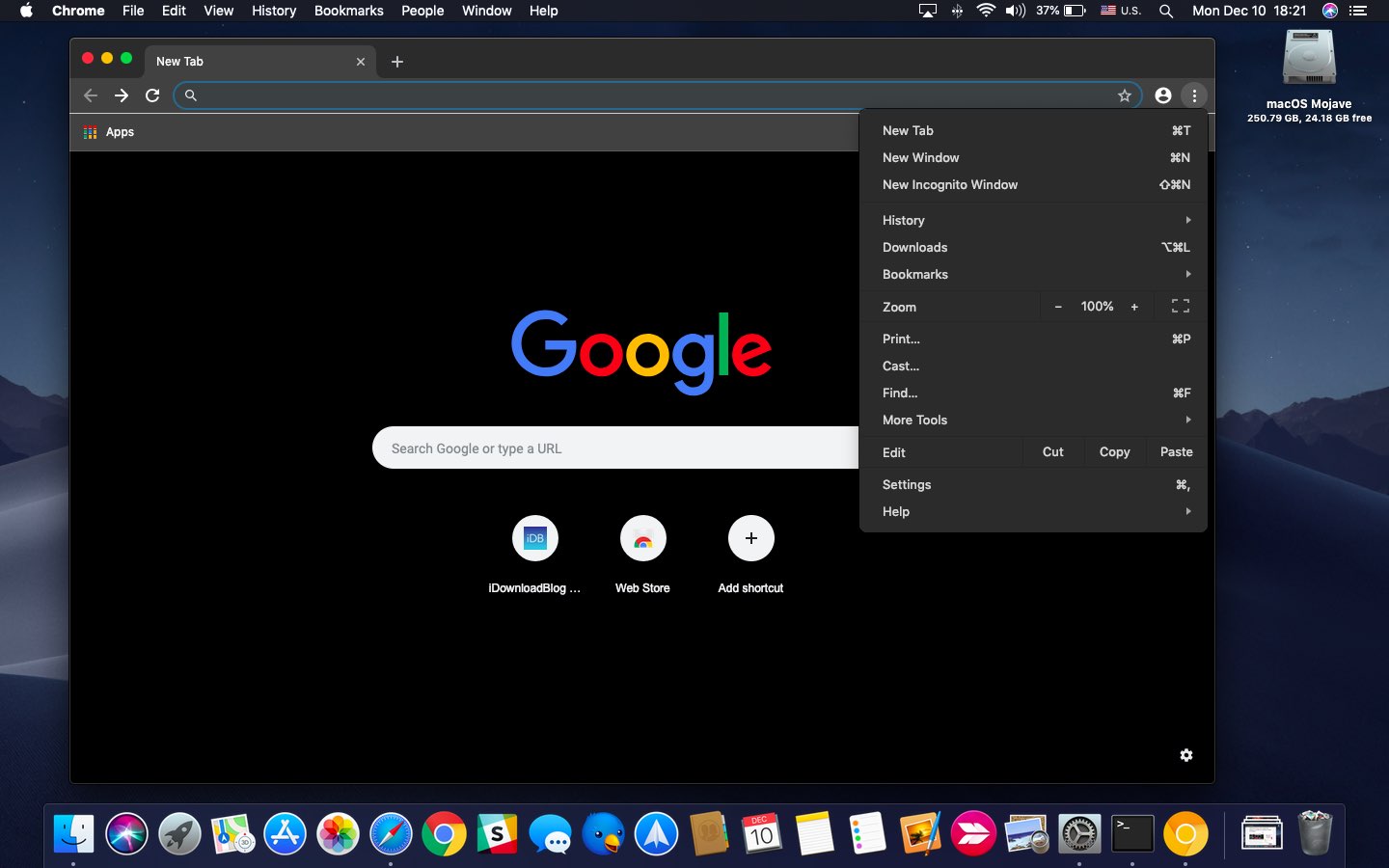
Chrome is a popular web browser so it's puzzling that it does not support a new system-wide Dark Mode introduced in macOS Mojave, but don't worry because Google is working on it.
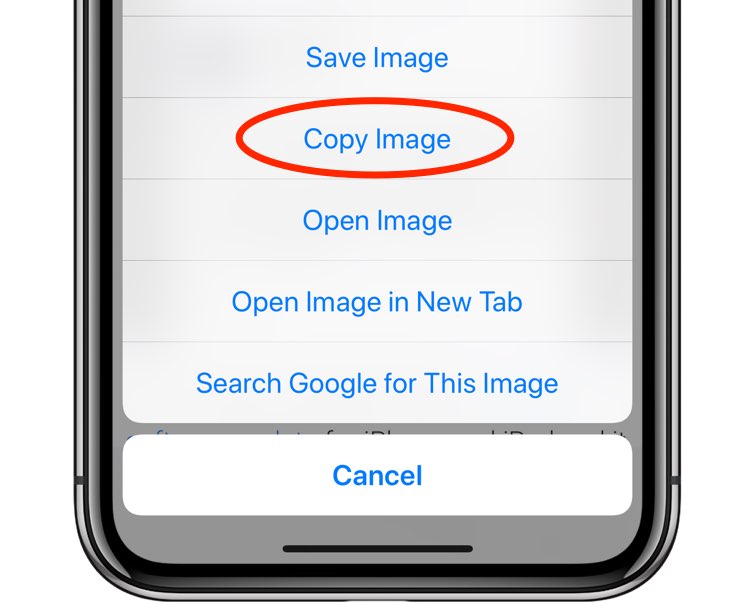
Google today has updated its Chrome browser for iOS on App Store with a pair of new features.

Find out how to add a bookmark to Google Chrome right from Safari on your iPhone or iPad if you use both browsers and want to save links efficiently.

Yesterday, Google's Chrome browser celebrated its tenth birthday by bringing a fresh new look and some new features to its mobile and desktop app, now bumped to version 69.
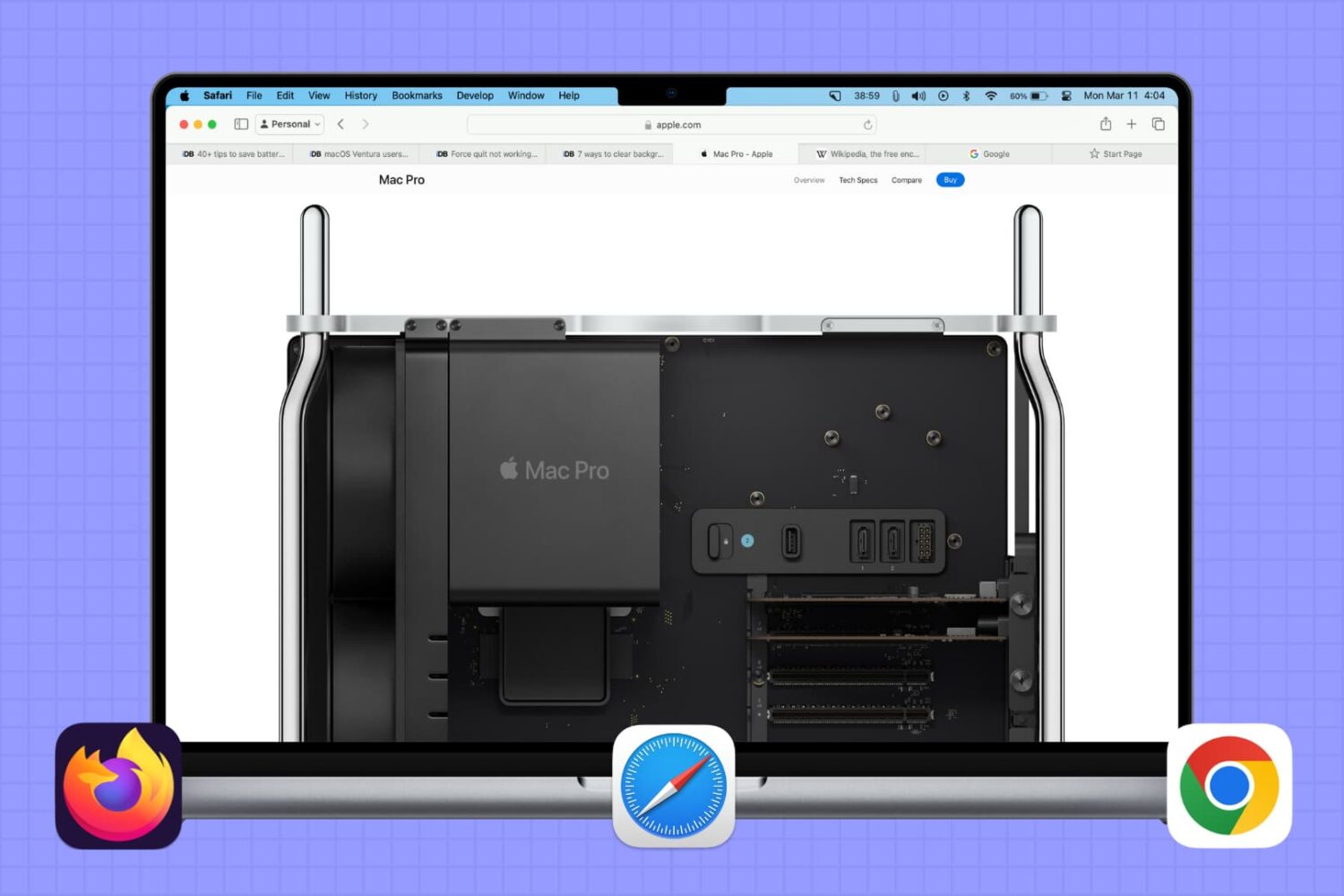
In this brief tutorial, we will share a quick browser tip that lets you select multiple tabs in Safari, Google Chrome, or Firefox and move them to a separate window.
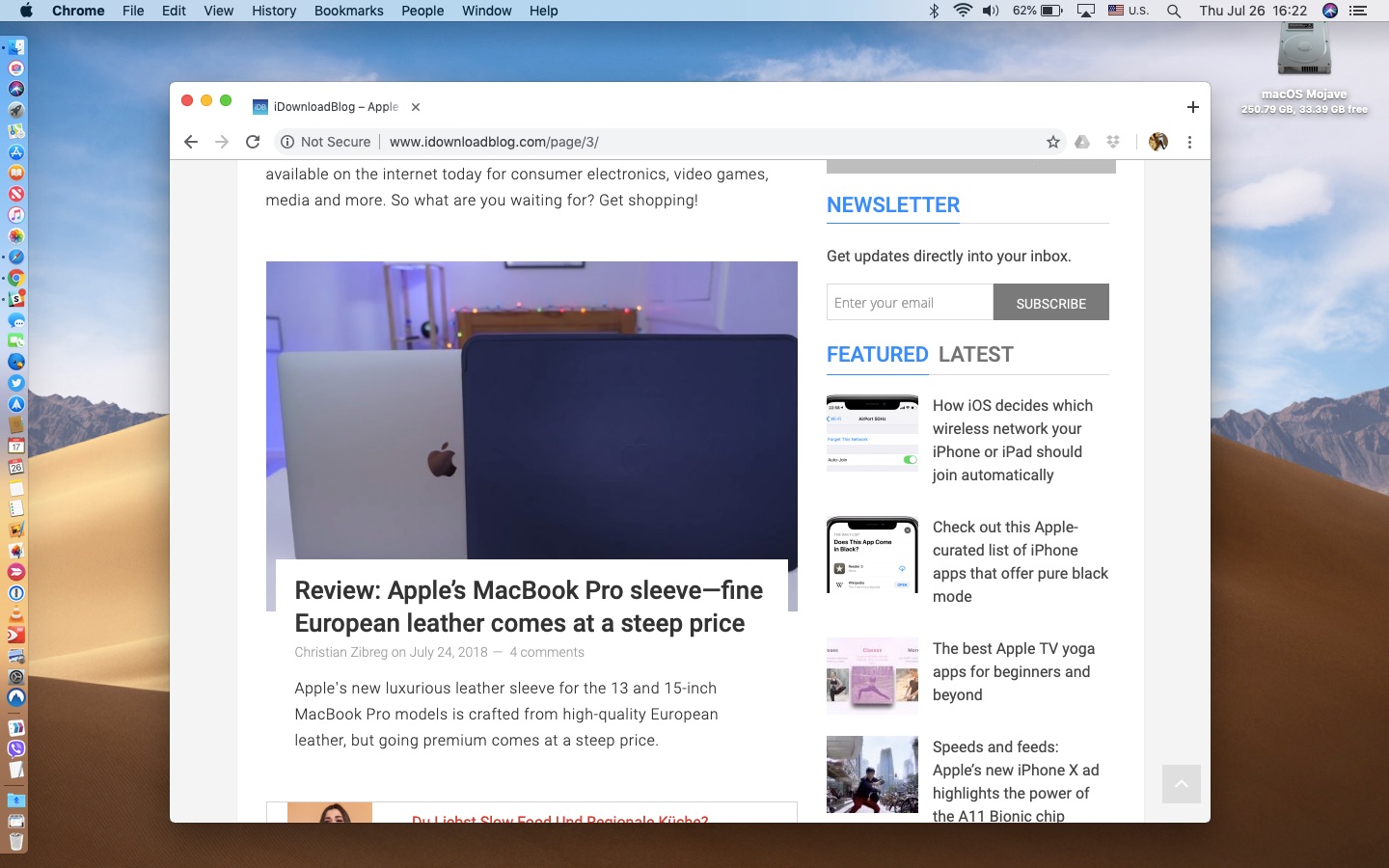
Google Chrome 68 for desktop and mobile includes elements of a Material Design refresh that are disabled by default, but can be activated at will by changing hidden settings, here's how.

Are you looking for a way to make your work time more productive? Tired of dealing with an overflowing Gmail inbox that has slowly taken control of your life? The Chrome extension Mixmax can help boost your productivity while also bringing some stability back to your inbox.
Similar to WWDCs of the last several years, today's keynote presentation will be live-streamed. The many Apple fans and enthusiasts from around the world who unfortunately are not in a position to attend Apple's developers conference can still tune in from the comfort of their own couch and see what’s new in the world of iOS, macOS, tvOS, watchOS and more.
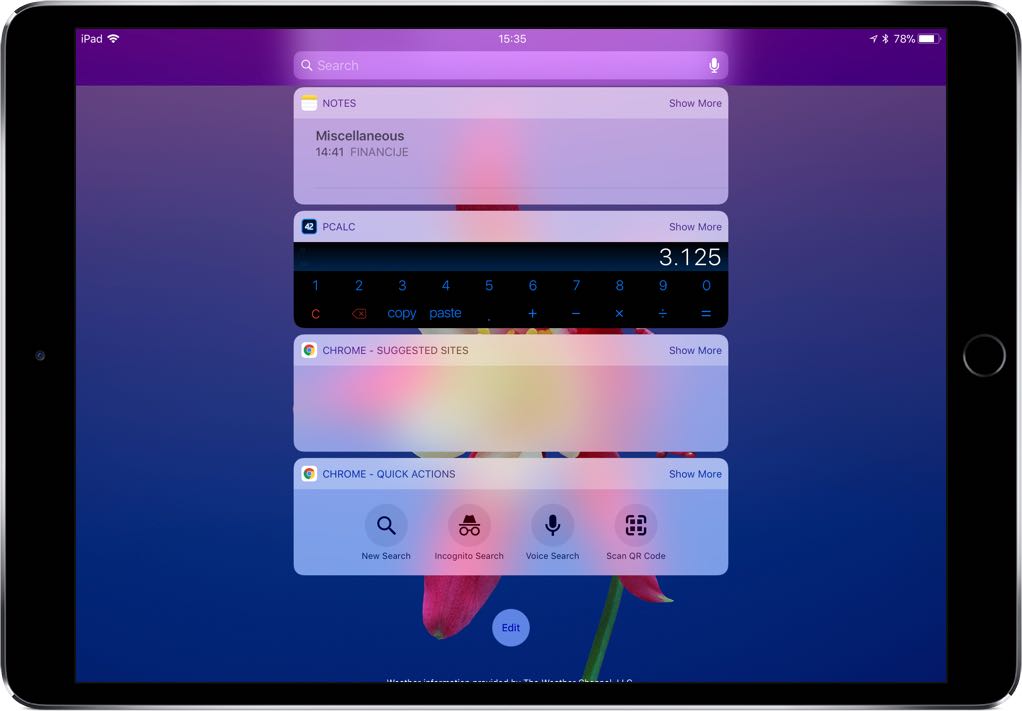
Google today updated its mobile Chrome browser for iPhone, iPad and iPod touch with a pair of new features. Chrome, a free download from App Store, now supports iOS 11's new drag and drop capability on compatible iPad models and brings two new Today widgets.
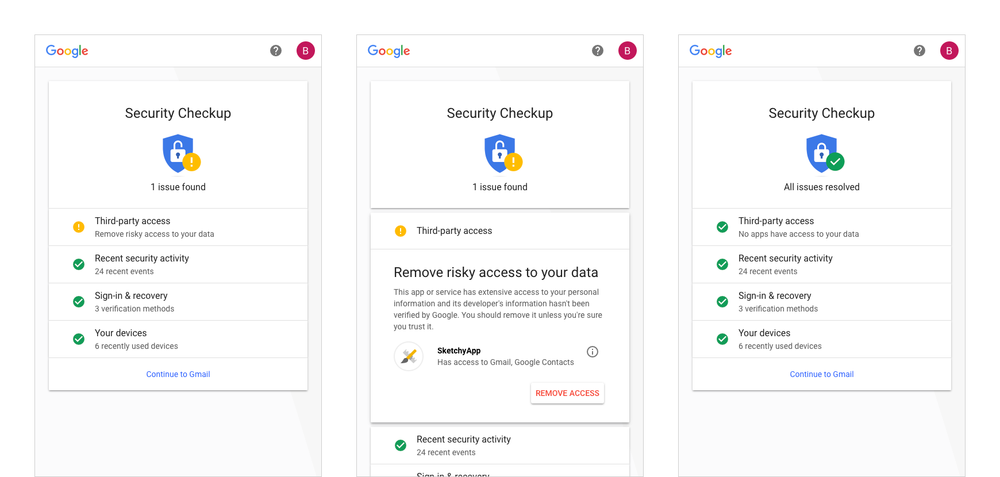
October is Cybersecurity Awareness Month and Google is celebrating with a pair of security-minded updates: an upgrade to the Security Checkup feature and all-new predictive phishing protections available for the Chrome browser.
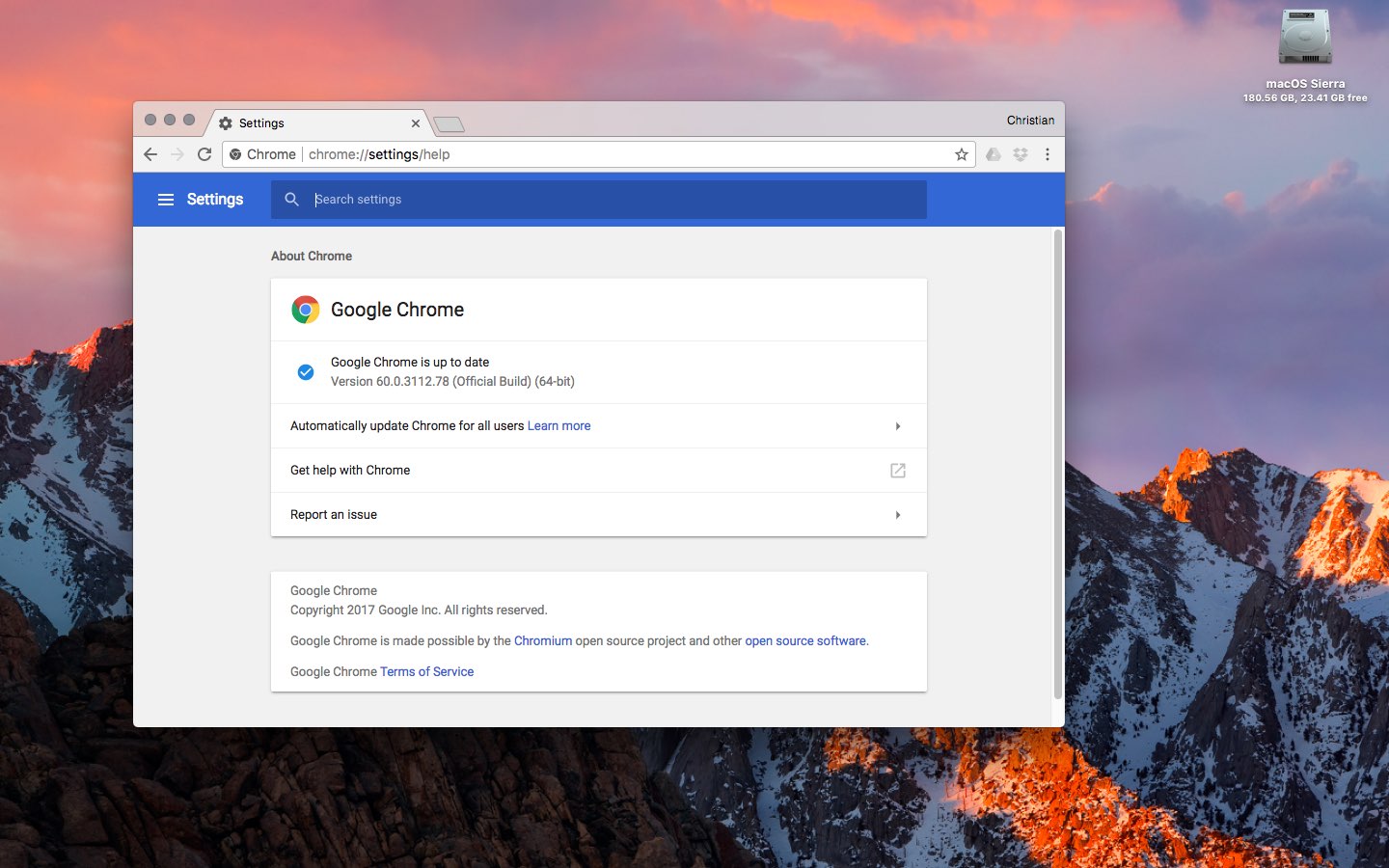
Google yesterday announced that its freshly updated Chrome desktop browser has at long last brought out official support for handy navigation shortcuts on the MacBook Pro's Touch Bar.
Supported shortcuts include Chrome's unified search/URL box, bookmarks and a new tab shortcut. Like with other Touch Bar shortcuts, they're easily customizable by choosing Customize Touch Bar from the View menu, where you can also turn off typing suggestions.
In addition, Chrome 60 for macOS includes an updated Credential Management API (allowing websites to interact with Chrome's password manager) while packing in support for the Payment Request API for auto-filling checkout forms and other developer enhancements.
On a related note, Google said yesterday it would remove Flash completely from Chrome toward the end of 2020 following Adobe's announcement to end-of-life its Flash plug-in.
If you regularly visit a site that uses Flash today and it migrates to open web standards, you shouldn’t notice much difference except that you'll no longer see prompts in Chrome to run Flash on that site. “If the site continues to use Flash, and you give the site permission to run Flash, it will work through the end of 2020,” said Google.
Chrome's silent updating mechanism ensures you're always running the most recent version of the app. To check for updates manually, choose About Google Chrome from the menu.
You can download Chrome from Google's website.