Chrome

Choose your default web browser in iOS with BrowserChanger10

Everyone has a favorite web browser they prefer to use on their computer, but when it comes to the iPhone or iPad, Apple forces all URL links to open in Safari by default.

You can change this with a new free jailbreak tweak called BrowserChanger10 by iOS developer HiDaN, which lets you choose a new default web browser for opening URL links.

Apple’s Workflow app gains new Apple Music actions, brings back Chrome and Pocket integrations

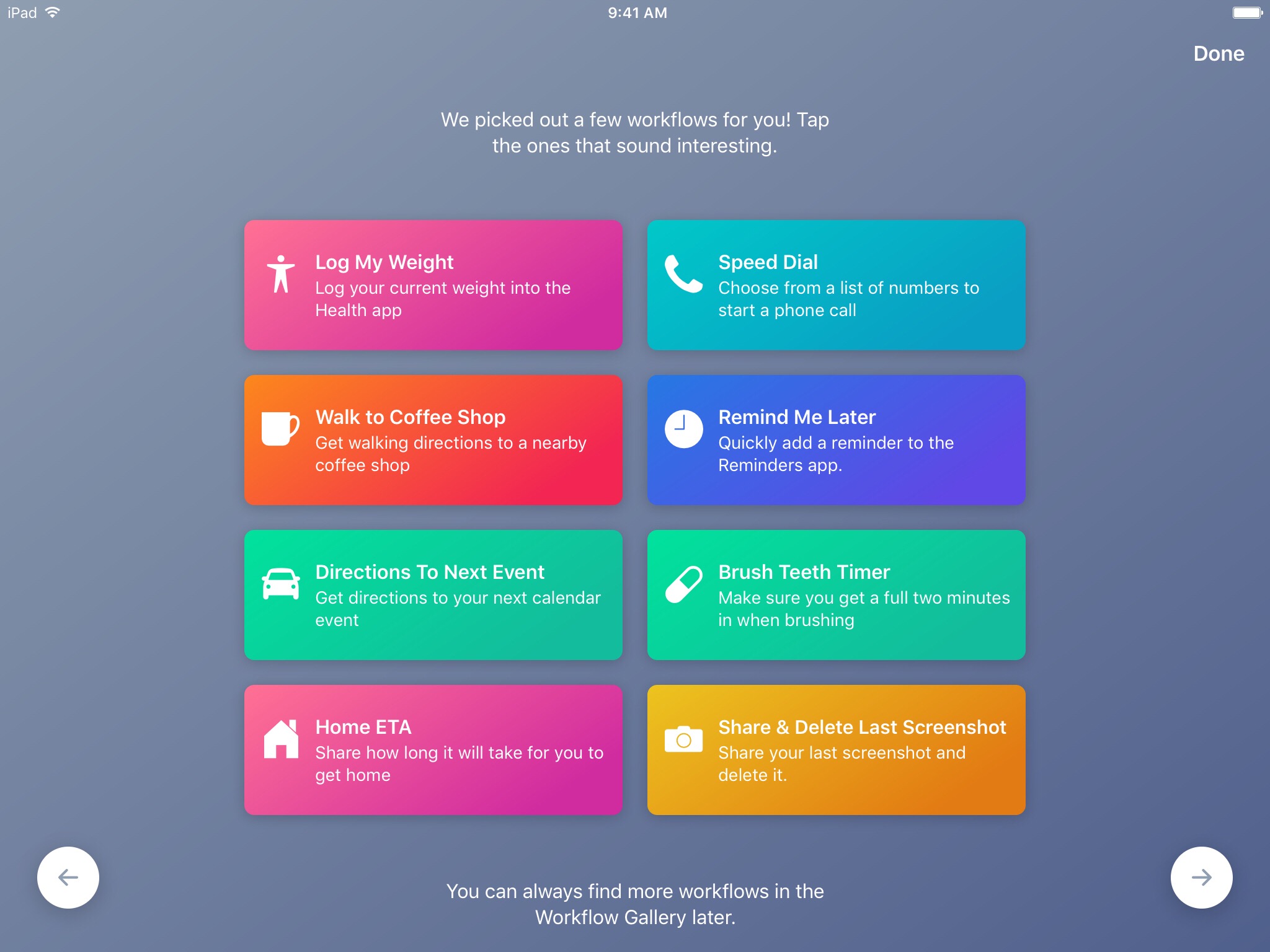
Workflow, the powerful iOS automation app that Apple acquired in March, has brought back a few features that were originally removed from the software following the Apple deal while adding updated Apple Music actions.

In Workflow 1.7.4 for iPhone and iPad, users can now create workflows using actions specifically designed for Google's Chrome browser and the read-later app Pocket, which browser vendor Mozilla acquired in February.

With the updated Apple Music actions, Workflow fans can now add songs to their Up Next queue in the Music app. Another new action lets you clear the songs in the Up Next queue.

Additionally, Workflow's Get Distance actions has been updated with support for getting the distance from a specified location while the order of items passed from a Dictionary action to Choose from List is now preserved.

Here's everything new and fixed in Workflow 1.7.4:

Bug fixes and improvements Restored the Google Chrome and Pocket actions Add music to your Up Next queue with the Add Music to Up Next and Clear Up Next actions Get Distance now supports getting the distance from a specified location The order of items passed from a Dictionary action to Choose from List is now preserved Fixed getting prices for books in Search iTunes Store Fixed making archives with special characters in the filename on iOS 10.3 and later Fixed an issue where workflow glyphs in the Today Widget may be stretched and cut off Fixed an issue where latitude and longitude may be formatted incorrectly in international locales Fixed an issue where .wflow files may fail to open on iOS 10.3 and later Fixed an issue where improperly formatted URLs from Pinboard could cause Workflow to crash Fixed an issue where booleans may not update when their value is changed inside dictionary fields Fixed an issue where handing off clipboard content from the Today Widget or Action Extension may throw a “The file Clipboard could not be opened” error Fixed an issue that could cause Workflow to crash on launch Other bug fixes and minor additions

Apple has said that it will continue to push maintenance updates to Workflow, but no new user features will be added to the software. Today's update makes good on that promise.

https://www.youtube.com/watch?v=7rJXJcn93jU

Subscribe to iDownloadBlog on YouTube

Apple's plans for Workflow are unclear at the moment. For what it's worth, any new features or major changes that could be in the works for the app should be formally announced at the company's annual conference for developers next month.

Workflow is available at no charge via App Store.
How to clear your web browsing cache in Chrome, Safari, and Firefox on Mac

Chrome settings on Mac

Over time, web browsers accumulate website data from everyday browsing. Known as cache, this data collection helps browsers load web pages more quickly, so these files don't have to be re-downloaded when you revisit the same websites in the future.

Unfortunately, cache is also the main suspect when diagnosing issues loading websites, and it can also eat up valuable storage space on your Mac. That's why in this tutorial, we'll show you how to delete cache and cookies in three of the most popular web browsers: Apple Safari, Google Chrome, and Mozilla Firefox.

Chrome 58 for Mac launches, still no support for Touch Bar

A little more than a month following Chrome's version 57 release, Google today announced that it's rolling out Chrome 58 for Mac, Windows and Linux featuring a number of bug fixes and developer enhancements. Although beta versions of the browser on the Canary channel included support for Touch Bar shortcuts on the new MacBook Pro, Google pulled it from subsequent betas as well as from the stable release as it wasn't ready for prime time yet.

Chrome 57 hits Mac, Windows and Linux

Google yesterday released Chrome 57 for Mac, Windows and Linux. The release contains a number of fixes and improvements, as well as a bunch of improvements mostly focused on Android and Chrome OS devices. The browser brings a major feature for web developers: a new grid layout system allowing​ programmers to easily create web designs for a variety of screen sizes. On the iOS side, Google is currently testing a Safari-like Reading List feature for saving webpages for later.

Google is bringing Safari-like Reading List feature to Chrome for iPhone and iPad

Safari for iPhone, iPad and Mac has long included a tremendously useful Reading List feature that allows you to save your favorite webpages and access them easily between devices—even without an Internet connection. Google has been working on its own version of Reading List and it's slated to arrive in an upcoming update to Chrome for iOS, as reported by 9to5Mac. Like with Reading List on Safari, this nifty new addition will let Chrome users save articles and webpages for offline reading at a later date.

Google to expand Chrome’s malware protections on Mac

Google's Chrome and other browsers rely on a feature called Safe Browsing to display a warning message before you visit a dangerous site or download a harmful app. Google is now expanding the scope of Safe Browsing in Chrome for macOS to strengthen protections against malware and other unwanted software such as extensions that silently modify Chrome's settings. The expanded Safe Browsing features in Chrome for macOS will go in effect on March 31, Google has said.

Google launches Chrome 56 for iOS with QR code scanning and overhauled tab switcher on iPad

Google today updated Chrome for iPhone and iPad on App Store with a pair of new features. The first allows you to scan a QR code or barcode by selecting a new Scan QR Code option in the shortcuts menu after pressing the app's Home screen icon with 3D Touch on iPhone 6s/7 series. On older devices without 3D Touch, search for “QR” in iOS's Spotlight feature to reveal a shortcut to the browser's new barcode-scanning function.

Google open sources Chrome for iOS

Google today announced it is open-sourcing its Chrome browser for iOS. The code for Chrome for iOS is now part of Google’s Chromium project and being moved into the open-source repository so that interested developers can download it and compile an iOS version of Chromium just like they can on other platforms. For those wondering, Chromium is the open-source web browser project from which Chrome draws its source code.

Chrome 56 for Mac released with lower power consumption, performance boost & more

Google on Friday released Chrome 56 for Mac, Windows and Linux following a period of beta testing which began about a month and a half ago. In addition to various security enhancements, Chrome 56 offers nearly up to one-third faster webpage reloading times with 60 percent less validation requests. Google's desktop browser will now warn you when a website requests confidential information over an insecure connection. It also blocks Flash content, supports Web Bluetooth API and more. Chrome 56 for iOS should follow soon.

Chrome 56 adds support for FLAC codec, “Not Secure” HTTP warning, web Bluetooth & more

Chrome 56 for Mac and other platforms has entered Google's beta channel. When released to the general public, the browser will bring native support for the FLAC audio codec within the browser and other perks. This should come in handy because macOS does not support the FLAC file format out of the box so users often must use a third-party converter or video player to play these files. With Chrome 56, Mac users will be able to play FLAC-encoded audio files embedded in web pages or local files drag and dropped onto the browser window.

You can now start Chrome in Voice Search or Incognito mode from Spotlight Search

Google added Spotlight Search integration to Chrome for the iPhone, iPad and iPod touch back in January 2016, allowing you to search for your Google bookmarks using iOS's Spotlight feature. Today, the Internet giant issued a small update to Chrome for iOS, bumping version number to 55.0.2883.79 and adding a pair of enhancements.

The first lets you start Chrome in Voice Search mode or open a new Incognito tab right from Spotligh.

As for the other change, Google has now removed the folder named All Bookmarks from your bookmarks view in Chrome “by popular request”.