Learn how to boost your privacy in Google Chrome by locking Incognito tabs behind Face ID or Touch ID when switching between apps on your iPhone.
How to require Face ID authentication for Incognito tabs in Google Chrome
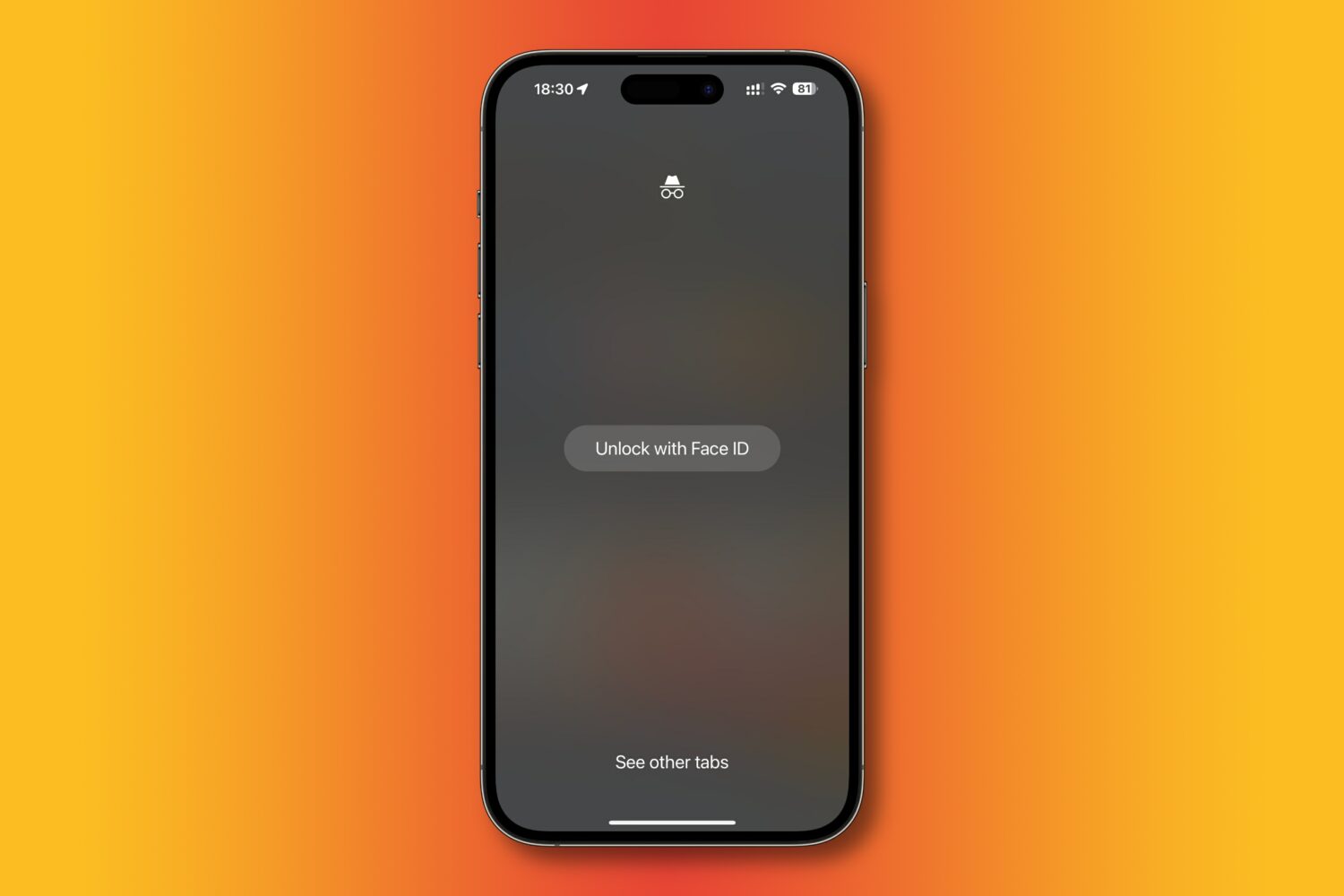
Learn how to boost your privacy in Google Chrome by locking Incognito tabs behind Face ID or Touch ID when switching between apps on your iPhone.

Learn how to install Google Chrome extensions on your Mac or Windows PC to get extra features, as well as manage, update, or remove them.

Learn how to perform an immediate manual update of Google Chrome on your computer instead of waiting for the automatic update feature to swing into action.
Google is building passkeys support into Android and Chrome, launching later in 2022, but people can test it today via Play Services Beta and Chrome Canary.
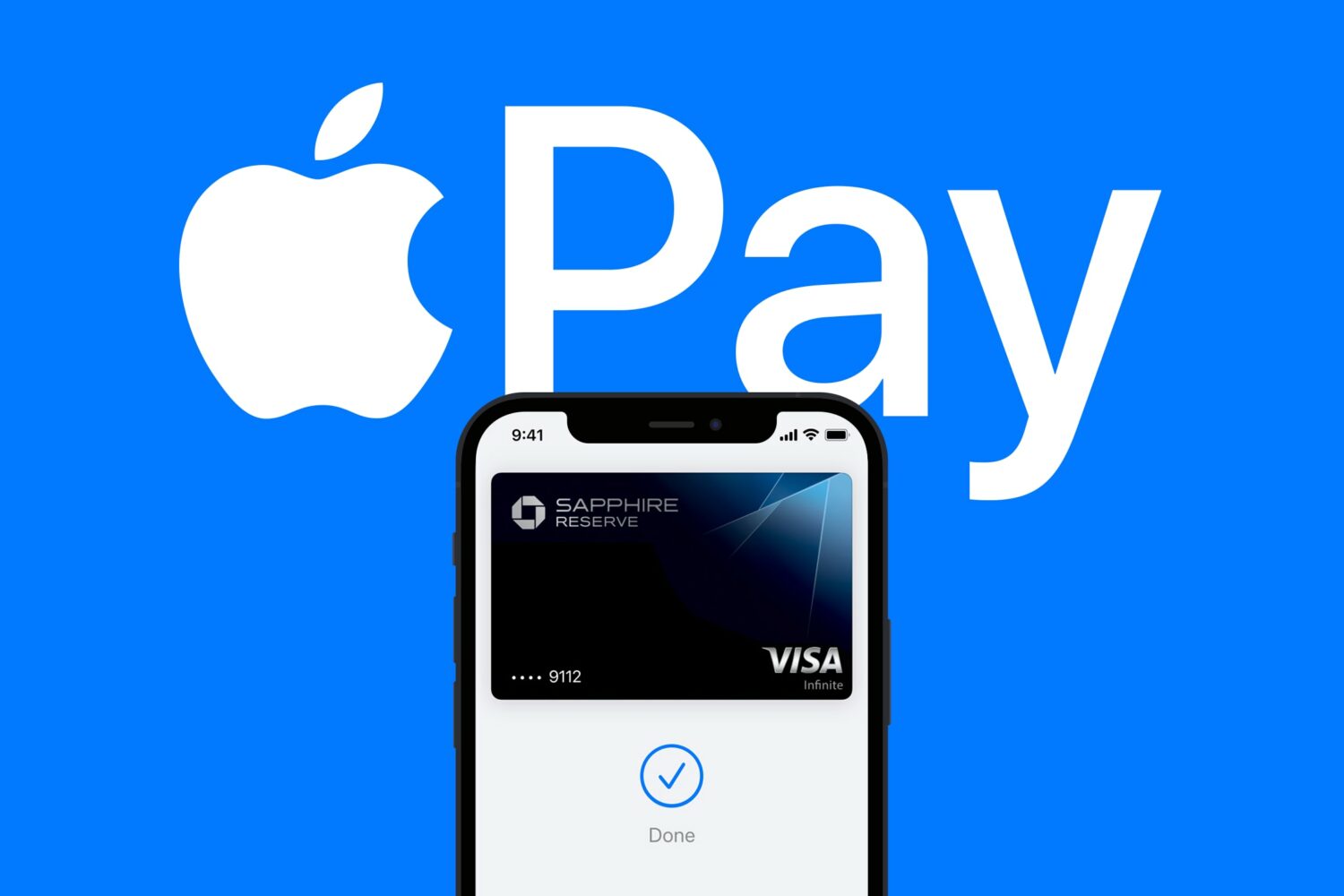
iOS 16 finally allows you to use the Apple Pay payment feature on websites in other browsers like Chrome, Edge and Firefox, not just Safari.

Keep your sensitive information and browsing data safe by ensuring your web browsers are up to date on your iPhone, iPad, and Mac.
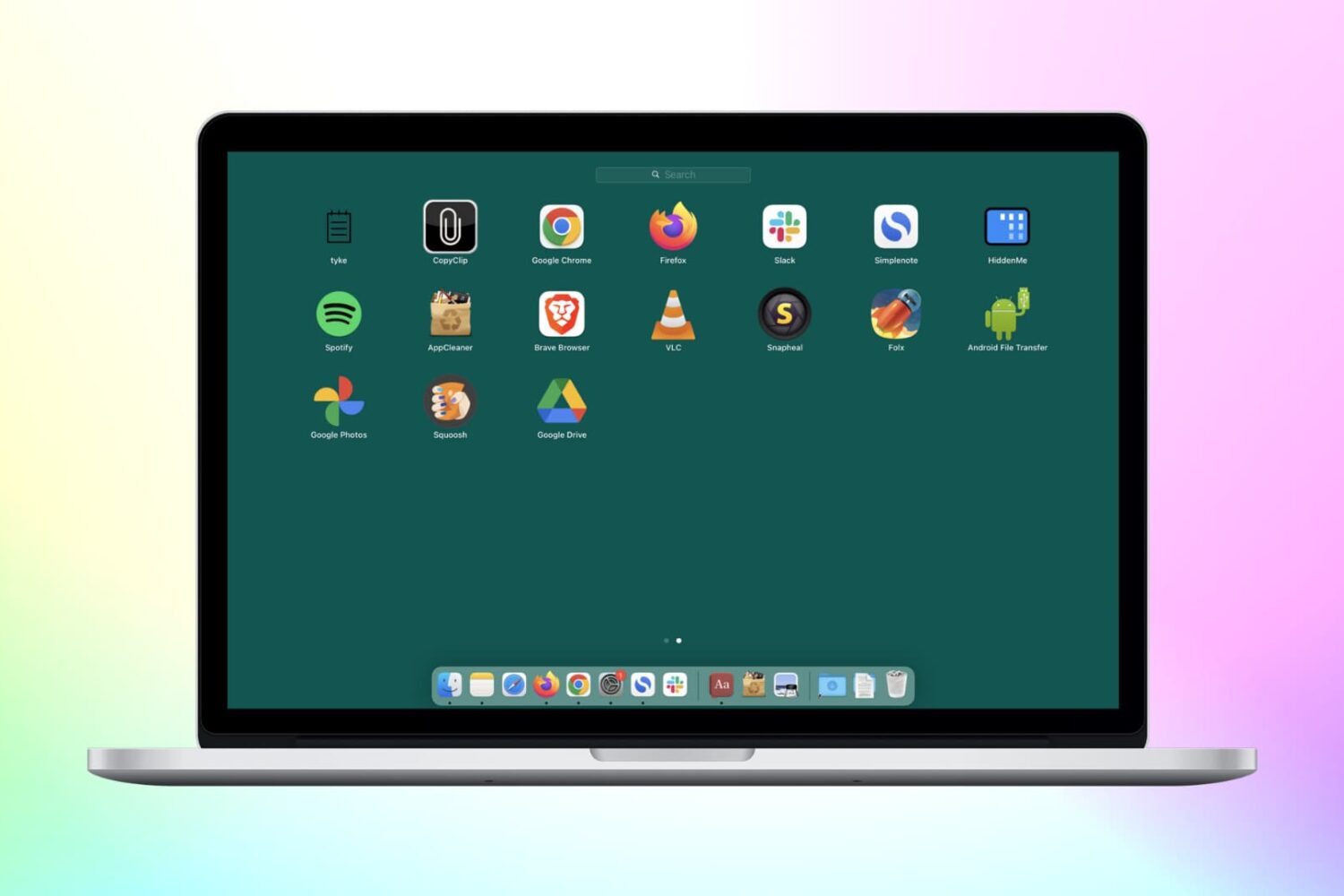
Check out these 3 simple methods to delete Chrome apps on your Mac, including from Finder, Launchpad, and Chrome’s built-in settings.

To make sure you understand the implications of each control, Google's Chrome browser has launched a new Privacy Guide on desktop. It's basically a one-stop shop that walks you through tightening your privacy in a step-by-step fashion.
Learn how to set Google Chrome, Firefox, Microsoft Edge, Brave, Opera, or some other app as the default web browser on your Mac.
In this tutorial, we'll show you how to open multiple websites at once in Chrome and Safari on Mac to save time every day.
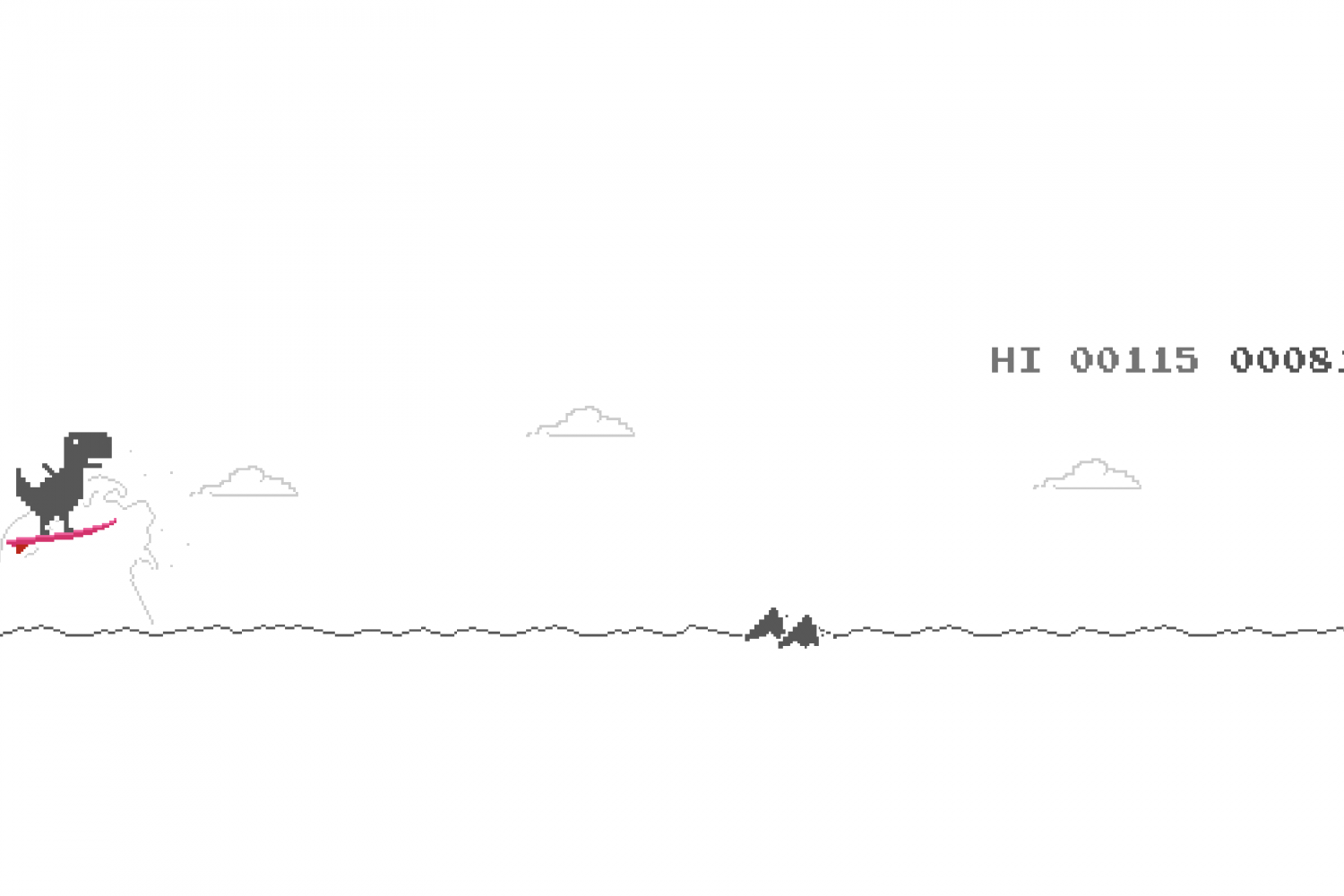
Learn how to enable Olympic mode in Google Chrome's dinosaur jumping game on your mobile devices and computers, just in time for the 2021 Tokyo Summer Olympic Games.
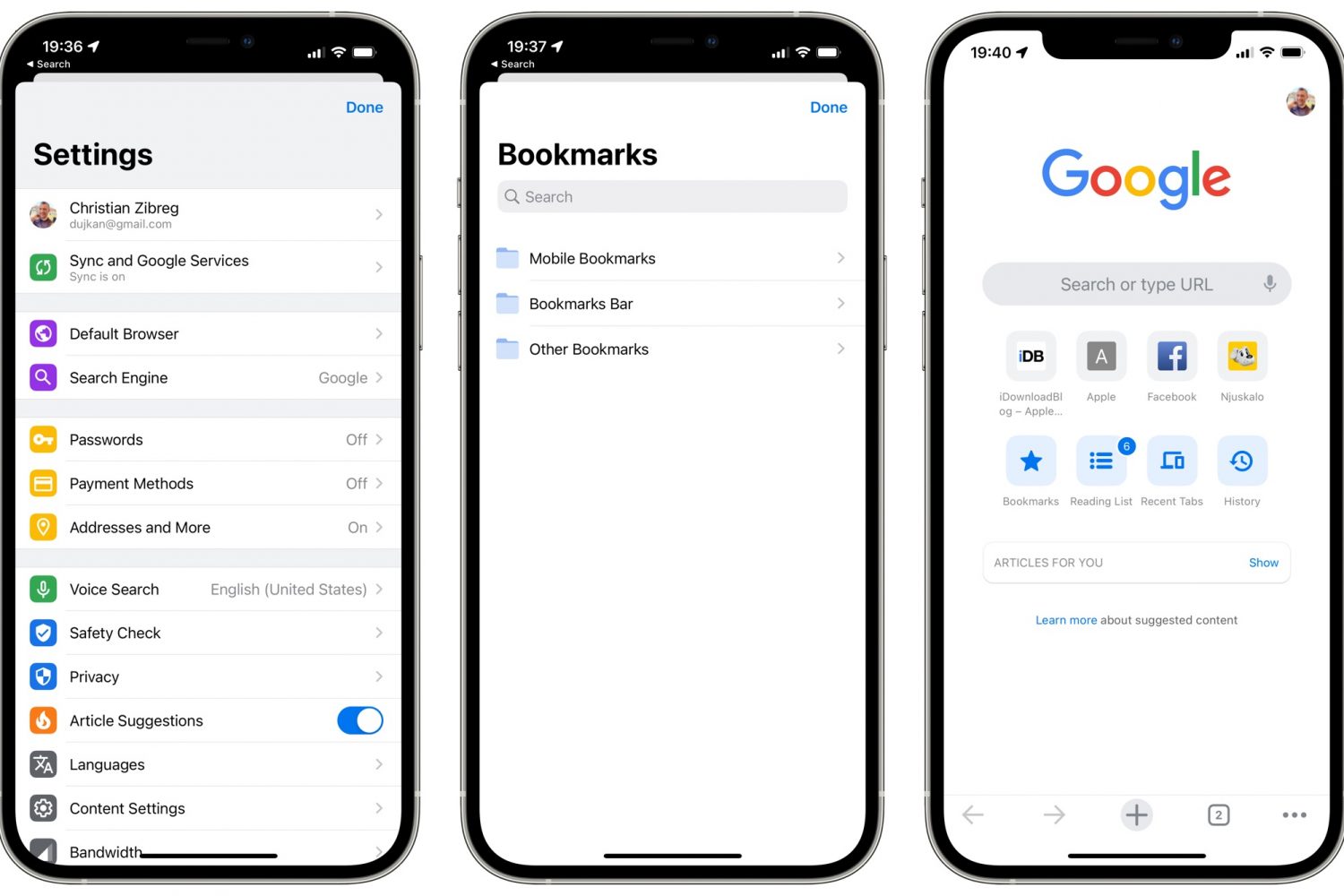
Google's Chrome now supports Incognito protection with Face ID, Touch ID or your passcode in the most recent update bumping the iPhone and iPad browser to version 92.