Sometimes, Google is pretty quick when it comes to offering support for Apple's software (and hardware). And other times it drags its feet. When it comes to widget support, it's a little bit of both.
Google Chrome for iOS finally adds widget support
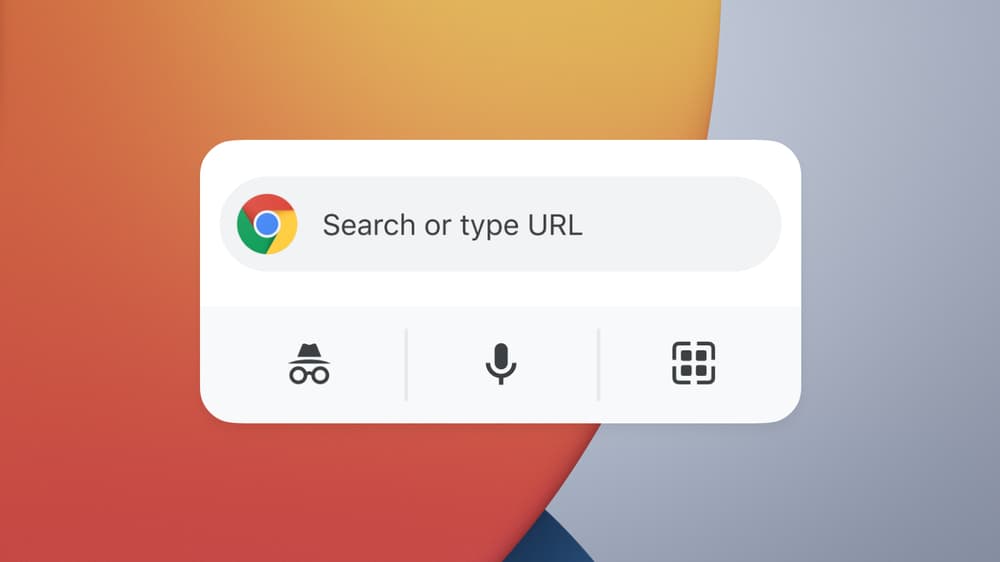
Sometimes, Google is pretty quick when it comes to offering support for Apple's software (and hardware). And other times it drags its feet. When it comes to widget support, it's a little bit of both.
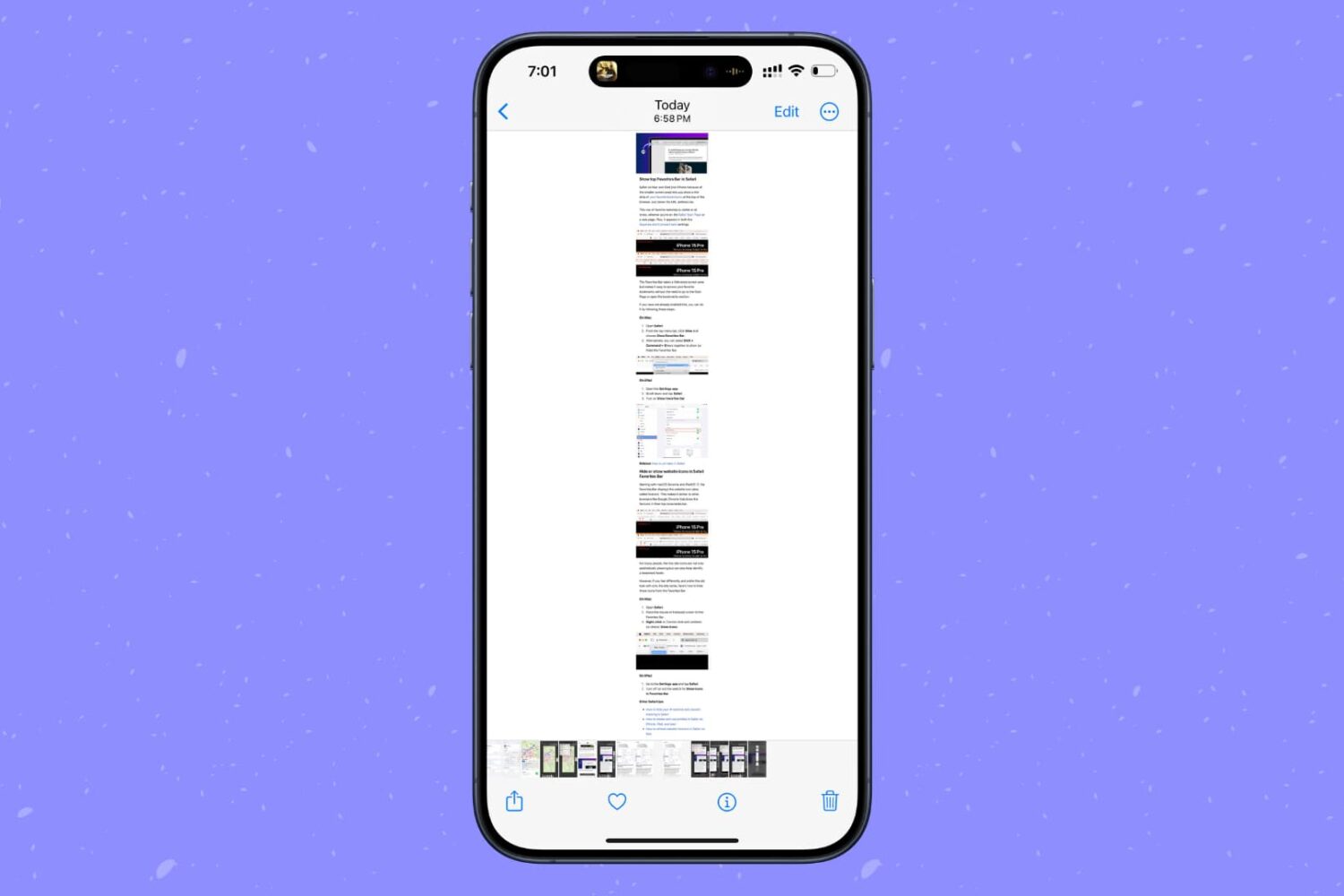
Learn how to screenshot the full page in any iPhone app to capture everything in a single tall image instead of taking multiple screenshots.

Learn how to turn on and use the handy Live Caption feature in Google Chrome to automatically transcribe any video or audio playing in the browser on your Mac or Windows PC.
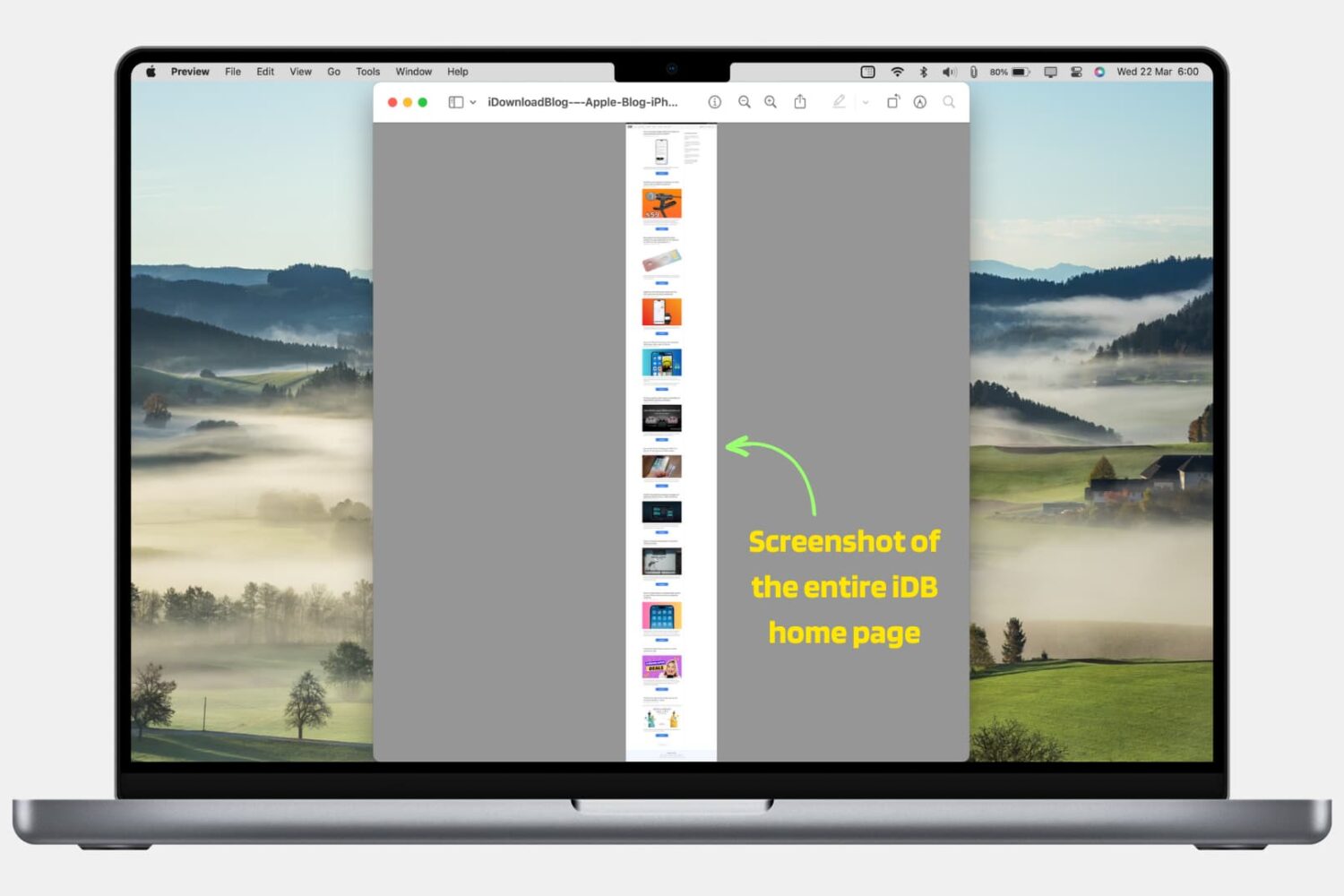
In this step-by-step tutorial, we’ll show you how to take a screenshot of a full web page in Safari, Google Chrome, and Firefox on your Mac using built-in methods. We have also mentioned an excellent third-party tool at the end.

Learn how to save articles to the Reading List in Google Chrome on your computer and iPhone so you can read them later, even if you don’t have an Internet connection.
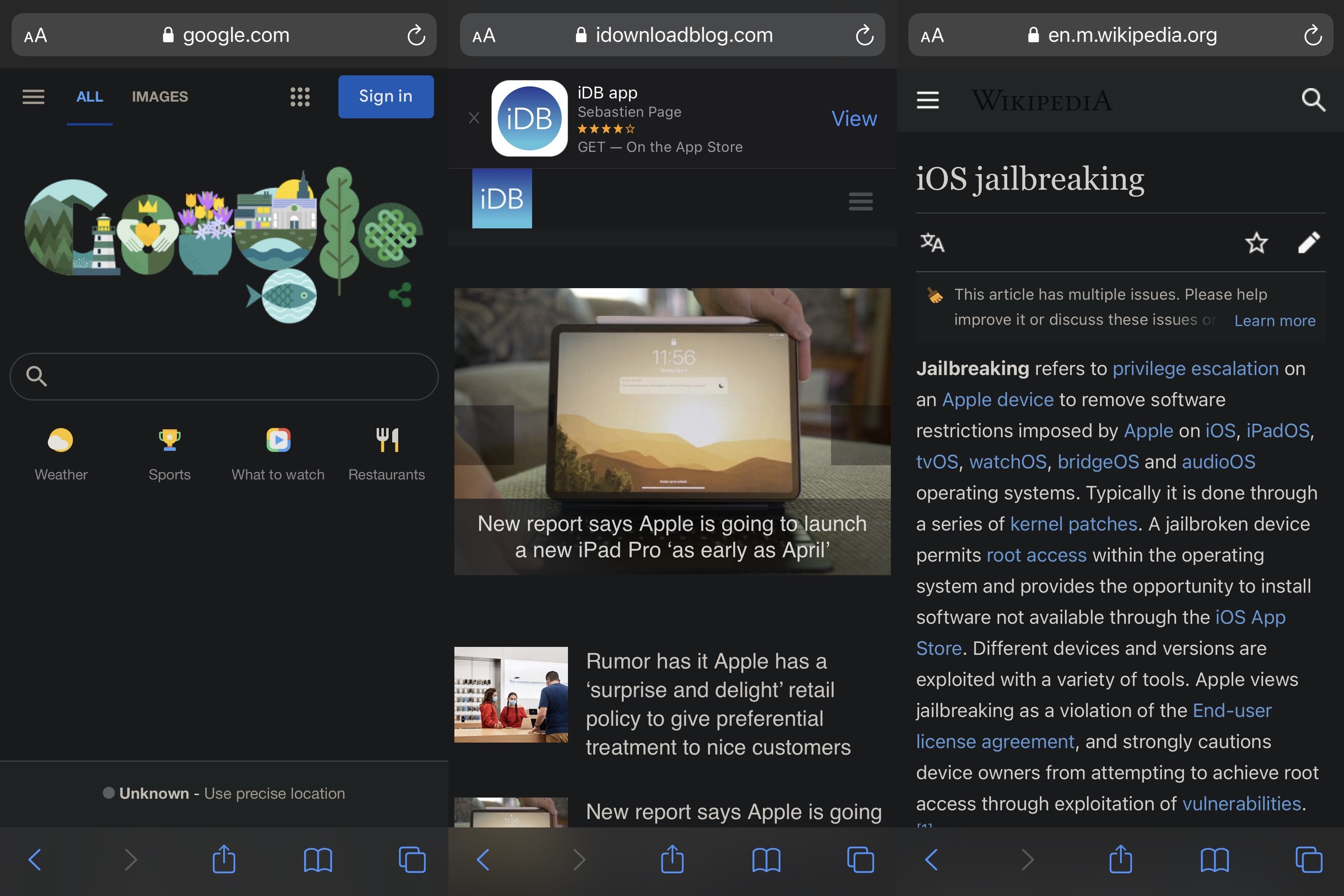
Words can’t express how much I enjoy the native Dark Mode feature on my iPhone and iPad, but even though most of my apps play along with this feature, many would agree that most web pages don’t.
If, like me, you’re a Dark Mode user on the iOS and iPadOS platforms and despise having your eyeballs seared to a crisp in their sockets by ultra-bright web pages, then chances are you’ll appreciate the concept behind a new and free jailbreak tweak dubbed WebShade by iOS developer WilsontheWolf.
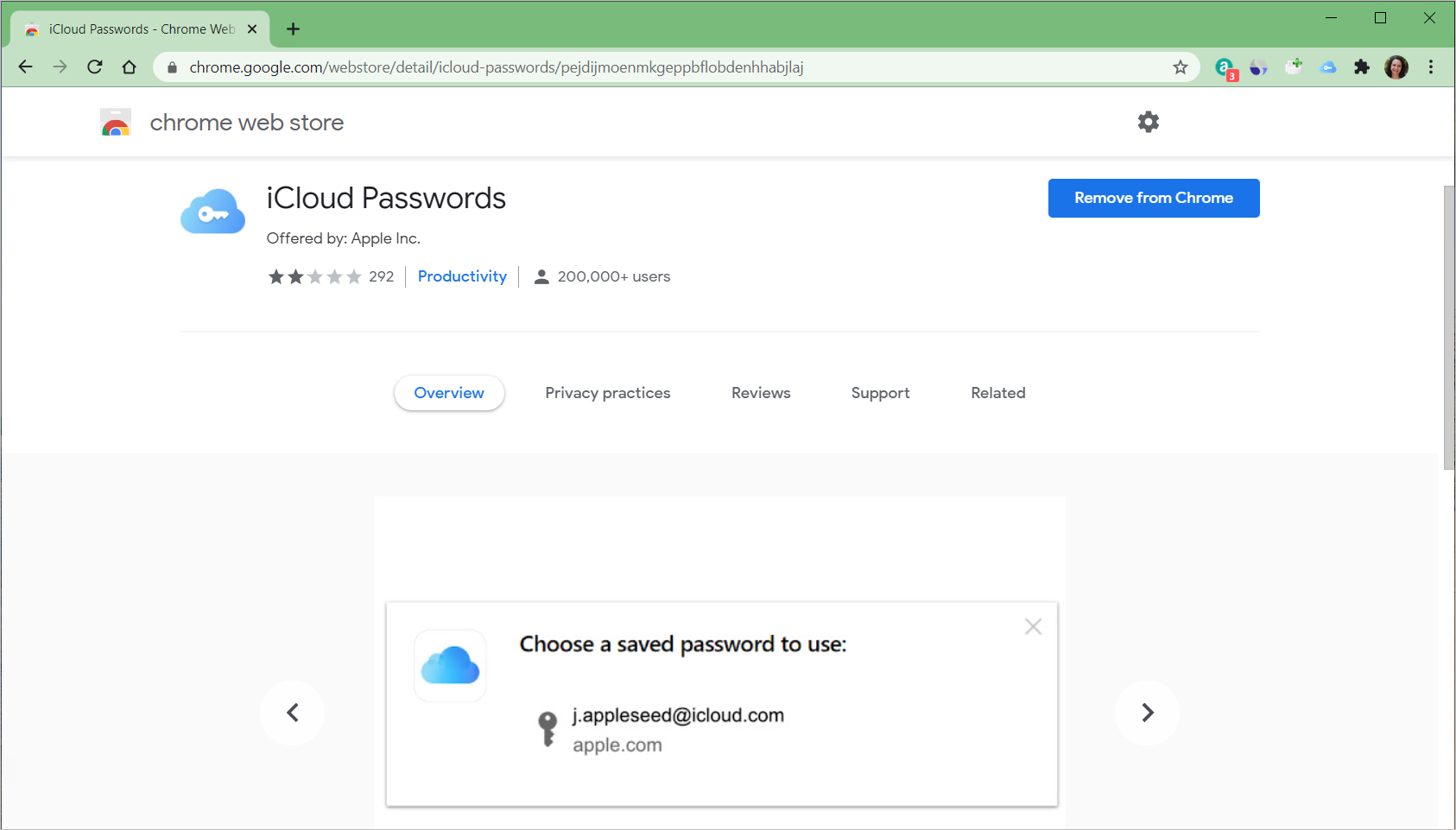
If you’ve been waiting for a way to use iCloud passwords on Windows, then you may have known a Chrome extension was on the way. While the Chrome add-on was released a while ago, you needed to have iCloud version 12.0 or later to use the feature.
So, if your iCloud is now up to date on Windows and you’re ready to use the Chrome extension, we’ll show you how to set it all up.
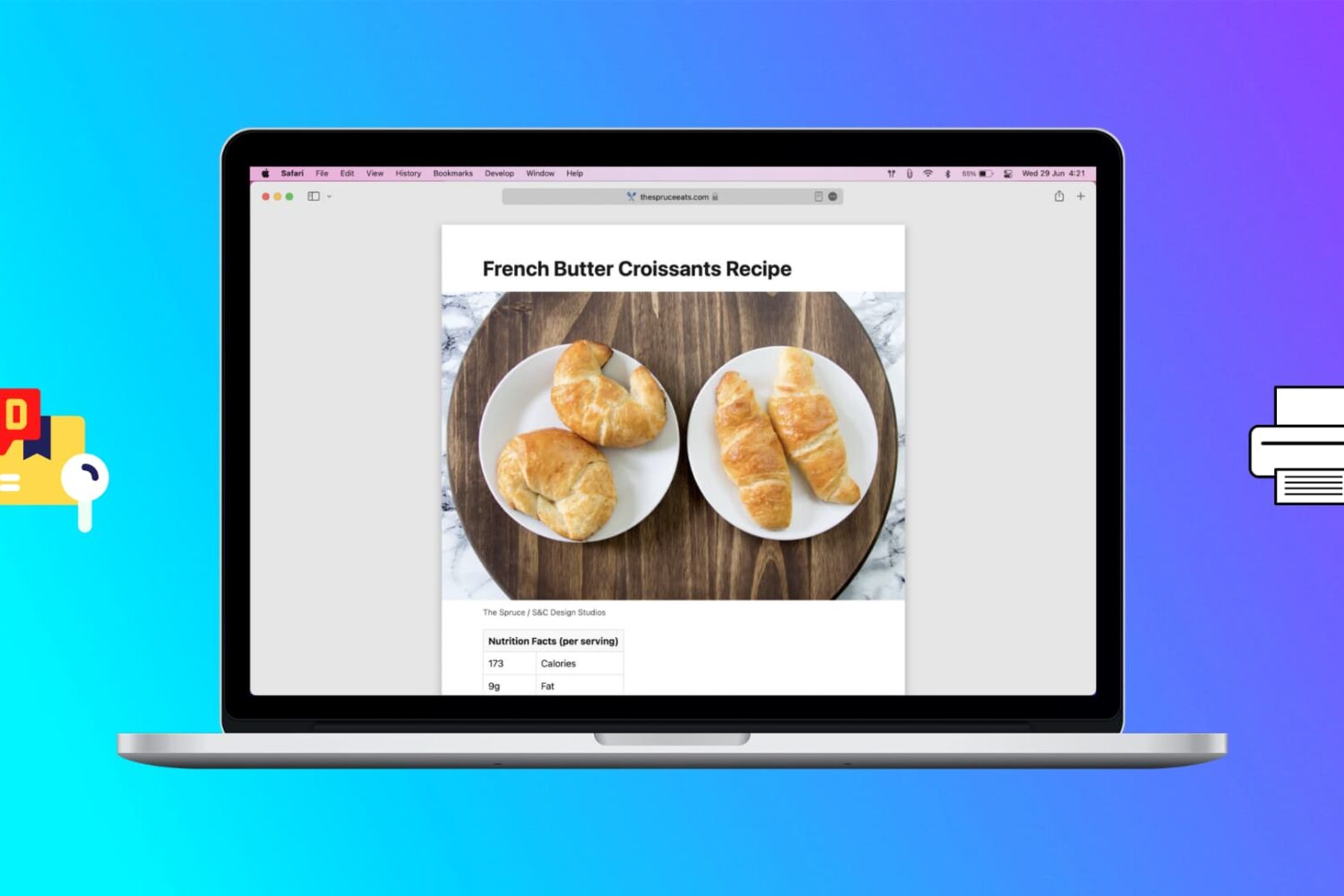
Learn how to print web pages without ads in Safari, Firefox, and Chrome on Mac to have fewer, clutter-free pages.
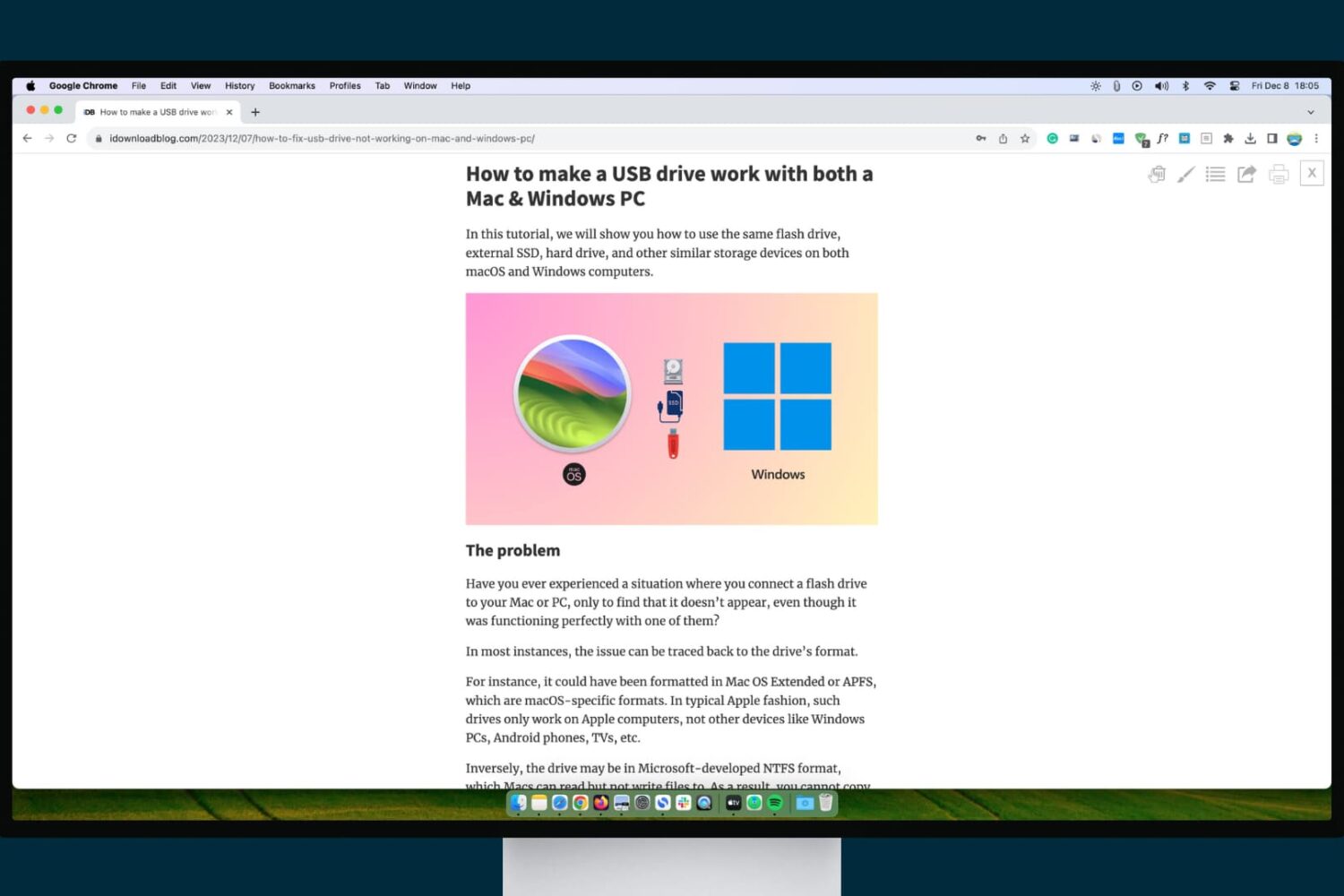
Check out these three ways to turn on and use reading mode in Google Chrome on Mac and Windows PC, which makes it comfortable to read articles without ads, pop-ups, and other distractions.
Apple has released a new Windows app for accessing saved web and app passwords in Safari through Google's Chrome browser. Now folks who use macOS and Windows interchangeably can finally use their passwords to log in to websites.
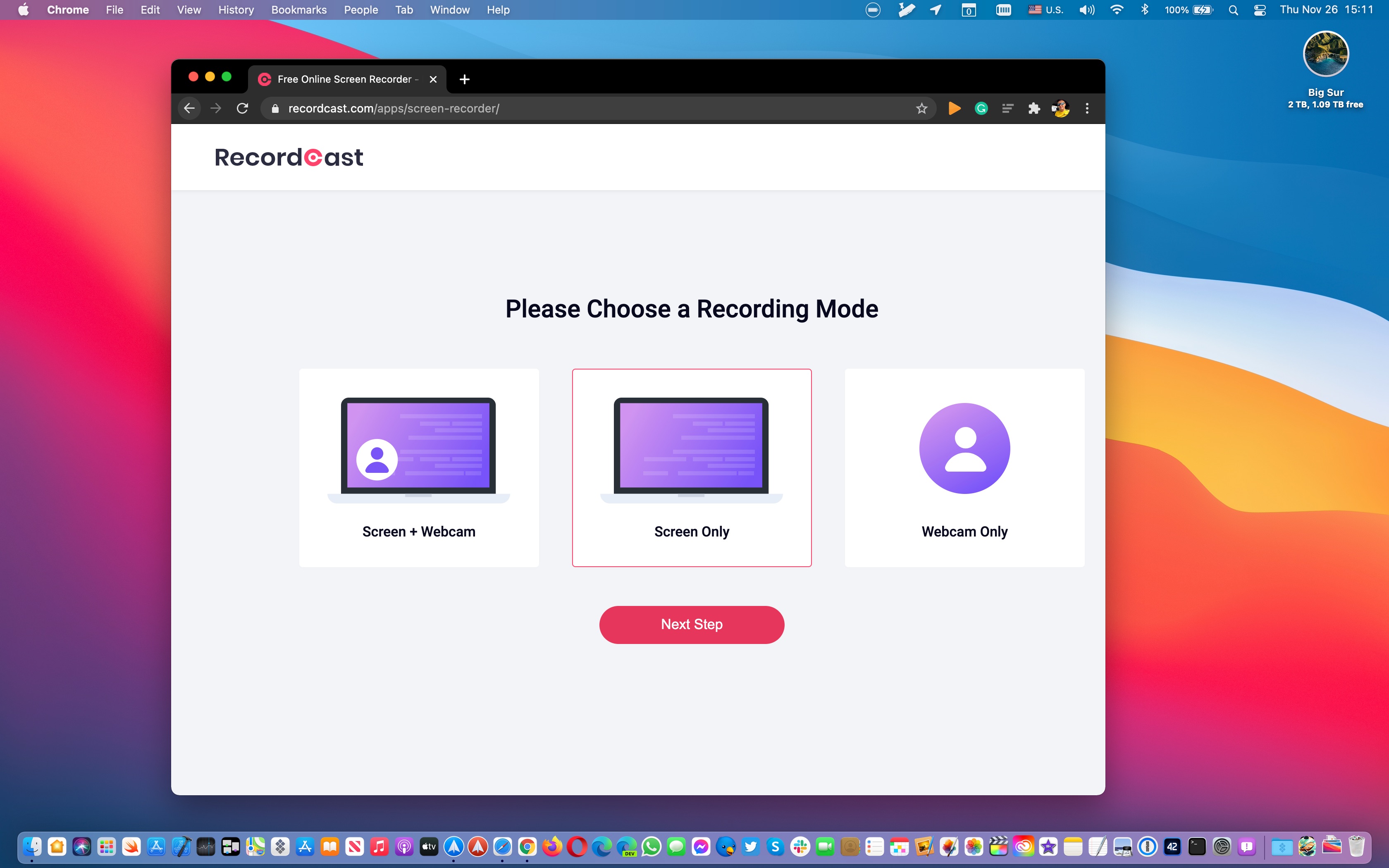
macOS includes basic screen recording features, and you can capture a video of your computer's screen in QuickTime as well. For added functionality, you need a dedicated app. RecordCast is 100% free to use, requires no download and comes with a built-in video editor.
Following a snag with yesterday's debut of a new Chrome version that's optimized for M1-powered Macs, Google has now resumed rolling out Chrome for Apple Silicon Macs.