Learn what to do if your iPhone or cellular iPad isn’t recognizing the SIM card and shows “No SIM,” “SIM Not Valid,” or other SIM-related errors.
Fix No SIM, SIM Not Valid, and other SIM card issues on iPhone
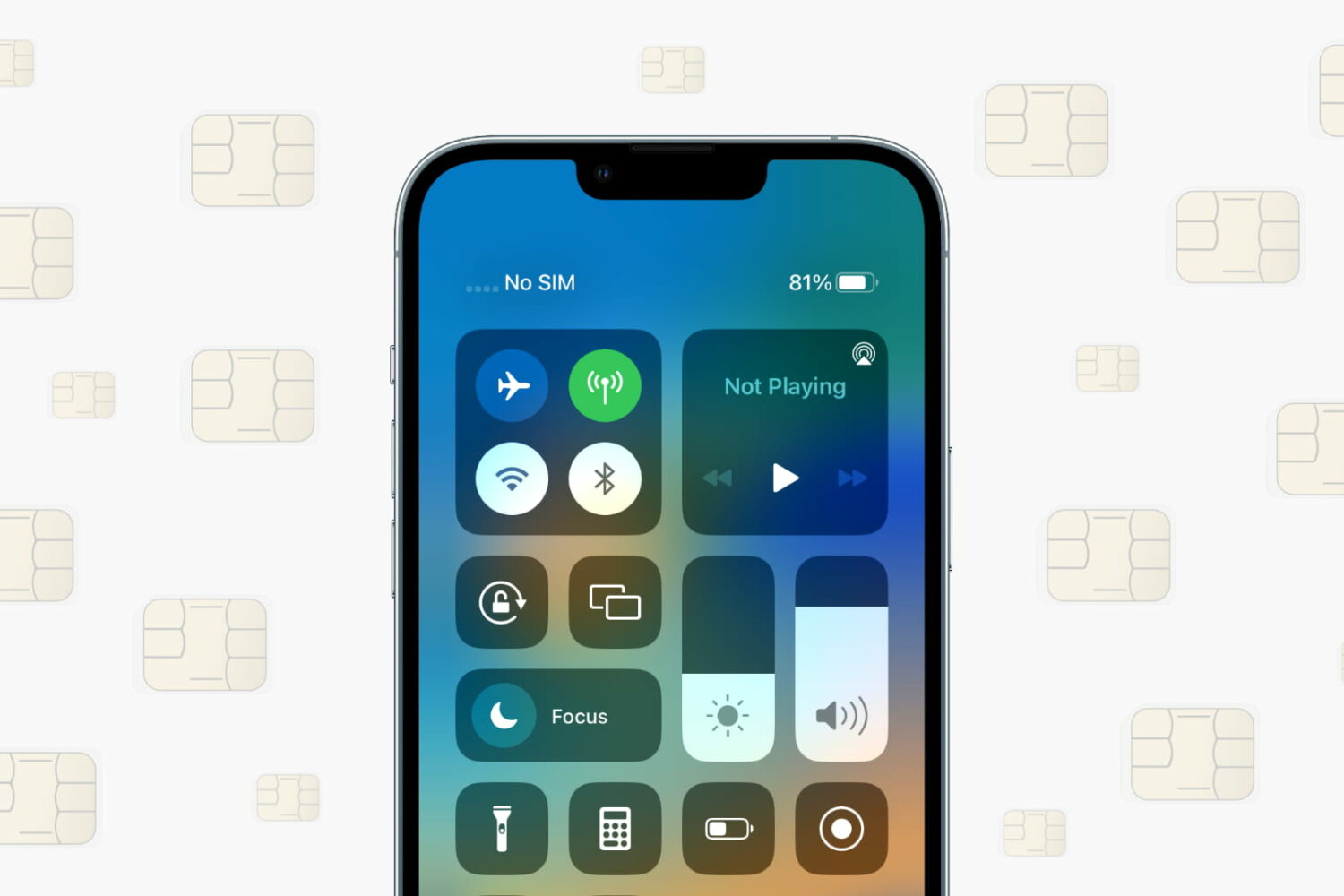
Learn what to do if your iPhone or cellular iPad isn’t recognizing the SIM card and shows “No SIM,” “SIM Not Valid,” or other SIM-related errors.

Learn how to back up your iPhone or iPad using cellular data (5G, 4G, LTE) if Wi-Fi or another device’s Personal Hotspot isn’t available.
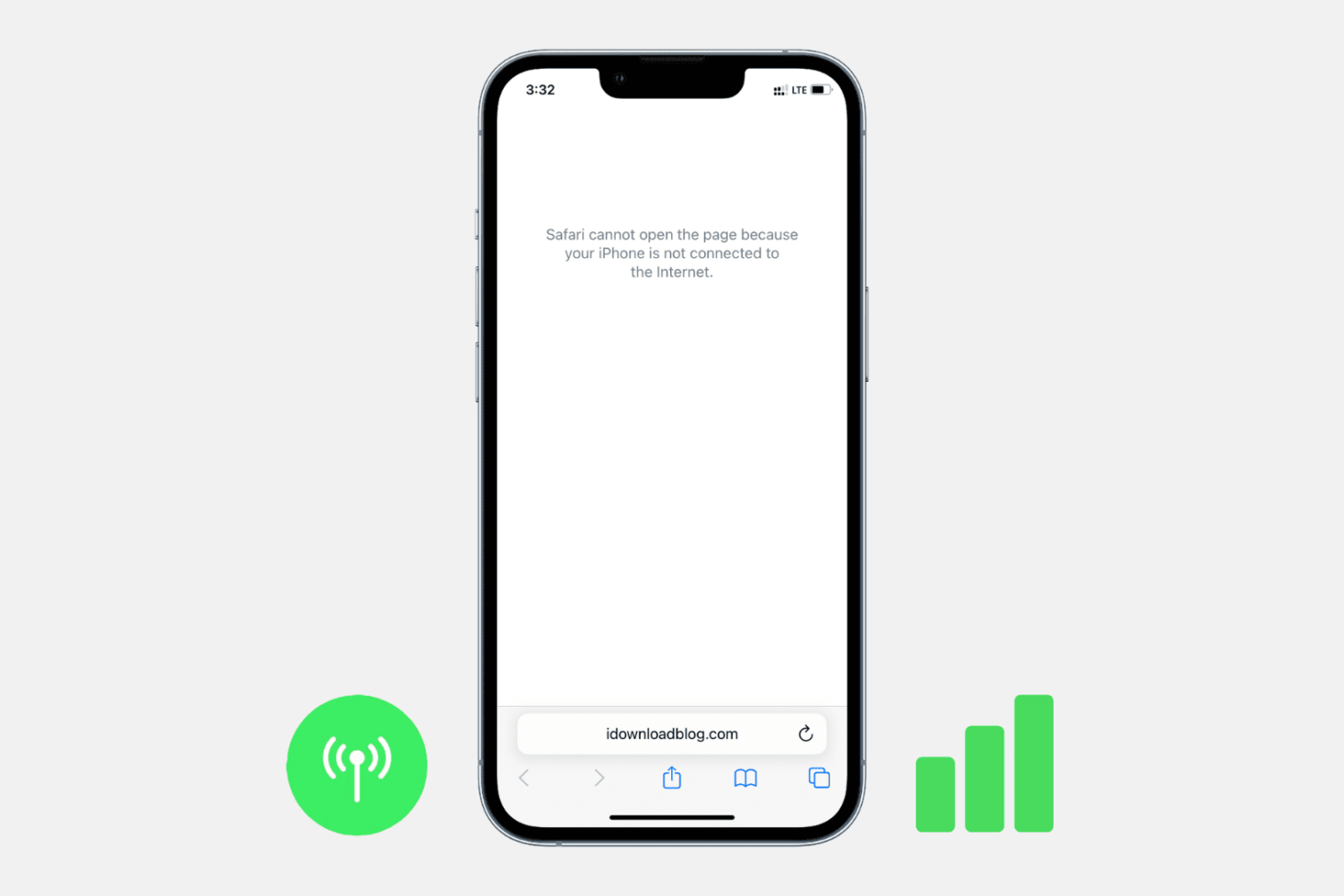
Check out these troubleshooting steps to fix all 5G, 4G, LTE, and 3G issues on your iPhone or cellular iPad and get back to accessing the internet in no time.
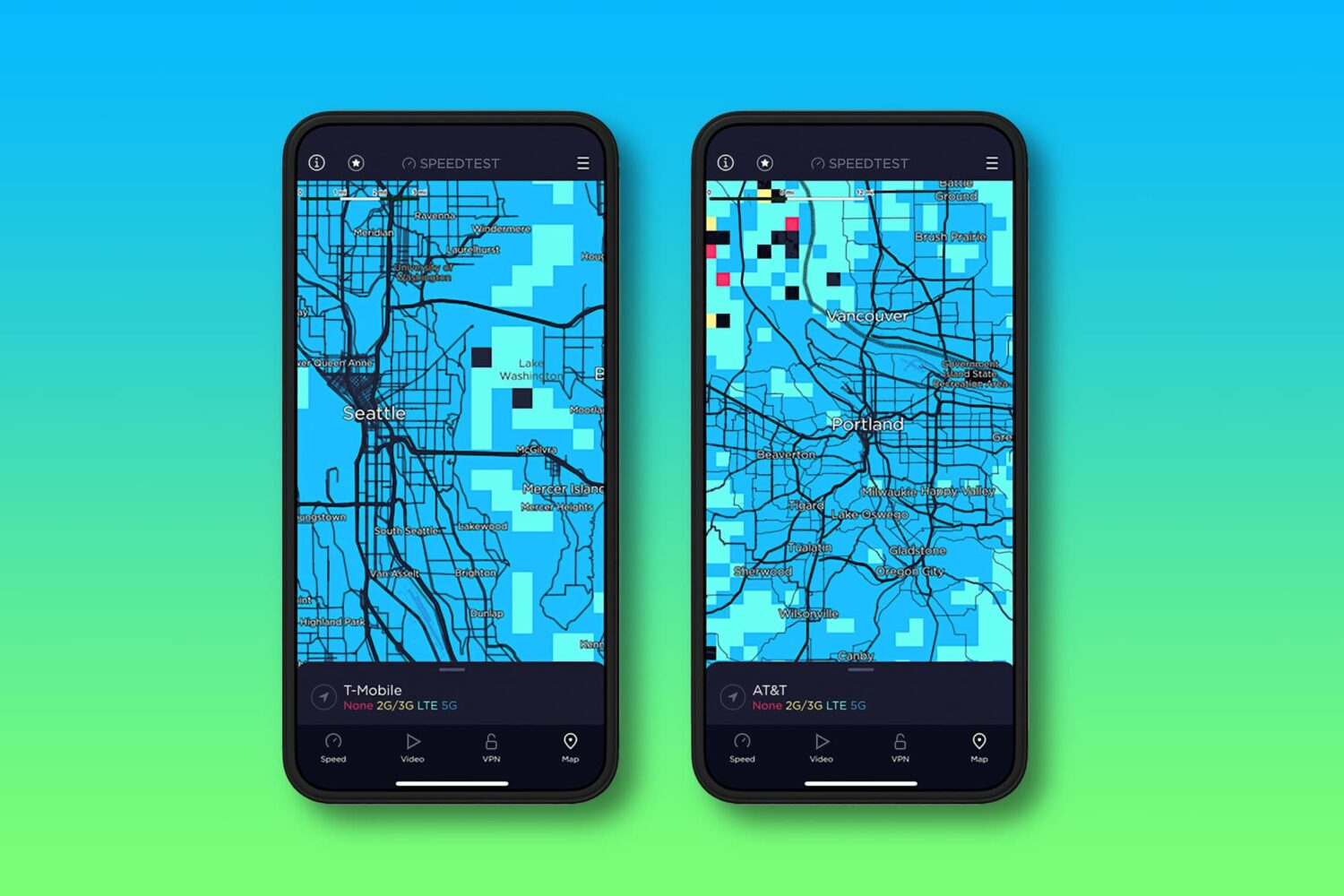
Speedtest maps are now available in the iPhone app. Now you can visualize your carrier's 5G service coverage, view network coverage and more.
If you live in the middle of nowhere, then buying a cellular signal booster might be in the back of your mind. In many cases, these can improve your cellular reception by using a larger antenna to capture a distant signal and rebroadcasting it closer your iPhone. However, it’s important to get one that’s compatible with the cellular bands your carrier uses.
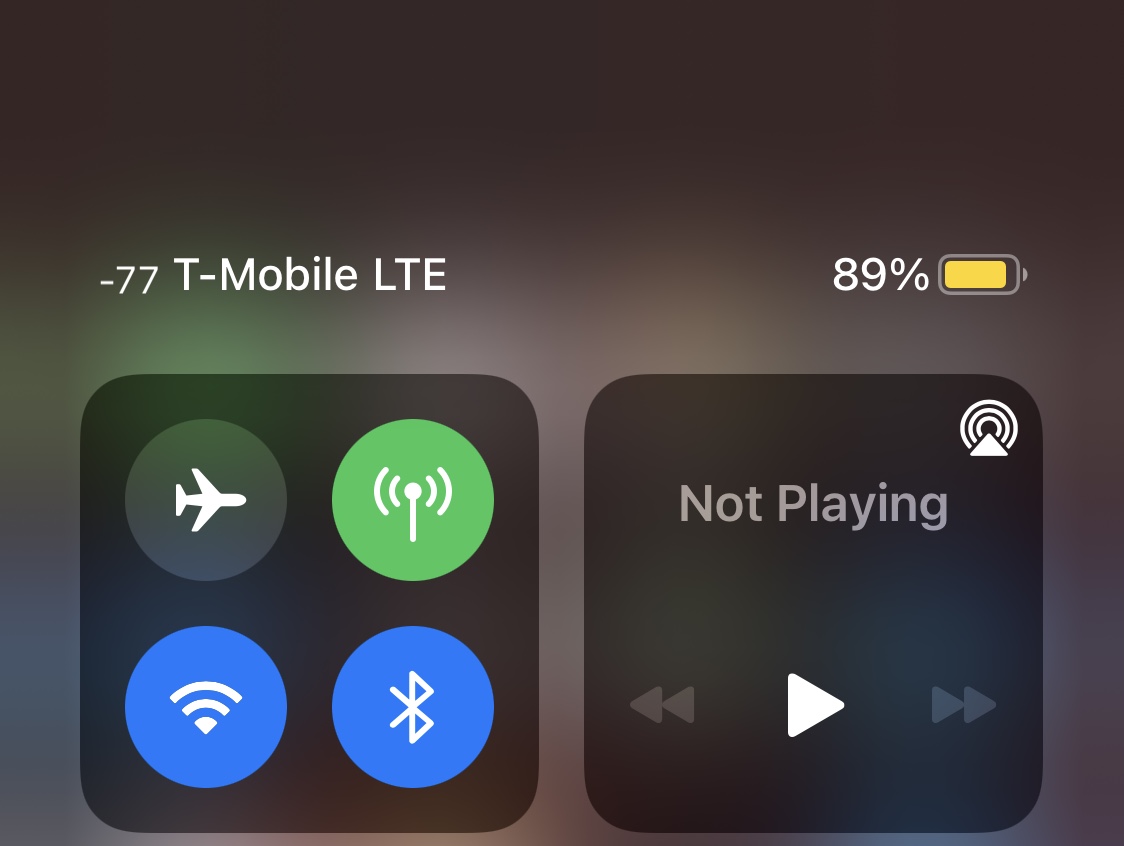
When attempting to measure your iPhone’s wireless signal strength, be it cellular or Wi-Fi, you will often see dBm (decibel milliwatts) used for the unit of measure for your received signal strength.
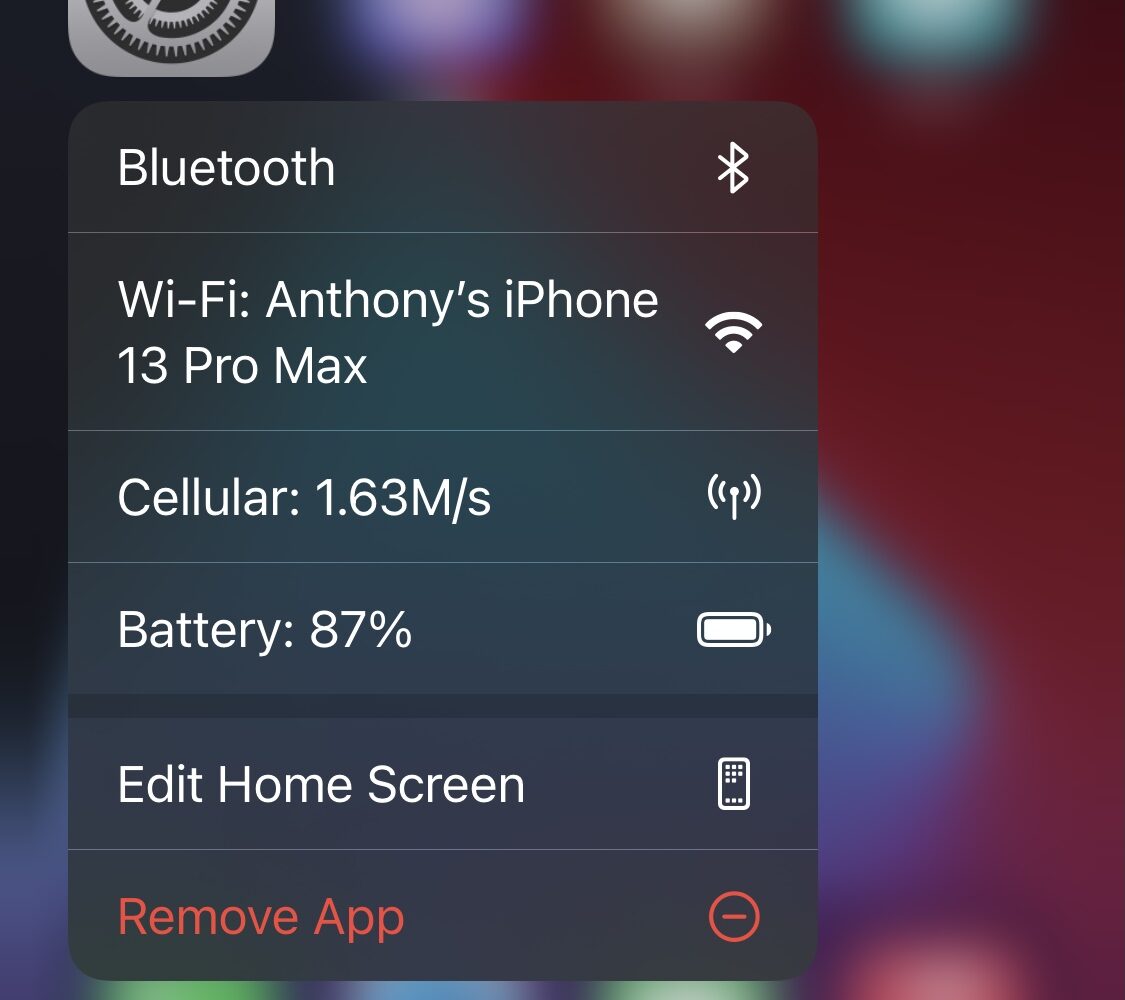
Whenever you’re curious about certain statistics involving your iPhone, be it battery health, current internet speed, or your current Wi-Fi network, much of this information can be found in the Settings app.
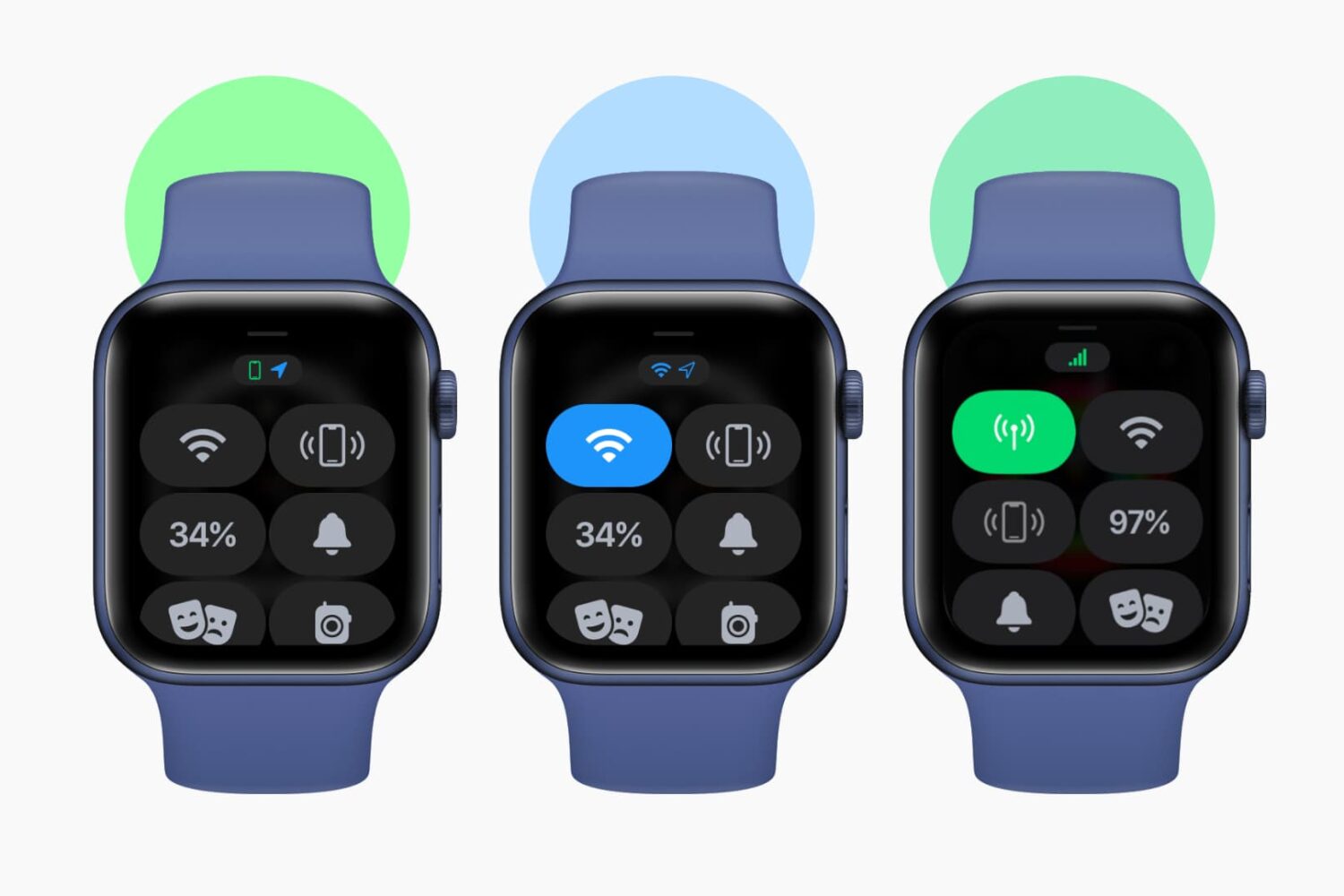
Check out this sure shot way to find out if your Apple Watch has internet connectivity or not.
Visible, a budget-friendly subsidiary of Verizon Wireless, is now offering a limited free trial period for iPhone users who have access to eSIM (electronic SIM) capabilities.
Picking a cellular provider for your phone can be a daunting choice. Although coverage from one carrier might be great for you in one location, that won’t necessarily be the same for someone in a different location.
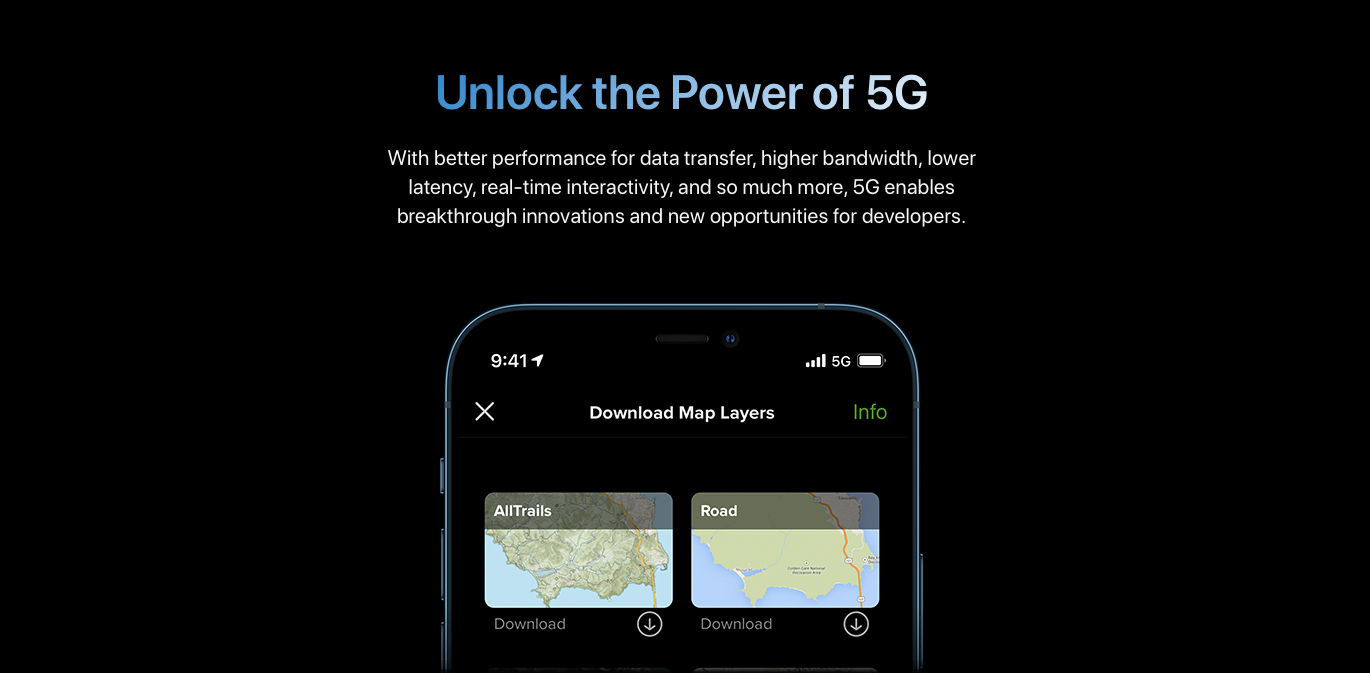
Learn how to download over-the-air iOS software updates on your iPhone or iPad using cellular data (5G, 4G, LTE, 3G) if Wi-Fi is unavailable or is too slow.
After jailbreaking an iPhone or iPad for the first time, it can be daunting to find the best jailbreak tweaks for upgrading its capabilities beyond the bounds of Apple’s stock configurations. At iDownloadBlog, we know this, and that’s why we try to make tweak discovery easier for our readers.