Apple is ready to update the latest version of watchOS, aiming to fix an issue related to battery drain.
Apple releases watchOS 7.0.2 with a fix for battery drain and more

Stay up-to-date on the latest Apple Watch news, and learn how to get the most out of your device with our comprehensive tutorials. From updates to features to troubleshooting tips, we’ve got you covered.
Apple is ready to update the latest version of watchOS, aiming to fix an issue related to battery drain.
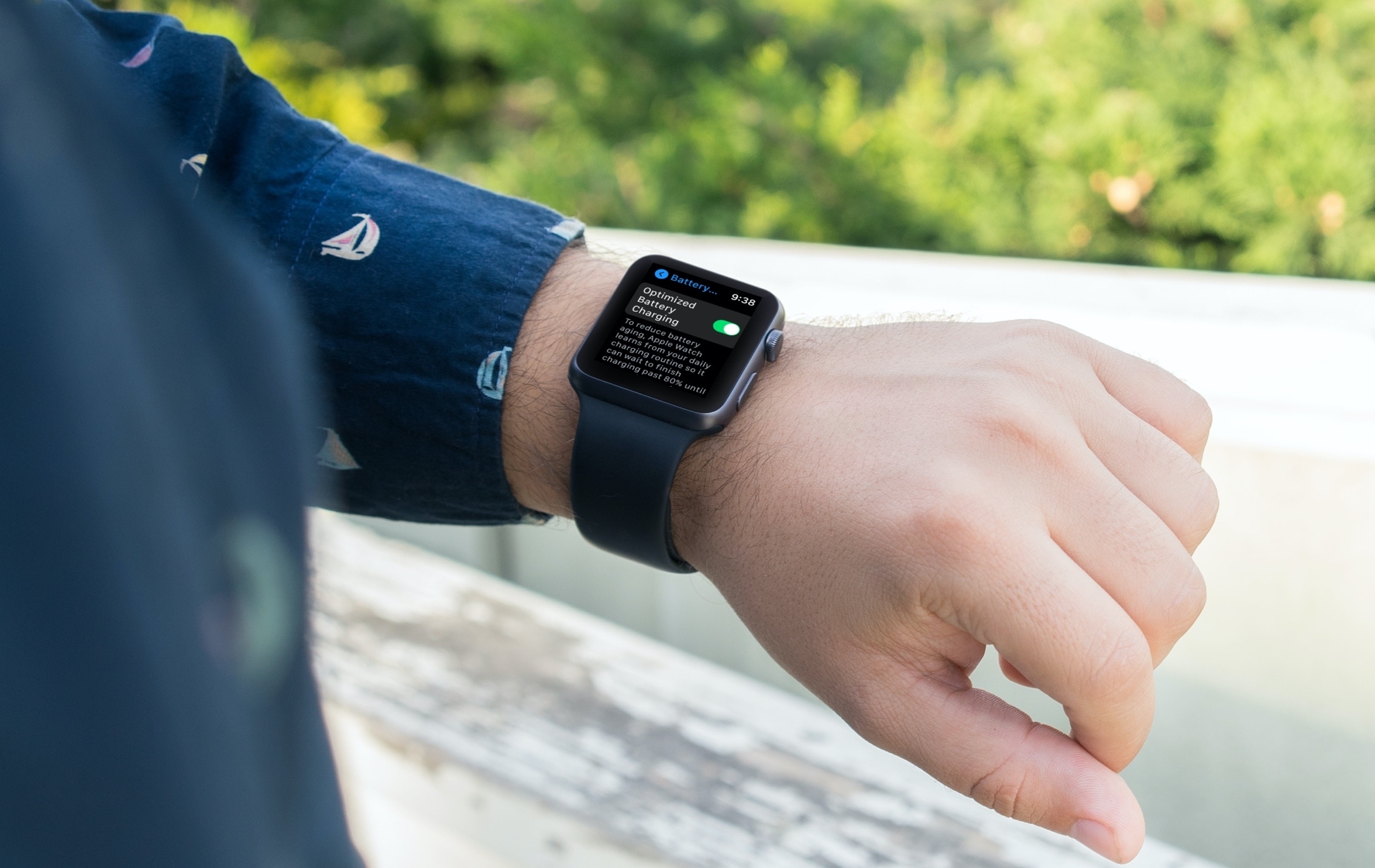
Learn about Optimized Battery Charging on the Apple Watch, how it reduces battery wear to extend its life, and the steps to disable it if you so choose.
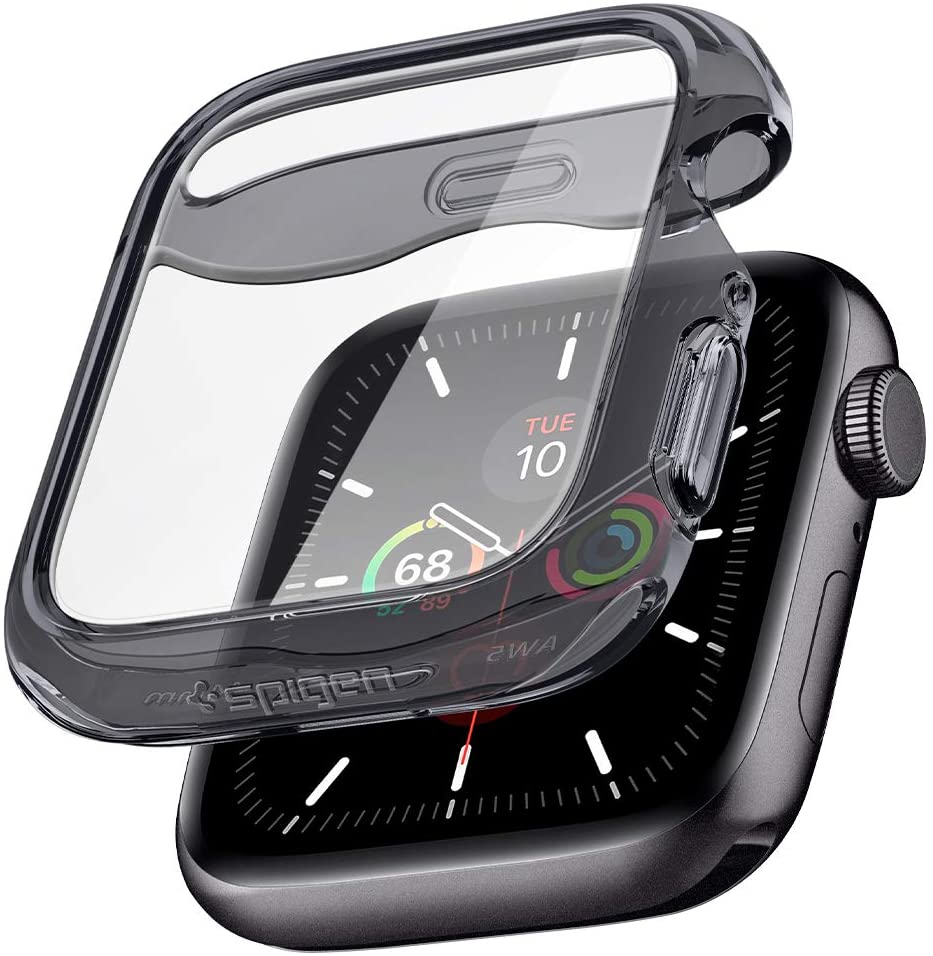
The Apple Watch Series 6 and Apple Watch SE are the newest smartwatches from Apple, but they share a familiar design. But that doesn't mean you shouldn't protect them.
Learn how to increase or decrease your daily Move goal calories, Exercise goal minutes, and Stand goal hours in the Activity and Fitness apps on your Apple Watch and iPhone so it’s more suitable for your current activity level.
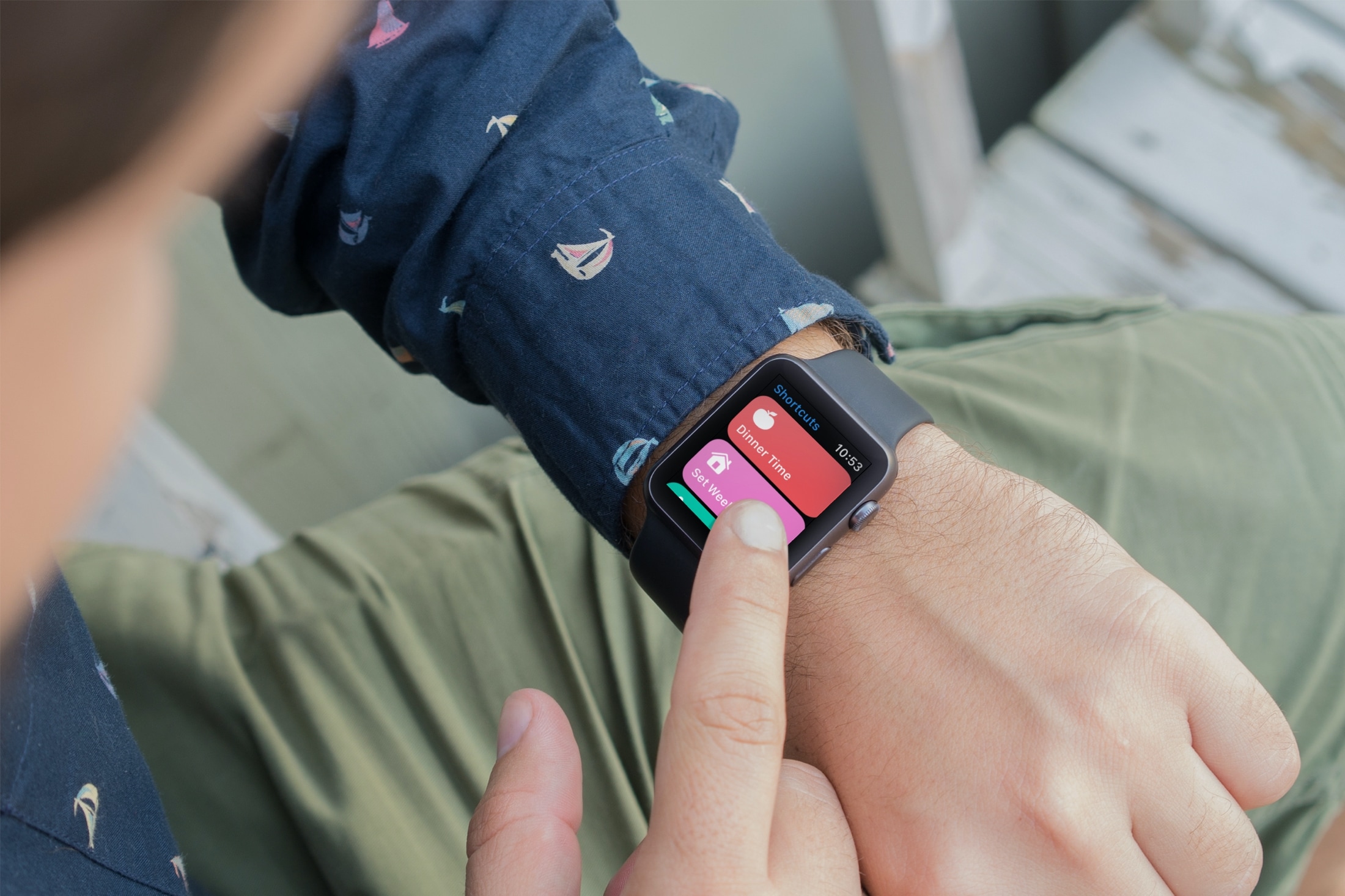
Learn how to enable an iPhone shortcut to run on the Apple Watch and add that shortcut as a complication on your watch face to run it quickly in one tap.
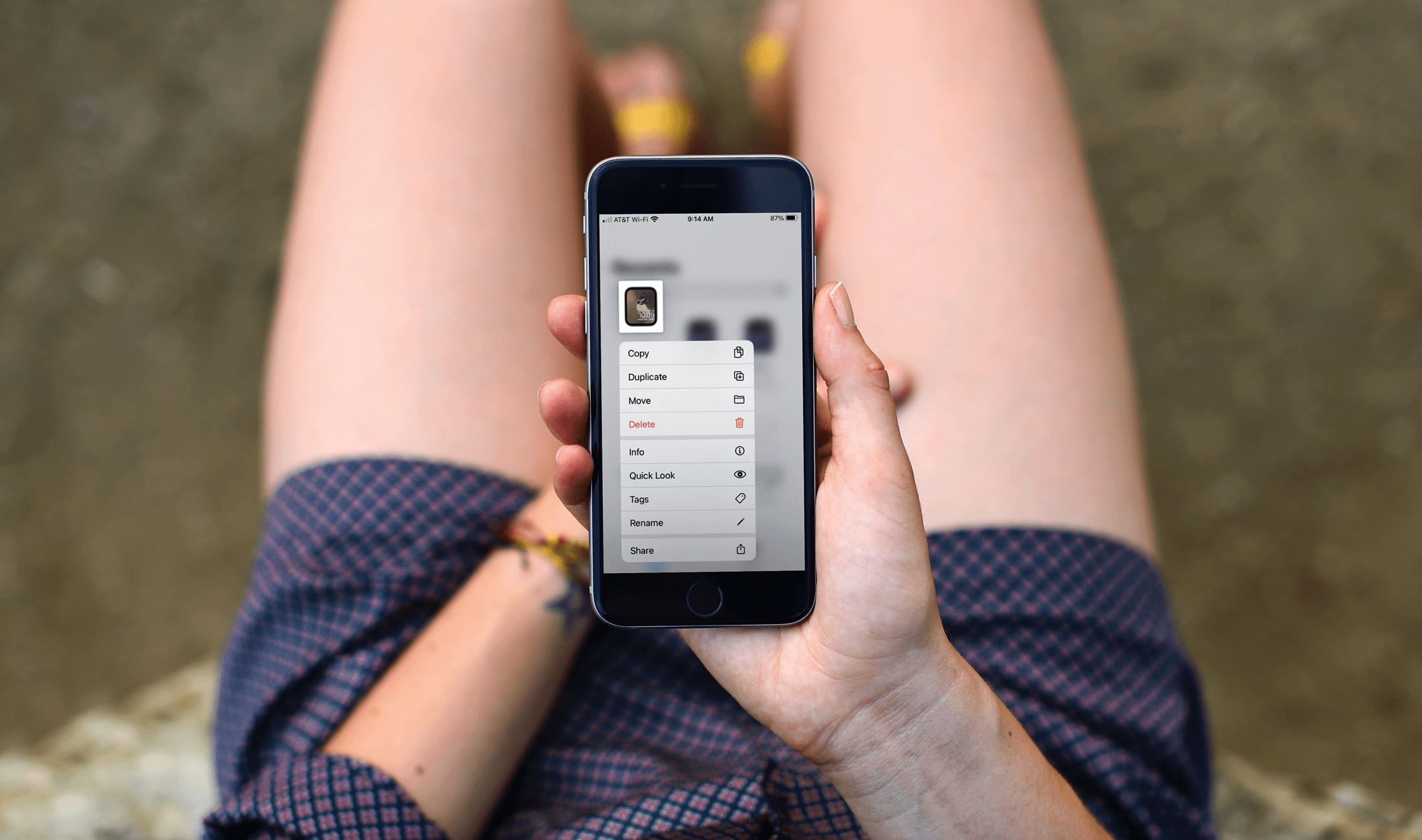
In this tutorial, we’ll cover the basics of sharing an Apple Watch face from your Watch or iPhone, uploading it online, and using a shared face yourself.
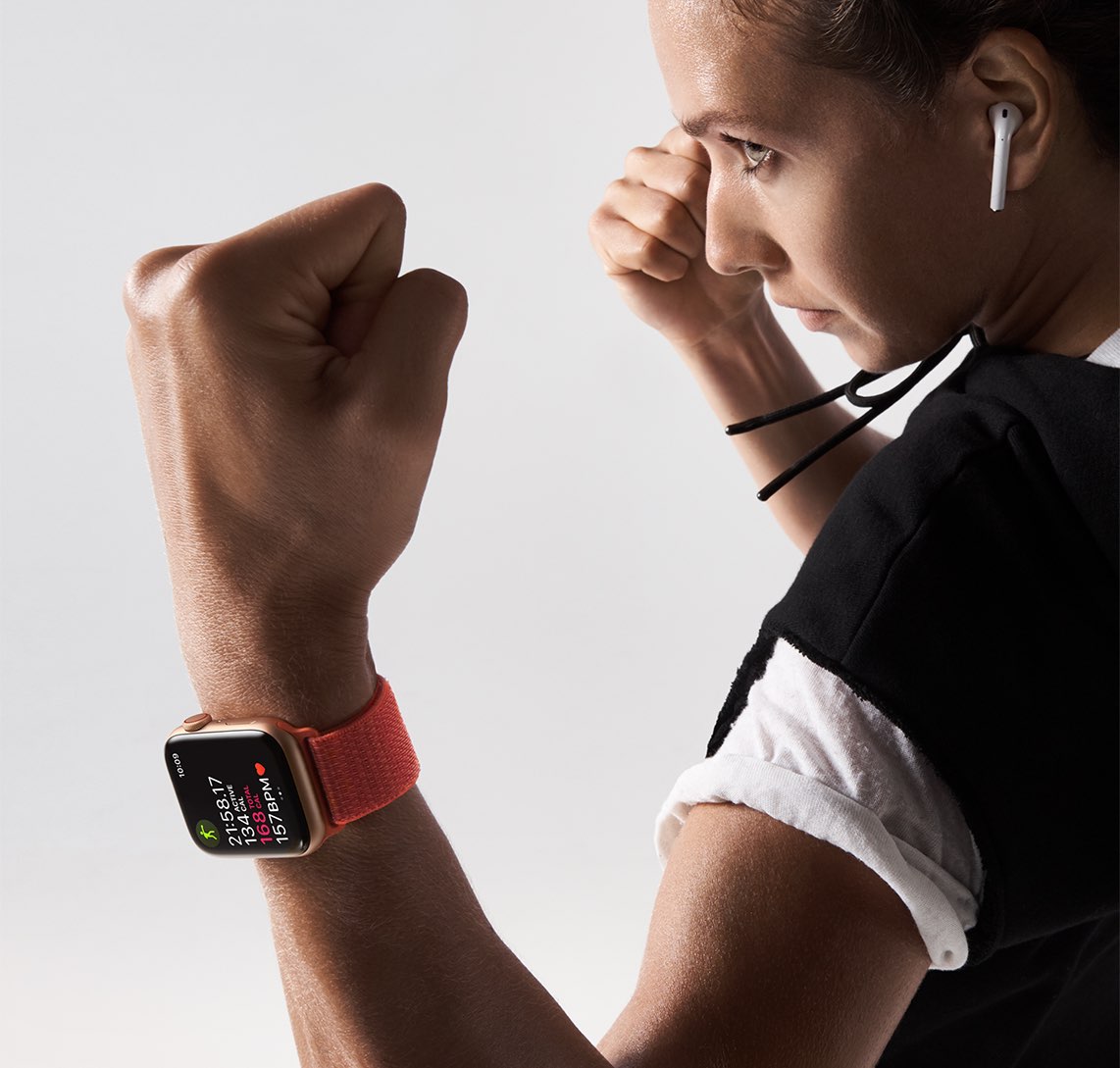
Some Apple Watch customers recently reported missing GPS mapping data when capturing their workouts in the Workout app on watchOS 7. Others have complained about excess battery drain after updating to the latest watchOS software. Apple has now released a new support document to acknowledge these and other issues, proposing a fix.
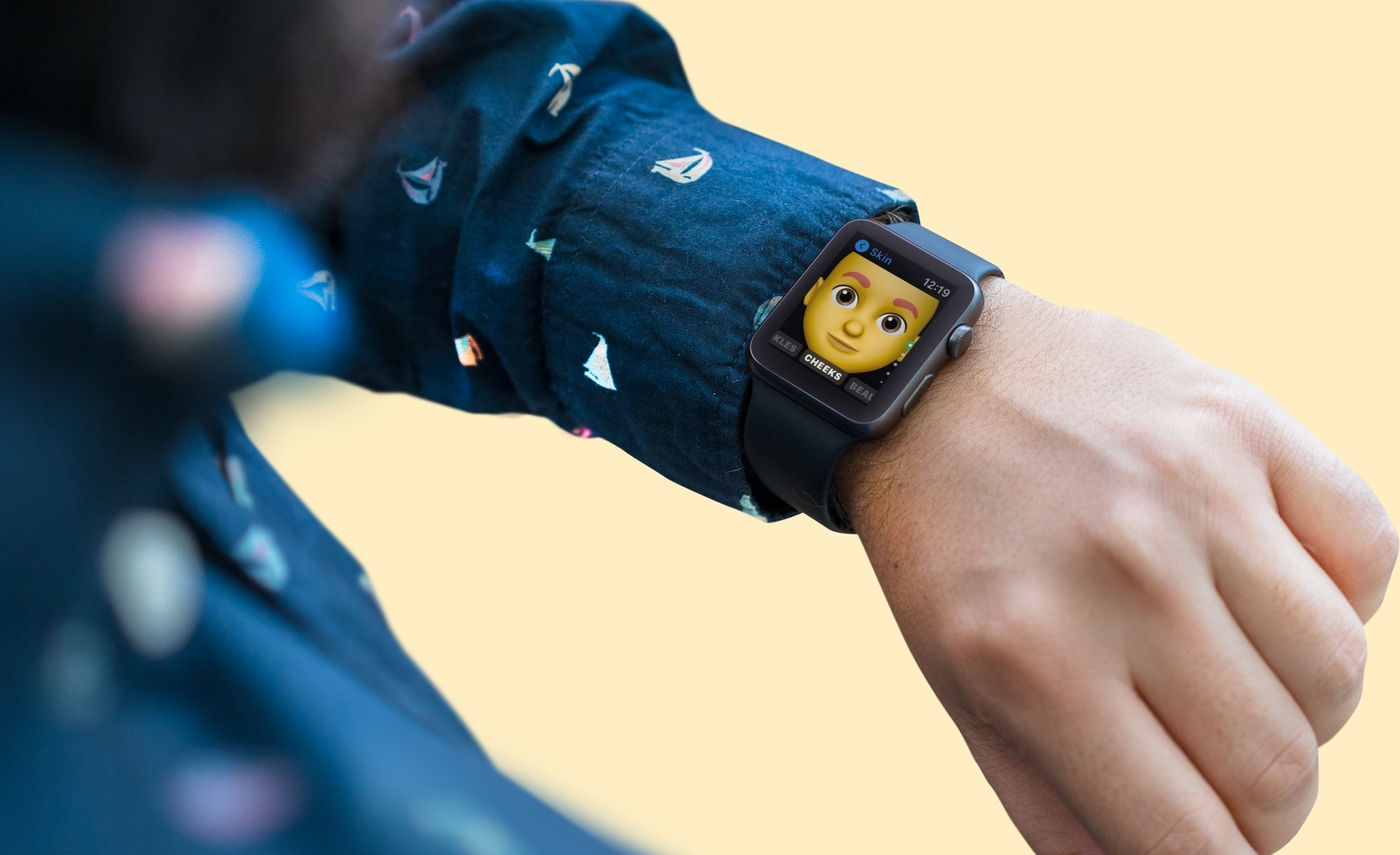
If you own an Apple Watch and recently upgraded to watchOS 7, you might notice a new app on your wrist. The Memoji app is a new addition for those with watchOS 7 or later that lets you create and edit a Memoji as well as turn one into a Watch face.
Make your first Memoji, spruce up your existing one, or create something totally funky. Sound like fun? Here’s how to use the Memoji app on your Apple Watch.
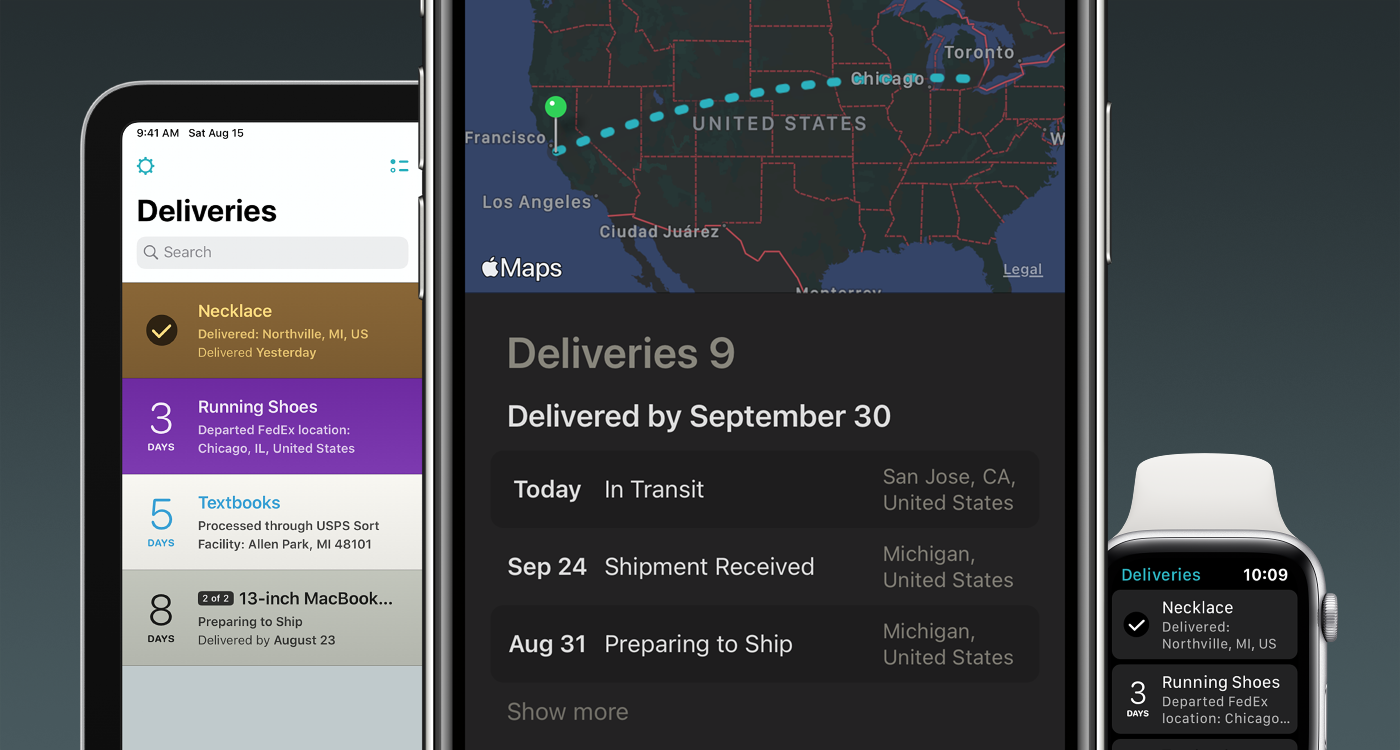
These unprecedented times we live in, driven by the uncertainty of the Coronavirus pandemic, have driven more people to resort to online shopping over in-store shopping than ever before. With so many online orders happening all at once, some may find it difficult to keep track of all their packages, and that’s one reason why I use the Deliveries package tracking app from Junecloud.
Junecloud released a massive update for Deliveries on Wednesday, officially bringing the popular tracking up to version 9.0 for iOS, iPadOS, macOS, and watchOS and incorporating a plethora of much-needed upgrades including aesthetically pleasing interface tweaks and handy new features. If you’re already using Deliveries, then this is an update you won’t want to miss – and to those who aren’t… what are you doing with your life?
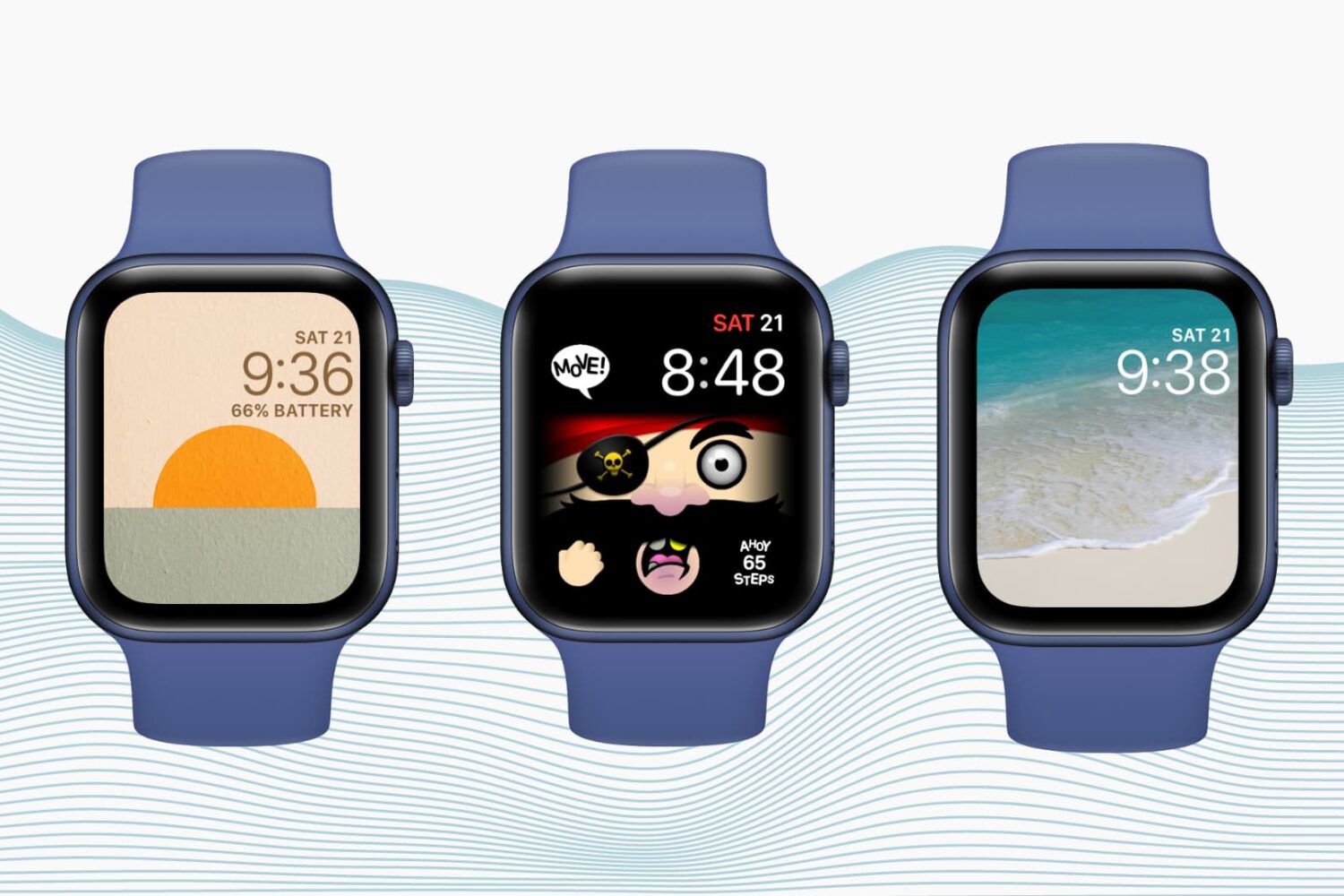
Want to personalize your Apple Watch? Check out how to create custom watch faces and complications to match your taste, style, or even your day.
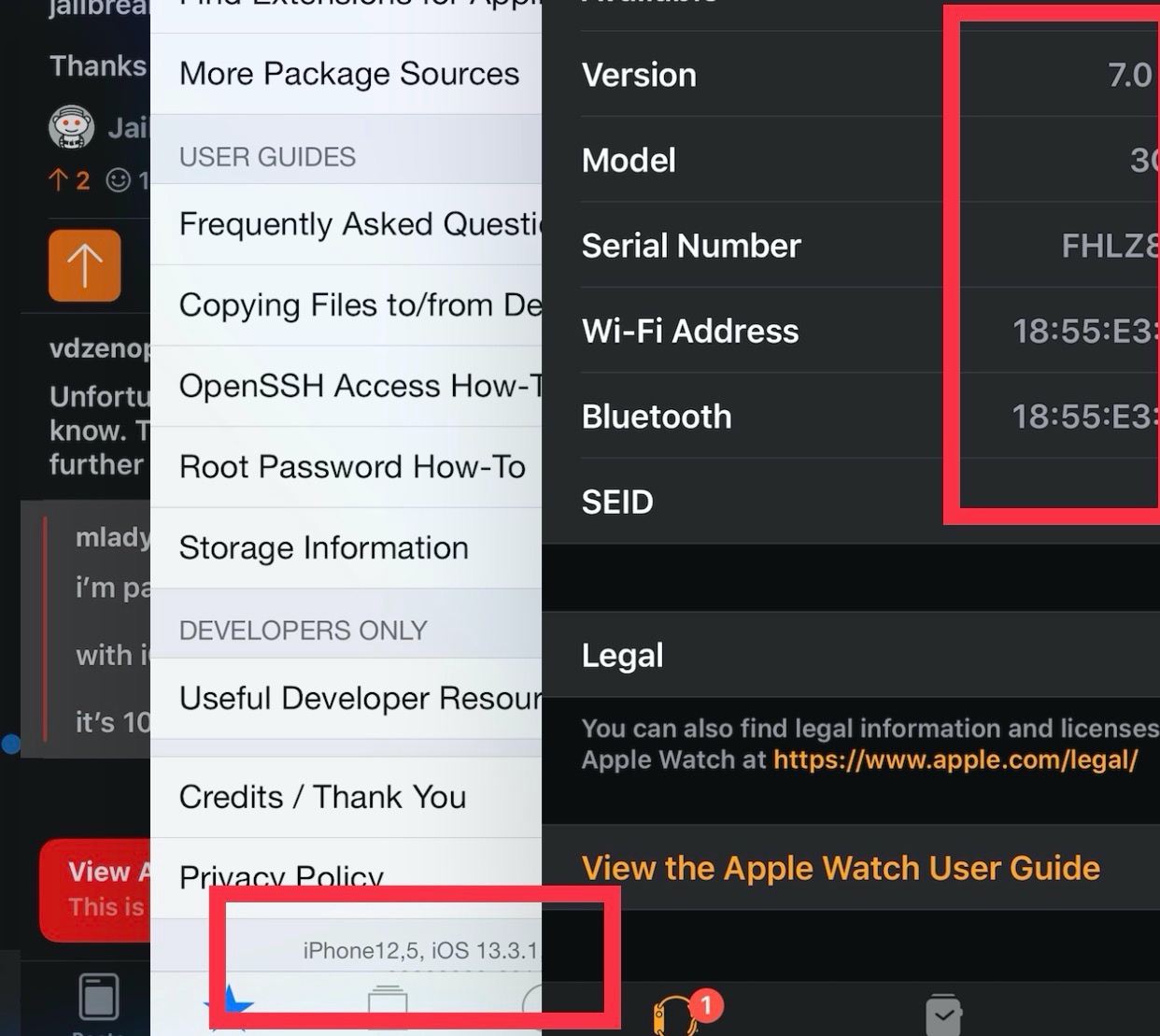
Jailbreakers are often the few prideful few who refuse to update their iPhone’s firmware for the sake of enjoying the plethora of benefits that a pwned device brings to the table. Unfortunately for jailbreakers who use Apple Watches, this means keeping their favorite wearable on a lower firmware too; but that may not be the case anymore.
Enter Legizmo, a new development that was created to allow jailbreakers to update their Apple Watch firmware without upgrading the firmware of their jailbroken iPhone. For example, someone with a jailbroken iOS 13 iPhone should now be able to install and use watchOS 7 without a hitch, something that Apple normally blocks via the Watch app until the iPhone gets updated first.
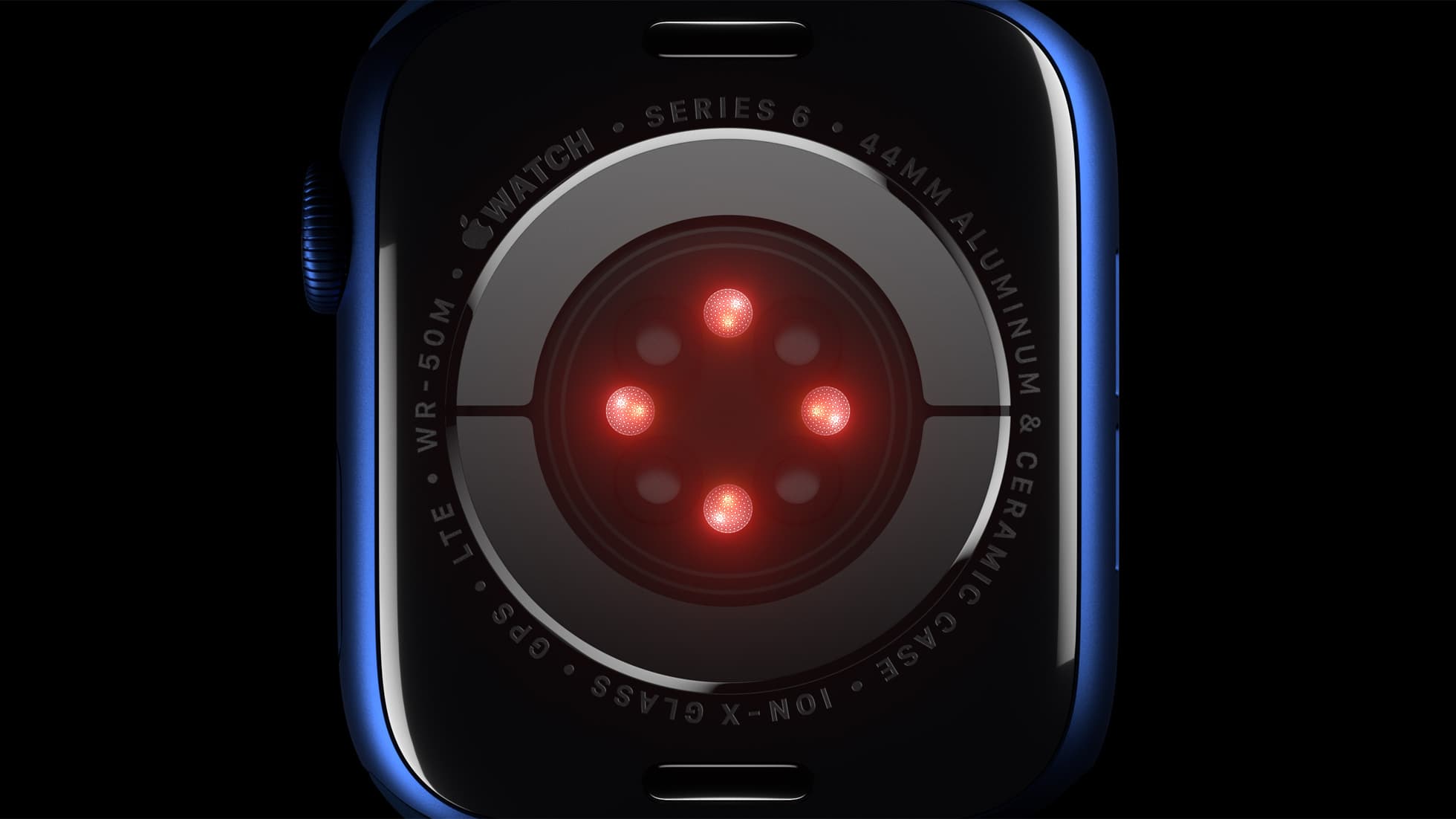
In light of the Apple Watch Series 6 launching earlier this month, Masimo has ramped up its legal battle with Apple.