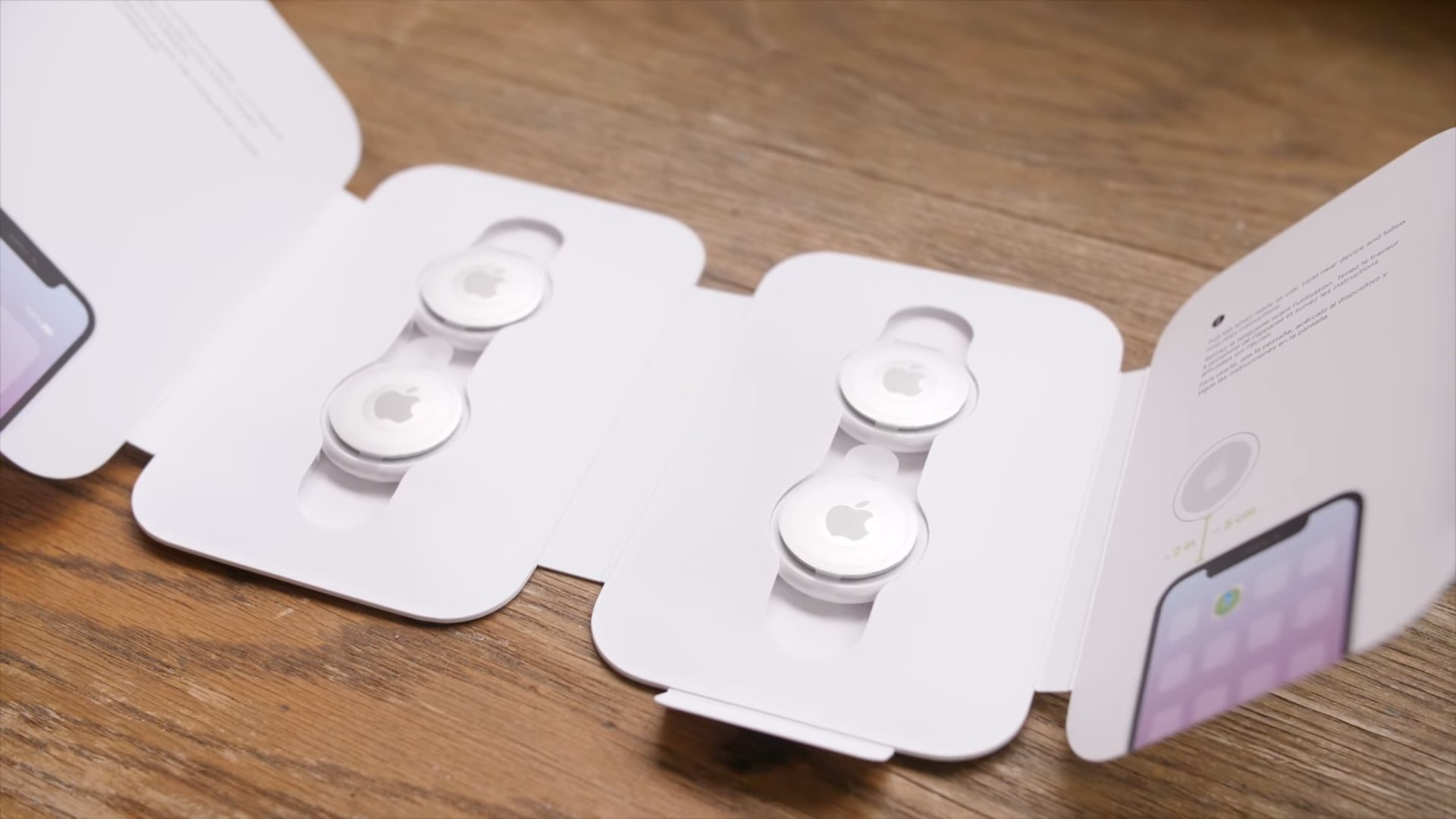
Check out these 14 tips to maximize the use of your AirTag and unlock its full potential.
14 tips to make the most of your AirTag
Learn how to master your Apple devices with our comprehensive tutorials. From iPhone and iPad to Mac, Apple Watch, AirPods, and more, our expert guides will help you unlock the full potential of your Apple products. Discover new features, tips, and tricks each day to enhance your user experience.
Check out these 14 tips to maximize the use of your AirTag and unlock its full potential.
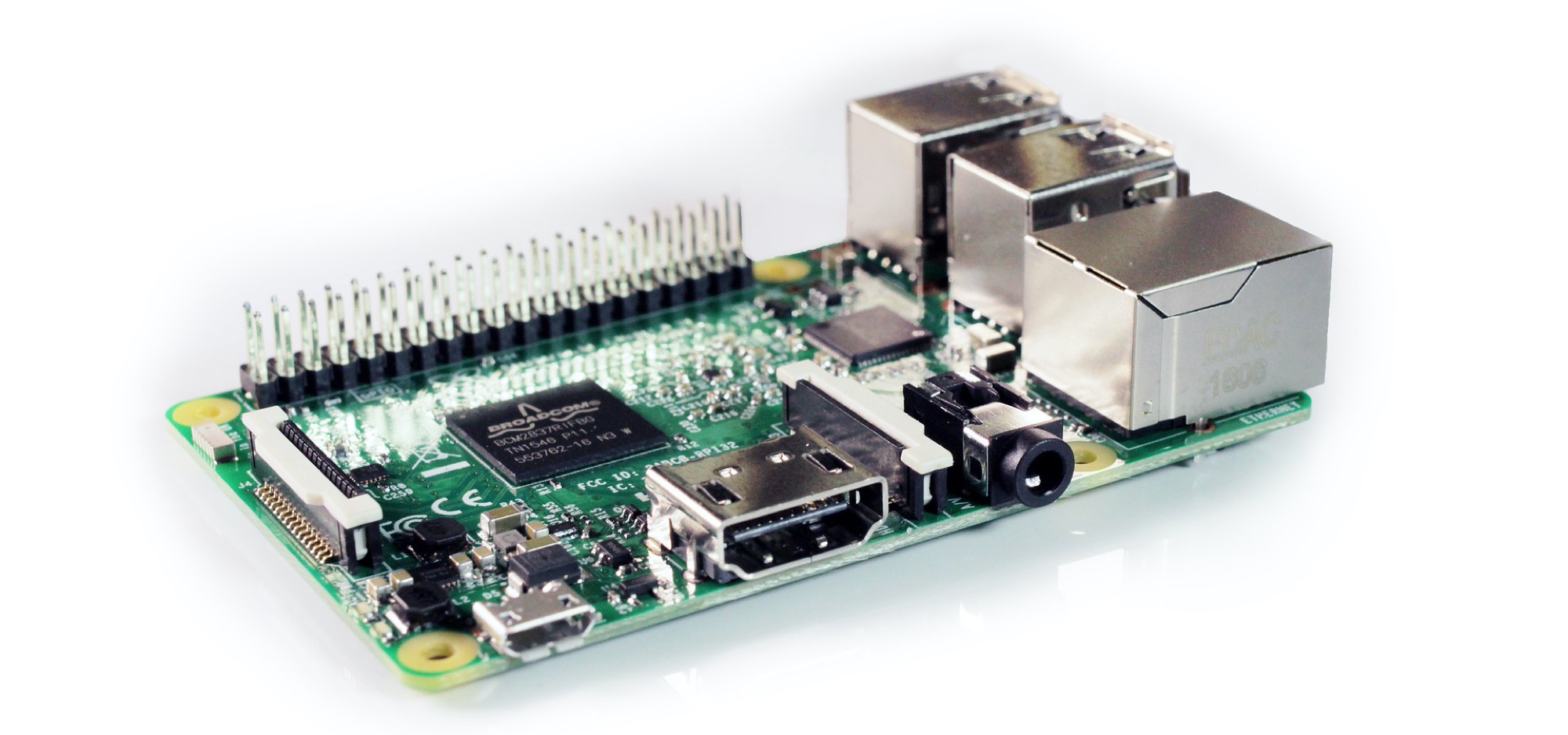
If you recently purchased your first Raspberry Pi and are ready to get started, we’re here to help!
Depending on the Raspberry Pi you bought, the steps for setup can vary which includes using a kit. For instance, you may have simply purchased a board without any extras or you might have bought a kit with heat sinks and a cooling fan. So, feel free to skip any steps in our tutorial that don’t apply.

Learn how to make any garage door HomeKit compatible and control that garage door with your iPhone, Apple Watch, or Siri.

If you're a budding programmer with a new Mac, and want to start coding, then you may be wondering how to install Git on macOS. Git is an open-source version control system that's used by coders, developers, and programmers all over. You will be able to use Git to maintain a code log, collaborate with other coders, track errors, and more.
Here's how you can install Git on macOS and get started with coding. Of course, before we begin, make sure you have a Mac machine and know how to use the Terminal.
Learn how to sort your to-dos in the stock Reminders app by the due date, creation date, priority, or title on iPhone, iPad, and Mac.

Check out two easy methods to turn off the warning pop-up you see when you change the extension of a file in Finder on Mac.

Check out these four easy ways to share Wi-Fi password from your iPhone or iPad to an Android device, such as a phone or tablet.

Learn how to adjust YouTube playback quality to improve video clarity, reduce buffering, and optimize for your internet speed.
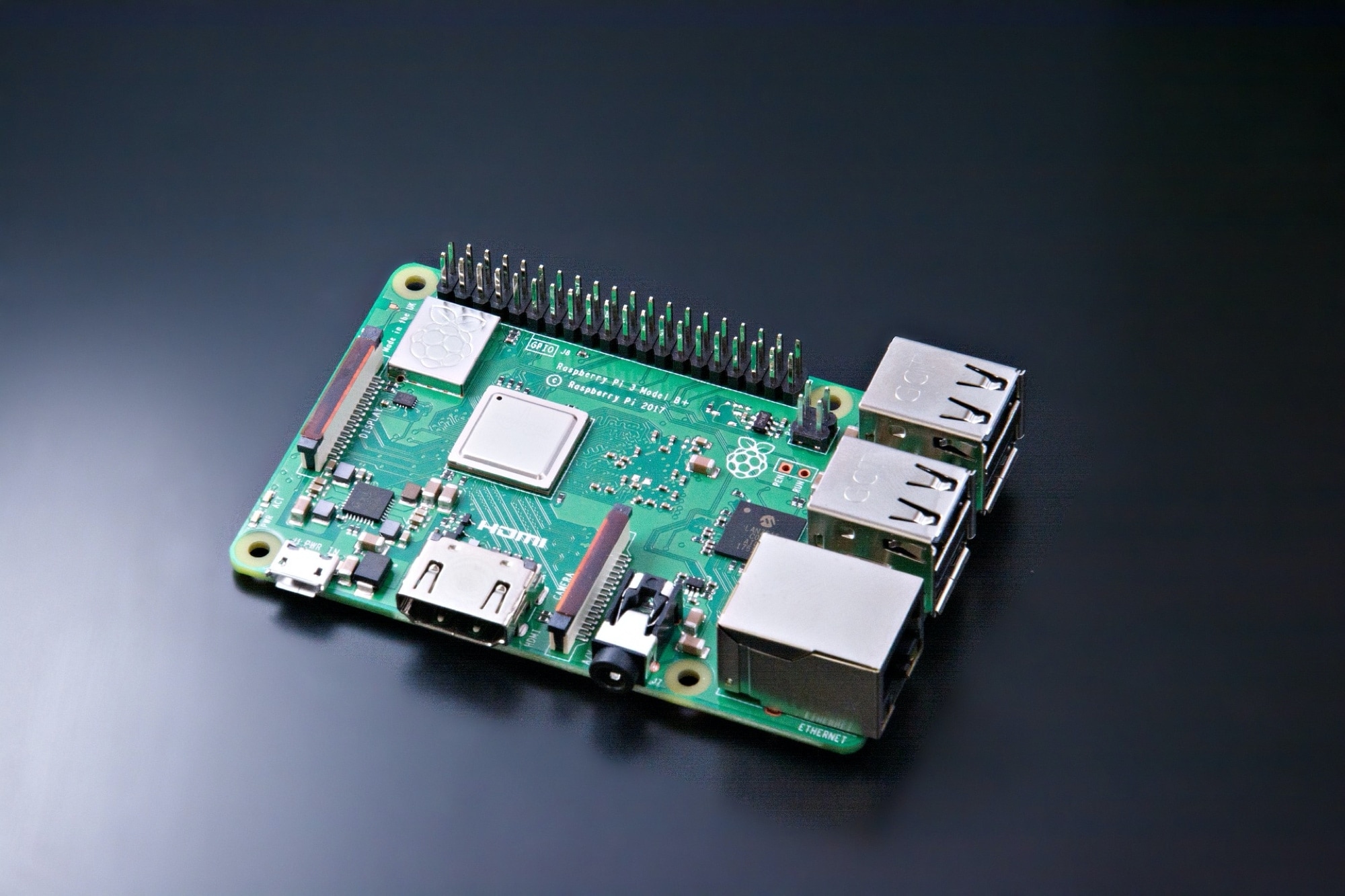
So, you want to buy a Raspberry Pi? Unless you’ve purchased one before, you’re probably not sure where to start. As a beginner, it’s like many other things. You need to consider what you plan to do with it to determine the type of Pi you should buy.
If you’ve researched Raspberry Pi enough to know you want one, then you already know that they’re affordable and that there are several different types of boards. This is where iDownloadBlog is stepping up to help!
We are beginning a new series of tutorials at iDB centered around Raspberry Pi. We’ll start here, with how to decide which one is right for you. Then we’ll move onto setting it up, the kinds of projects you can do from practical to fun, and much more.
If you’re ready to begin this journey with iDB, then let’s go!
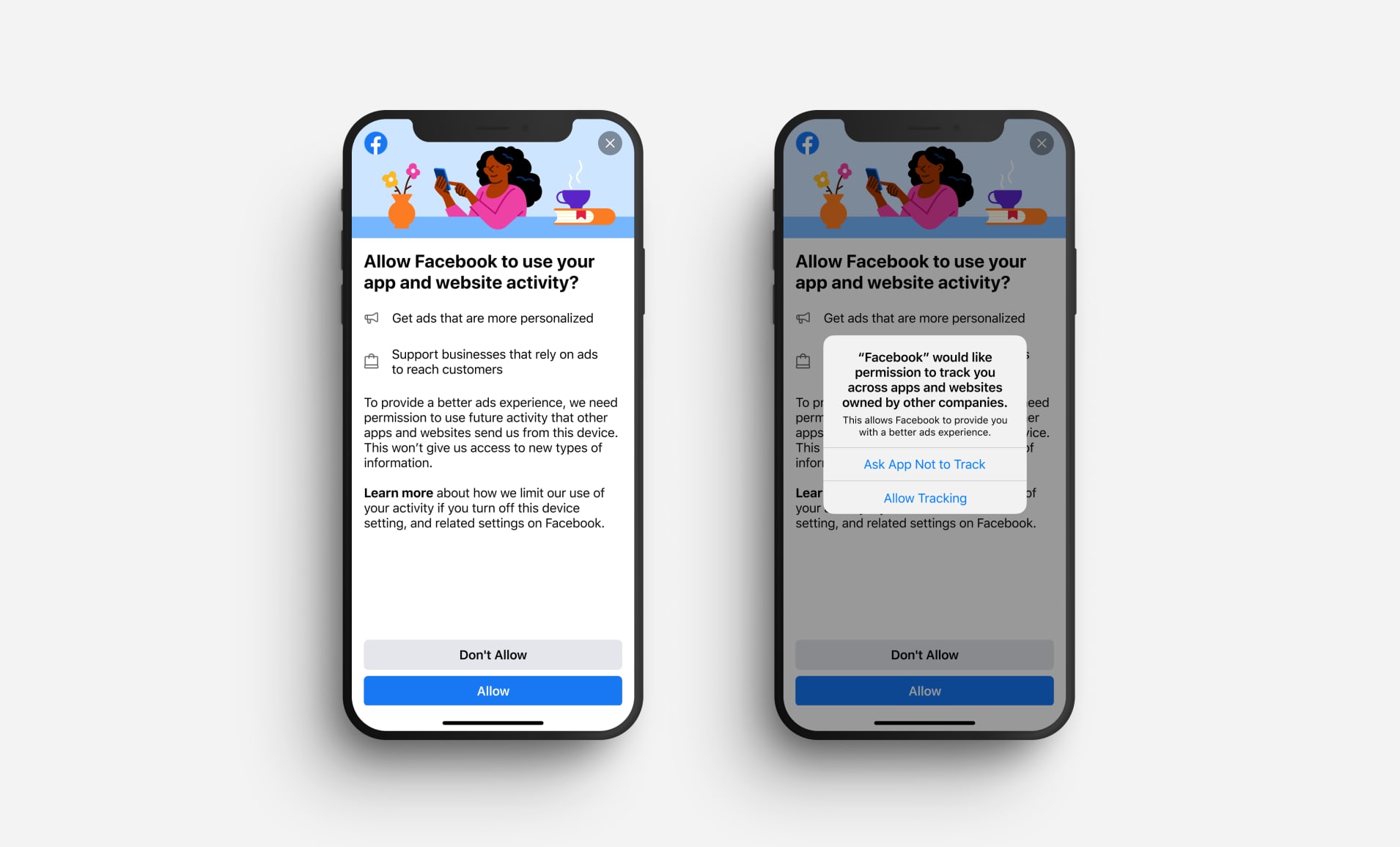
Boost your privacy by preventing specific apps from tracking your activity or preventing all iPhone, iPad, and TV apps from asking to track you in the first place.

Check out 3 effective ways to locate a lost or misplaced Apple Pencil using your iPad in this detailed guide.

Learn how to turn on and use the handy Live Caption feature in Google Chrome to automatically transcribe any video or audio playing in the browser on your Mac or Windows PC.